Plugins For Fixing Muddy Mixes: Stuck In The Mud?

 4,3 / 5,0 |

Have you ever spent hours on one of your tracks and ended up making it sound worse? These plugins will help you with fixing muddy mixes.
In this Article:
Perhaps you’re working on your own productions or a local punk band has asked you to mix their wonderfully garage-recorded EP. Either way, we’ve all reached stuck points on mixes where it feels like more harm is being done to the music than good.
Mixing is an art form that takes years to master, so let’s look at a few plugins you can use in your workflow to cut through the chaos and hopefully achieve more clarity and focus with your mixes.
Fixing Muddy Mixes: Wavesfactory Trackspacer
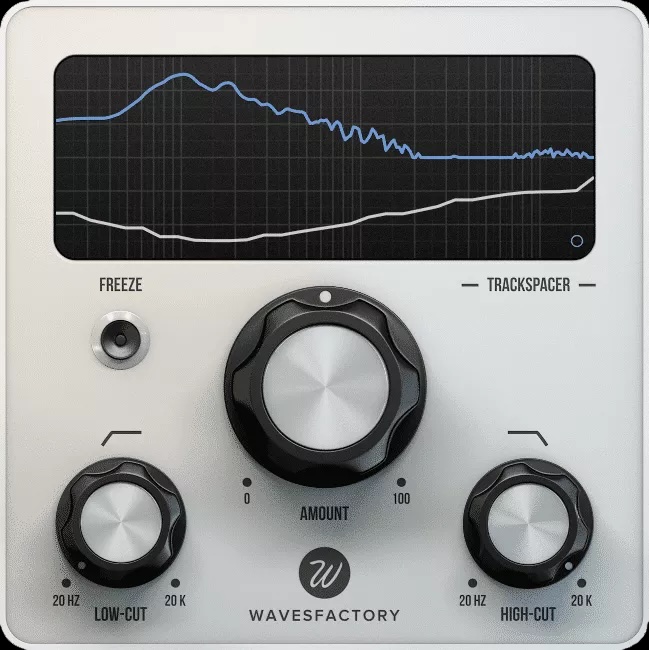
Wavesfactory Trackspacer is a useful tool for improving the relationship between your kick and bass, and it can also be used to carve out space for your lead vocal. The magic of Trackspacer lies in its 32-band dynamic processing engine that works across the entirety of the frequency spectrum, and you can even switch to mid-side mode for more precisely targeted processing.
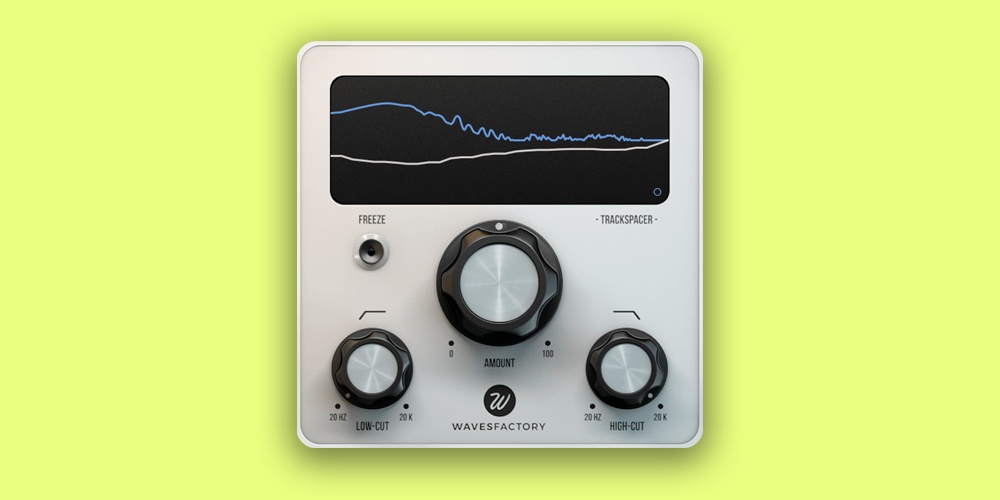
Trackspacer works by analyzing the frequency range of its sidechain input signal and then applying an inversion of the EQ curve on the main signal. This means that only the clashy areas of the spectrum are ducked, rather than the entire signal. To streamline the process even further, there are high- and low-cut filters to set the frequency range being ducked.
What’s more, there are attack and release controls so you can adjust the onset of the ducking to suit the character of the music you’re working with, be it punchy beat-based electronica or more spacey ambient music. The popularity of Trackspacer is certainly due to its incredible versatility, and it’s also so easy to use.

Fixing Muddy Mixes: FabFilter Pro-Q 4
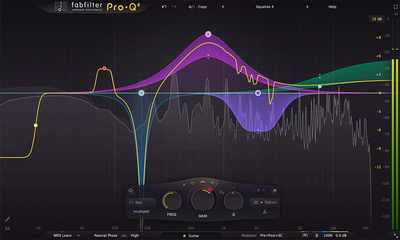
When it comes to achieving mix clarity and separation, your EQ skills are the best tool for the job. While saying that one EQ plugin sounds far superior to another in a similar price bracket is a stretch, a plugin like the Pro-Q 4 has certain workflow advantages and a range of nifty processing features that come into play when you’re using an instance of the plugin on every channel.

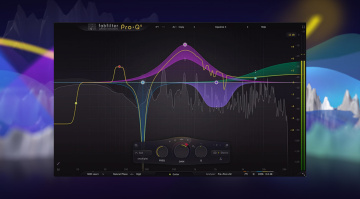
Pro-Q 4 gives you 24 bands to play with, and you can take the traditional route with analog modeling features or use more modern functions like the per-band dynamic and spectral processing modes. This allows you to target specific areas of a sound, and rather than simply carving out an area of the frequency range completely, you can do it only when certain frequencies crop up during a performance.
As the flagship FabFilter plugin, Pro-Q 4 also gives you access to the Instance List feature, which gives you a complete overview of every instance of the plugin, as well as Pro-C 3, Pro-G, and Pro-DS, currently active in your DAW. This allows you to make dynamic and tonal adjustments to rapidly reshape your mix for balance and clarity.


Fixing Muddy Mixes: Soundtheory Gullfoss
Some mixes require the big guns, and Gullfoss is an intuitive dynamic EQ processor that certainly falls into this category. Rather than using AI, machine learning, or neural networks, Gullfoss uses a proprietary algorithm based on the theory of human hearing and auditory perception to clear up, rebalance, and improve the spatial structure of a mix.
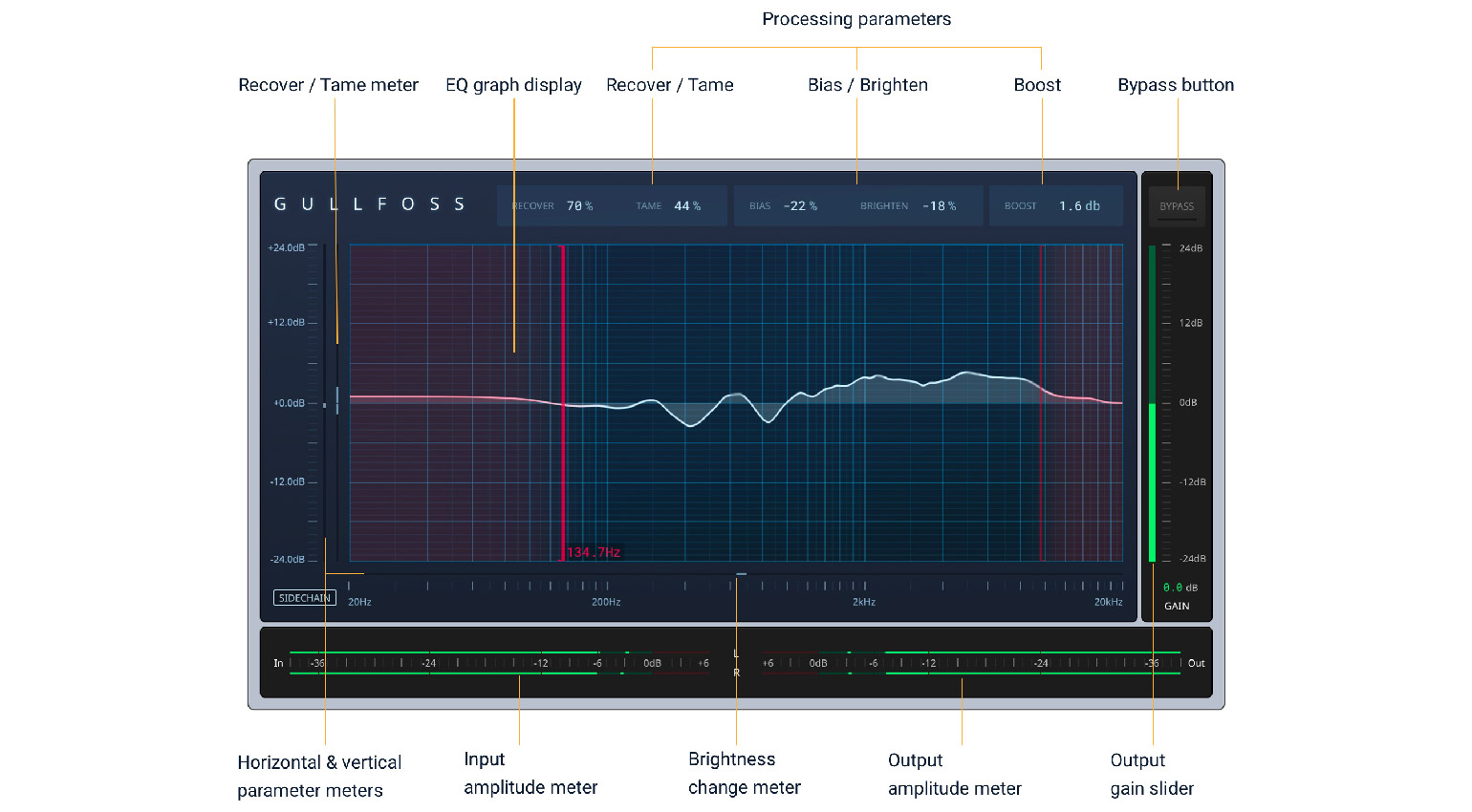
With Gullfoss, you don’t cut and boost frequency bands like a conventional EQ. Instead, you use the five macro controls to guide the processing. With the Recover control, you can restore frequencies that are being masked by clashing elements in the mix, while the Tame control will reduce domineering, harsh areas that are getting in your way.
With the Bias control, you can adjust the balance between the Recover and Tame processes, and then the Brighten control shifts the frequency balance toward a brighter or darker character overall. Although Gullfoss is certainly in the premium price range and will require some getting used to, it’s trusted by the pros and includes the Live and Mastering versions of the plugin with the standard license.
Fixing Muddy Mixes: oeksound Soothe3
If you haven’t ever heard one of your favorite producers or engineers mention the industry-standard dynamic resonance suppressor, oeksound Soothe, then welcome to the party, as they say. Soothe has been specifically designed to deal with the fundamental problems that occur when layering sounds within a mix.
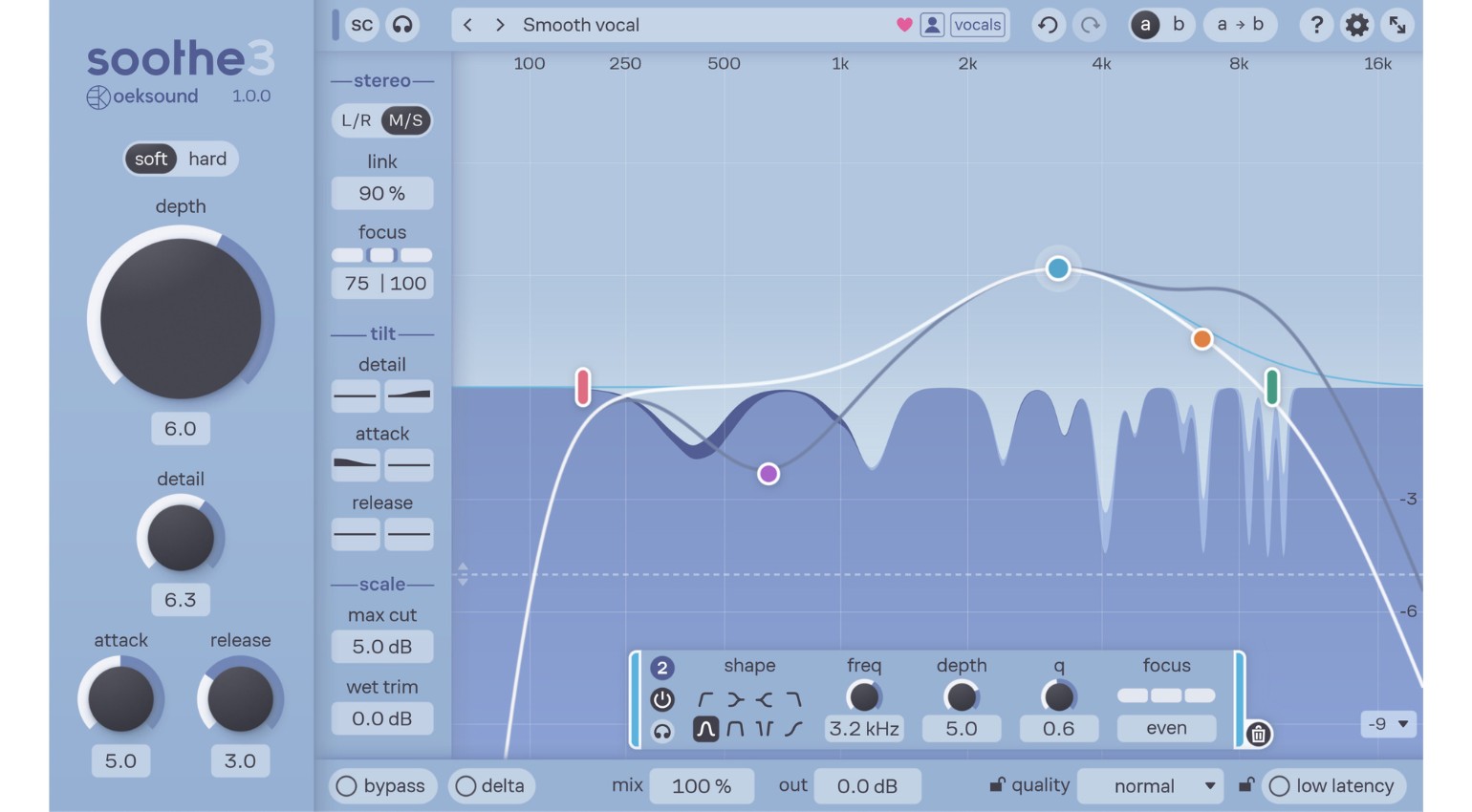
Resonant parts of the frequency range, unwanted harshness, and buildups are all targeted and processed in real-time with dynamic filtering that retains the original spunk and character of the recording. For different applications, there are soft and hard processing modes that approach signals in different ways. While soft mode is cleaner and more unobtrusive and suits vocals and acoustic recordings, hard mode works more like a conventional compressor for sidechaining, synths, or electric guitars
With the Detail control, you can adjust the amount of filtering and the bandwidth at once, while the Max Cut feature puts a ceiling on the amount of processing going on. Finally, with the Tilt controls, you can change the attack and release times for different areas of the frequency spectrum, which is ideal for targeting problematic regions more severely.
Fixing Muddy Mixes: Steinberg SpectraLayers Pro
Sometimes the artist or band you’re working with sends you stems for mixing that are packed with character, but nevertheless haven’t been recorded in an ideal acoustic environment. Rather than taking the traditional approach and simply treating the problem elements in your DAW, you need to call in the cavalry and take these unruly files into dedicated audio restoration software for more specialized treatment, like an audio ICU.
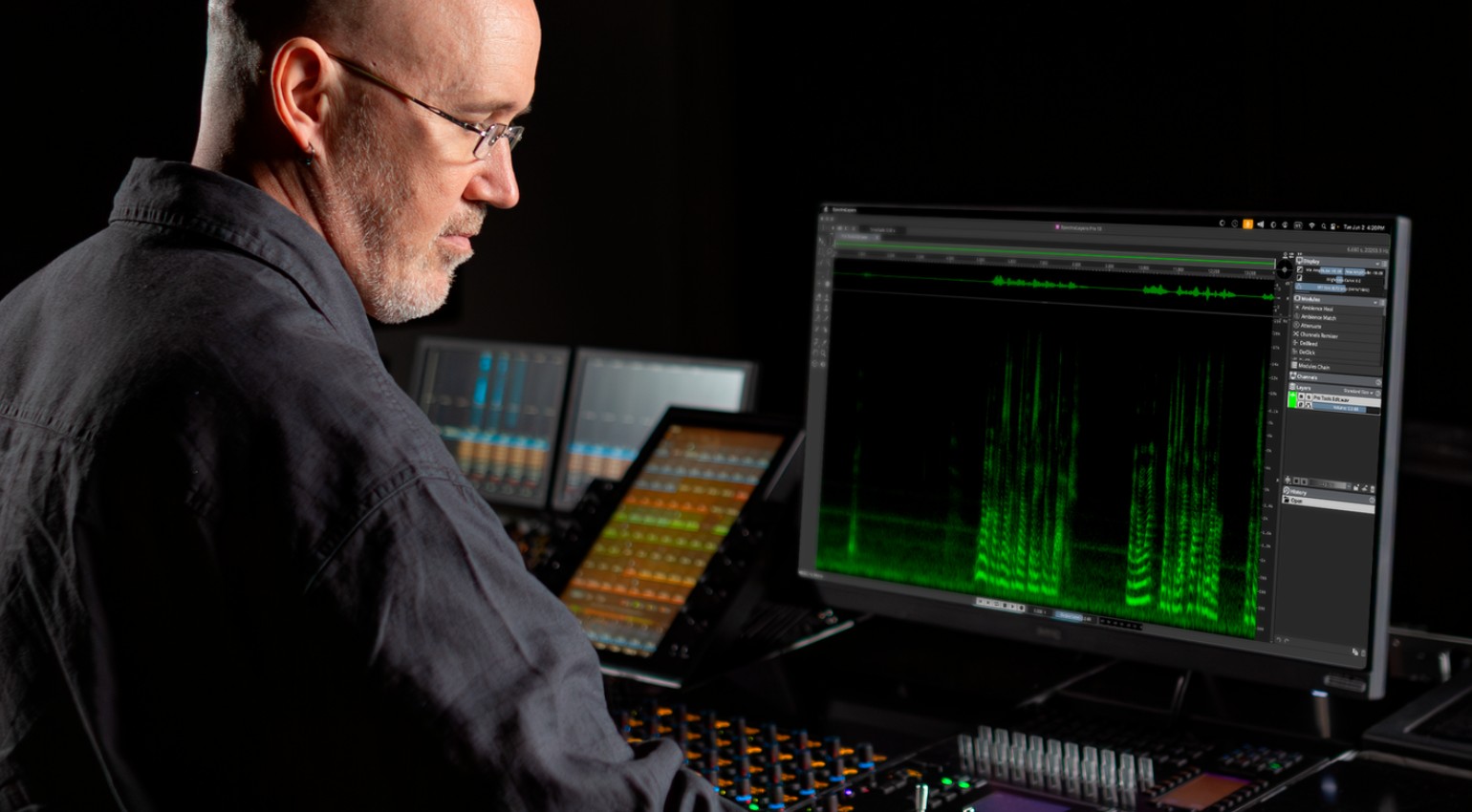
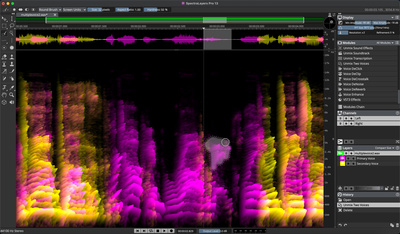
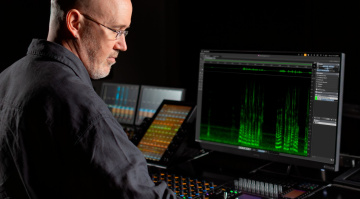
SpectraLayers Pro is one such platform, and it uses AI-powered spectral processing to target and remove unwanted artifacts and then repairs the audio after processing. This is particularly useful when dealing with bedroom rap vocal recordings where the mic distance may vary considerably throughout the performance.
Because SpectraLayers is designed for dialogue mixing, it has tools that can remove clicks and pops from recordings, reduce room ambience, and even repair harsh audio spikes and clipping if necessary. This lets you go over problematic recordings with a fine-toothed comb before dropping them into your DAW for mixing.

More about Fixing Muddy Mixes:
*Note: This article contains promotional links that help us fund our site. Don’t worry: the price for you always stays the same! If you buy something through these links, we will receive a small commission. Thank you for your support!


This might also interest you


One response to “Plugins For Fixing Muddy Mixes: Stuck In The Mud?”

If your mix is lacking punch, a one-band expander can be used sparingly to give it some dynamic range. If your expander has a gating feature, turn it off. The expander does the opposite to a compressor, making the loud bits louder with respect to the quiet bits. It’s always best to ensure you normalise the mix after expansion to peak at around -6db, to give yourself enough headroom when mastering. An expander tends to louden the main features of the track, which can help if your mixdown is a bit muddled, but also means you may lose a few nuances. Worth a go if all else fails.