The Best Budget Beatmaking Gear to Help you Get Creative
Affordable creative tools for music production.

 4,0 / 5,0 |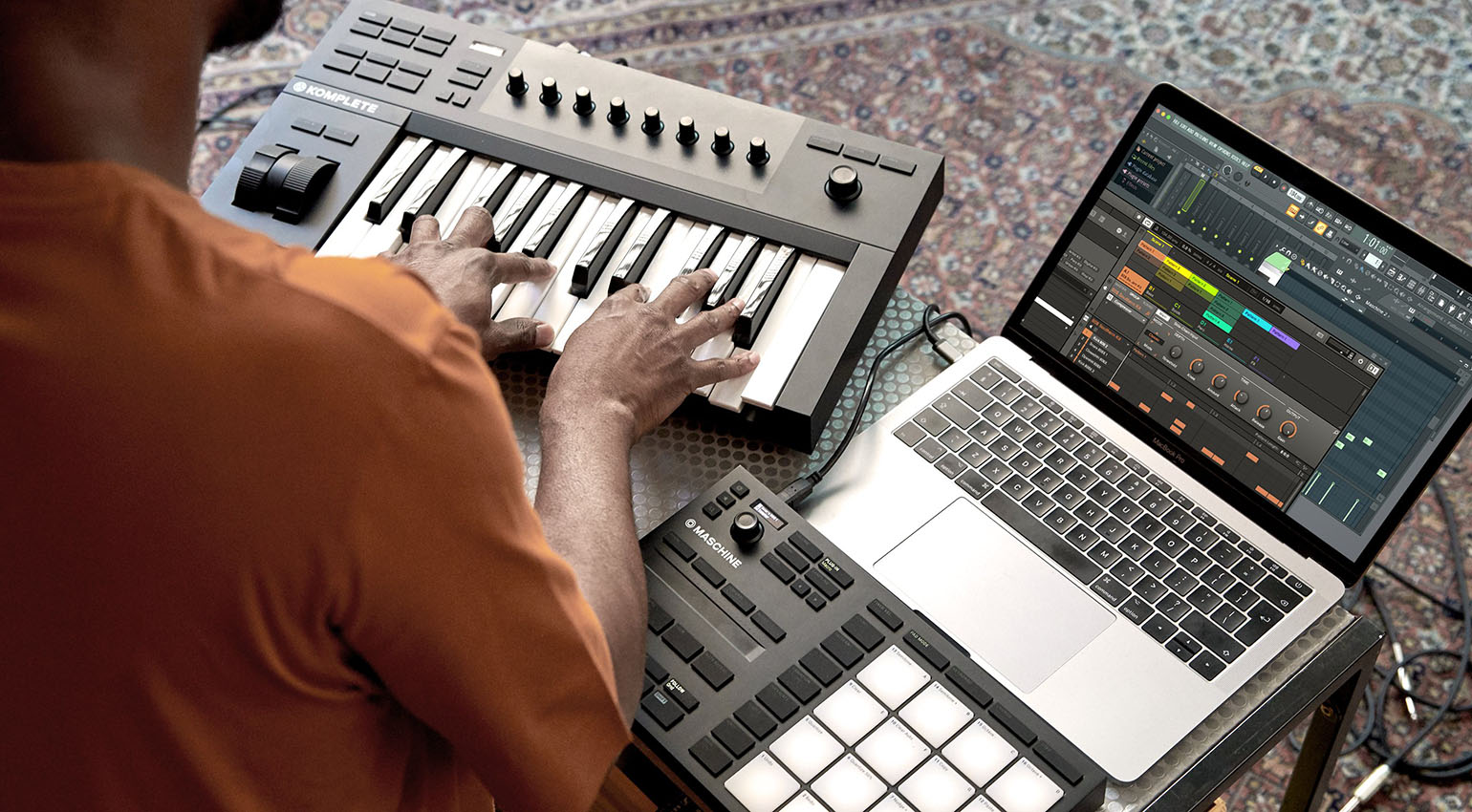

Want to get started with beatmaking but don’t have a lot of money to spend? No problem! With this budget beatmaking gear, you can produce great-sounding tracks on a shoestring budget!
Best Budget Beatmaking Gear
As a budding beatmaker, you probably have a lot of questions and might not even know where to start:
- Is it even possible to produce professional-sounding beats without investing in a full-fledged studio right away?
- Which budget beatmaking gear is best for beginners?
- Do you need to buy the same expensive gear as the pros on YouTube, Instagram, or TikTok?
Let’s get the good news out of the way first: Of course you can make beats on a tight budget! In this article, we’ve put together some tips on how to build a budget beatmaking setup for very little money. The most important thing is: just get started—the rest will fall into place!
Budget Beatmaking Software: Making Tracks (Almost) for Free
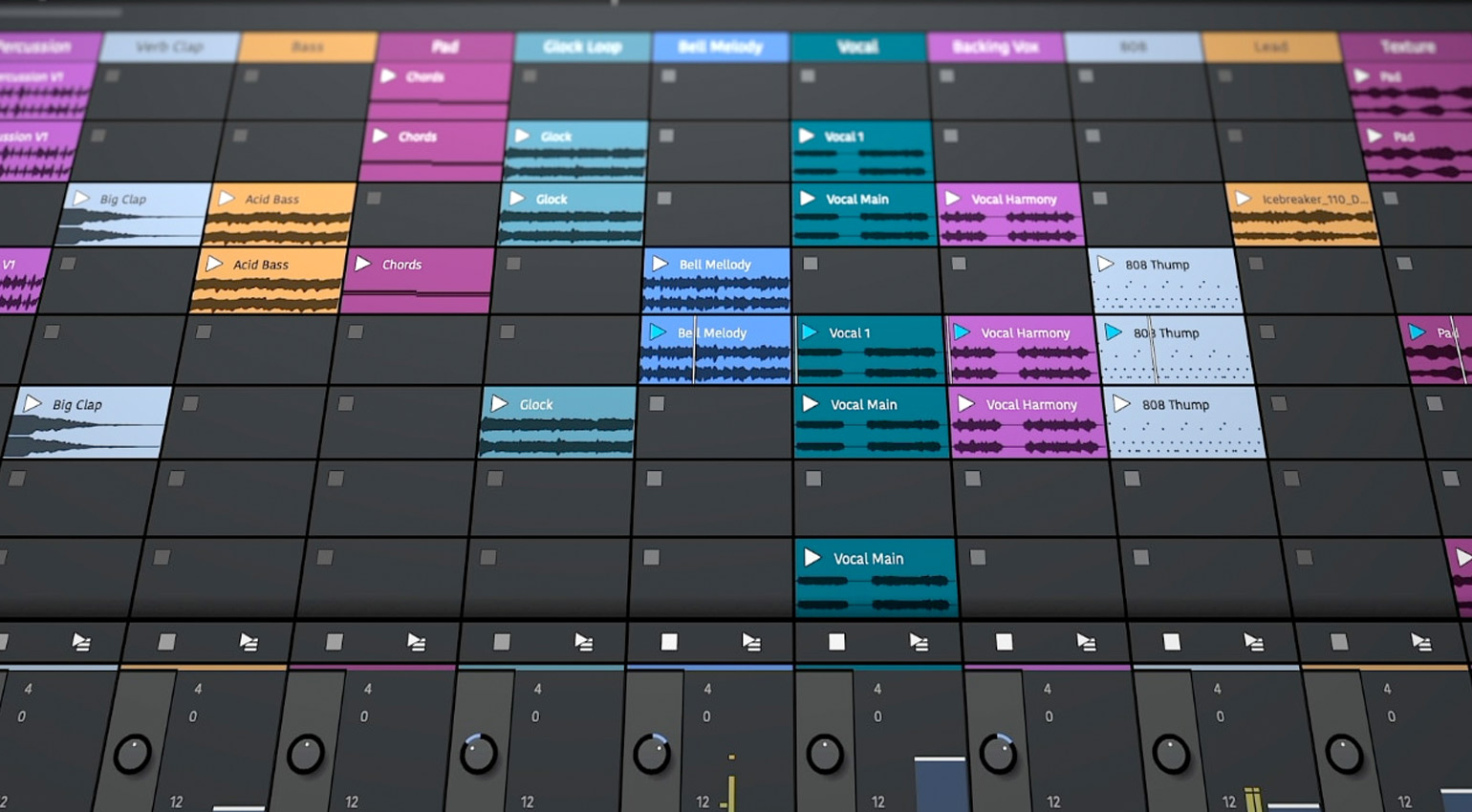
Provided you already own a computer, software is by far the cheapest way to get your feet wet in beatmaking. Some software is even available for free!
Tip: An iPad also makes a great budget beatmaking platform for beginners. You can check out some of the best apps here.
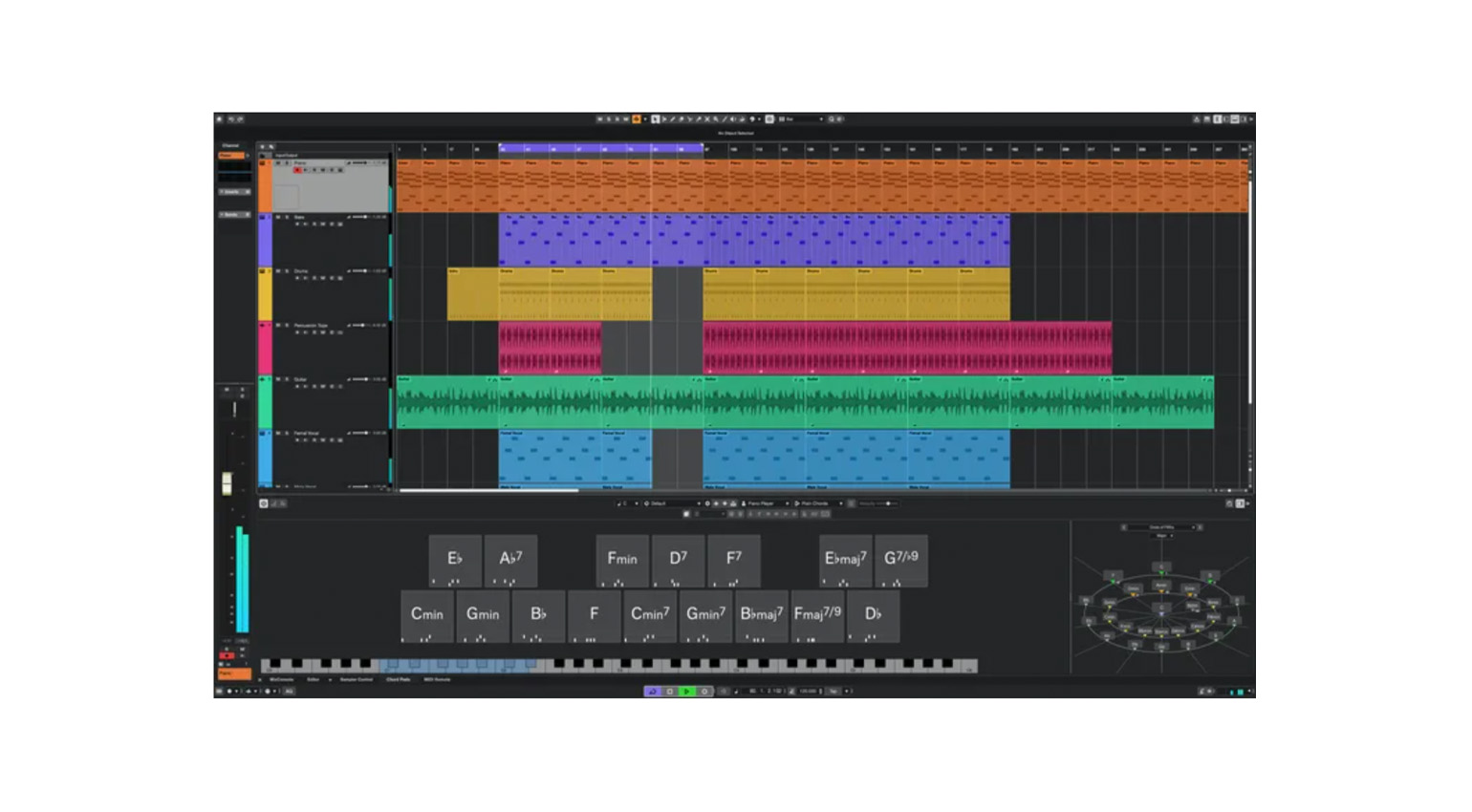
A DAW (Digital Audio Workstation) is the heart of every computer-based studio. This software lets you record audio and MIDI tracks, use virtual instruments and effects, arrange and edit your recordings, and finally mix the finished beat. Unfortunately, professional DAWs with all the bells and whistles can be quite expensive.
The good news: Some DAWs are available for free. And some of them aren’t the severely stripped-down versions you might expect. Free DAWs like Tracktion Waveform Free, GarageBand (included free with every Apple computer and iPad), or Cockos Reaper* offer extensive capabilities, so you won’t be missing anything as you start your beatmaking career.
*Note: While Reaper is free to download, it is a paid program. After the 60-day trial period expires, you’ll be prompted to purchase the software for $60. Although Reaper will continue to run with full functionality after that, doing so violates the license terms.
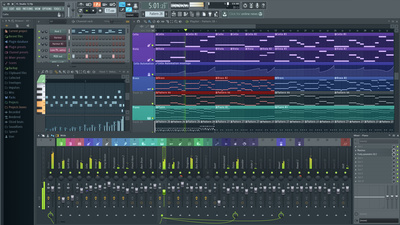
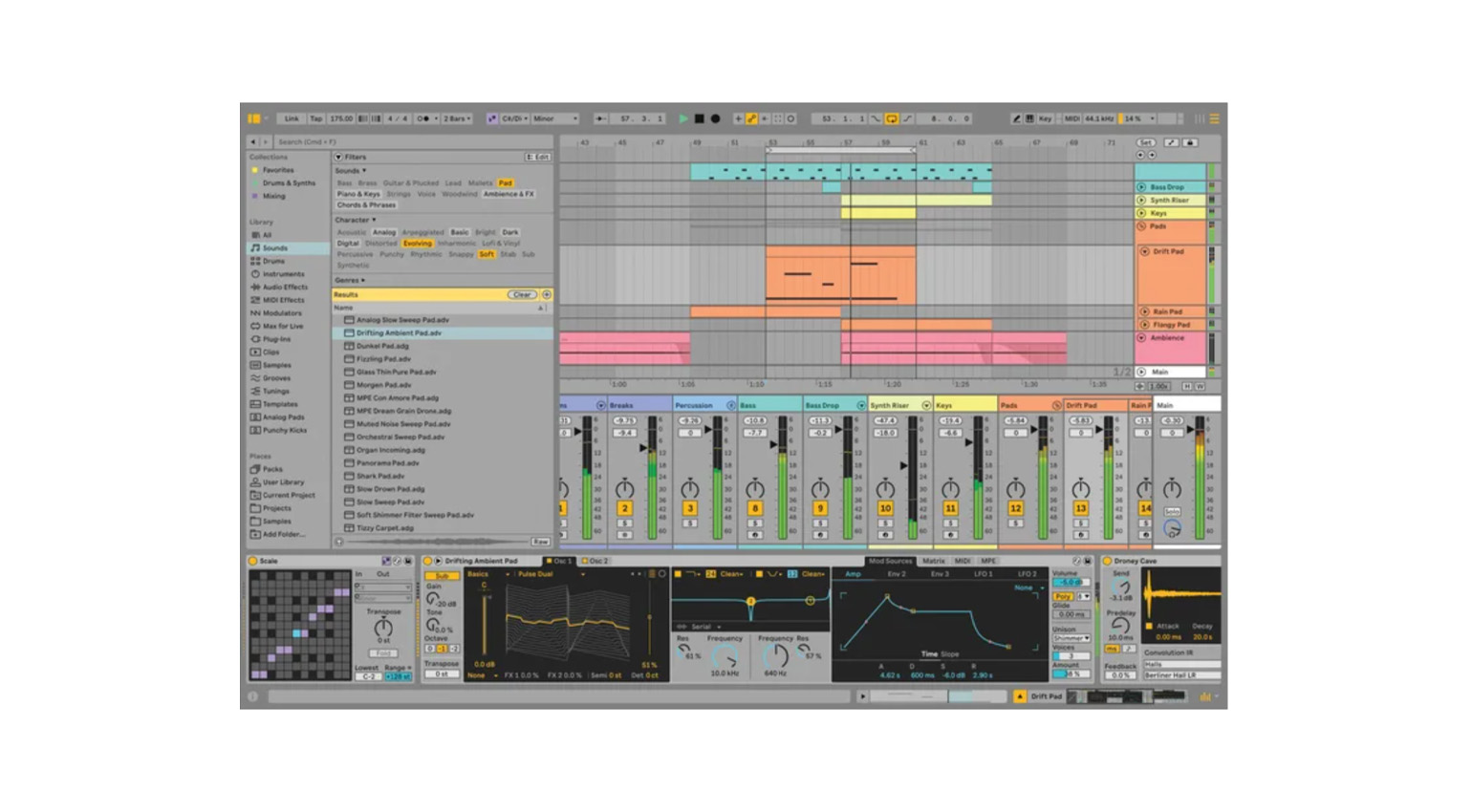
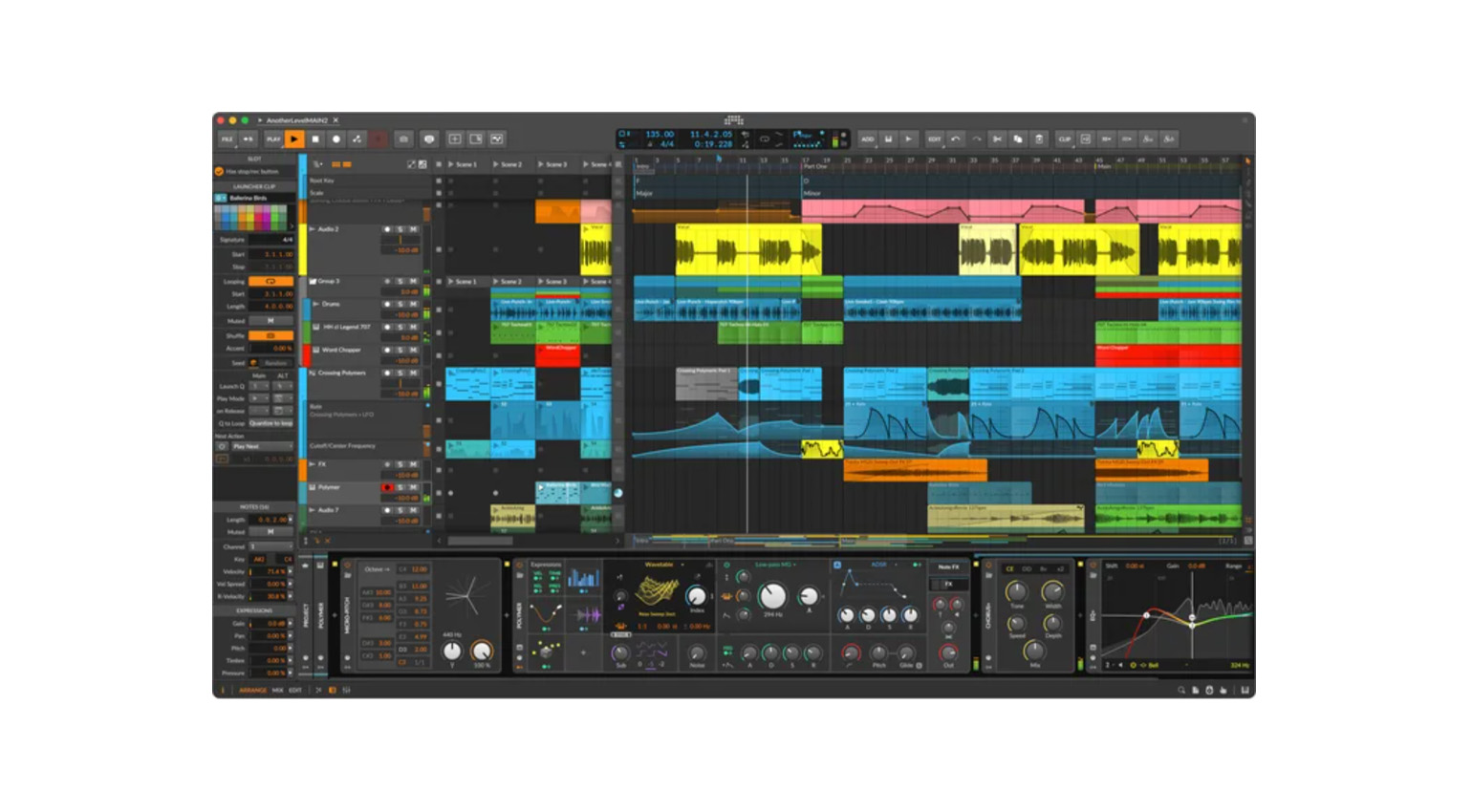
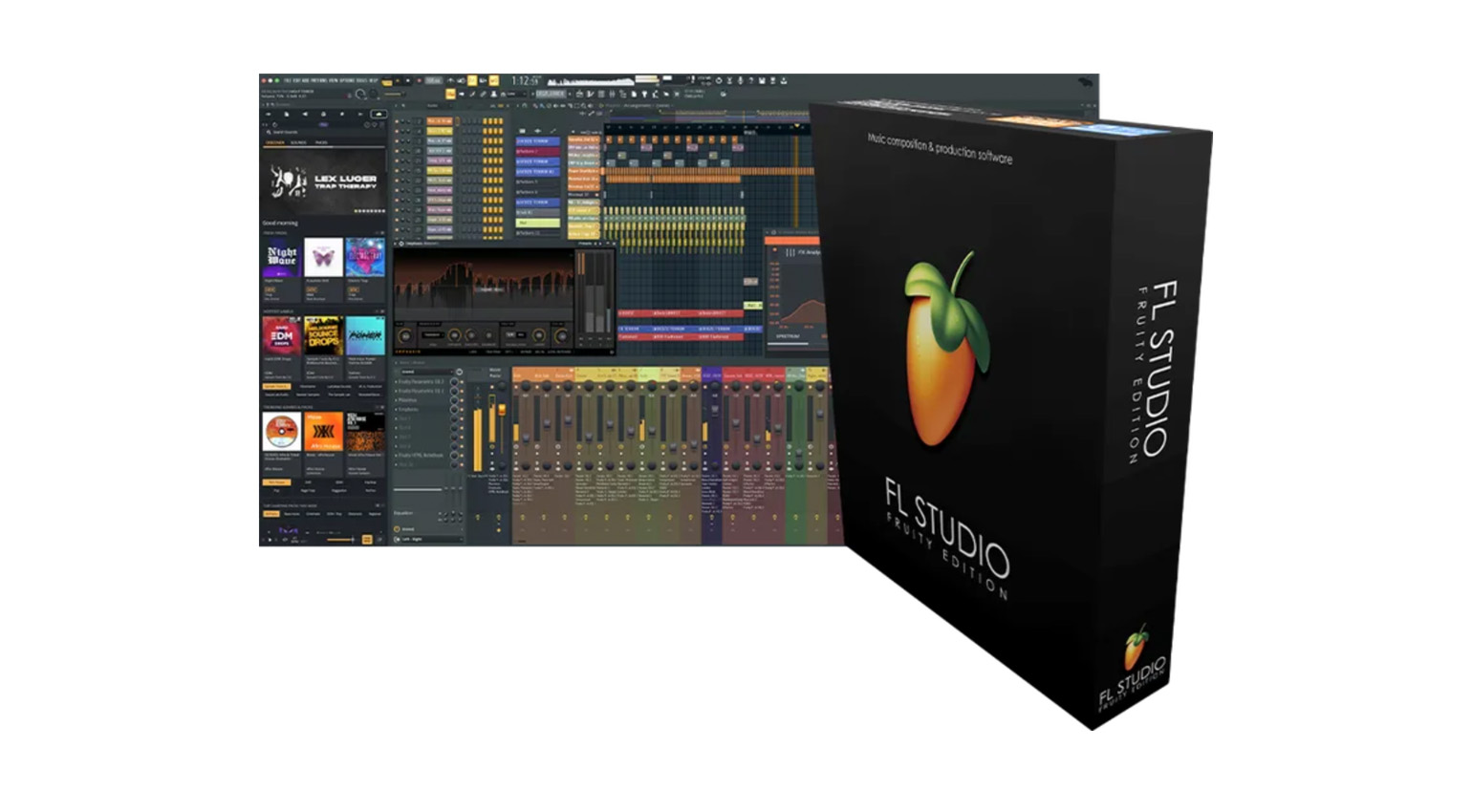
If you want to set up your budget beatmaking studio to be future-proof right from the start, an affordable entry-level version of a professional DAW might be a better choice than a free option. This way, your DAW can grow with your requirements. Of course, you won’t get all the features of the full versions. For example, the entry-level versions usually offer fewer software instruments and effects, and the maximum number of tracks is often limited. Still, the included sounds, loops, and samples will get you pretty far right from the start. And when you need more, you can upgrade to a more advanced version with the full feature set at any time—without the hassle of converting your projects. That’s the key advantage of this approach over free DAWs.
Affordable entry-level versions of DAWs like Ableton Live, Bitwig, FL Studio, and Cubase are available from our affiliate partners Thomann* and Sweetwater*. All of them can be upgraded to the corresponding professional versions later on.







Computer Gear for Budget Beatmaking: Audio Interface and Controller
So when it comes to software, you can get a lot for very little money. This leaves you with some spare cash to spend on accessories. If you want to turn your computer into a budget beatmaking studio, two things are especially useful.
Besides the computer itself and the software, an audio interface is the most important component of any DAW studio. Although your computer may have built-in audio jacks, these are rarely sufficient for making high-quality recordings. An external USB audio interface adds professional-grade inputs and outputs to your system.
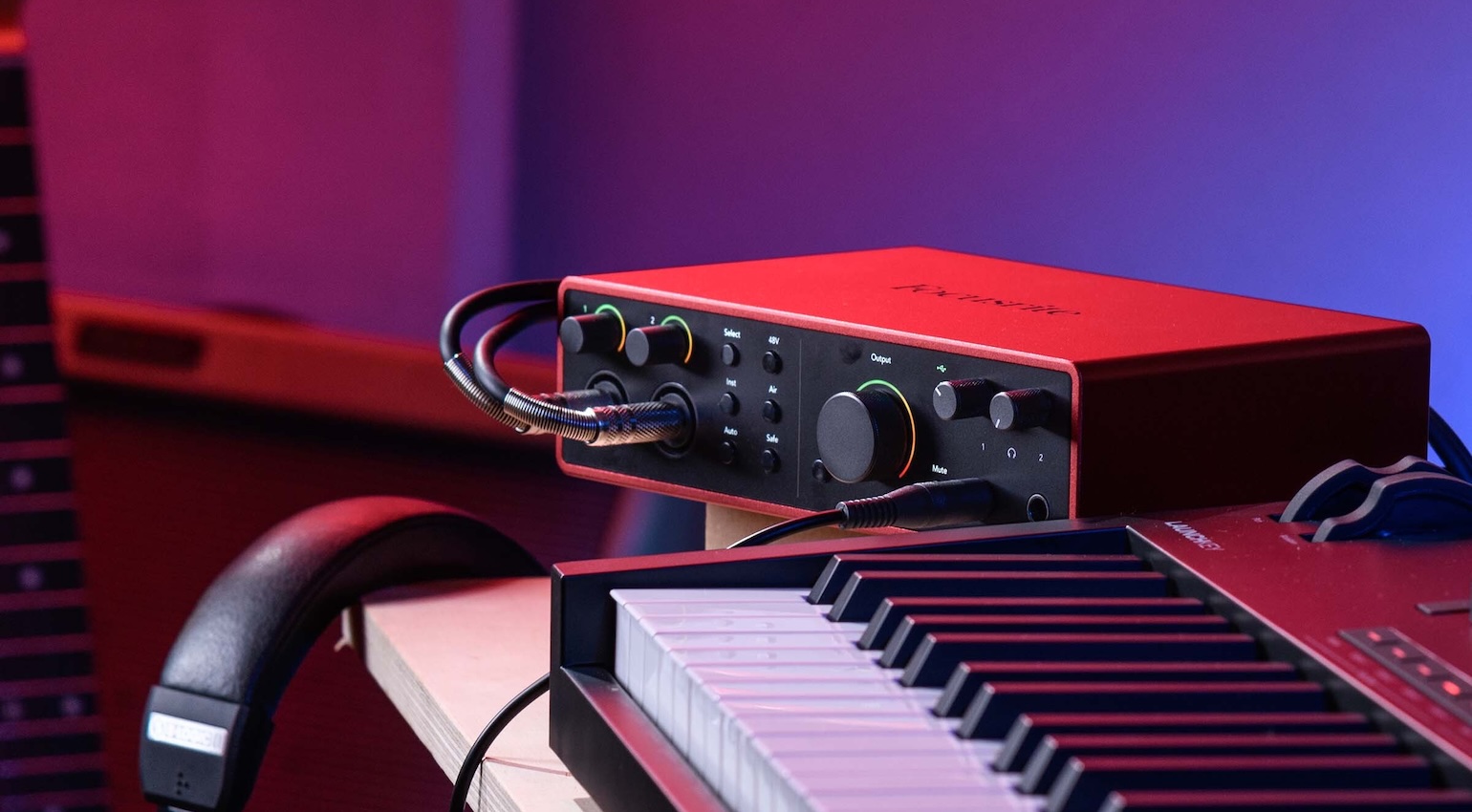
To start with, a simple audio interface with two inputs and two outputs is usually sufficient. If you want to record vocals or acoustic instruments using a microphone, the inputs should be equipped with microphone preamps. The outputs are connected to your monitor speakers, so you can hear what you’re doing. At the very beginning, though, a good pair of headphones might also do the trick.
The selection of affordable audio interfaces is huge, and which one is best for you depends on your requirements. You’ll find plenty of tips in our buyer’s guide.
The second piece of budget beatmaking gear that can make a huge difference in your workflow is a MIDI controller. While you can use your mouse to arrange music in a DAW, you’ll soon find that a controller is extremely helpful for recording your own melodies, basslines, and chords, or programming beats using drum pads.
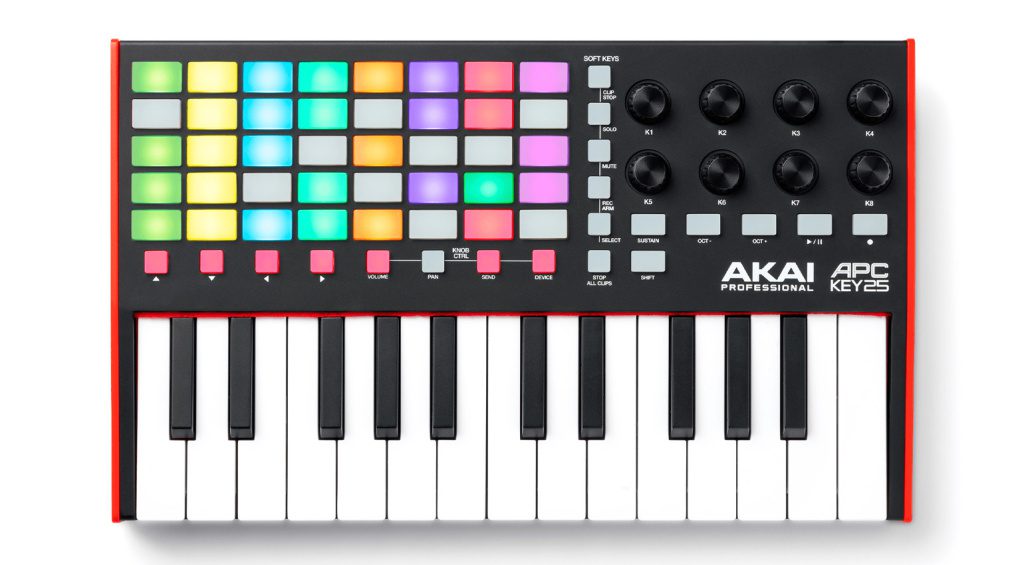
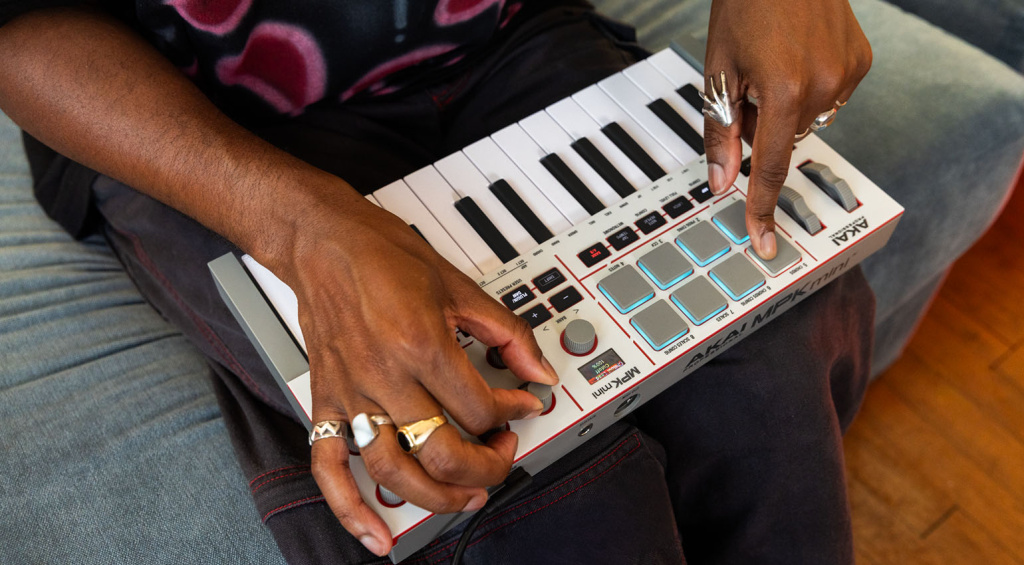
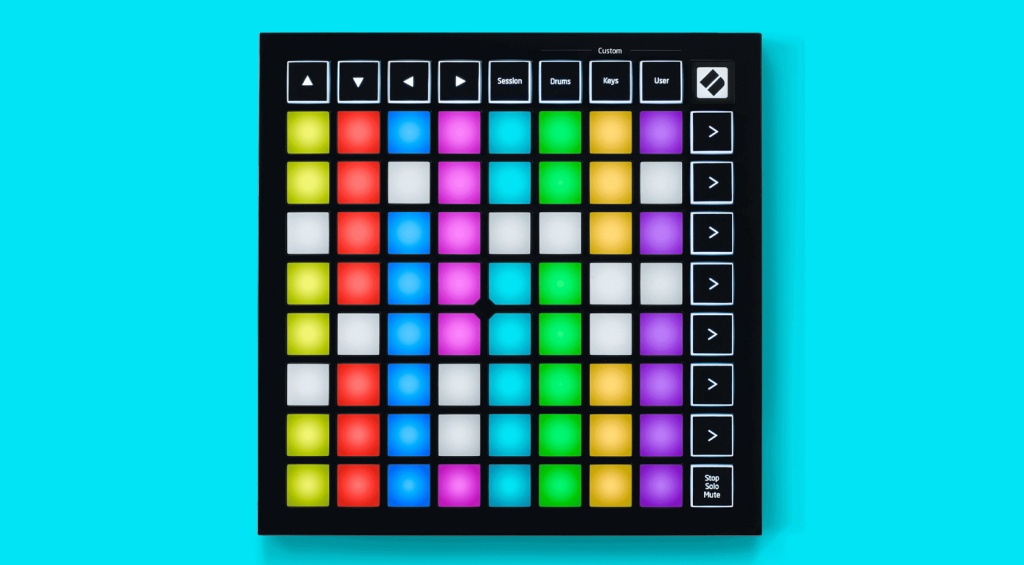
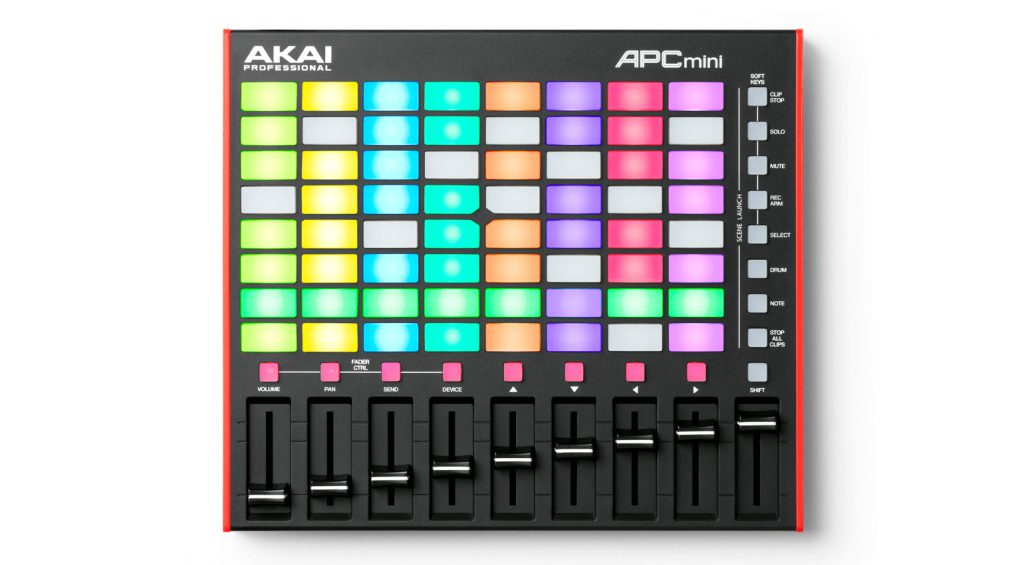
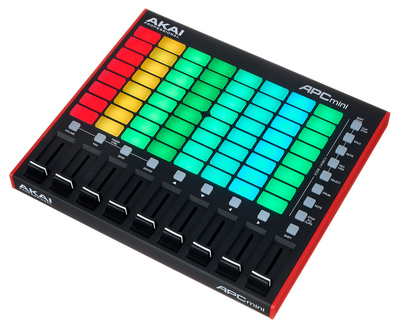
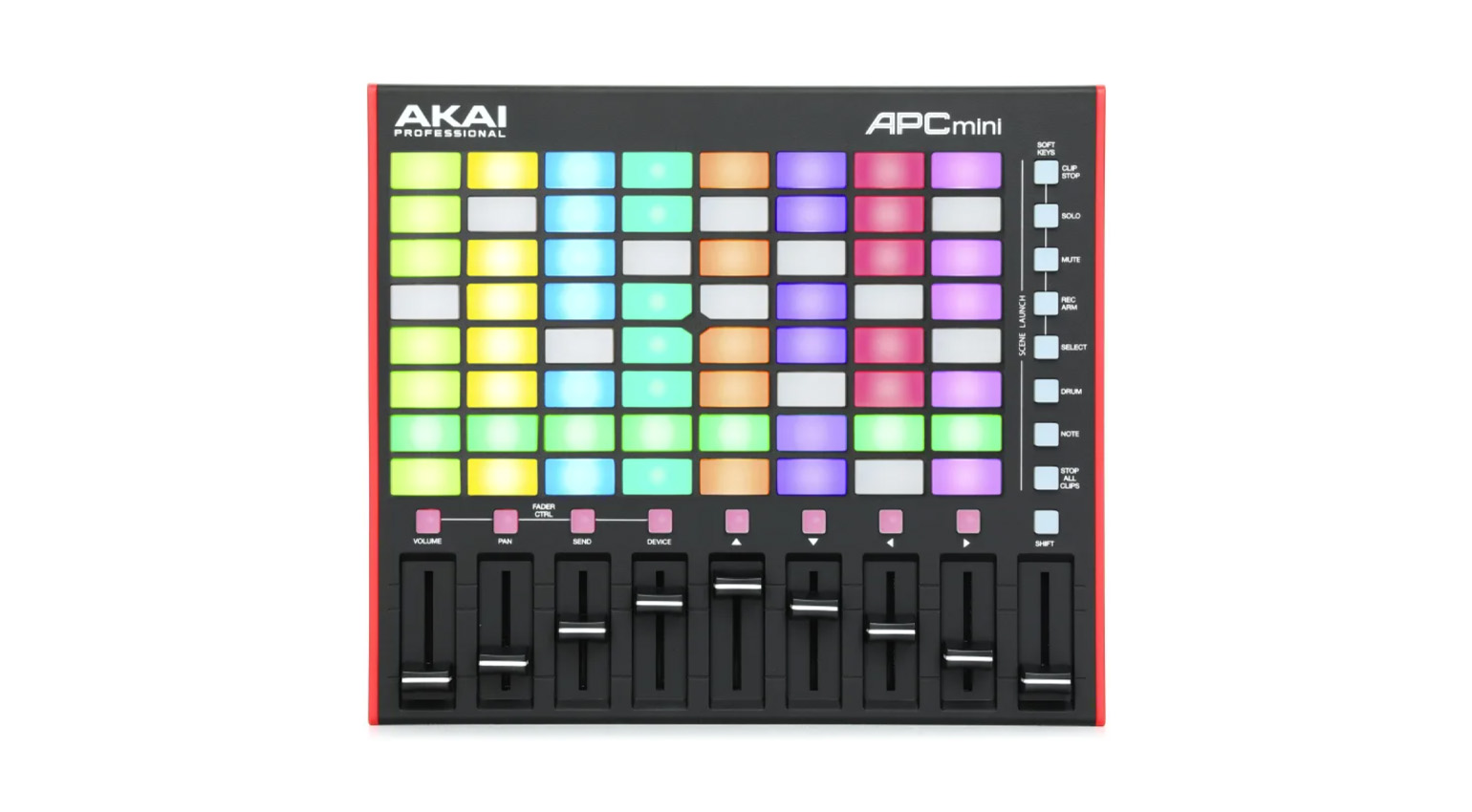
Which one you should choose depends on your workflow. Keyboard controllers (many of which also feature drum pads) are great for playing software synths. If you use a clip-based DAW like Ableton Live, however, a grid controller such as the Novation Launchpad Mini or the AKAI APC Mini might be better suited. Of course, you can also combine multiple controllers as your requirements grow.
Here are a few suggestions for various controllers at beginner-friendly prices. You can find more in our buyer’s guide on Portable Keyboard Controllers.
Grid Controllers for Ableton Live and other Clip-Based DAWs
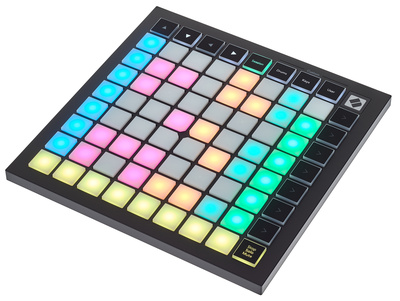
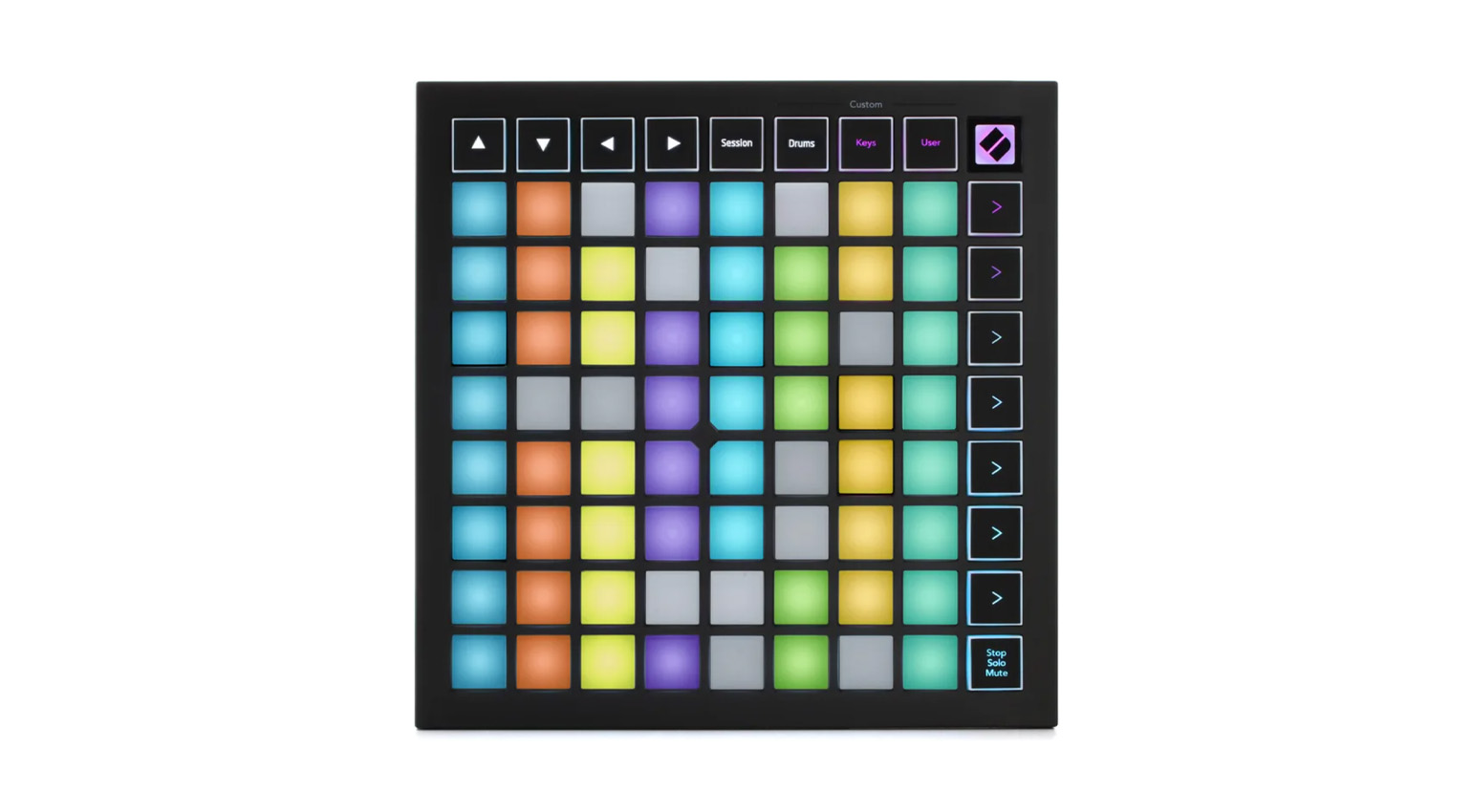
- Novation Launchpad Mini MK3 (available at Thomann* and Sweetwater*)

- AKAI APC mini MK2 (available at Thomann* and Sweetwater*)

Keyboard Controller for Ableton Live
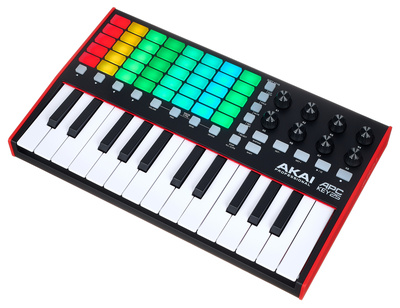
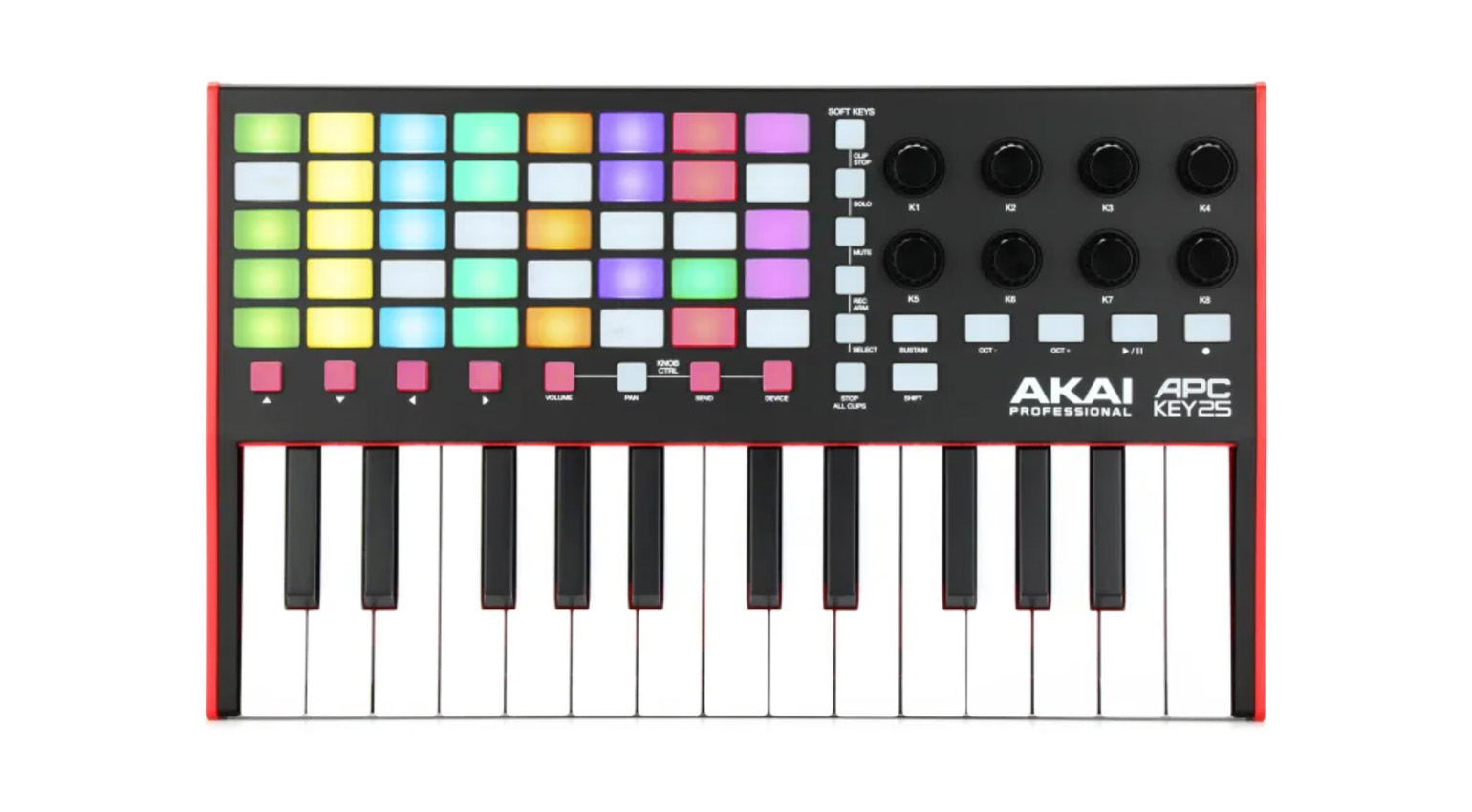
- AKAI APC Key 25 MK2 (available at Thomann* and Sweetwater*)
Keyboard Controller for FL Studio
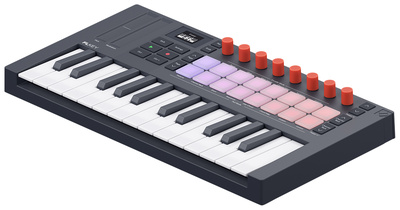
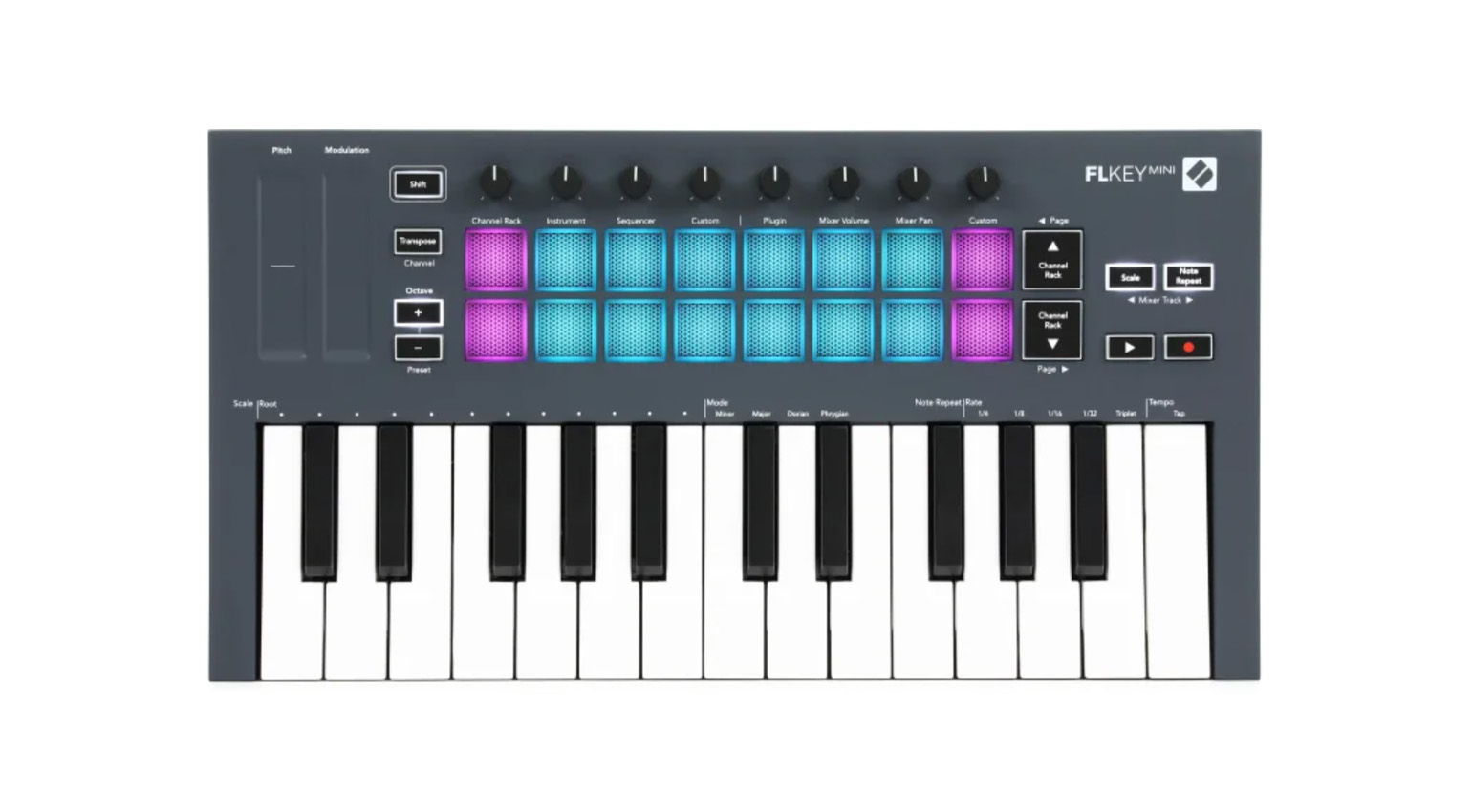
- Novation FLkey Mini 25 (available at Thomann* and Sweetwater*)
Universal Keyboard Controllers for all Popular DAWs
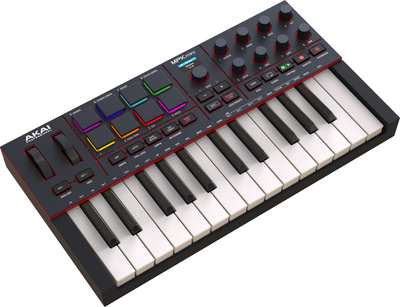
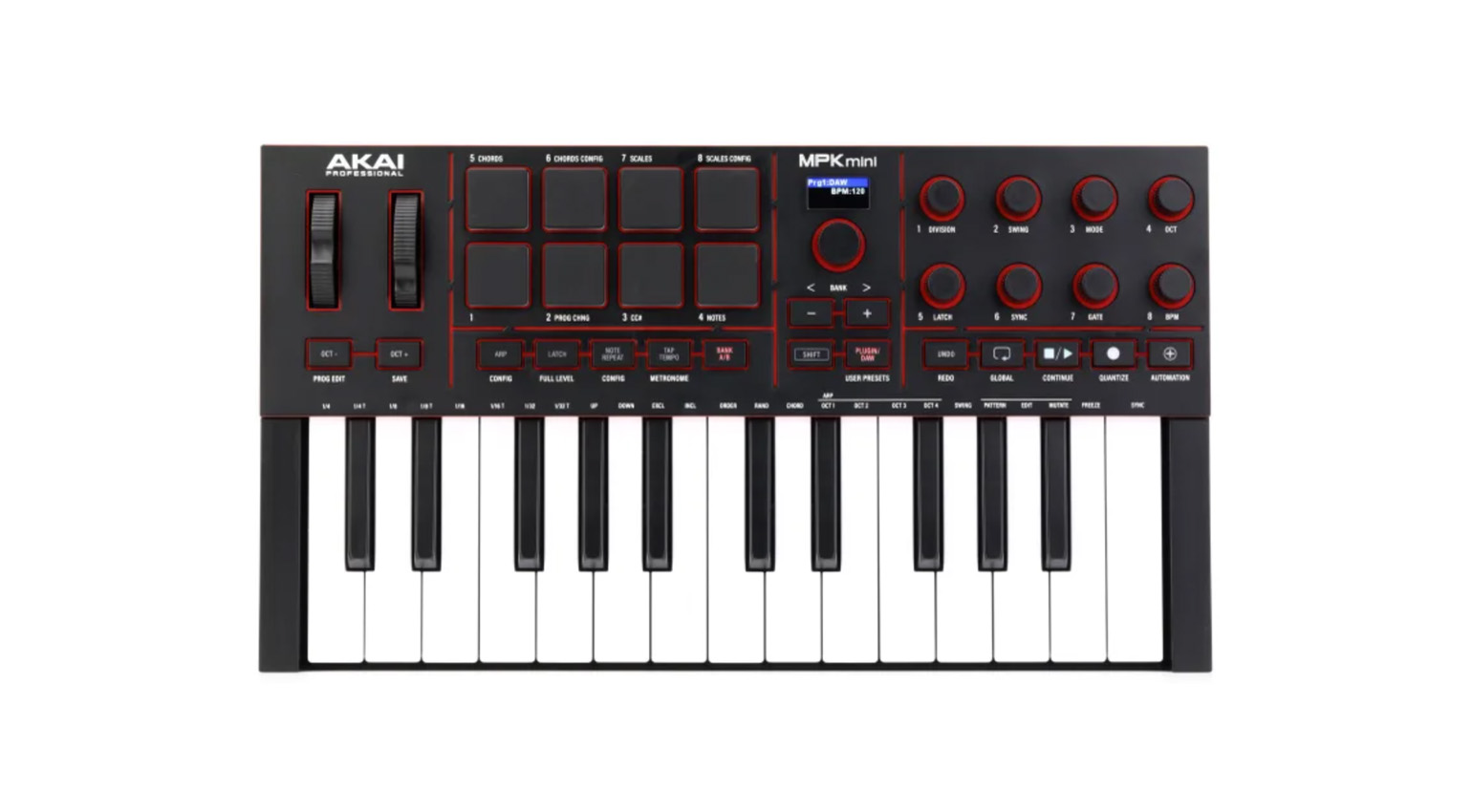
- AKAI MPK Mini IV (available at Thomann* and Sweetwater*)
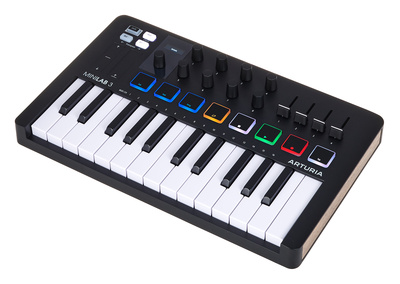
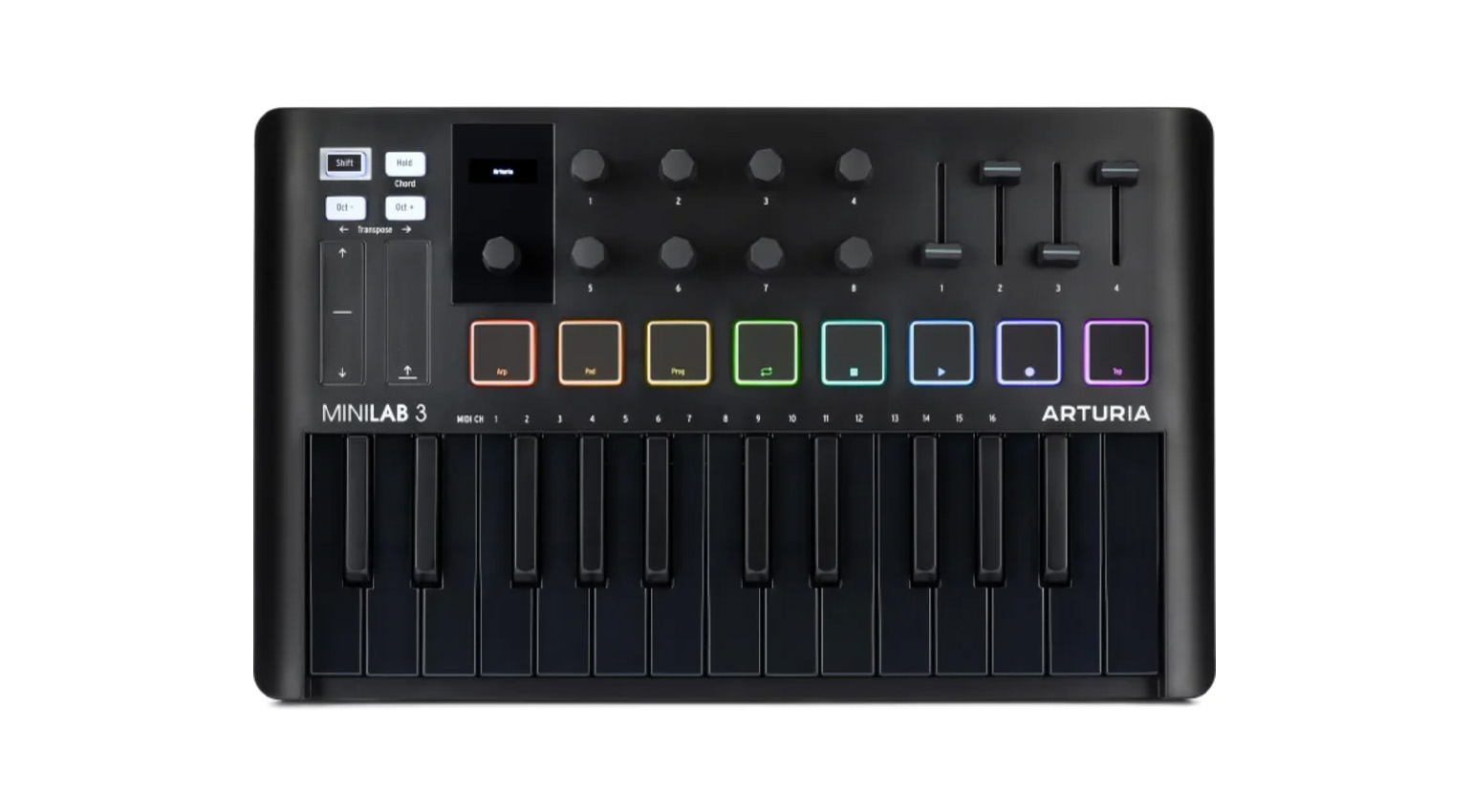
- Arturia MiniLab 3 (available at Thomann* and Sweetwater*)

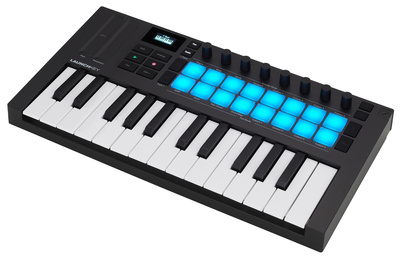
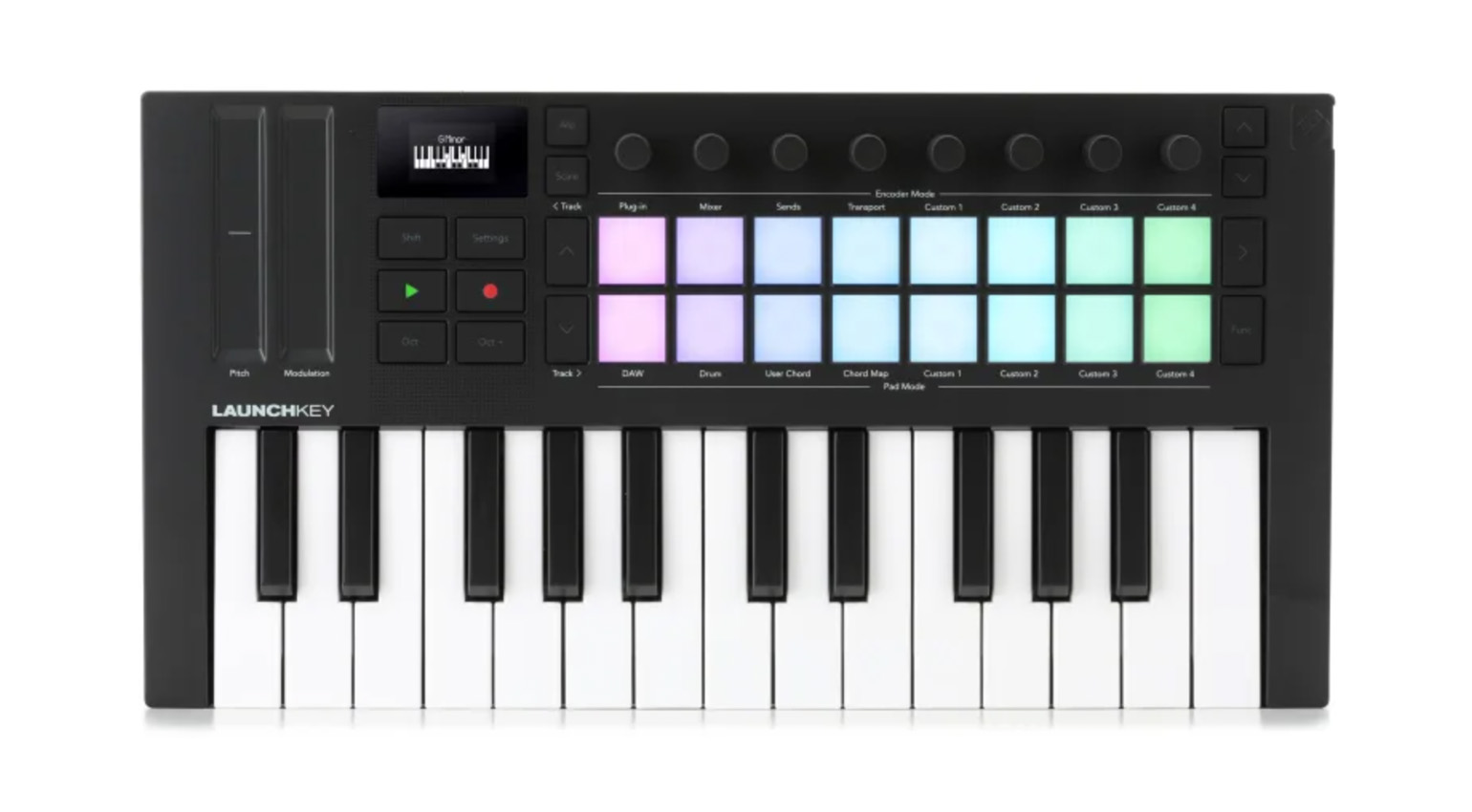
- Novation Launchkey Mini 25 MK4 (available at Thomann* and Sweetwater*)
Tip 1: Most of the keyboard controllers mentioned above are also available in bigger versions with more keys.
Tip 2: Many controllers and audio interfaces come with a software bundle that includes everything you need to get started. Typically, this includes a starter version of a popular DAW (e.g., Ableton Live Lite), plus a selection of software instruments and/or sound packs. If you check your options carefully, this means you might not have to spend any extra money on software when you buy your first controller or interface.
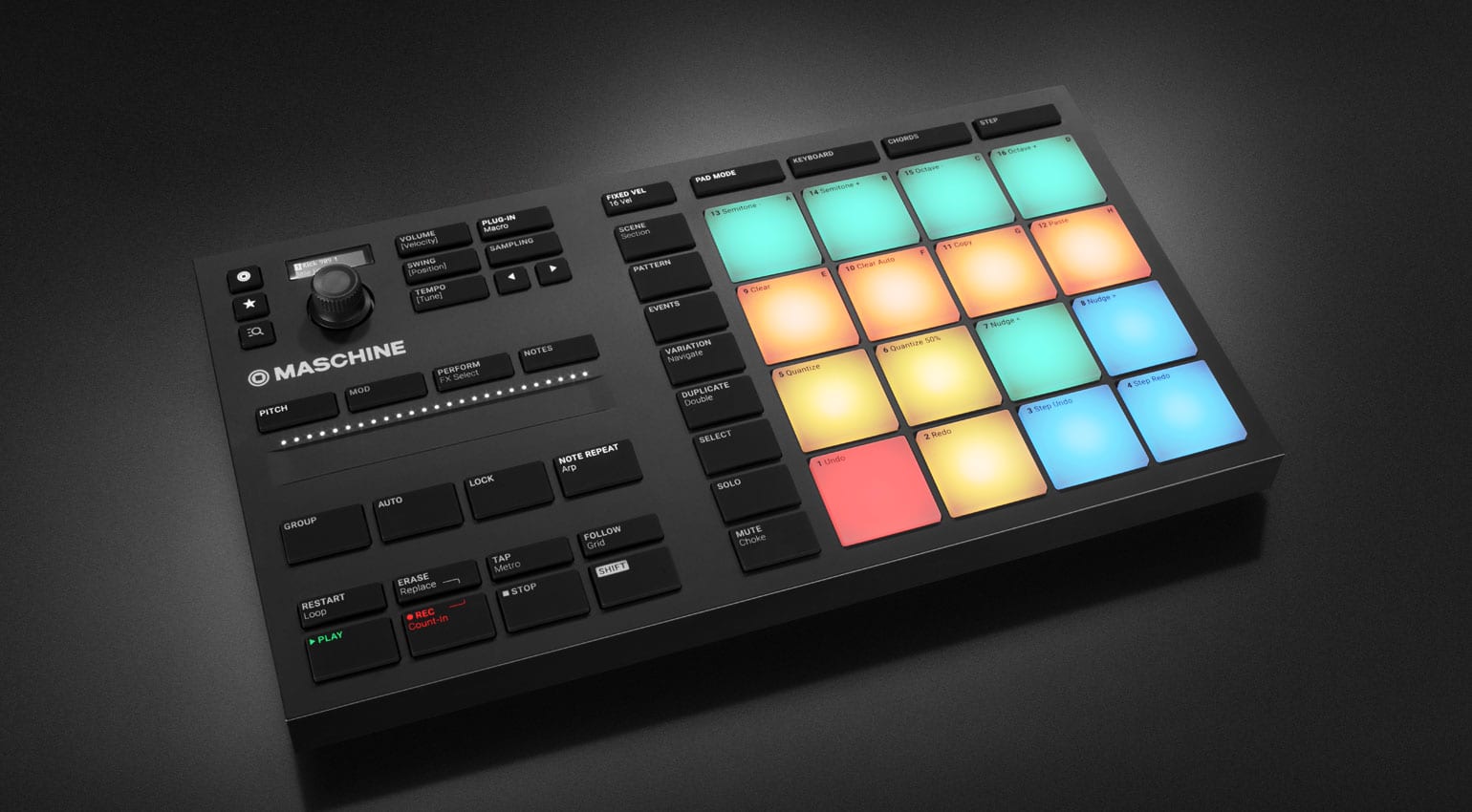
Hybrid Beatmaking Platforms: AKAI MPC Studio and NI Maschine Mikro
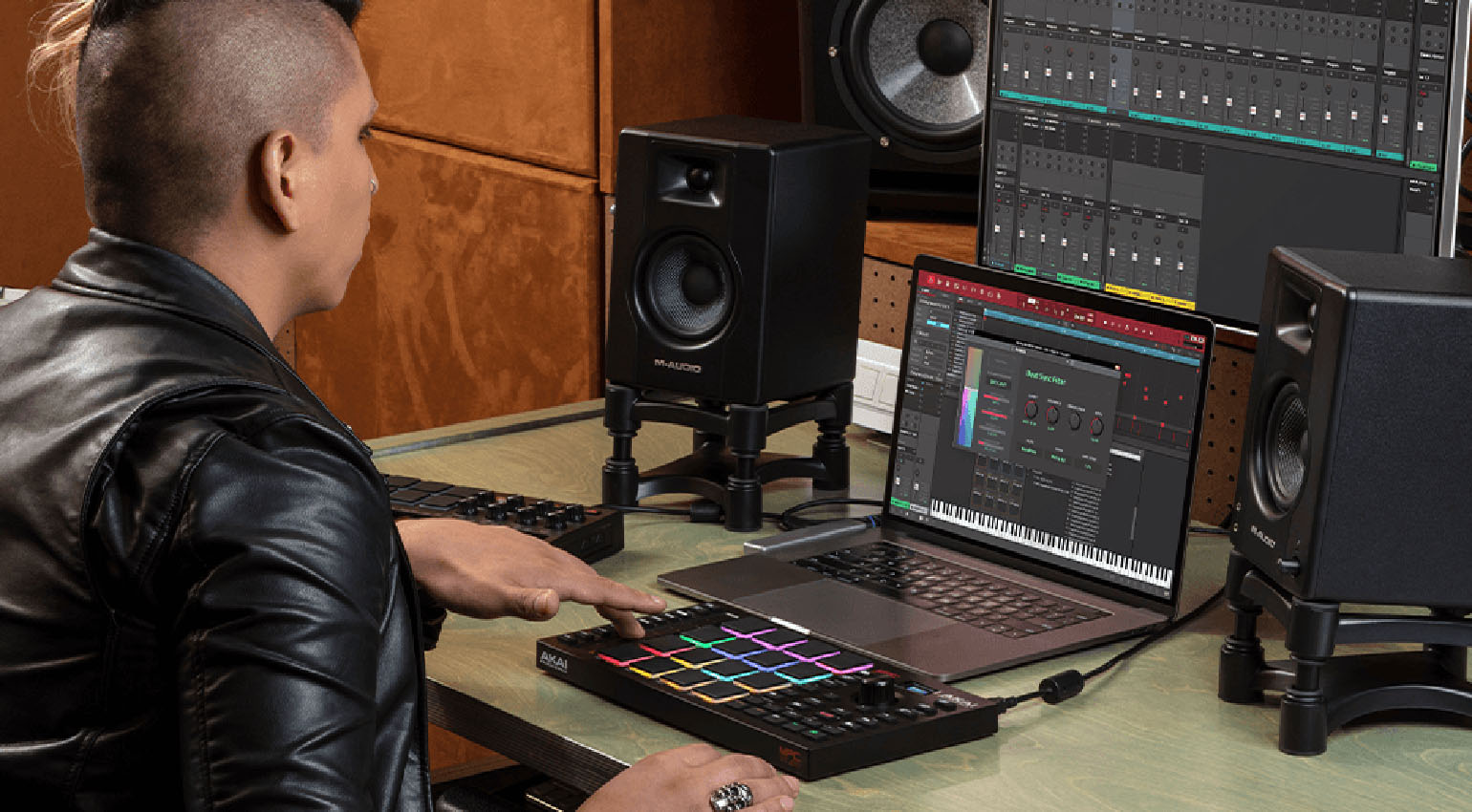
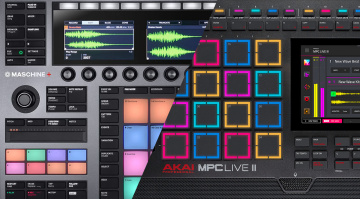
The AKAI MPC series and Native Instruments Maschine are among the most popular beatmaking tools. While the MPC has enjoyed great popularity for decades, especially among hip-hop producers, many producers of EDM, electronica, and similar styles have long favored Maschine. However, these boundaries are increasingly blurring, and both systems offer everything you need to produce in a wide variety of genres.
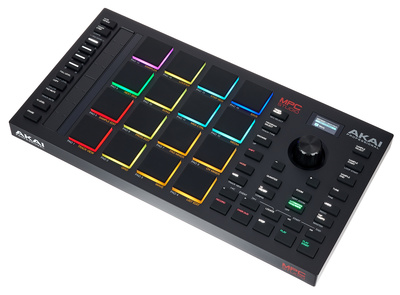
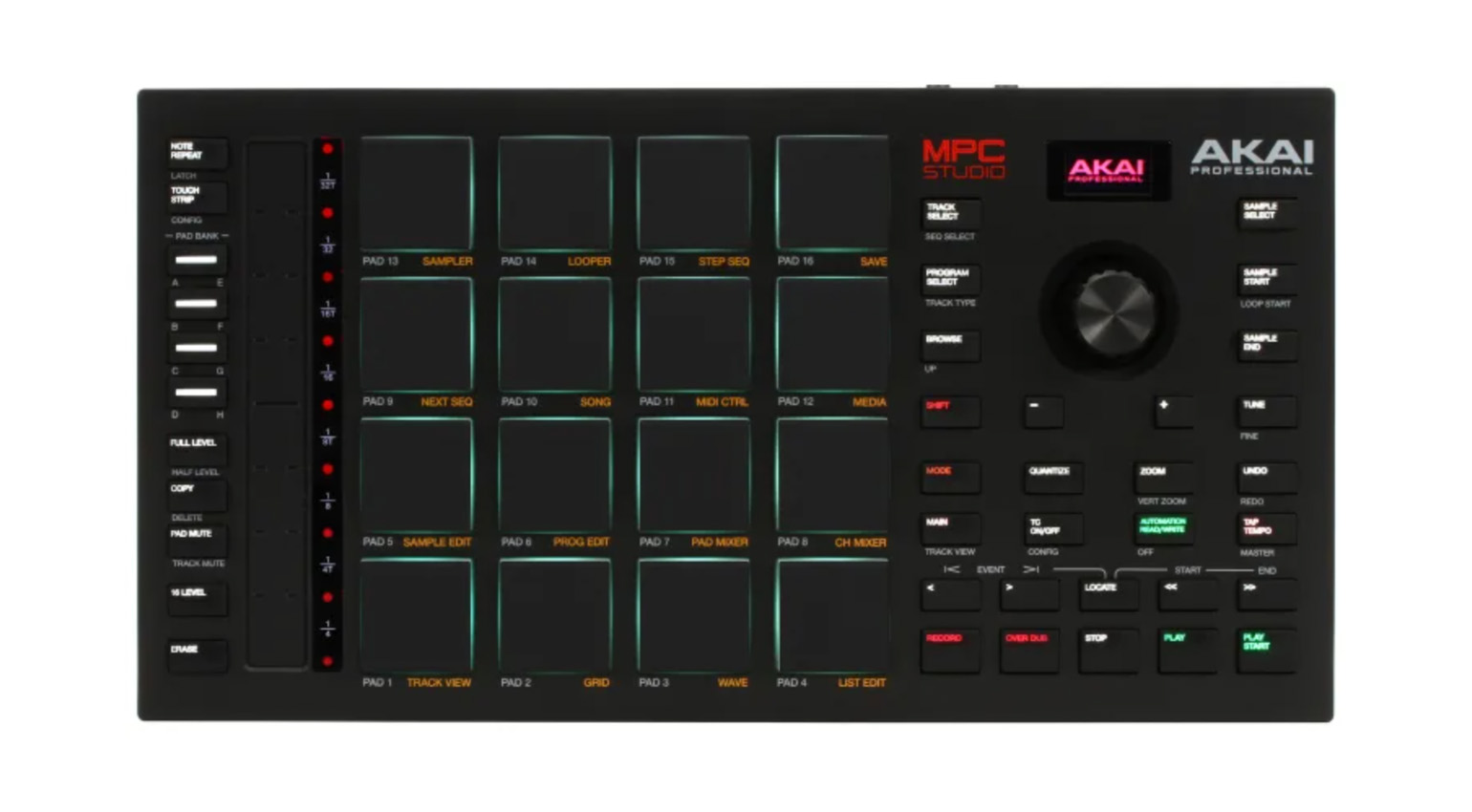
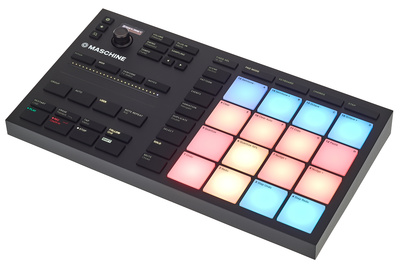
The catch: The standalone versions of both systems, such as Maschine+ or the MPC Live III, come with a hefty price tag. If you have a computer, the hybrid systems offered by both manufacturers are a much more affordable way to get started in the world of MPC or Maschine. The AKAI MPC Studio and NI Maschine Mikro MK3 are dedicated controllers that pair with (included) software that runs on your computer. Both systems come with large libraries of sounds and loops, which provide a great starting point for building beats and can be expanded with add-on packs. This way, you can benefit from the MPC or Maschine workflow without having to invest in a standalone unit right away. Both the MPC and Maschine software offer everything you need to produce and mix complete beats.
The AKAI MPC Studio is available from our affiliate partners Thomann* and Sweetwater*.
You can get Maschine Mikro MK3 from Thomann*.

Budget Beatmaking Gear: Affordable Samplers
Samplers are among the most versatile beatmaking tools available. Depending on the sounds you feed it, a sampler can be anything: a drum machine, a synth, or a player for your recorded bass, guitar, piano, or vocal samples. With a bit of creativity, you can record any sound you like and use it in your next beat.
Unfortunately, high-end sampling workstations like the standalone MPCs mentioned above, Elektron’s Digitakt II, or the ISLA Instruments S2400 can put a serious dent in your wallet. But there are also some affordable options for budget beatmaking that can take you a long way if you’re a bit creative.
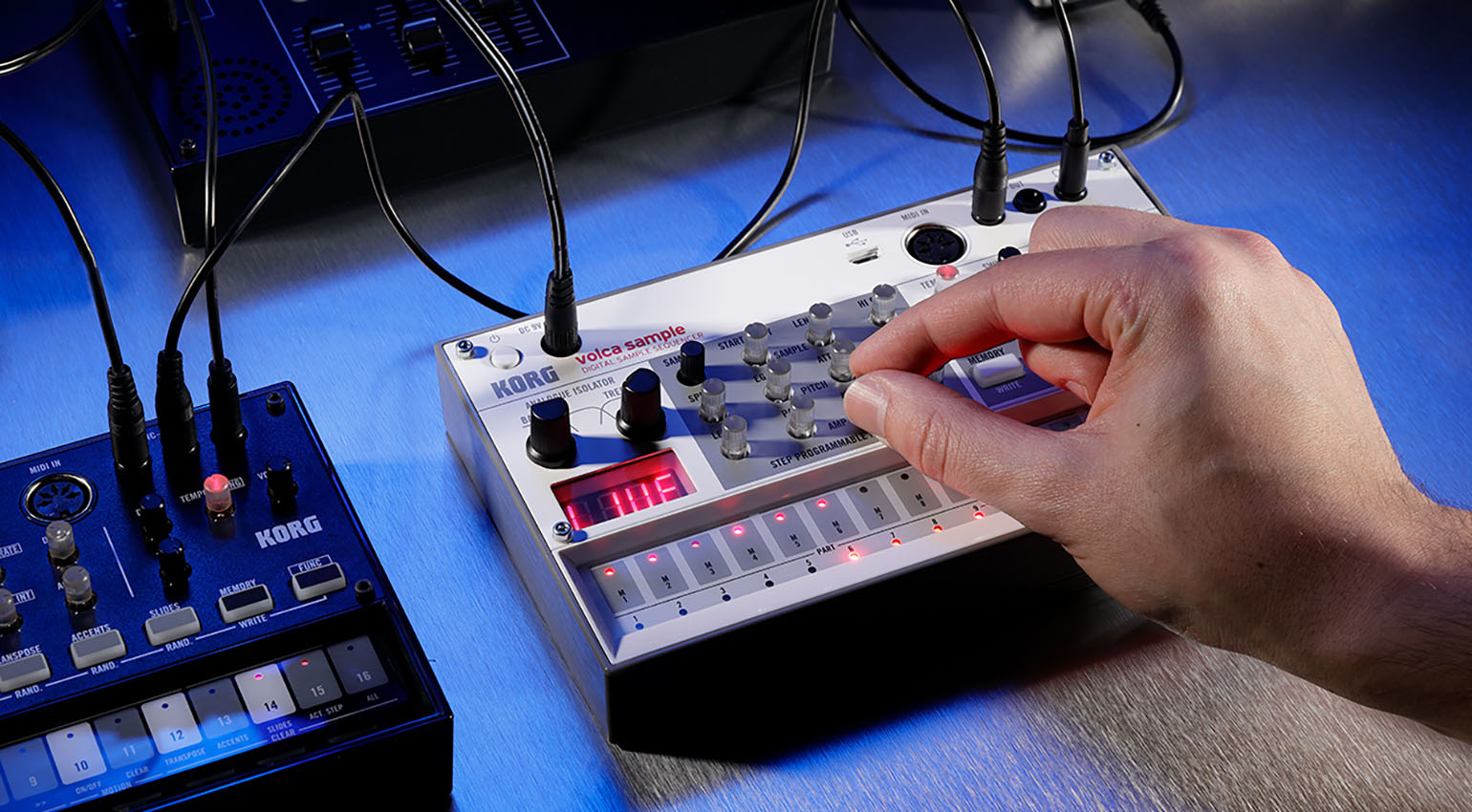
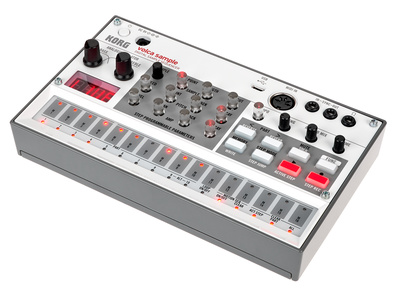
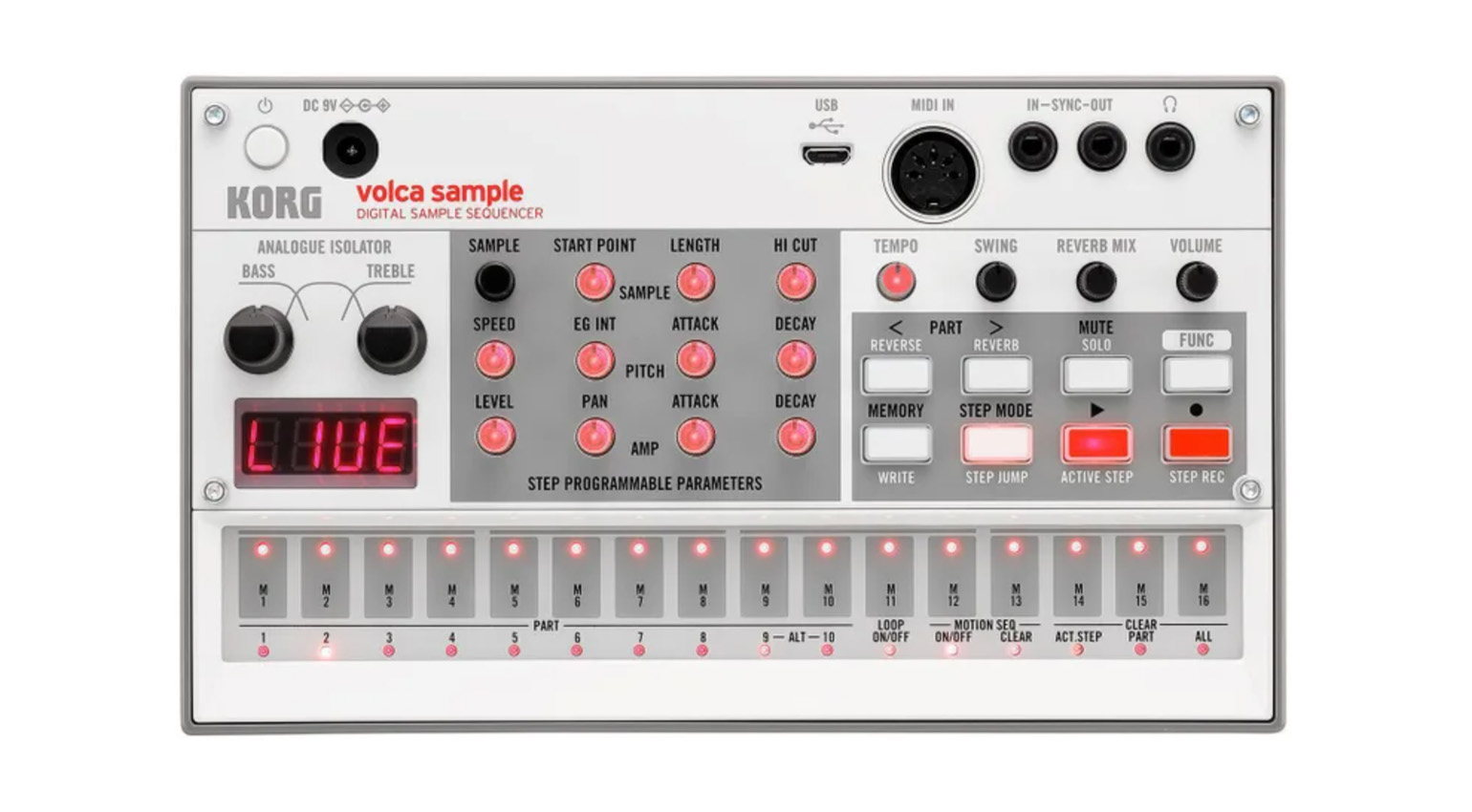
One sampler that’s quite affordable and still a lot of fun is the KORG volca sample. One minor drawback: Strictly speaking, the volca sample isn’t really a sampler, because it doesn’t have an audio input and samples must be imported via USB. However, there’s a companion smartphone app that lets you sample anything and then transfer the file directly to the volca sample.
The volca sample can play up to eight voices simultaneously and has space for up to 200 samples (a total of about 130 seconds). It also features a 16-step sequencer with motion sequencing.
You can get the KORG volca sample at Thomann* or Sweetwater*.

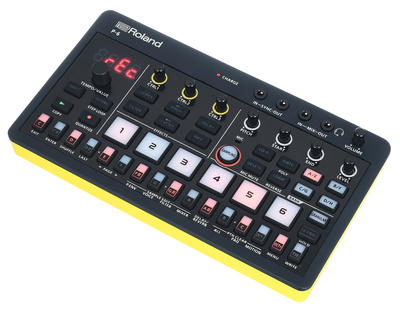
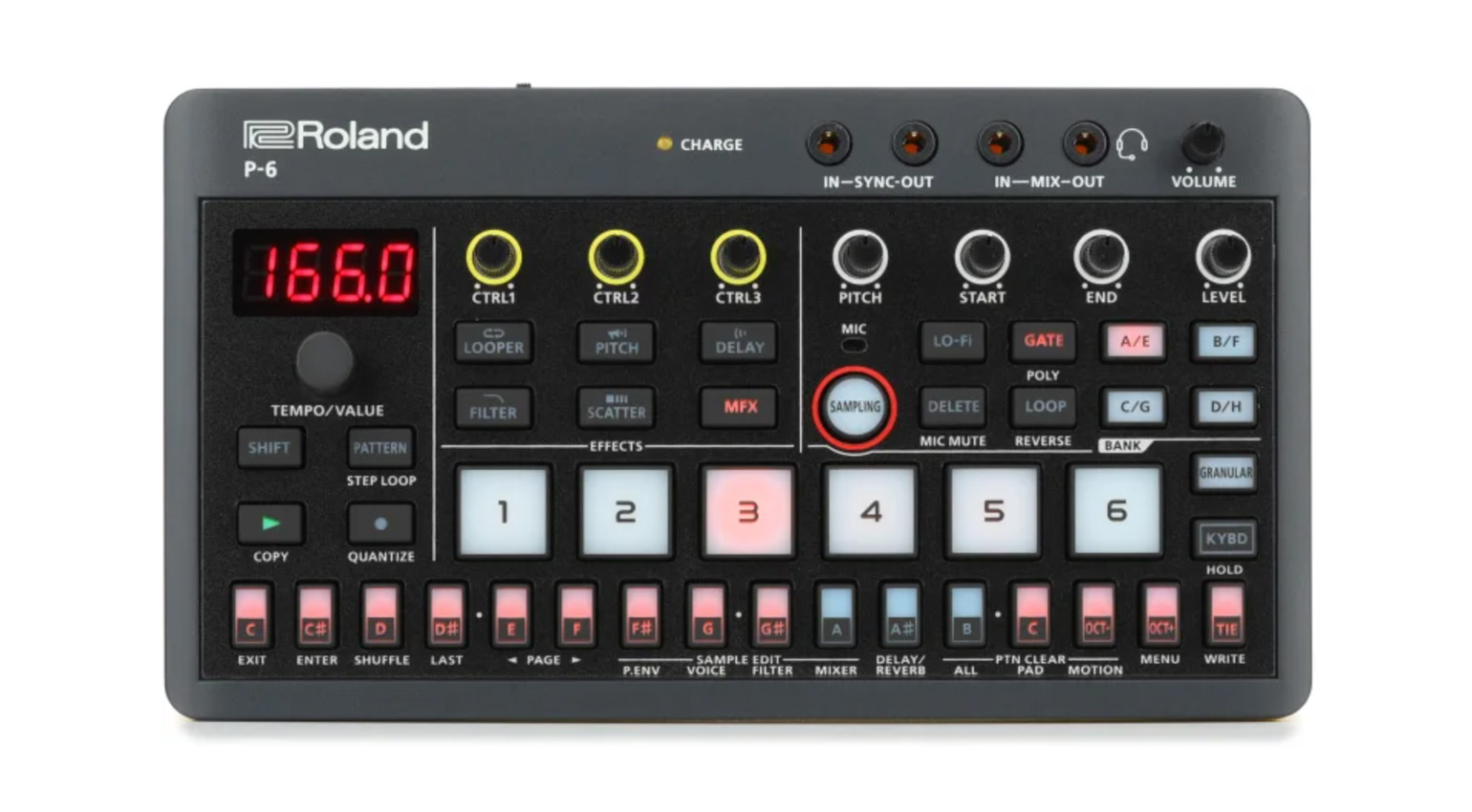
The Roland P-6 from the AIRA Compact series is equally compact, but even more powerful. This small, pocket-sized sampler can play up to 16 voices, distributed across six polyphonic parts. Its sequencer offers 64 steps and 64 patterns—significantly more than the volca sample. The biggest advantage, however, is that the P-6 features both an audio input and a built-in microphone, allowing you to sample anything—even on the go!
In addition, the P-6 offers many ways to creatively manipulate samples, such as a range of performance effects and even a full-fledged granular engine. This allows you to turn any sample into a completely new sound.
You can get the Roland P-6 from Thomann* or Sweetwater*.

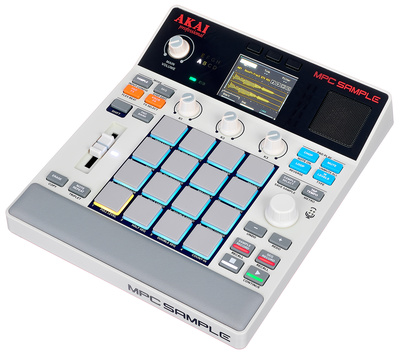
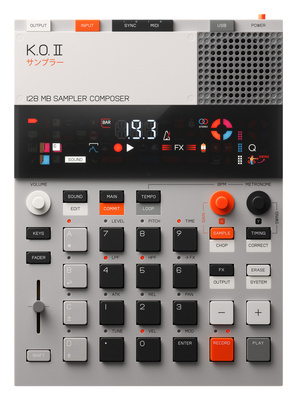
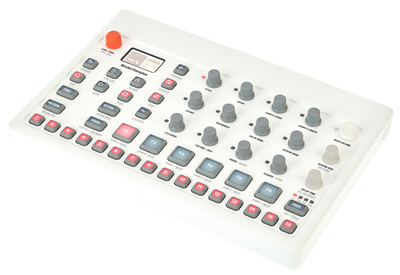
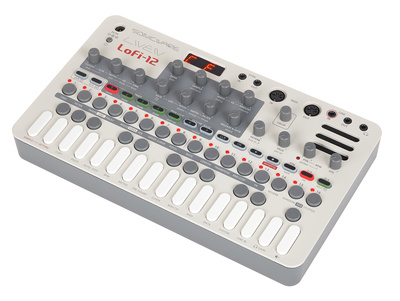
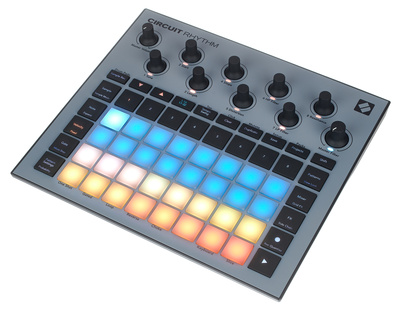
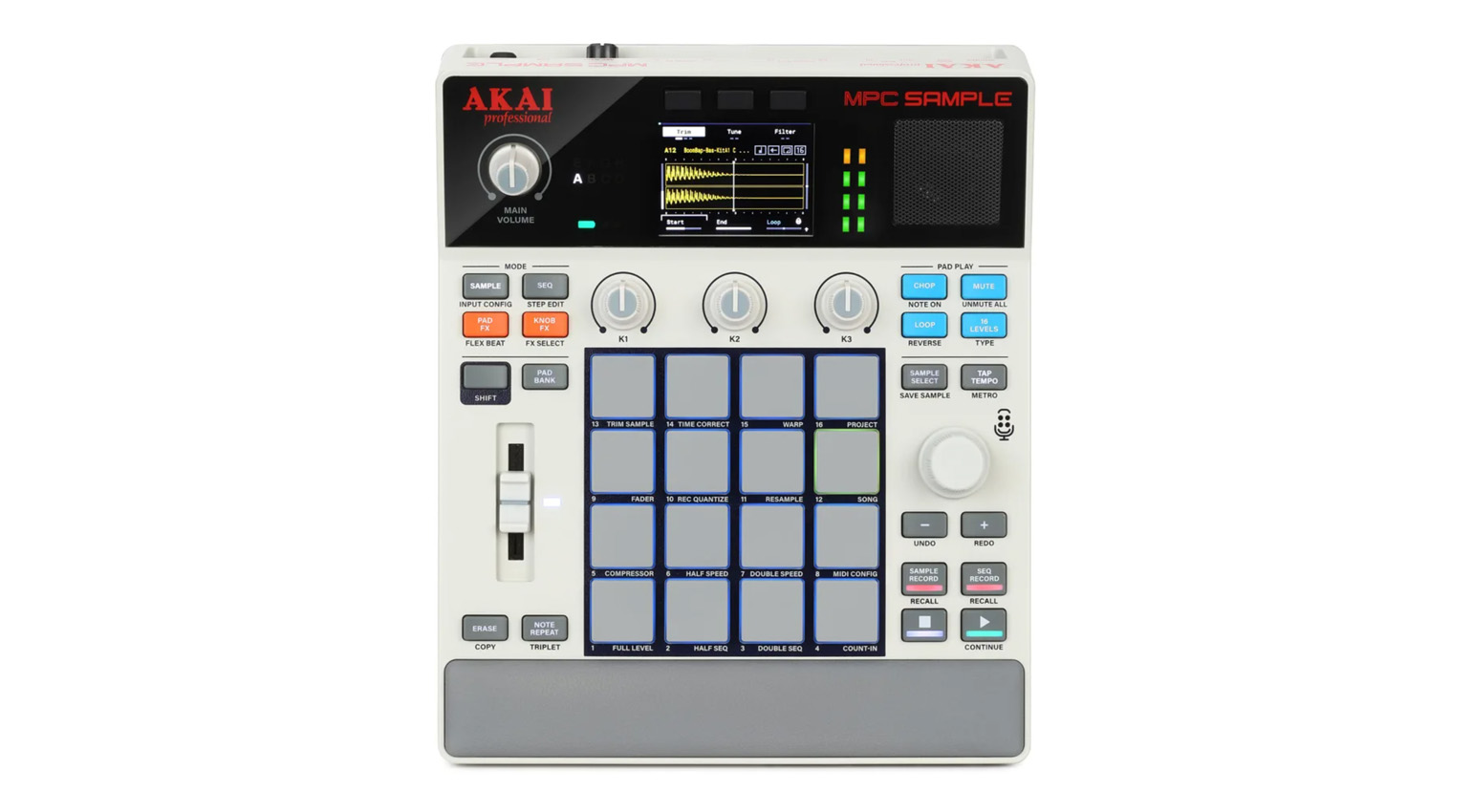
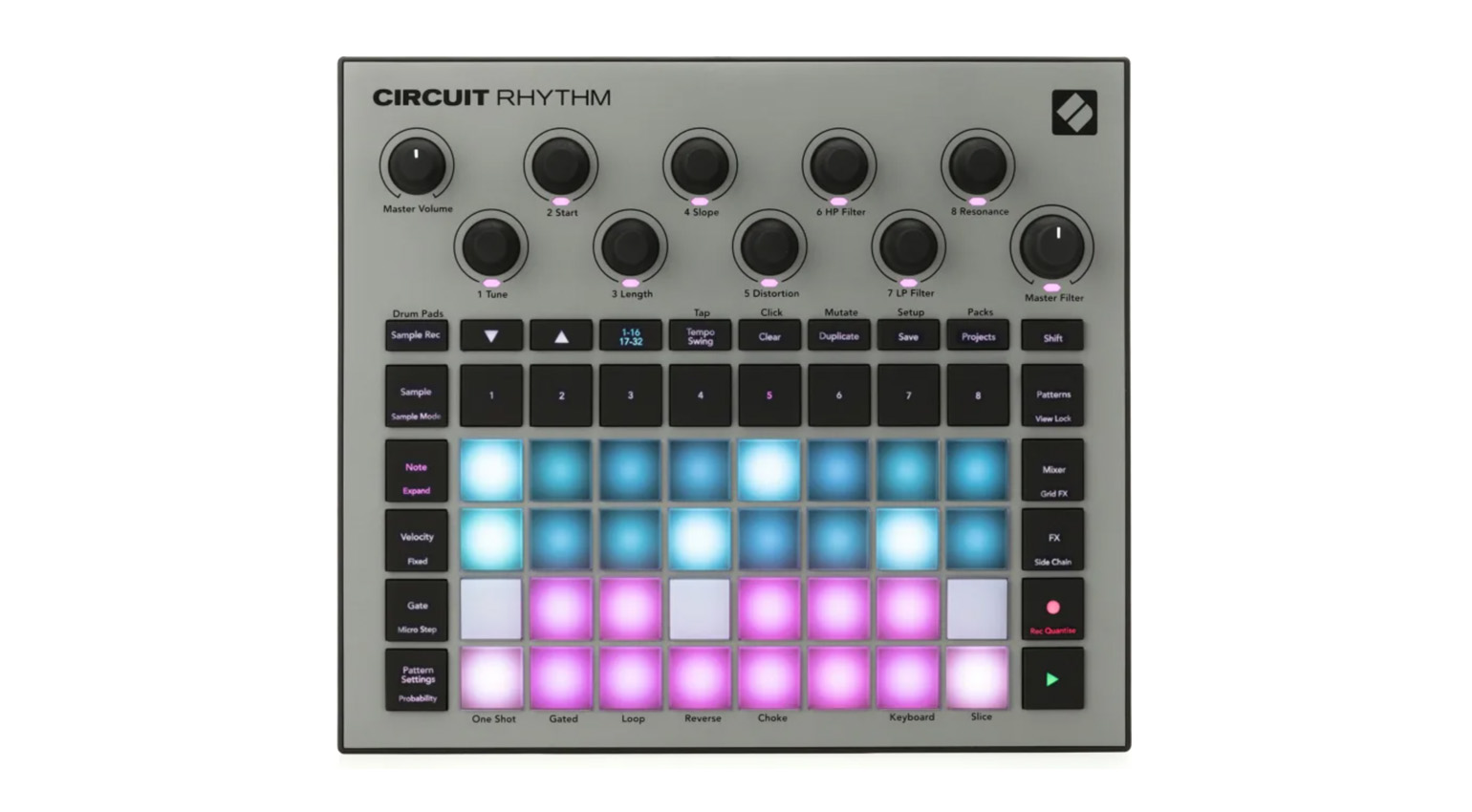
If you can spare about $300-400 for a sampler, there are many more interesting options. In this price range, you’ll find instruments such as the AKAI MPC Sample, Teenage Engineering EP-133 K.O. II, Elektron model:samples, Sonicware LIVEN Lofi-12, and Novation Circuit Rhythm, all of which offer everything you need for budget beatmaking. If you want to make beats with hardware and are looking to buy just one device to start with, I’d recommend one of these samplers.



More Tips for Budget Beatmaking
- The Best Budget Samplers for Music Production
- The Best Pocket Synths: 5 Ways to Get Creative on the Go
- The Best Hardware Sequencers for Electronic Music Production and Performance
*Note: This article about budget beatmaking gear contains promotional links that help us fund our site. Don’t worry: the price for you always stays the same! We will receive a small commission if you buy something through these links. We appreciate your support!

This might also interest you
2 responses to “The Best Budget Beatmaking Gear to Help you Get Creative”

Arturia MiniLab 3 is 100% a better option than the BeatStep! Keys, pads, knobs, faders, and like $500+ worth of plugins! And it’s cheaper…
T8 is limited, but the sidechain on it does allow you to get very loud acid and bass riffs, comparable to the kick. Good delay and reverb as well. If you like Techno, Trance, Acid House, Goa, Psy etc it’s perfect for it