5 of the Best DJ Controllers For Stem Separation
Take control of your stems with DJ controllers from RANE, Native Instruments, Denon DJ, and more!

 4,4 / 5,0 |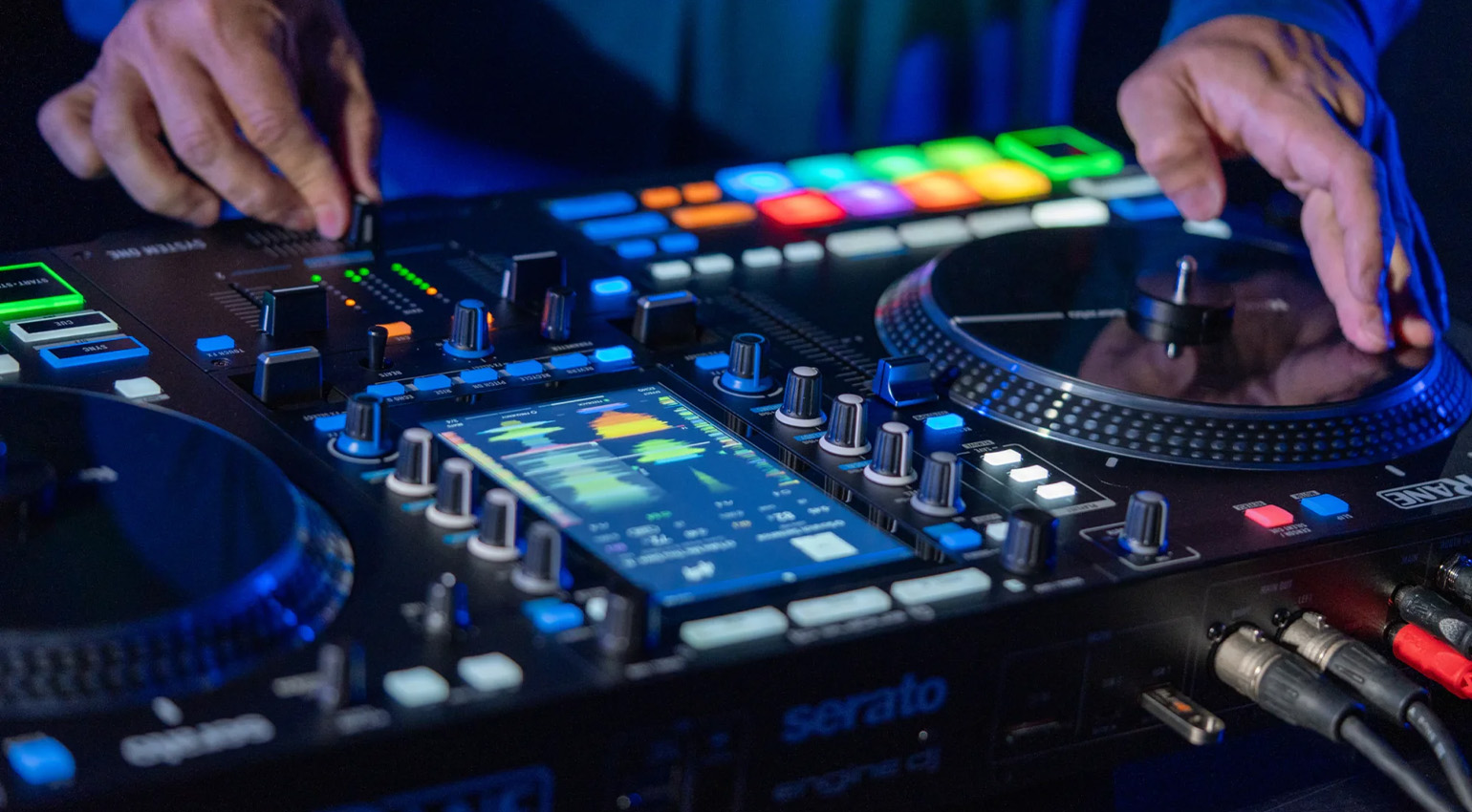

Splitting up tracks into stems is amazing for DJing. But does your controller make this easy and fun to do? These are the best DJ controllers for stem separation.
5 of the Best DJ Controllers For Stem Separation
Best DJ Controllers For Stem Separation
DJing is more creative than it’s ever been. Back in the turntable-only days, if you wanted to play an a cappella or instrumental, you had to find a record that had what you wanted. We used to buy bootleg a cappella compilations so we could mix in just the voice on top of another record. Now you can do that at the push of a button with stem separation.
Stem separation is now common across pretty much all of the major DJ applications. Accessing the functionality from your DJ controller, however, is a different matter. Not every controller is made the same, nor do they all let you rip stems live in the moment, many requiring you to do this offline on your computer.
If stem separation is a big part of your creative DJ process – or you want it to be – consider these five of the best DJ controllers for stem separation.
Best DJ Controllers For Stem Separation: RANE SYSTEM ONE
RANE’s SYSTEM ONE is a pretty remarkable DJ controller – for a number of reasons. The big selling point is that it’s the world’s first all-in-one standalone DJ system with motorized platters – 7.2-nch aluminum motorized platters to be exact – making it an excellent choice for DJs who want turntable-style control but all the mod cons that 21st century DJing can provide.
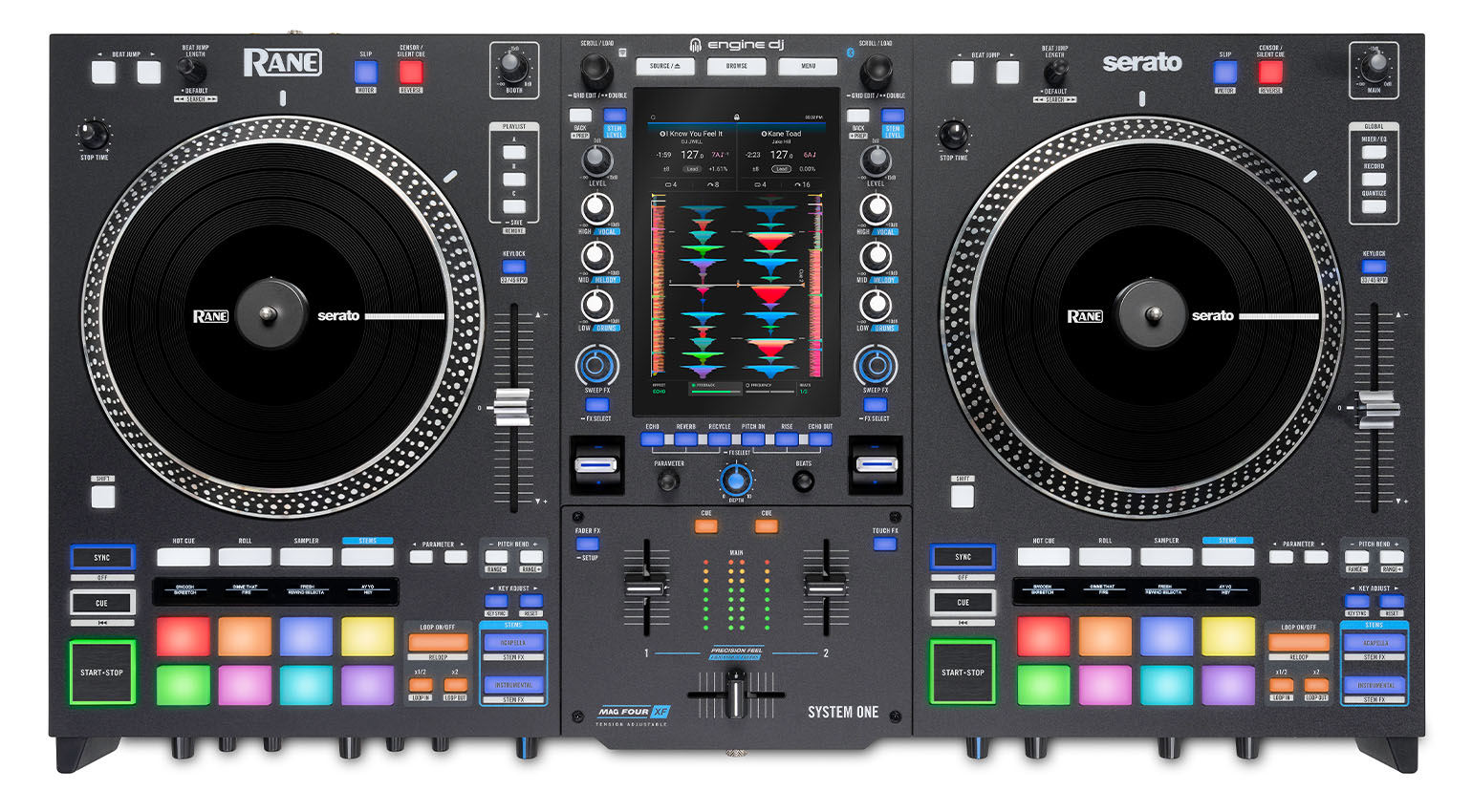
That includes stems, too. With Engine DJ inside (the first RANE product to have it), you’ve got instant and on-the-fly access to standalone Stems, Stem FX, dedicated Instant Acapella and Instrumental buttons, Stems pad mode, and Stem Level EQ control. You’re welcome to render tracks for Stems ahead of time with Engine DJ desktop, or you can do it directly on the SYSTEM ONE in the heat of the moment. That’s pretty spectacular.


Best DJ Controllers For Stem Separation: Native Instruments Traktor MX2
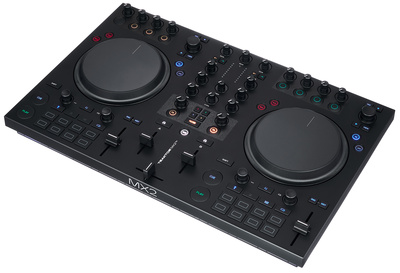
If you’re a Native Instruments Traktor Pro user, you have a few different options for stem control. I’m going to recommend the company’s most recent DJ controller, Traktor MX2, because of its bang-for-buck ratio.
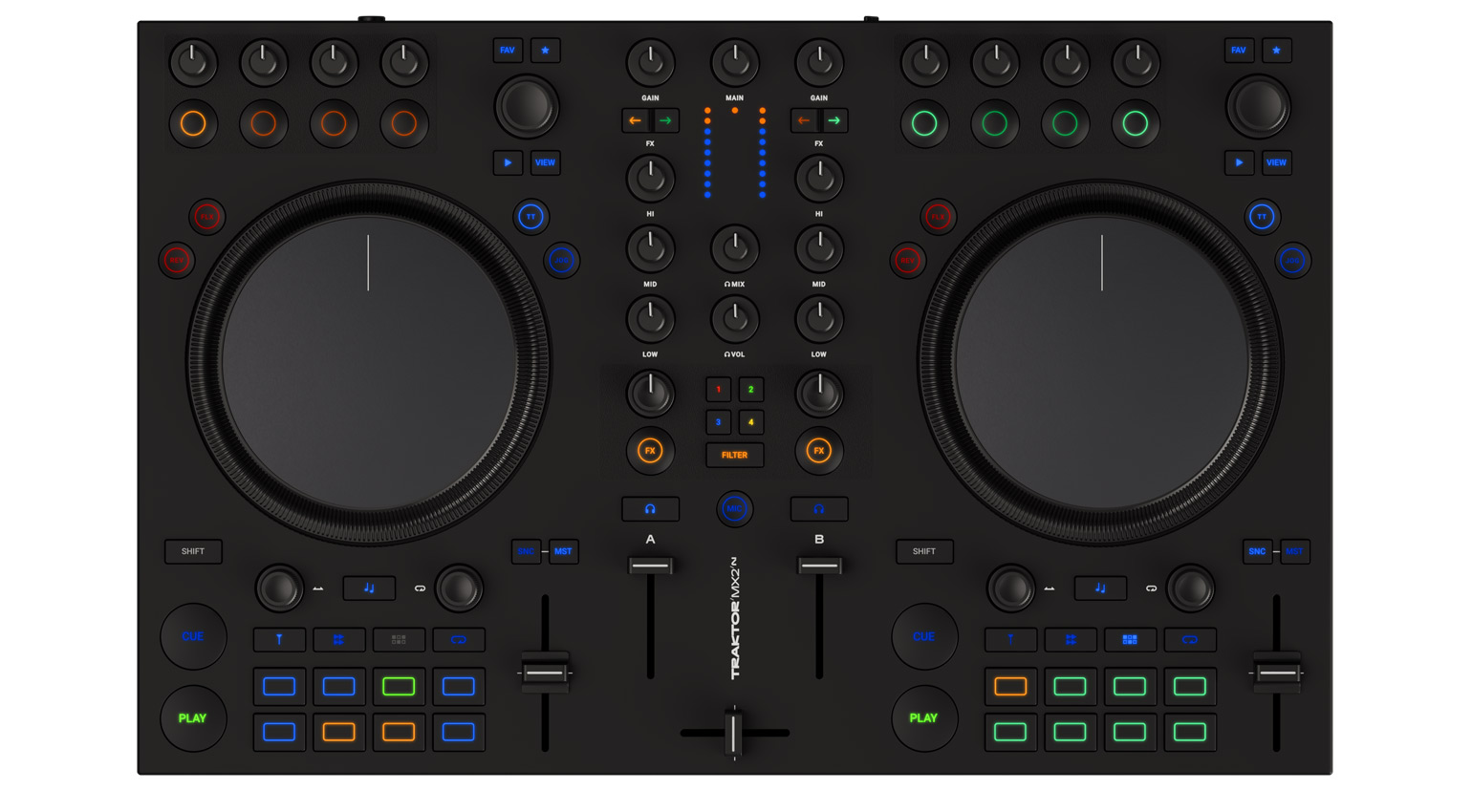
Traktor MX2 is a two-channel DJ controller with Mixer and Deck FX, colorful undercarriage lights to help with beatmatching, and 16 customizable pads for launching loops and triggering the onboard drum machine. It’s also where you’ll access stems, which are split into drums, bass, instruments, and vocals via iZotope’s RX technology. Unfortunately, you can’t do this on the fly. The separation process takes some time, so you’re best off preparing stems in advance. But once done, you can mute, filter, and adjust volume for each stem independently right from the controller.

Best DJ Controllers For Stem Separation: Denon DJ SC Live 4
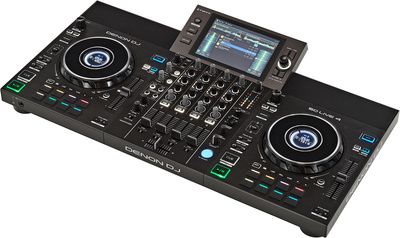
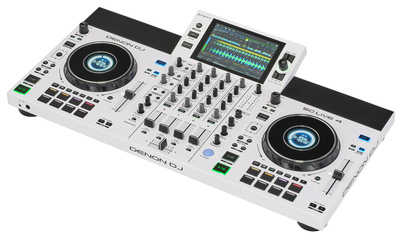
With the release of Engine DJ 5.0, you can now render stems live… but only with the RANE SYSTEM ONE controller, as profiled above. Any other stem-compatible controller with Engine DJ is still using version 4.2 stem technology – that is, offline rendering. This is true for Denon DJ SC Live 4, the controller we’re now talking about.
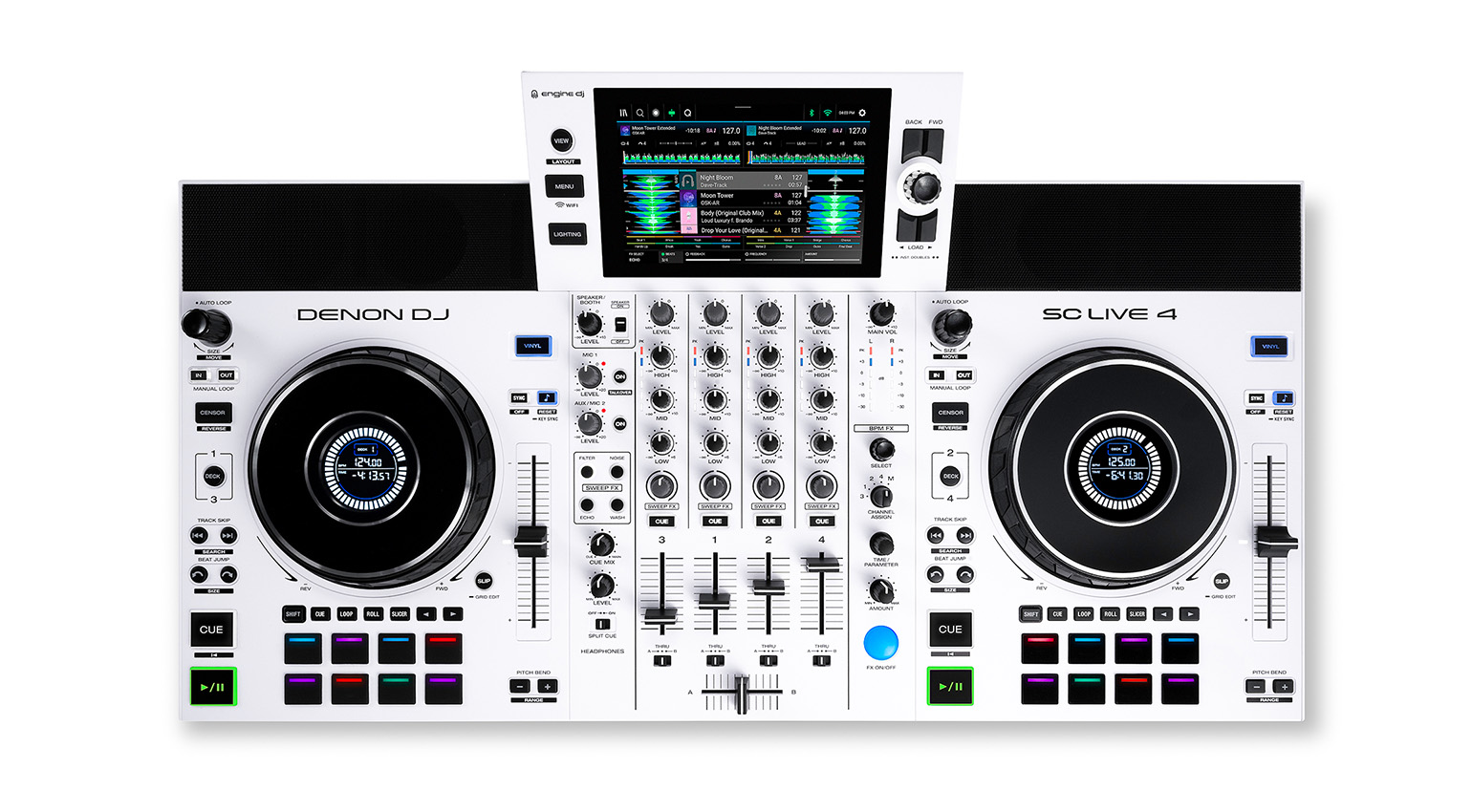
However! If you use the SC Live 4 not in Standalone Mode but in Computer Mode and use it to control Serato DJ Pro (license included), you can do live stem creation through the Serato app. Nice! The controller offers four pads for working with stems, breaking tracks into vocal, melody, bass and drum modes.
So, how important is live stem ripping for you? And which DJ software do you prefer, Serato or Engine DJ? That’s the decision to make here. Either way, Denon DJ’s SC Live 4 is one of the best DJ controllers for stem separation.

Best DJ Controllers For Stem Separation: Numark Mixstream Pro+
Numark occupies the budget end of the DJ market, but that doesn’t mean it’s sub-par in any way. Being part of inMusic alongside RANE and Denon DJ, it benefits from access to a lot of the same tech that those more premium brands have. This is true of the Mixstream Pro+, which works with three different DJ applications, two of which have real-time stem separation.
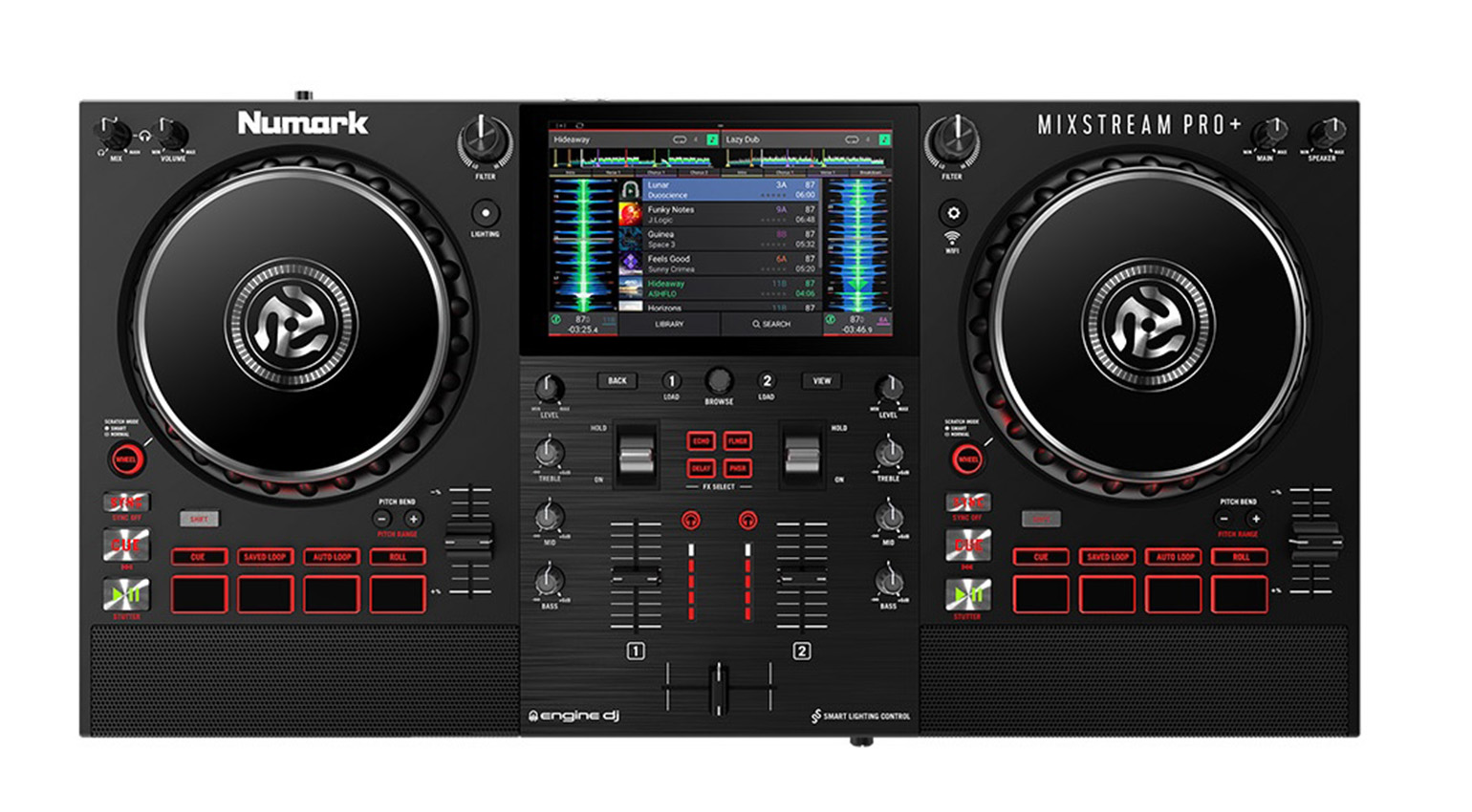
In standalone mode, the Mixstream Pro+ uses Engine DJ, which requires offline rendering (and a one-time $9.99 fee to unlock stems). In computer mode, it can work with both Serato DJ Pro and VirtualDJ, both of which offer on-the-fly stem ripping into vocal, melody, bass and drum tracks. Additionally, VirtualDJ also has a fifth kick and hi-hat layer for you to work with.
If you don’t mind carrying your laptop around, too, live stem separation is very much a possibility.

Best DJ Controllers For Stem Separation: AlphaTheta DDJ-GRV6
If you’re an AlphaTheta-slash-Pioneer DJ fan and you want stem separation options, give DDJ-GRV6 a twirl. The four-channel DJ controller was designed to resemble the company’s flagship gear and features large jog wheels, eight performance pads positioned above the jogs, and Beat FX from the DJM-A9 in the mixer section.
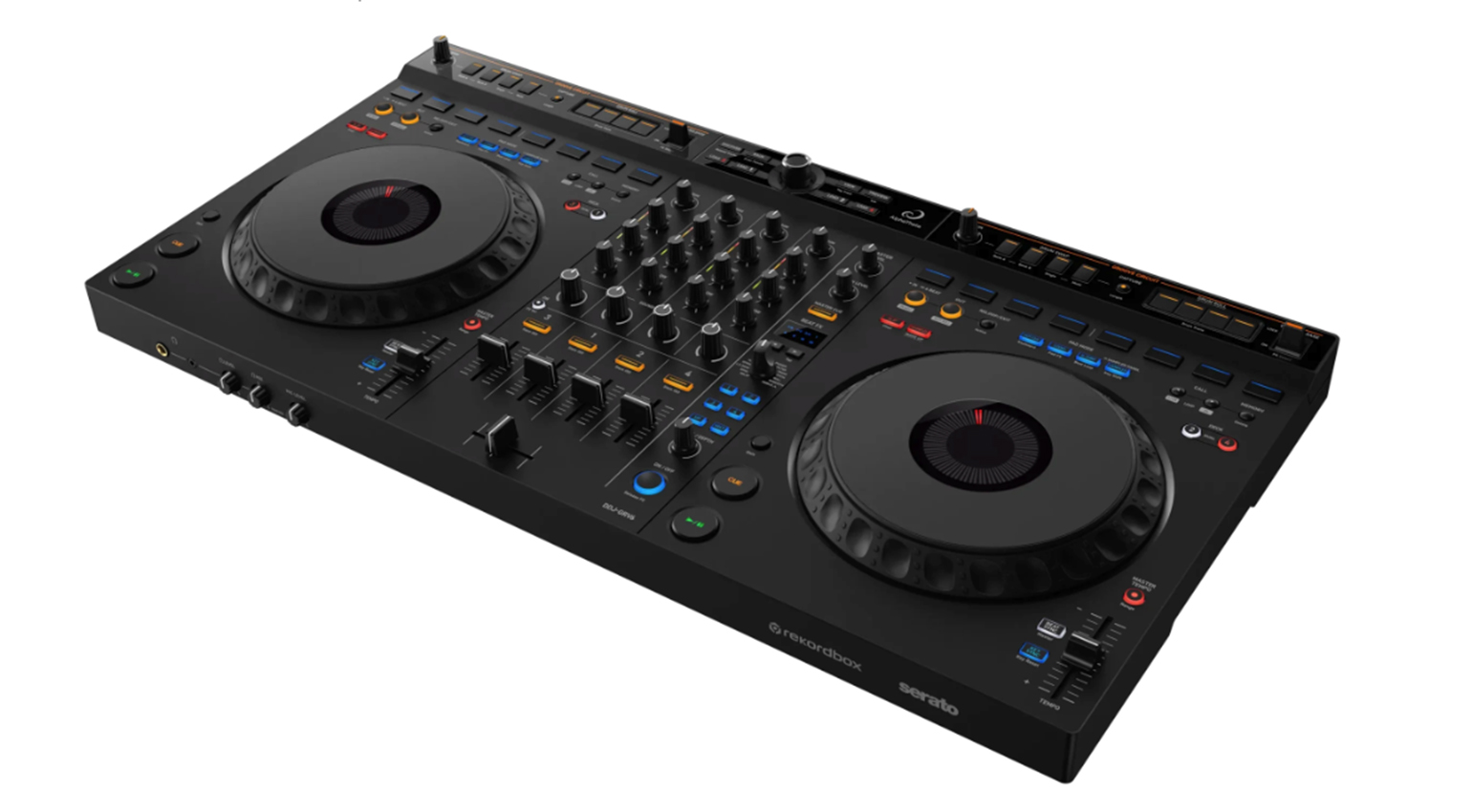
But we’re here to talk about stems. Not only can you access rekordbox’s on-the-fly stem creation from the device, but it also provides Groove Circuit, a special drum-focused stem feature that lets you capture, remix, and replace drum tracks, even on songs that are playing live. You can swap out a track’s drums with loops, create fills and transitions, and trigger drum release FX. Or, if you prefer Serato, DDJ-GRV6 includes an overlay sheet to change the Groove Circuit buttons into Stems FX triggers.
More Information
- More about DJing
- More about DJ controllers
- Buy DJ controllers at Thomann*
*Note: This article contains advertising links that help us pay for this site. Don’t worry: the price for you will always be the same! If you buy something through these links, we will receive a small commission. Thank you for your support!

This might also interest you
One response to “5 of the Best DJ Controllers For Stem Separation”

I love my entry level Roland DJ-202 which has perfect STEM capabilities. It can do almost everything the larger more expensive controllers can do