Workflow Tools That Make Music Production Faster
Innovative software and hardware that will help you work more fluidly.

 2,7 / 5,0 |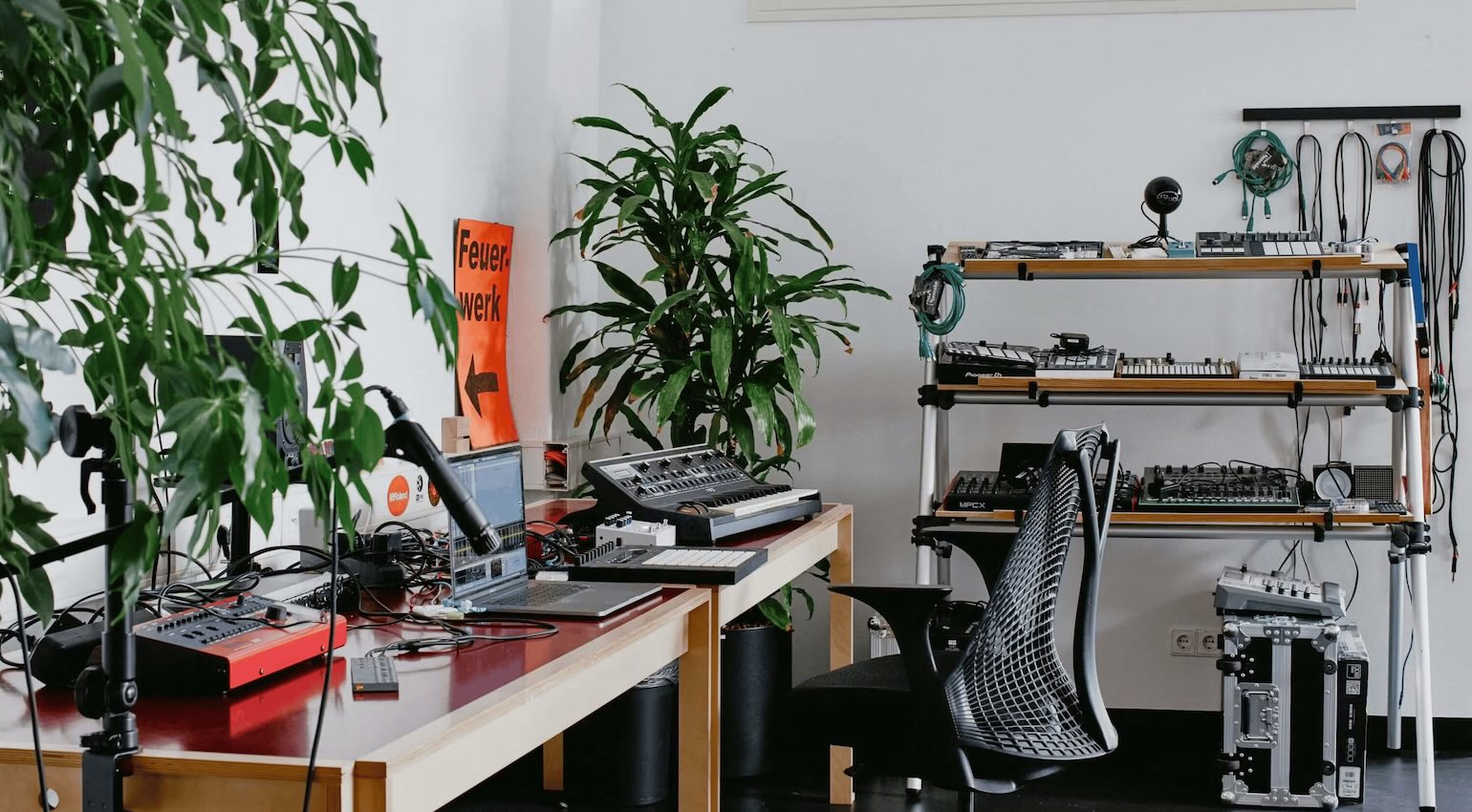

When it comes to recording and mixing, there are areas that tend to become cluttered over time. Here is a selection of workflow tools to streamline your system.
In this Article:
Workflow Tools That Make Music Production Faster
Because we have so much choice today when it comes to music production equipment, and everything sounds so good, workflow has become one of the main directives behind the design of both hardware and software. In the past, when we were recording to magnetic tape, there was only a handful of ways to record and mix, whereas now, the options are mind-boggling.
Naturally, we all work in different ways, but every now and again a manufacturer or developer manages to create an interface with a certain universality that any user can relate to, from hobbyists to professionals. These tools simply get the job done faster, whether that be sketching out musical ideas or finalizing mixes for clients.
Workflow Tools: XLN Audio XO
Each year you’ve been producing music, your drum sample library continues to expand, and if you don’t keep tabs on it, this can slow down your creative flow. One of the best ways to take control of this potential mess is with XO, a plugin that helps you manage and select drum samples with an algorithmic analysis engine that scans your storage drives and even third-party libraries like Splice for one-shots.
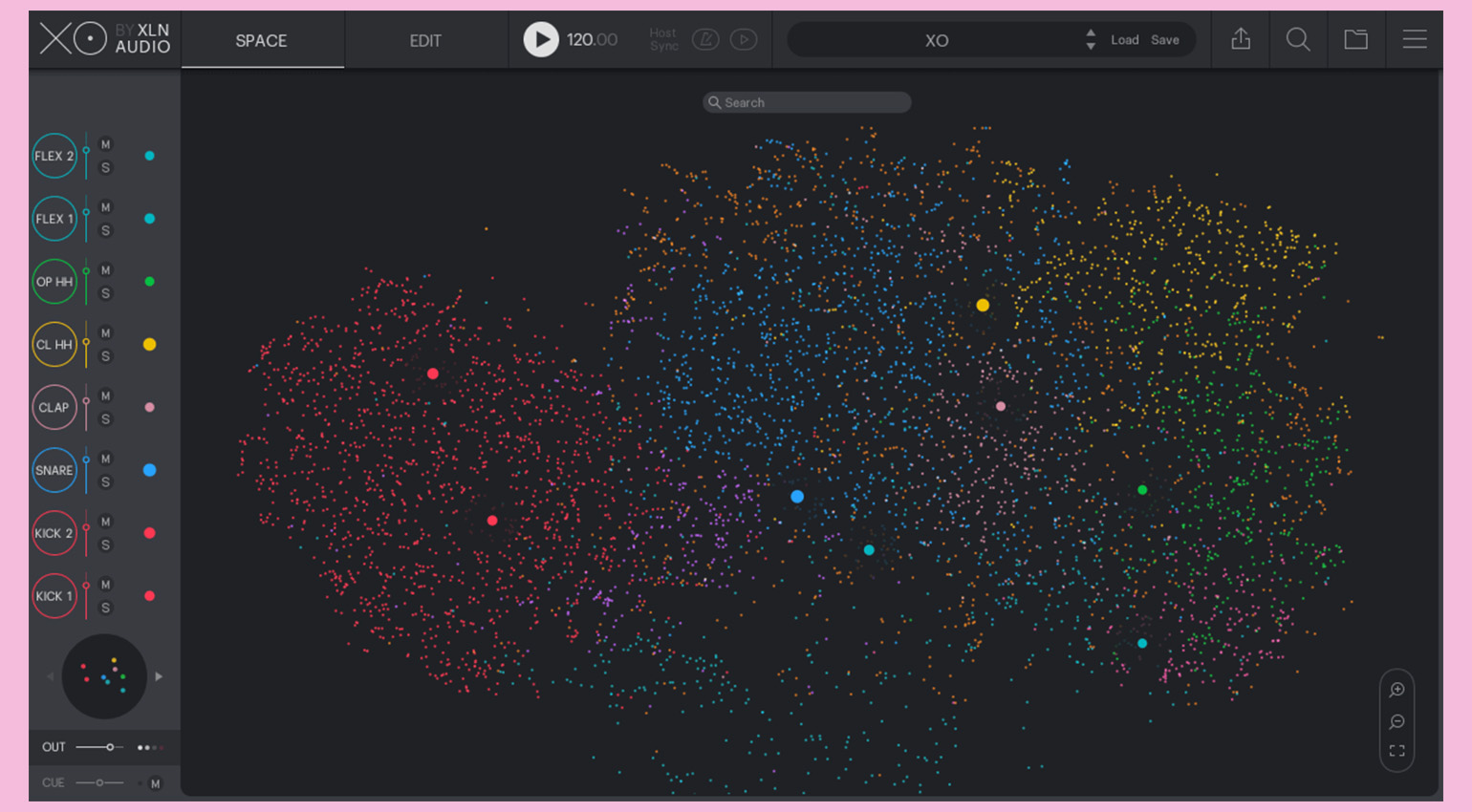
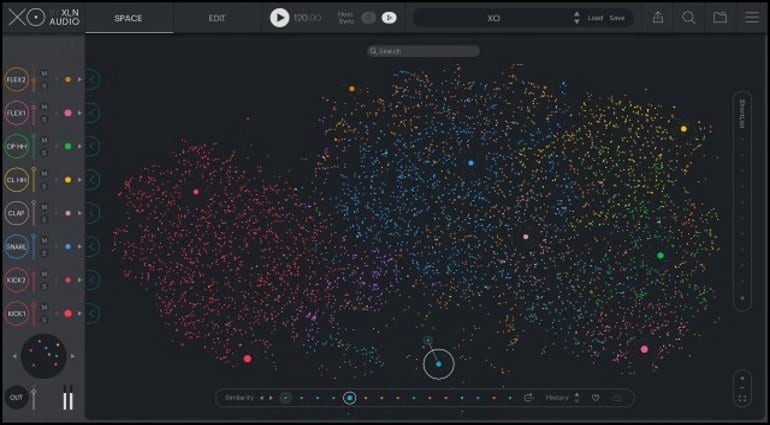
With a visual workflow, XO allows you to cut through the endless browsing and stay in your creative zone. The key to its interface is the Space View, which resembles a constellation of stars and sorts your sounds into categories according to their particular sonic characteristics. The placement of sounds on the horizontal axis is determined by frequency, so sounds with more dominant low-end components are on the left while the high-frequency elements are towards the right.
Meanwhile, the duration of a sound is determined by the vertical axis, with longer sounds at the bottom and shorter sounds up top. In addition, the samples are also color-coded according to type. So kicks appear red, snares are blue, claps are pink, and hi-hats are yellow. The plugin also has its own sequencer and a range of sound packs to expand your library even further.



Workflow Tools: Ableton Push
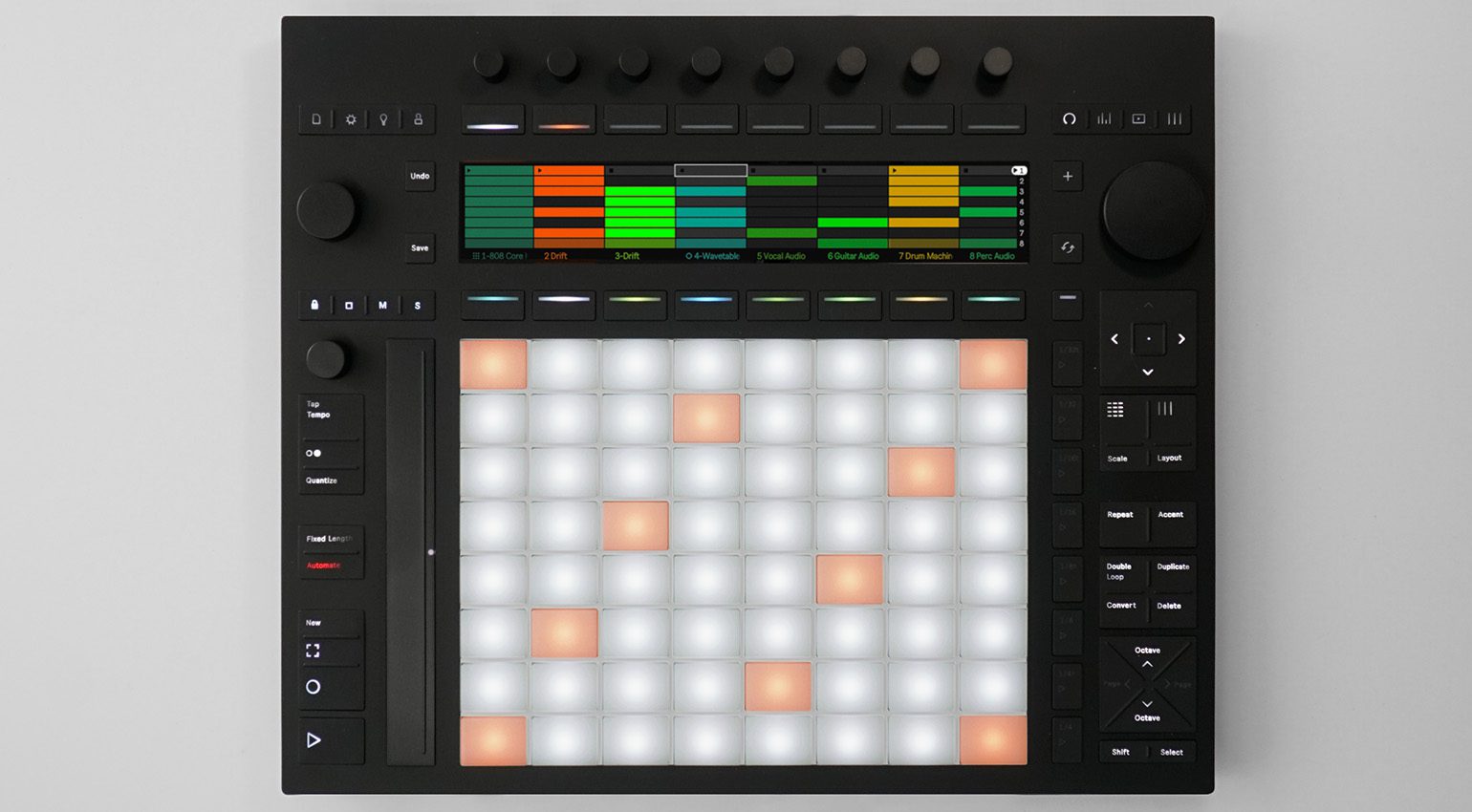
In terms of complete DAW integration and unlocking creative features, the only control surface that comes close to the Ableton Push is perhaps the Avid S4, which still costs as much as a house in some parts of the world. Rather than taking the traditional design approach, the Ableton team went in a different direction in order to create the tactile and expressive instrument that is Push.
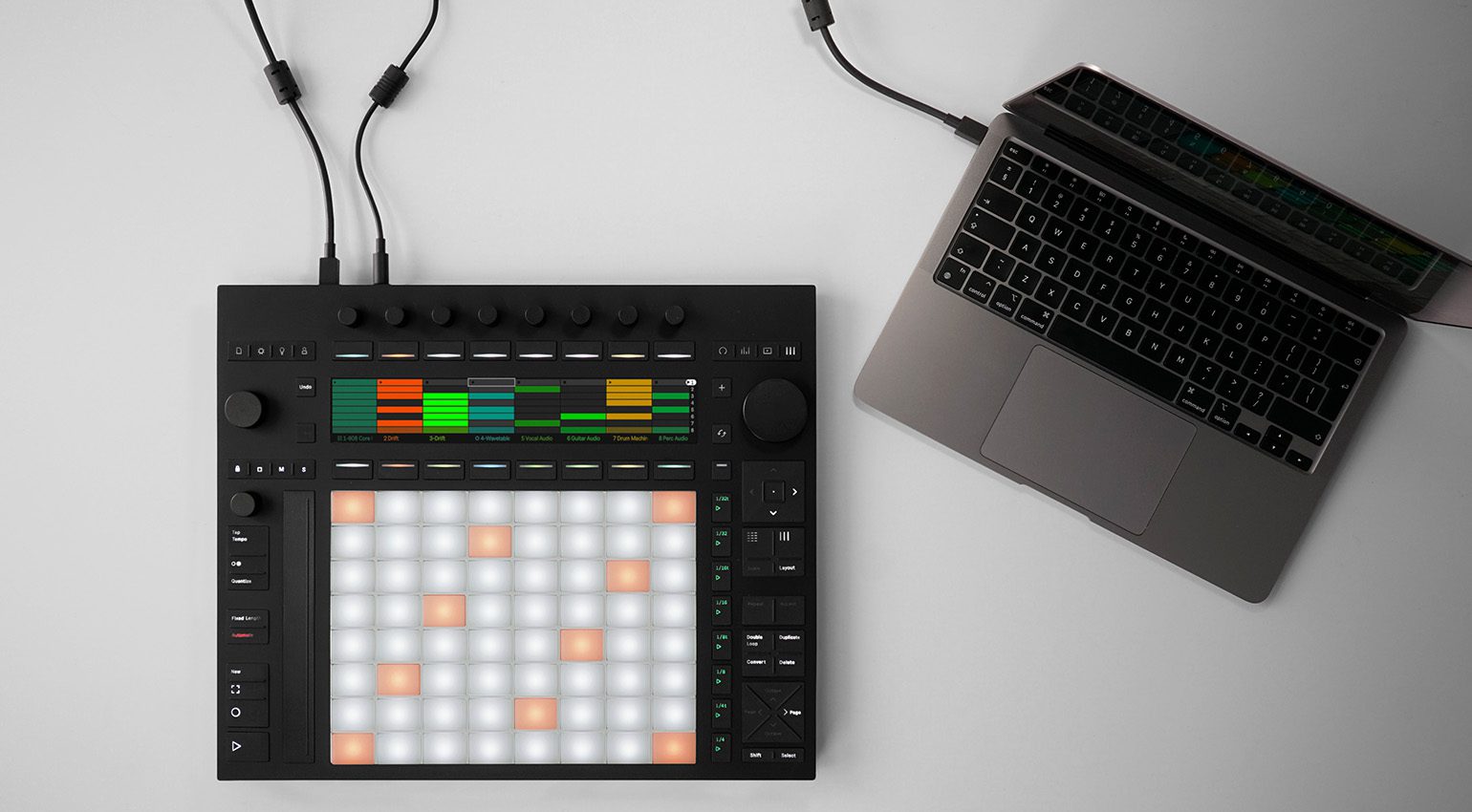
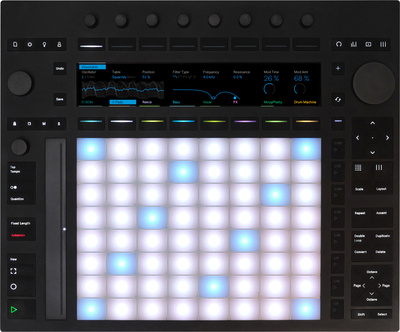
The Push uses an isomorphic layout, with a grid of 64 MPE-enabled silicone trigger pads that allow you to launch clips or play scales and chords without the traditional keyboard geometry. With high-res displays and touch-sensitive encoders, your focus is drawn away from your computer screen, making the Push ideal for live performance or studio production.
The idea of the Push isn’t new anymore, so in the years since the first version was launched (2013), Ableton has taken the time to truly refine and perfect the features and workflow. In its latest iteration, the Push comes in two versions: a controller model with an upgradable architecture, and a portable standalone version with a lithium-ion battery.

Workflow Tools: Steinberg SpectraLayers Pro
Even if you’re a professional mix engineer who regularly receives the most beautifully recorded stems on the planet, there are still situations where a greater degree of ambience control is required to bring a mix up to commercial standards. Matching the drum overheads to the rest of the kit, for example, can be a crucial part of this.
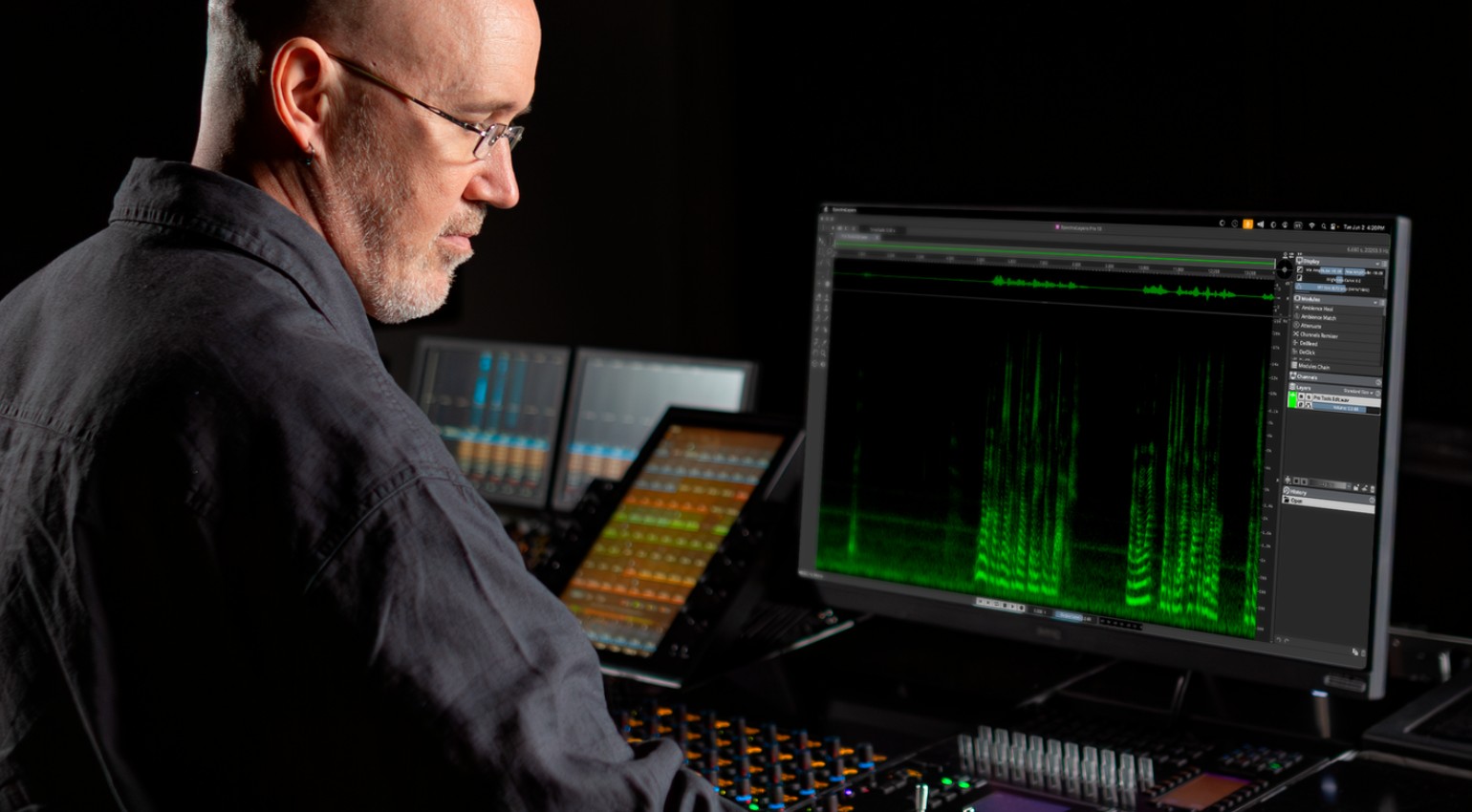
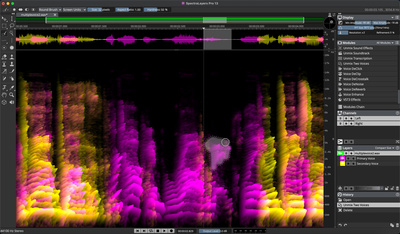
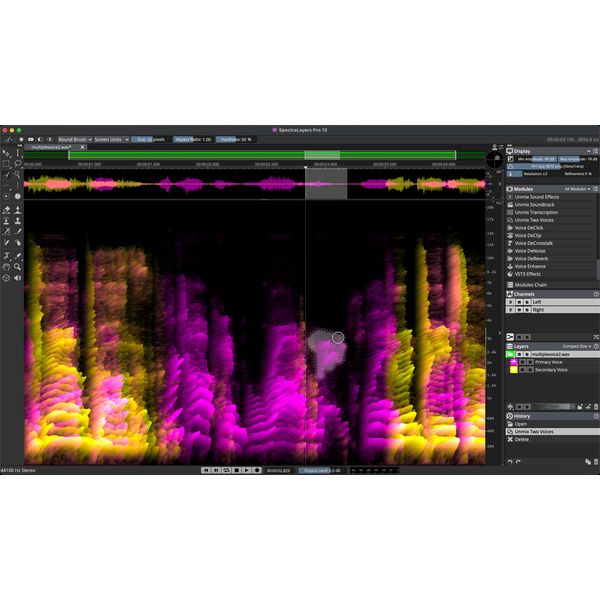
While like iZotope RX, SpectraLayers is designed primarily for dialogue and post-production, there are plenty of ways it can improve your recording and mixing workflow. With features like Voice DeClick, you can remove the unwanted mouth noises from a vocal recording that often happen when the performer is getting up close to a condenser mic.
In addition, for problematic recordings with background noise, the Reconstruct Module lets you remove unevenly pitched tonal elements and noise, while the Ambience Heal feature replaces the room tone after you have unmixed a particular sound. Overall, its visually oriented layer-based workflow makes SpectraLayers a useful tool for perfecting or manipulating any acoustically recorded material.

Workflow Tools: FabFilter Pro-Q
While it’s hard to say that one single EQ plugin improves your workflow compared to another, there are occasions in which certain developers create unique features that turn individual plugins into a production ecosystem. One of the best recent examples of this is the FabFilter Pro-Q’s instance list feature that provides an overview with quick access to every instance of Pro-Q 4, Pro-C 3, Pro-DS, and Pro-G in your DAW session.
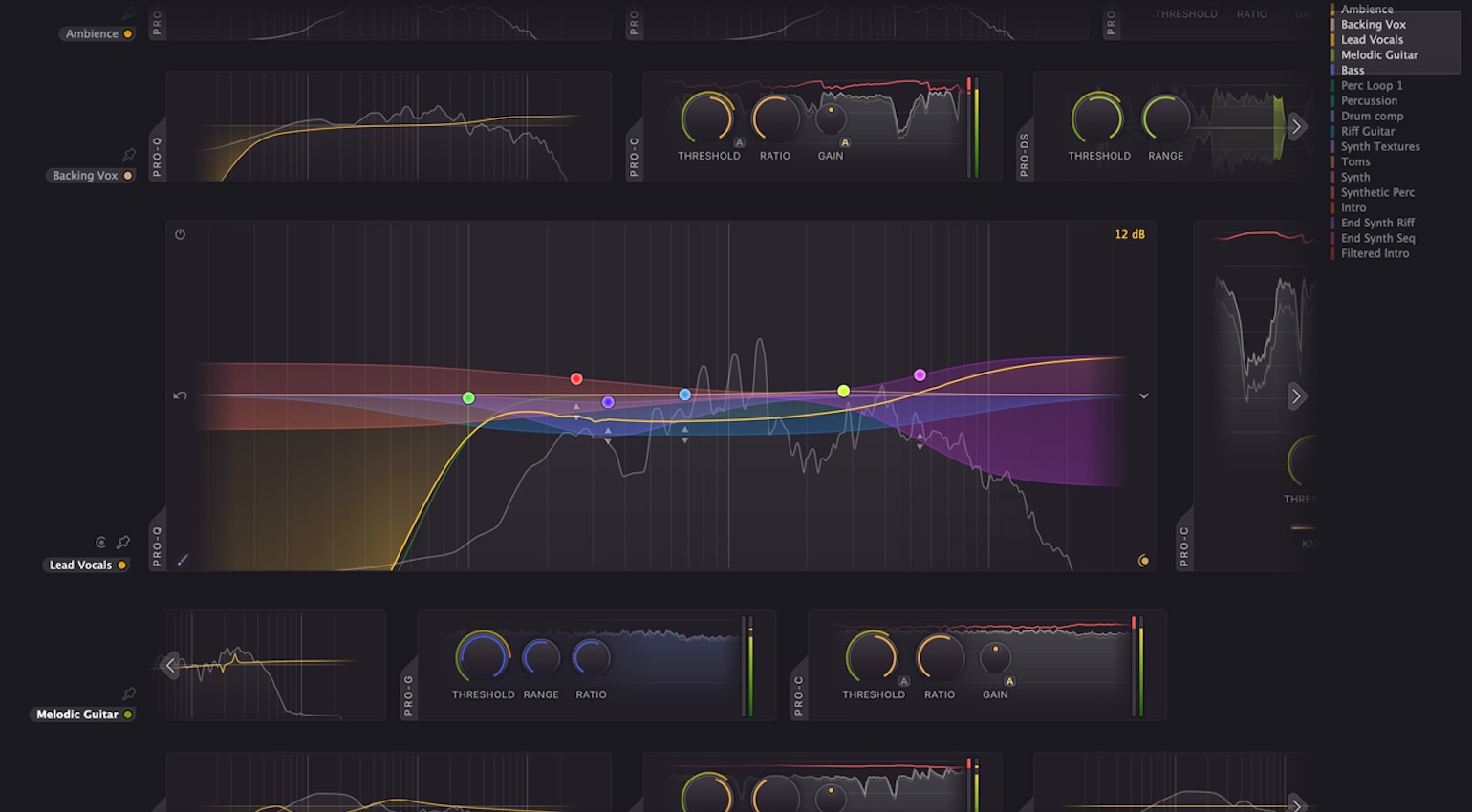
Even if you only have Pro-Q and Pro-C, this instance list provides a console-like view with limited controls, metering, the ability to change presets, and you can instantly zoom into the main plugin interface of any of the aforementioned FabFilter plugins in your project. The only catch is that this is, of course, a manufacturer-specific function that requires Pro-Q 4 to access it, which encourages you to buy into the FabFilter way of doing things.
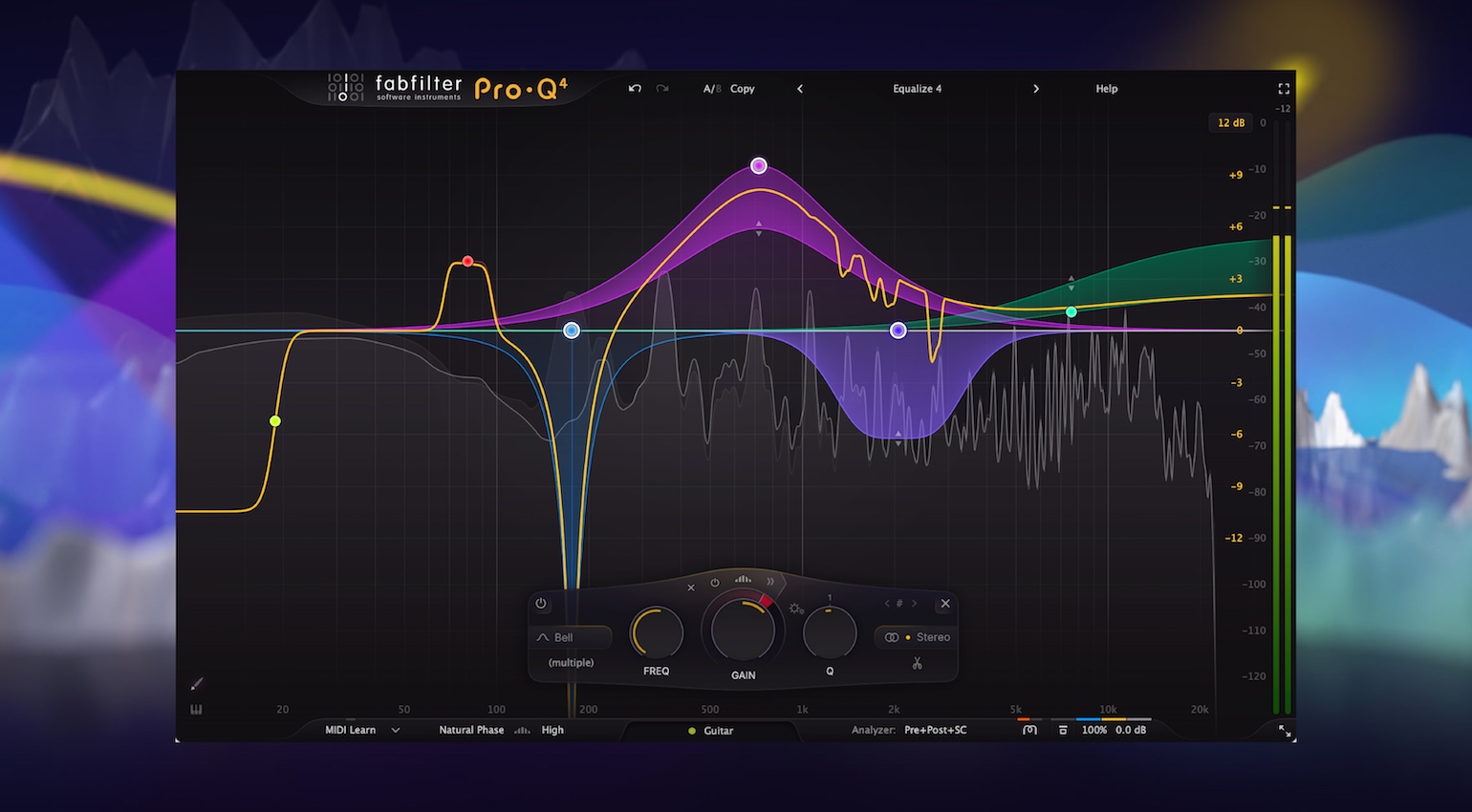
However, being that many of the FabFilter plugins are industry standards, and none more so than Pro-Q, the risk is far less because these are tried and tested tools used and loved by so many professionals. Also, once you dive into features like the per-band dynamic and spectral processing modes and see how easy they are to use, it becomes a worthwhile addition to your DAW workflow.

Workflow Tools: Softube Console 1
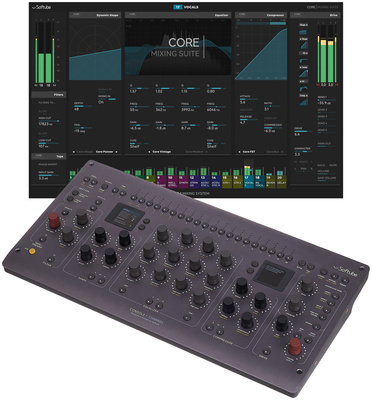
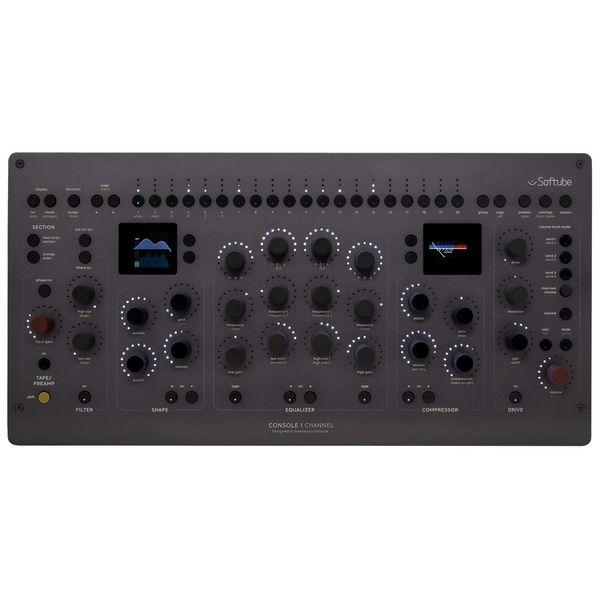
Softube Console 1 is a native mixing ecosystem with a software platform that is divided into three parts that work together, including the plugin, the standalone app, and the DAW integration layer running underneath. The Console 1 plugin gives you access to channel strips and mix bus chains, while the standalone on-screen display (OSD) bridges the gap between hardware and software.
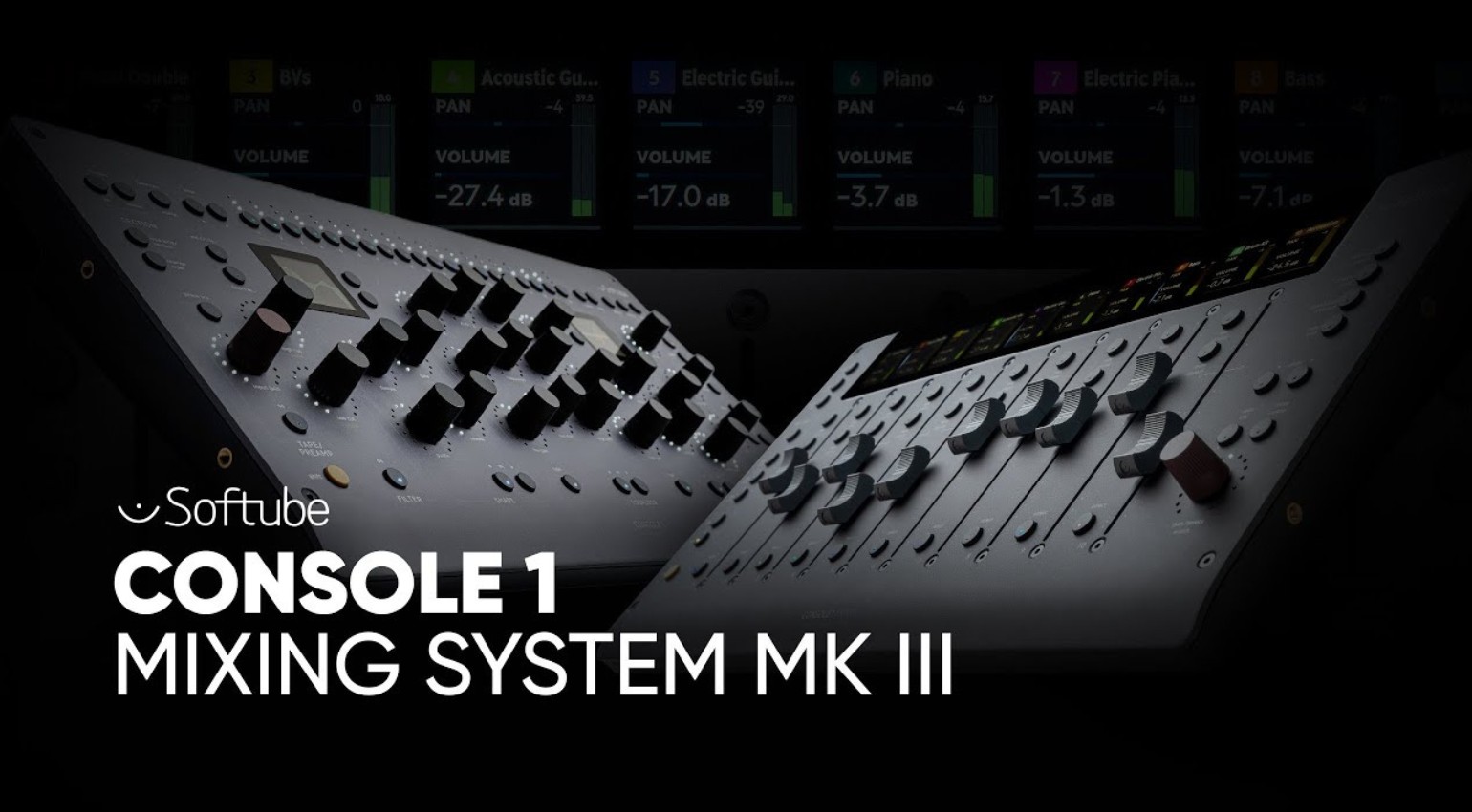
Included with the Console 1 Channel Mk III is the Core Mixing Suite, a processing chain that divides the workflow into five separate areas including preamp and saturation models, transient shaping, EQ, compression, and console circuit emulation. The hardware controllers provide instant control over these sections on any supported DAW, including Logic Pro, Studio Pro, Cubase, Nuendo, Ableton Live, and LUNA.
Meanwhile, the standalone app allows the Console 1 hardware controllers to communicate directly with your DAW without the need to target the plugin. This enables a control link for transport controls, volume faders, pans, mutes, solos, and aux sends, which can elevate your overall mixing workflow.

More about Workflow Tools:
*Note: This article contains affiliate links that help us fund our site. Don’t worry: the price for you always stays the same! If you buy something through these links, we will receive a small commission. Thank you for your support!

This might also interest you