Softube Flow Studio: Powerful Macro Mixing With a Hardware Twist – Review
Why This Controller Could Change the Way You Mix

 5,0 / 5,0 |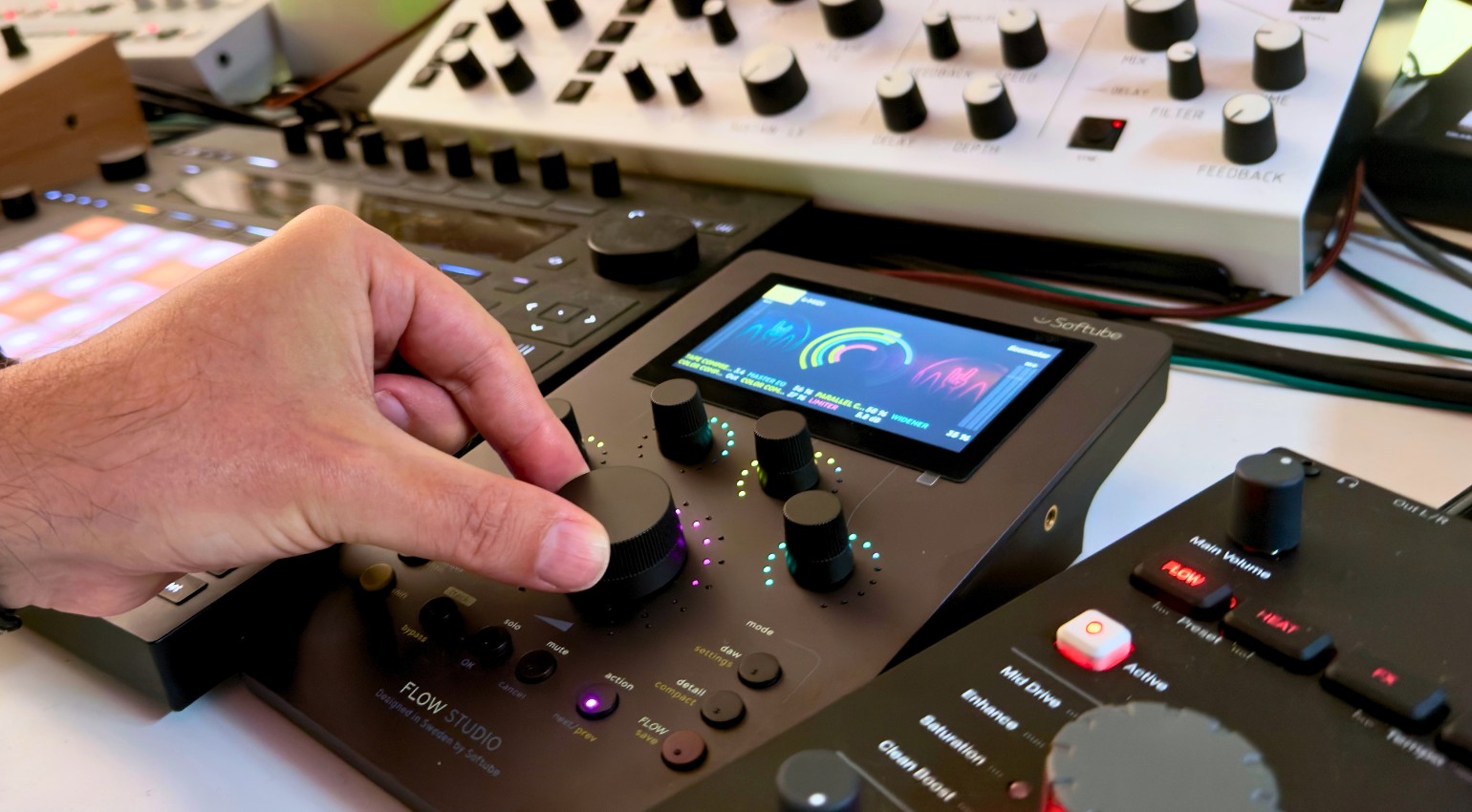
Softube Flow Studio: Powerful Macro Mixing With a Hardware Twist – Review · Source: Marcus Schmahl

Mixing takes time. Too many plugins, too many decisions, too much fine-tuning. This is exactly where Flow Studio comes in and flips the process. Instead of tweaking every parameter, you control entire signal chains with just a few knobs. It sounds radical, and in the studio it feels exactly like that. I took a closer look at how it actually performs in a real-world setup. Review.
Softube Flow Studio – Key Facts
Softube Flow Studio follows a clear idea: less detail work, more direct decisions in sound. Here are the essentials:
- USB-C hardware controller combined with Flow Mixing / Mastering plugin and on-screen display
- Flow Mode, Detail Mode, and DAW Mode as core workflows
- “Flows” as prebuilt signal chains for typical tasks
- up to 8 macro parameters per Flow
- 100+ Flows and 25+ included Softube effects, expandable via subscription
- support for 80+ Softube plugins and 300+ Flows overall
- built-in Flow editor for custom chains
- DAW control for volume, pan, solo/mute, and sends
- focus on speed rather than detailed editing
Overview: How Flow Studio Works in Real Studio Workflows
Softube Flow Studio in Review
Flow Studio is not a typical hardware controller and not just a plugin. It is a closed system that combines hardware, software, and a specific workflow concept. That is exactly what makes it interesting. There’s no need to discuss the quality of the hardware — it’s typical Softube and feels very high quality.
While many tools try to replicate traditional mixing workflows, Softube takes a different route. Flow Studio does not focus on channel strips or individual devices. Instead, it works with complete signal chains controlled through macros.
The system pushes you to make faster decisions instead of getting lost in details. That is why I brought the controller into my studio to see how it would change my workflow.
Flow Studio in Flow Mode: Why Mixing Suddenly Feels Faster
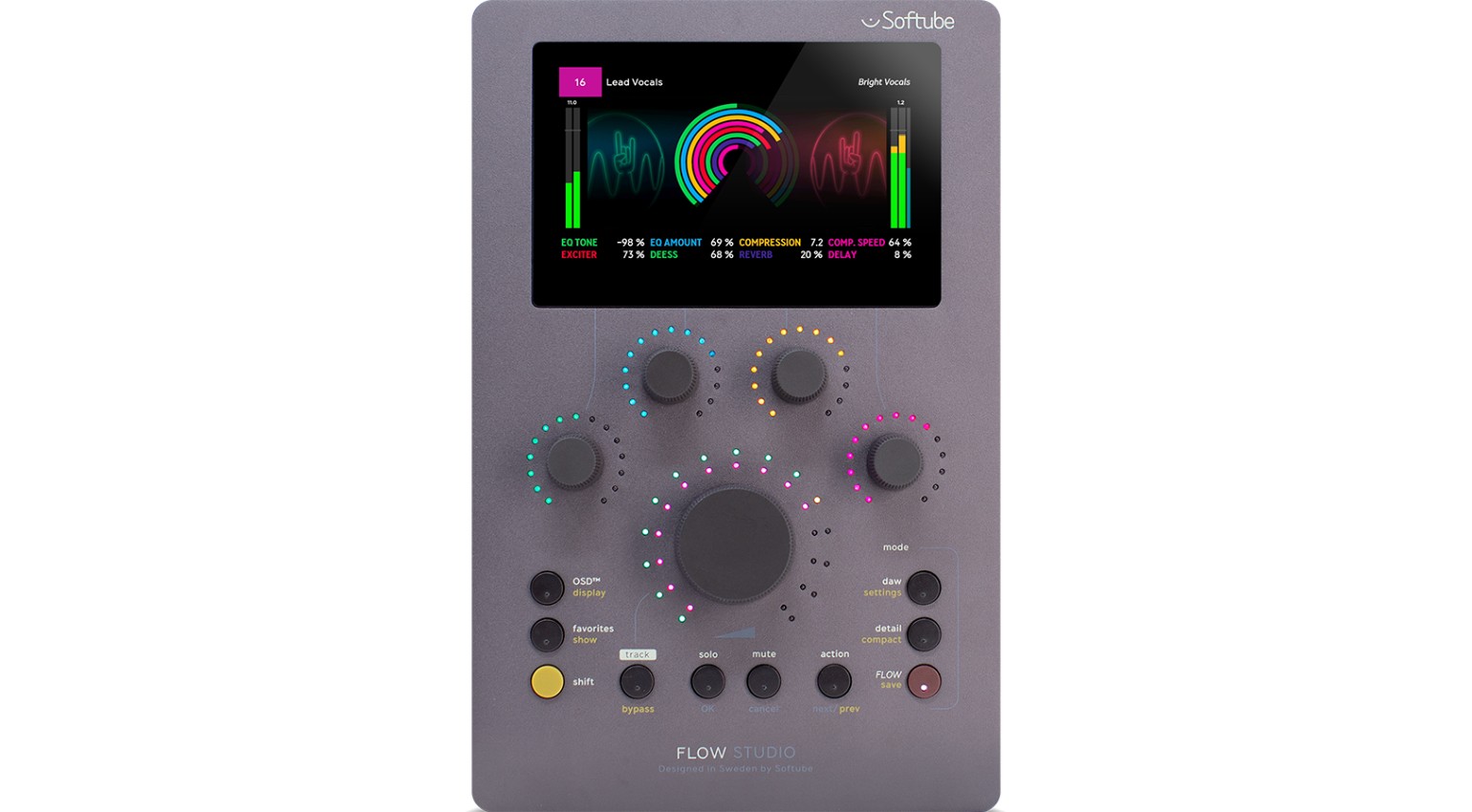
The main entry point is Flow Mode. This is where you work with so-called “Flows”. These are prebuilt signal chains designed for common tasks like drums, vocals, synths, or guitars. Each Flow combines multiple effects and is controlled with just a few knobs.
These knobs are not traditional parameters. They are macros. A single turn of the “Big Knob” can adjust multiple settings across different plugins at once, including EQs, compressors, and effects within the chain.
The so-called Omni Knob takes this concept even further. Depending on the mode, it controls several macros at once or acts globally on the signal path, for example adjusting input or output levels.
This does not feel like traditional mixing. It feels more like sound design on a higher level. And it works surprisingly well right away.
Detail Mode: How Much Control You Actually Keep
As fast as Flow Mode is, Detail Mode is essential for balance.
Here you can dive deeper into the signal chain. You can step through individual plugins, adjust parameters directly, and shape the sound more precisely. One of the most useful features is the ability to create custom “favorites”, combining parameters from different plugins on a single page.
Flow Studio does not become too shallow. This is where you find out if the concept really holds up. You still have access to detail, but only when you actually need it.
DAW Mode: Integration Into Your Studio
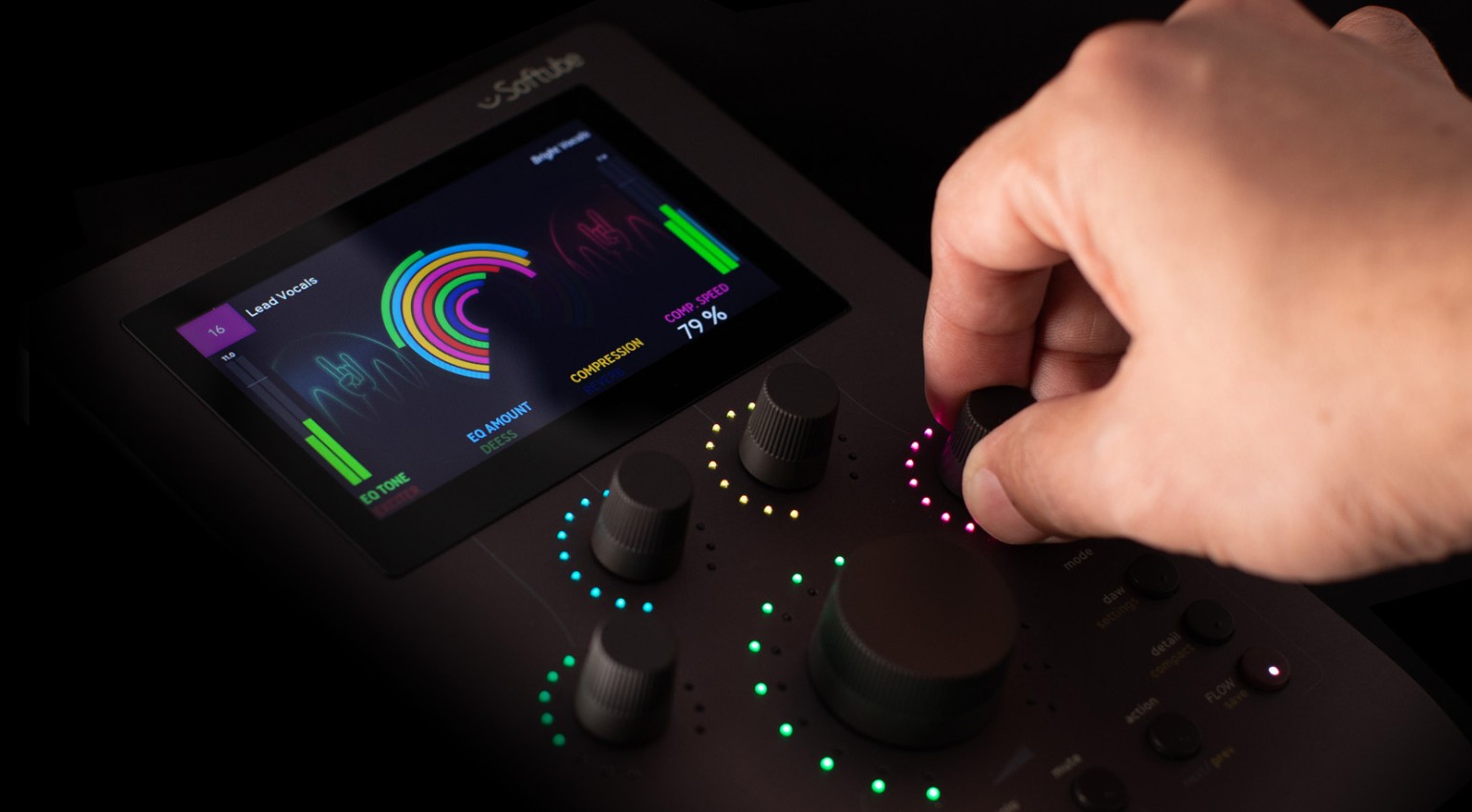
Alongside Flow and Detail Mode, there is DAW Mode. This is where the controller handles standard tasks. In DAW Mode, Flow Studio directly controls volume, pan, solo, mute, sends, and track selection in a hands-on way.
This is not a revolution, but it matters in daily work. You do not need an additional controller, and you do not have to constantly switch between mouse and hardware.
That said, the focus clearly stays on working with Flows. DAW control is limited to essential functions.
Flows in Flow Studio: Why This Becomes a System
The most important part of Flow Studio is the concept behind the Flows. With over 100 included Flows and support for many more, it quickly becomes more than just a controller. It turns into a broader platform for mixing and mastering.
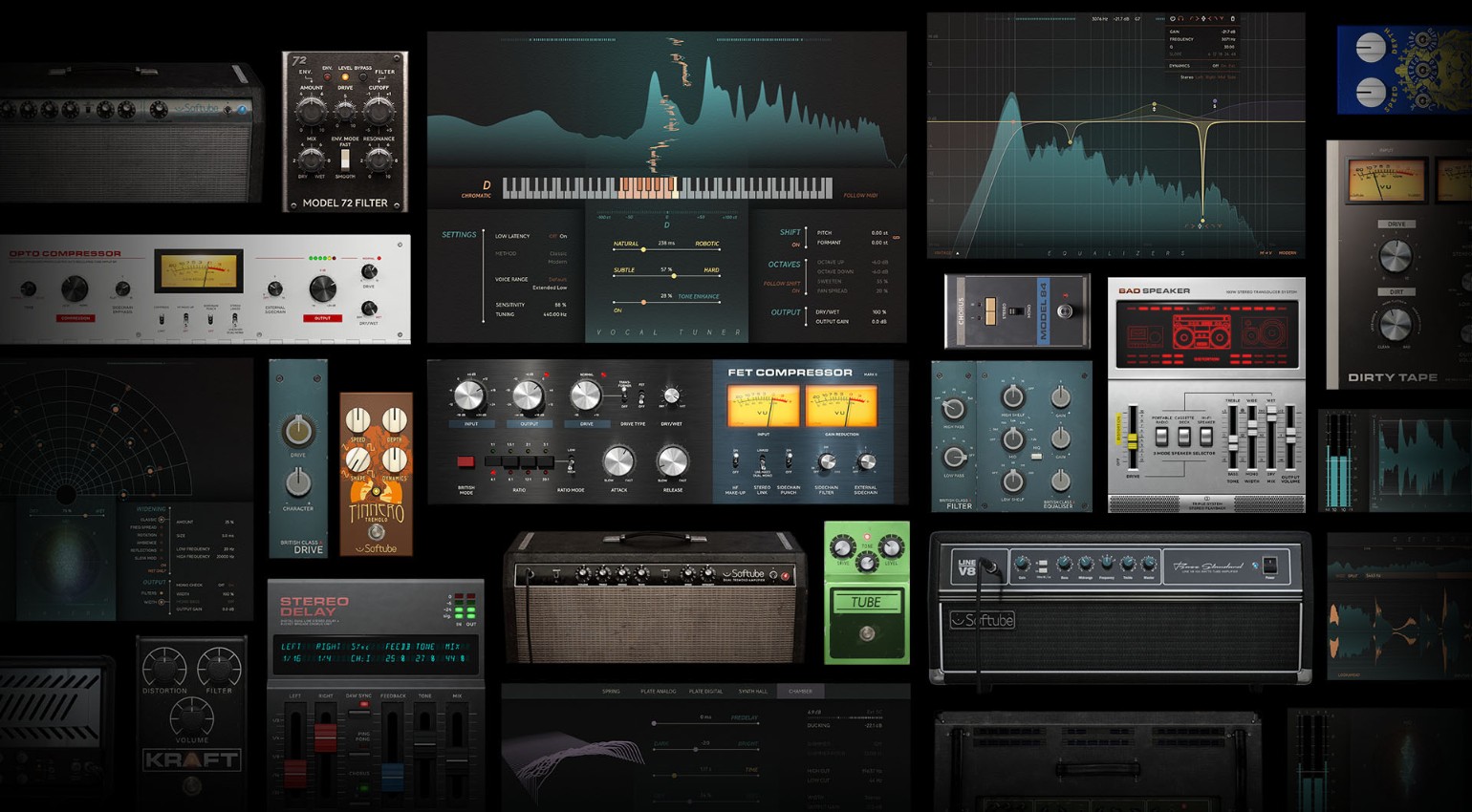
The included Softube effects form the foundation, but you can expand the system with additional plugins.
You can also create, save, and share your own Flows. Over time, this allows the system to adapt to your workflow instead of forcing you into a fixed structure.
Flow Studio vs. Console 1: Two Different Approaches
Softube positions Flow Studio alongside Console 1, but the concepts are very different. Console 1 focuses on traditional mixing with channel strips, fixed parameters, and muscle memory.
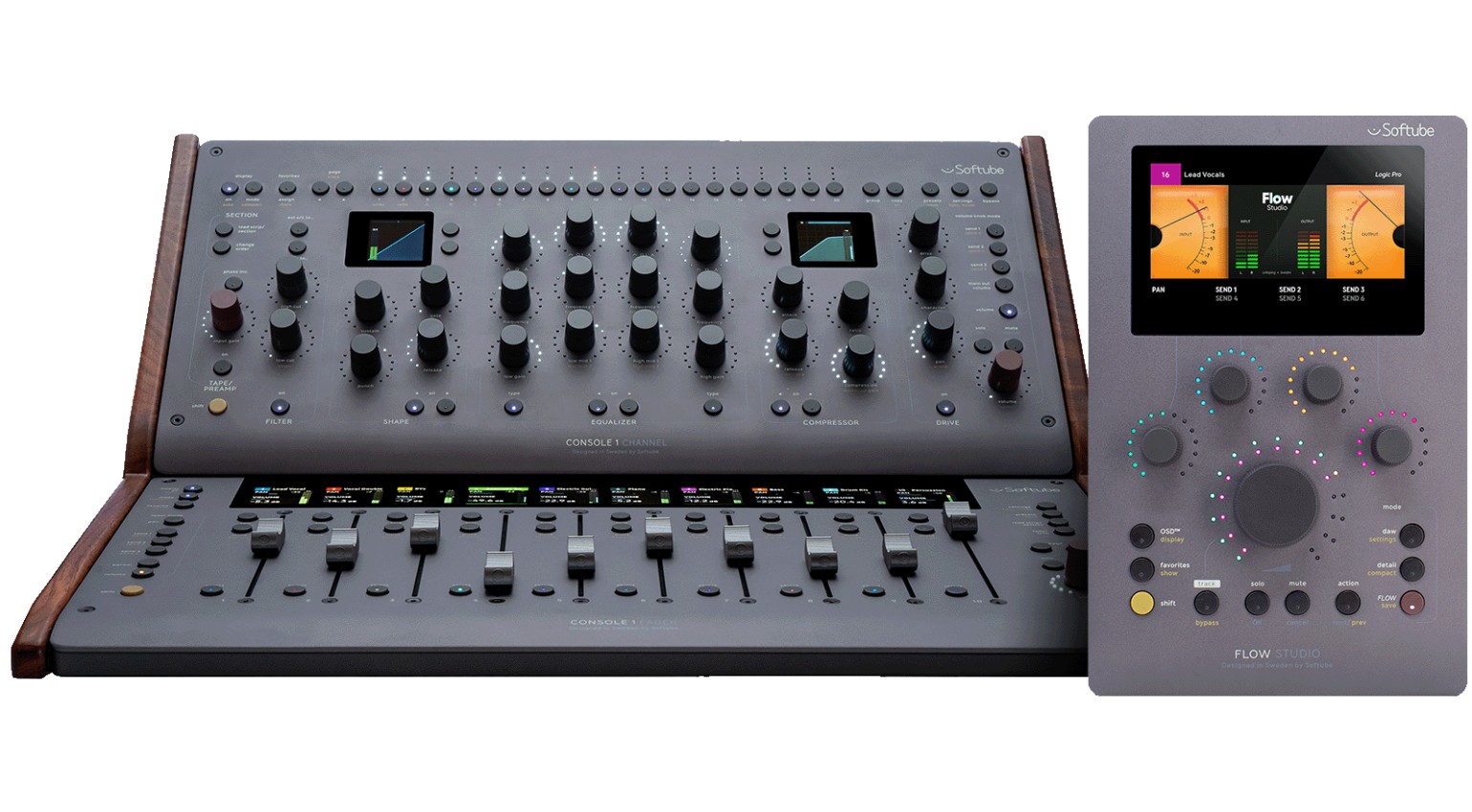
Flow Studio takes another direction. It uses macros instead of individual parameters, full chains instead of single plugins, and prioritizes speed over precision.
The two approaches do not compete. They can complement each other. Flow Studio is about quick decisions, while Console 1 is about detailed control.
Practice: What Flow Studio Actually Changes in the Studio
The concept sounds promising on paper, but it becomes interesting in practice. I tested Flow Studio in my own setup with Ableton Live 12 to see how it behaves in real production scenarios.
In electronic music production, many ideas come from movement. Filter sweeps, modulation, and effect automation play a key role. This is exactly where Flow Studio shows whether it opens new creative possibilities or not.
Using the Controller
To control a channel with Flow Studio, you need to insert the Flow Mixing plugin on that channel. This is essential. Only then can the controller read and control the channel data.
This works similarly to the Console 1 workflow. Without an active Flow, the plugin uses almost no CPU. That means you can place it on your main channels without worrying about performance.
Shaping and Moving Drums
Drums immediately show what Flow Studio is about. Instead of loading plugins and setting parameters, you work with complete chains. A drum Flow already includes a usable base processing for kick, snare, and loops. The macros control elements like punch, transients, saturation, and space.
It reacts instantly and removes the need to think about plugins first. Decisions happen in the moment instead of after loading the next tool. It feels direct and keeps you in the flow instead of pulling you out of the track.
Synths and Sound Design
Flow Studio becomes especially interesting with synth sounds. Here, the focus shifts away from traditional mixing toward shaping the sound itself. The macros often affect multiple areas at once and can change the sound significantly.
It feels more like playing an instrument than mixing. Small movements lead to big changes. For sound design and idea generation, this can be highly inspiring. It is easy to get lost in the sound, and that is exactly the point.
Mixing and Master Bus
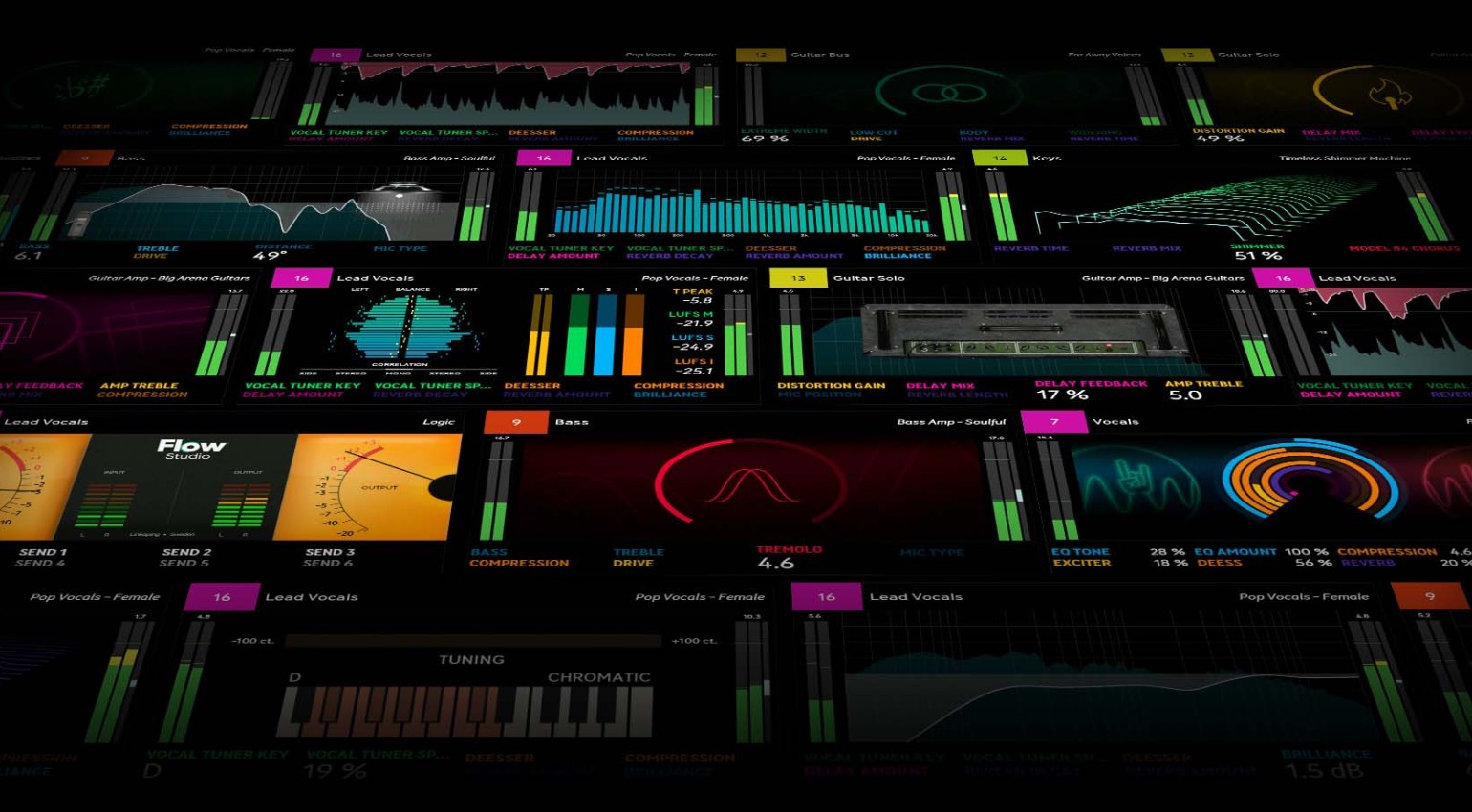
In a mixing context, Flow Studio shows a different side. It is not about fine adjustments but about fast directional decisions. Instead of focusing on individual parameters, it emphasizes the overall picture of balance, tone, and dynamics.
It can also work on the master bus for quick shaping or initial adjustments. Gain staging is important here. Softube recommends input peaks between -12 dB and -6 dB for optimal results.
Typical Use Cases in Electronic Music
Flow Studio works particularly well for building drum sounds quickly, shaping synths and effects, and creatively processing vocals, loops, and samples. It also fits well for fast mix sketches and as preparation before detailed mixing.
Conclusion
Flow Studio is not a traditional mixing system, and it does not try to be one. It shifts the focus away from individual parameters toward broader sound decisions. This makes the workflow more direct and often more creative.
At first, it feels unfamiliar. After a short time, you notice how quickly you reach results without getting stuck in details. Flow Studio pushes you to listen more and analyze less. That alone can make a real difference in the studio.
Price and Specifications
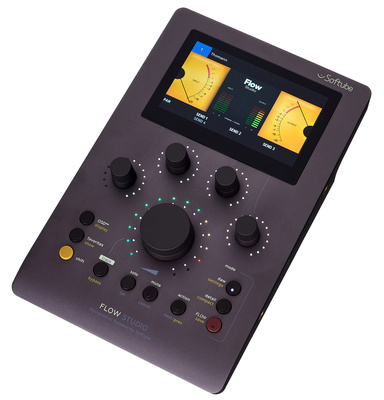
Softube Flow Studio is available now at Thomann* for €389. The package includes the Flow Studio Suite with 25 Softube effects. An optional Flow subscription unlocks up to 145 additional Flows and over 65 plugins. The hardware features five touch-sensitive analog-feel knobs, a high-resolution 4.3-inch display, and a low-latency DSP for plugin monitoring.


Pros and Cons
Pros
- very fast workflow
- macro control over complete signal chains
- inspiring approach to sound design
- faster decision making in the mix
- combination of hardware and software
- expandable ecosystem
- high-quality hardware
Cons
- requires some adjustment
- less suited for detailed mixing
- strongly tied to the Flow concept
FAQ
What is Softube Flow Studio?
A system combining a hardware controller and plugin to control signal chains through macros.
What are “Flows”?
Prebuilt effect chains that can be controlled with just a few knobs.
Can you create your own Flows?
Yes, you can build, save, and reuse custom chains.
Is Flow Studio suitable for mixing?
Yes, especially for fast decisions and broad sound shaping.
Does Flow Studio replace traditional plugins?
No, it complements them with a different workflow.
More Info
*Note: This article contains affiliate links that help support our site. The price for you stays the same. If you purchase through these links, we receive a small commission. Thanks for your support!

This might also interest you
2 responses to “Softube Flow Studio: Powerful Macro Mixing With a Hardware Twist – Review”

powerful with no transport buttons. simple design missing. Not as powerful then…
No touchscreen?