How To Remove Noise From Guitar Recordings: 7 Easy Fixes for Hum & Hiss
Save your sanity and your songs!

 5,0 / 5,0 |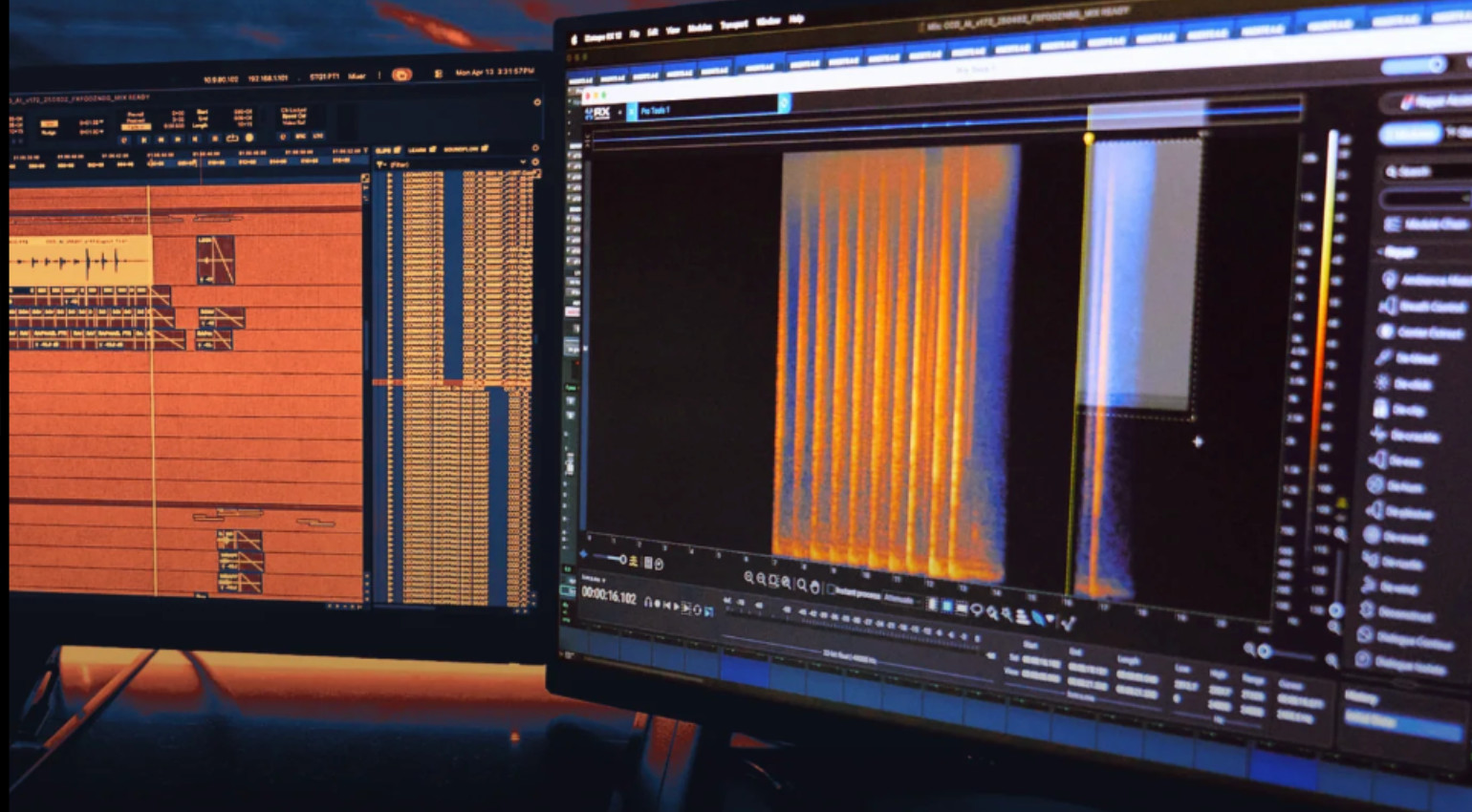
How To Remove Noise From Guitar Recordings: 7 Easy Fixes for Hum & Hiss · Source: iZotope

Some of the biggest issues when recording guitars are noise, hiss and hum. Of course, you can always re-record instead of trying to remove noise from guitar recordings. But there are too many situations for home recorders and bands alike where that isn’t possible and you really need to clean up the recorded guitar sound.
Key Takeaways
- First, check the DI track in your DAW without any plugins. If it sounds clean, look for the problem in the plugin chain.
- The most effective solution to remove noise from guitar recordings is editing: Cut out all sections where the guitar isn’t playing, and add fades to each clip.
- Place a noise gate before the amp plugin to have a (less precise) automated way to remove noise from the silent parts.
- To combat hum, apply narrow EQ cuts at 60 Hz and its harmonics.
- Denoisers like iZotope RX or the Acon Restoration Suite 2 are the last possible solution.
Remove Noise from Guitar Recordings: Where Does The Hum and HIss Come From?
Strictly speaking, it’s not the guitar itself that’s making the noise, but the signal you hear. Many factors influence the signal on its way from the pickup to your DAW. Let’s take a quick look at the most important ones and how to prevent noise and hum in the first place.
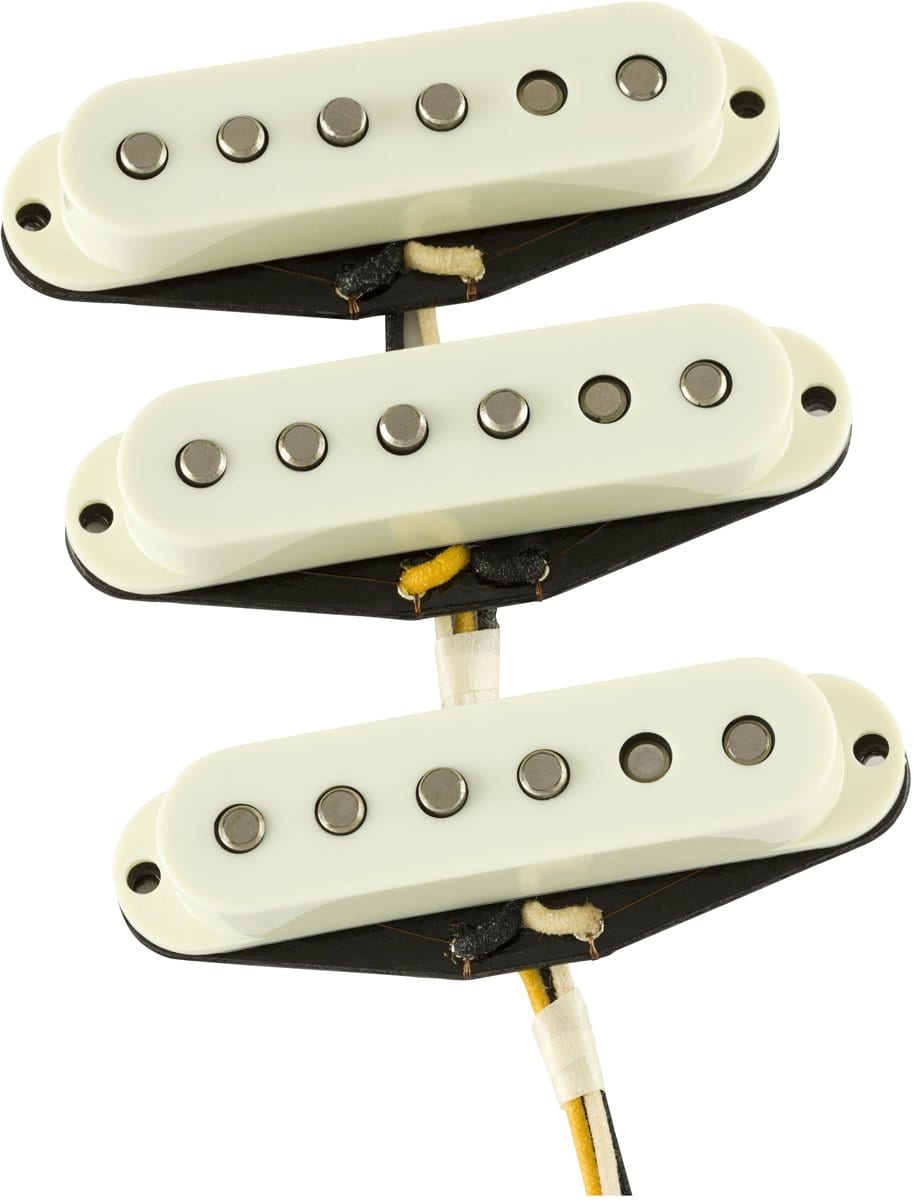
- Single-coil: If you’re playing a single-coil pickup on your guitar, there are many cases where there’s not much you can do about the hum. Many players use a noise gate pedal to keep the noise under control on stage. After all, noise really only gets in the way when the guitar is not playing.
- Electronics. It doesn’t take much for interference to occur in the tightly packed electronics around the pickups under the pickguard. A proper setup, or at least a thorough test of the signal path, can make a big difference here to find a possible culprit.
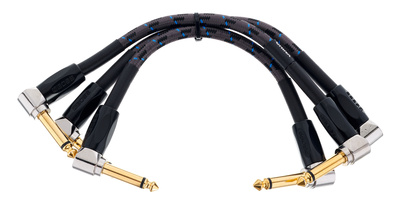
- Cables. Poor quality, too-long, poorly shielded, broken patch cables, loose connectors: Cables can be a major source of noise or hiss. If the guitar itself is ruled out as the source of the problem, it’s time to replace and test cables.
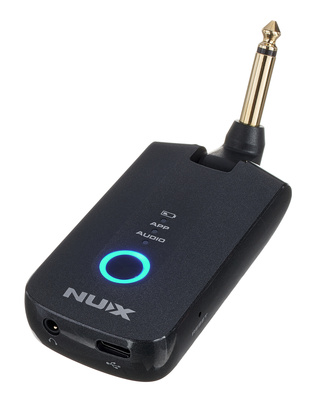
- Audio interface. A recent example from my demo recording experience: I bought a Nux Mighty Plug Pro* for quick demo recordings, and it hissed and hummed terribly as soon as I connected it to the mac—until I removed my laptop’s power adapter. Also check your interface’s input gain, which can be set too high and amplify your guitar’s background noise.
These are just the most important areas to check when you’re dealing with a guitar that’s too noisy and you’re looking for solutions for your noisy guitar tracks. So, before you go through these seven tips on how to remove noise from guitar recordings, keep in mind that it’s much better—and often faster—to go through the signal chain from the very beginning. And re-record the whole thing once you’ve eliminated the source.





But it could very well be that the guitarist is on her well-deserved vacation, or that you, as the mixing engineer, have no options to re-record the guitar, or that the band just doesn’t have the energy for it anymore. In that case, you have what you have. Hopefully, that includes a DI track. That’s where you start to remove noise from guitar recordings.
Tip 1: Check the DI track
If the guitar’s recording is noisy, it should ideally only be noticeable when the insert effects in your DAW are active. In other words, the first thing to check in your DAW’s project is the guitar tracks, and specifically the dry signal.
If the noise is barely audible (or not audible at all) when all plugins are disabled, you have plenty of easy ways to solve the problem. Simply activate the plugins one by one, from the beginning to the end of the signal chain, to remove noise from guitar recordings.
Tip 2: Become an Editing Beast
Simply put: Just go through every guitar track and delete all sections of the recording where the guitar isn’t playing. That’s because the noise is most clearly audible in those sections. In other words, go to every section of the track in your DAW where the guitar isn’t playing, but the recording was still running—and hit delete.
This can be especially helpful when you double-track (or triple, or quadruple) guitars. Since you’re layering three, four, or five guitar tracks, the combined hiss and hum can quickly become audible in the supposed silence if the tracks haven’t been properly edited.
How surgically you edit depends on your preferred genre and playing style. For example, in modern metalcore, à la Architects, you’ll find brutal edits, where riffs have been chopped and quantized as if they were MIDI notes. But there’s also very generous editing with longer fade-outs for delicate fingerpicking or jazz chords that linger on forever.
Even—and perhaps especially—with a tight metal edit, small fade-ins and fade-outs at the beginning and end of every clip are a must; otherwise, you’ll hear loads of clicks and pops. And can’t remove noise from guitar recordings.





Tip 3: Noise Gate (with Sidechain)
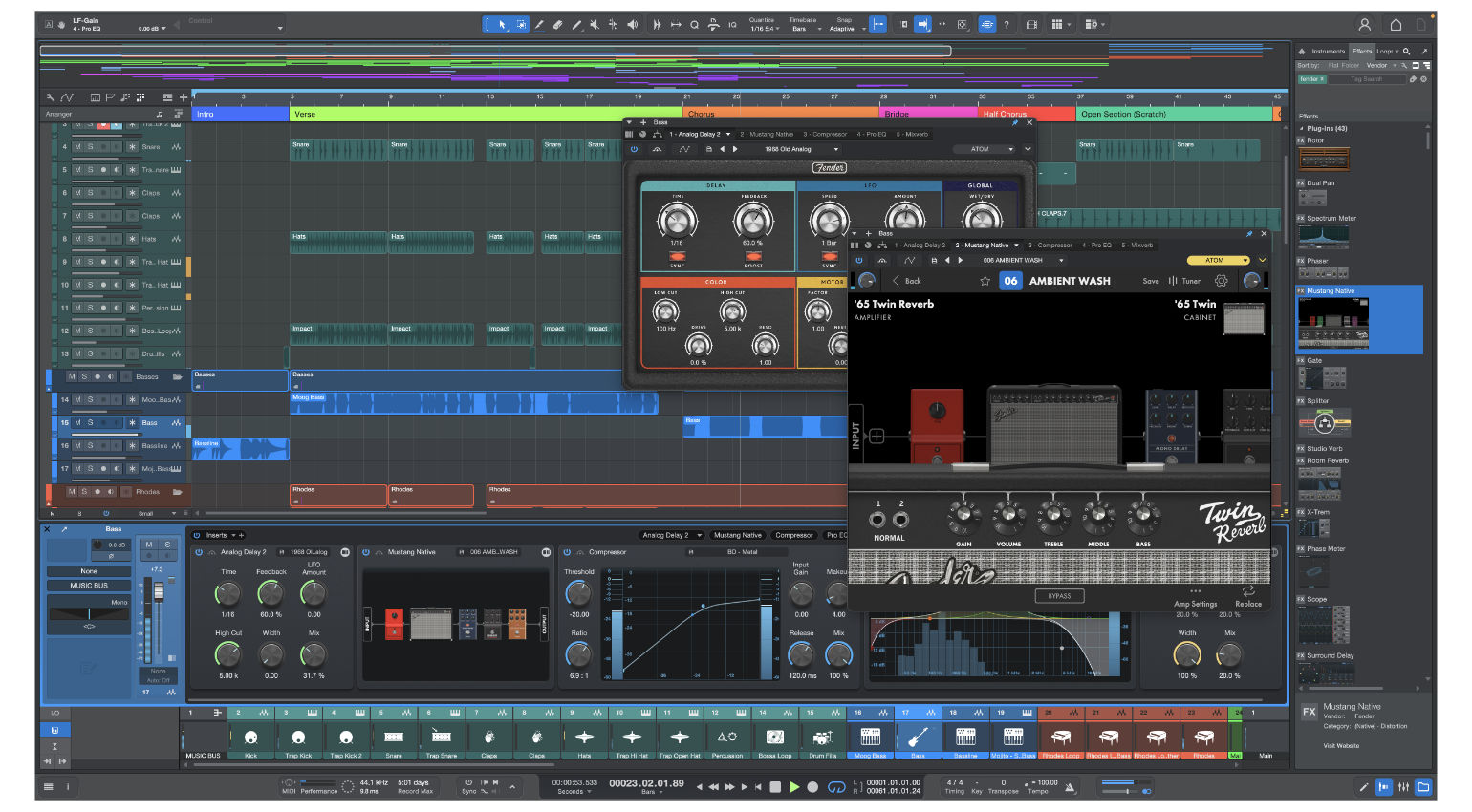
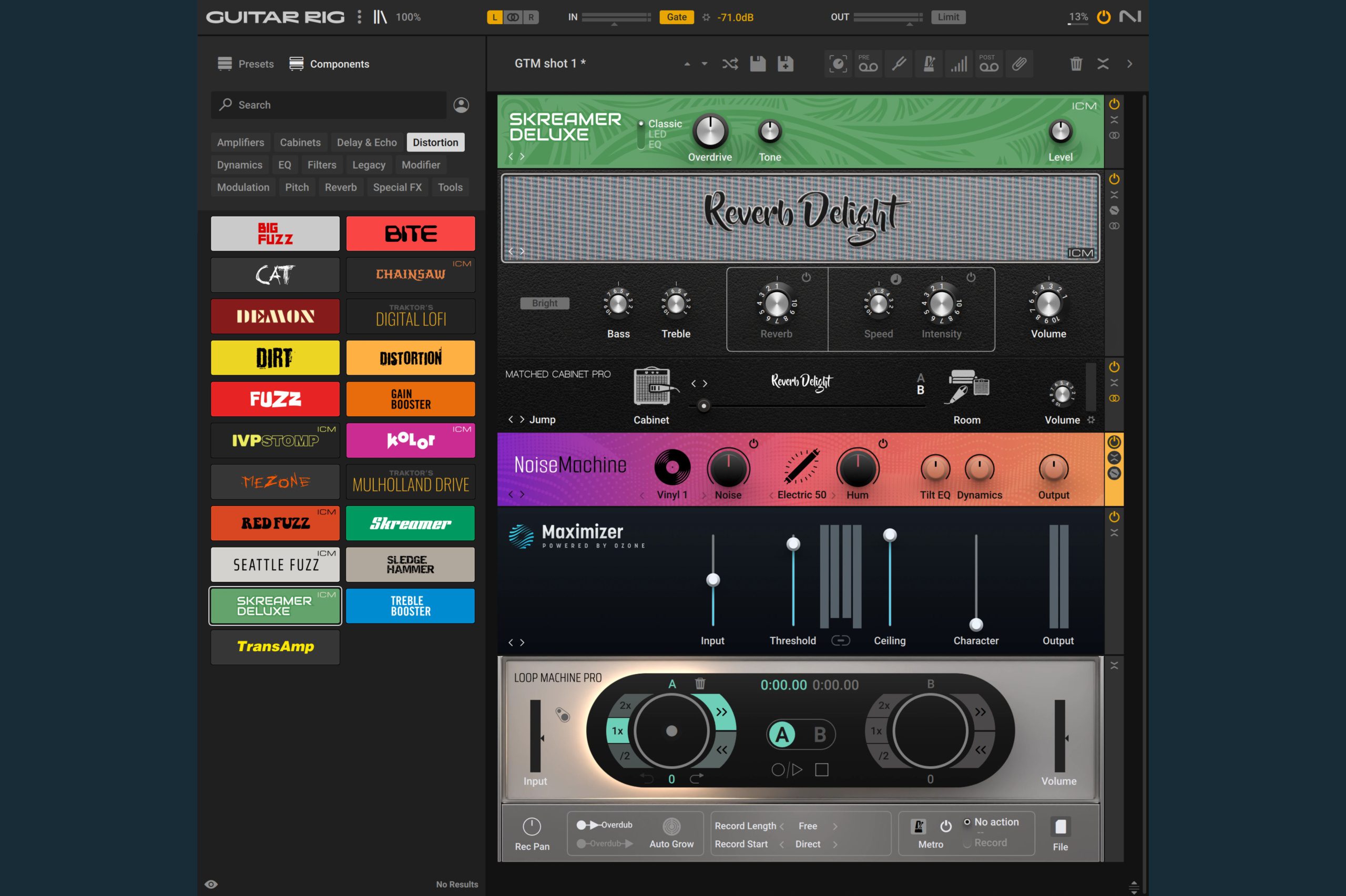
If you’re feeling lazy, use a noise gate to remove noise from guitar recordings. Once set up correctly, the effect automatically does what Tip 2 described as tedious manual work. Almost every modern DAW includes a noise gate plugin, and many guitar plugins—such as Amplitube, TONEX, or plugins from Neural DSP—have a built-in one as well.
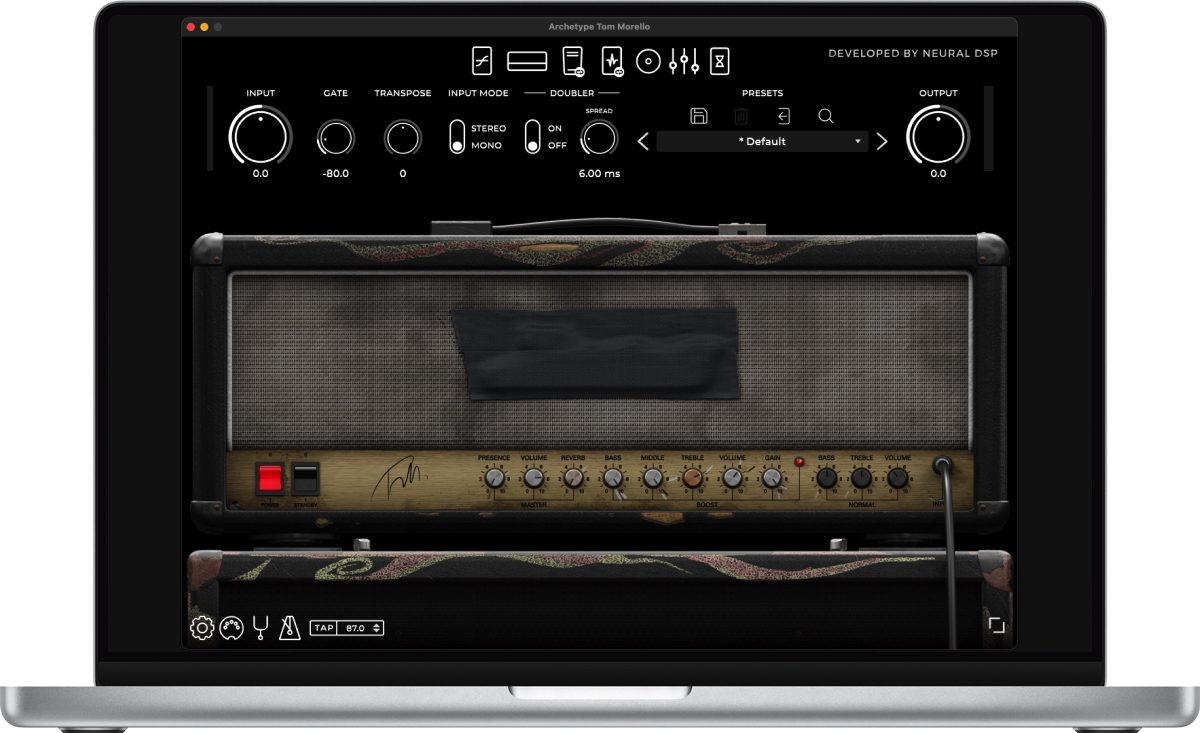
A noise gate’s Threshold determines the volume at which it opens; anything below that level (hopefully just noise and hum) is blocked. Set the Attack as fast as possible so that sudden chord strikes come through fully. Set Hold and Release to longer times so notes and chords can fade out.
Ideally, the noise gate comes before the amp plugin in the signal chain. This is the only way it can respond to the playing dynamics of the DI signal.
Another option: place the noise gate after the amp plugin to remove noise from guitar recordings, but have it respond via sidechain to the dry signal before the amp plugin. This way, everything gets distorted, but the quiet, noisy parts are removed. This, of course, only works with a dedicated plugin, not the built-in ones from guitar plugins.

Tip 4: EQ and Filters
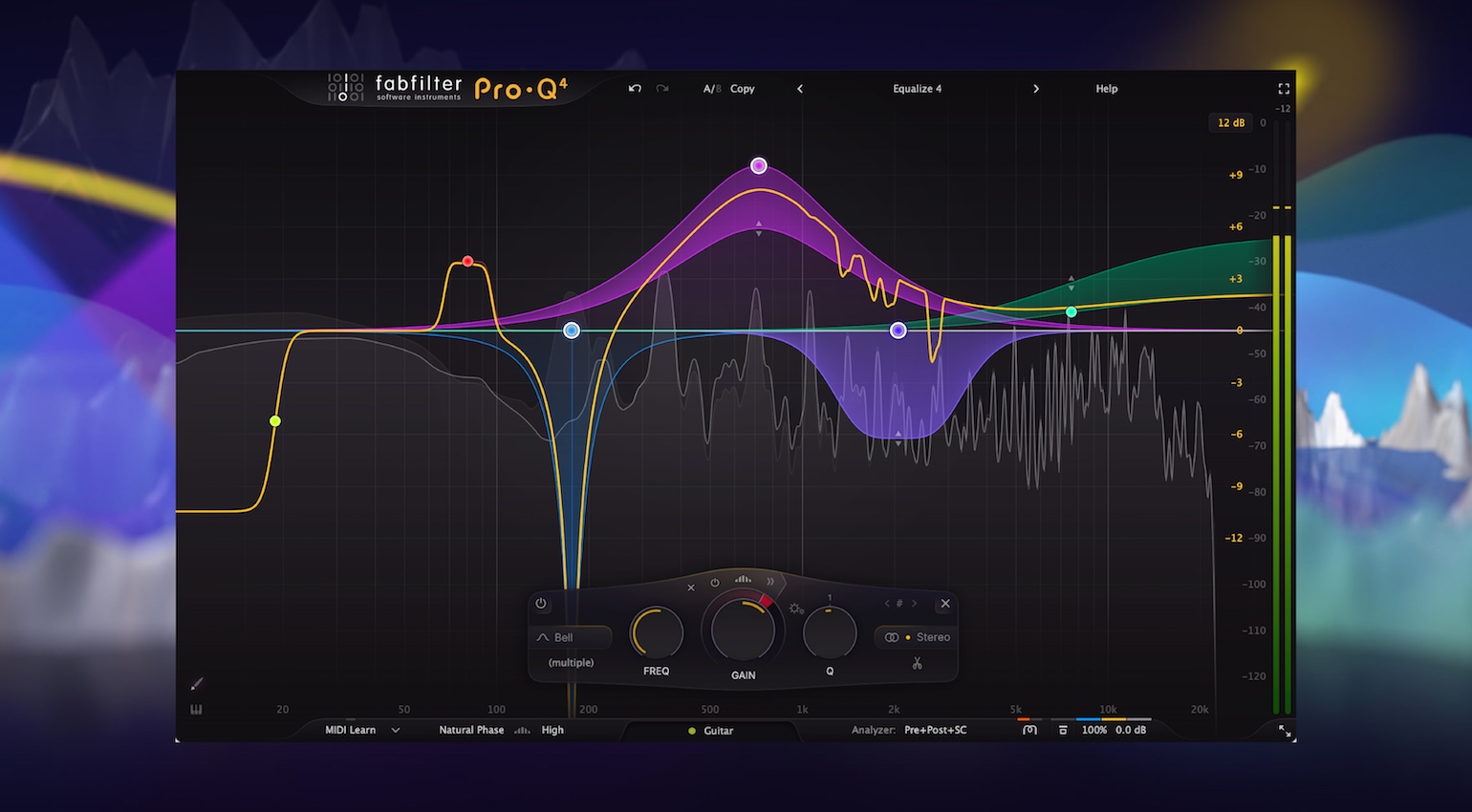
Using EQ or filter plugins to remove noise from guitar recordings be a lifesaver, if you tread carefully. For example, you can quite effectively counteract the dreaded hum, especially during quiet single-note parts, with targeted, narrow cuts at 60 Hz and the harmonics at 120 Hz, 180 Hz, 240 Hz (or 50 Hz and so on when you’re dealing with European hum).
For background noise, a low-cut filter set below 80 Hz can often remove rumbly low frequencies without significantly altering the signal (depending on the genre!).
And in the high frequencies, it gets more difficult. Cutting off the high end with a low-pass filter here can make the guitar tone unpleasantly muffled. A high-shelf filter with a slight roll-off above 5 kHz can sometimes be perfectly fine, if the arrangement allows it.
Tip 5: Resonance Dampening à la Soothe
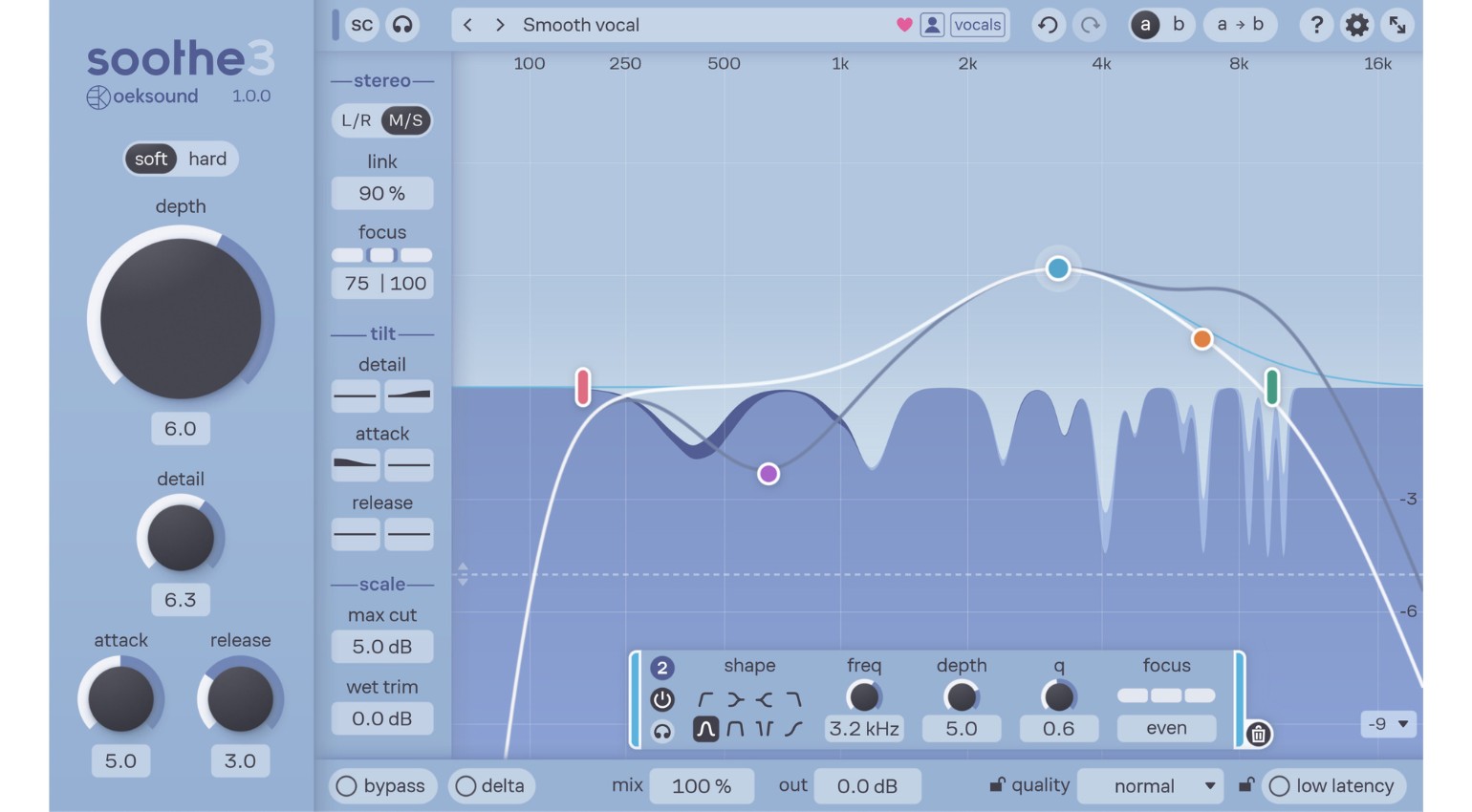
Spectral processors like Soothe 3 or Fabfilter Pro-Q 4* have shown in recent years just how precisely you can now manipulate audio signals to remove noise from guitar recordings. With a little practice, you can remove a lot of background noise this way.
But the same rule applies here: A little goes a long way! That’s because excessive use of these spectral processors can make the guitar signal sound muddy and vague. A beautiful blues riff might lose all of its charm, and we wouldn’t want that!

Tip 6: Noise Reduction Tools
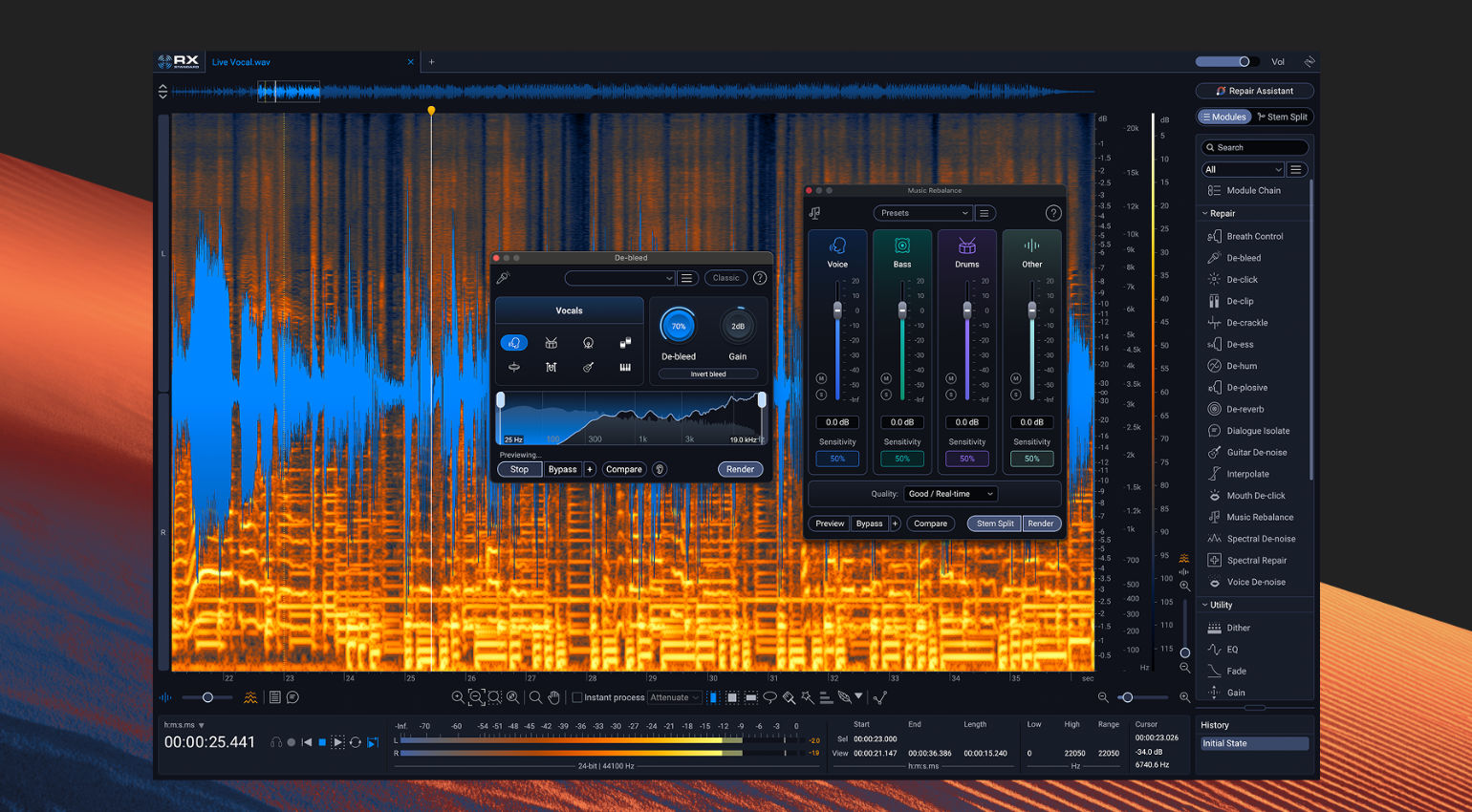
If none of the previous tips have yielded the desired result, it’s time to use powerful noise reduction tools. iZotope RX is the flagship product here. Even the Elements version* includes the “De-Hum” tool, in case you just want to remove hum.
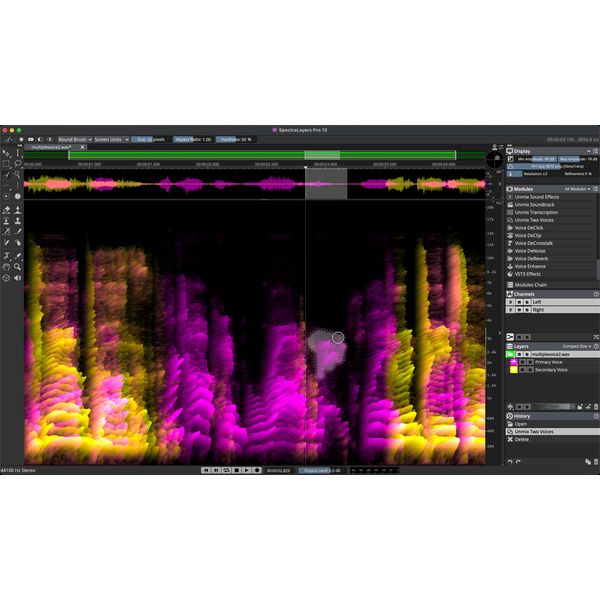
If your guitar signal is noisier and even unpleasantly distorted, iZotope RX Standard* offers a tool specifically designed for this purpose: “Guitar De-Noise.” Steinberg SpectraLayers* also provides some very powerful spectral tools to remove noise from guitar recordings.

Tip 7: Audio to MIDI to Sampler
If your guitar recordings are still noisy even after all these steps, and even editing tricks such as isolating and cutting up clean-sounding sections, pitch-shifting them up or down, and then inserting them in place of the noisy parts (we’ve all seen this, right?) don’t work, then there may be only one option left: Audio to MIDI.
In other words, you convert the riff into MIDI notes (either by hand or using your DAW’s functionality), find a guitar sampler plugin, and then try to match the timing of the original as closely as possible.
And don’t mistake these samplers for sounding too artificial and plastic-y: Check out NI’s Session Guitarist series for clean guitar or metal guitar samplers like Odin III by Solemn Tones. You can often get surprisingly close to an actual guitar recording.



Conclusion
After these seven tips, you might realize just how important it is to listen for and remove noise from the guitar signal from the recording stage.
Now it’s your turn, dear readers: What tools do you use to remove unwanted noise from guitar recordings? Specifically, in cases where a new recording isn’t possible?
Let us know in the comments!
FAQ: Remove Noise from Guitar Recordings
Why does my guitar sound noisy in my DAW?
Most often, an amp plugin or an interface gain set too high amplifies the guitar’s own noise. Other causes can include single-coil pickups, electromagnetic interference in the electronics, poor-quality cables, or a power adapter being too close to the audio interface.
How can I remove noise from a guitar recording?
First, edit the silent parts, then apply a noise gate and EQ. If that’s not enough, denoiser plugins can help by removing noise more surgically.
*Disclaimer: This post contains affiliate links and/or widgets. When you buy a product via our affiliate partner, we receive a small commission that helps support what we do. Don’t worry, you pay the same price. Thanks for your support!

This might also interest you