Mix Bus Plugins: Processors for Channel Groups and Your Main Stereo Bus

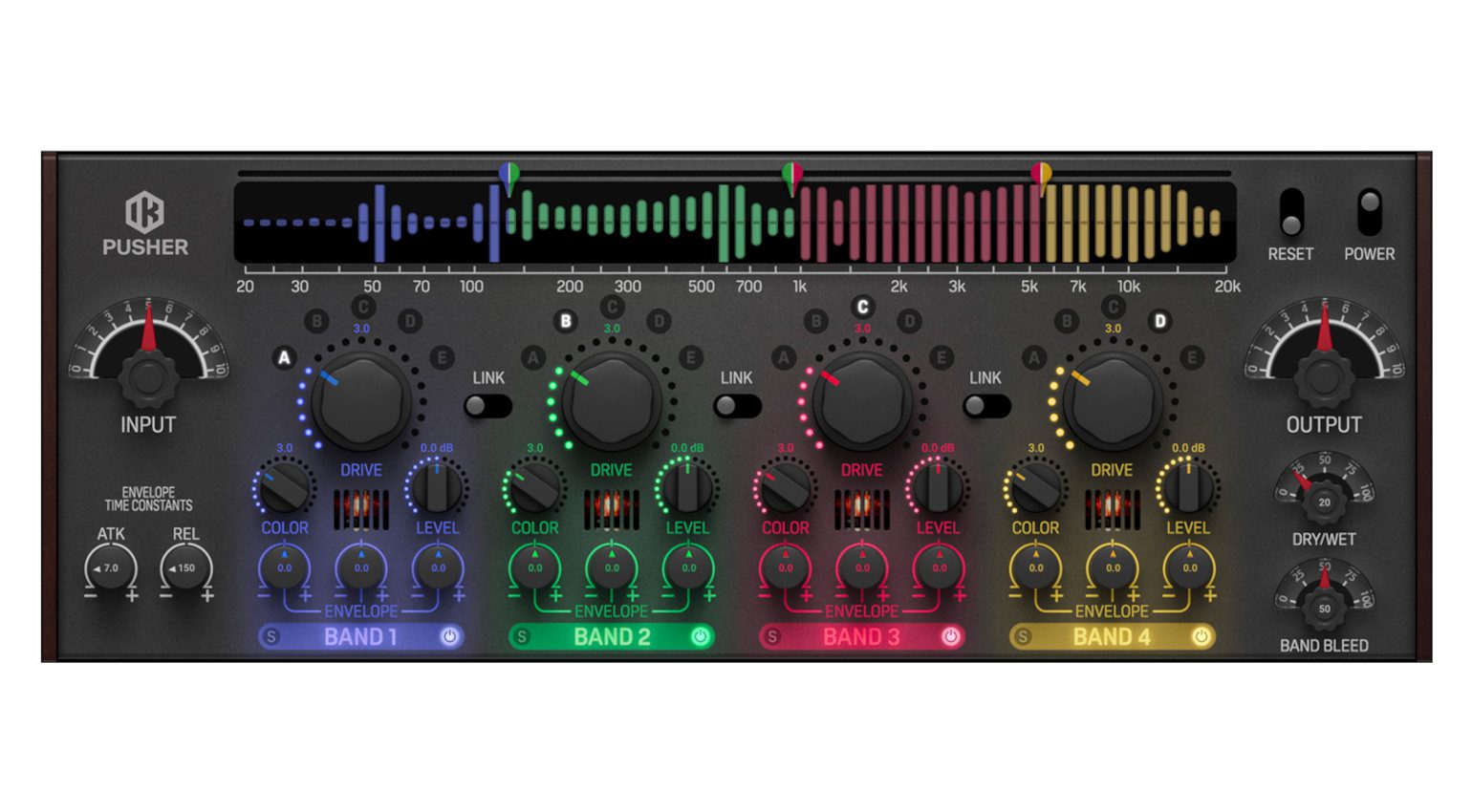
Mix Bus Plugins: Processors for Channel Groups and Your Main Stereo Bus · Source: IK Multimedia

Using mix bus plugins has become an essential part of modern music production, but with so many options available, where do you start?
In this Article:
If we look back to the early days of multitrack recording. When well-known musician and audio pioneer Les Paul put together one of the first true multichannel recording consoles with inventor and engineer Rein Narma (Fairchild) in the late 1950s, the console had a mix bus compressor. This design continued to evolve throughout the history of recorded music, with manufacturers like SSL and API creating famous mix bus compressor designs that are still used today.
In the DAW environment, we aren’t limited to the built-in compressor on the console or even the outboard options we have racked up. Instead, we can mix and match stacks of plugins and build complex processing chains quickly and easily. This gives us incredible flexibility for shaping channel groups and our main mix bus.
Mix Bus Plugins: IK Multimedia T-RackS
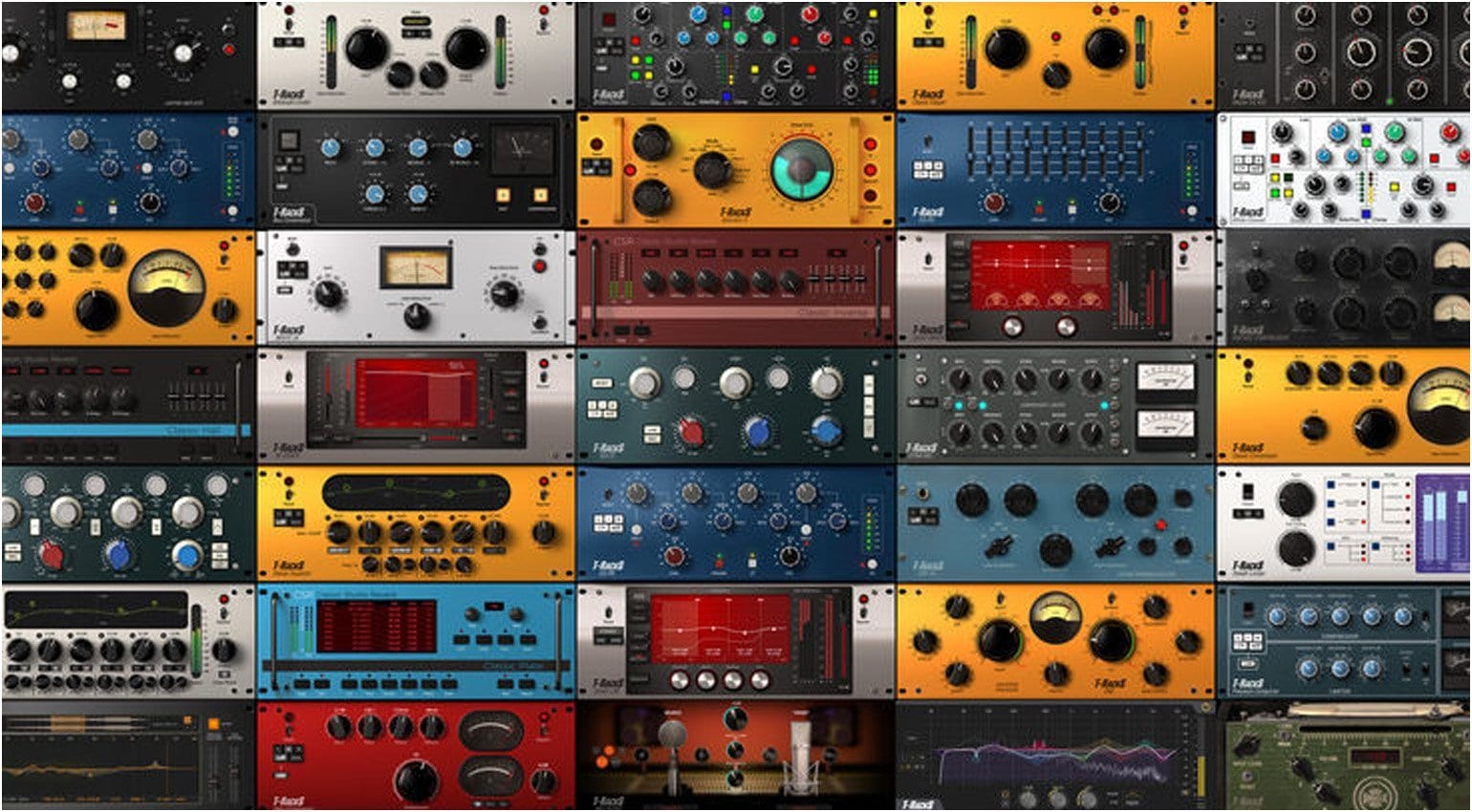
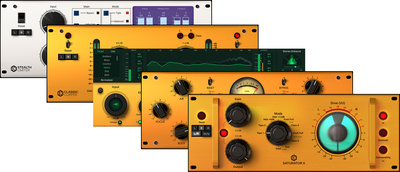
IK Multimedia T-RackS has been helping artists, producers, and engineers improve their mixes affordably for the best part of two decades. With an impressive range of powerful dynamics, imaging, saturation, and tonal processing modules, you can approach mixing as a complete beginner and start learning the ropes.
One of the most exciting things about T-RackS is its scalability, which allows you to buy in depending on the level you are at professionally. If this is your first rodeo outside the bounds of your stock DAW plugins, you can always try the free T-RackS 6 Intro bundle or the Top 5 bundle with a small selection of essentials to get you started.
Then, once you’ve gotten the hang of things, you can upgrade to the Standard edition for only a hundred bucks, which gives you 19 modules to work with. From there, the sky is the limit, with the Pro version that includes 40 modules and the complete MAX version that provides over 60 modules with a full suite of classic hardware and tape emulation processors.


Mix Bus Plugins: SSL Fusion Bundle
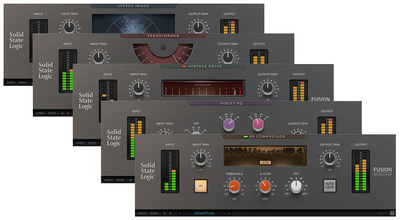
Since the SSL Fusion mix processor first appeared on the market in 2018, it’s become a mainstay in professional studios worldwide, providing a unique set of tools for honing in on different aspects of your mix. Rather than trying to pack all these processing features into a single plugin interface, SSL did the opposite in 2021 and broke down the sections of the hardware unit into five separate plugins.
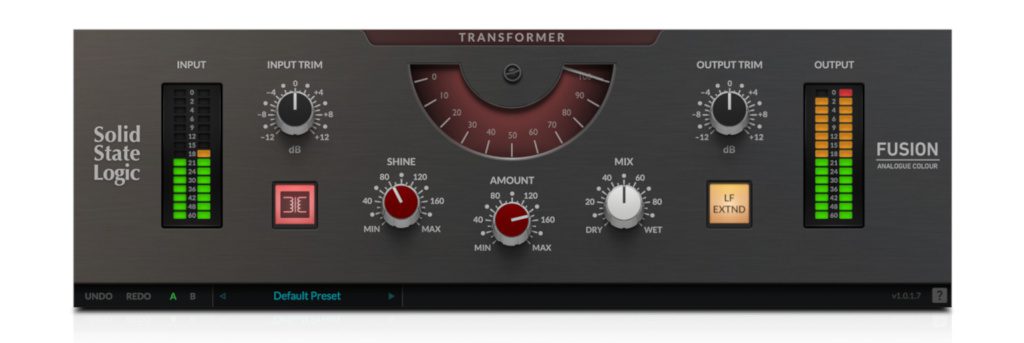
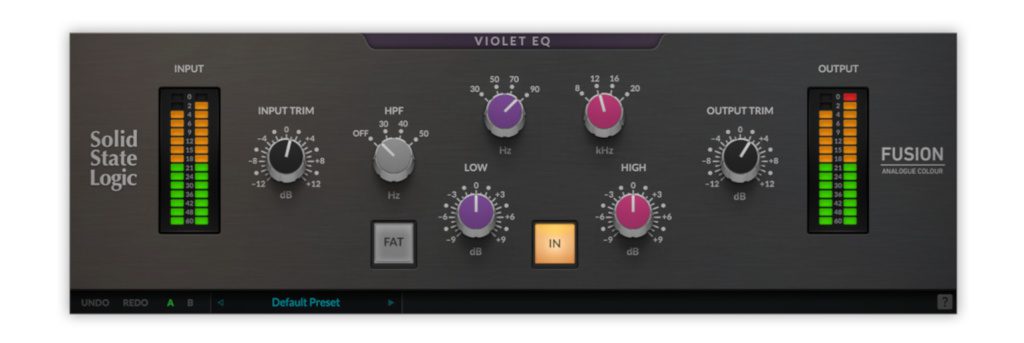
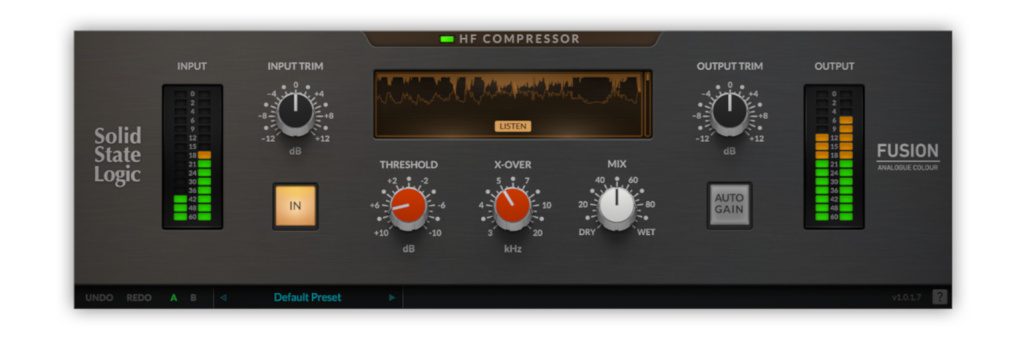
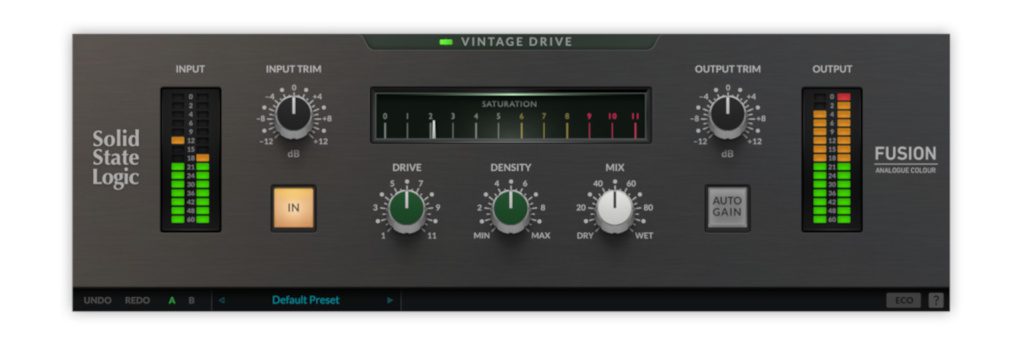
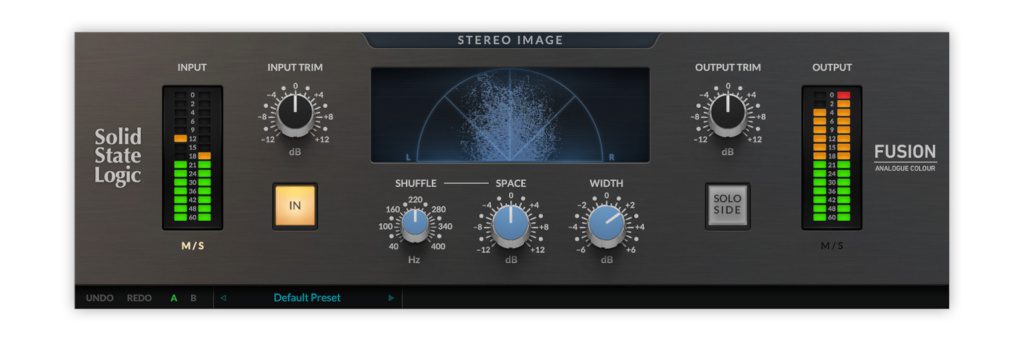
This allows you to pick and choose between compression, EQ, stereo imaging, vintage drive, and transformer emulation. The Fusion Vintage Drive plugin recreates that classic 4000 series console grit from your favorite records by introducing 2nd- and 3rd-order harmonic saturation. This process adds cohesion to the midrange, shapes transients, and brings that familiar “bite” to mixes.
The Transformer plugin in the Fusion Bundle is also interesting because it is designed to address the often static character of DAW-based mixes. With its Shine and Amount controls, you can fine-tune the phase shift and increase the amount of harmonic distortion to suit the signal, be it a drum bus, mix bus, or individual track.

Transformer: While the original hardware module was just a simple on/off switch, the plugin version expands significantly on this control. It focuses on low-frequency harmonic distortion (adding weight and a distinct low-mid grunt
Mix Bus Plugins: FabFilter Mastering Bundle
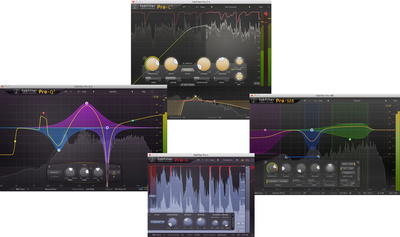
As a market leader in audio plugin technology, FabFilter designs some of the best solutions for mixing and mastering. Naturally, they sound phenomenal, but it’s the interface design and workflow integration that truly sets them apart from anything else on the market. Also, one of the strengths of each plugin in the FabFilter range is how versatile they are.

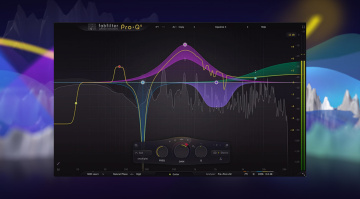
This allows you to put them to work for processing individual tracks, channel groups, mix bus, and use them for mastering applications as well. Within the FabFilter Mastering Bundle, you’ll find four plugins that can be used for bus processing on every mix you do. The Pro-Q EQ and the Pro-C compressor are well-known staples, of course, but the Pro-MB multiband compressor and Pro-L limiter can also perform surgery on buses.
The Pro-MB is ideal for a stereo mix bus with six flexible bands, three phase processing modes, and upward and downward compression, expansion, limiting, and gating. Meanwhile, the Pro-L can also come in handy for tightly controlling the dynamic range of your main channel groups like your drums, guitars, and vocals. Then, once you’ve mastered these plugins, you can always add the Saturn multiband saturation tool for extra flavor.

Mix Bus Plugins: Softube Tube-Tech Series
Whether or not analog emulation plugins sound better than the stock ones in your DAW or not, they do provide tried and tested user interfaces that have proven their worth repeatedly. Softube has a stellar reputation for crafting plugin recreations that are often convincing enough to replace the original hardware, and the Tube-Tech Complete Collection is certainly some of their best work.
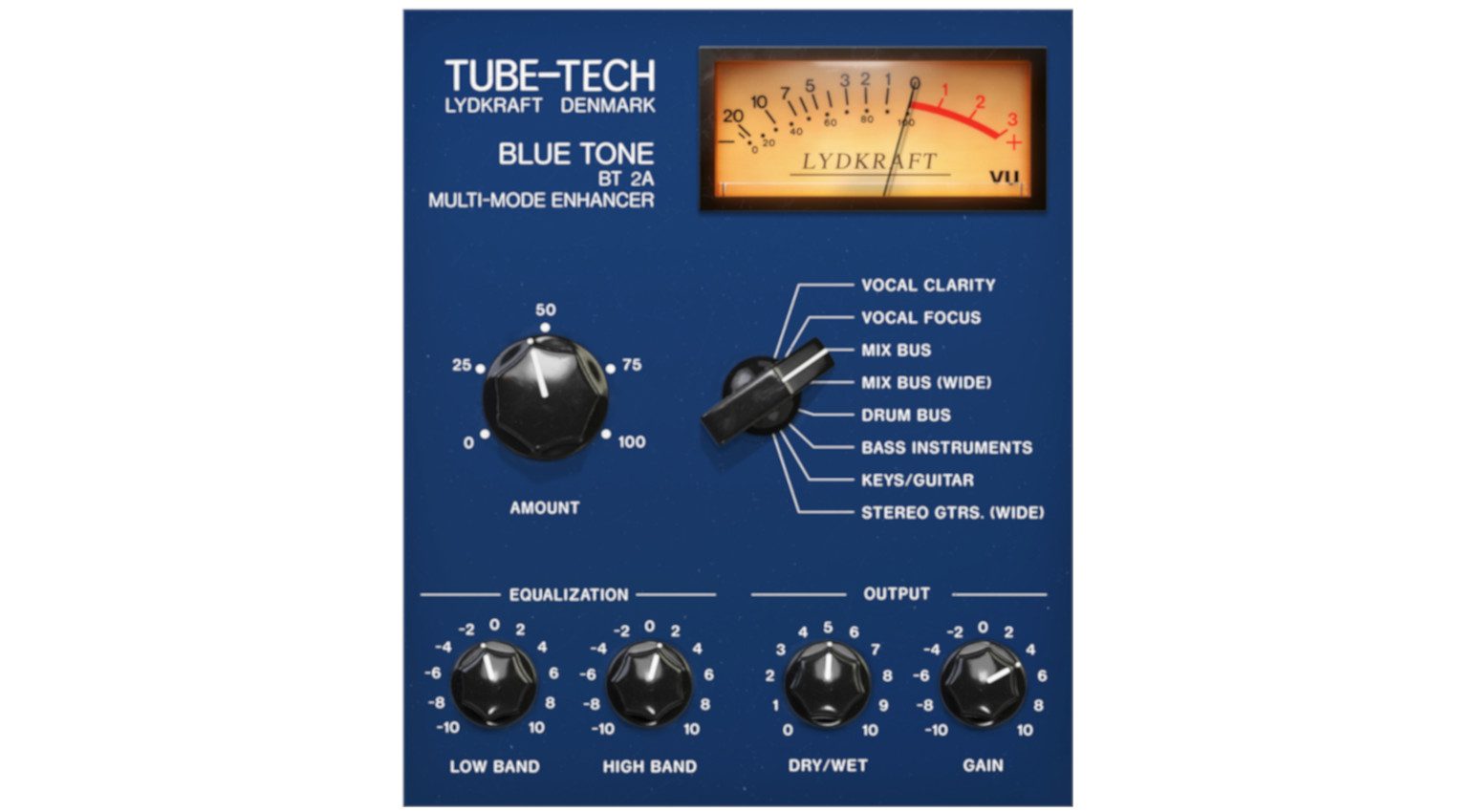
Officially licensed from Lydkraft, Denmark, this premium plugin bundle was created using meticulous component modeling, which can be tricky in the case of tube-based audio designs. The entry point into this collection is actually a plugin that isn’t a direct recreation of a hardware unit, the Tube-Tech Blue Tone, which instead combines different aspects from various Tube-Tech hardware under the hood.
For more detailed control, the SMC 2B is a plugin version of the legendary all-tube multiband compressor that provides three bands of warm, musical opto compression with two adjustable crossovers to take charge of any mix. The beauty lies in how the transients are smoothed in a pleasing, rather transparent way, maintaining mix separation rather than squashing.

Mix Bus Plugins: zynaptiq MASTER III
Innovative German developer zynaptiq is known for creating high-end adaptive processing plugins for mixing and mastering applications. Within the MASTER III bundle, you’ll find no fewer than seven different plugins, each aimed at a different aspect of mixing or master bus processing. With processors like LOUD and INTENSITY 2, you can boost perceived loudness without reducing headroom.
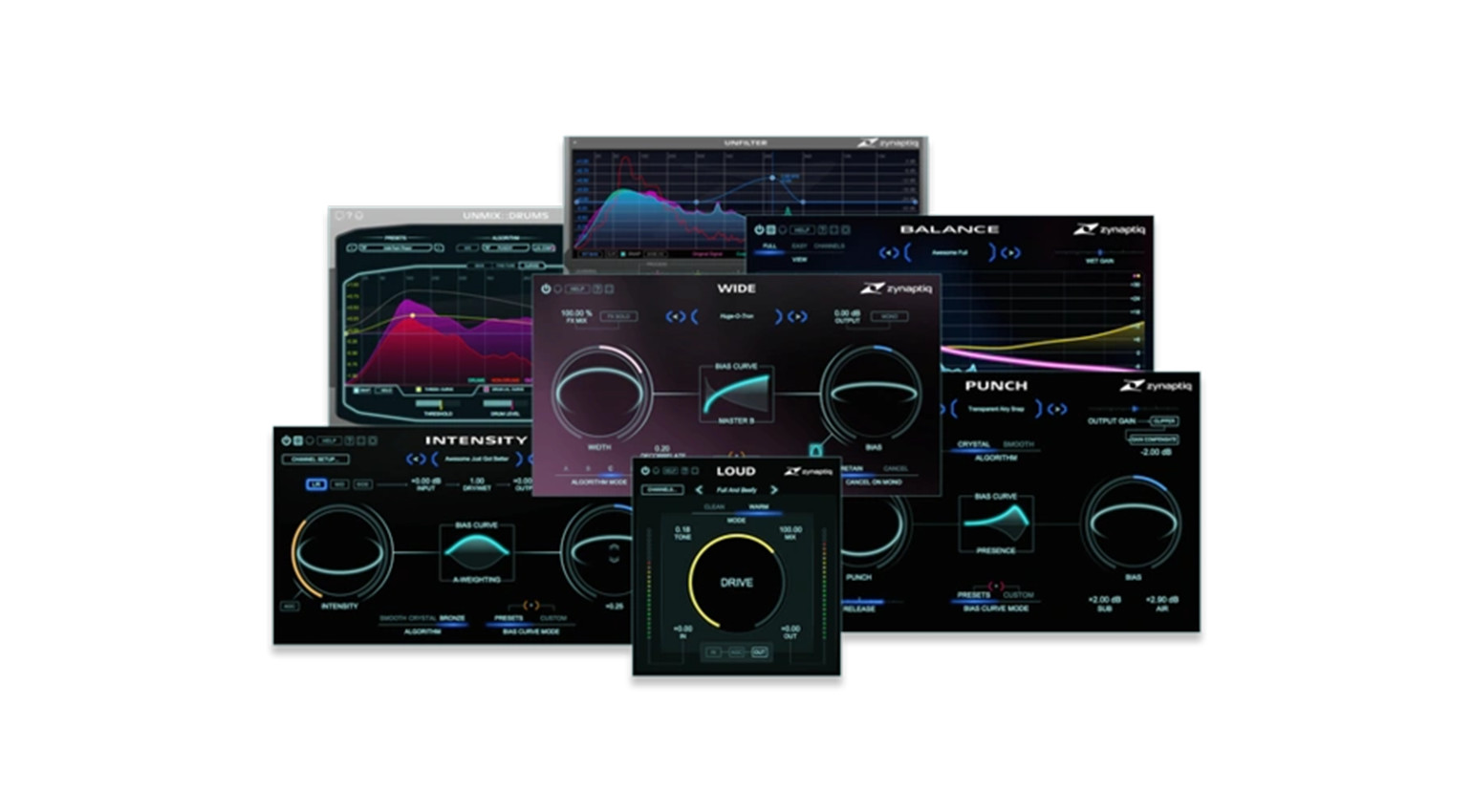
These plugins can improve the clarity and density of your mix, or you can use them to target key channel groups like your drums or guitars. Meanwhile, WIDE can widen the stereo image while retaining crucial mono compatibility needed for mix translation. Also, it can upmix mono elements in the mix to stereo, in order to push them out of the way of the central vocal space.
For adding bite and increasing the overall impact, PUNCH is a simple but useful processor that also enhances transients, while BALANCE is an adaptive EQ that can shift the frequency range tonally to help the core elements stand out in the mix. Lastly, UNMIX::DRUMS is a useful separation tool that can be used to treat your drum overheads for a cleaner, punchier mix.
More about Mix Bus Plugins:
*Note: This article contains affiliate links that help us fund our site. Don’t worry: The price for you always remains the same! If you buy something through these links, we receive a small commission. Thank you for your support!

This might also interest you