Tracktion Waveform Free 14: A Faster, Limitless Freeware DAW for Everyone
New Interface, New Engine, More Effects, Still Completely Free

 4,5 / 5,0 |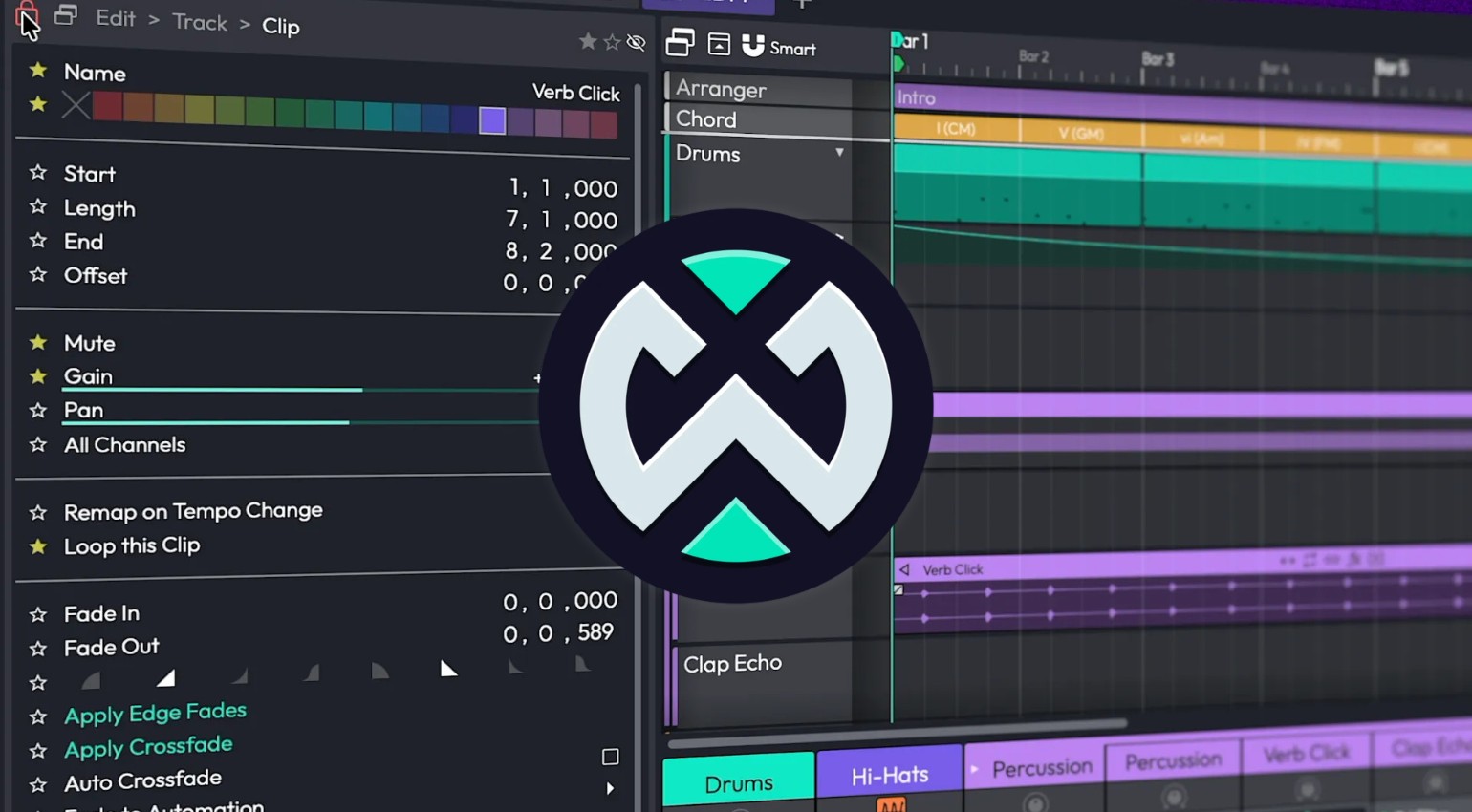
Tracktion Waveform Free 14: A Faster, Limitless Freeware DAW for Everyone · Source: Tracktion

Tracktion Waveform Free 14 is here, bringing a whole batch of major updates to the free DAW at once: a fully reworked interface, a completely rewritten audio engine, and a brand new browser. On top of that, you get more stock effects and utility plugins than ever before. And the best part: Waveform Free stays exactly what it’s always been, 100 percent free with zero restrictions.
All About Tracktion Waveform Free
Tracktion Waveform Free 14: New Interface and a Completely Rewritten Audio Engine
Visually, Waveform Free 14 got a serious overhaul. The interface comes with a refreshed light and dark mode that matches Waveform 14’s bolder, higher-contrast look. The fully customizable color editor is also back, with over 20 presets or the option to build your own color schemes from scratch.
There’s also a new Assistant on board, an AI-powered helper that’s built directly into the workflow. It answers functionality questions based on the user manual, helps with production and composition ideas, and runs on a pay-as-you-go basis depending on the model you pick, with no extra subscription required.
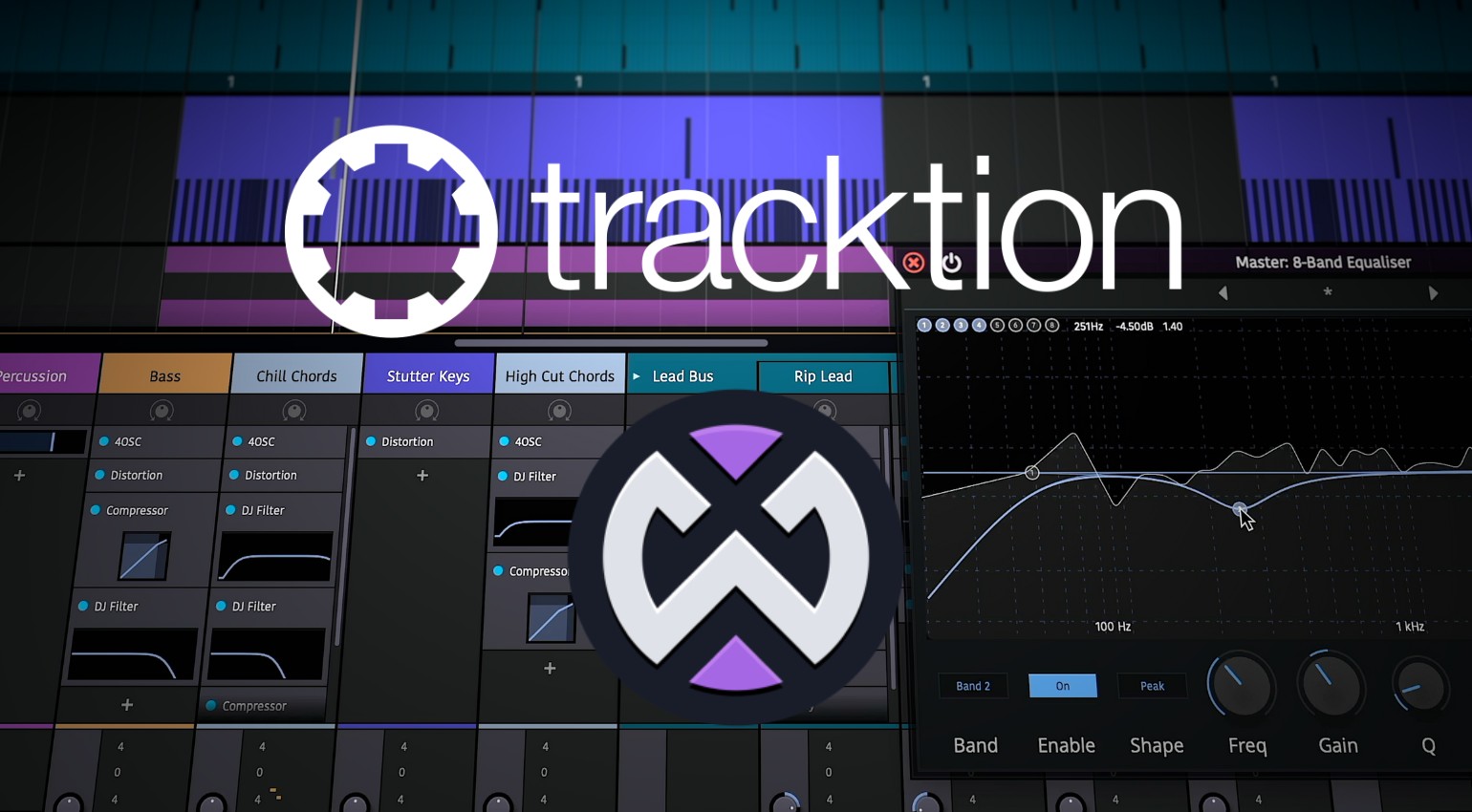
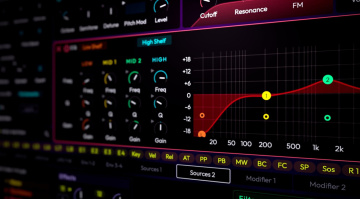
There’s plenty going on under the hood too. All 14 stock audio effects have been reworked, including Compressor, Gate, Limiter, Chorus, Phaser, Stereo Delay, Distortion, three reverb types (Non-Linear, Plate, Natural), Impulse Response, DJ Filter, plus single-band, three-band, and a new eight-band EQ with adjustable slope and mid/side mode. The utility plugins get six new additions: an AB Switch, a mono converter, a mid/side splitter, a spectrum analyzer, and MIDI CC and MIDI Note Name plugins, bringing the total to eleven utility plugins.
Browser, Properties, and Actions: A Cleaner Workflow
The browser has been rebuilt from scratch with tags, favorites, and smart lists. The new categorized search lets you filter specifically by Plugins, Presets, Racks, Samples, Clips, Tracks, or everything at once. The Properties and Actions panels have also been merged into one, freeing up screen space, and there’s now a dedicated Actions panel you can toggle on or off with a keyboard shortcut or through panel visibility management.
The biggest deal for a lot of users, though, is probably the completely rewritten audio engine. According to Tracktion, this brings noticeably lower CPU load, properly working plugin delay compensation across every routing configuration, and better support for modern multi-core CPUs.
One note on system requirements, which have shifted from previous versions: Waveform Free 14 runs on macOS 13 or later and Windows 10/11, both 64-bit only. Linux support is reportedly in the works according to Tracktion, but isn’t available yet, and the older promise of Raspberry Pi support doesn’t show up in the current specs anymore.
If you want to get more out of the free base version, you can pick up individual feature expansions starting at $30, covering things like a multi-channel launcher, DJ mix tools, pro video features, recording engineer tools, MIDI producer tools, or a full synth pack.
Waveform Free 13.5 Update Brings Pro-Level Performance
[22 August 2025] The latest update to Waveform Free is here! Version 13.5 delivers significant performance improvements, making the free DAW smoother and more responsive than ever. Borrowing optimizations from the Pro version, sessions now load faster, heavy projects run more smoothly, and creative ideas flow uninterrupted. And all that is still free!
Since its launch in 2019, Waveform Free has stood out by refusing to place artificial limits on music production. There are no restrictions on the number of tracks, no export caps, no limitations on plugins, and no hidden licensing traps. It offers a genuine cross-platform solution on Windows, macOS, and Linux that truly earns the label “free.”
The 13.5 update improves speed and expands creative potential. With its built-in instruments, effects, and editing tools, you can complete entire projects inside the DAW, from idea to finished mix. Support for VST, VST3, and AU makes expansion easy, and optional add-ons like video tools or DJ features keep the workflow flexible.
In a market where most “free” DAWs are heavily restricted or tied to paid upgrades, Waveform Free continues to prove itself a rare exception. Version 13.5 reinforces its position as one of the most capable free DAWs available today, delivering professional tools without compromise. The DAW runs on macOS 10.15 or higher, Windows 10 or higher, and Linux Ubuntu 20.04 or Raspberry Pi 3 Model B.
The Free DAW Gets Even Better
[16 February 2021] Tracktion Waveform Free is a free DAW that offers few restrictions and many features. For zero financial outlay. With the new functions that the manufacturer has put into the Waveform Free 2021 update that’s just become available, this free DAW is getting even better.
Tracktion Waveform Free 2021
In contrast to many other free DAWs and ‘light’ versions, Waveform Free does not have any major restrictions – most importantly, you can use an unlimited number of tracks and plug-ins. As many as your setup can handle, anyway. The software is also notable for running on platforms such as Linux and the Raspberry Pi.
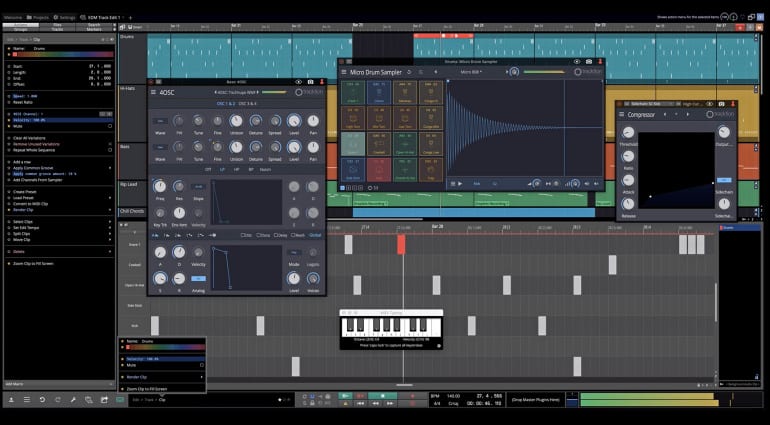
With the update, Tracktion is bringing new functionality and performance improvements. For example, the new welcome screen lets you access and configure audio devices, project templates, and tutorials at a glance. Tracktion also shows the latest product information there. The editing of clips is aided by features such as Range Selection, Ripple Delete, and Heal (Consolidate) Silence. The Dedicated Step Clip Editor also simplifies programming.
Meanwhile, Action panels let you save the most frequently used editing operations to fire them up at any time with a click of the mouse. That sounds very practical. Further along, MIDI typing enables note input from your computer keyboard. That was overdue and is of course particularly helpful if you don’t have a MIDI controller.
In addition, there are the usual performance improvements and bug fixes as well as delay compensation. This meaningful update shows Tracktion is going strong. It’s quite amazing what you can accomplish without paying a penny for software these days.
Waveform Free 2021 runs on Windows 8 and 10, macOS (11.11 or newer), Linux (Ubuntu 18.04) and Raspberry Pi (Raspbian 10).
More Information
Video

This might also interest you
4 responses to “Tracktion Waveform Free 14: A Faster, Limitless Freeware DAW for Everyone”
I run an older version of Ableton, it’s too much of a hassle for me to change. But I like Tracktion’s approach of giving free entry-level DAWs away. I think it helps get people in who wouldn’t have a chance otherwise. If I was just starting out, I’d definitely be trying Tracktion to see if it was what I was looking for
Not bad mouthing it… For free seems like a good deal for someone who wants to invest the time in learning it… Like all other DAWs I find them to complicated… Just me though…
I bought Tracktion Wavefor Pro 12 and now 13 and installed all updates to the latest actual 13.5.18
I was hoping that all the EXTREMELY ANNOYING BUGS would finally be resolved.
BUT this software unfortunately at least on LINUX is VERY VERY UNSTABLE although LINUX is officially supported!!!
After contacting the support, they send me a link to an older version and asked me to try this… of course it didn´t resolve anything, since I alreadz had problems with this version before.
Then I asked them how to resolve the problem and if they cannot resolve it to get a refund for a non working software I payed for.
Tracktion’s reaction was IGNORING ME COMPLETELY!!!
For me this is not a trustful company!!!
I would NEVER RECOMMEND BUYING THE PRO VERSION!
If you want to try the free version, then it is OK. BUT DON´t GIVE THEM MONEY. YOU WOULD PROBABLY NEVER SEE IT AGAIN, if you figure out that it#s not working as promised!!!
I use iDealshare VideoGo to convert between various audio formats, video formats, convert video to audio format.
It also has the basic editing feature.