Plugins You Actually Need For Mixing
Which plugins do you actually need besides the stock plugins in your DAW?

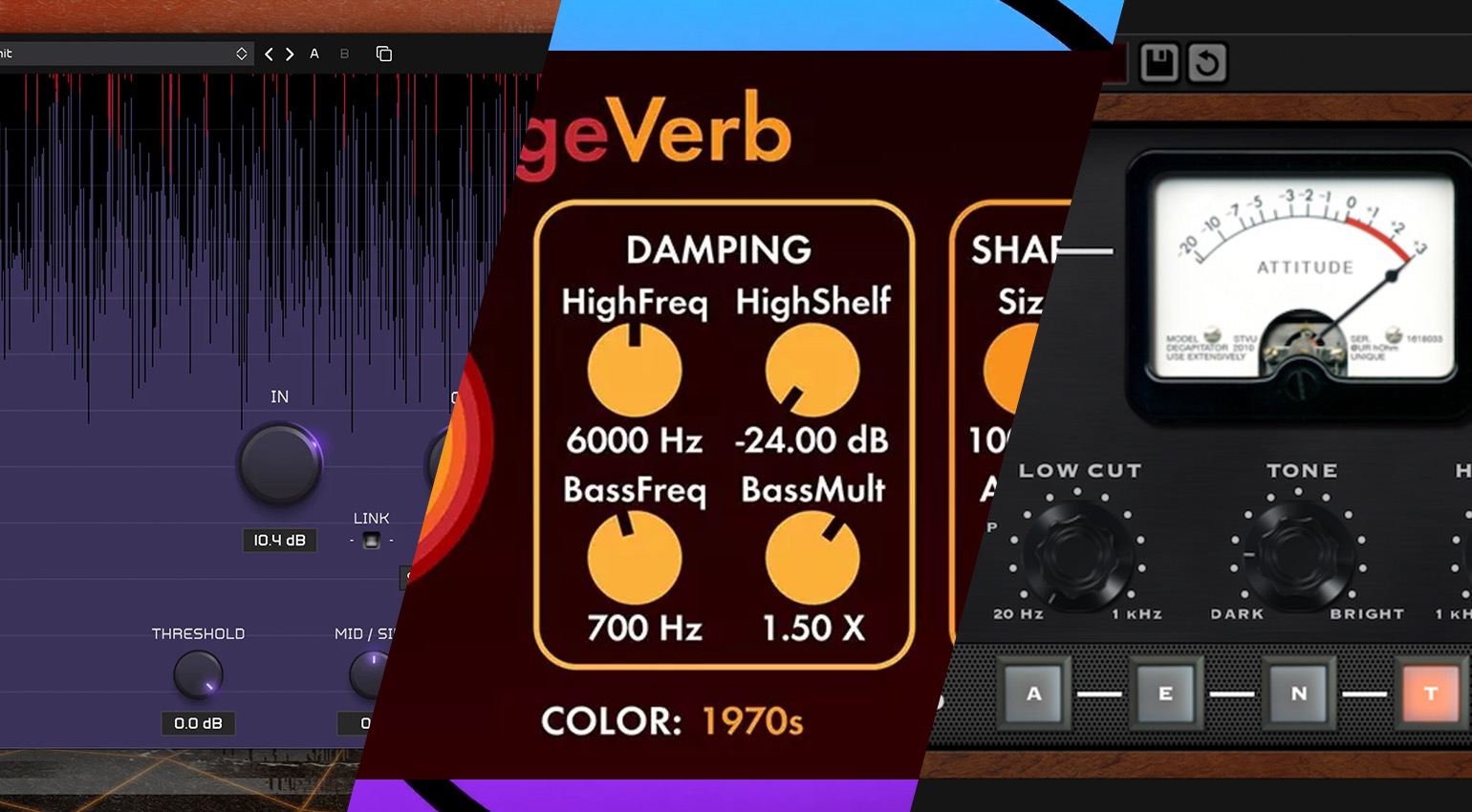

We look at some of the key plugins you actually need for mixing music beyond the collection of stock plugins that comes with your DAW of choice.
In this Article:
While DAWs usually come standard with most of the key plugin processors you need to approach a mix, there are always cases where some music production software only has limited options. To solve this problem, we’ve explored a range of plugins and come up with examples for equalization, compression, saturation, clipping, and reverb.
In each case, we always recommend trying the free option before buying the most obvious “industry-standard,” which can be expensive. This is particularly useful if you’re learning music production, so you don’t have to reach into your pockets while you’re developing your skills and deciding what sounds really suit your style as an artist, producer, or engineer.
Plugins You Actually Need: TDR Nova
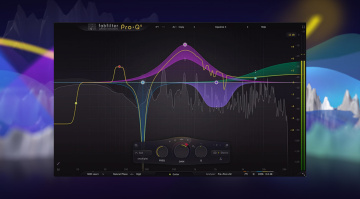
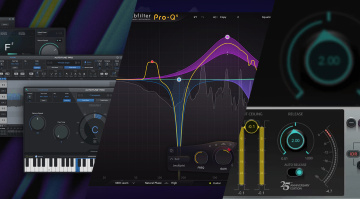
If you feel like you can’t approach mixing a track without buying FabFilter Pro-Q, you’ll soon discover that the problems you run into aren’t plugin-related. While the select few at the top of the industry can demand the project budgets to work with any tools they desire, the truth is that just because your favourite producer or engineer uses a certain expensive EQ plugin doesn’t make it an absolute necessity for mixing.
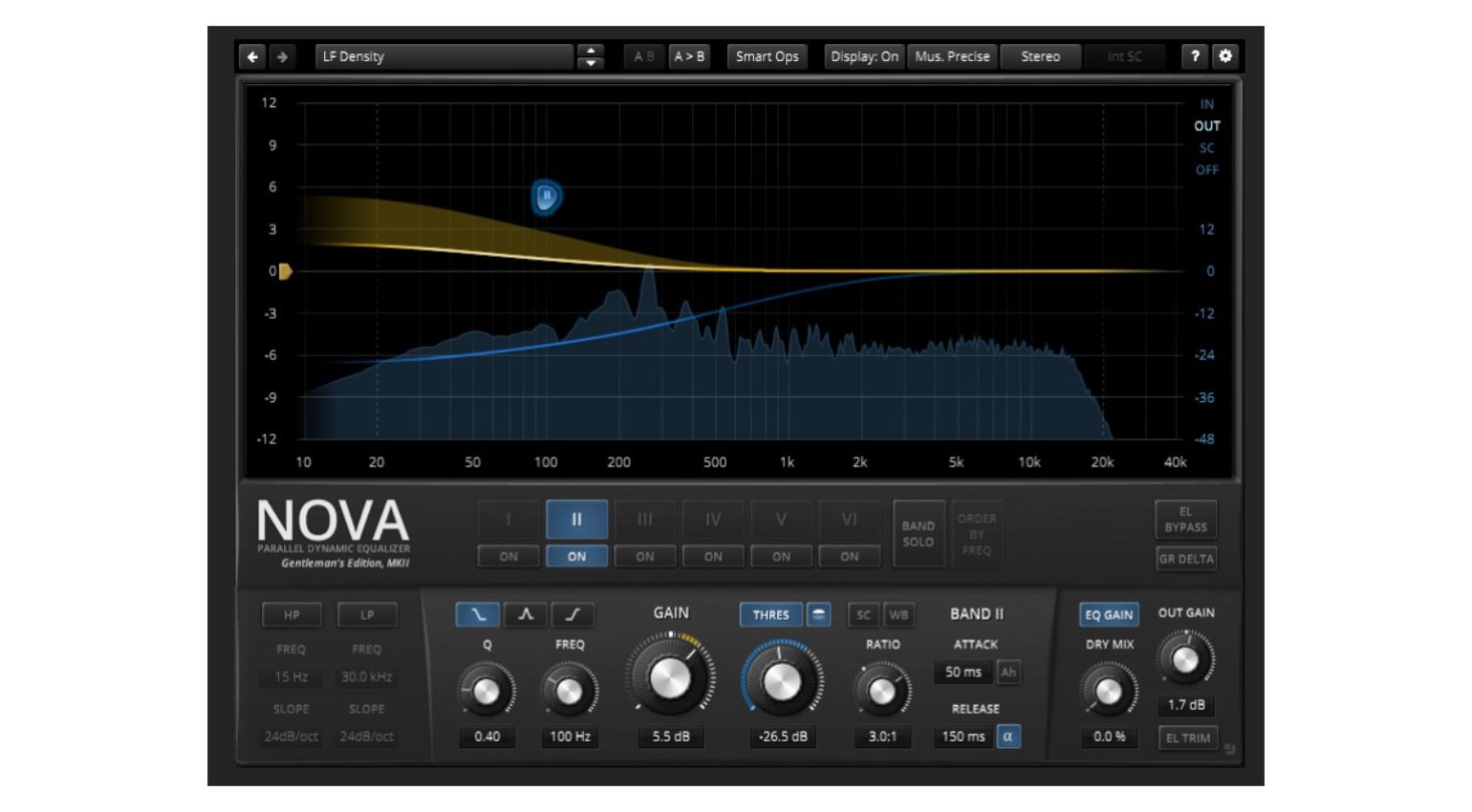
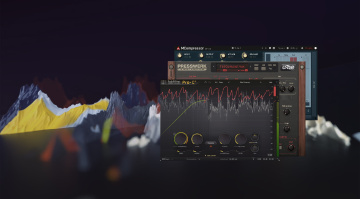
Most DAWs have more than adequate parametric EQs, and for the ones that don’t, there are some excellent free options like TDR Nova and MeldaProduction MEqualizer. The free version of TDR Nova provides 4-band dynamic equalization with per-band compression and an intuitive drag-and-drop interface.
In addition, Nova is also equipped with high- and low-pass filters with adjustable slopes and a global wideband compressor, as well as delta monitoring to hone in on what processing is happening. With the paid version, the Nova GE, you get an expanded feature set with six dynamic EQ bands, resonance suppression, and more.

Plugins You Actually Need: MeldaProduction MCompressor
The MeldaProduction MCompressor is a free utilitarian dynamics processing plugin that can take care of a wide range of tasks. From controlling the peaks of individual vocal and guitar tracks to adding glue to your drum bus and your main stereo mix bus, and even loudness maximization, the MCompressor has all the necessary tools.
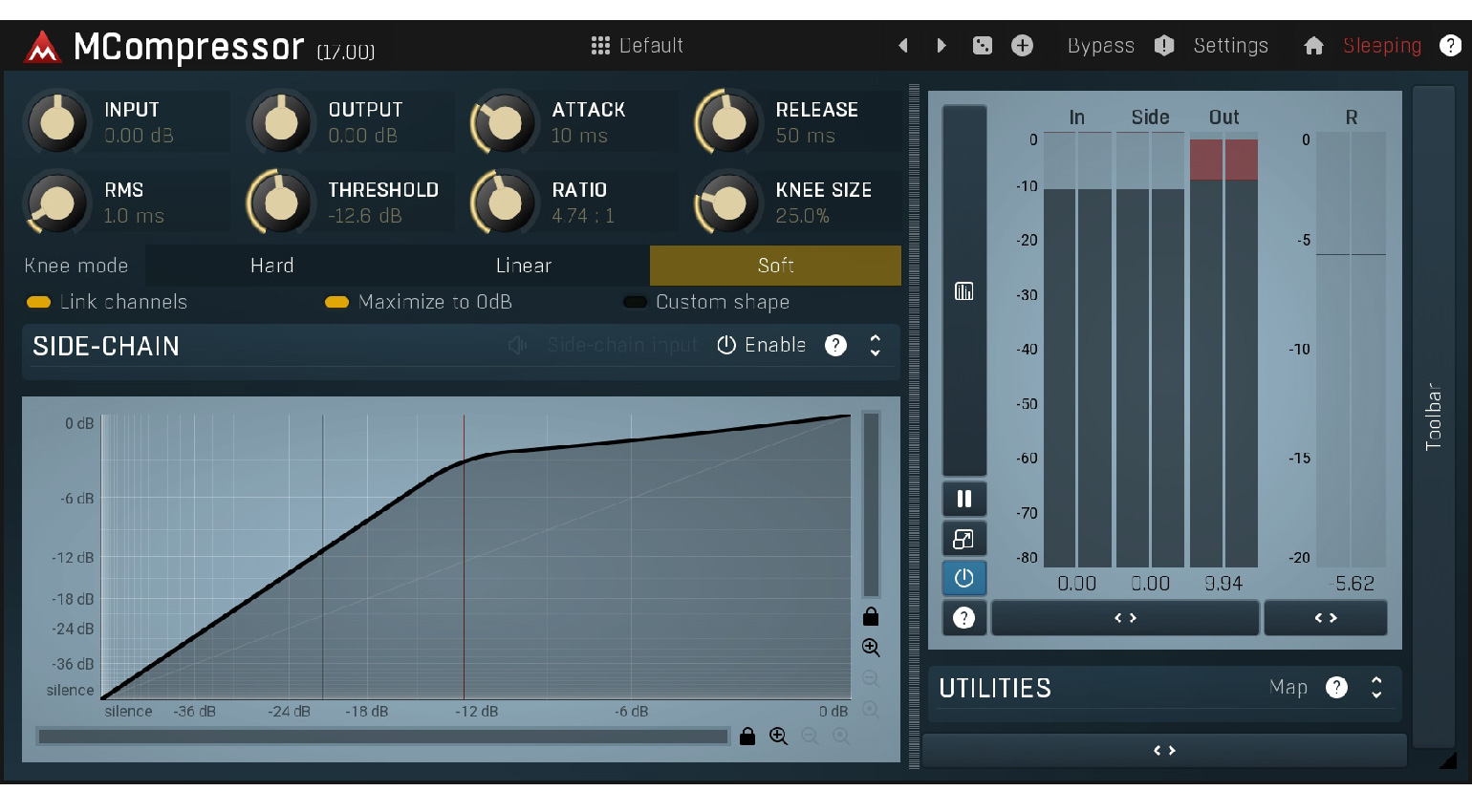
Once you’ve mastered the basics of compression, you can explore MCompressor’s more advanced features like custom compression shapes, which are accessed by drawing onto the compression envelope graphic interface. There are also additional knee controls that determine whether the compression onset is gentle or aggressive.
The sidechain features are extensive too, with high- and low-pass filters to set the frequency range of the detection signal. Besides its 64-bit internal processing engine with upsampling, the MCompressor is extremely CPU-friendly, so you can load as many instances as you require for mixing, without overloading your system resources.
Plugins You Actually Need: Valhalla VintageVerb
We all need a decent reverb plugin to start mixing tracks on a level that is anywhere close to professional, but not every DAW comes with a range of different reverbs like Logic Pro does, for instance. When Sean Costello developed VintageVerb and launched it back in 2012, he never intended it to become an industry standard. Instead, he just wanted musicians to have affordable access to high-quality reverb algorithms.
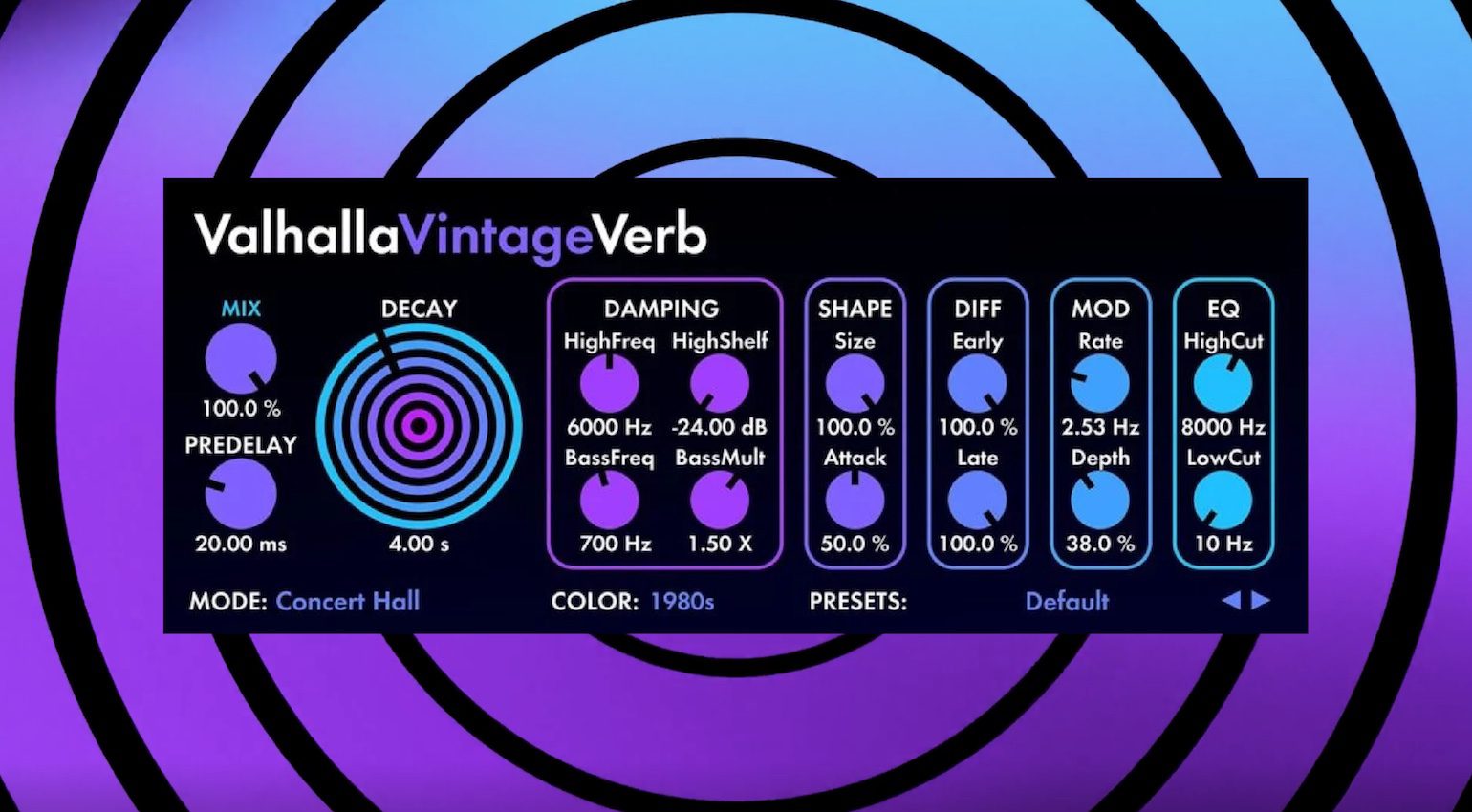
Despite its lo-fi appearance, VintageVerb endeared itself to professional music producers and engineers in a way that few reverb plugins have, and developed a cult following amongst home recording enthusiasts at the same time. VintageVerb is packed with 22 reverb algorithms, including classics like the Lexicon 224 and 480L, and the EMT 250.
There are also three different color modes that alter the sound by replicating characteristics from the digital converters in vintage reverbs from the 1970s and 1980s, or you can select an ultra-clean modern mode. Overall, VintageVerb remains a solution that is hard to beat at a more than reasonable price of 50 bucks with no paid version upgrades.
- Check out Valhalla’s FREE reverb plugin SUPERMASSIVE
- Get Valhalla VintageVerb
- Read about Reverb Plugins on Gearnews
Plugins You Actually Need: Soundtoys Decapitator
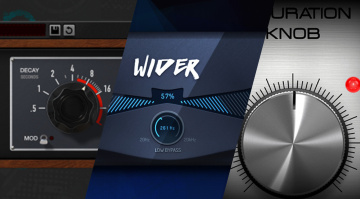
Once you’ve tried out Softube’s free Saturation Knob plugin and decided that you want a wider scope of colors in your saturation palette, the Soundtoys Decapitator is the industry-standard solution that is easy to use and offers more than most of the stock plugins you’ll find in your DAW.
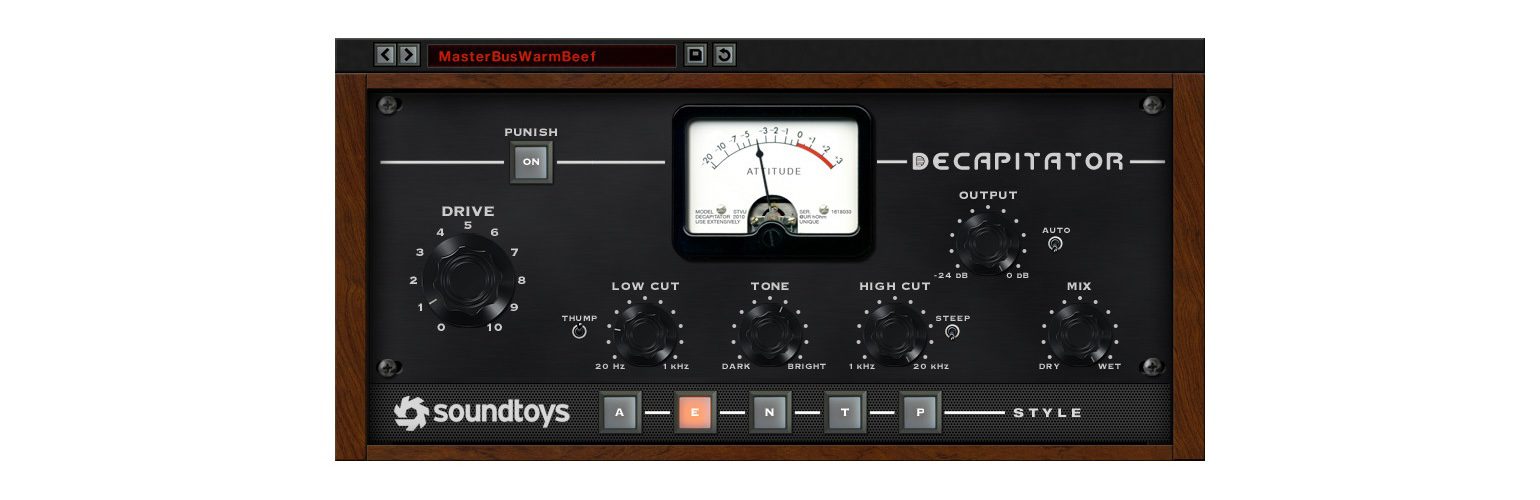
When it comes to adding flavor to any sound in the mix, Decapitator offers five different modes, each carefully chosen and modeled on specific hardware components. This includes the tube preamp stage from the Ampex 350 tape machine, the preamp stage from the EMI TG console, the Neve 1057 germanium transistor-based preamp, and two settings created from the Thermionic Culture Vulture for adding even and odd harmonics.
The main Drive control is where you do most of the work, as this determines the amount of saturation. However, there are low-cut and high-cut filters to shape the signal before saturation, as well as a thump switch for adding a resonant low-end boost like a vintage tape machine. In addition, there is a Tone control knob and a Punish switch for adding a 20 dB push for potentially unpredictable results.


Plugins You Actually Need: Kazrog KClip Zero and KClip 3
The use of clipping in modern music production is symptomatic of the loudness war, which follows shifting trends every few years. Instead of reducing the dynamic range in the way that compression does, clipping shapes the extremities of a waveform without raising the noise floor. This makes it a powerful tool for loudness maximization of virtually any instrument in your mix.
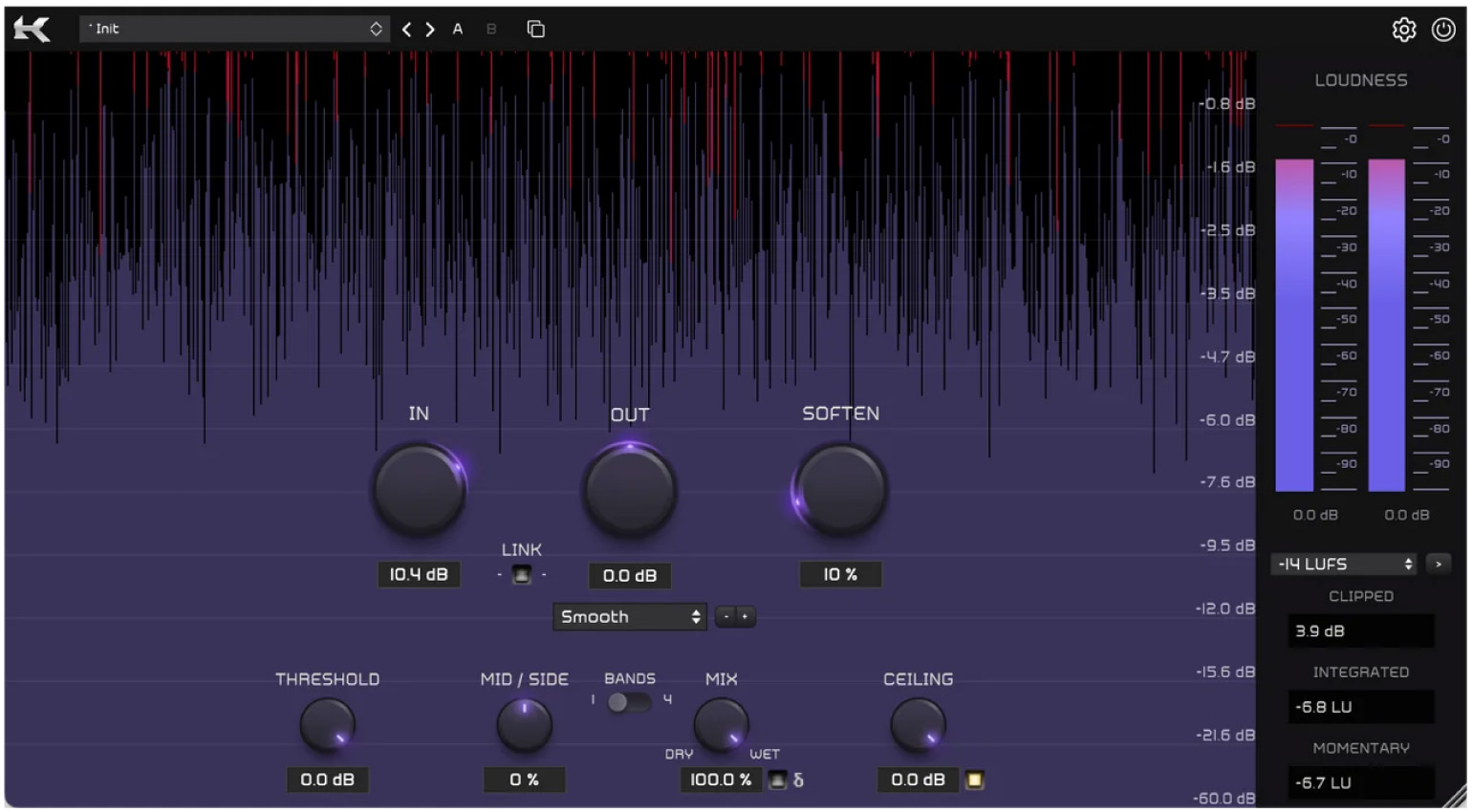
Kazrog KClip 3 is a mastering-grade clipper and multiband saturation processor that has become the industry standard for mixing engineers. Not only does it offer clean and precise peak control and loudness metering, but it also allows you to add analog coloration and warmth. For different applications, there are eight different clipping and saturation modes, as well as multiband and mid-side processing with up to 32x oversampling.
There is also a free version (KClip Zero), which gives you a stripped-down edition of the plugin with a single processing algorithm, basic visualizer, gain-linked I/O, and a Soften control. Even with its comparatively limited feature set, KClip Zero is still a useful tool for learning how to use clipping within your DAW-based mixing workflow.
More about Plugins You Actually Need:
*Note: This article contains affiliate links that help us fund our site. Don’t worry: The price for you always remains the same! If you buy something through these links, we receive a small commission. Thank you for your support!

This might also interest you