One-Knob Plugins That Instantly Improve a Mix
Does the less-is-more approach to plugin UX design really pay off?

 2,7 / 5,0 |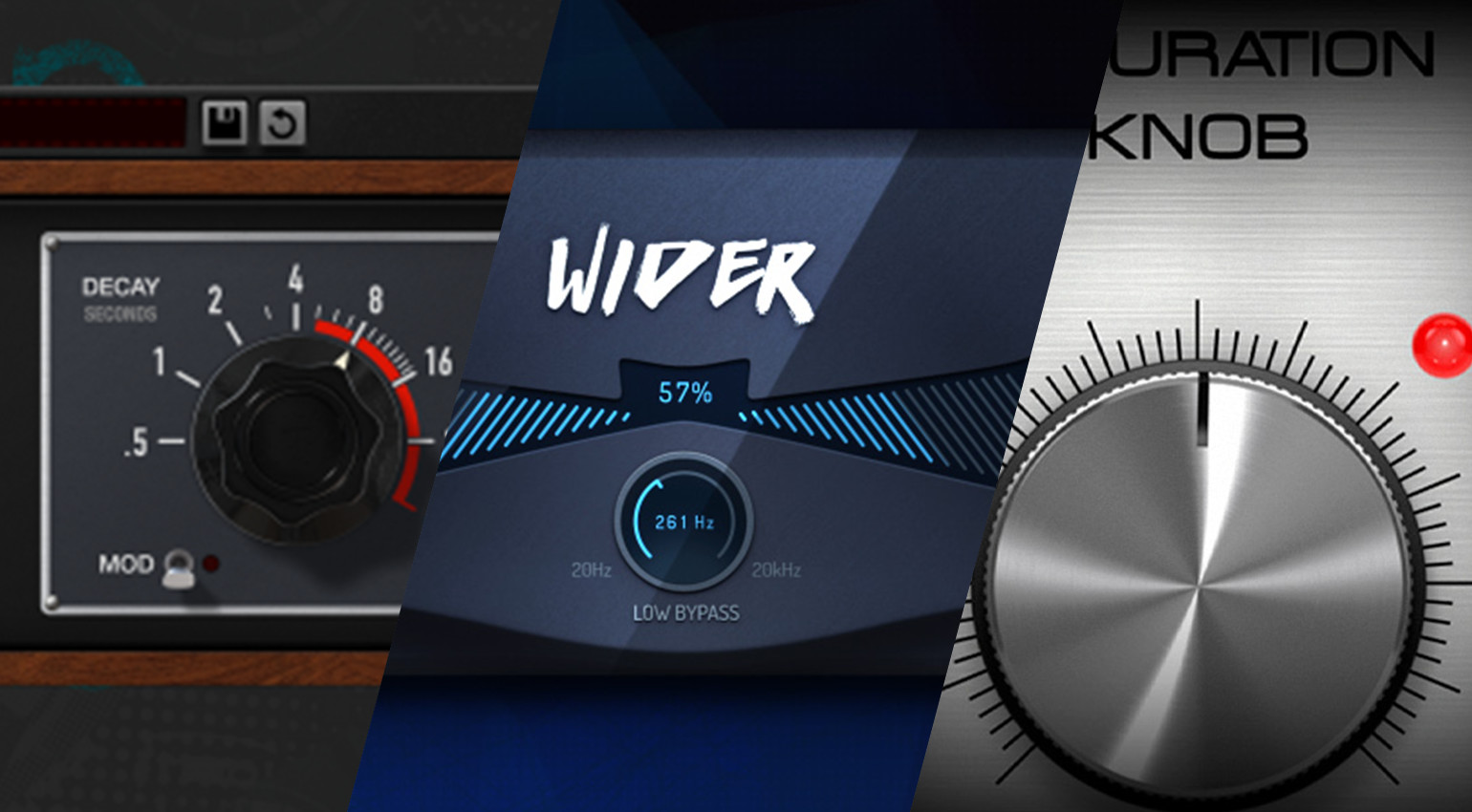
One-Knob Plugins That Instantly Improve a Mix · Source: Soundtoys / Polyverse Music / Softube

We explore one-knob plugins that may not be the most glamorous processors in your plugin library, but they certainly do what they say on the tin.
In this Article:
Why Do One-Knob Plugins Work?
When you look at the plugin chains used by professional producers and mix engineers, especially those who have been in the game for 20 years or more, there are certain constants that transcend the music genre being made. These plugins may not necessarily have the latest processing algorithms or the flashiest, most elaborate interfaces.
However, what they are is simple, honest workhorses that have proved their worth in the industry many times over and become almost inseparable, in some cases, from music production workflows. So many engineers who spent years mixing on SSL consoles from the 1980s to the early 2010s naturally switched to using SSL-style EQ plugins in the box, because they didn’t have to think when using them.
This same logic is true for many of the most frequently used plugins, and many of them are affordable or even available for free. Let’s take a look at some of the key processors that fit this profile, easily slotting into your DAW workflow and yielding immediate results.
One-Knob Plugins: Softube Saturation Knob
Saturation Knob from Softube is a completely free saturation plugin that uses analogue component modelling to introduce harmonic distortion, grit, and warmth to any sound in your DAW. As its name suggests, its interface consists primarily of a singular large knob that determines the amount of saturation being added.
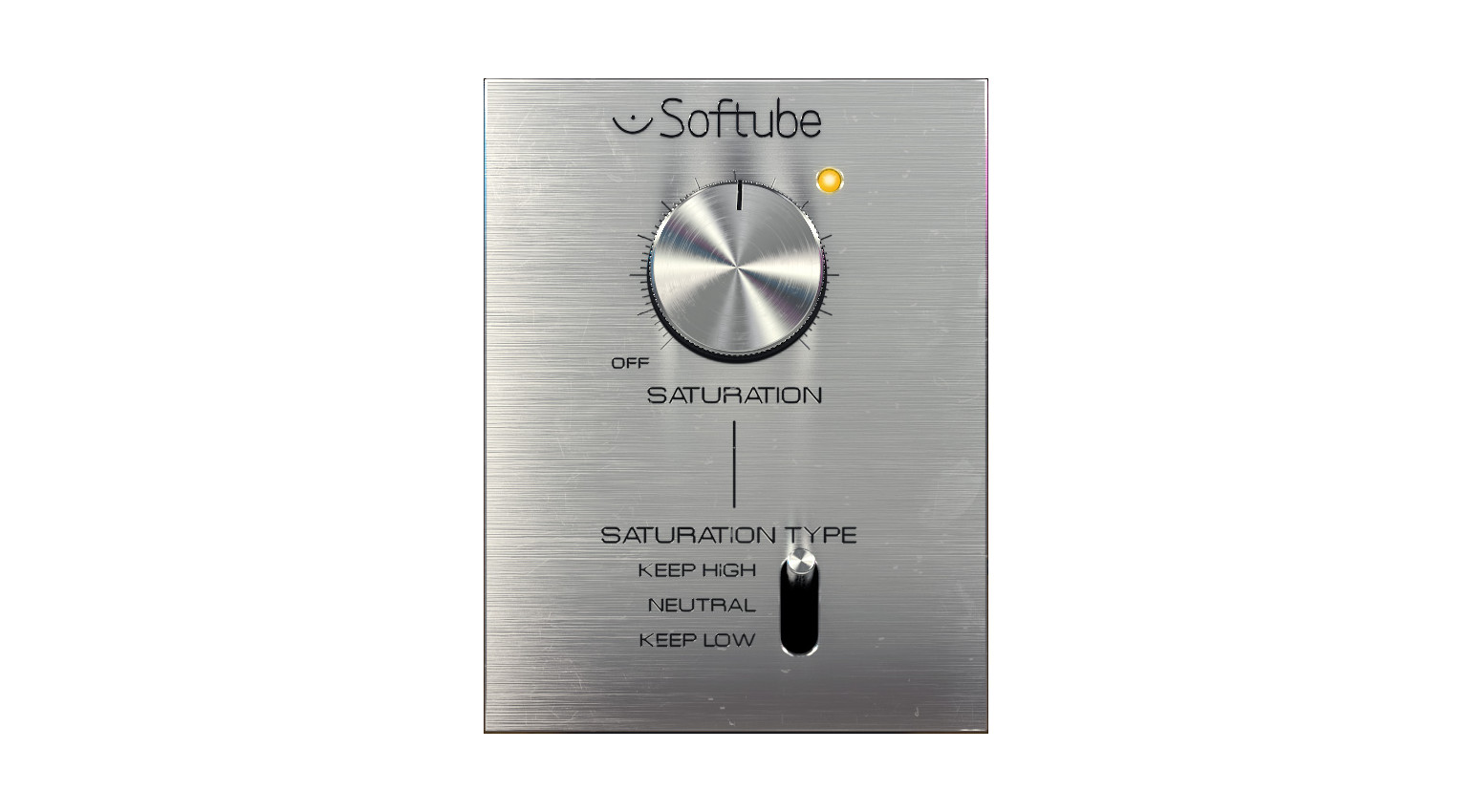
While there is no wet/dry mix control for parallel processing, you can simply insert Saturation Knob on an aux bus and balance the levels of the original and processed signals. Of course, this is a particularly effective way to use saturation, because you can dial it in far more aggressively than you normally would and insert an EQ earlier in the chain to target specific areas of the frequency range.
That being said, the plugin does have three operating modes for different applications. With “Keep High”, you target the low-end to add warmth and growl, while the highs are kept clean and untouched. Then, “Neutral” covers the entire spectrum, and “Keep Low” targets high frequencies exclusively.
One-Knob Plugins: Polyverse Wider
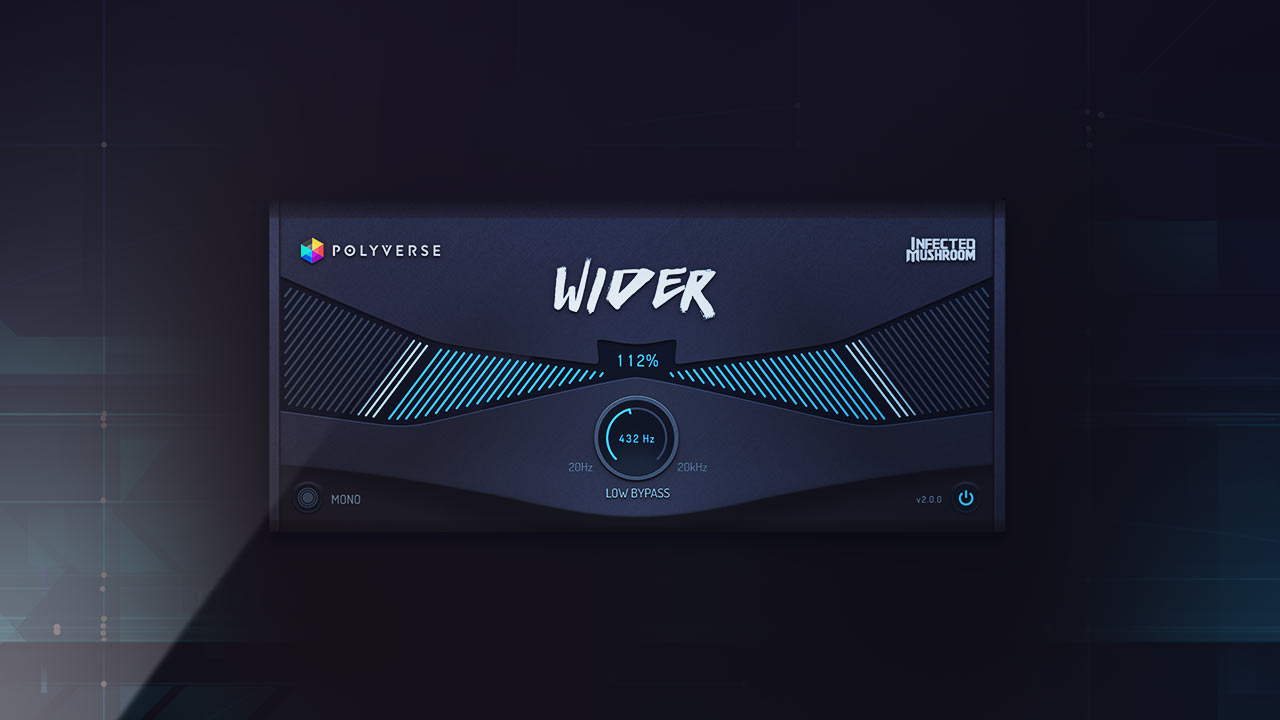
Wider is a straightforward stereo imaging tool created by Polyverse Music in collaboration with the electronic music duo Infected Mushroom. One of the key features of Wider is that while it allows you to expand the stereo of any signal, you maintain mono compatibility, which is essential, and the Mono Check feature lets you test this quickly and easily.
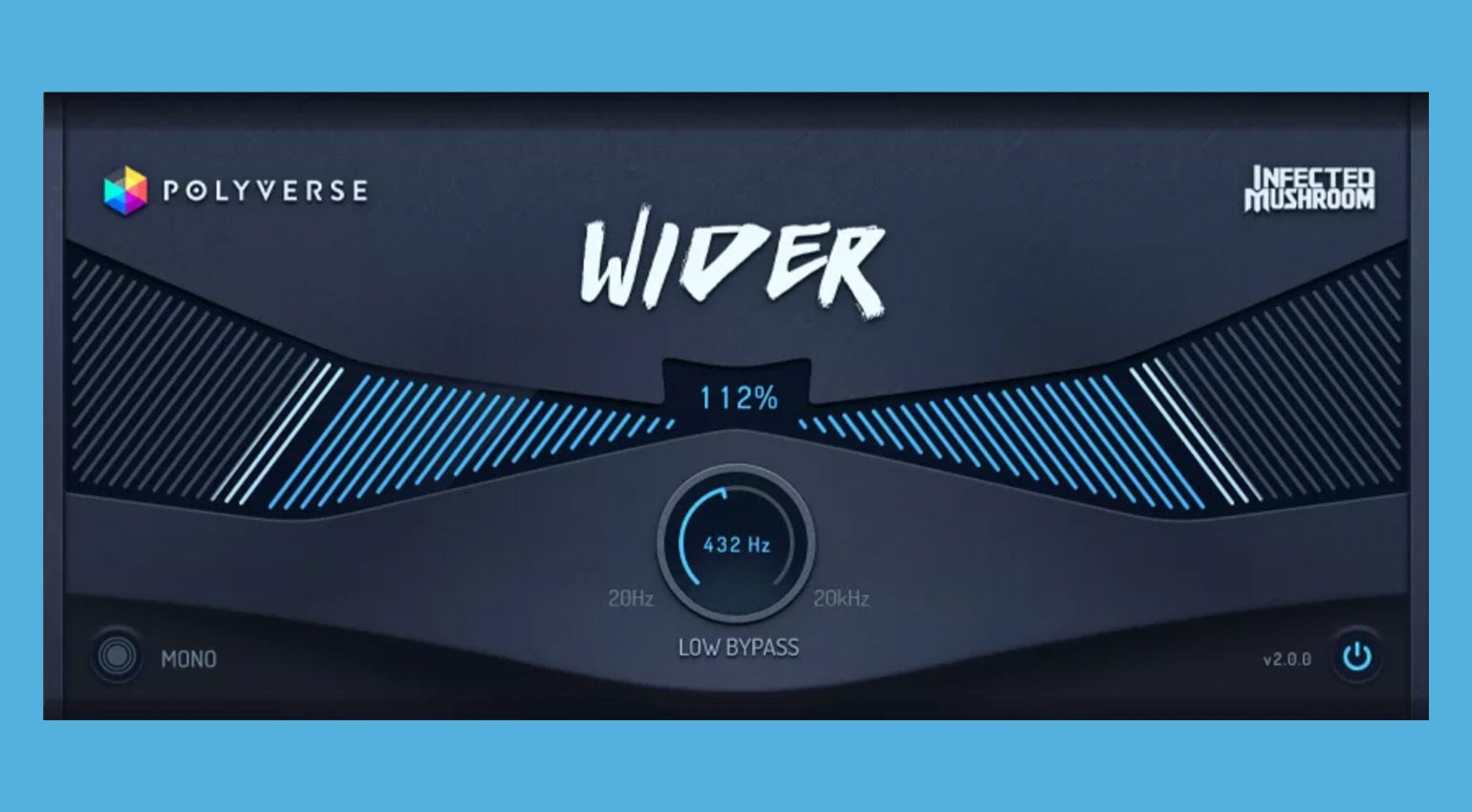
This is made possible through the perfect phase coherence of Wider’s processing algorithm, so the original signal keeps its integrity. In addition, there is a Low Bypass Filter that allows you to keep the low frequencies out of the widening conversation. This is particularly useful when using Wider on a drum bus or mix bus, so your lows stay central and focused.
There are many ways to use Wider in your DAW, creating a doubling-style effect for a mono guitar part, adding subtle or extreme widening to backing vocals, or spreading synths and keyboard instruments to make them more atmospheric. Overall, Wider is a very useful processor for mixing that’s completely free, and the one-knob interface makes it a no-brainer.

One-Knob Plugins: Soundtoys
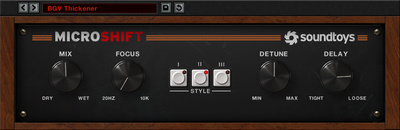
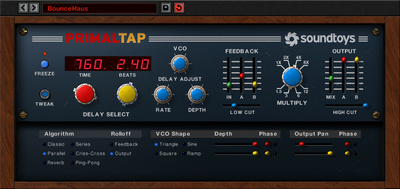
Soundtoys is a plugin developer that truly understands and prioritizes creativity in their design philosophy. While some of the interfaces are more elaborate, there are additional streamlined versions of a range of processors that allow you to dial in sounds quickly and use less of your native processing resources, which becomes a factor on projects with monster track counts.
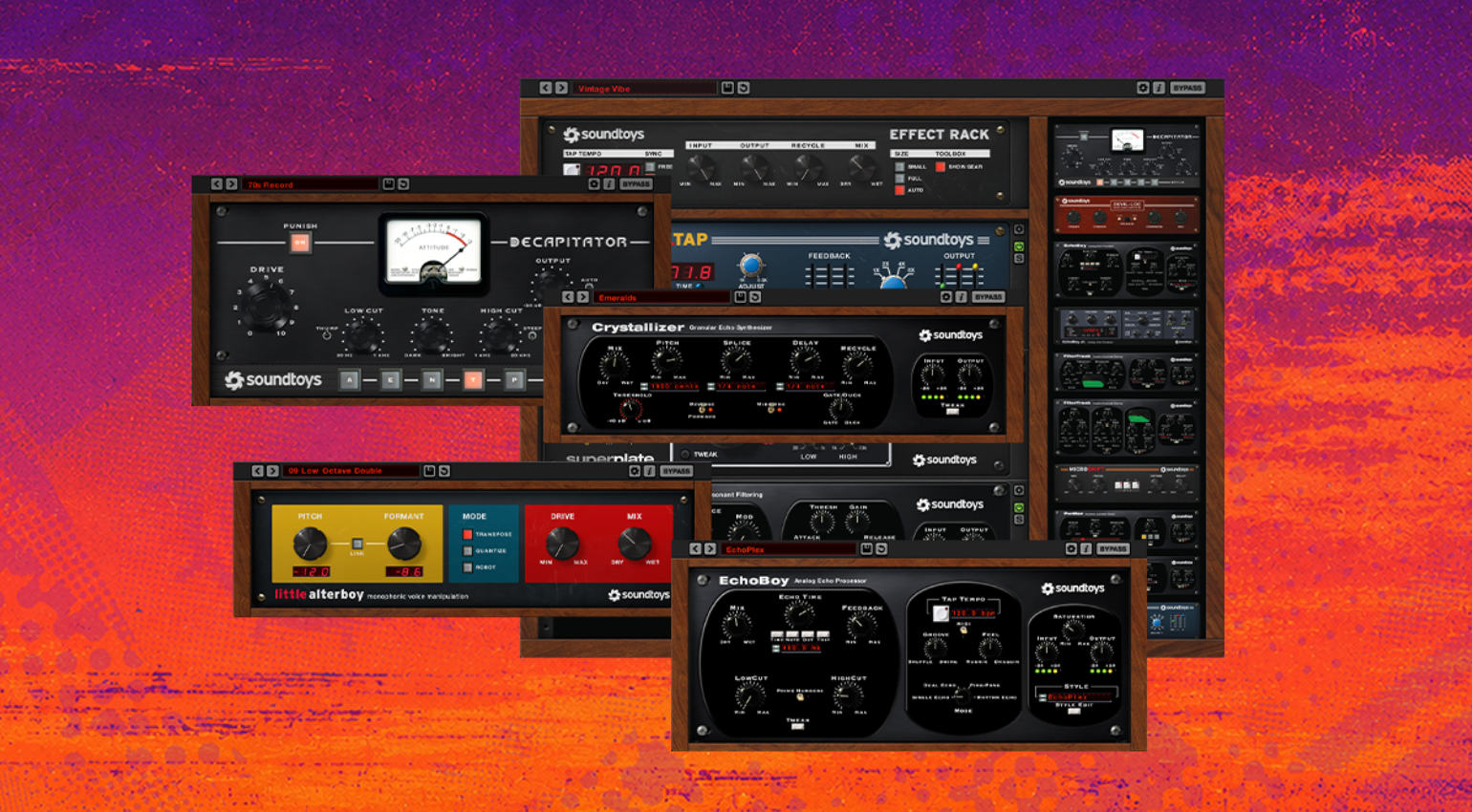
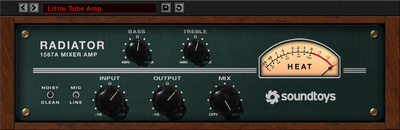
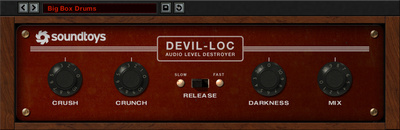
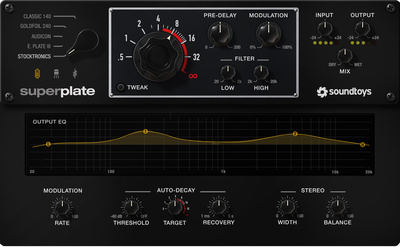
This particular range of plugins includes the Little Plate reverb, the EchoBoy Jr. echo, the Little Radiator tube saturator, the Little MicroShift pitch shifter, the Little PrimalTap delay, and the Devil-Loc leveler. While some of us were lucky enough to get some of these for free when they were on promotion, they are currently only available as value add-ons for the “bigger” version of the plugins.
Although Soundtoys plugins can be expensive on an individual basis, they do offer loyalty discounts that allow you to upgrade to the complete Soundtoys bundle depending on how many licences you have in your account. These discounts are also increased even further during sales, so keep an eye on the Gearnews site for updates. Get it at Thomann.*


One-Knob Plugins: Kazrog KClip Zero
When it comes to winning the loudness war, Kazrog’s KClip plugin isn’t a secret weapon anymore; it’s an industry standard tool used by artists, producers, and engineers. With the free version, KClip Zero, you get the same ultra-transparent mastering-grade clipping algorithm as the paid version, with a more streamlined interface that is easy to navigate.

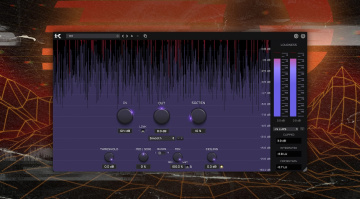
The interface has a basic visualizer that shows the waveform data, while the key parameter, the Soften control, determines the type of clipping taking place. For hard clipping spikey transients, simply leave the control at 0%, while as you get closer to 100%, you will get softer, more tape-like saturation, ideal for adding glue to a drum bus.
In many cases, you might need to use both of these approaches at once, and luckily the KClip Zero plugin is CPU-friendly enough so that using two instances per channel isn’t that big of a deal. It’s also especially effective when used in parallel, so you might want to shape transients with hard clipping using an insert, and then use smoother saturation on a bus for added control.
One-Knob Plugins: Waves Renaissance Maxx
The Waves Renaissance Maxx bundle is a collection of plugins that has seen more action than most over the past two decades. While Waves may not be as fashionable as it once was as a brand, Renaissance Maxx is particularly affordable and includes a range of tried and tested tools for controlling the dynamics of vocals and other key elements in your mix.
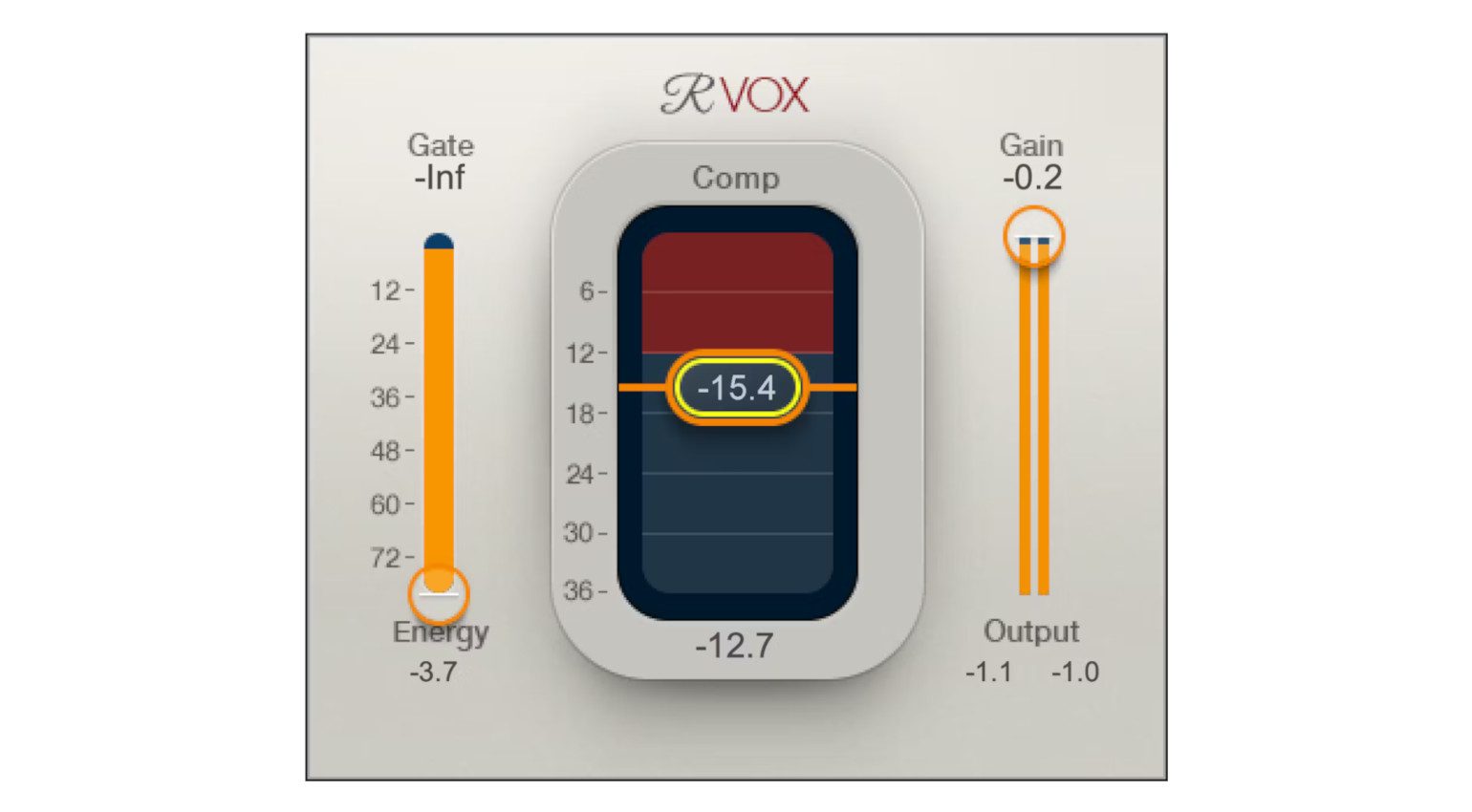
Plugins like R-Vox, R-Bass, and R-Comp have been used and abused for years by producers and engineers like Noah “40” Shebib and Jaycen Joshua, so you’ve certainly heard them on your favourite Drake records. While the interfaces may look a little dated, these plugins are extremely easy to use, and they get results quickly and consistently.
Also, the processing isn’t going to move the needle of your Apple silicon chip, so running multiple instances per channel isn’t a problem. For instance. you might use one instance of R-Vox early on in the chain doing most of the heavy lifting, and another right at the end that just keeps the peaks in check. Get it at Thomann.*


More about One-Knob Plugins:
*Note: This article contains affiliate links that help us fund our site. Don’t worry: the price for you always stays the same! If you buy something through these links, we will receive a small commission. Thank you for your support!

This might also interest you