The Perfect Techno Kick in 3 Steps – Perfect Match
Three Steps That Fit Together Perfectly – Inspiration for Your Next Sound

 4,8 / 5,0 |

The perfect techno kick is usually much more than just a rhythmic element. Especially in electronic music, it forms the true foundation of the entire track and determines how much pressure, energy, and movement reach the dance floor. That is why many producers spend a lot of time searching for or shaping the right kick sound. Here we show how you can create the perfect techno kick in three steps and which tools can help you achieve it. A perfect match.
How to Create a Powerful Techno Kick
What’s Behind the Perfect Match Idea
In our weekly Perfect Match series, we usually present three music technology products that work particularly well together. This time, however, it’s not just about three devices, but about three steps in the production process. Because even in sound design, a perfect match can emerge when the kick source, layering, and final sound shaping work together seamlessly. The result is a kick sound that sits well in the mix while still delivering plenty of character. Of course, we’ll also show you the hardware and plugin tools that can support each step.
Below, we present three steps that together lead to a powerful techno kick – a true Perfect Match.
Step 1: Create the Techno Kick – The Foundation of the Sound
The first step is to create a solid foundation for the kick. This determines the basic character of the sound: soft or aggressive, analog or digital, short and dry or long and powerful.
Create the Basics Through Sampling and Sound Synthesis
Many producers rely on classic drum machines or dedicated kick synthesizers for this stage. Analog drum machines, in particular, often provide extremely powerful raw sounds. Software solutions and specialized kick plugins are also widely used, allowing you to shape pitch, pitch envelopes, and transients very precisely. High-quality sample libraries (like Samples From Mars) can also be a great starting point.
The most important thing is that the kick already has a clear sonic identity at this stage. A strong raw sound makes all further processing steps much easier.
A solid starting point for classic techno kicks is the Behringer RD-8 MKII* (a Roland TR-808-style clone) and of course the Behringer RD-9* (a Roland TR-909 replica). Another option is to use plugin emulations of these drum machines, such as D16 Group Nepheton 2* or D16 Group Drumazon 2*.
If your budget allows for higher-end hardware, it is worth taking a closer look at the Elektron Analog Rytm MKII*, the Jomox Alpha Base MKII*, or the Roland TR-1000*. These instruments offer deeper sound design options and can deliver extremely powerful kick foundations for techno productions.

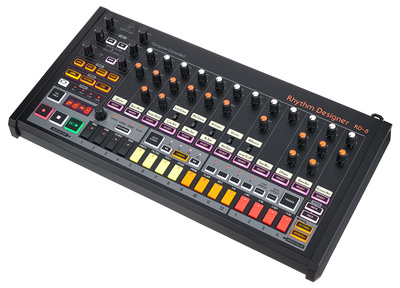

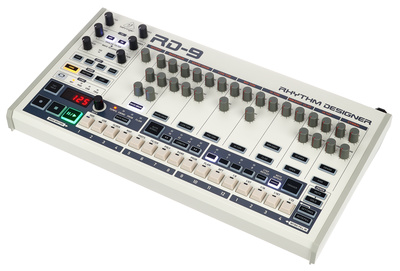

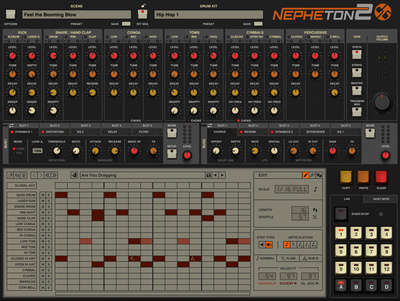
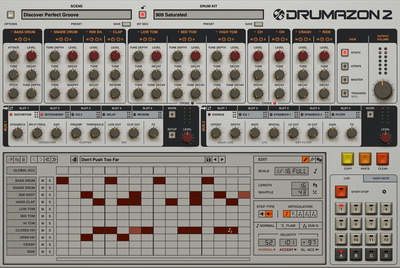

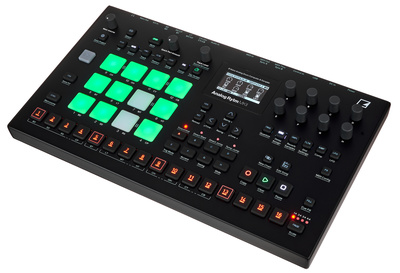

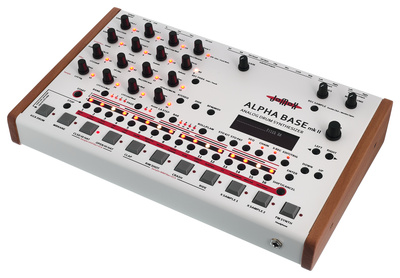

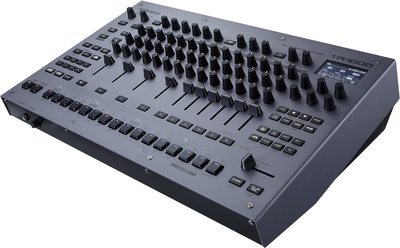
If you want to take things one step further, you can process the kicks you have created through suitable effects units. A wide range of hardware effects pedals and characterful plugins are available for this purpose.
How to Create the Basic Sound of Your Techno Kicks
Start with a kick that is as simple as possible and focus on the core parameters first. With synthesized kicks, the pitch envelope plays a particularly important role. A short pitch drop creates the characteristic attack heard in many techno kicks. The pitch starts slightly above the target pitch and drops within a few milliseconds.
Also pay attention to the length of the kick. If it is too short, the sub range will lack pressure. If it is too long, it will quickly clash with the bassline or groove. A well-designed kick has enough sub energy while still sounding controlled and precise. In techno productions especially, a kick works best when it already feels stable and powerful on its own before additional processing is applied.
Step 2: Layering Techno Kicks – Combining Sub, Punch, and Attack
In many modern techno productions, the final kick is not created from a single sound but from several layers. This layering technique allows different sonic characteristics to be combined.
The Three-Layer Principle
A deep sub layer provides the foundation in the low-frequency range. A second layer adds punch in the midrange. Often, a short attack layer is added to give the kick more presence and definition in the mix.
However, layering is not about stacking as many sounds as possible. The key is making sure the individual elements complement each other and, above all, serve a clear purpose in the track. When sub, punch, and attack work together cleanly, the result is a kick that feels stable and powerful in both club and studio mixes. At the same time, this stage invites experimentation, so different layer combinations can lead to very interesting results.
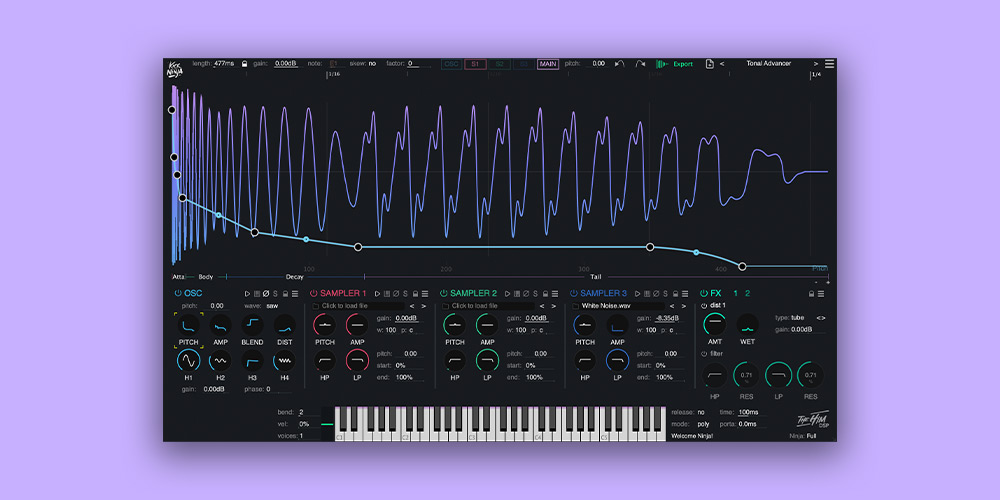
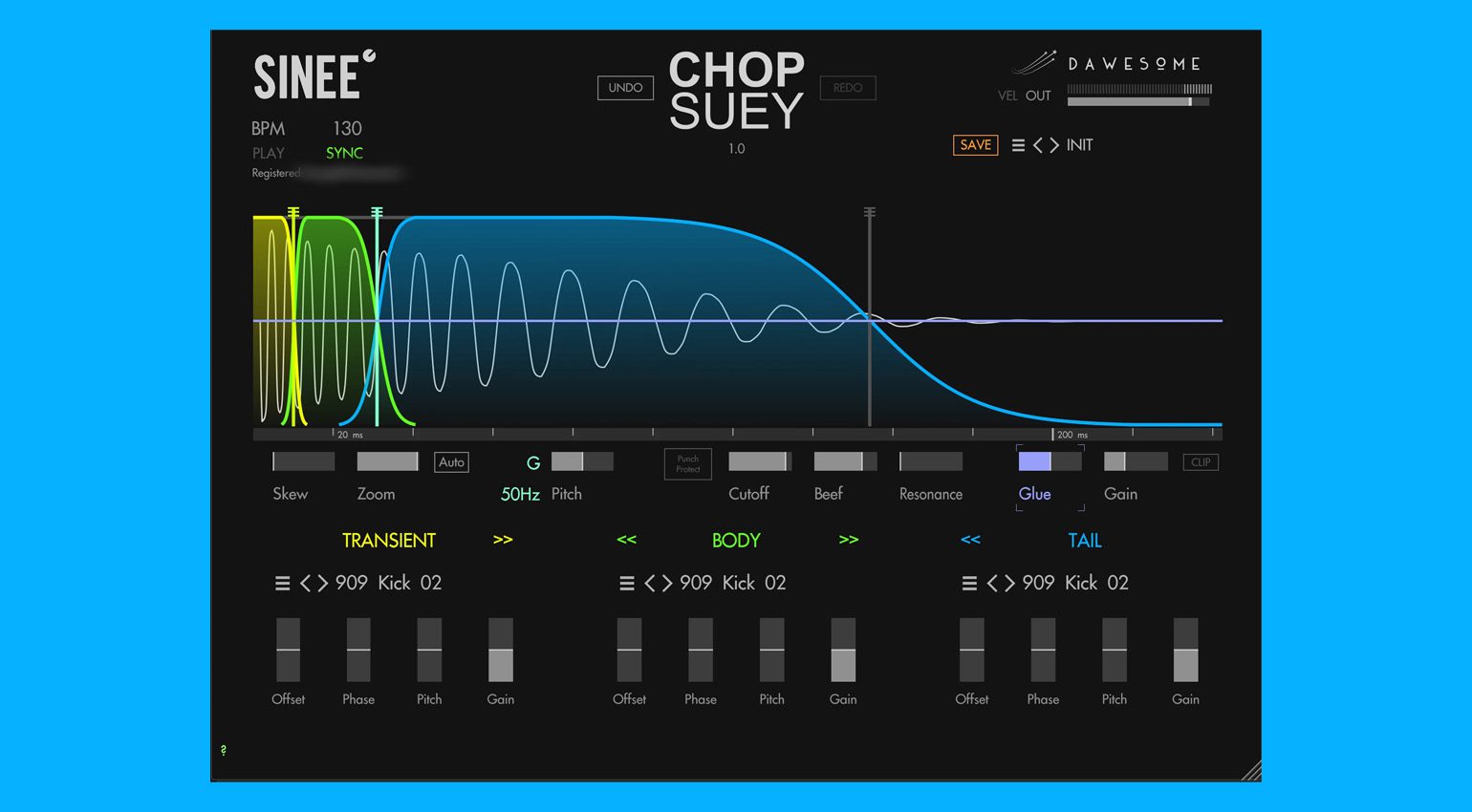
Layering different techno kick elements works best inside your DAW or with plugins designed specifically for this task, such as Sonic Academy Kick 3, The Him DSP Kick Ninja*, or Dawesome Chop Suey*. These tools often display the individual phases of the kick samples visually, making it easier to align and shape them. Parameters such as tuning, stretch factor, and length can be adjusted very precisely. With Sonic Academy Kick 3, you can even add a dedicated sub-bass generator and access several effects that allow you to further refine the final techno kick.




Carefully Coordinate Sub, Punch, and Attack
Layering is not about stacking as many sounds on top of each other as possible. Instead, each layer should serve a clear purpose. The sub layer provides energy in the low-frequency range. A second layer can reinforce the punch in the midrange. Often, a short click or attack layer is added to give the kick more presence and cut in the mix.
Timing and phase are especially important here. If the layers are not aligned precisely, the kick quickly loses impact. That is why it is worth zooming in on the waveform and aligning the transients carefully. In many cases, even a minimal offset of just a few samples is enough to change the entire character of the kick. When all layers work together cleanly, the result is a kick with significantly more depth and presence.
Step 3: The Finishing Touches – Sound Design and Mixing
In the final step, the kick receives its defining character. Now the goal is to stabilize the sound within the mix and give it the desired punch.
Use Effects to Add Punch, Low End, and Character
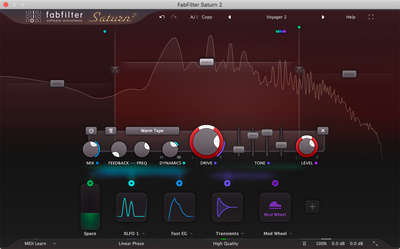
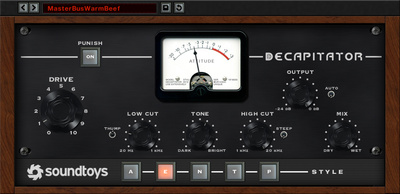
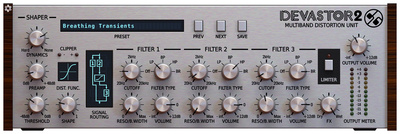
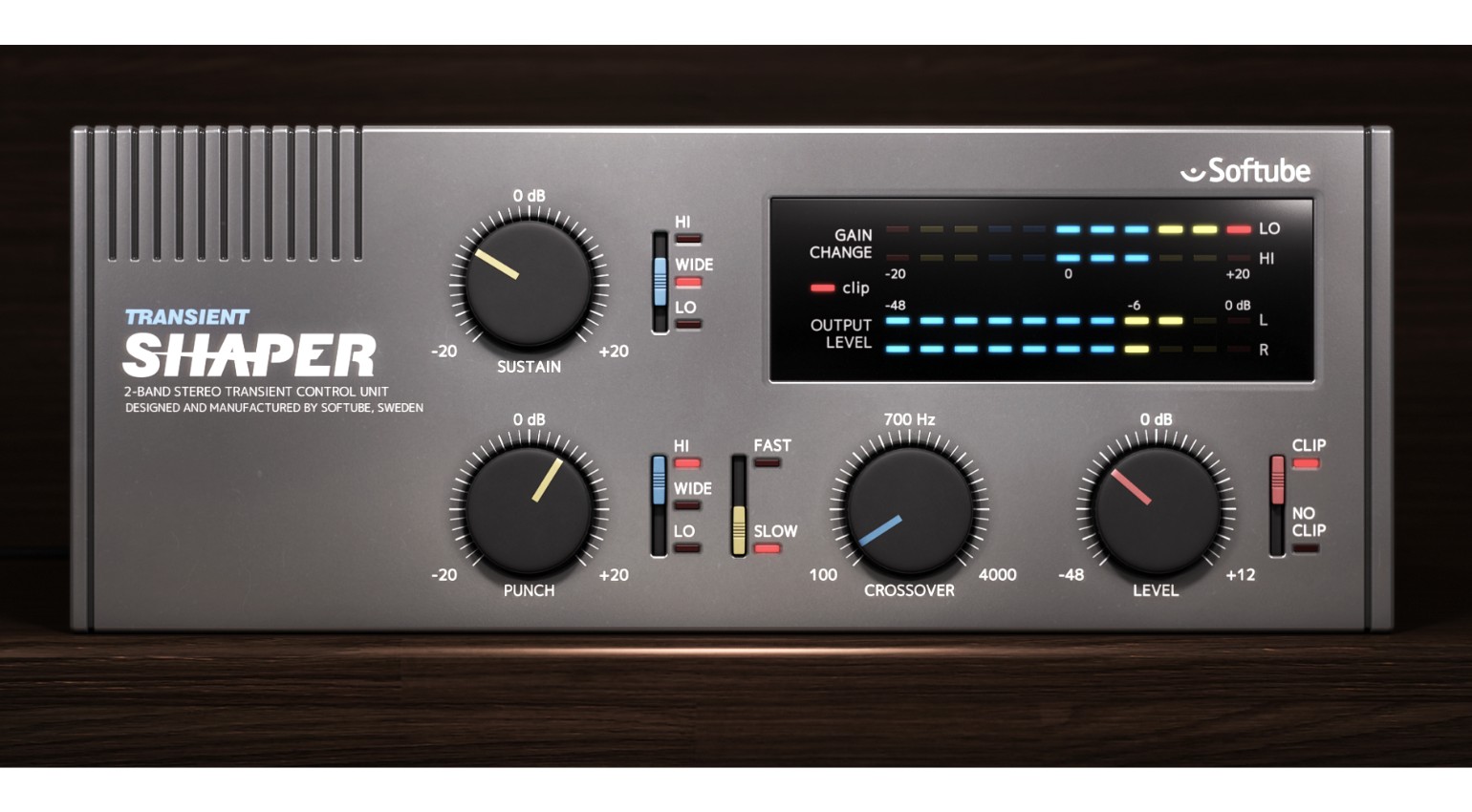
Typical effects at this stage include saturation, compression, and transient shapers. Saturation tools such as Soundtoys Decapitator*, FabFilter Saturn 2* (see Editing Drums), or D16 Devastor 2* can generate additional harmonics and help the kick stand out more clearly in the mix. A transient designer such as the Softube Transient Shaper* helps control the attack phase very precisely.
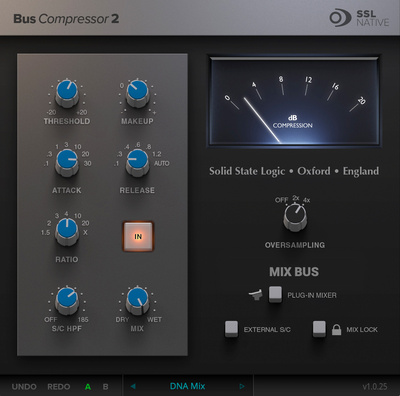
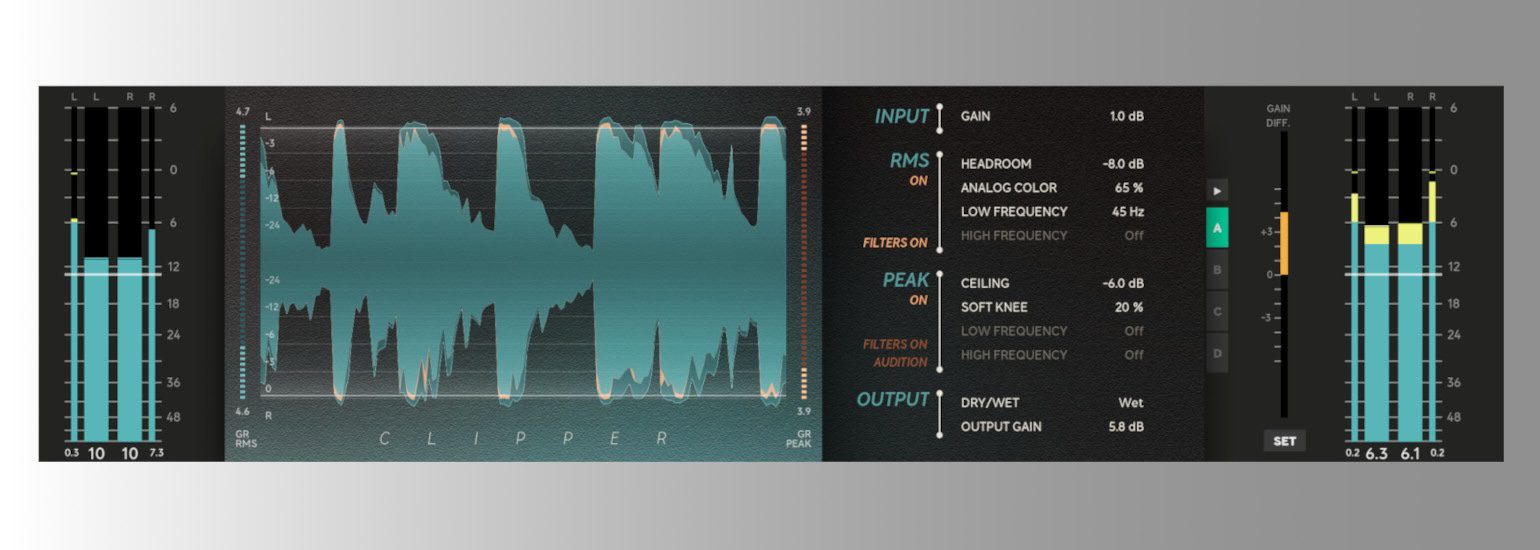
The Softube Clipper* or light bus compression with the Solid State Logic Bus Compressor 2* are also often used to make a techno kick sound denser and more assertive in the mix.
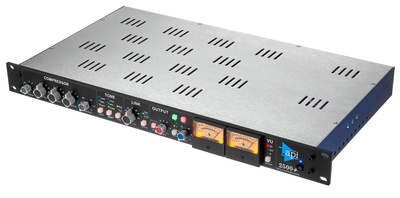
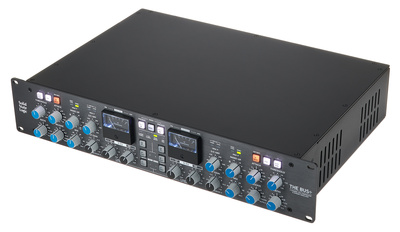
Of course, there are also hardware equivalents that can be very useful for shaping techno kicks, although these tend to be significantly more expensive. Important tools in my studio include the Overstayer Modular Channel (preamp, filter, EQ, compressor, and drive), as well as the two compressors API 2500+* and SSL Bus+*. The hardware mentioned here, or their plugin counterparts, can also add a distinctive sonic character that becomes part of your final techno kick. This is another step toward developing a recognizable signature kick.
It is important to use these processing stages with care. The goal is not maximum loudness, but a kick that fits naturally into the track while still delivering enough energy and maintaining its dynamics.




Targeted Use of Saturation, Transients, and Clipping
In the final step, the kick receives its finishing punch. A subtle amount of saturation can generate additional harmonics and give the kick more presence in the mix. Make sure the sub range remains as stable as possible and does not distort excessively.
A transient shaper helps control the attack or sustain very precisely. Increasing the attack adds extra impact, while reducing the sustain phase makes the sound feel drier and more controlled.
Finally, a clipper or limiter can help make the kick slightly denser. The key is to work carefully. The goal is not maximum loudness, but a kick that sits securely in the track and develops enough energy in combination with the bass and groove.
Conclusion: Why These Three Steps Form a Perfect Match
A strong techno kick rarely happens by accident. It is usually the result of a clear and structured process. First, you need a selection of well-sampled basic sounds that are properly named and organized in your library. After that, layering and final sound shaping determine the overall character of the kick.
When these three steps work together effectively, the result is a kick that cuts through the track, remains stable in the mix, delivers enough punch, and still supports the overall sound of the production. This clearly shows why kick source, layering, and final processing together form a true Perfect Match.
More Information
- Drum Machines for Techno 2026: Punch, Workflow, and Character
- Techno Beats in Ableton Live Made Easy!
- The Best Synths for Techno Productions in 2025: Powerful, Flexible and Creative
- Techno Rumble in Ableton Live – Made Easy!
- Techno Legends Use This Gear: Jeff Mills and His Roland TR-909
- Techno Legends Use This Gear: Richie Hawtin aka Plastikman
- Techno Legends Use This Gear: Robert Hood and the Discipline of the TR-909
- Dub Techno: This Gear is a Perfect Match in 2026
- Perfect Match series
*Note: This article contains affiliate links that help support our site. The price remains the same for you. If you purchase through these links, we may receive a small commission. Thank you for your support.


This might also interest you
One response to “The Perfect Techno Kick in 3 Steps – Perfect Match”

Thanks for the nice article on kick design. So many ways to create a powerful foundation for a track!
Another super intuitive and great sounding plugin is Bazzism. Weapon of choice for a whole generation of Psytrance producers it is just as much at home in Techno world. Add to this the incredible Cableguys Shaperbox (very flexible distortion, crushing, space and filtering and most of all transient and envelope shaping!) and you are off to a great start.
(You mentioned) Saturn and a Pultec style plugin (Plugin Alliance Lindell Pex-500 or the free Kiive Audio Warmy, Universal audio or Mixwave..even Logic’s own version are all beautifully suited for the task of fattening the low end nicely)
Best,
Bourian