The Perfect Monitoring Setup for Electronic Music Producers 2026
Why Your Mixes Sound Great in the Studio but Fall Apart Everywhere Else

 3,5 / 5,0 |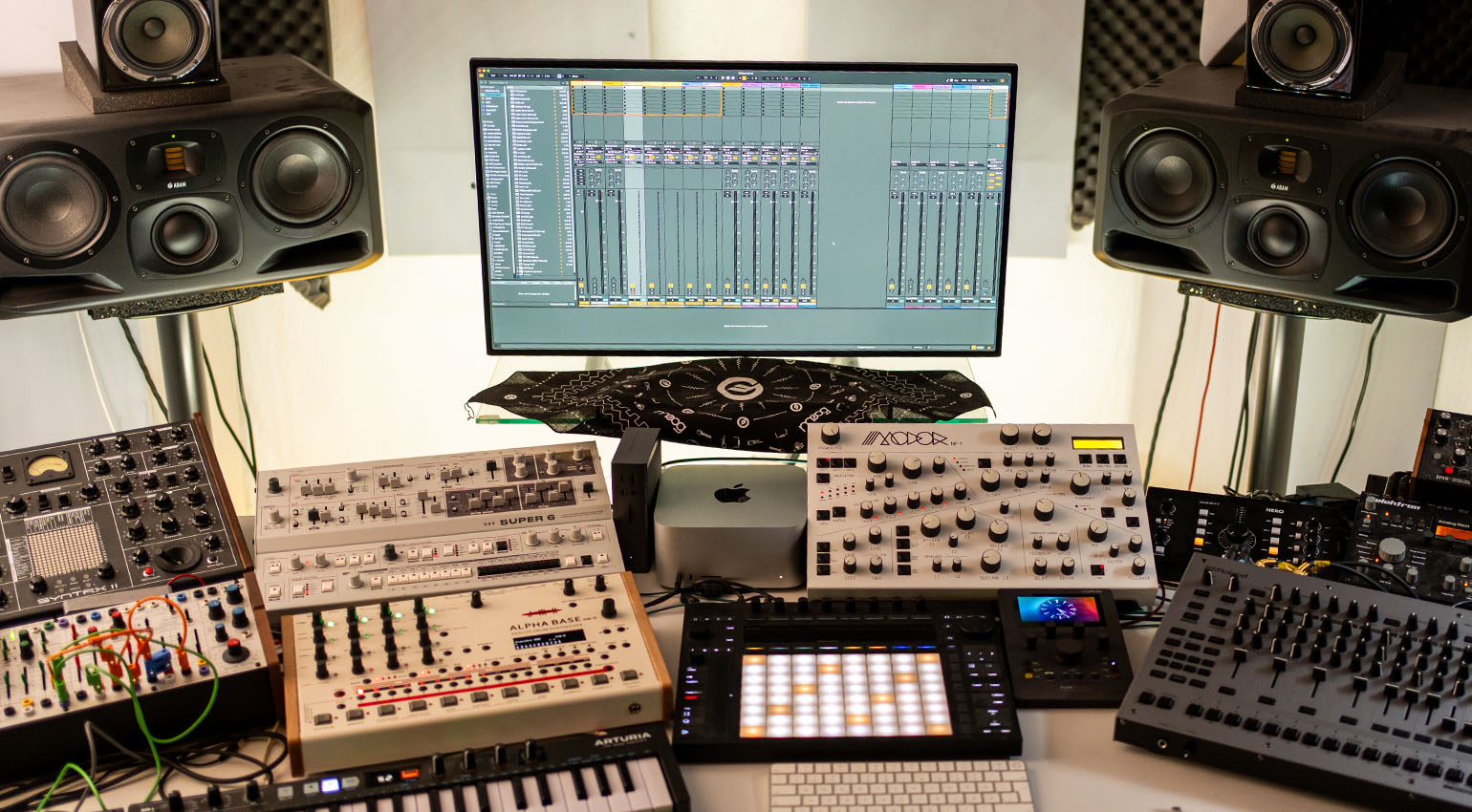
The Perfect Monitoring Setup for Electronic Music Producers 2026 · Source: Marcus Schmahl

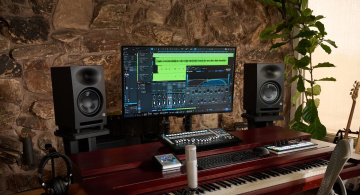
You know the feeling: your mix sounds incredible in the studio, warm, punchy, everything sitting right. Then you play it in the car, on a friend’s phone, or through a club system, and suddenly the bass disappears, the highs are harsh, and the kick gets lost in a muddy wash. That’s not a talent problem. That’s a monitoring problem. A proper monitoring setup for electronic music producers doesn’t start with buying expensive speakers. It starts with understanding what your setup is actually telling you. And of course, what it isn’t. Let’s look at what really matters: from choosing the right monitors and headphones to room acoustics, placement, and the referencing workflow that makes your mixes work on any system.
Monitoring Setup for Electronic Music Producers at a Glance
- A good monitoring setup for electronic music producers consists of monitors, headphones, and room acoustics: none of the three is optional
- Your listening position in the room often affects your sound more than the monitors themselves
- Referencing commercial tracks across multiple systems is standard professional workflow, not a weakness
- Headphones alone aren’t enough for accurate mixing, but as a complement they’re essential
- You don’t need expensive gear to get good results, but you need to understand what your setup is and isn’t telling you
- An audio interface is mandatory, not a nice-to-have
- Room acoustics can be improved on a small budget, but egg cartons definitely won’t do it
Studio Monitors, Headphones, and Room Acoustics: Building the Perfect Monitoring Setup for Electronic Music Producers
Monitors or Headphones?
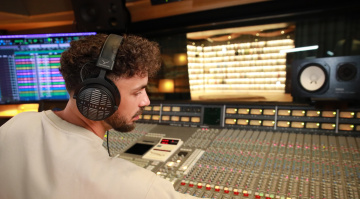
The first question almost every bedroom producer asks at some point: do I really need studio monitors, or will a good pair of headphones do? The honest answer is unsatisfying but true: you need both, and for different reasons.
Studio monitors show you how a mix behaves in a room. They reproduce frequencies physically, you hear both channels simultaneously with both ears, and the natural crosstalk, the slight bleed of the left speaker into the right ear and vice versa, creates a stereo image that matches how people actually experience music in the real world. That makes monitors irreplaceable for decisions about stereo width, spatial depth, and the overall balance of a mix.
Headphones, on the other hand, completely isolate the channels from each other. That’s an advantage when you’re trying to catch fine details, evaluating transients, or producing late at night without disturbing the neighbors. But that same isolation is also the problem: stereo decisions that sound huge on headphones can come across as weird or exaggerated on monitors. Producers who mix exclusively on headphones train their ears on a soundstage that rarely exists in real listening situations.
The practical solution for bedroom producers: start with a solid pair of headphones that gets you through the night, and save up for a starter pair of monitors on the side. Using both and switching between them regularly during a mix session gives you a much more complete picture than either device alone.
Open-Back or Closed-Back Headphones?
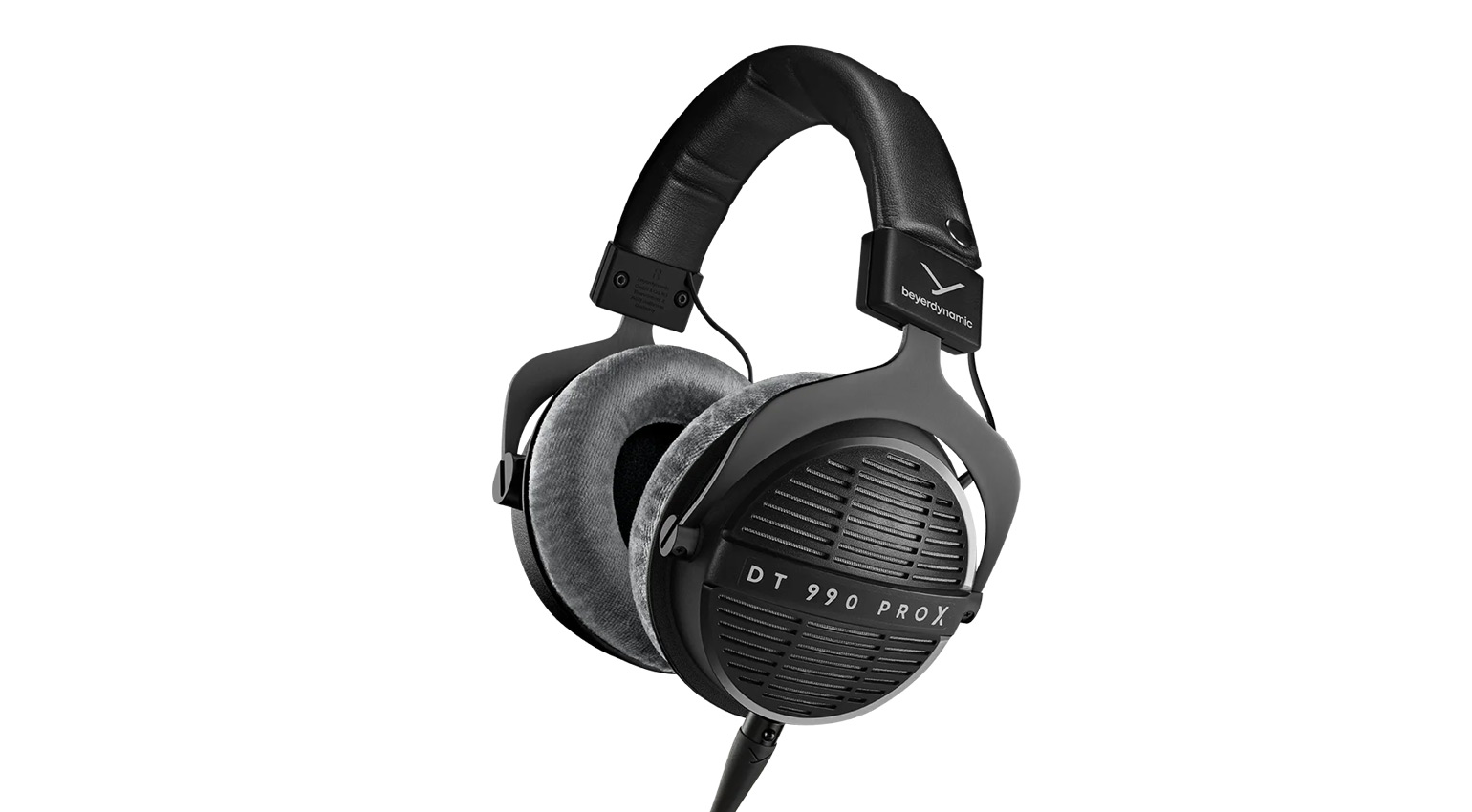
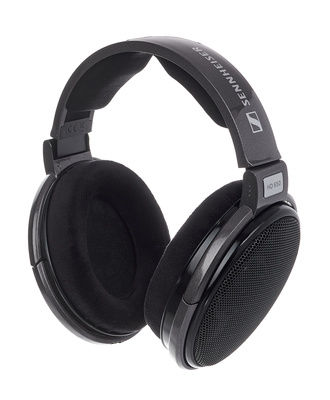
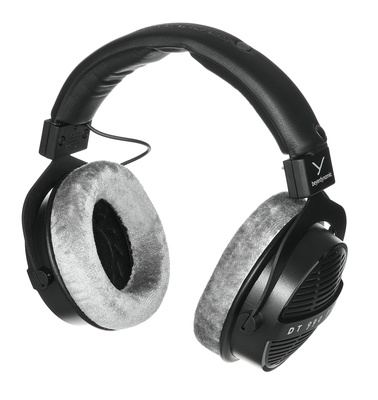
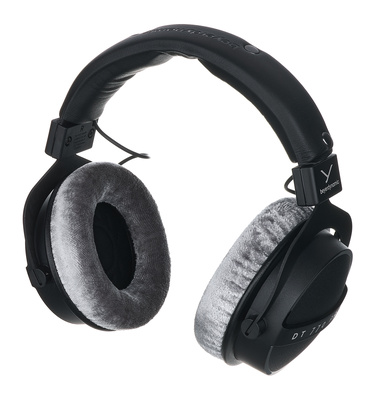
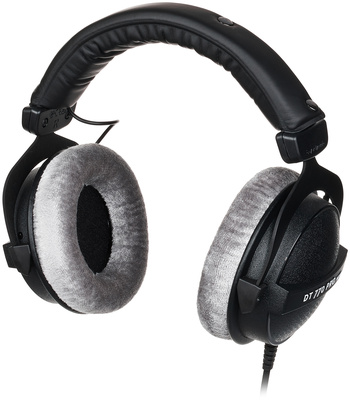
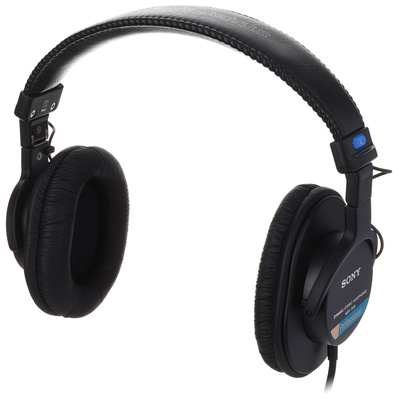
This decision is also more relevant to a solid monitoring setup for electronic music producers than most people think. Open-back headphones like the Sennheiser HD 650* or the beyerdynamic DT 990 Pro X* sound more natural and airy but let ambient noise in and sound out. Closed-back models like the beyerdynamic DT 770 Pro X* or the Sony MDR-7506* isolate better and work well in louder environments or recording sessions. For pure monitoring in a home studio, I’d go open-back: the imaging is more honest, even if the first impression sounds less impressive. That’s exactly the point.
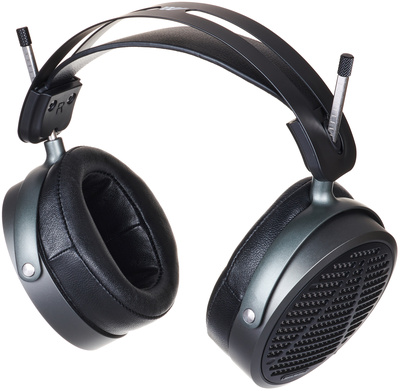
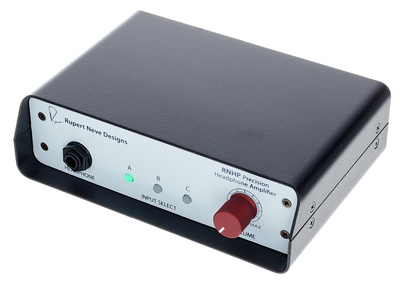
Tip: If budget isn’t a concern, I can wholeheartedly recommend the Audeze MM-500*, but pair it with a decent headphone amp like the Rupert Neve Designs RNHP*. That combination is what I use alongside my monitors in the studio. With great results.






Room Acoustics: the Half of Monitoring Nobody Talks About
This is the part most producers underestimate when building a monitoring setup for electronic music producers, and simultaneously the one that makes the biggest difference. If your room sounds bad, your mixes will too. A room with untreated parallel walls, bare concrete, or low ceilings creates reflections, standing waves, and room modes that color your sound so heavily you simply can’t hear what’s actually in the signal.
The most common problem in typical home studios is bass modes. Low frequencies between roughly 40 and 200 Hz build up at specific points in rectangular rooms. Depending on where you sit, you’ll hear either too much or too little bass. That leads to mixes where the low end gets over-reduced or overblown, because your brain is trying to compensate for what the room is throwing back at you.
Monitoring Setup for Electronic Music Producers: What Actually Helps and What Doesn’t
Egg cartons on the wall are a myth. They absorb high-mids at best, leaving the frequencies that actually cause problems completely untouched. What works are broadband absorbers made from Basotect or Rockwool, placed in the corners and at the first reflection points. First reflection points are the spots on the side walls, ceiling, and behind the monitors where sound reflects first before reaching your ears. You can find them with a simple trick: have someone slide a mirror along the wall while you sit at your mix position. Wherever you can see your monitors in the mirror, that’s your first reflection point.
Diffusers work well on the rear wall: they scatter sound rather than absorbing it, which keeps the room from going too dead. The goal is a balanced ratio of absorption and diffusion, not total dampening of all frequencies, but a room that responds as neutrally as possible.
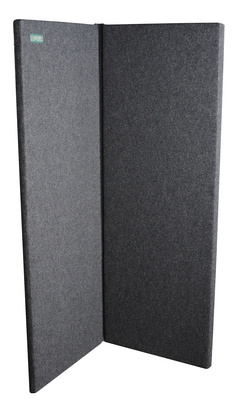
If you can’t treat the room permanently, at least go for portable solutions. Affordable absorber panels* placed behind and to the sides of your monitors already make an audible difference. Brands like Vicoustic* or Clearsonic* offer beginner-friendly options, and if you want to DIY, Rockwool from a hardware store and a bit of effort will take you surprisingly far. Remember this: in any monitoring setup for electronic music producers, room acoustics remains the single most underestimated factor.

Listening Position and Placement: Physics Beats Equipment
Even with a treated room and quality monitors, bad placement means you’re leaving a lot on the table. The correct positioning of your monitors relative to your listening position follows a few core principles that consistently hold up in practice.
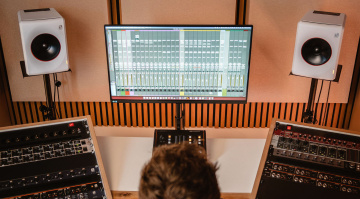
The classic recommendation is the equilateral triangle: both monitors and your head form an equilateral triangle, with the monitors aimed directly at your ears. Concretely, that means the tweeter sits at ear height, not above or below it. A tweeter aimed at your chest colors the upper mids in a way that’s subtle enough to go unnoticed but strong enough to skew your mixing decisions.
Keep your monitors as far from walls as possible. The closer a monitor is to a wall, the more bass energy that wall reflects back into the room. That’s the so-called boundary effect. Many monitors offer switches or EQ settings on the back panel to partially compensate for this. Read your monitor’s manual: these settings aren’t a gimmick. They’re often the fastest route to a more honest sound.
One more often-overlooked point: don’t sit exactly in the center of the room along the long axis. The exact center of a rectangular room is acoustically one of the worst spots, because room modes build up most strongly there. Sitting slightly off-center already makes a real difference.
Referencing: Why You Need to Hear Your Mixes on Other Systems
Referencing is an absolutely necessary part of any monitoring setup for electronic music producers, even if a lot of people underestimate it for a long time. Even seasoned mastering engineers reference constantly, simply because the ear adapts to a sound fast and stops judging it fairly after a while.
How to do it right, which tracks work as references, and which plugins help: we covered all of that in a dedicated article, How to Use a Reference Track in the Studio. Read it alongside this one. Referencing and monitoring are absolutely necessary partners in any session.
The Right Gear: Recommendations for Every Budget
Here’s my personal take on the best options right now for your monitoring setup for electronic music producers, with a focus on real-world value.
Budget: Under €300
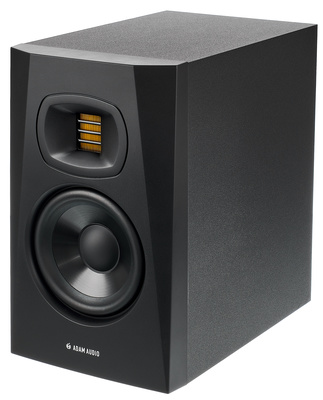
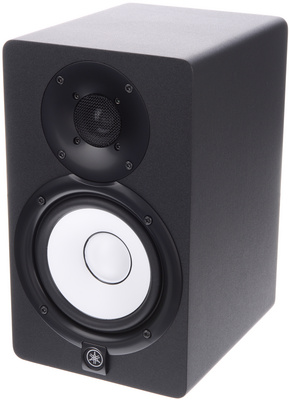
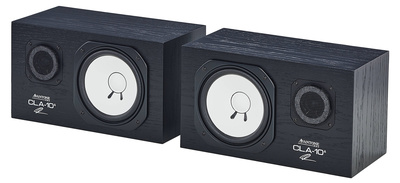
If you’re just getting into a monitoring setup for electronic music producers without spending a lot, this is a solid starting point. The Yamaha HS5* has been a segment classic for years because it sounds honest, not flattering, which is frustrating at first but leads to better mixing decisions long-term. You know the principle from the legendary NS-10s: if it sounds good on these, it sounds good anywhere. Alternatively, the Adam Audio T5V* brings a touch more upper-mid detail and sits a little friendlier on the desk.



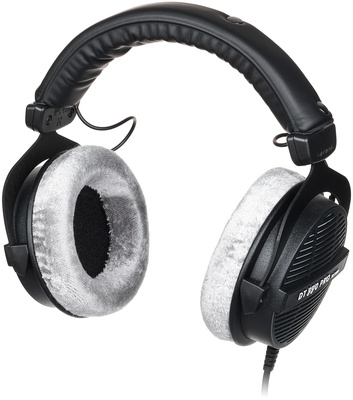
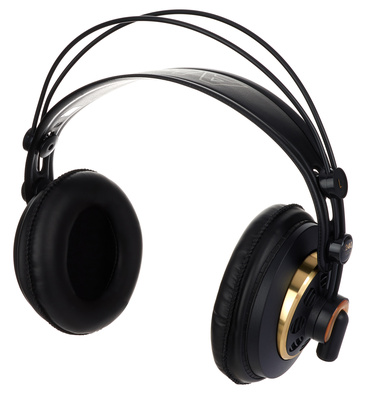
Headphones-wise, the beyerdynamic DT 770 Pro* in the 80-ohm version is a safe bet for closed-back. Prefer open? The AKG K240 Studio* is an affordable but honest option.

Mid-Range: €300 to €800
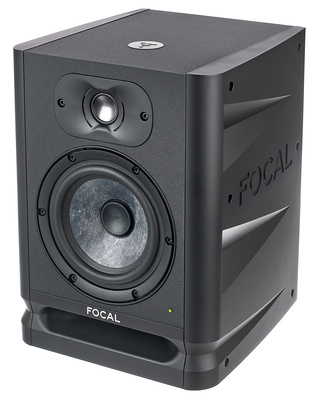
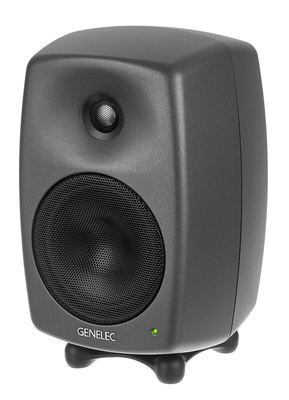
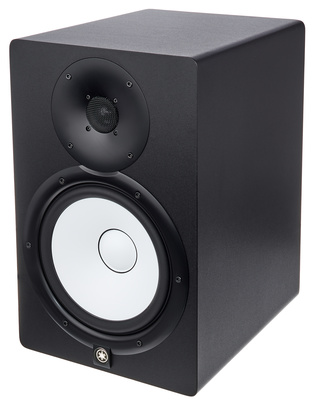
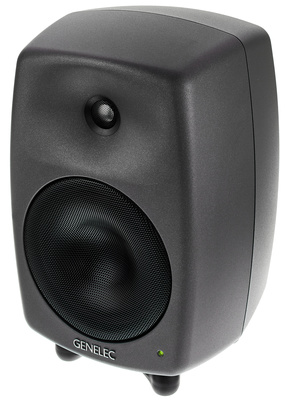
Step up to €300–800 for your monitoring setup for electronic music producers, and the gains start to matter more than the price tag alone suggests. I’d point most people toward the Focal Alpha 50 Evo* first: wide stereo image, accurate bass, none of the low-end flattery you get from cheaper drivers. The Genelec 8030C* is the other obvious pick in this segment, neutral almost to a fault. And if your tracks live mostly in the sub-bass, the Yamaha HS8* gives you more cone surface and more low-end extension than either of those two.


For headphones, I’d go with the Sennheiser HD 650* in this range, a classic that’s been sitting on professional engineers’ desks for decades, and for good reason.
Pro Tier: €800 and Up
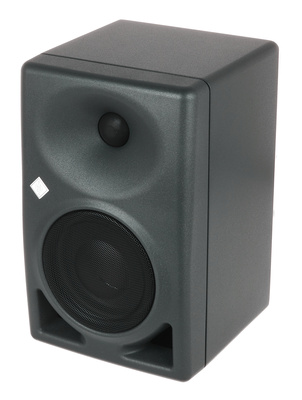
At this budget, the Neumann KH 120 II* or Genelec 8040B* are the ones to look at, both with DSP correction, both capable of partially compensating for room problems digitally. Not a substitute for acoustic treatment, but a worthwhile addition that absolutely makes sense at this price point.

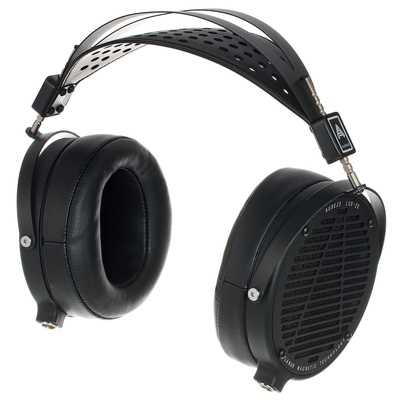
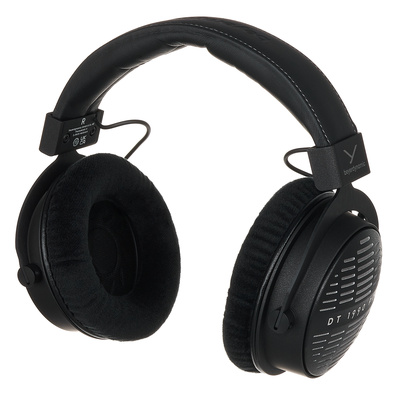
On the headphone side, the Audeze LCD-2* delivers an exceptionally linear bass response that’s particularly valuable for electronic music with a lot of sub content. The beyerdynamic DT 1990 Pro Mk II* is a more analytical alternative with an open-back design and excellent detail resolution.
The Audio Interface: Often Forgotten, Always Essential
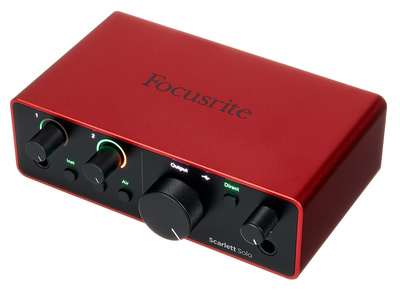
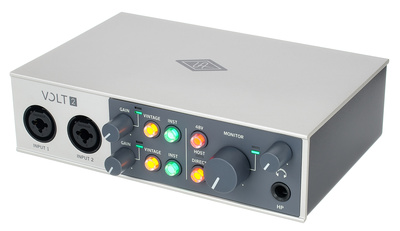
A monitoring setup for electronic music producers is only as good as what feeds it: even the best monitors won’t do much without a decent interface behind them. The built-in sound cards in laptops and desktop computers simply aren’t suitable for professional monitoring, poor converters, high noise floors, often unstable drivers. A starter interface like the Focusrite Scarlett Solo* or the Universal Audio Volt 2* makes an audible difference and comes in at under €170 for either option.


Common Mistakes With the Monitoring Setup for Electronic Music Producers
Mixing too loud. When it comes to a monitoring setup for electronic music producers, the same mistakes keep repeating themselves. High listening volumes fatigue your ears quickly and skew your perception. The rule of thumb: mix at a level where you could still hold a normal conversation. Turn it up occasionally for quick level checks, but working loud constantly damages both your hearing and your mix.
Only listening on one system. Producers who mix exclusively on expensive monitors lose touch with the real world. Regularly checking your mix on other systems is simply part of the workflow, not an optional extra step.
Ignoring the room. A budget monitor in a treated room will outperform an expensive one in an untreated space, every single time. Physics doesn’t care what your gear cost. Room acoustics genuinely move the needle in any monitoring setup for electronic music producers, more than most people want to admit.
Buying gear instead of training your ears. Your ears are the most important instrument in the studio. Actively and critically listening to music you respect, and consciously analyzing what sounds how on which system, sharpens your perception more than any new monitor.
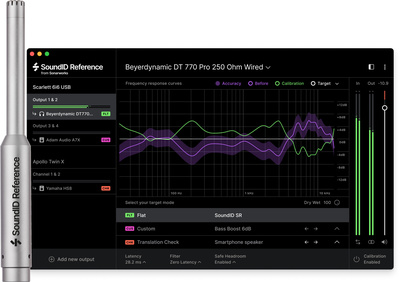
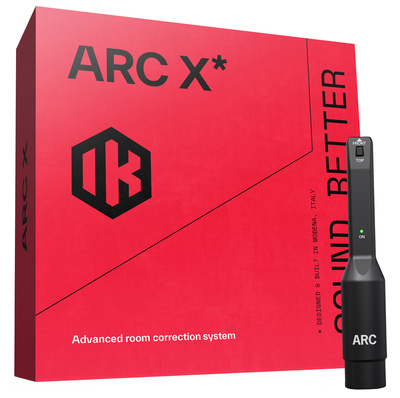
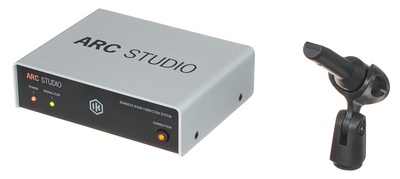
Forgetting calibration. If you have the option, use Sonarworks SoundID Reference*, IK Multimedia ARC X* (or ARC Studio), or a comparable tool. This software measures your room and monitors and corrects irregularities digitally. Not a substitute for acoustic treatment, but a genuine help in everyday use.


Conclusion: Monitoring Setup for Electronic Music Producers
A good monitoring setup for electronic music producers is never really finished. It’s a system built from monitors, headphones, room acoustics, and the right working habits, not a single purchase you check off a list. Tweak only one of those variables and you’ll hit a ceiling sooner or later. The most important step is often not buying new hardware, but understanding what your room is doing to your mix and regularly checking against other systems.
Start with what you have. Learn what your setup is telling you. Then invest deliberately where the biggest gains are, usually in room acoustics, not in more expensive monitors. And if you want to understand referencing in detail, make sure you read our dedicated article: How to Use a Reference Track in the Studio.
FAQ: Monitoring Setup for Electronic Music Producers
The most common questions about monitoring setup for electronic music producers, all in one place.
Do Headphones Alone Work for Mixing?
Technically yes, practically no, and I learned that the hard way on a track I mixed entirely on headphones late one night. Headphones completely isolate the stereo channels, which can lead to unnatural mixing decisions. The track sounded massive on my DT 770s and oddly thin on every speaker I played it on the next day. For occasional sessions or when monitors aren’t an option, a good pair of headphones works fine. For regular, precise mixing you need at least occasional access to monitors.
What Does a Good Starter Setup Cost?
Under €500 and you’re in business, which still surprises people who assume a real studio costs thousands. A pair of Yamaha HS5 or Adam T5V (around €350 per pair) plus a beyerdynamic DT 770 Pro (around €130) gives you a setup that’s genuinely production-ready. I’d take that combo over a pricier setup crammed into an untreated room any day.
Do I Need to Treat My Room Acoustically?
If you’re seriously building mixes that need to work on other systems: yes, no way around it. Even simple measures like absorbers at the first reflection points make an audible difference, I noticed it within a single session the first time I added a pair. Egg cartons, for the record, still don’t help at all, no matter what that one forum thread told you.
Which Monitors Work Best for Techno and Electronic Music?
For electronic music with a lot of sub-bass, you need monitors with honest low-end reproduction, this is genuinely where most bedroom setups fall apart. The Yamaha HS8, Focal Alpha 65 Evo, or Genelec 8040 all have enough low-end extension to keep up. Personally, I’d rather add a subwoofer to smaller monitors than buy bigger ones, the bass integration tends to be cleaner that way.
Do I Need an Audio Interface?
Yes, absolutely. Built-in computer sound cards aren’t suitable for professional monitoring. A starter interface like the Focusrite Scarlett Solo makes an audible difference and comes in under €150.
What Is the Boundary Effect?
When monitors are placed too close to walls, the wall reflects bass energy back into the room and boosts certain frequencies. The result is an overly thick, inaccurate low end. Keep at least 50 cm of distance to the rear wall, more is better.
How Loud Should I Mix With my Monitoring Setup for Electronic Music Producers?
The rule of thumb is conversation level: you should still be able to hold a normal conversation at your working volume. That protects your hearing, keeps you from fatiguing as fast, and maintains accurate perception across longer sessions.
Is a Measurement Tool Like Sonarworks SoundID Reference Worth It?
For most home studios: yes, and it’s one of the few software purchases I’d recommend without hesitation. The software calibrates your monitor and headphone sound to a linear standard and gives you a significantly more honest picture of your mix. Not a substitute for acoustic treatment, but a useful addition, think of it as a finishing touch, not a foundation.
What Are First Reflection Points?
The spots on your side walls, ceiling, and rear wall where your monitors’ sound reflects first before reaching your ears. Absorbers at these points reduce comb filtering and make the stereo image noticeably more accurate.
Can I Reference on Bluetooth Speakers?
As an additional system: yes. As a primary monitoring setup for electronic music producers: no, and I say that as someone who’s been tempted to cut corners there too. Bluetooth speakers color the sound significantly and aren’t suitable for mixing decisions. For testing how your mix holds up on an everyday device, though, they’re a genuinely useful reference system, that’s basically what most of your listeners will use anyway.
More on Monitoring Setup for Electronic Music Producers
- How to Use a Reference Track in the Studio
- All Studio Monitors at Thomann*
- All Studio Headphones at Thomann*
*Note: This article about the Monitoring Setup for Electronic Music Producers contains affiliate links that help us keep Gearnews running. The price for you always stays the same! If you buy something through these links, we receive a small commission. Thanks for your support!

This might also interest you