Stem Mastering vs. Full Mix Mastering 2026: The Difference and What You Actually Need Right Now
When a Stereo Mix Is Enough and When Stems Make the Real Difference

 5,0 / 5,0 |
Stem Mastering vs. Full Mix Mastering 2026: The Difference and What You Actually Need Right Now · Source: Petr Malyshev / Alamy

You’ve spent weeks on your track, the energy is right, the balance is locked in, and now you’re deciding between stem mastering and full mix mastering. Whether mastering delivers that back to you depends a lot on which approach you choose. Then you send it off to mastering and get back exactly what you hoped for. Or you don’t. That’s exactly where the stem mastering question becomes real. Both approaches lead to the same destination, but not always with the same result. AND understanding what’s actually behind each one means better decisions, less wasted time and money, and a track that ends up sounding like what it was supposed to be. Which is what we all want.
If you’re also trying to figure out how loud your finished track should be for streaming, we’ve got that covered too: Loudness War 2026.
Stem Mastering at a Glance
Anyone who sends their mix to a mastering engineer or has it cheaply mastered online will sooner or later face this question: “How should I send the files?” The answer depends more on the song than the technology. I’ll explain what stem mastering actually is, when the extra control justifies the cost, and when a good stereo mix is the better call. I’ll explain this from the perspective of someone who deals with both on a daily basis.
- Stem mastering gives the mastering engineer more control over individual elements of the mix.
- Full mix mastering is faster, cheaper, and more than sufficient for a lot of productions.
- A bad mix can’t be saved by any mastering approach, not by stems, not by the best engineer in the world. If the low end is a muddy mess in your DAW, it’ll still be a muddy mess on the master.
- Stems need to be exported cleanly. Badly prepared stems cancel out the whole advantage.
- Stem mastering takes more time and therefore costs more. Factor that in.
- For electronic music with complex arrangements, stem mastering is often the smarter call.
- If you’re mastering yourself, stem mastering gives you just as much of an edge.
Stem Mastering vs. Full Mix Mastering: Workflows, Gear, and When Each Approach Actually Sounds Better
What Stem Mastering Actually Is
Before the stem mastering vs. full mix mastering conversation can go anywhere useful, let’s get clear on what we’re actually talking about. A full mix is what most people know: every track in your DAW gets summed into a single stereo master signal, exported as a stereo file, and sent off to mastering. The engineer works exclusively with that stereo file only.
Stem mastering works differently. Instead of one stereo file, you deliver multiple group exports, the stems. Typical stems in an electronic music production might be kick, bass, synths, pads, drums minus kick, percussion, vocals, and FX as separate stereo files. The engineer processes each group individually before summing them into a new mix and running the actual mastering pass on that newly generated sum.
That means stem mastering is technically a hybrid of mixing and mastering. The engineer is touching the mix without access to individual tracks. He’s working with groups, not the full session. And ideally he’s not twisting the character of the song, or only doing so in direct conversation with the producer.
How Many Stems Do You Actually Need?
This is one of the questions I get asked most often, and the answer is: as many as necessary, as few as possible. Too many stems make the process unnecessarily complicated. Too few take away the flexibility the engineer actually needs. For most electronic productions, four to eight stems is a solid range. Kick and bass as separate stems almost always make sense, because those are the elements that need the most attention at the mastering stage.
If you trust your engineer and want to go deeper, you can hand over the entire DAW project with all its data, so the mixing engineer has full access to every sound and every effects chain. I work this way with some of my clients. The upside: I can give direct feedback on what to improve in specific tracks next time around. One more thing: label your stems clearly and logically, include the BPM, and if possible note the key or root note of the track.
Full Mix Mastering: When It’s the Right Call
Full mix mastering isn’t the worse approach. For a lot of situations, it’s simply the right one. If the mix already sounds good, the balance is there, and the elements work together cleanly, a mastering engineer usually doesn’t need access to groups. He needs a solid stereo mix and the right tools to bring it to its final level, tonal balance, and streaming compatibility.
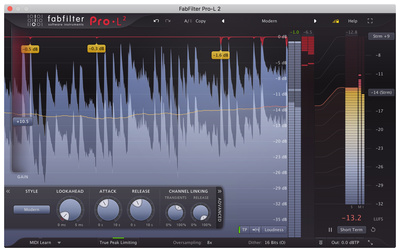
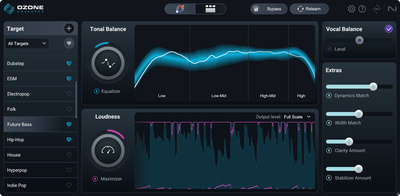
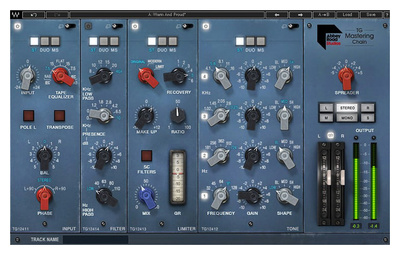
FabFilter Pro-L 2*, iZotope Ozone 12*, or the Waves Abbey Road TG Mastering Chain* are typical tools in a full mix mastering chain, whether the engineer is working in the box or with hardware outboard. The stereo mix runs through a chain of EQ, compression, limiting, and stereo processing. The result is the finished master.




Full mix mastering is faster, usually cheaper, and genuinely professional for productions with a solid mix behind them. A good engineer with good ears and good monitoring can do remarkable things with a stereo file, as long as the mix gives them something to work with. Personally, I trust my ears and always send a stereo mix to the label when my tracks go for release. Labels have a specific sound, and they’ve usually worked with the same engineer for years for exactly that reason.
Stem Mastering: When It Actually Makes Sense
Stem mastering makes sense when the stereo mix has problems that can’t be fixed cleanly at the sum level. That happens more often than most producers realize. Quick example: the bass is too loud relative to the kick, but both live together in the sum. An EQ on the stereo mix can pull down the low end overall, but that also hits the kick and everything else sitting down there. With a bass stem, the engineer can address the bass directly without touching the rest of the mix. On an electronic track, getting that wrong is a disaster.
iZotope Ozone 12* has a stem separation feature in its latest update that can isolate individual groups directly from a stereo mix. It’s not a perfect solution, but for specific corrections it’s surprisingly useful, and it’s gradually blurring the line between full mix and stem mastering.
Other situations where stem mastering delivers a real edge: complex arrangements where elements are getting in each other’s way. Productions where a single element needs a level correction after the fact. Tracks where the stereo mix has already lost dynamics from too much bus compression. Individual elements that were pushed too wide in the mix and are causing phase cancellation. And releases where multiple versions, radio edit, extended mix, instrumental, all need to come from the same stems.
What I’ve Seen in the Studio
As a mixing and mastering engineer, I run into this constantly. Clients send me a stereo mix that sounds fine in their DAW but shows exactly what it’s made of the moment it hits my studio monitors. The sum isn’t sitting right, but the ask is clear: make it sound like a top 10 record.
The problem is fundamental. Pushing hard into the sum bends the sound of the song and every instrument in it to the point where the track often ends up worse than it started. An aggressive EQ cut in the low end doesn’t just fix the problem, it changes everything sitting in that frequency range. A wide compressor on the mix bus doesn’t just even out the dynamics, it shifts the relationship between every element in the mix.
That’s why I prefer stem mastering whenever it’s an option. I can go directly into each group and each instrument when there’s a problem, without damaging the rest of the mix. The result is more controlled and sounds more natural in the end.
The honest catch: stem mastering takes significantly more time and is a lot more work, which means higher session fees and a longer turnaround. From where I stand, though, it’s a genuine win-win for the sound and for the producer, as long as the stems come in clean and the engineer knows what to do with them.
How to Export Stems Correctly
This is where stem mastering falls apart most often. Not because the approach is wrong, but because the stems come in badly prepared. Here’s what actually matters for a clean stem export:
Export All Stems to the Same Length
Every stem needs to be exactly the same length as every other one, same start point, same end point. If they’re not, synchronization falls apart when the engineer lines them up, and he loses time manually syncing tracks that should have been ready to go.
No Bus Compression or Limiting on the Stems
This is the most common mistake. If you’ve got a compressor or limiter running on your mix bus and export stems through it, that processing gets baked into the stems. That essentially defeats the whole point of stem mastering. Bypass all bus processing before you export. Or use your DAW’s export function to bounce each track or group individually without routing through the master.
Export With Enough Headroom
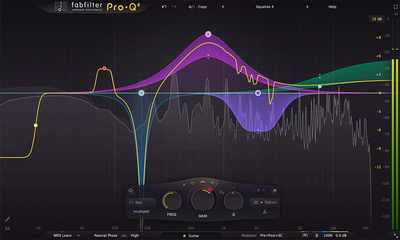
Stems shouldn’t be pushing up against 0 dBFS. Give the engineer at least 3 to 6 dB of headroom, or more. FabFilter Pro-Q 4* as a reference EQ while checking the stems helps catch level issues before they become someone else’s problem. At 24-bit or higher, this costs you zero quality.
Check the Stems Before You Send
This one matters a lot. Load all your stems into a new empty session and compare the sum against your original stereo mix. If the stems add up to exactly the same thing as the original mix, you’ve done it right. If there’s a difference, something went wrong in the export.
Gear for Stem Mastering in the Home Studio
Stem mastering in the home studio is completely doable with the right tools. What you need doesn’t differ fundamentally from full mix mastering, but a few things matter more here.
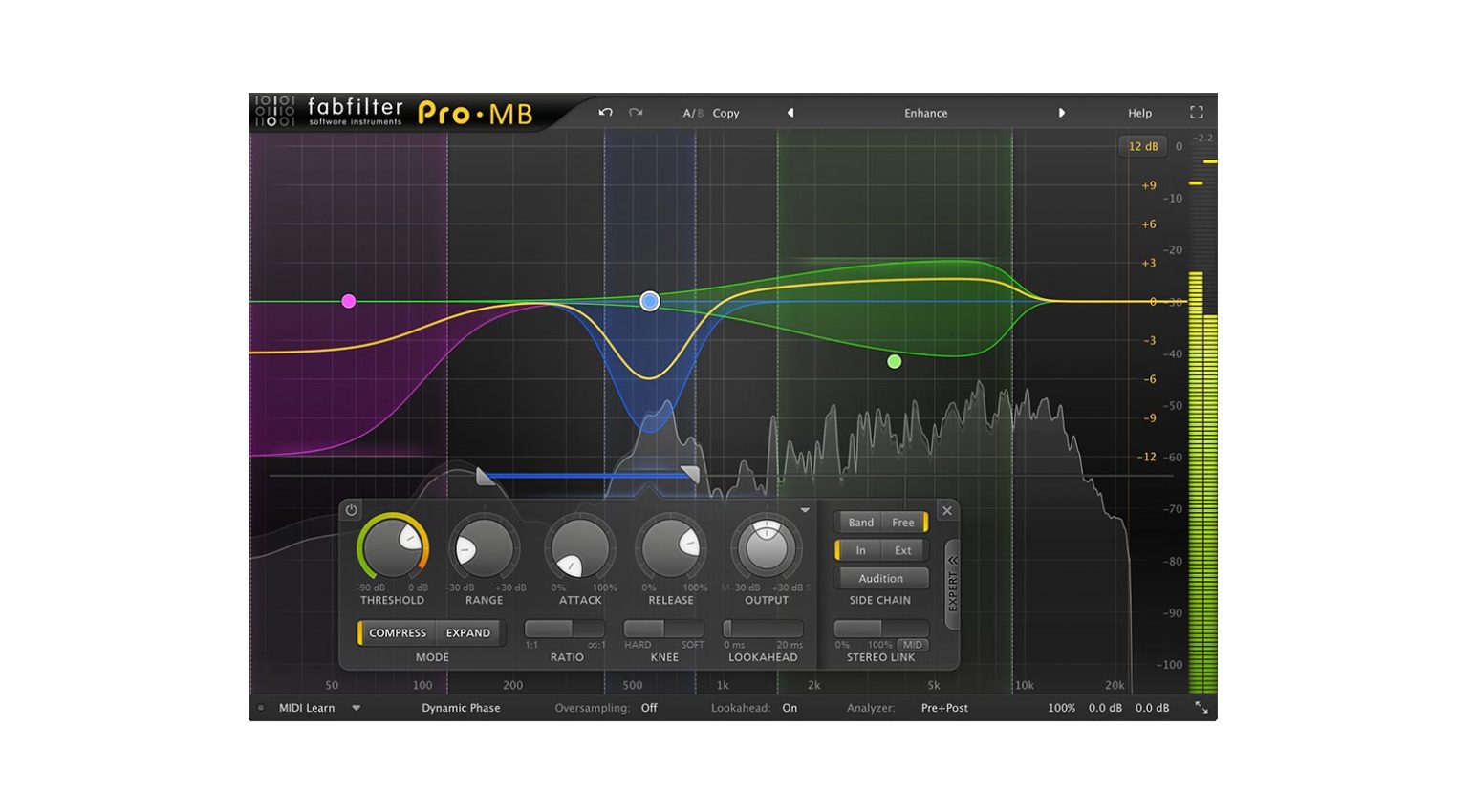
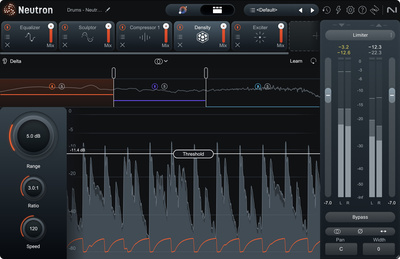
A good multiband compressor is often more useful in stem mastering than on a stereo mix, because you can work more precisely on individual groups. FabFilter Pro-MB* is the go-to for a lot of engineers in this situation. iZotope Neutron 5* is also a strong option specifically for stem work, because it thinks across tracks, works precisely at the group level, and brings AI-assisted suggestions to the table.
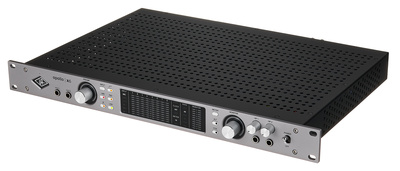
A solid audio interface with enough outputs is mandatory if you want to run stems through analog outboard. The Universal Audio Apollo x6* has six analog outputs and is a natural starting point for analog stem routing in a home studio setup.

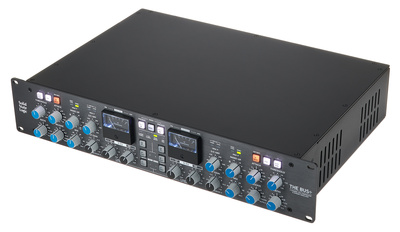
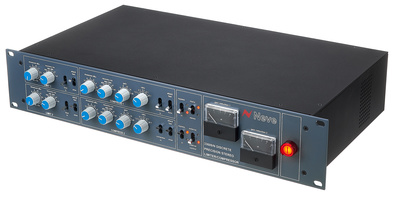
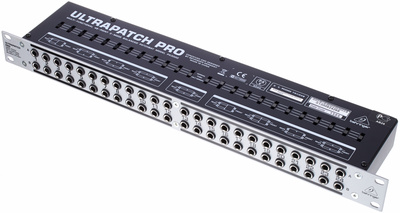
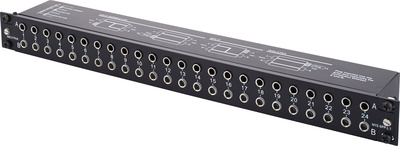
For analog stem mastering with hardware compressors like the SSL G-Bus Compressor (BUS+)* or the Neve 33609*, you’ll also need a clean patchbay. The Behringer PX3000* is a solid budget entry point. The Neutrik NYS-SPP-L1* is a more professional option that’s still very reasonably priced. Of course, proper EQ, limiters, saturation processors, and stereo processing are still missing. That would be a topic in itself.




Common Stem Mastering Mistakes
Exporting Too Many Stems
Twenty individual stems don’t help any engineer. They just make the process more expensive and more time-consuming. Group smartly and only deliver the groups or individual tracks where there’s actually a reason to reach in during mastering.
Delivering Stems With Mismatched Levels
If the kick stem is noticeably louder than the pad stem, the engineer has to reconstruct your original mix balance before he can even start working. Deliver stems that sum to the same thing as your original mix.
Using Stem Mastering as a Repair Shop
Stem mastering isn’t a substitute for a good mix. If you’re hoping the engineer will rescue a fundamentally broken mix with stems, you’re going to be disappointed. Stems help with specific targeted problems, not with structural mix issues. If the mix itself is the problem, the only real solution is handing over the complete project with all its data, but talk to the engineer about that upfront before you send anything.
Send a Reference Along
Always send your engineer the stereo mix as a reference alongside the stems. He needs to know how you heard the mix so he can hit the right balance when he sums the stems back together. Even better: mention two or three reference tracks so he knows what direction you have in your head.
FAQ: Stem Mastering vs. Full Mix Mastering
What’s the Main Difference Between Stem Mastering and Full Mix Mastering?
In full mix mastering, the engineer works with a single stereo file, the sum. In stem mastering, he gets multiple group exports that he can process individually before summing them and running the actual mastering pass.
Does Stem Mastering Always Cost More Than Full Mix Mastering?
In most cases, yes, because it’s more time-intensive. Engineers who offer stem mastering typically charge extra for it. Get that sorted out before you commit.
How Many Stems Should I Export?
For most electronic productions, four to eight stems is the right range. Kick, bass, synths/leads, pads/atmospheres, drums minus kick, and effects are typical groupings. Vocals as a separate stem if you’ve got them.
Do I Need to Bypass All Plugins Before Exporting Stems?
Only the bus processing: compressors, limiters, or EQs on your mix bus. Everything else on individual tracks or groups stays active. That processing is part of the stem’s sound. And if you’ve used a compressor as a creative sound design tool on a group, leave that running too.
Can I Do Stem Mastering Myself?
Yes, absolutely. FabFilter Pro-MB, iZotope Ozone 12, or Neutron 5 are all solid starting points for stem mastering in the home studio.
Is Stem Mastering Worth It for Every Genre?
It pays off most for electronic music with complex arrangements and a lot of bass energy. For simpler productions like singer/songwriter or acoustic recordings, full mix mastering is usually the better fit.
What Happens If My Stems Are Exported Wrong?
The engineer loses time troubleshooting, which can mean extra costs in the worst case. Best case, he flags it and asks for new exports. That’s exactly why you check them yourself first.
Can iZotope Ozone Separate Stems From a Stereo Mix?
Yes, with the stem separation feature in Ozone 12. The result isn’t comparable to actual stems, but for specific corrections it’s surprisingly usable and a decent option when the original stems no longer exist. As a last resort, it’s absolutely acceptable.
Conclusion: Stem Mastering Isn’t Always Better, But It’s Often the More Honest Solution
Stem mastering isn’t a magic fix, and it doesn’t mean full mix mastering is inferior. It’s a different approach for different situations. If you hand over a clean, well-balanced mix, you often don’t need a stem workflow at all. But if you know your mix has issues that are hard to fix at the stereo level, sending stems is a big favor to yourself and your engineer.
Stem mastering gives the engineer the ability to reach in precisely without bending the whole sound out of shape.That’s the actual advantage. Not more control for the sake of control, but more precision exactly where it’s needed.
And if you’re exporting stems for the first time: take the time to do it right. Simple rule, if your mix is clean and balanced, a stereo master is fine; if it has problem areas that are hard to fix at the stereo level, go stems. Clean stems are half the job. The rest is up to the engineer.
More on Stem Mastering
- Loudness War 2026
- Monitoring Setup for Electronic Music Producers
- Analog vs. Digital in the Home Studio
- All Mastering Plugins at Thomann*
- All Mastering Tools at Plugin Boutique*
*Note: This article about stem mastering contains affiliate links that help us keep Gearnews running. The price for you always stays the same! If you buy something through these links, we receive a small commission. Thanks for your support!

This might also interest you