Mastering for DJs: 5 Apps to Give Your Mix That Sparkling Finish
Finish off your mix with mastering solutions from iZotope, Steinberg, SetMaster Pro, and more.



Mastering for DJs shouldn’t be an afterthought. Here are five pieces of software to take your mix over the finish line.
Mastering for DJs
Mastering for DJs
We spend a lot of time talking about mixing. What gear to use, the most appropriate DJ software for you, and the best streaming and download services for music. But we almost never talk about mastering. Let’s address that today.
Mastering for DJs is a little different than mastering music that you make yourself. For the most part, the songs you’re playing have already been professionally mastered. That part’s done. But there’s still the matter of polishing up your finished mix, so it sounds like a cohesive and professional product. Some tracks may be louder than others, or maybe the overall volume could be boosted. You may also want to correct the EQ of a track or two so they sound in line with everything else.
I won’t be going into fine detail on what you should do, but I will be recommending top software solutions for mastering for DJs. Let’s get started.
Mastering for DJs: Master in a DAW
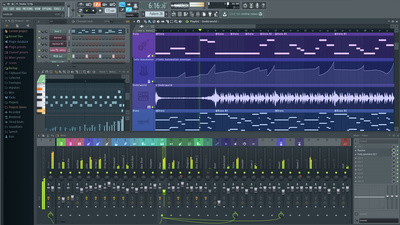
This is probably obvious, but a DAW is an excellent place to master your mix. You may already be using a DAW to capture your mix. Once it’s done, you can adjust volume on individual sections by raising and lowering gain via automation, tackle EQ issues, and even apply sweetening of the overall mix with gentle compression and limiting.
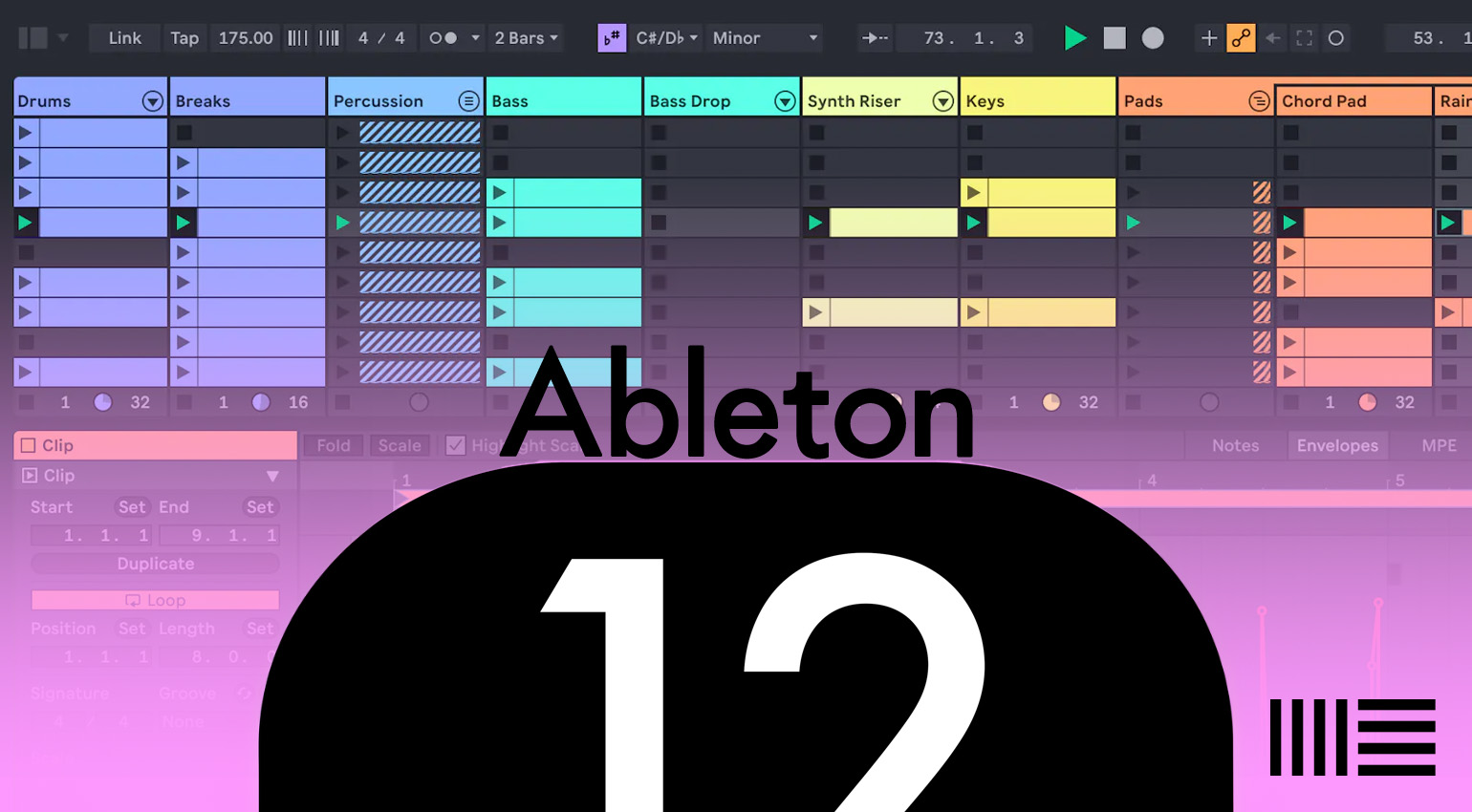
Pretty much any DAW will do the job for you. If you’re a producer, you likely already have one like Ableton Live, Bitwig Studio, Steinberg Cubase, or Image-Line FL Studio. These are all fine pieces of software, and all are available at different price points depending on bells and whistles.





- Ableton Live product page
- Bitwig Studio product page
- Steinberg Cubase product page
- Image-Line FL Studio product page
Mastering for DJs: DJ.Studio
Speaking of DAWs, another way to master your DJ set is by mixing it entirely inside a DAW in the first place. While this approach won’t work for everyone, it is an interesting option to consider.
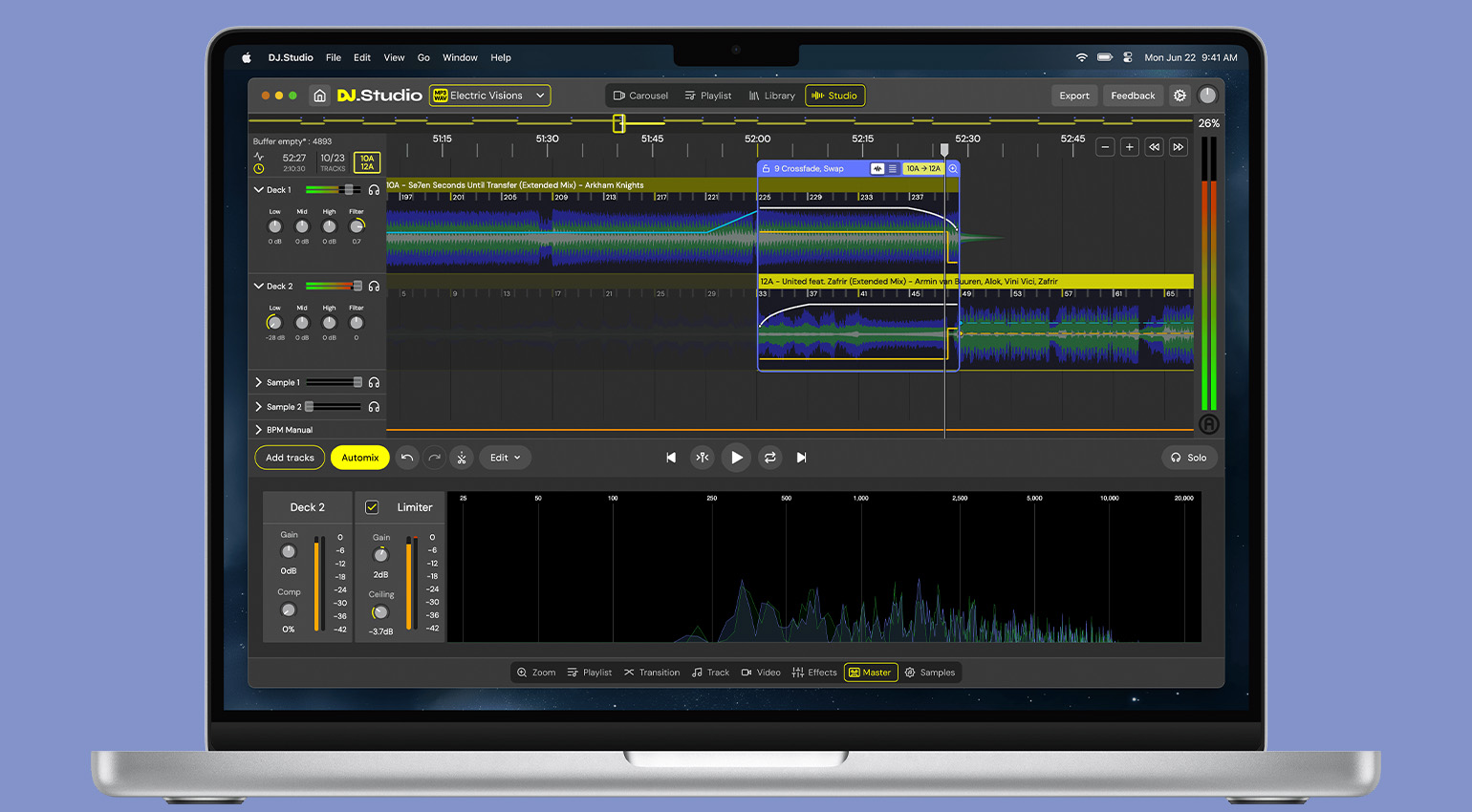
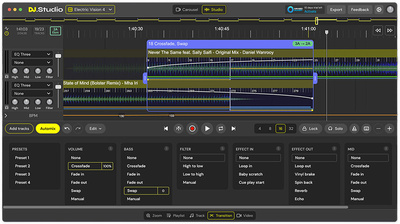
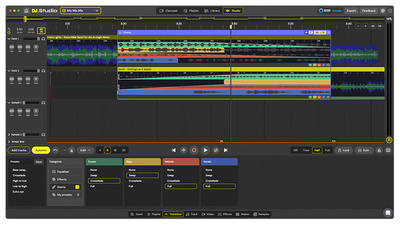
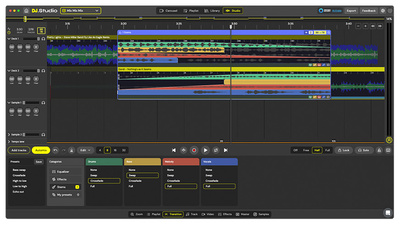
DJ.Studio is one such DJ DAW, a digital audio workstation built for putting together professional DJ sets. Lay out your tracks across the timeline, create transitions, automate volume and effects, and even incorporate plugins. It does what DAWs do, just with a DJ focus – and that includes mastering, with mastering tools on the stereo bus for final polish. If you’ve recorded your set elsewhere and just need to do some final brush-ups, you could import the audio file like any other track and work on it that way too.

Mastering for DJs: SetMaster Pro
When it comes to a targeted application focused on mastering for DJs, the big one is SetMaster Pro. SetMaster Pro is an online platform with automatic mastering, sort of like LANDR but for full DJ sets, not just songs.
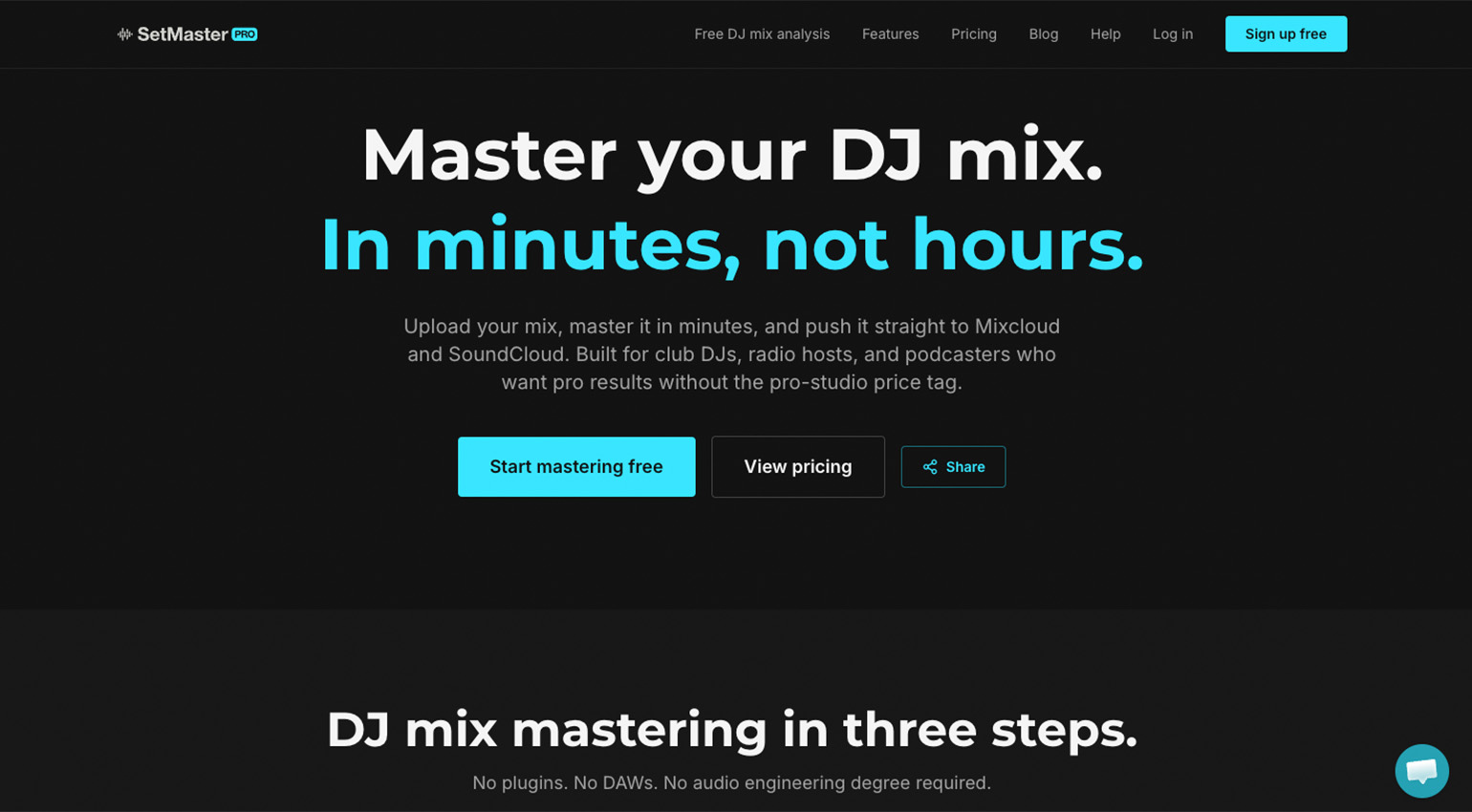
Upload your file to SetMaster Pro and choose one of four profiles: Club/Festival, Streaming/Radio, Podcast/Radio Show, or Warm/Analogue. The algorithm will analyze the entire set and apply an auto-leveler to bring up quiet sections. There’s also a brickwall limiter and LUFS normalization. You can then publish directly to sites like SoundCloud and Mixcloud.
SetMaster Pro offers a number of different pricing schemes, including monthly subscriptions and pay-as-you-go tokens.
Mastering for DJs: iZotope Ozone 12
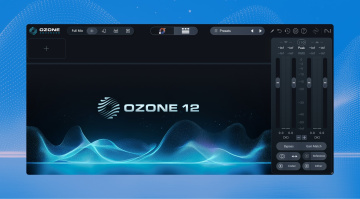
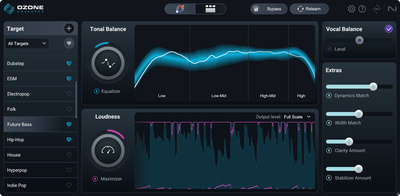
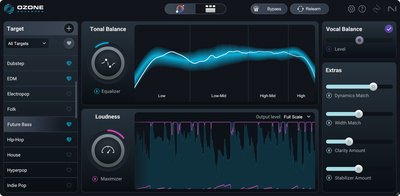
If you’re comfortable adjusting track volume manually (or you’re such a pro you’re already solid in that area) but still want some sweetening, when it comes to mastering for DJs, music production mastering plugins will also work. And one of the best is Ozone 12 from iZoptope.
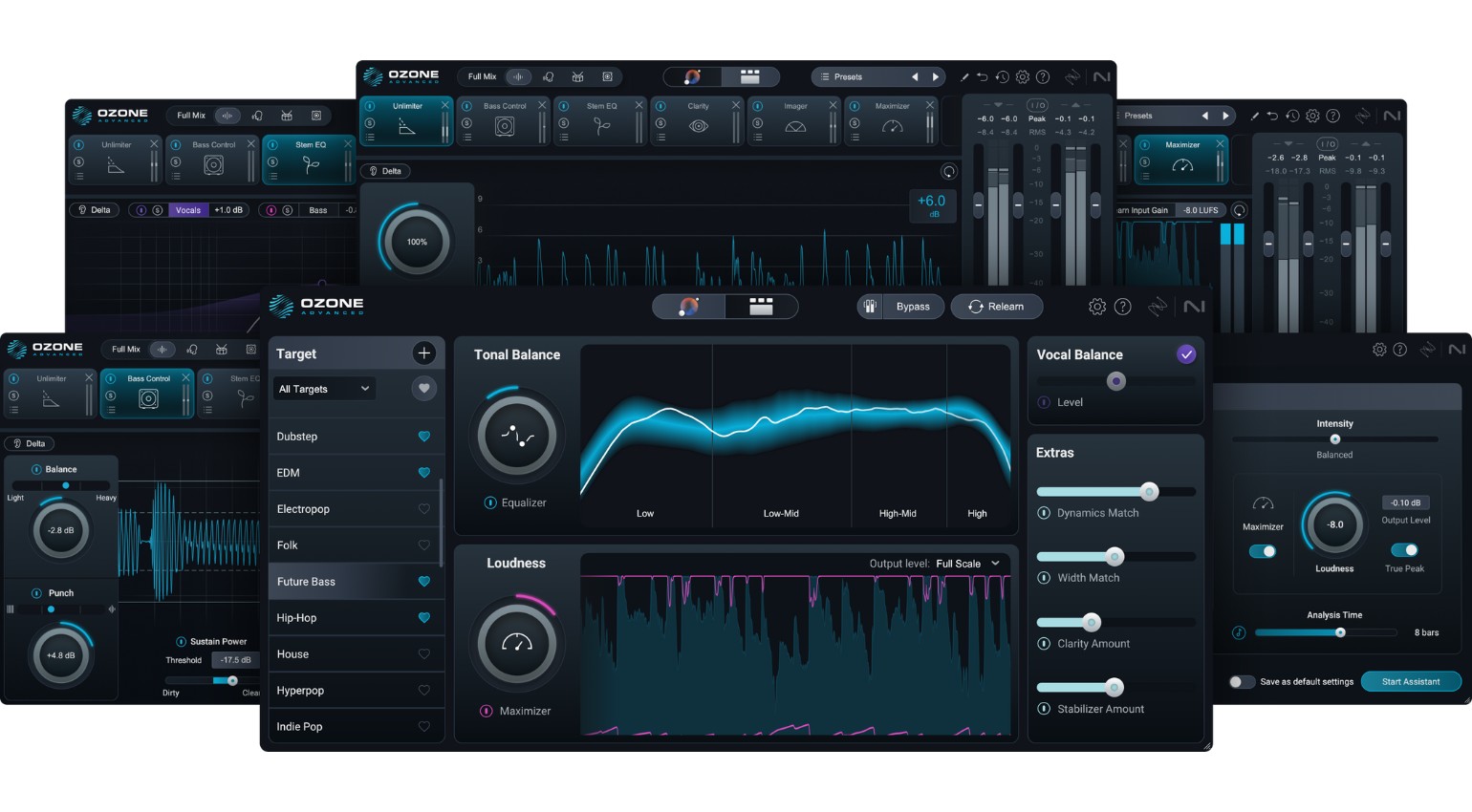
Available at three price points with both plugin and standalone formats (so you don’t even need a full DAW), Ozone 12 is the latest version of the uber-popular mastering suite. The Advanced version includes 20 plugins, including EQ, dynamics, low-end focus, a maximizer, and much more. There’s also an AI assistant to help you get the best results even if you don’t really know what you’re doing.
If you’ve never played with Ozone before, try the Elements version and see how it handles your mastering.

Mastering for DJs: Steinberg WaveLab 13
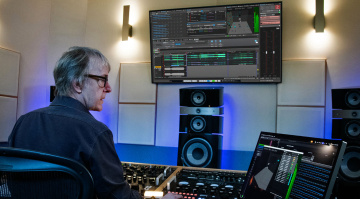
Another popular mastering solution is WaveLab 13 from Steinberg. Unlike Ozone, which is a traditional mastering environment, WaveLab also includes audio editing functionality and VST plugin hosting, making it something of a Swiss army knife for mastering. This means it’s appropriate for mastering for DJs too.
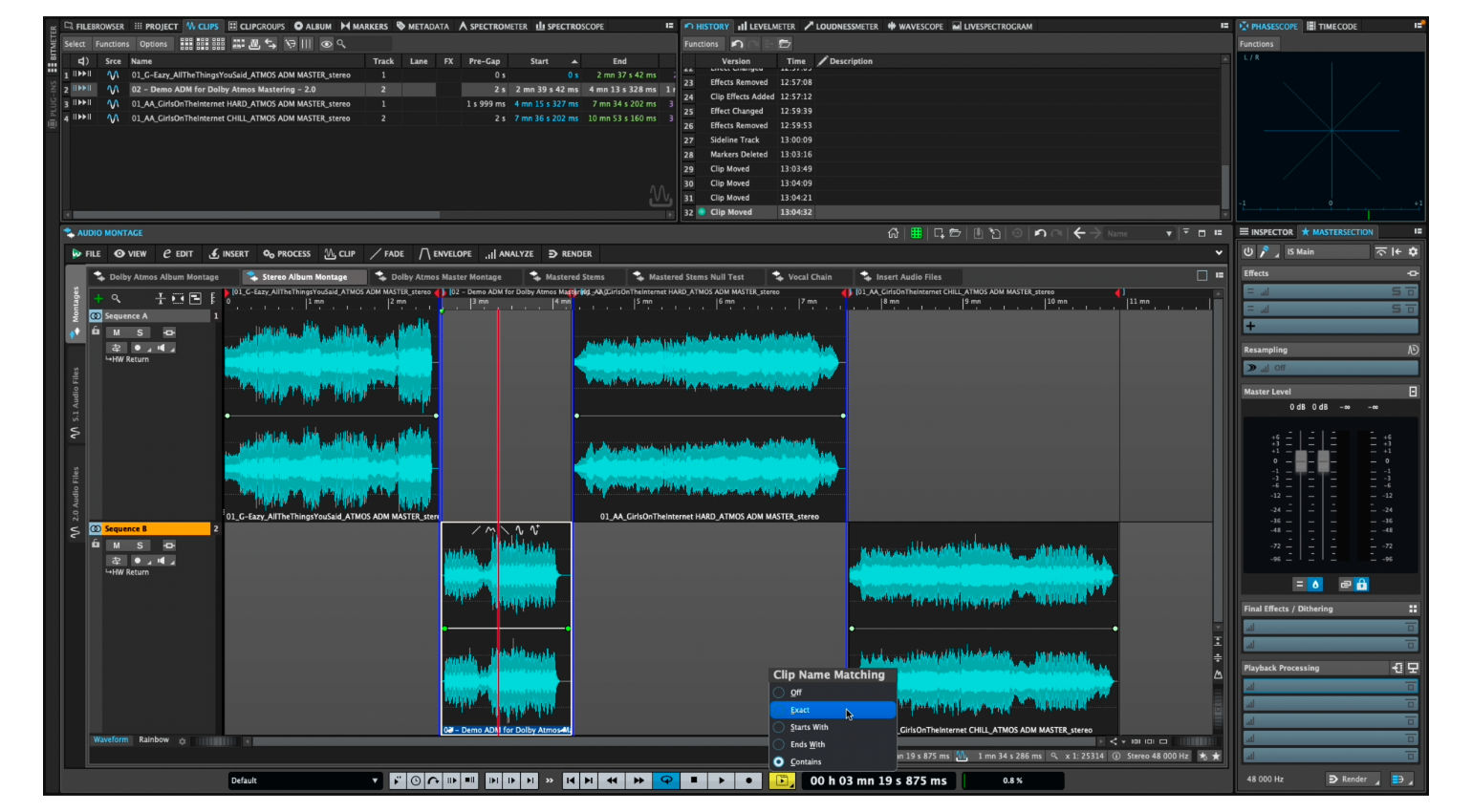
Like iZoptope’s application, WaveLab also comes in a few different flavors. While the full-on Pro version may look tempting, unless you’re going to dip your toes into Atmos waters, you can probably get by with WaveLab Elements 13. It will still support up to eight audio tracks, host 35 plugins, and much more.
If you don’t have a DAW or audio editor, WaveLab could be the most elegant solution for you.
More Information
- More about DJing
- Buy DJ gear at Thomann*
*Note: This article contains advertising links that help us pay for this site. Don’t worry: the price for you will always be the same! If you buy something through these links, we will receive a small commission. Thank you for your support!


This might also interest you