PhenoType: Create Sounds in Synplant 2 with a Simple Text Description — For Free!
Just Describe How You Want the Sound to Sound

 5,0 / 5,0 |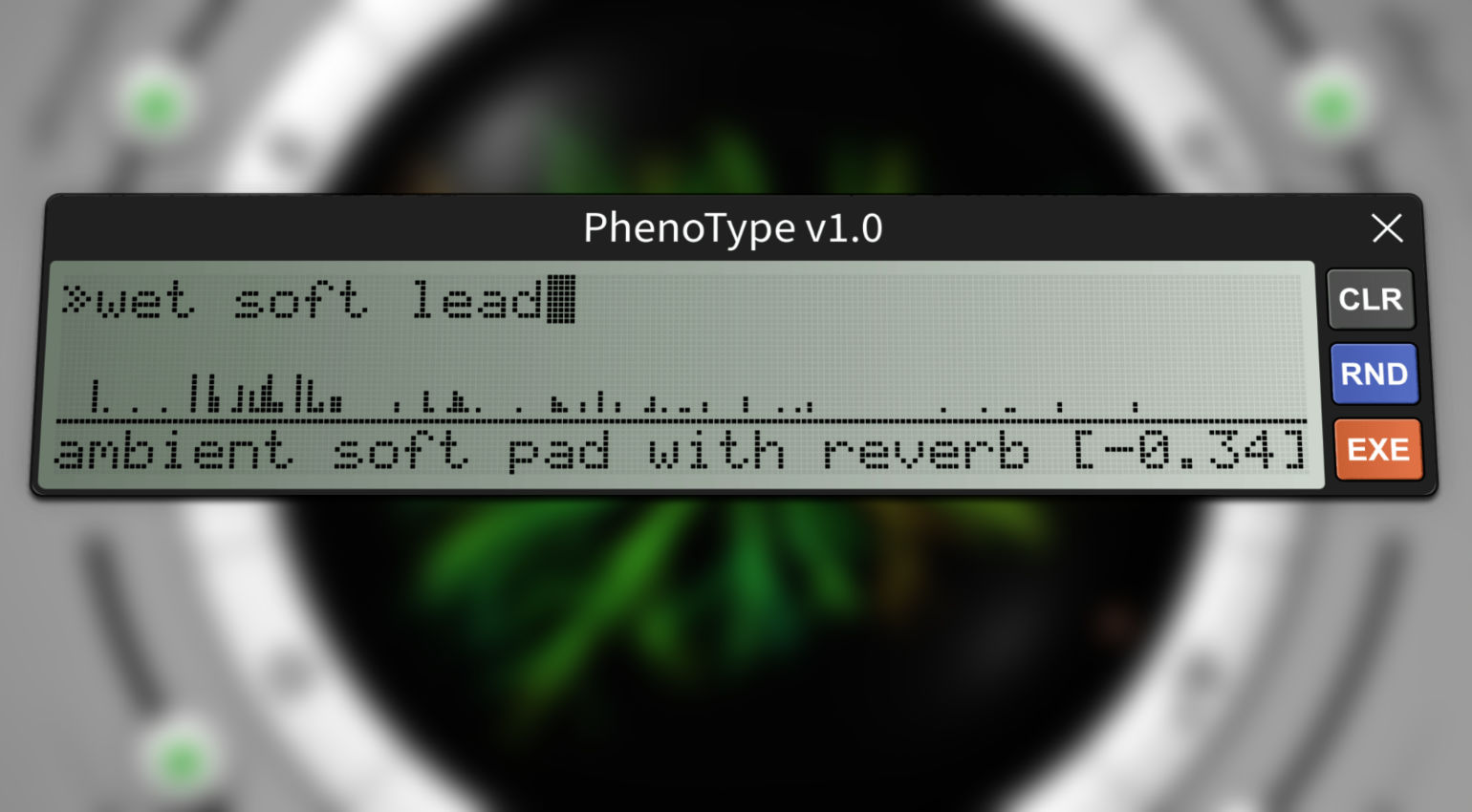
PhenoType: Create Sounds in Synplant 2 with a Simple Text Description — Wow! · Source: Sonic Charge

Sonic Charge has released PhenoType, a free extension for Synplant 2 that takes a genuinely fresh approach to sound creation. Type a short description of the sound you want, hit a button, and the synthesizer builds a new patch from it. Is this what the future of synthesis and sound design looks like?
PhenoType for Sonic Charge Synplant 2: Everything about the Free Extension
Sonic Charge PhenoType: Extension for Synplant 2
Extensions, small additional scripts that expand what software can do, are having a moment in the audio world right now. Ableton just unveiled a new Extensions SDK for Live, and now there’s a free extension for Sonic Charge’s Synplant 2.
PhenoType is essentially a small script that expands the synthesizer’s capabilities with an additional install. Synplant 2’s approach to creating sounds is already pretty interesting in its own right (more on that here), and this adds another layer on top.
The concept is simple. Click the icon in the top right corner of the plugin, and a small text field appears. Type in a description of the sound you want, hit the EXE button, and Synplant 2 generates a new patch from it. You can keep editing it from there, use it as a Seed for a completely new sound, or just click EXE again if you don’t like what came out and let the synthesizer take another run at it.
Is This AI?
It does feel a bit like prompting an AI, and conceptually the approach is similar. Developer Magnus Lidström started by building an algorithm that automatically describes presets using words and tags. Then came the idea to flip the whole thing around and generate new patches from descriptions instead.
That said, PhenoType isn’t a full language model in the way a modern AI is. There’s no internet connection required and no heavy additional installation. It’s closer to a text parser with a fairly limited English vocabulary. Which is actually kind of refreshing in an era where everything is getting wrapped in a large language model.
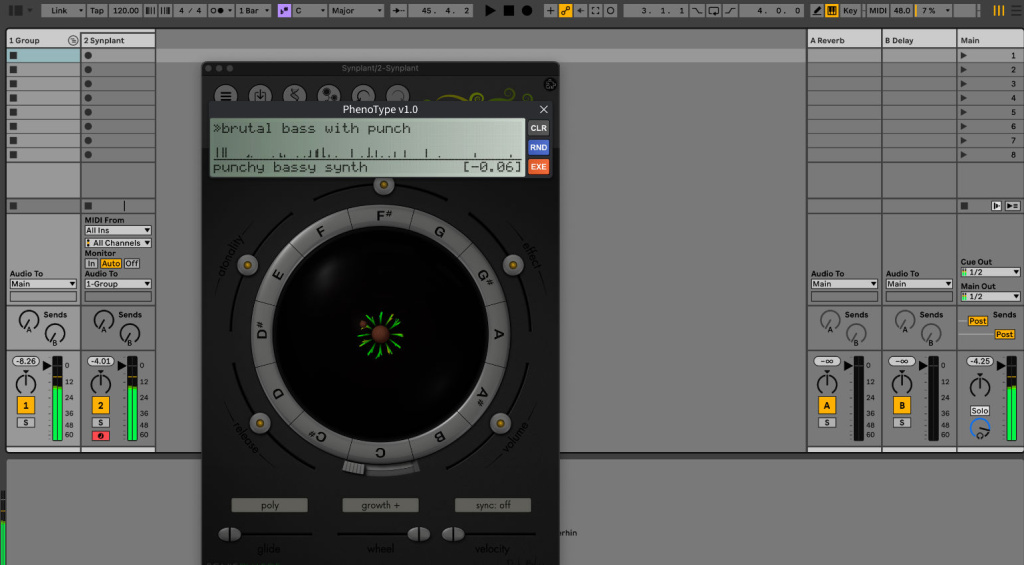
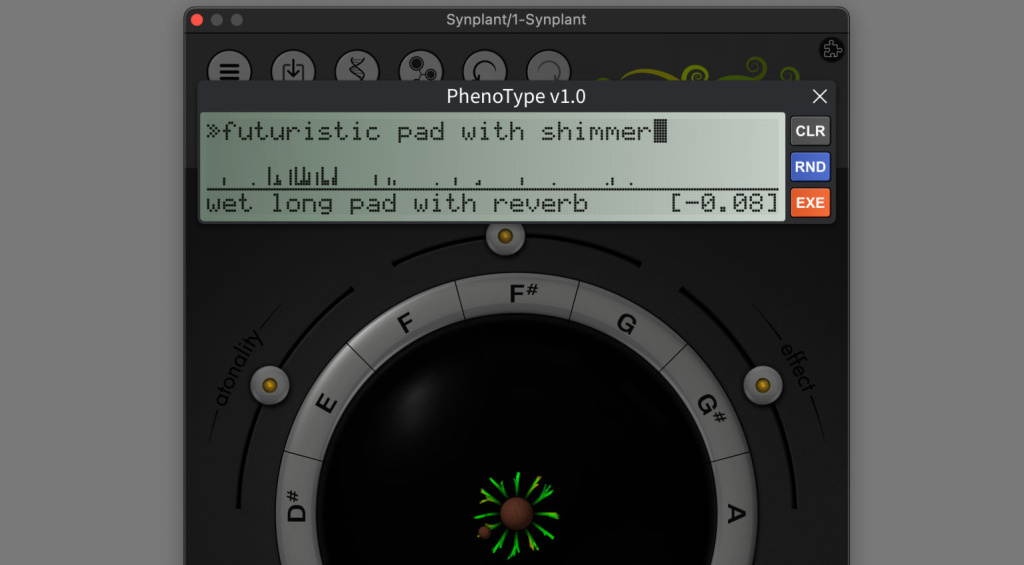
Typing in something like “heavy power bass” or “punchy rave stab” and seeing what the synthesizer does with it is genuinely fun to play with. More fun to compute, as the saying goes.
Is This the Future of Synthesis and Sound Design?
The obvious question. Prompts are already being used to generate guitar effects, new samples, Max for Live devices, and even complete songs with vocals. A text-to-patch feature in a synthesizer plugin doesn’t feel shocking anymore.
But the implementation here is worth appreciating. The results aren’t the kind of generic slop that typical generative AI tends to produce. PhenoType stays inside the specific character of Synplant 2 and its synthesis engine, which means the outputs are actually usable and interesting rather than just technically valid but musically meaningless.
It could also work as a genuine alternative to randomization buttons, and as a way to better understand what a synthesizer is actually capable of. The more vocabulary the system builds over time, the more refined the results will become.
PhenoType is a solid blueprint for what extensions in synthesizer plugins could look like. Plenty of other synths could do something similar. Worth watching.
Price and Availability
PhenoType is free and available at Sonic Charge. Synplant 2 is required to run it, available directly at Sonic Charge as well.
More Information
- Sonic Charge Website
- More about Synplant 2
- All Sonic Charge News on Gearnews
- More Synthesizer News on Gearnews

This might also interest you

4 responses to “PhenoType: Create Sounds in Synplant 2 with a Simple Text Description — For Free!”
It probably is the future indeed but the results in the beginning will be bad, have already tested some things. Also pretty subjective as it’s artistic and everyone’s mind perceives “wet lead or pad” to be different potentially so humans will also have to learn how to do proper prompting, maybe even provide audio examples to get more specific results. I prefer seeing this then fully generated AI sounds though. Basically an AI assistant for patch design so we can enjoy ourselves in the studio even more and reduce barriers
I hate this. LLM or not, it feels like it and at this point I’m generally anti anything that is removing friction from the music making process. If you want a “punchy rave stab” learn how to make it. Or maybe spend a little time looking through the 10,000 presets you already have and learn to tweak to taste. It’ll be way more rewarding, you’ll experience less option paralysis and maybe it wont feel like trash at the end of the day because you actually put some work into it!
I’m not going to download this update. If this is the way music software development is headed, I’m happy I’m using almost all hardware now. Typing a prompt and calling the results your own is like ordering food off of a menu and feeling like a great chef.
This stuff is not creativity, it’s the ultimate in tedium. Soon we’ll be able to prompt our own garden of Synplants. I’m afraid someday these devs might be sorry they contributed to this encr4pification of music.
regarding the results it’s not a prompt but a search in presets and then a bit of randomization.