Workshop: Your Guitar Sounds Muffled? Try These Tips for a Better Sound!
Become a better home-recording engineer with

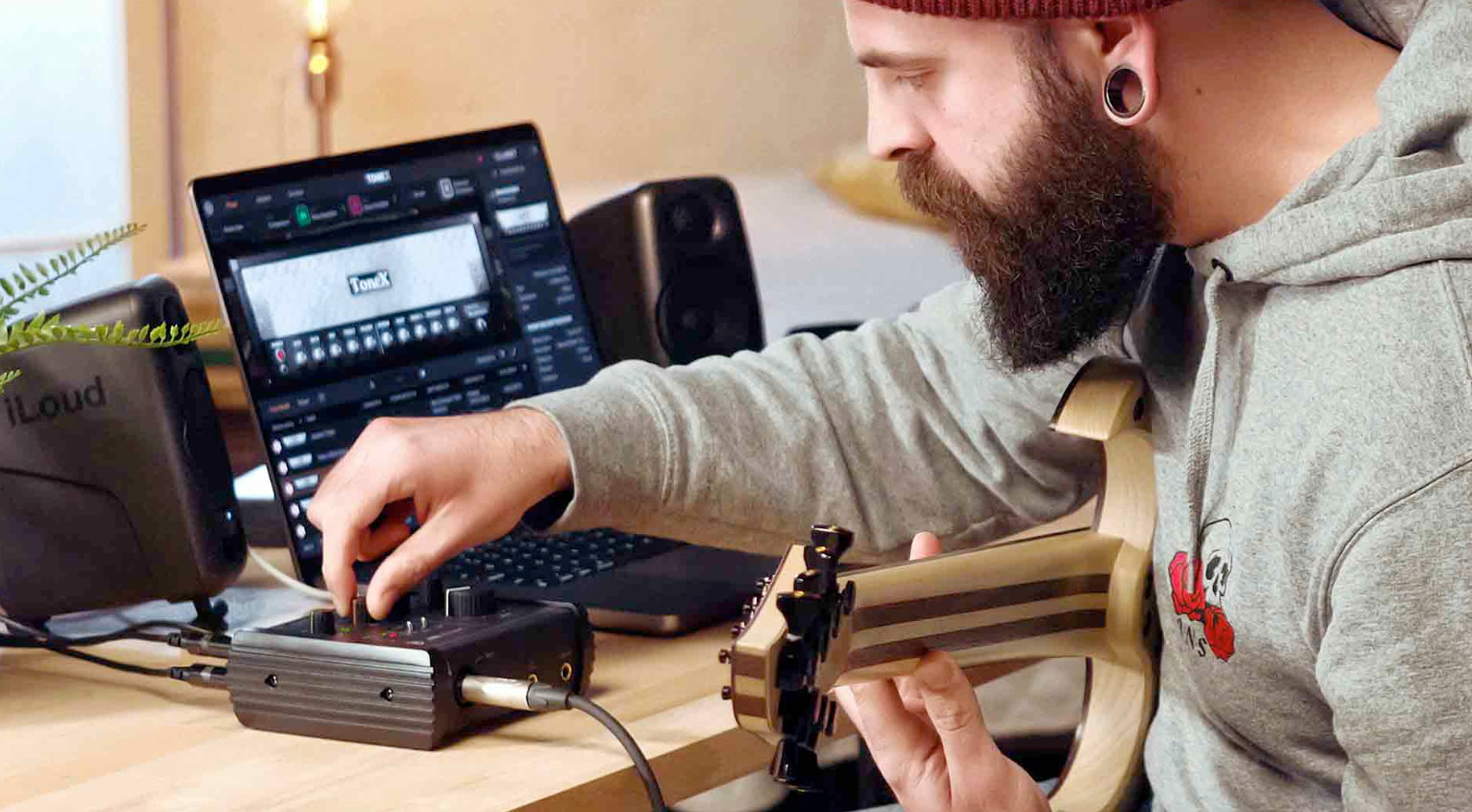
Workshop: Your Guitar Sounds Muffled? Try These Tips for a Better Sound! · Source: IK Multimedia

Your guitar sounds muffled, and you have no idea why?! It’s a very common experience for many beginner home recorders. Because it could be so easy: plug the cable into the guitar and the interface, arm the track in your DAW, hit record, done. But oftentimes, the initial results can be disappointing. In this workshop, we take a look at the causes and ways to solve this problem.
Five Ways to a Better Guitar Sound:
The Guitar Sounds Muffled: What Causes That?
You’ve got your first recording setup ready: electric guitar, cable, audio interface, DAW, maybe a guitar VST or two. And shouldn’t it be just a couple of clicks to get to the same professional sound in your DAW as your heroes? But no! The guitar sounds muffled.
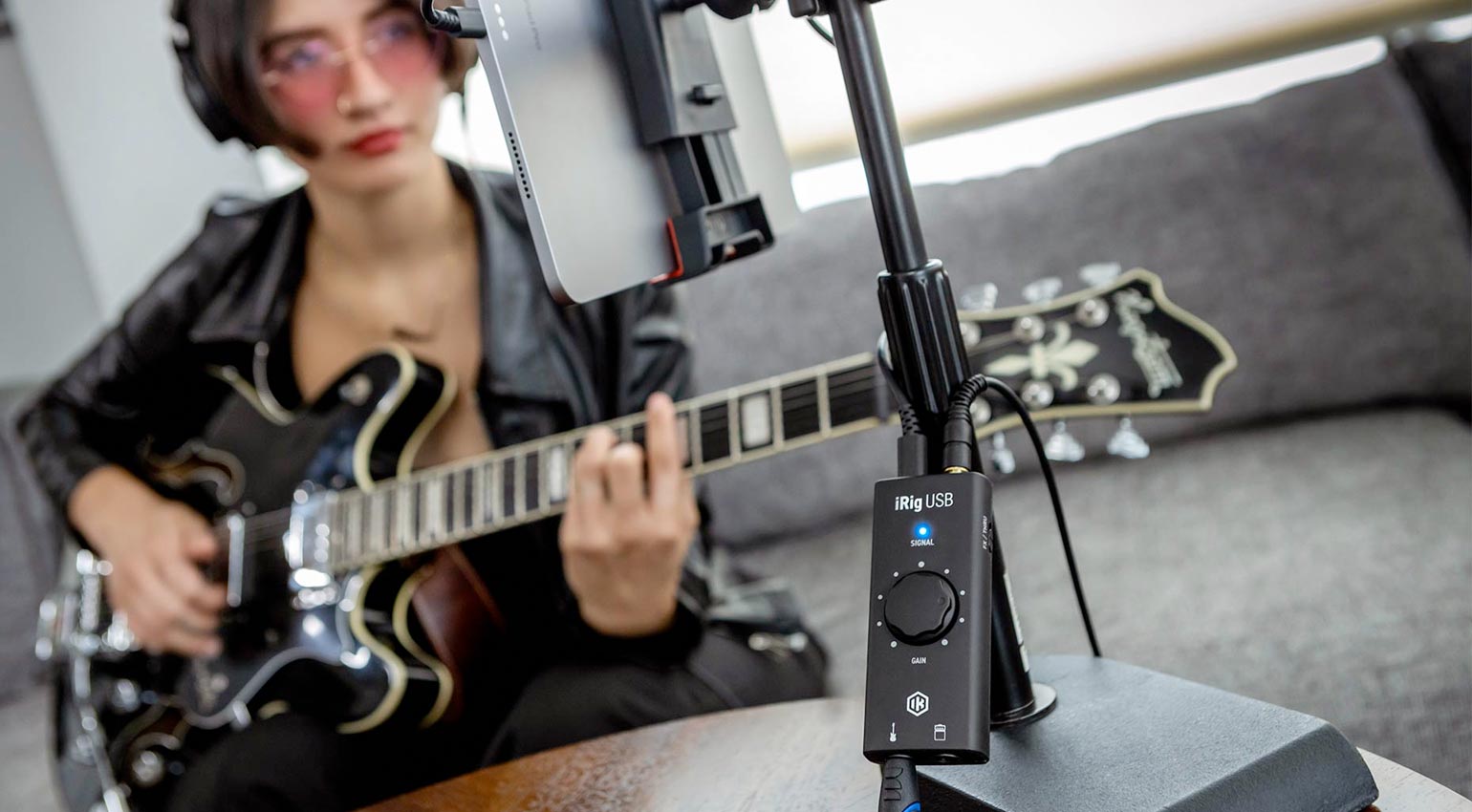
It’s almost as if there is thing veil covering the sound or the guitar is playing in the next room. Then you’re off to finding the cause. It should be easy, no? Plug and play and rock and roll? Because you can’t really work with such a muffled sound. So the endless research begins: dozens of forums, the most ancient subreddits with the most bizarre tips on how to solve this.
Sometimes, this is the way. But then, only a few days later, the guitar sounds muffled again. It’s one thing to blindly apply some random answer from a forum thread. It’s a very different one to understand the causes and to go through the signal chain piece by piece to actually find the reason for the bad sound. Only this way, you’ll never google again ‘guitar sounds muffled’.
Conditions for Pro-Level Recordings
Some of you readers might already be rolling their eyes be the end of this section. But you won’t believe how many demo recordings and beginner workshops I was part of where some of these things just weren’t considered, much to the surprise of many.
So, before you dive into the signal chain, let’s start at the source. A more or less hum-free guitar. Fresh (!), tuned (!!) strings. A well-insulated cable. And most importantly: a well-rehearsed player. Each of these factors contributes much more to the end result than any plugin or life hack. So, before you do endless manual diving for your audio interface or get lost in the settings of your DAW, make sure these things are provided.
For example, it can get pretty “hummy” when you’re recording a guitar with single coil pickups (unless it’s one of those modern noiseless versions), once you amplify the signal. And those beloved guitar strings you last changed a decade ago? There is no way to get a defined, clean sound. And if you lack technique and don’t know the song well enough, or (*shudder) do the riffing without a pick, you just can’t be surprised by a guitar sound that lacks any definition and just sounds jangly and out of tune.






Guitar Sounds Muffled (1): Hi-Z!
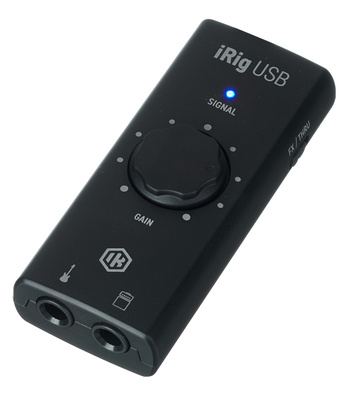
To ensure that the electric guitar does not turn in to an electrocuting guitar, the signal conversion happens in the high-impedance range at a very low level compared to line level (unless you’re plaing active pickups). That’s why it’s mandatory that you use an audio interface that offers a ‘hi-z’ or ‘instrument’ input option.
Luckily, just about any contemporary audio interface offers this. Some even have a little guitar symbol next to the button you need to press. Because if you connect your guitar to a normal line input, you’ll quickly realize: the guitar sounds muffled.
Another cause of a muffled sound due to the wrong impedance could be that you first connected it to a mixer, then to the interface. Compared to audio interfaces, most compact mixers still do not offer a hi-Z option for their line inputs. In this case, you just need to connect your guitar directly to the interface.

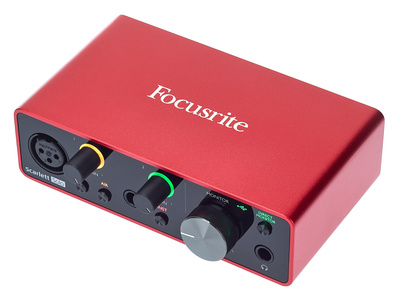
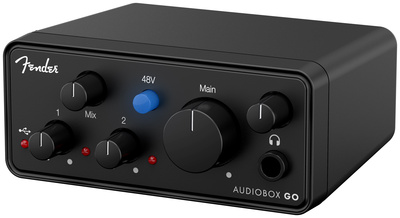

Guitar Sounds Muffled (II): Direct Monitoring
Another very common function of interfaces that can be the cause of a muffled sound is direct monitoring. It’s a blessing for vocal recordings, but it can be a bump in the road for electric guitar recordings.
The idea behind direct monitoring is that the signal from the connected instrument or microphone is directly passed on to the headphone or main out. The advantage: latency-free monitoring, which is a must for vocal recordings. If you’re recording your electric guitar, using direct monitoring only makes sense if the actual sound (the distortion, pedals, etc.) happens ‘outside’ through actual pedals an amps.
Because this way, you’d also hear the guitar signal just the way you imagined it. But if you, like many, directly connected the guitar to your interface and you’re creating its sound in the DAW through plugins* like Amplitube or Guitar Rig, you’d want to hear THAT sound, not the thin, muffled direct sound from your guitar’s pickups. In this case, deactivate direct monitoring on your audio interface.
Guitar Sounds Muffled (III): Check Your Tone Knob!
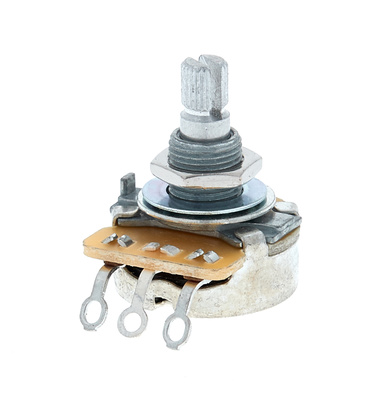
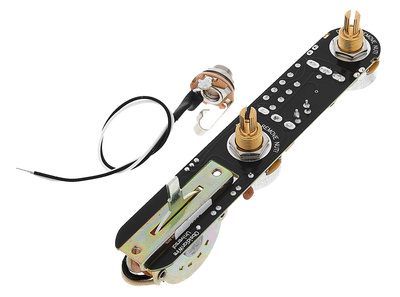
Before you go on a long frustrating journey of changing cables, buying expensive interfaces, and watching endless tutorials, we have a small tip that might not come to every beginner’s mind. Because many electric guitars don’t just offer volume knobs for their pickups, but also one or two tone knobs,
With these, you can change a pickup’s tonality. Usually, the lows are attenuated, and the highs are enhanced on one side, so the sound is thinner and ‘pointy. Or vice versa, with the knob turned to the other side, so it sounds more muffled. So, turn those tone knobs to check if the guitar sound doesn’t suddenly get closer to where you want it.
And if nothing changes, when you’re turning those knobs, it could be a sign that it might actually be broken and in need of replacement!




Guitar Sounds Muffled (IV): Wrong Gain-Staging
Your guitar sounds muffled, although you’ve gone through all of these tips. Then you might have dialed in the wrong level. It’s best to find a middle ground here. First, the guitar’s signal should never clip the audio interface’s input, meaning it should never be above 0 dBFS. But if the interface’s gain is too low, it can also lead to a muffled sound.
There is no on rule or set level you need to maintain. Check your audio interface’s software (or directly in the DAW) to see where the level is at when you’re playing what you want to record. Aim for -12 to -18 dbFS. These levels are just guidelines, but in this area you probably won’t run into clipping issues (unless you turn up your volume knobs by accident).
Guitar Sounds Muffled (V): A Hidden EQ
If your signal still sounds muffled, but you’ve gone through the signal chain, checked evey setting and technical detail, then it’s time to hunt for hidden EQs. You might be thinking ‘What yo you mean, I never loaded any EQ!’ You’d be surprised to find out how many audio interfaces offer direct EQing on every channel, plus how many guitar VSTs include EQs in many different parts of the signal chain.
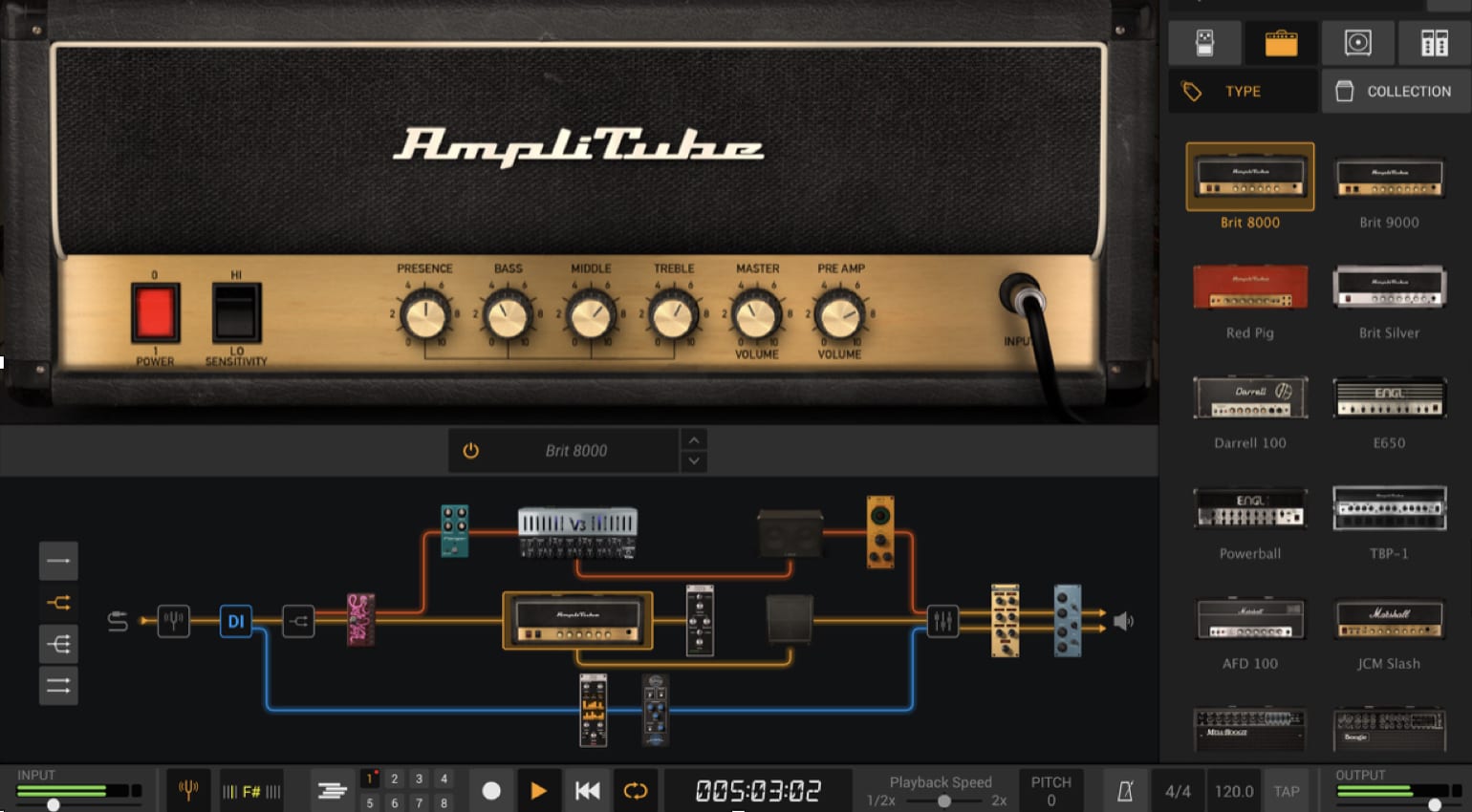
So load an empty DAW project and create an audio track to which you route the input of audio interface your guitar is connected to. If you now arm the track and play, no VSTs loaded, does it still sound muffled? Then start checking if there isn’t an EQ loaded on the input in your audio interface’s dedicated software that’s attenuating the highs.
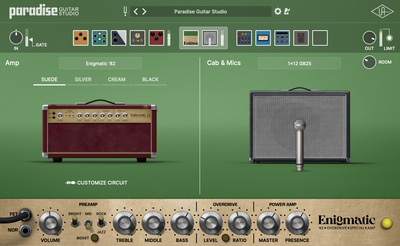
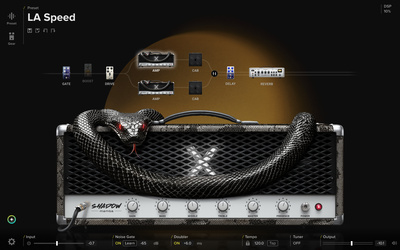
Your guitar sounds muffled, although everything is set up correctly on your interface? Then it could actually be the guitar VST you’re working with. Many presets included virtual EQ pedals, some virtual amps might come with the treble or presence knob all the way down. Check that.


Conclusion
With these five tips, you’ve got a starting point to eliminate bad guitar sound. Your guitar sounds muffled? Not any more!
Now it’s your turn, dear Gearnews community. What’s the first thing you check if the guitar sounds muffled in the DAW? What’s the easiest fix? Let us know in the comments!
*Disclaimer: This post contains affiliate links and/or widgets. When you buy a product via our affiliate partner, we receive a small commission that helps support what we do. Don’t worry, you pay the same price. Thanks for your support!

This might also interest you