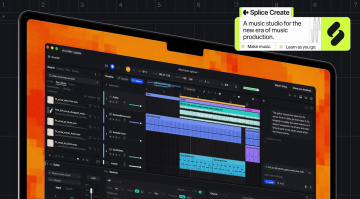
Splice Create: A Flexible New Splice-Powered DAW
An intuitive new DAW with enormous creative potential.

 5,0 / 5,0 |


With Splice Create, you have access to an endless collection of sounds, with instruments and effects to turn your ideas into fully-fledged productions.
The Splice library is already an integral part of the modern music production space, and now this creative ecosystem has expanded with Splice Create, an intuitive new DAW focused on creative immediacy.
Splice Create
While it’s currently in beta, the Create platform’s core features are ready to use. As I opened it for the first time, I found the interface remarkably easy to navigate, and besides dragging Splice samples directly onto an audio track, you have access to five stock instruments, including Sampler, Drum Rack, Synth, Splice INSTRUMENT, and Astra, as well as your own 3rd-party plugin library.
These are all pretty self-explanatory, with the exception of Astra, which is a powerful synth plugin with virtual analog, granular, FM, sampling, and wavetable synthesis capabilities, as well as extensive modulation and effects, a step sequencer, and four macro controls, each with its own dedicated sequencer. All in all, it’s loads of fun to work with.
One of the neat features of the Drum Rack allows you to load an entire sample pack from the browser into the device in a single click. While this sounds like a no-brainer, what’s particularly clever is that it loads multiple samples onto each pad, so you can choose between them once you’ve programmed your basic drum beat.
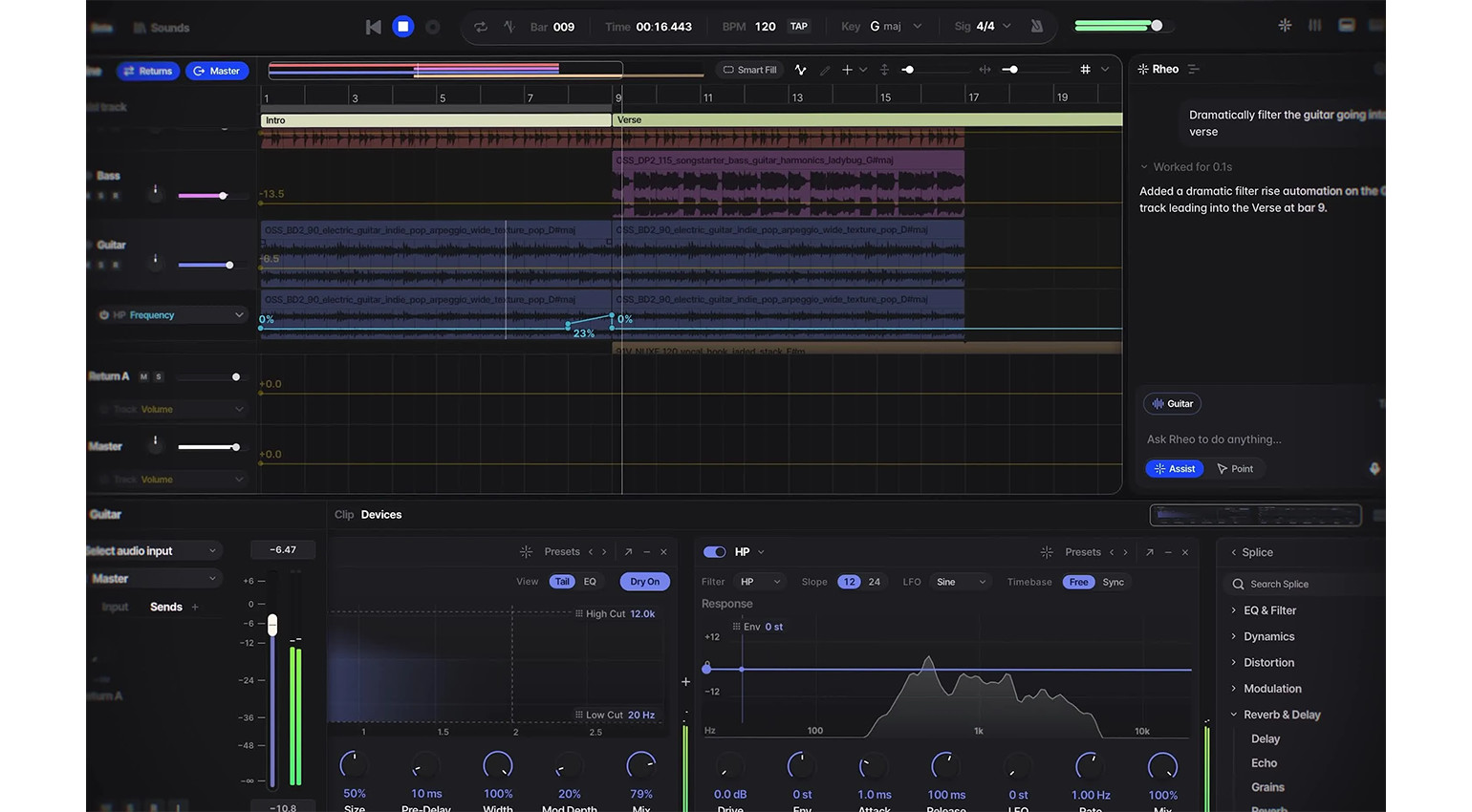
There are also extensive device chain presets, which you can load up on any channel. These include eight macro controls and are made up of a wide selection of processors, including dynamics, EQ, modulation, distortion, pitch, reverb, and delay effects. In addition, there is also an AI prompt assistant called Rheo to help acclimatize you to the Create interface and take care of a wide range of tasks.
Overall, Create shows a lot of promise, except for the fact that the free version is strictly a demo and doesn’t let you export audio at all. However, if you are a Splice user, you can benefit from the interest-free Rent-to-own plugin plans, and even export your session into Ableton Live. Also, there is a browser-based version coming soon, which adds a new dimension.
Pricing and Availability:
Splice Create is currently available as a free beta, with Pro access starting at $9.99 monthly.
More about Splice Create:
*Note: This article contains affiliate links that help us fund our site. Don’t worry: The price for you always remains the same! If you buy something through these links, we receive a small commission. Thank you for your support!

This might also interest you