Sidechain Compression in Techno: 5 Effective Methods for Punching Kicks
How to Get the Perfect Pumping Effect in Your Tracks

 5,0 / 5,0 |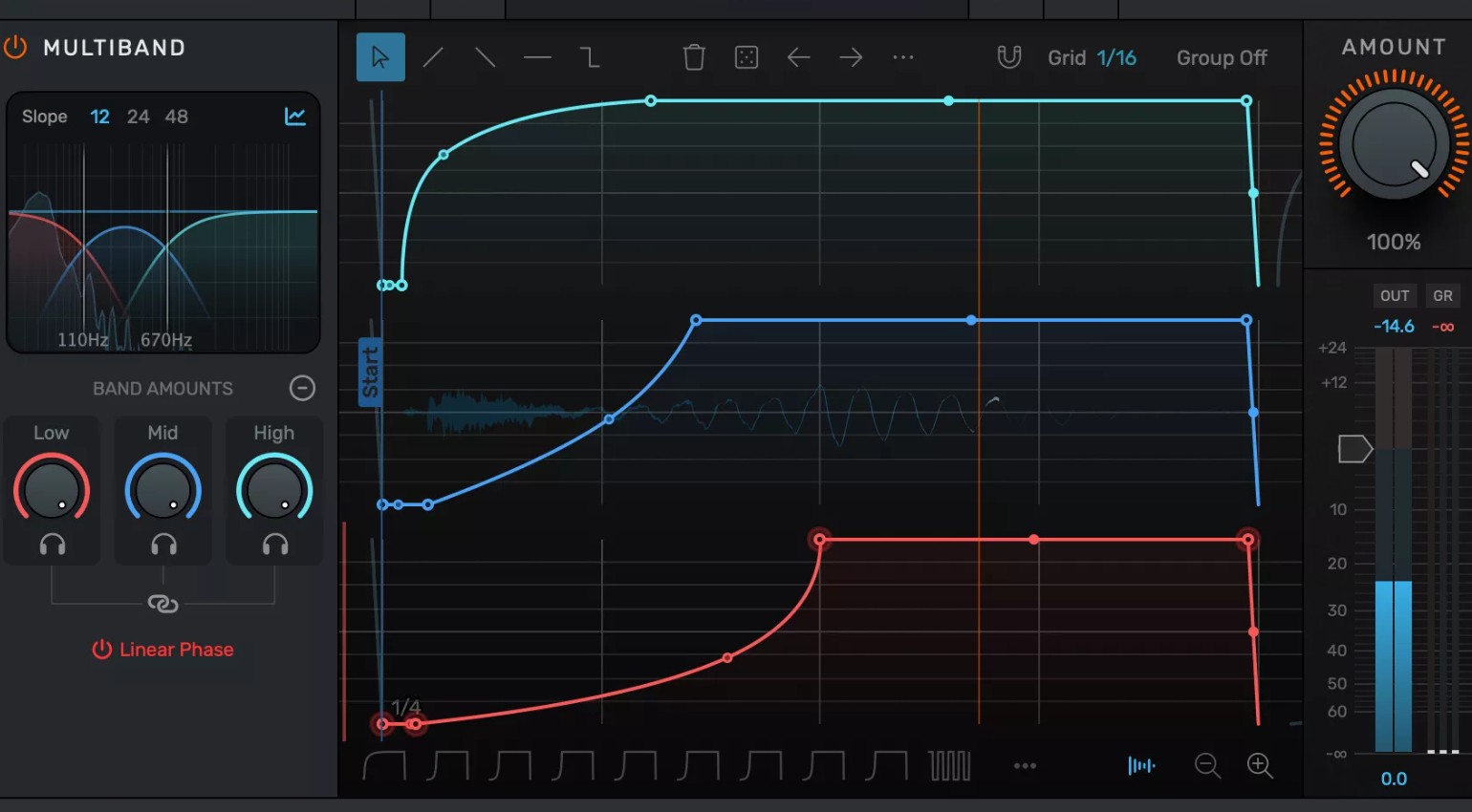
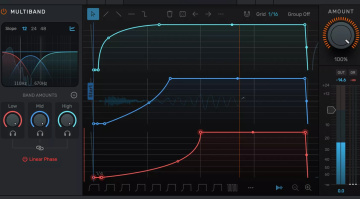
Sidechain Compression in Techno: 5 Effective Methods for Punching Kicks · Source: Devious Machines

Your kick sounds great, but the track just doesn’t groove the way it should? The foundation feels missing, the bass isn’t ducking away, everything sounds somehow flat? Then sidechain compression is your missing puzzle piece. It’s the heartbeat of the techno sound, the invisible tool behind that pumping feeling that separates a track from a real dancefloor killer. We’ll show you five different methods, from classic compression to creative alternatives, so you can find exactly the one that fits your setup and your sound.
Sidechain Compression in Techno – Key Facts
Before we dive deep, here are the key takeaways on sidechain compression:
- Sidechain compression automatically reduces the volume of a signal as soon as another signal (usually the kick) hits. The result is the classic pumping effect in techno
- There are five core methods: classic compressor, ghost kick automation, dedicated sidechain plugins, transient shapers, and multiband sidechain
- Not every method sounds the same, and not every method fits every setup or genre
- Plugin-based solutions are faster to set up, while classic compression tends to sound more natural
- Multiband sidechain compression is the most complex but also the most flexible method for dense arrangements
- Sidechain compression doesn’t replace clean frequency mixing, it complements it
Sidechain Compression: Everything You Need to Know for Punching Kicks in Techno
What Is Sidechain Compression and Why Is It So Important in Techno?
Sidechain compression is a production technique where an external signal triggers a compressor on a different track, rhythmically reducing its volume. In the context of techno, that means: the kick hits, the compressor on the bass or pad track reacts and briefly pulls the volume down. What happens next is the pumping effect we all know and love.
Historically, this technique wasn’t invented in techno, but it became an absolute standard there. Daft Punk established sidechain compression as a defining element of electronic music through their productions of the early 2000s, making the pumping effect widely accepted. In Detroit and later Berlin, it became an indispensable tool. Today it’s hard to imagine producing a techno track without some form of sidechain compression. It’s not just an effect, it’s about energy, movement, and that physical feeling on the dancefloor.
Important to understand: sidechain compression is not a free pass for bad mixing. It doesn’t replace clean frequency separation between kick and bass, it complements it, gives the mix room to breathe, and makes the groove feel physical, not just audible.
Method 1: The Classic – Compressor with Sidechain Input
How It Works
The classic approach is still the most versatile. You place a compressor on the target track, for example the bass or a pad, and send the kick as a sidechain signal into the compressor’s sidechain input. As soon as the kick hits, it triggers the compression and reduces the volume of the target track. Attack and release determine how quickly the compressor responds and how fast it opens back up.
For a classic techno pumping sound, these settings are a solid starting point: attack between 1 and 10 ms (fast enough to let the kick punch through, slow enough to minimize the typical click that occurs at very fast attack times), release between 30 and 300 ms (depending on tempo, it should be fully open again before the next kick hits), ratio between 4:1 and 10:1, threshold set so that the gain reduction sits between 6 and 12 dB. Compared to plugin-based solutions, the classic compressor method sounds the most natural and gives you the most control over the exact character of the pumping effect.
Praxis Tip
In Ableton Live, this works via the Glue Compressor or the built-in Compressor: open the device on the target track, select the kick track as the source under “Sidechain,” done. Common mistake: release set too long, so the compressor hasn’t fully opened by the time the next kick hits. The result sounds muddy instead of punchy. A solid rule of thumb: release in milliseconds roughly equals 60,000 divided by your track’s BPM. At 128 BPM, that gives you a maximum release value of around 468 ms. In practice, values between 200 and 350 ms at that tempo tend to deliver the tightest pumping effect without muddying the mix.
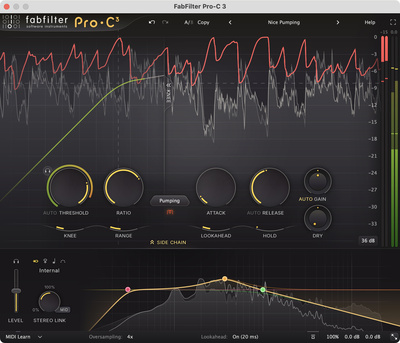
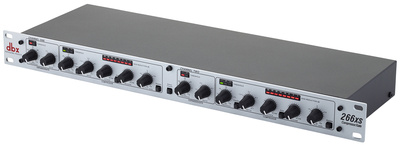
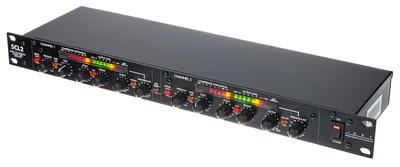
For even more control and sonic quality, the FabFilter Pro-C 3* is well worth it, its visual gain reduction display makes dialing things in significantly easier. If you prefer analog and want to integrate hardware sidechain into your setup, the DBX 266 XS* or the ART SCL2* are both solid and affordable options. Both offer a dedicated sidechain input and work great for stereo routing in the studio.




Method 2: Volume Automation with Ghost Kick
How It Works
This method doesn’t need a single compressor. Instead, you create a silent kick track, the so-called ghost kick, which isn’t audible in the mix but serves as a MIDI or audio trigger for a volume automation curve on the target track. The automation mimics what a compressor would do: briefly down, then back up.
The key difference from the compressor method is complete control over the curve shape. You determine exactly how steep the drop is, how long the signal stays down, and what the return curve looks like. Logarithmic curves sound more natural, while linear curves create a more aggressive, mechanical effect. Compared to the classic compressor method, the sonic coloration of a compressor is absent here, which can be either an advantage or a disadvantage depending on the context.
Praxis Tip
In Ableton Live, create a new MIDI or audio track, place your kick sound there, and set the volume of that track to zero. Then draw an automation curve on the target track that matches the rhythm of the kick. The fastest way to do this is with the pencil tool directly in the Arrangement View. Important: at 128 BPM in a 4/4 time signature, the curve should return to its starting value within exactly one quarter note.
The advantage of this method is absolute repeatability and the fact that it works in any DAW without additional plugins. If you work DAW-native and want maximum control without latency-related issues, this is your go-to.

Method 3: LFO Tools and Other Sidechain Plugins
How It Works
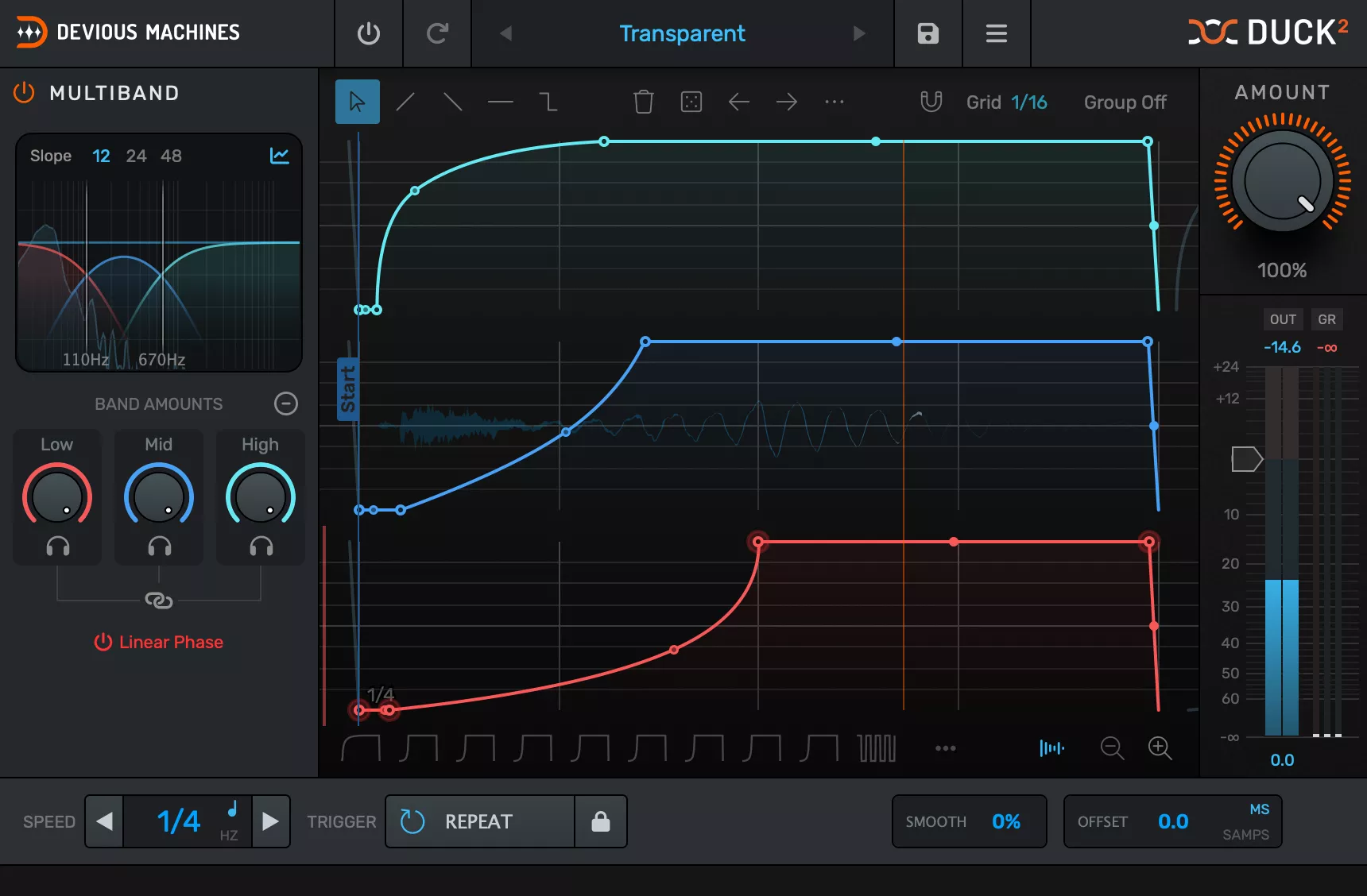
Dedicated sidechain plugins like Shaperbox 3* from Cableguys, Devious Machines Duck 2*, or Xfer LFOTool take the manual routing work completely off your plate. They generate an internal envelope that you can edit graphically and automatically duck the signal on the target track in time with your track. You simply select the desired curve shape, set the depth and timing, done.
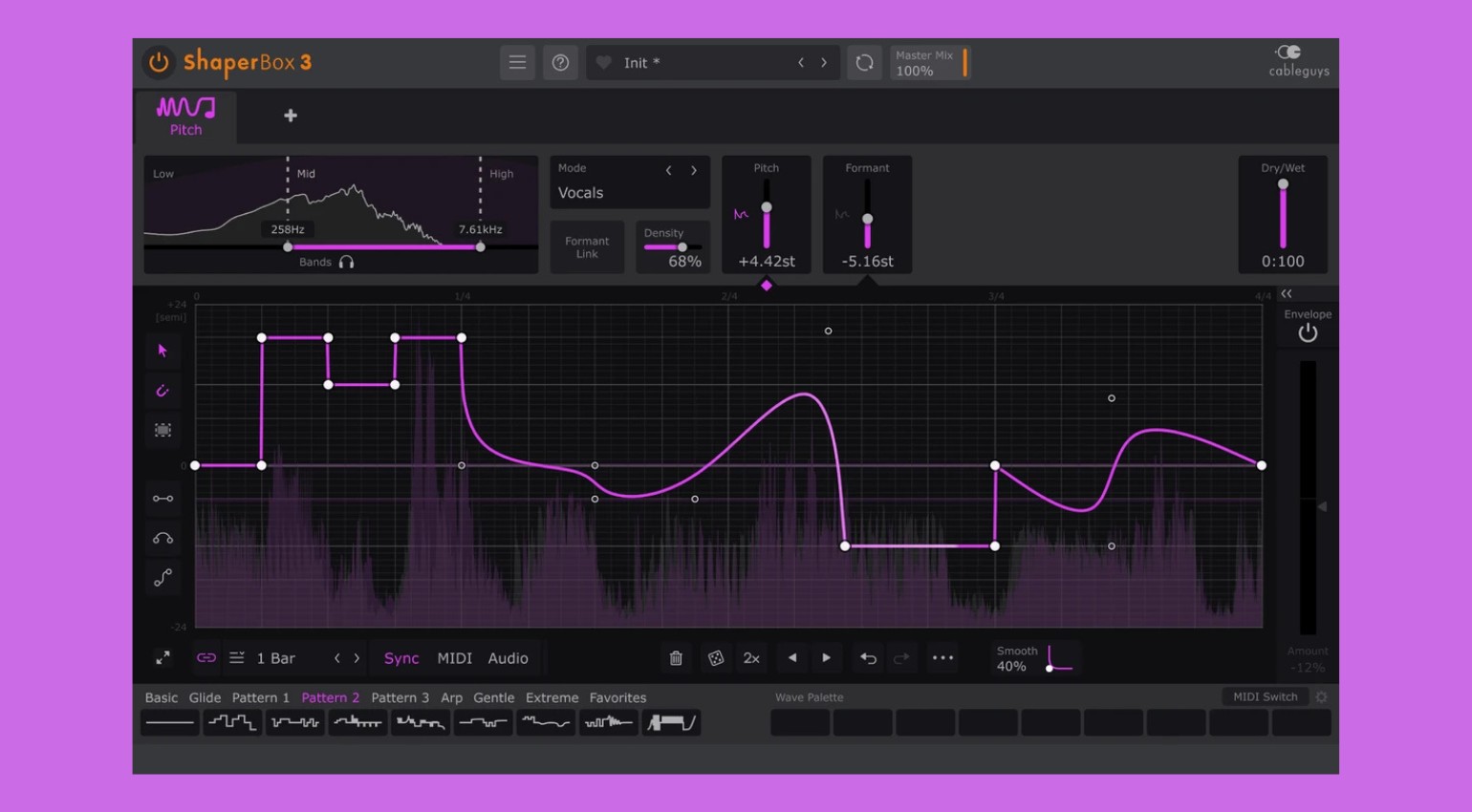
Duck 2 is the entry point for anyone who wants fast results: one knob, one curve, one result. Xfer’s LFOTool is more complex but also far more versatile, since it can modulate not just volume but other parameters and even MIDI. Compared to the classic compressor method, dedicated sidechain plugins are faster to set up and more predictable sonically, but offer less flexibility for fine-tuning.
Praxis Tip
Just drop Duck 2 on the target track, set the Depth knob to 60 to 80 percent, and try out the preset curves. Most presets are already optimized for 4/4 rhythms. Live performers will appreciate the straightforward BPM sync function, which automatically locks the plugin to the master tempo. For more complex modulations, for example when you want the pumping effect to react to the off-beat rather than the kick, the tool offers additional parameters (including multiband!) well worth exploring.
The Volume Shaper 7* from Cableguys combines the best of both worlds: graphical editor, multiband functionality, and real audio sidechain routing in a single plugin.

Method 4: Transient Shaper as a Sidechain Alternative
How It Works
Transient shapers are originally built to shape the attack and sustain of individual sounds. But placed on a submix or parallel track, they can produce a similar groove effect to classic sidechain compression without needing a trigger signal. The effect here doesn’t come from external ducking but from deliberately suppressing the attack phase of sounds that compete with the kick.
This sounds different from classic pumping, less obvious, more subtle, making it a great fit for tracks where the effect should be felt but not heard. It’s a particularly interesting approach for melodic techno productions with a lot of harmonic material. Unlike methods 1 through 3, the effect here doesn’t come from external ducking but from deliberate signal shaping, producing a subtler, less obvious groove.
Praxis Tip
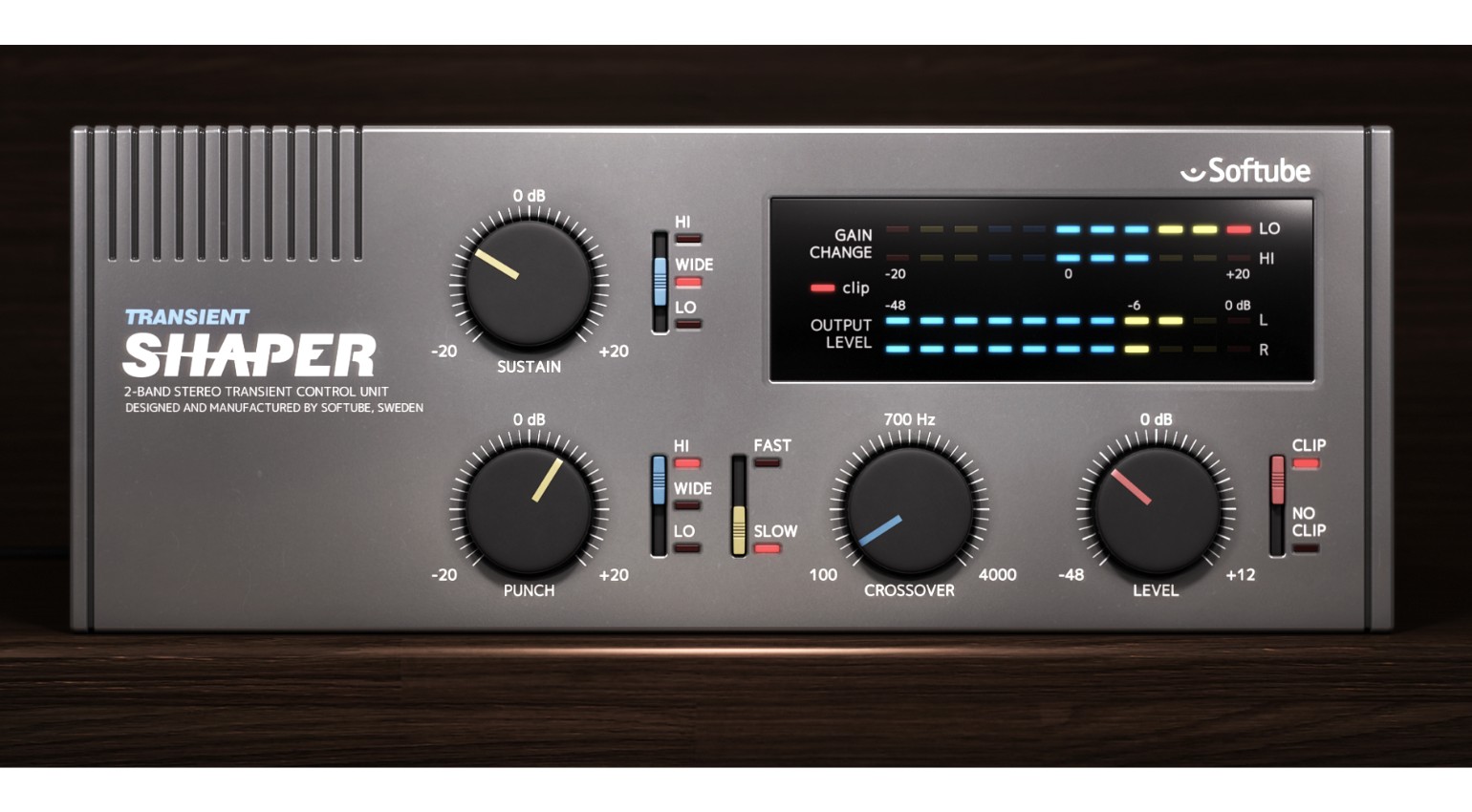
For a zero-cost starting point, the Kilohearts Transient Shaper (free) is a great option. Simply drop it on the target track, pull the attack knob down, nudge the sustain up slightly, and the target track loses its direct bite right where the kick needs to dominate. For more control and sonic quality, the Softube Transient Shaper* is the upgrade, its clean interface and transparent sound hold up well in professional contexts. Combining this with Method 1 or 3 is absolutely viable and often yields the most natural overall sound.
Method 5: Multiband Sidechain for Complex Arrangements
How It Works
With multiband sidechain, not the entire frequency spectrum of the target track reacts to the kick, only specific frequency ranges. Concretely: the bass range ducks hard when the kick hits, while mids and highs remain largely untouched. The result is a far more natural-sounding pumping effect that has less impact on the overall mix while still delivering the energy you’re after.
This method makes the most sense when your arrangement is dense and a full ducking of the target track thins the mix out too much. It requires more setup, but gives you a level of control that none of the other methods can match. Compared to all other methods, multiband sidechain is the most complex solution, but in dense arrangements it delivers the most transparent and musically convincing result.
Praxis Tip
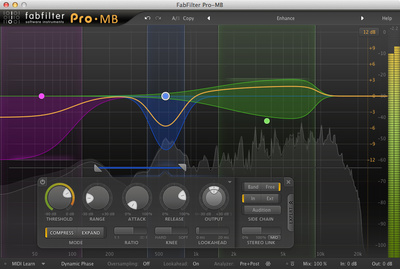
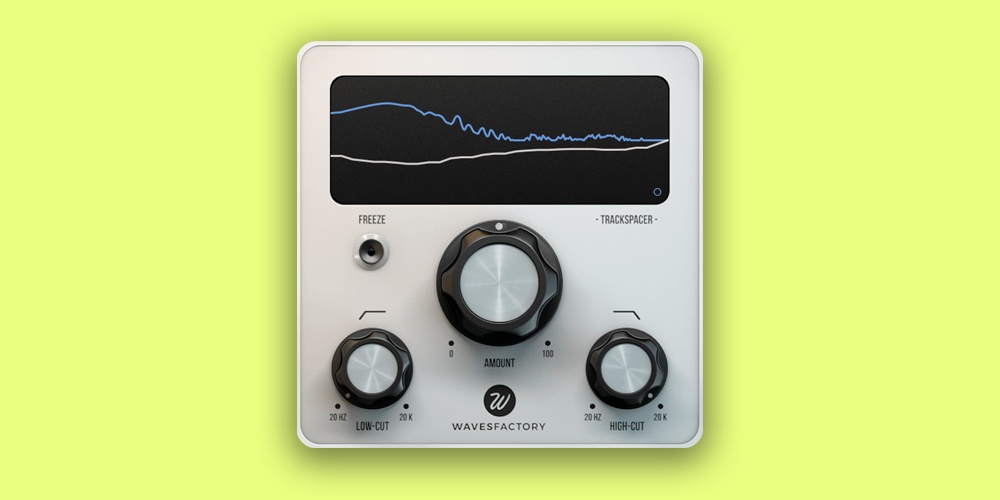
The Trackspacer by Wavesfactory* is practically a must-have plugin for this method. It analyzes the kick signal and automatically carves space in the frequency spectrum of the target track without you having to draw EQ curves manually. Alternatively, this works with FabFilter Pro-MB*, where you can specifically trigger only the bass frequencies below 200 Hz with a sidechain signal. A typical frequency split for techno: 20 to 200 Hz duck hard (8 to 12 dB), 200 Hz to 2 kHz duck slightly (2 to 4 dB), everything above left untouched.
Which Method Fits Your Setup?
Beginners who want fast results are best served by Method 3. Duck 2 is up and running in under two minutes and sounds great right away. Anyone who wants more control and a more natural sound should learn Method 1 with a solid compressor plugin, that’s the foundation for everything else.
Ghost kick automation (Method 2) is the pick for anyone who wants to work without additional plugins or needs maximum flexibility in their DAW. Live performers are best off with Method 3, since it runs BPM-sync stable. Advanced producers with dense arrangements should at least know Method 5, even if it’s not needed in every track.
You see: there’s a perfect method here for everyone.
Gear Overview: The Best Sidechain Tools for Techno
Beginner / Free
- Ableton Glue Compressor (DAW-native) or comparable stock devices/plugins in other DAWs
Midrange
- FabFilter Pro-C 3*
- Volume Shaper 7 by Cableguys*
- Duck 2 by Devious Machines*
- Xfer LFOTool
Pro / Hardware
- Trackspacer by Wavesfactory*
- FabFilter Pro-MB*
- DBX 266 XS* or ART SCL2* hardware compressor
Conclusion: Sidechain Is Not an Effect, It’s an Attitude
Sidechain compression is more than a technical move. It’s the difference between a track that works in the mix and a track that moves people on the dancefloor. Which of the five methods is right for you depends on your sound, your setup, and your workflow. My advice: start with Method 1 or 3, understand the core principle, then experiment with the more advanced approaches. Sidechain is one of the few production tools where you don’t just hear the difference, you feel it physically. And that’s exactly what techno is about.
FAQ: Sidechain Compression in Techno
What Is Sidechain Compression?
Sidechain compression is a technique where an external signal, usually the kick, triggers a compressor on a different track and briefly reduces its volume. The result is the classic pumping effect in techno and house.
How Do I Set Up Sidechain in Ableton Live?
Place a compressor on the target track, activate the sidechain section in the compressor settings, and select the kick track as the source. Set attack and release to taste, and dial in the threshold until gain reduction is clearly visible.
What Is the Difference Between Sidechain and Ghost Kick?
With classic sidechain, the actual kick sound triggers the compression. With a ghost kick, you use a silent, inaudible kick track as a trigger for volume automation, with no compressor involved at all.
Which Plugin Works Best for Sidechain Compression in Techno?
For beginners, Duck 2 by Devious Machines is the fastest solution. For more professional results with greater control, FabFilter Pro-C 3 or Trackspacer by Wavesfactory are the top picks.
Can I Do Sidechain Compression Without Plugins?
Yes. The ghost kick method with volume automation works in any DAW without additional plugins and gives you maximum control over the curve shape.
What Does the Pumping Effect Mean in Music Production?
Pumping refers to the rhythmic rise and fall of a signal’s volume in time with the kick. It’s created by sidechain compression and is a defining element of techno, house, and other electronic genres.
How Do I Avoid Too Much Pumping?
Raise the threshold, reduce the ratio, and shorten the release. In dense arrangements, multiband sidechain helps since only the bass range ducks hard while the highs remain untouched.
Does Multiband Sidechain Work for Other Genres?
Absolutely. Multiband sidechain is a proven tool in house, drum and bass, and modern pop for cleanly separating kicks and bass without impacting the mix too heavily.
Is Sidechain Compression Useful in Mastering?
In traditional mastering, not really, since the entire signal is being processed there. In stem mastering or when processing individual groups, multiband sidechain can be used selectively to give the kick more room in the overall mix.
What Is the Difference Between Sidechain Compression and Ducking?
Ducking is the audible effect created by sidechain compression: a signal gets briefly quieter as soon as another signal hits. Sidechain compression is the technique behind it. Ducking describes the result, sidechain compression describes the process that causes it.
Which DAWs Support Sidechain Compression Natively?
Most modern DAWs support sidechain compression without additional plugins or devices. Ableton Live, Logic Pro, FL Studio, Cubase, Bitwig Studio, and Reaper all offer native sidechain routing options. The exact implementation differs by DAW, but the core principle stays the same.
*Note: This article contains affiliate links that help us keep Gearnews running. The price for you always stays the same! If you buy something through these links, we receive a small commission. Thanks for your support!

This might also interest you
2 responses to “Sidechain Compression in Techno: 5 Effective Methods for Punching Kicks”

Another technique is to put a short sub osc under the kick, that you should attempt to tune to the kick. This will keep the kick thumping through, as long as you keep the bass without sub, prior to mastering. If you can hear an audible difference between kick and bass then it will probably master ok. The sidechain pumping effect doesn’t suit every tune. Also, mastering compressors and EQs sometimes have an ‘internal sidechain’ that can work to add rhythmic dynamics to a master. That can be a more subtle option for a bottom end that’s lacking groove.
Melda Dynamic EQ