Ground Loops in the Home Studio 2026: The Easy Way to Stop Hum and Buzz for Good
Why Your Gear Buzzes and How to Silence It

 5,0 / 5,0 |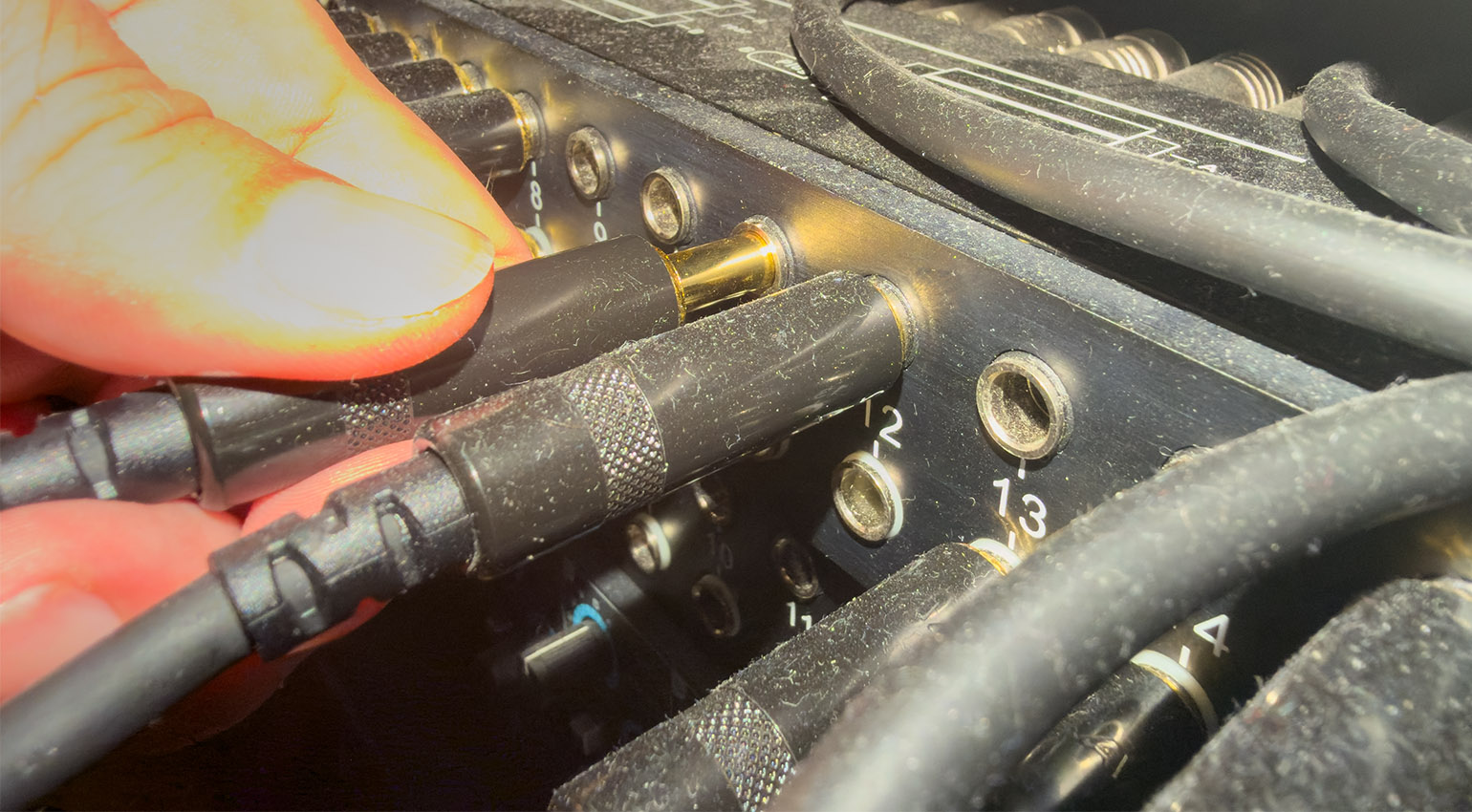
Ground Loops in the Home Studio 2026: The Easy Way to Stop Hum and Buzz for Good · Source: GEARNEWS

That thin, piercing whine coming out of your speakers the moment a synth receives MIDI over USB? Every hardware producer knows it, and it can drive you up the wall. Ground loops in the home studio cause hum, buzz, and whine, and swapping cables rarely fixes any of it. I’ve been fighting this for years, with USB-connected hardware and a pricey equalizer that carries its power supply inside the case. This article shows where the noise comes from, which fixes worked in my studio, and which gear is worth a look.
The bigger picture of noise in studio and live setups is covered in our article Understanding and Reducing Noise Floor for Recording and Live Sound. This one zooms in on electronic music producers and their hardware.
Ground Loops in the Home Studio: Causes, Fixes, and Gear That Helps
- Ground loops in the home studio appear when two devices share more than one path to ground, and the loop picks up mains hum at 50 or 60 Hz
- USB whine sounds thinner and higher than hum, and it often changes with computer activity
- Swapping USB cables rarely helps, while a powered hub or a different connection type sometimes does
- Balanced connections cancel most of the noise that unbalanced cables collect along the way
- Gear with a built-in power supply can radiate hum, and switching it off and on again occasionally clears it
- A power conditioner filters the mains, but it doesn’t break a ground loop
- Well-built connectors matter more than a high price tag on the cable
Ground Loops in the Home Studio: Causes, Fixes, and Gear That Helps
Ground Loops in the Home Studio: Where the Hum Comes From
A ground loop forms when two or more devices connect to ground through more than one path, for example through the power outlet and through the shield of an audio cable at the same time. That loop acts like an antenna and picks up mains hum, a low drone at 50 or 60 Hz with a buzzy layer of harmonics on top. Ground loops in the home studio show up all the time with hardware synths, drum machines, and outboard gear, because every extra box adds another possible path.
Whine is a different animal. Hum stays low and steady, whine sounds thin and high, and it often changes when the computer gets busy or when you move the mouse. Different symptoms usually point to different causes, so it pays to listen closely before you start swapping gear.
The hunt itself is boring but effective. Unplug every connection from the noisy device, then plug them back in one at a time. The moment the noise returns, you’ve found the path that closes the loop. Start with anything that ties two grounded devices together, like USB or a cable running between two pieces of hardware.
Why Does USB MIDI Make My Gear Whine?
USB ties your hardware to the computer’s ground and to its power rails, and both can carry noise straight into your audio path. That’s why a synth that receives MIDI over USB can whine, chirp, or beep in ways that have nothing to do with the audio cable you’re staring at.
I know this one well. Several of my devices get their MIDI over USB, and that nasty whine is the first thing I hear once the speakers are up. Swapping cables? Almost never helps, and I’ve tried plenty. What did help now and then was a USB hub with its own power supply. It’s no miracle cure, but it broke the noise a few times, and trying it costs next to nothing.
Then there’s the hardware that whines no matter which port it’s plugged into. I own a few of those. In that case the noise lives inside the device, and no cable or hub will talk it out of it. Sometimes the only real fix is a different connection type.
If the unit has a 5-pin MIDI DIN input, send MIDI through a hardware MIDI interface instead. DIN MIDI is optically isolated by design, so it doesn’t drag the computer’s ground along. Another quick test: run your laptop on battery for a minute. If the whine vanishes, the charger is your culprit. Both tests are cheap ways to narrow down ground loops in the home studio before you spend a cent. USB isolators exist too, but I haven’t tried one yet, so I can’t tell you how well they work with MIDI gear.
When the Power Supply Sits Inside the Box: My API 5500 Story
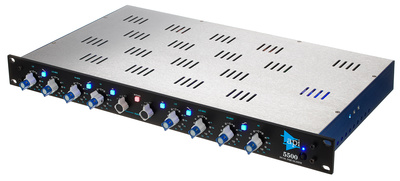
When it comes to ground loops in the home studio, one of my favorite pieces of gear is also my biggest diva: the API 5500 equalizer, a seriously expensive stereo EQ that I love using. Its power supply sits inside the case, and that design is known for picking up interference. The result: mains hum that shows up out of nowhere.
My fix is almost embarrassingly low-tech. I switch the unit off and on again, sometimes several times, until the hum drops out. It works often enough that I’ve stopped questioning it.
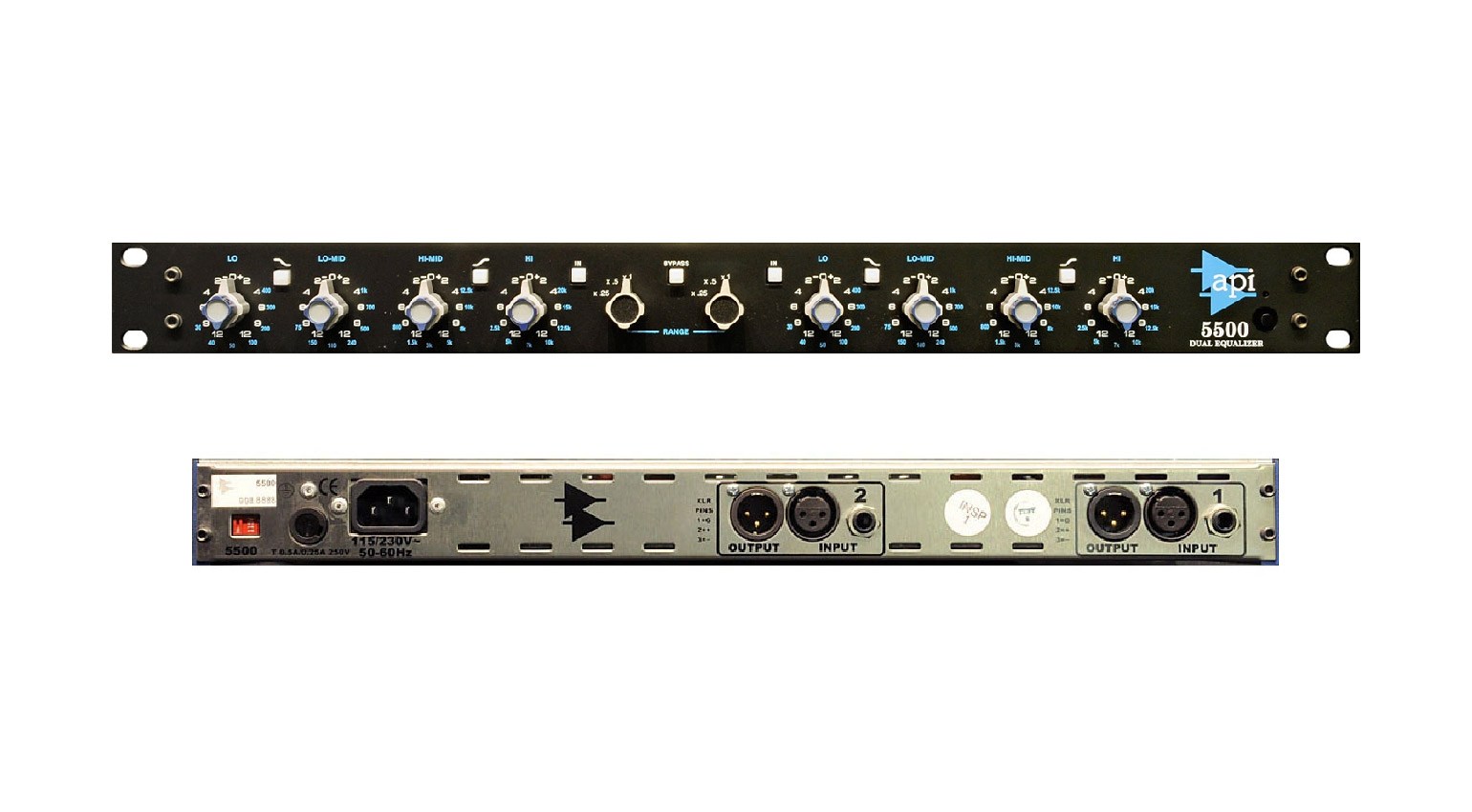
Guides for moving the power supply out of the case are floating around online. I haven’t dared to try that, and honestly, I would only do it with a qualified technician. Mains voltage is nothing to experiment with on a Saturday afternoon. If your gear has an internal supply, the off-and-on trick and a different power outlet are the safer places to start.



Balanced Connections and DI Boxes: Where Synths and Drum Machines Fit In
Balanced connections cancel most of the noise a cable picks up along the way, so I build nearly all my important audio connections balanced. Two conductors carry the same signal with opposite polarity, and the receiving input subtracts whatever both wires collected in between. Wherever your outputs allow it, that’s the cheapest defense against ground loops in the home studio.
Many synths and drum machines have unbalanced outputs, though, and long unbalanced runs into a balanced interface input are an open invitation for hum. A DI box or a ground loop isolator solves that in one step: it converts the signal to balanced and breaks the ground connection. One honest note, I don’t use DI boxes in my own studio yet, so this is what I’d try first, not what I’ve lived with for years.
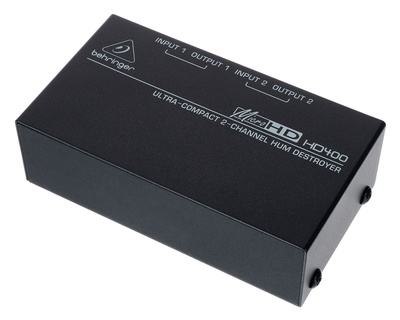
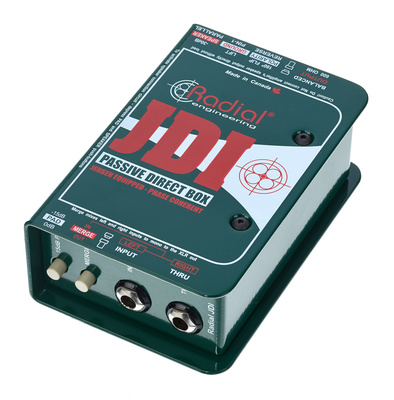
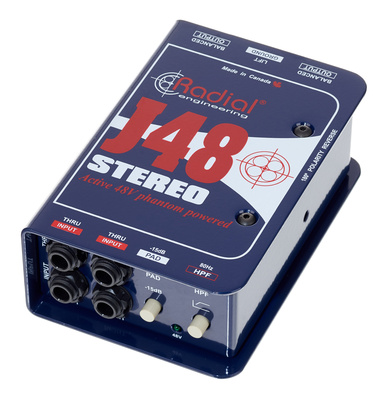
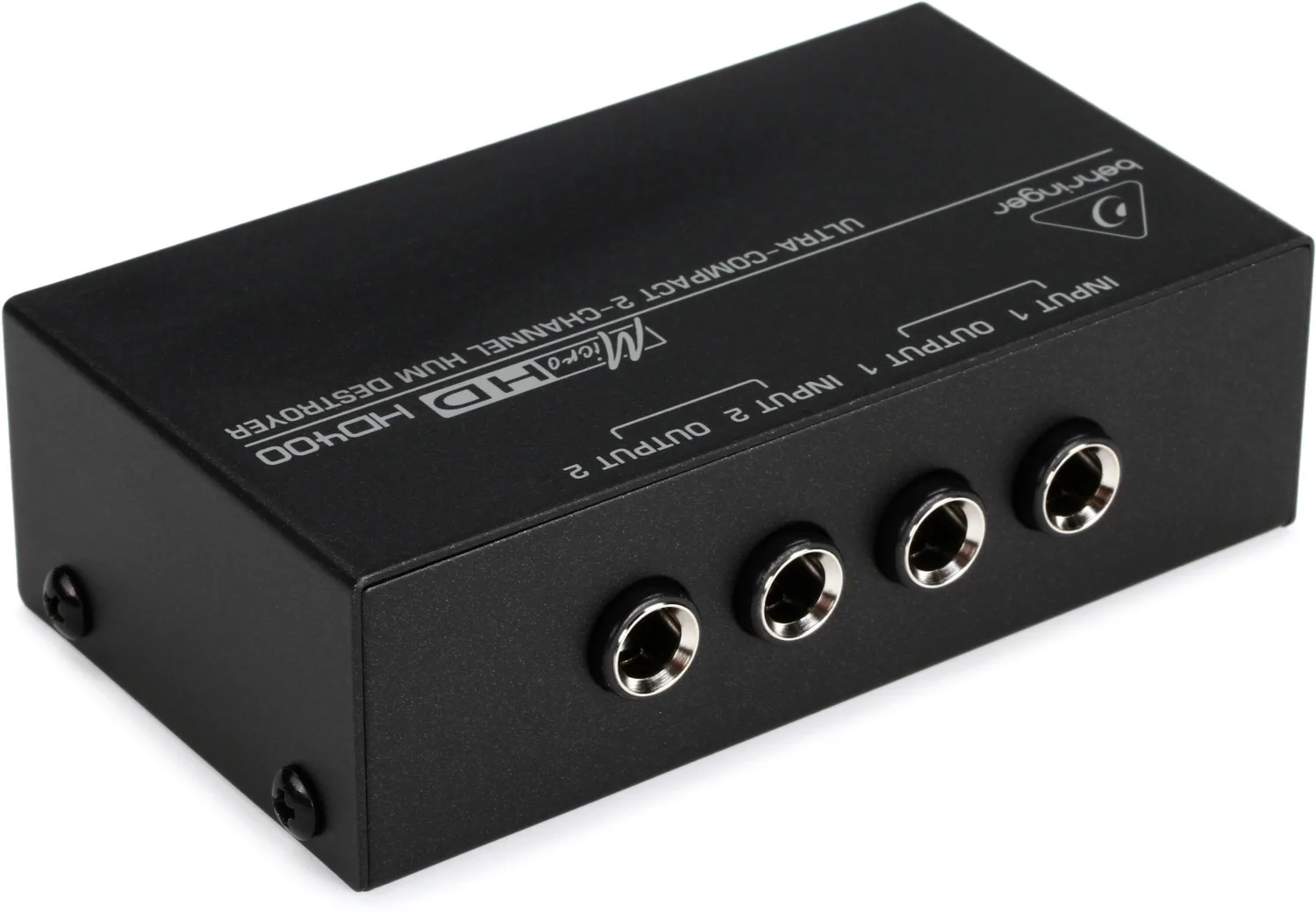
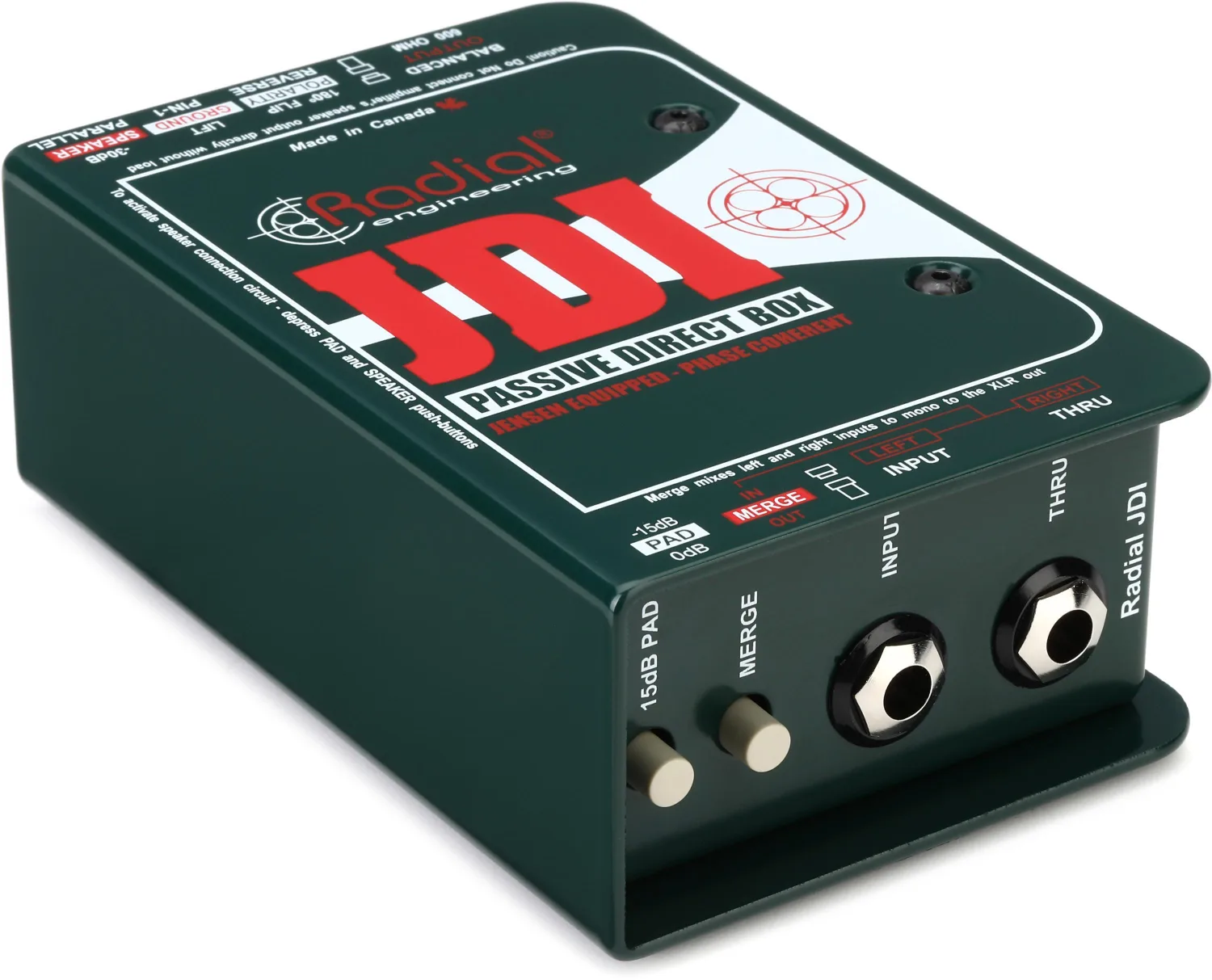
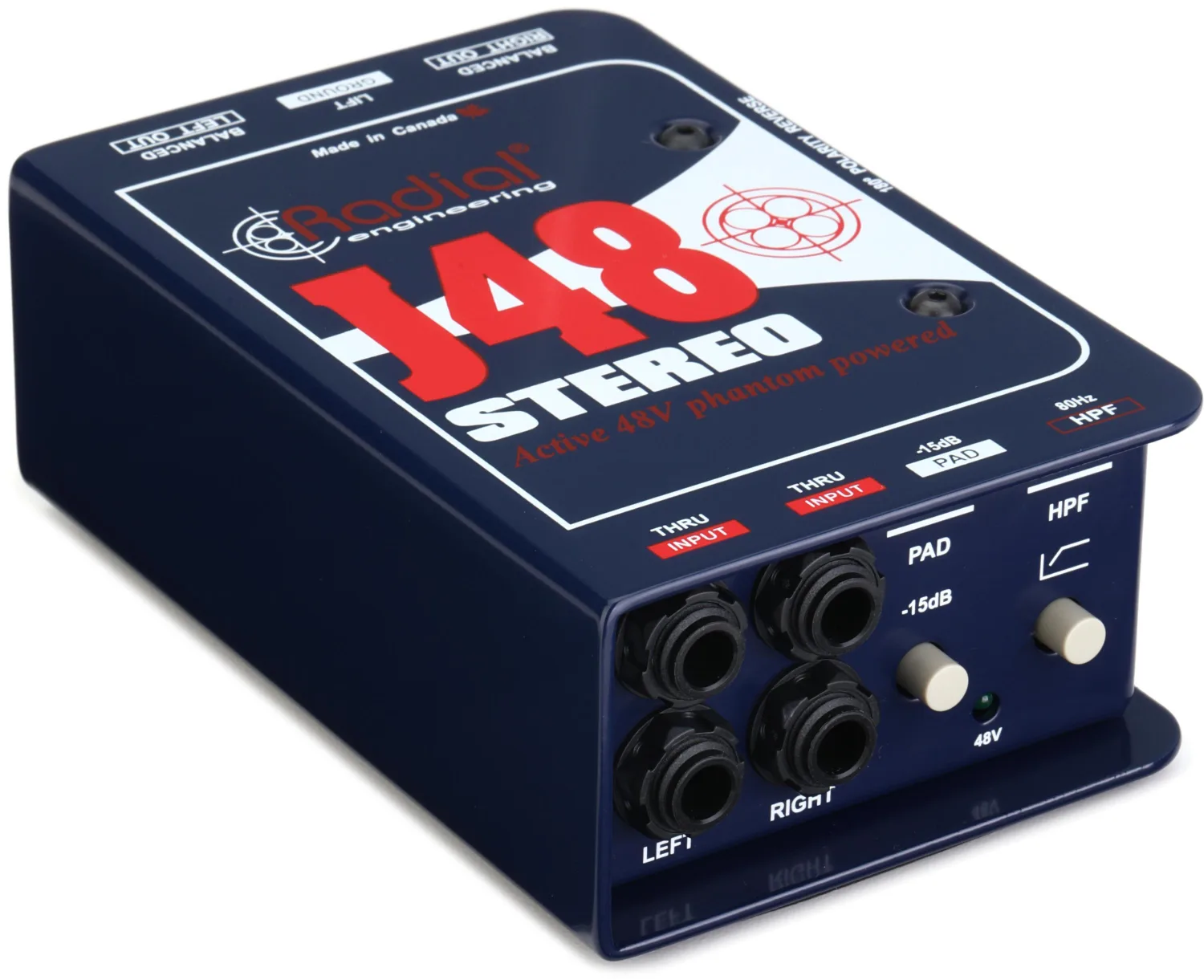
For stereo hardware, the Behringer HD400* / Sweetwater* is an inexpensive two-channel ground loop isolator that also turns unbalanced signals into balanced ones. The Radial JDI* / Sweetwater* is the passive, transformer-based classic, and the Radial J48 Stereo* / Sweetwater* is the active two-channel option that needs phantom power. Which one fits depends on your outputs, your interface, and how stubborn your ground loops in the home studio are.


Power Conditioners and Power Strips: What They Fix and What They Don’t
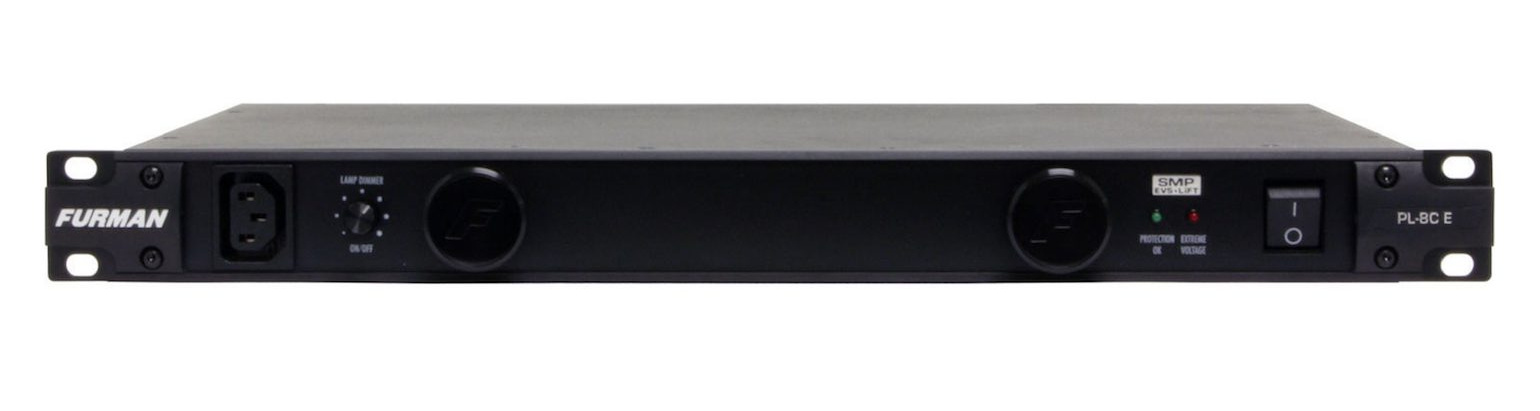
For my most important gear I use a Furman power conditioner* / Sweetwater*, and everything else hangs on high-quality power strips. A conditioner filters radio and electromagnetic interference from the mains and protects against voltage spikes. What it doesn’t do is break a ground loop. If two devices still share two ground paths, the loop stays, conditioner or not.
One habit costs nothing: plug all your audio gear into the same power strip or at least the same circuit, so everything shares one ground reference. Can’t manage that? Then the isolators from the previous section get a lot more interesting. For stubborn ground loops in the home studio, that’s where an isolator earns its place.
Do Expensive Cables Fix Hum?
No, and I say that with a straight face. In the studio, I find super expensive cables overrated. I haven’t come across a convincing test showing that they sound much better than normal, well-made cables. To me, that’s voodoo.
What I do care about is the connector. I pick cables by how the plugs are built, and I want solid connections that don’t fall apart after two or three mating cycles. Locking connectors from makers like Neutrik are a good example of that build quality. A plug that wobbles in its socket is trouble waiting to happen.
Common Mistakes With Ground Loops in the Home Studio
Test One Change at a Time
Swapping three cables and a power strip at once tells you nothing. Change one thing, listen, and write down what happened. It’s dull, but it saves hours.
Leave the Mains Earth Alone
Never remove or lift the earth pin on a mains plug to kill hum. That connection is there for your safety. Ground lift switches on DI boxes and isolators break the audio ground path, and that’s where lifting a ground belongs.
Check the Balanced Cabling First
Before you buy a hum eliminator, check whether an unbalanced cable hides somewhere in the chain. Wherever an output supports balanced operation, a balanced cable is a free upgrade.
Use the Laptop Battery as a Test Tool
Unplug the charger and run on battery for a minute. If the noise disappears, you know where to look. Then a different charger or a powered hub becomes the smarter next step.
FAQ: Ground Loops in the Home Studio
Quick answers to the questions I hear most about ground loops in the home studio.
What Are Ground Loops in the Home Studio?
A ground loop forms when two or more devices connect to ground through more than one path. The loop picks up interference from the mains, which you hear as a low hum at 50 or 60 Hz or as a buzz.
Why Does My Synth Whine When It Receives MIDI Over USB?
USB connects the synth to the computer’s ground and power rails, and both can carry noise. A powered hub, a different port, or a MIDI DIN connection through a hardware interface can help. Some devices whine on every port anyway.
Does a Powered USB Hub Fix USB Noise?
Sometimes. In my studio, a hub with its own power supply helped now and then, but it didn’t cure every device.
Do I Need a DI Box for Synths and Drum Machines?
Not always. If your outputs are balanced and the setup is quiet, you can skip it. With unbalanced outputs and audible hum, a DI box or ground loop isolator is a sensible fix.
Can a Power Conditioner Remove Hum?
It filters interference from the mains, but it doesn’t break a ground loop. Treat it as protection and clean power, not as a hum cure.
Is It Safe to Move a Built-In Power Supply Outside the Case?
That job involves mains voltage. If you aren’t a qualified technician, leave it to one, or try the safer options first, like power-cycling the unit or changing the outlet.
Do Expensive Cables Reduce Noise?
I haven’t seen convincing proof. Well-built connectors and balanced cabling make a much bigger difference than the price tag on the cable.
Conclusion: Ground Loops in the Home Studio Have a Fix, Even If It Takes a Few Tries
Ground loops in the home studio usually come down to a handful of causes: a second path to ground, unbalanced connections, a noisy USB link, or a power supply that radiates. Most of them respond to patient, boring troubleshooting more than to expensive gear.
I haven’t solved every whine in my own studio, and I’d rather admit that than pretend otherwise. Some hardware simply refuses to behave on USB, and my API 5500 still likes to hum now and then. Good to know that even a pricey box can have a bad day. And here’s the catch: if you go analog, you have to live with some hiss, hum, and whine. But who knows, maybe that’s exactly what gives your sound all that atmosphere.
What’s the worst hum or whine you’ve ever chased down in your studio? Tell us in the comments.
More on Ground Loops in the Home Studio
- Understanding and Reducing Noise Floor for Recording and Live Sound
- Analog vs. Digital in the Home Studio
- The Best Multichannel Audio Interfaces for Home Recording
*Note: This article about “Ground Loops in the Home Studio” contains affiliate links that help us keep Gearnews running. The price for you always stays the same! If you buy something through these links, we receive a small commission. Thanks for your support!

This might also interest you