Getting Started: Which is the Best DAW for Beginners?
Which DAW to choose when you're starting out.

 3,6 / 5,0 |
When you’re looking to start your journey in music production, it’s hard to know where to begin. So we’re trying to find the best DAW for beginners, and what to look out for when researching this topic.
Beginner DAWs:
Every DAW has a slightly different focus, but once you understand the workflow behind recording, arrangement, and mixing, it’s easier to switch to the best DAW for your style of music.
Before we go any further, let’s dispel some myths surrounding DAWs and which ones are better suited for beginners. When it comes to selecting the best DAW for beginners, make sure you don’t over-invest or lock yourself into a subscription plan only to find that the software doesn’t suit your experience level.
Which is the Best DAW for Beginners?
Some DAWs, like Cubase or Bitwig Studio, for example, are more technical and require a little more of a fundamental understanding of music production to use than say, GarageBand.
That being said, don’t fall into the trap of thinking that a free DAW is immediately easier for beginners to understand. The level of simplicity and intuitiveness of a DAW interface is completely unrelated to its price tag.
In certain cases, software developers offer upgrade plans. This allows you to get an introductory version of a DAW for under $100 and gradually upgrade as you expand your workflow and become more comfortable with the platform you’ve chosen.
As a general rule to follow, I highly recommend initially installing a trial version of any software you’re interested in using, plug-ins included. This way you get 30-90 days to put the DAW through its paces and find out if it really is the one for you.
Trial versions often have a limited set of features. This can include a limited track count, fewer plug-ins, or even a lack of the ability to save projects. So, you might want to hold off on recording your magnum opus until you’ve found the best DAW for beginners that you can commit to learning.
The Best DAW for Beginners: GarageBand
If you already own a Mac, GarageBand is a free and fun way to get into music-making with a wide range of instruments and effects. Moreover, you also get a large sound library with loops and samples to get you started.
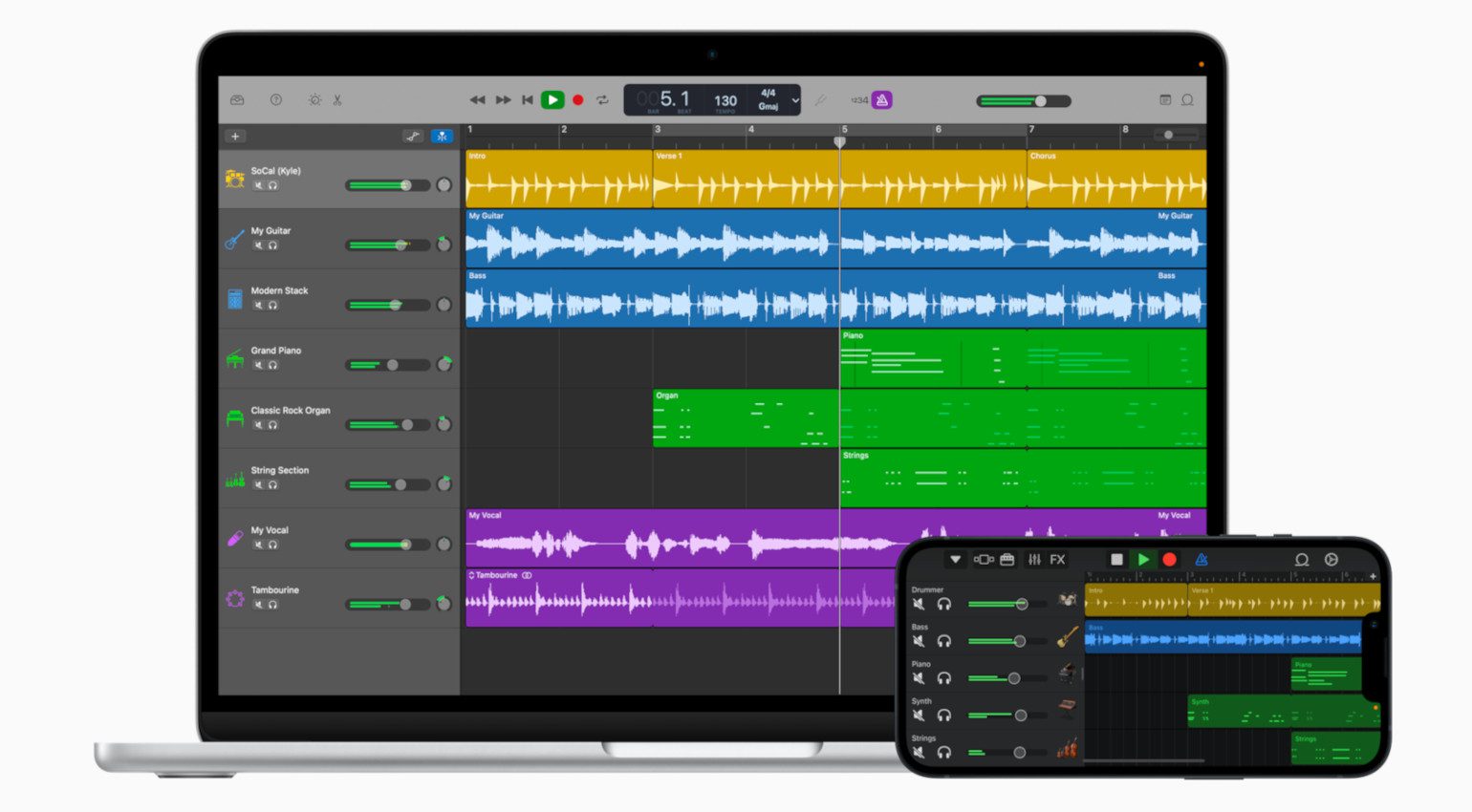
Without being too deeply focussed in any one area, GarageBand covers all the basics. What’s more, it does so in a way that doesn’t force you into a certain workflow. So whether you prefer recording live instruments or working with loops, samples, and softsynths, there’s room to grow.
When learning about music production, taking up an instrument can be helpful in many ways. Luckily, GarageBand includes a collection of lessons for guitar and piano that allow you to learn well-known hit songs and get a feel for reading music as you follow the arrangement.
Another plus is that a touch-optimized version of GarageBand is freely available for iOS devices. So you can start ideas on your iPhone or iPad and turn them into songs later on your Mac. If you like the GarageBand environment but want a more advanced DAW, check out Logic Pro, as many aspects and instruments are shared between the two systems. Is it the Best DAW for Beginners?
- More from Apple
The Best DAW for Beginners: BandLab
BandLab’s browser-based DAW offers an immediate way to create music without any strings attached. Simply create an account on the BandLab webpage, open a new project, and you’re all set to start making music.
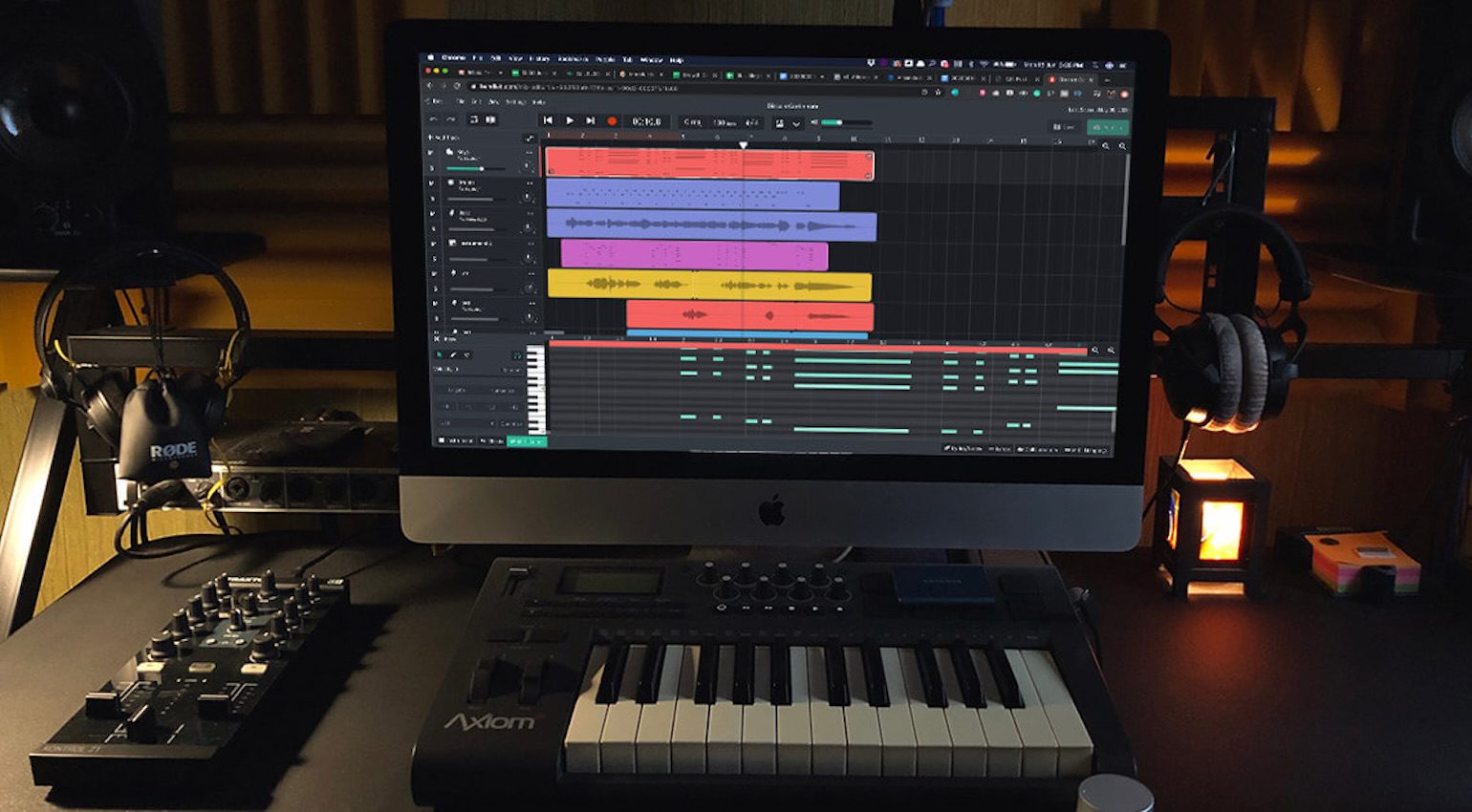
Using BandLab Studio is fast and intuitive, as every step has been streamlined to allow your ideas to flow. There are six different types of tracks to work with, including Audio, Virtual Instrument, Drum Machine, Sampler, Guitar, and Bass.
Once you’ve added a track, the corresponding controls appear in the window below the arrange area. This makes it easy to start programming drum patterns or loading sounds into the sampler from the diverse content library.
Exporting tracks is limited to 16-bit 44.1 kHz, but the process is fast, making collaborations a breeze. What’s more, BandLab is also available as a free iOS and Android app, so you can create beat sketches whenever and wherever inspiration strikes.
- More from BandLab
The Best DAW for Beginners: Tracktion Waveform Free
Waveform Free is a versatile DAW that runs across macOS, Windows, and Linux platforms with support for 3rd-party VST/AU plugins. This means that you can expand the platform in any direction with the world of free plugins. While there will be some trial-and-error in terms of finding options that truly suit your workflow, there is no financial risk.
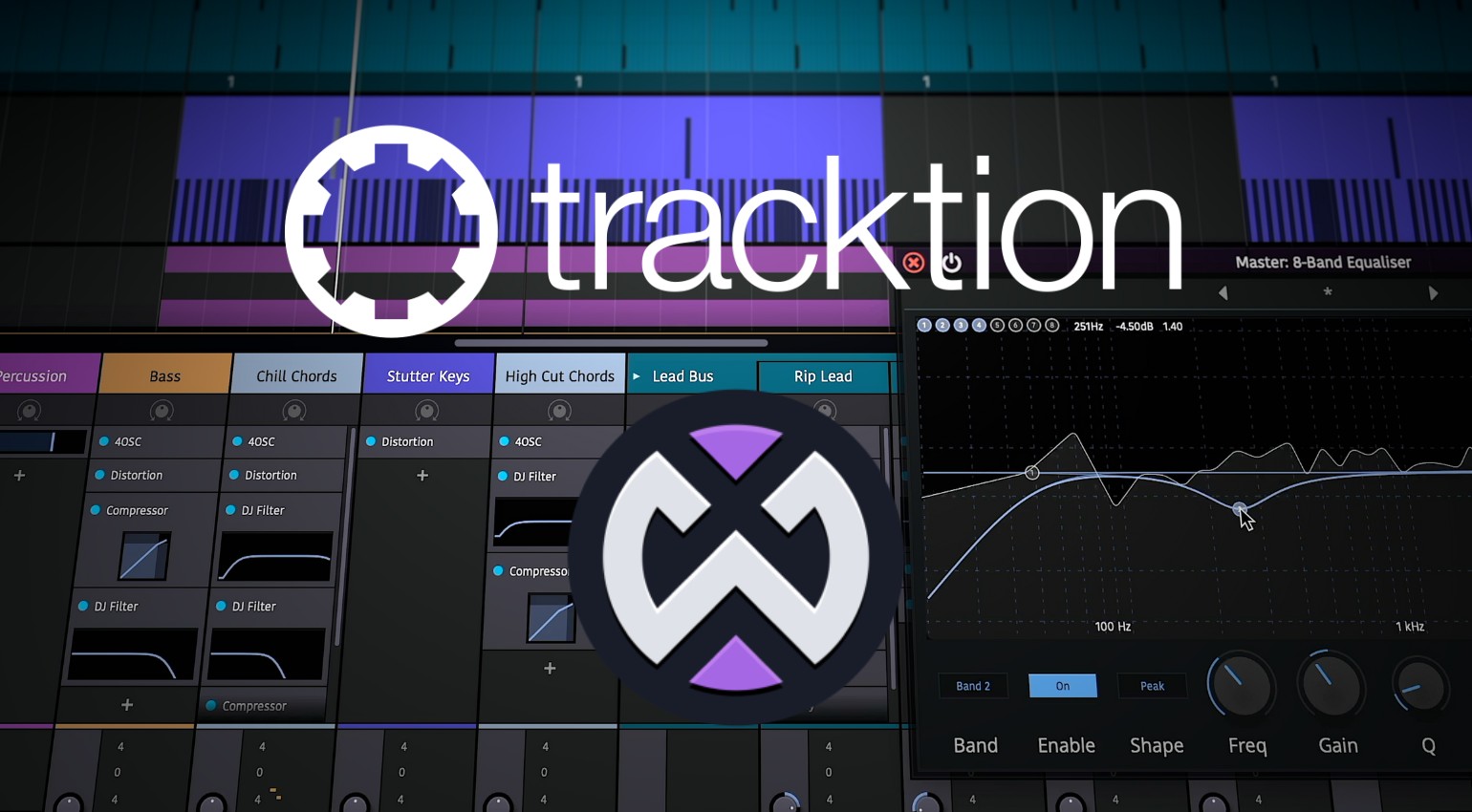
What’s more, you have unlimited audio and MIDI tracks to create your productions. In addition, there are included tools such as OSC synthesizer, Micro Drum Sampler, MIDI pattern generators, and a selection of effects to get you started. This makes Waveform a worthwhile option for beginners because you can use the platform when you’re still learning the ropes.
Then, when you start investing in DAW software and plugins, you can do so from an informed point of view. Whether you’re looking to hone your skills as a songwriter, producer, beatmaker, or mix engineer, using a free DAW and free plugins is a great platform to find out the best workflow for you.
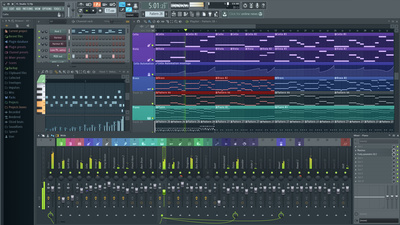
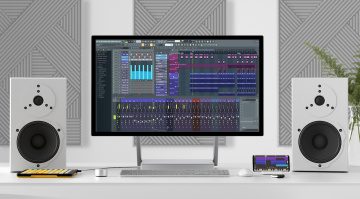
The Best DAW for Beginners: Image-Line FL Studio Fruity Edition
The Fruity Edition is the introductory version of the popular DAW, FL Studio. Loved by producers of Hip-Hop, Pop, EDM, and many other styles of electronic music, FL Studio provides an intuitive platform for sequencing, recording, sampling, and more.
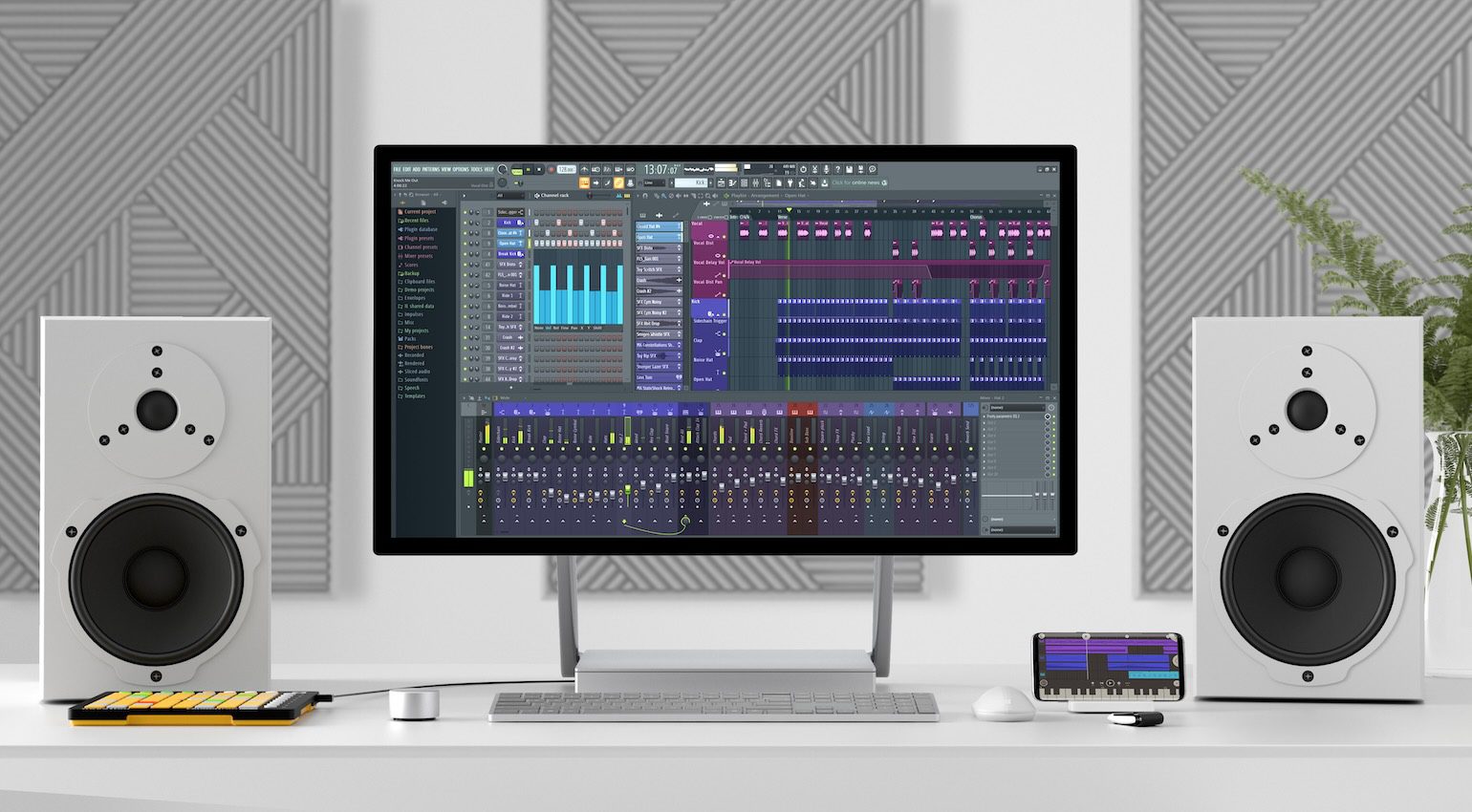
One of the exciting aspects of FL Studio is its simple but highly effective step sequencer. This allows you to lay down the basic groove pattern of your track in minutes by dragging your selected drum hits onto separate sequencer tracks.
Although these 1-shot sampler tracks aren’t chromatic, you can quickly switch to creating patterns with the piano roll whenever the need arises.
Overall, FL Studio is a DAW that leans towards beatmaking with a workflow that offers a great deal of fluidity. This makes it one of the best choices for beginners. In addition, there’s FL Studio Mobile for mobile devices.
- More from Image-Line


The Best DAW for Beginners: Serato Studio
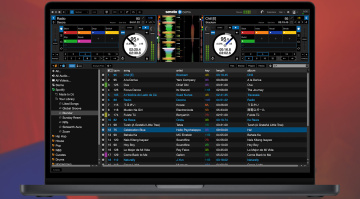
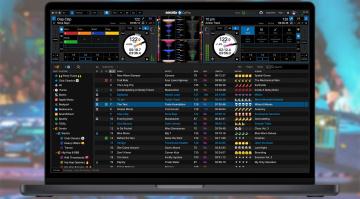
If you are looking to get into music making from a DJ background or you’re interested in sample-based production workflows, Serato Studio offers a simple solution that will certainly get results quickly.
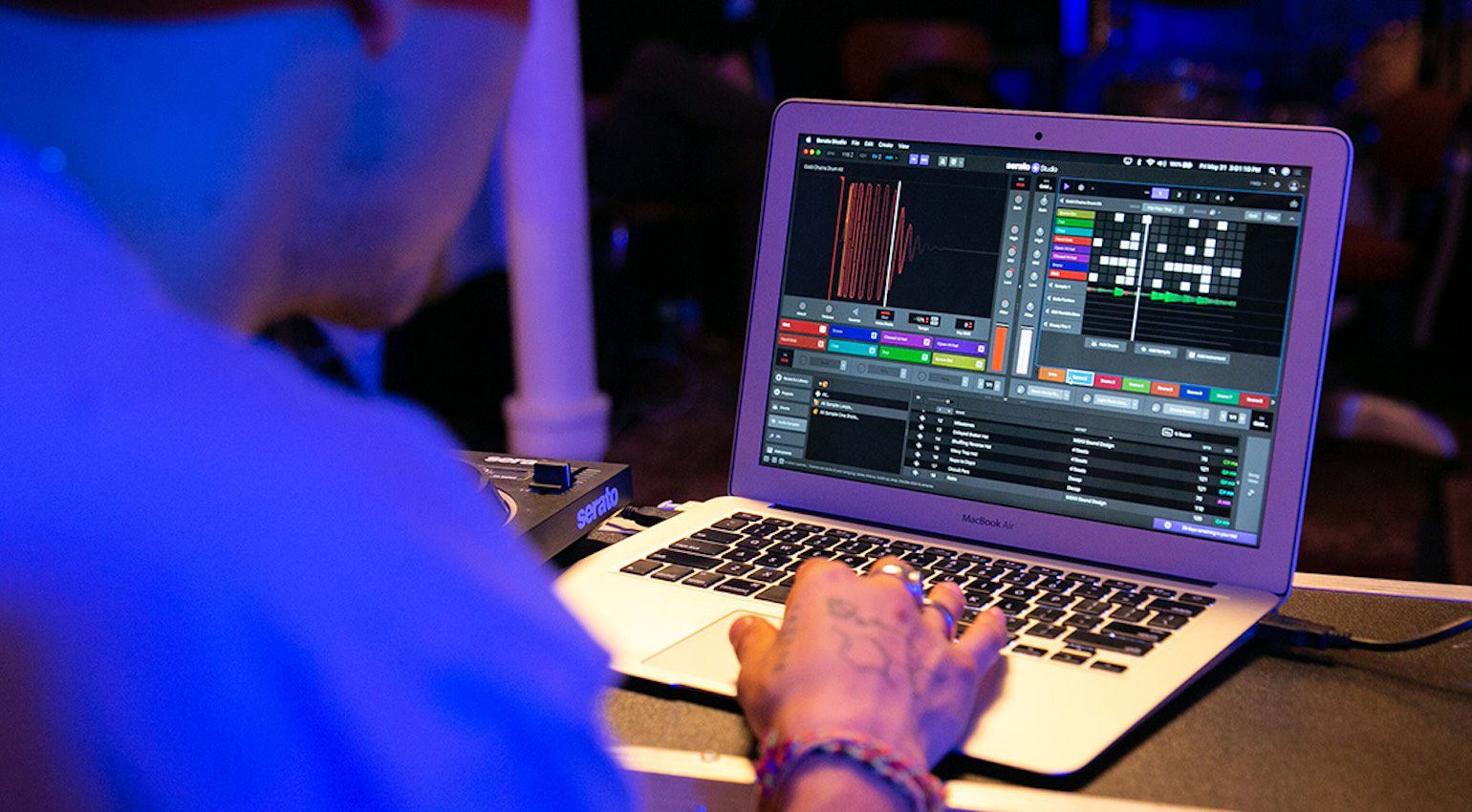
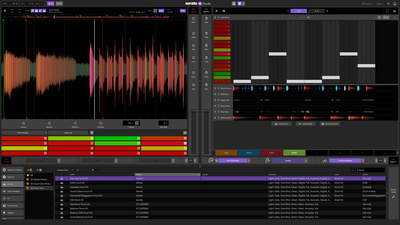
Besides the features, the interface design is a key aspect because it trims away a lot of unnecessary features that many DAW users tend to pay for and never use like Atmos support for example.
Stem Separation is a powerful tool within Serato Studio for isolating specific parts of a song. Meanwhile, the sampling engine automatically grids the audio and assigns slices to scenes so you can get busy creating fast.
While one could argue that Serato Studio is limited compared to other DAWs, I prefer to see it as a music creation system focused on beat-orientated music styles like Pop, Hip-Hop, EDM, and Electronica.
Serato Studio is available in the following different versions:

The Best DAW for Beginners: Fender Studio and Studio Pro
Introduced in 2025, Fender Studio is a free mobile app for recording and jamming for classic Fender amps and pedals in the included Mustang and Rumble plugins for guitar and bass. This provides a pocket-sized recording environment for capturing musical sketches and song ideas with multitrack recording on up to 16 tracks.
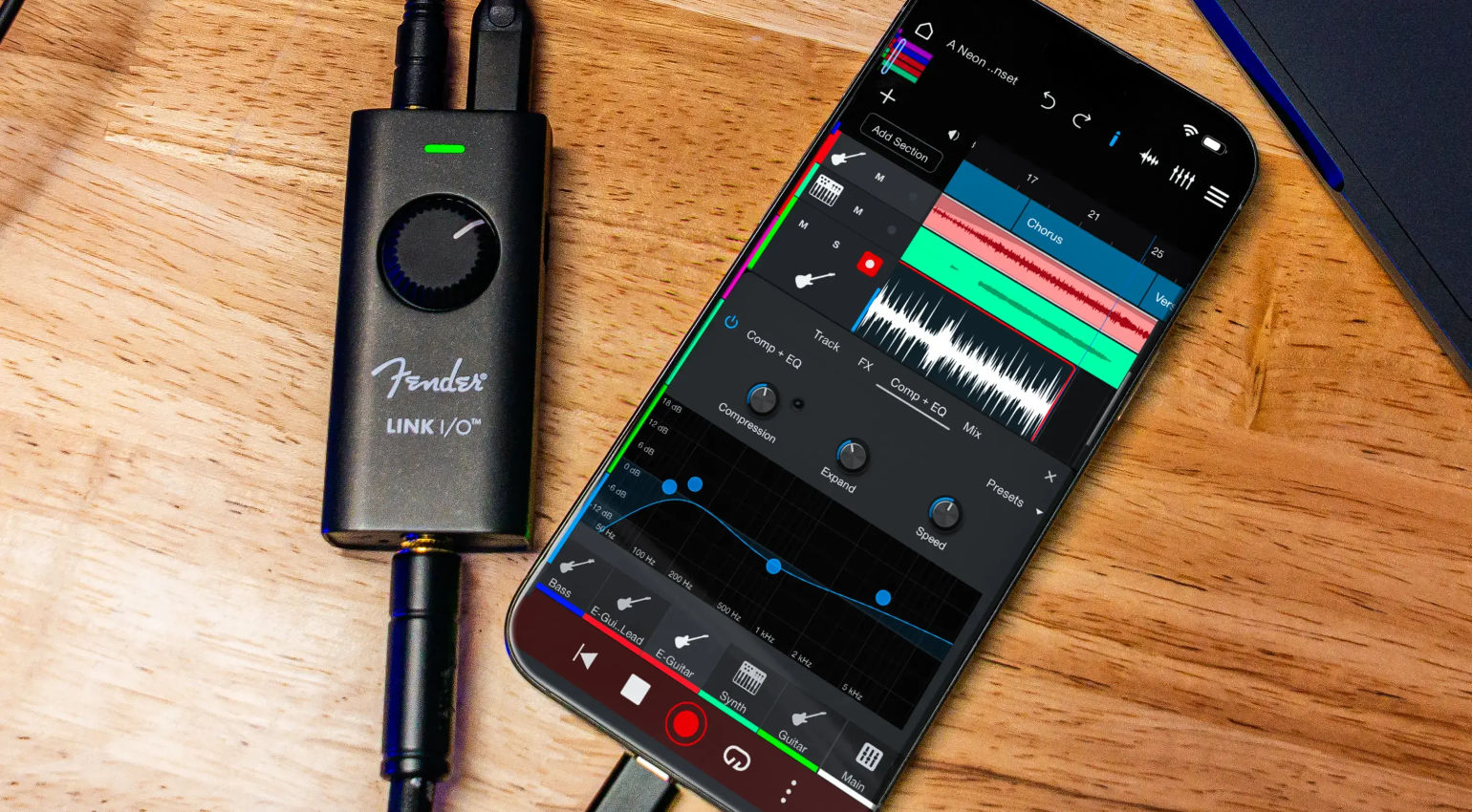
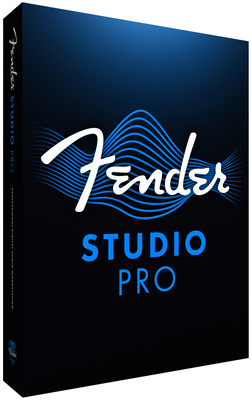
Naturally, Fender Studio is only the entry point into Studio Pro, with which it integrates seamlessly via Wi-Fi, allowing you to transfer your sessions and scale them up into fully fledged productions. Previously known as PreSonus Studio One, Fender Studio Pro is a complete DAW with a wide range of modern features for songwriting, music production, mixing, and mastering.
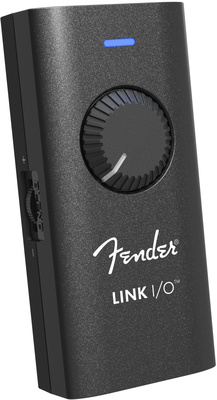
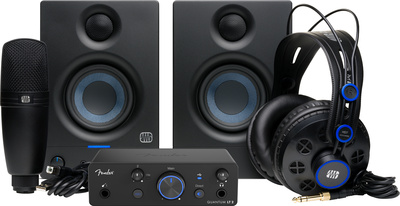
Whether you’re a guitarist/bassist or an electronic beat producer, Fender’s ecosystem provides an extremely affordable entry-point into the world of music-making. Not only is Fender Studio Pro one of the most affordable professional DAWs on the market, but there is also a range of affordable audio interfaces and controllers to complete the solution. Get it at Thomann.*



The Best DAW for Beginners: Ableton Live Intro
One of the main reasons Ableton Live is such a popular DAW is because of how quickly it throws you into the music-creation process. This immediately makes Live appealing to new beginners.
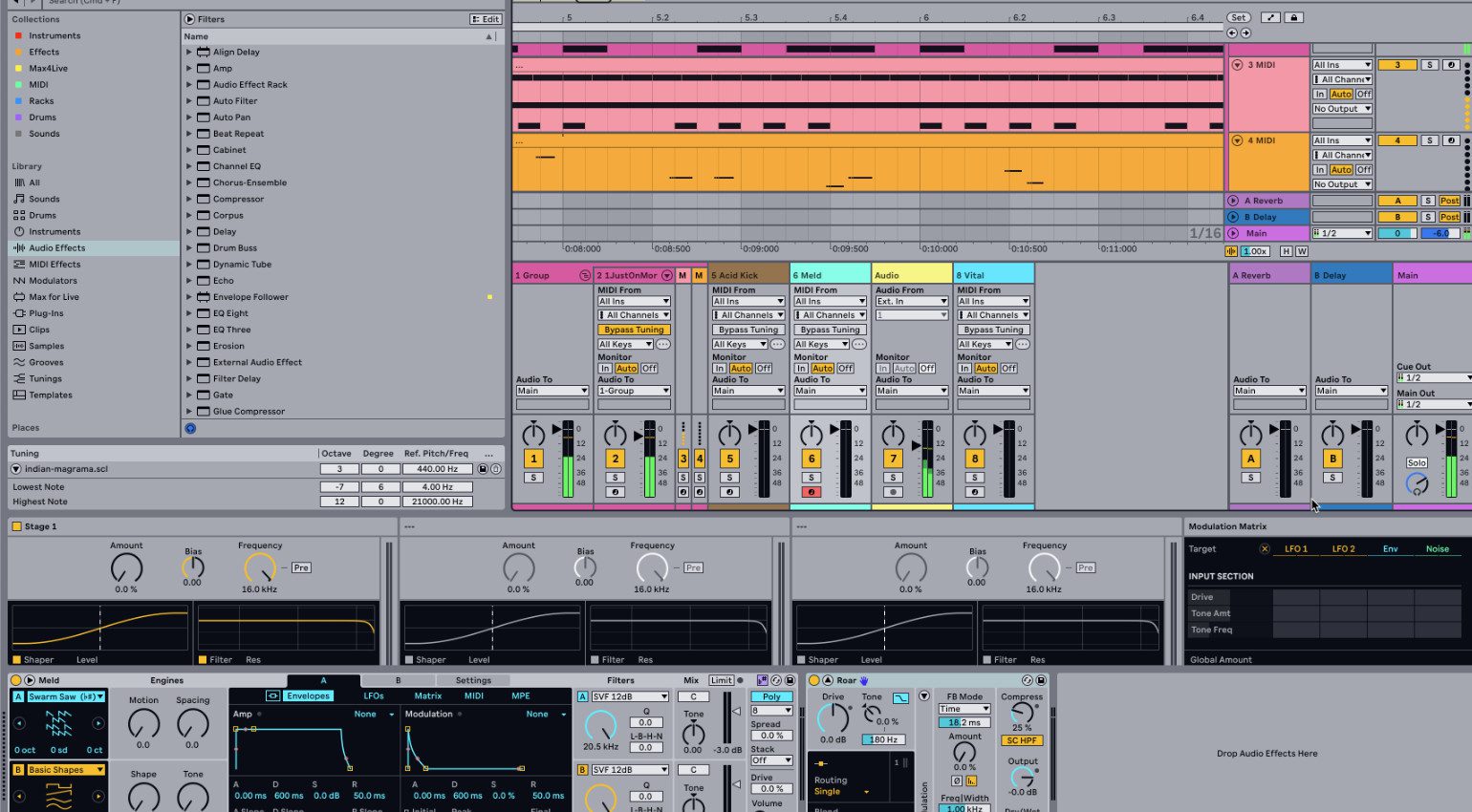
Most DAW systems are centered around the rather linear arrange window and mixer tab. However, Live’s clip-launch window allows you to create and work with multiple audio and MIDI clips of different lengths.
Live’s interface is a catalyst for creativity. This is made possible with a drag-and-drop workflow and viewing your instruments and effects in a tab rather than a floating GUI window.
What’s more, because it’s designed for live performance, Live is also one of the best DAW systems for sequencing and controlling external hardware instruments and effects processors.
Apart from the trial version, the easiest way to get hold of Live is:
- Live Lite – a version of Live bundled with many MIDI controllers, instruments, and other hardware.
- Live Intro
- More from Ableton

The Best DAW for Beginners: Reason
Following the success of the pioneering ReBirth RD-338, Propellerhead Software released Reason in 2000. What sets it apart from other DAWs is that it uses a visual representation of a hardware studio. This makes it a powerful tool for learning about signal flow, because you can flip the interface around and manage the virtual audio and CV patching between the devices.
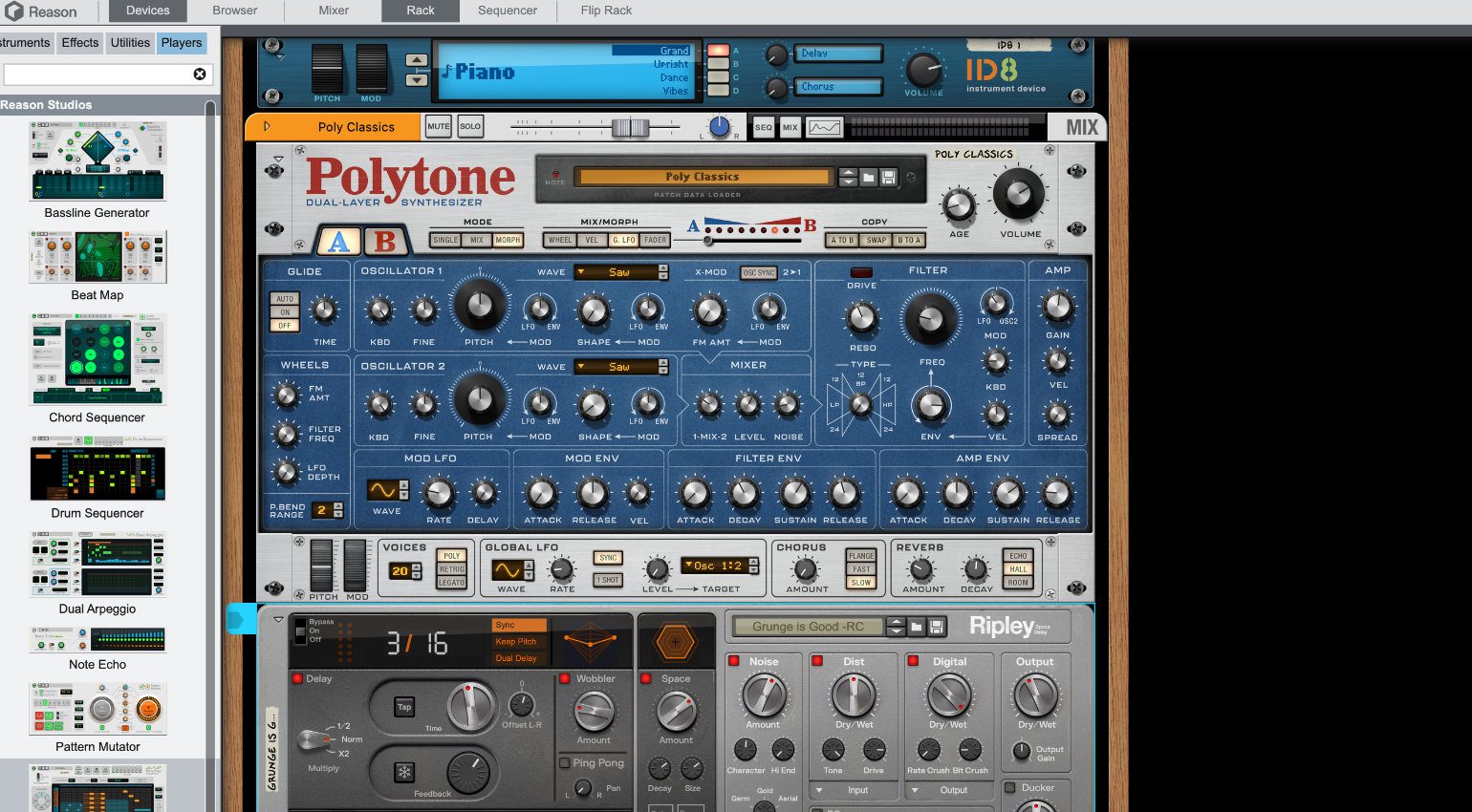
Besides its own versions of classic studio tools like the Mackie 8-bus and SSL 4000 mixers, Reason offers a range of analogue and digital synthesizers, samplers, drum machines, and effects. When you add this to the ability to record, sequence, and run VST plugins, Reason has everything you need for songwriting and production, mixing, and mastering.
Although it may have been a little cartoonish and clunky in its early versions, Reason has grown in leaps and bounds over the years, with a range of features that compete with any DAW on the market. Now that it’s been acquired by LANDR, the price of Reason has dropped to $299, and Reason Rack is available as a plugin for all DAWs for $199. Get it at Thomann.*

More about the Best DAW for Beginners:
- DAWs for more advanced users
- Plugin formats
- All about software
*Note: This article about the best DAW for beginners contains advertising links that help us finance our site. Don’t worry: the price for you always stays the same! If you purchase something through these links, we receive a small commission. Thank you for your support!

This might also interest you
12 responses to “Getting Started: Which is the Best DAW for Beginners?”
The first one that came to my mind was Reaper. $60 for personal use.
And there are a few free/cheap trackers out there, but Renoise is the most “DAW-like” that I know of, and it’s only $60.
just start whit a real DAW like Cubase 13.
Don’t sleep on Mixcraft 10 Professional. A + DAW!!
GarageBand seems to be readily dismissed, but it is quite awesome. Not everyone needs the most ‘pro’ software to do the job. Drummer is excellent. The amps, cabs and pedals are quite good.
Tracktion Waveform is very easy (inputs on left, outputs on right, music in the middle) and comes in a full-featured Free version, as well.
I really like the concept behind Reason Studio formerly Propellerhead. It occupies a somewhat unique position in the DAW world. Being a DAW yet acting as a VST and being used as a sound module is pretty cool. I’m currently just messing around with midi in out with MPC in standalone. I know since the change in ownership it’s not been that great but still the concept is great imo
what about Roland’s Zenbeats? ppl are sleeping big time on this one!
for beginners is not the same as cheap. ui and workflow is more impoartant, so reaper whilr beeing cheap, is no beginner daw. my choice would be studio one artist edition, often bundked with presonus audio interface.
No mention of Acoustica Mixcraft? This is the best DAW for beginners in the view of many….
Isn’t it Windows-only?
Isn’t Garage Band Mac only?
Yes, and it’s a fantastic option for beginners.
You are currently viewing a placeholder content from Facebook. To access the actual content, click the button below. Please note that doing so will share data with third-party providers.
More InformationYou are currently viewing a placeholder content from Instagram. To access the actual content, click the button below. Please note that doing so will share data with third-party providers.
More InformationYou are currently viewing a placeholder content from X. To access the actual content, click the button below. Please note that doing so will share data with third-party providers.
More Information