Apple Releases Logic Pro 12: When Chords Start to Collaborate
A Workflow in Which Harmony not Only Accompanies but Also Drives the Arrangement

 4,6 / 5,0 |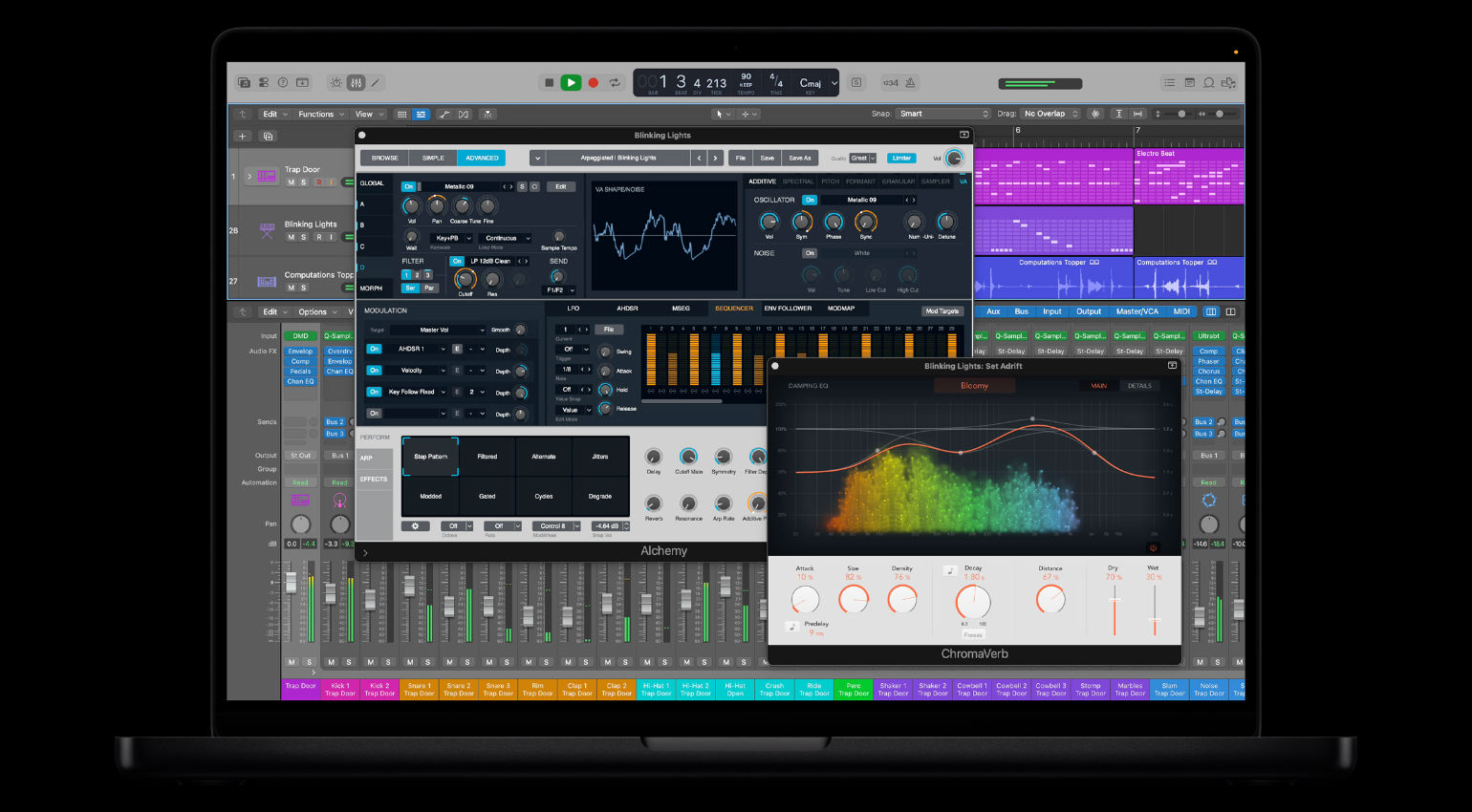

Logic Pro 12 builds on its roots as a music theory–based production tool, offering a slightly different perspective. When you drag audio, MIDI, or a quick recording into the project, the system recognizes the chords and writes them to the chord track. It’s more than just a display because other tracks react to it, building pads, accompaniments, and rhythmic patterns. This feature is particularly useful for intros, transitions, and atmospheric layers, where a small amount of material can quickly develop into something more. But that was not all.
All About Apple Logic Pro 12
Logic Pro 12 Puts Harmony at the Center
The environment feels less like a pure recording space and more like a musical translator. The “Chord ID” function listens to and analyzes one track, turning it into a harmonic template for the others. Thus, a simple loop provides not only sound but also a kind of blueprint for further elements. Musically, this means that even simple ideas can gain depth without you having to program each voice individually.
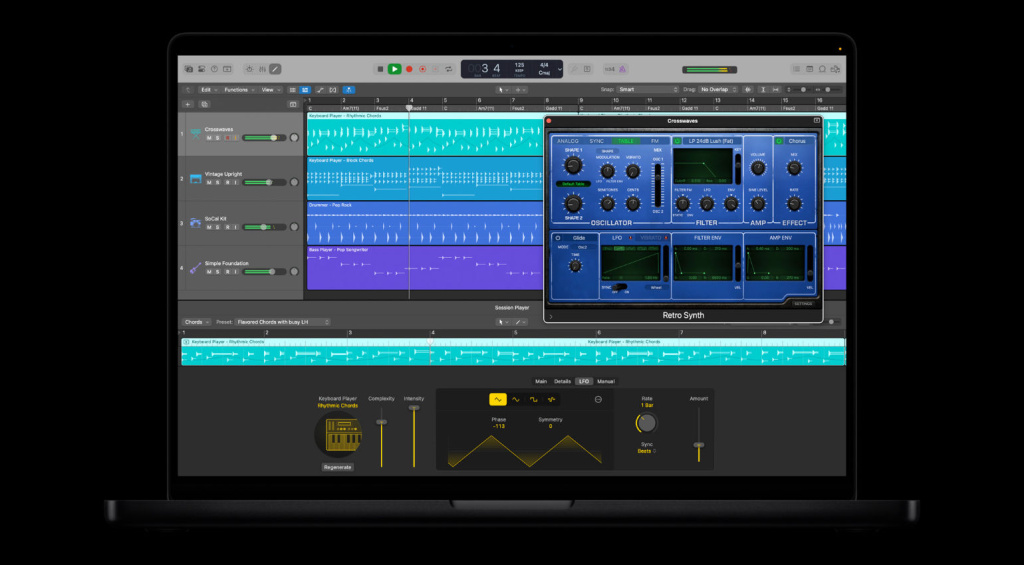
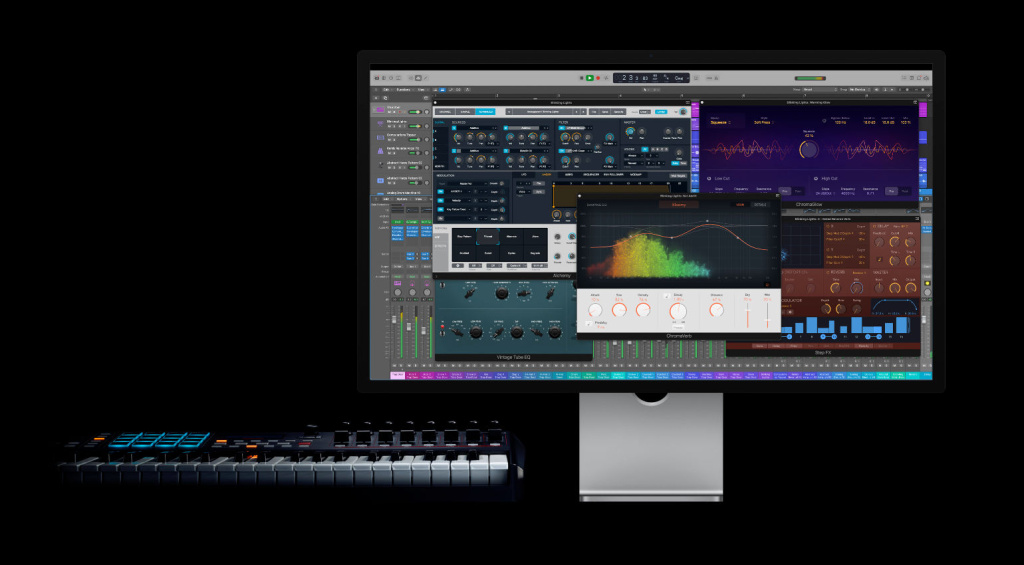
Chord recognition is often surprisingly accurate, capturing not only the right harmonies but also their changes over time. This directly influences how pads move and accompaniments breathe. If the system is turned off, you can quickly turn it back on and continue using the structure. This keeps the creative flow going and saves you from spending a lot of time entering and rebuilding.
Accompaniment Tracks React Like Fellow Players
New additions of Logic Pro 12 include synth and bass players based on the chord track. They don’t play randomly, but rather remain harmonious within the context of the project. This creates dynamic textures from static sources that fit organically into the arrangement. You can use them to fill backgrounds, layer pads, or enhance bass lines without constantly making corrections.
The step sequencer now responds to these harmonies and adjusts its patterns accordingly. This generates lines from individual steps that automatically change over the course of the track. In combination with random functions, movement emerges that remains tonally coherent. Logic Pro 12 audibly intervenes in the soundscape, with rhythm and harmony interacting more closely than before.
In Logic Pro 12 There’s More Design Than Just Display
Compared to the previous version, chords are not just visual aids – they actively control other tools. You can move harmonies within the arrangement and copy them between sections to indirectly influence entire tracks. This feels less like correction and more like musical shaping. Logic Pro 12 treats harmony as audio material that can be cut and reassembled.
This allows you to quickly create new material, especially when you’re lacking inspiration or source material. A short loop provides the foundation to which other tracks respond by building layers. This is helpful for sketches, transitions, or experimental parts where movement is needed without having to program everything from scratch.
Conclusion
Logic Pro 12 doesn’t just add features, it changes the way harmony is used in the creative process. It helps ideas grow faster from minimal material by turning chords into something the whole project can react to. Rather than manually building every supporting part, you can guide the musical direction while letting the system handle the relationships between elements. For producers, this means spending less time setting up theory on the grid and more time shaping the feel, texture, and movement of a piece.
Of course, Apple has added many smaller updates and bug fixes to the existing features of Logic Pro 12. You can find a list of these updates here.
Price and Availability
Logic Pro 12 runs on latest macOS and iPadOS. Existing users receive the update free of charge, while new users can purchase the software individually ($199) or via Apple Creator Studio subscription. The iPad app is now part of the Apple’s Creator Studio subscription.
More Information

This might also interest you


One response to “Apple Releases Logic Pro 12: When Chords Start to Collaborate”

Yeah I think I’ll pass on this update. I hate all this ai crap.