Antares AutoTune Go for FL Studio: A Free Add-On for All Users!
FL Studio gets its own free version of AutoTune.

 1,0 / 5,0 |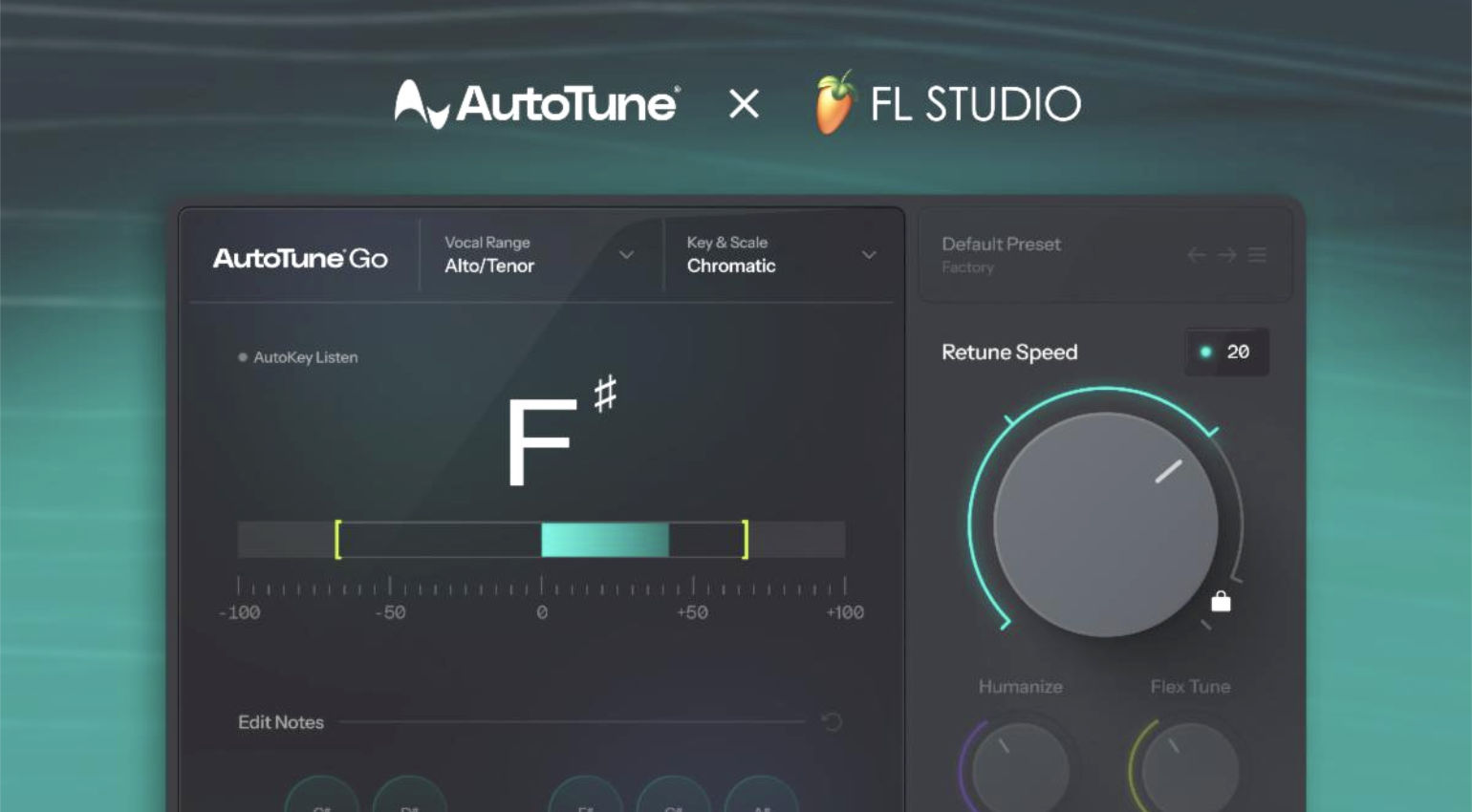
Antares AutoTune Go for FL Studio: A Free Add-On for All Users! · Source: Image-Line / Antares

We all love a good freebie, and this time, Antares has teamed up with Image-Line to offer the AutoTune Go pitch correction tool, free to all from FL Cloud.
In this Article:
FL Studio has always been a preferred choice for beatmakers, creating the backing beats for Pop, Hip-Hop, and RnB tracks used by commercial artists. Now more than ever, the popular DAW aims to become a comprehensive platform for music production, with tools like AutoTune Go.
Antares AutoTune Go for FL Studio
When it comes to certain styles of modern music, AutoTune is a must. This makes it exciting news that a special version of the industry-standard vocal tuning effect has been created with FL Studio users in mind, and it’s available with all versions of FL Cloud
including the Free tier.
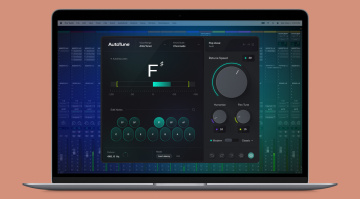
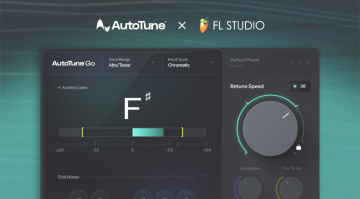
The development of AutoTune Go draws from Antares’ 30 years of experience in creating vocal processing algorithms, with a streamlined interface that enables intuitive vocal tuning, with real-time pitch metering and automatic detection of the vocal range. While the control set has been stripped to the essentials, you still have the tuning speed control with four different settings, which can be locked when switching presets.
This provides anything from subtle, natural-sounding pitch correction to the fully artificial sound we know well from T-Pain and Charli XCX records. Meanwhile, you can limit the vocal tuning to either major or minor keys, or use the chromatic scale, and the vocal range can be detected automatically or adjusted manually.
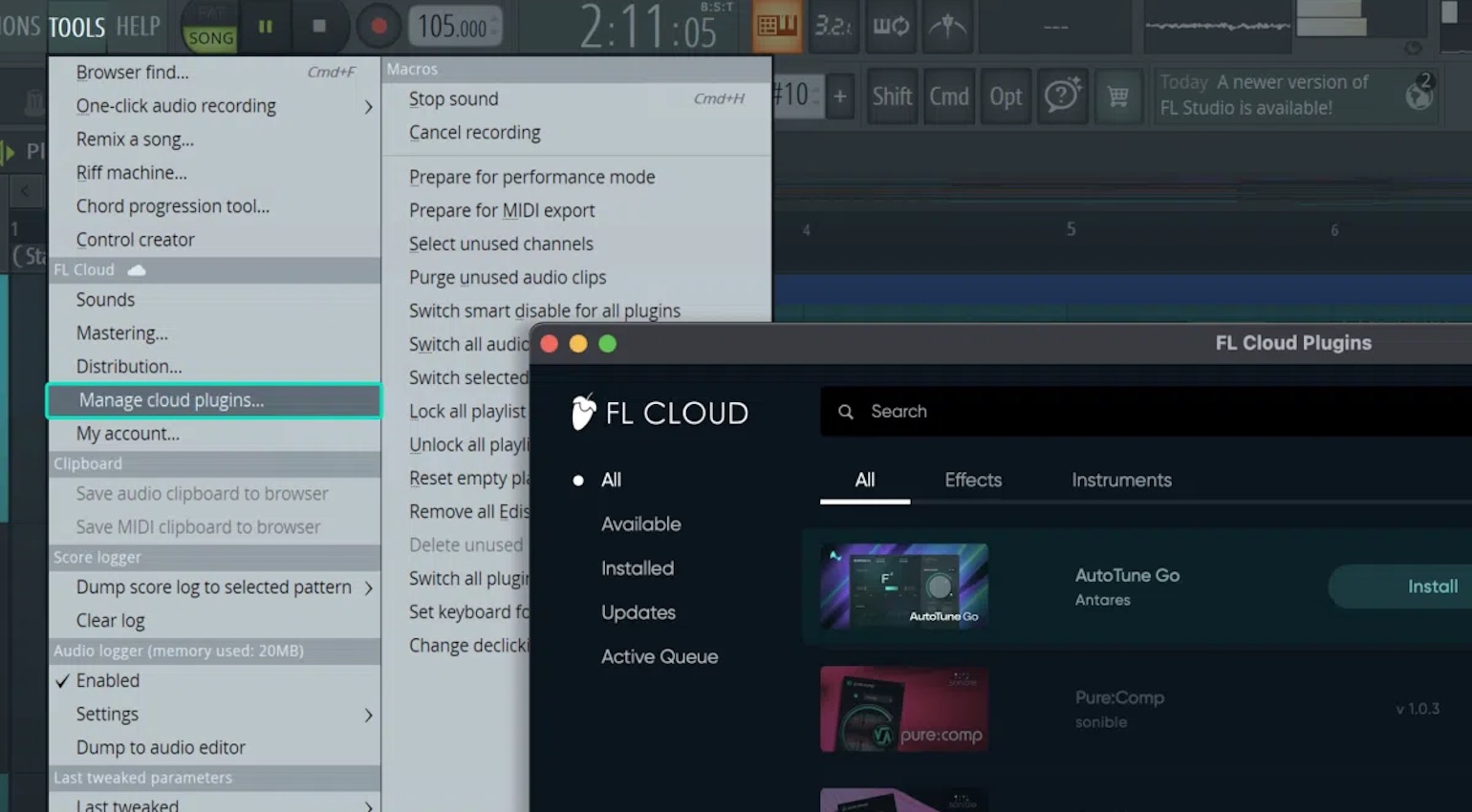
Installing AutoTune Go is relatively simple. All you need to do is use the Tools menu in FL Studio and select the Manage Cloud Plugins option. Then you can search for AutoTune Go and select Install to add it to your plugin library. Overall, the inclusion of such a widely used vocal production tool adds value both for current and potential FL Studio users.
Pricing and Availability:
Antares AutoTune Go is available for free via FL Cloud and can be added from the Manage Cloud Plugins menu within FL Studio.
*Note that selected Antares plugins are currently on sale at Thomann until 24 September.



More about Antares AutoTune Go for FL Studio:
- Official Product Page
- Browse Image-Line on Thomann*
- Browse Antares on Thomann*
- Read more about Image-Line on Gearnews
*Note: This article contains affiliate links that help us fund our site. Don’t worry: The price for you always remains the same! If you buy something through these links, we receive a small commission. Thank you for your support!

This might also interest you