PitchCure, Retro Radio, Glas: Free Plugins of the Week

 5,0 / 5,0 |
PitchCure, Retro Radio, Glas: Free Plugins of the Week · Source: Saint Mike DSP, Stone Voices, dBdone

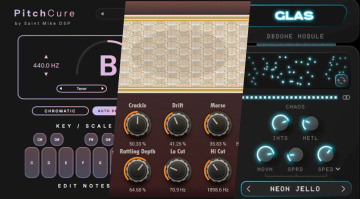
PitchCure is a free Auto-tune alternative, Retro Radio does just what it says, and Glas is a creative spectral processor: Free plugins of the week!
Free Plugins of the Week
Saint Mike DSP PitchCure: Free Vocal Pitch Correction Plugin
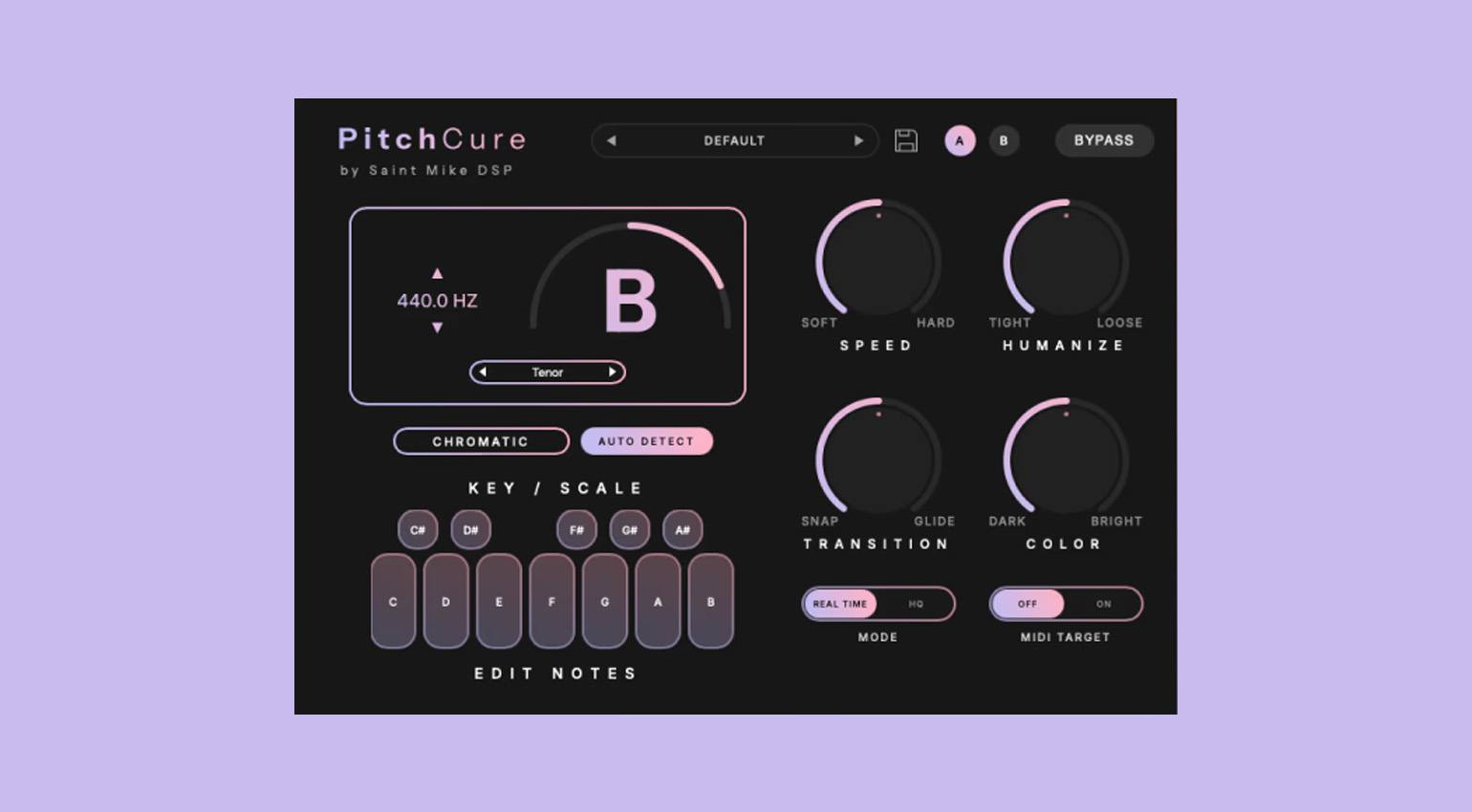
Looking for a free alternative to Auto-tune and similar pitch correction tools? PitchCure by Saint Mike DSP has got you covered! This free plugin fixes the tuning without causing unwanted artifacts, phase problems, and robot-like effects.
Like any good pitch correction plugin, PitchCure lets you choose the key, scale, and vocal range, although it can also auto-detect the key. You can adjust the speed from soft to hard, and turn up Humanize to preserve the natural vibrato and emotional expression of the performance. The Transition parameter lets you control the glide between notes, from hard snaps to smooth, natural transitions.
In addition, PitchCure offers a one-knob tilt EQ for quick tone shaping, as well as a MIDI target function for forcing the vocal to follow MIDI notes.
PitchCure is available for macOS and Windows in VST3, AU, and AAX formats.
Stone Voices Retro Radio: Make your Tracks Sound like the Golden Age of Broadcasting
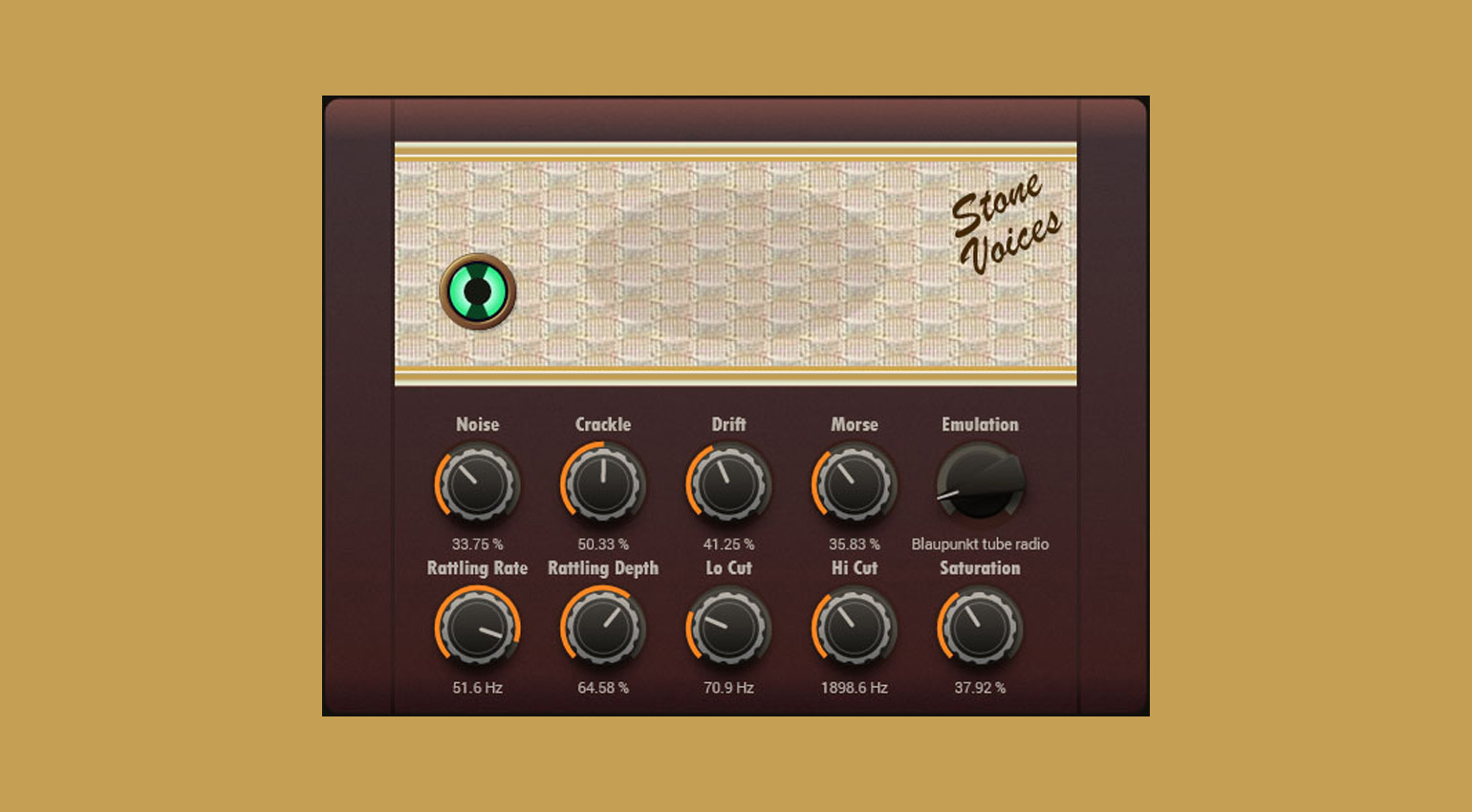
Retro Radio by Stone Voices sends your audio tracks straight back to the days of AM radio. This free plugin simulates all the artifacts and noises associated with old radios, even including Morse code interference from overlapping frequencies. You can choose from a variety of models, from stationary receivers to pocket radios.
In addition to Noise, Crackle, Drift, and Morse controls, Retro Radio offers a Rattling modulator, a pair of filters, a speaker emulator, and a Saturation knob for dialing in that tasty vintage distortion.
Retro Radio is available for macOS and Windows in VST3 and AU formats.
dBdone Glas: Spectral Chaos Engine with Heaps of Modulation
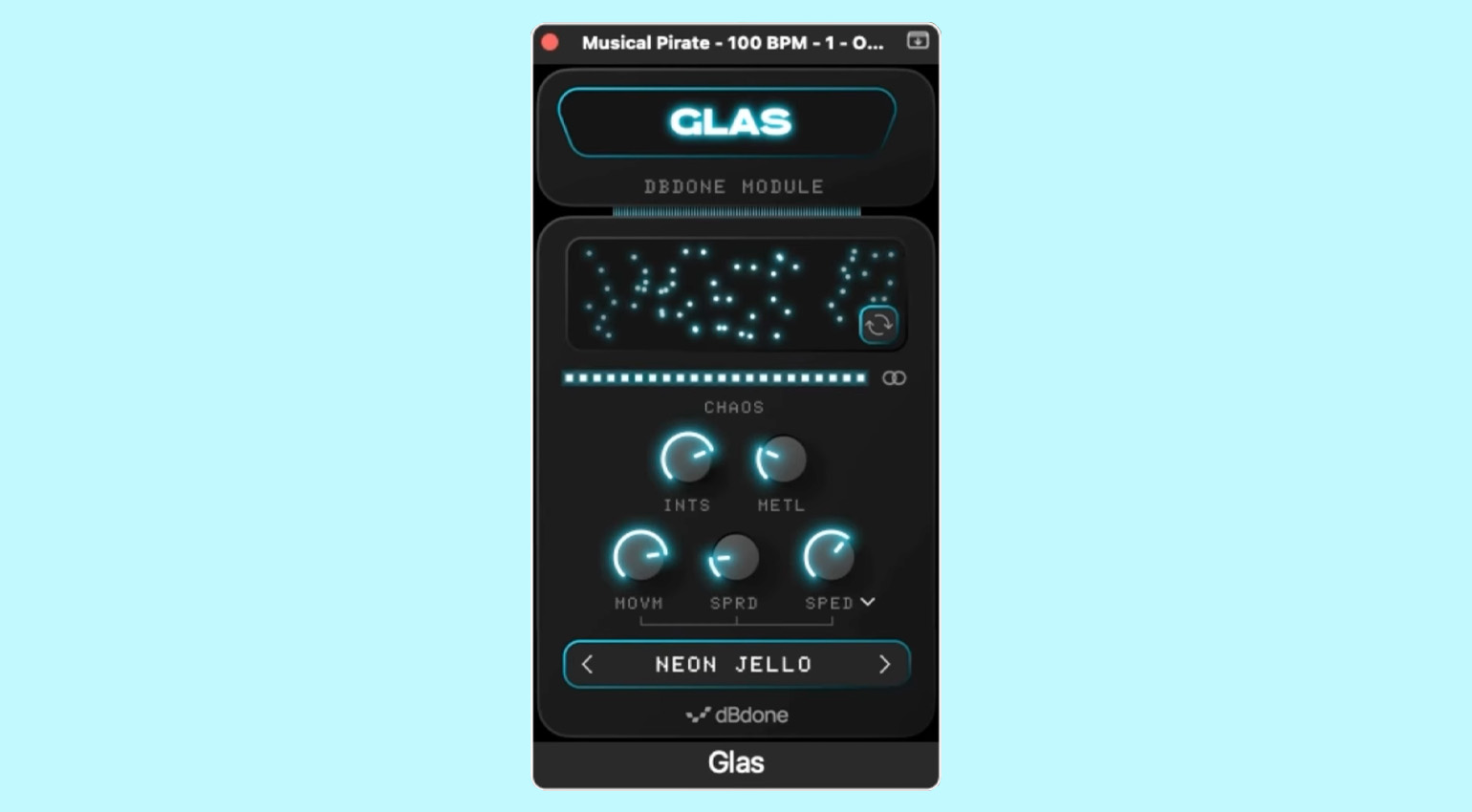
Glas by dBdone is a spectral processor designed to add unusual texture and movement to your audio tracks. According to the developer, it breaks up your audio into frequencies and rebuilds them while adding movement and (somewhat controllable) chaos.
You can control the movement by adjusting the Movement and Spread knobs, which can also sync to your DAW tempo. The Chaos slider lets you add the desired amount of uncertainty. I really dig the visualizer, which does a pretty good job of providing a visual clue of what the result may sound like.
Glas is available for macOS and Windows in VST, AU, and AAX formats.
Looking for more free plugins like PitchCure, Retro Radio, and Glas? Check out our archive!

This might also interest you