Waves Resolve for Free: The Mix Tool That Detects Frequency Conflicts Itself – for 48 h Only!
This Free Plugin Turns Chaotic Mixes Into Crystal-clear Order!

 4,8 / 5,0 |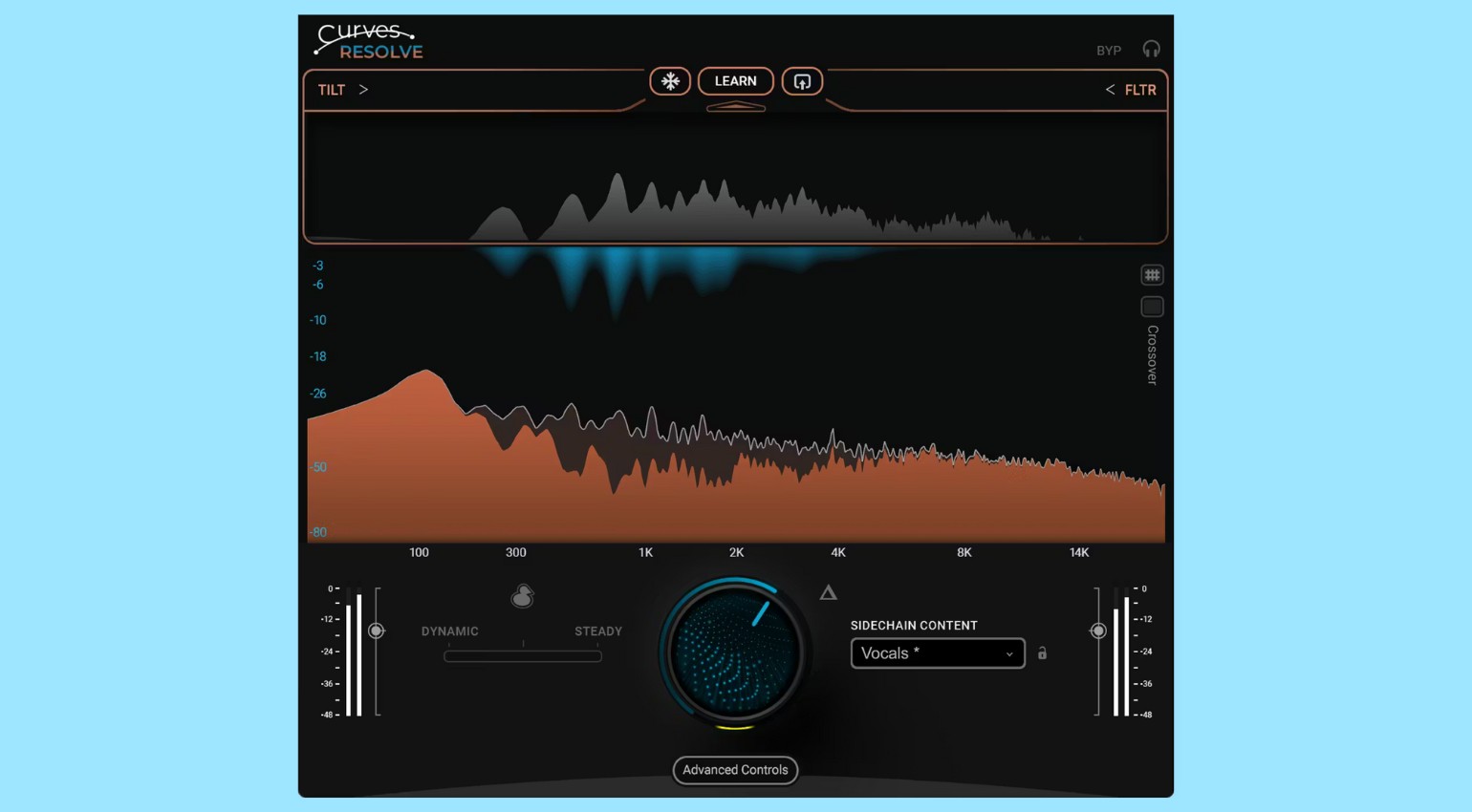
Waves Resolve for Free: The Mix Tool That Detects Frequency Conflicts Itself - for 48 h Only! · Source: Waves


For NAMM 2026 week, Waves is giving away Resolve, a new plugin that aims to solve the familiar problem of overlapping tracks in a smart way. However, the tool is only available for free for a limited time – an offer that will appeal to anyone who regularly struggles with densely arranged mixes. Resolve automatically detects conflicts between tracks and creates space where needed without altering the sound’s character. The result is a transparent, clear mix created without tedious manual EQing or cumbersome automation. Don’t miss out!
All About Waves Curves Resolve
Waves Resolve: AI Meets Audio Expertise – Mixing Problems are Finally Solved!
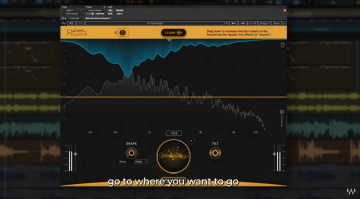
At the heart of Resolve is an intelligent analysis process that compares one track with another. The plugin analyzes where frequency ranges overlap and only reduces them when masking actually occurs. Unlike conventional sidechain techniques, this doesn’t happen across the board; rather, it happens precisely in real time, only where the mix requires it. This keeps the sound stable and natural, even when many elements play simultaneously. This dynamic, selective processing ensures the mix breathes more freely, giving each instrument the space it needs.
In addition to dynamic intervention, Resolve offers a static learning mode. Over time, this mode recognizes how the frequencies in the mix relate to each other. This is useful when individual elements, such as vocals or bass, constantly dominate certain ranges. The whole process is complemented by intelligent ducking options that work broadband and frequency-specific. This allows you to elegantly resolve conflicts, such as between the kick drum and bass, without the bass losing presence or the kick losing pressure.
Free Tool for Clearer Mixes with Just One Click!
Waves has also equipped Resolve with a clearly structured interface that makes relevant parameters, such as carving intensity, snapshot modes, and sidechain settings, easily accessible. Particularly practical is the single control that allows you to perfectly control the intervention, making the plugin suitable for quick mixing decisions. An additional live version with “zero latency” allows you to use it during recording or on stage. Since the deal is only active for a few more hours, you shouldn’t wait too long to decide. The plugin is now the third in the Curves series.
More Information and Download
*Note: This article contains affiliate links that help us finance our site. Don’t worry – the price for you always remains the same! If you buy something through these links, we receive a small commission. Thank you for your support!

This might also interest you