The Best Compressor Plugins For Music Production
Essential compressors for your DAW.

 4,1 / 5,0 |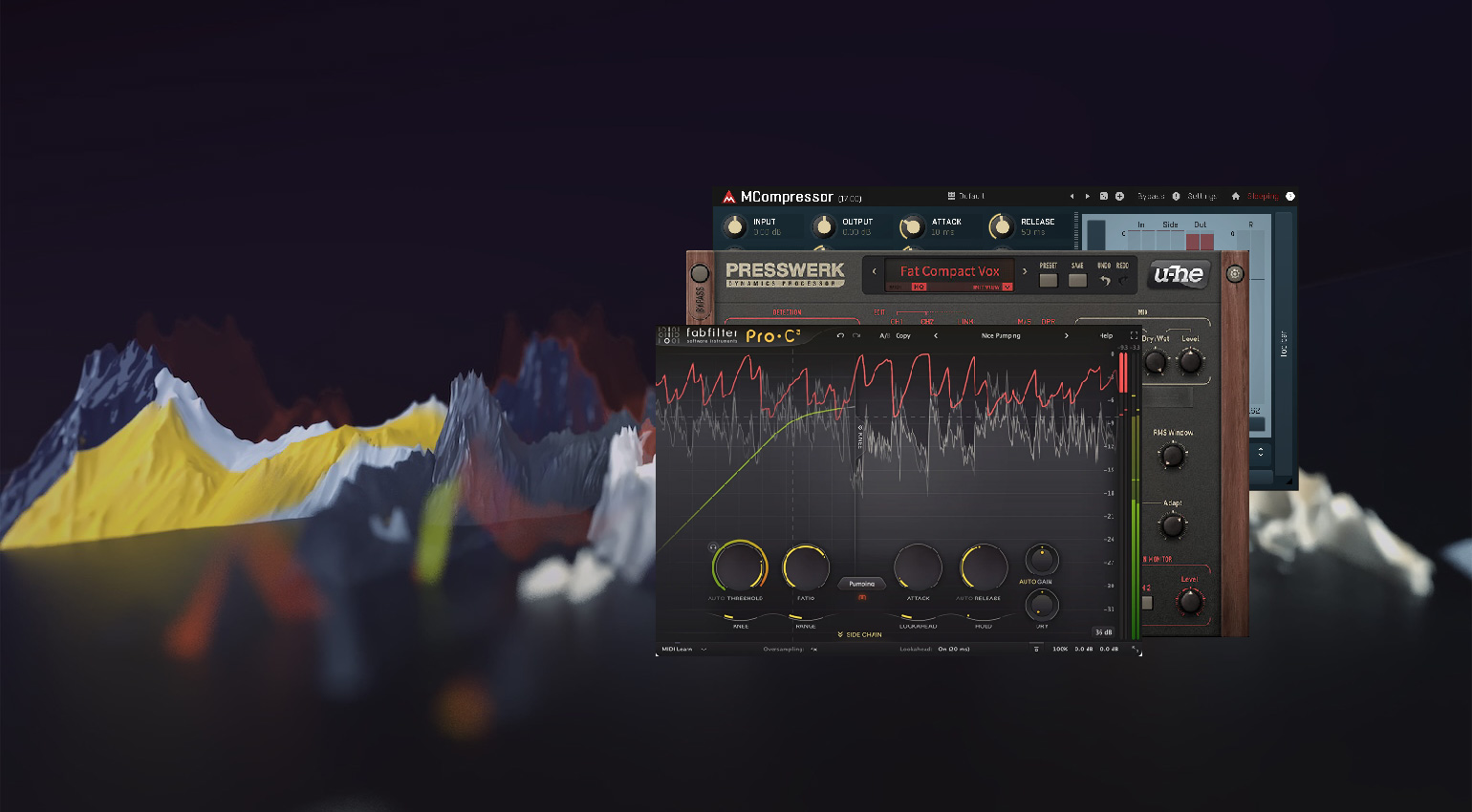
The Best Compressor Plugins For Music Production · Source: FabFilter / u-he / MeldaProduction

We discuss the basic principles of compression and look at some of the best compressor plugins for your DAW-based music production workflow.
In this Article:
No matter which style of music you make or which area of audio you specialize in, compression is an incredibly important part of the process. From recording to mixing and mastering, there are times when compressors are used both correctively and creatively.
Key Information About Compressor Plugins:
- In a DAW, we use compressor plugins to reduce the dynamic range of a signal, which decreases the loudest parts and increases the quiet parts to make it more manageable within the context of a mix.
- When using compressors, the four most important controls are: the threshold, the level at which compression occurs; the ratio, the magnitude of compression applied; the attack, how fast the compression occurs; and the release, how fast it stops working.
- Compressor plugins aren’t just volume controls; they regulate tone and reinforce punch within a performance. While we can use fast attack times to shape and control transients, we can also preserve transient power with slow attack settings.
- Some plugins are modeled on analogue hardware, adding harmonics and mimicking the circuit behaviour. Others expand the possibilities of dynamics processing, with modern features. The best do both.
The Best Compressor Plugins: What is a Compressor?
In simple terms, a compressor is an audio processor that limits and shapes the dynamic range of a signal. However, there are many variables to this statement, often determined by the various parameters of a compressor and its circuitry design.
As compressors were first used as hardware processors rather than the plug-ins we use in a DAW nowadays, it can help immensely to understand the different types. These include FET, VCA, Optical, Tube, and diode bridge designs.
If model numbers like LA-2A, 1176, 2254, 2500, or CL 1B mean nothing to you, please check out this article about the classic compressor types you find in recording studios.
Which are the Best Compressor Plugins?
Before you start adding purchased plugins to your collection, it’s worth noting that many DAWs already have some great compressors included.
In DAWs like Apple Logic Pro, Ableton Live, Steinberg Cubase, and Avid Pro Tools, you’ll find compressors for both busses and single channels within their native plug-in libraries. In addition, there are some excellent freeware compressors that you can acquire without spending anything.
The Best Compressor Plugins: MeldaProduction MCompressor
MCompressor is a fully featured compressor plugin that is in MeldaProduction’s MFreeFXBundle, a collection of 38 plugins that expand your DAW’s capabilities with processing effects and useful utilities. What’s more, the bundle can be upgraded at any stage, expanding the features of the plugins for $57.
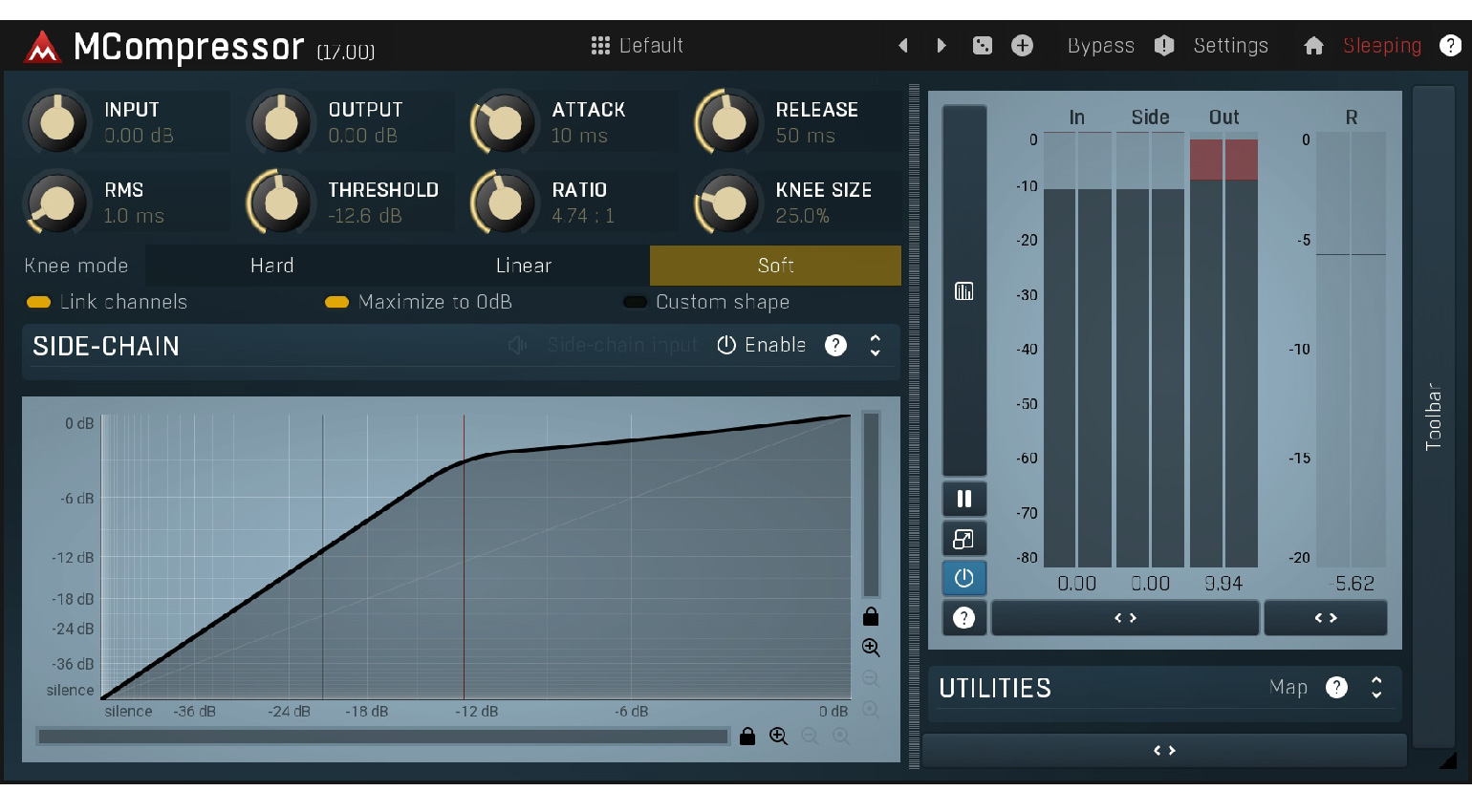
With the ability to use standard or custom compression shapes, you can create a range of dynamics processing effects for gating, expansion, hard limiting, and even rhythmic effects. Also, there are three different knee character modes, including hard, linear, and smoother, with a variable size control for fine-tuning the compression onset.
In addition, MCompressor supports mid-side processing and up to 8 channels of surround for immersive workflows. Finally, MCompressor also features a built-in preset sharing and downloading facility that lets you use and share presets with the rest of the user community. Get it FREE at Plugin Boutique.*

The Best Compressor Plugins: Tokyo Dawn Records TDR Kotelnikov
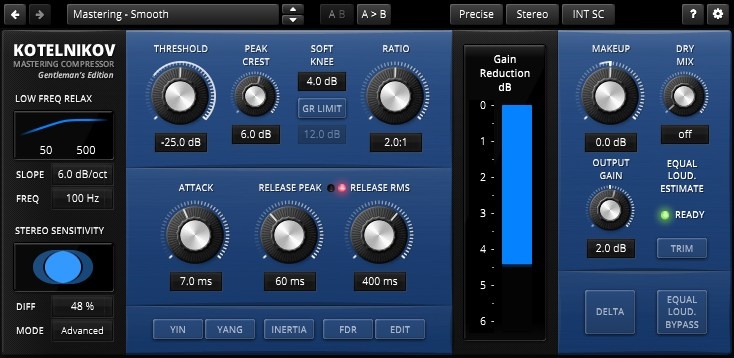
Rather than trying to emulate classic hardware, TDR Kotelnikov is proud to be digital. This free compressor plugin provides flexible dynamics processing workflows for individual tracks, channel group buses, and the main stereo bus for mixing, as well as mastering applications.
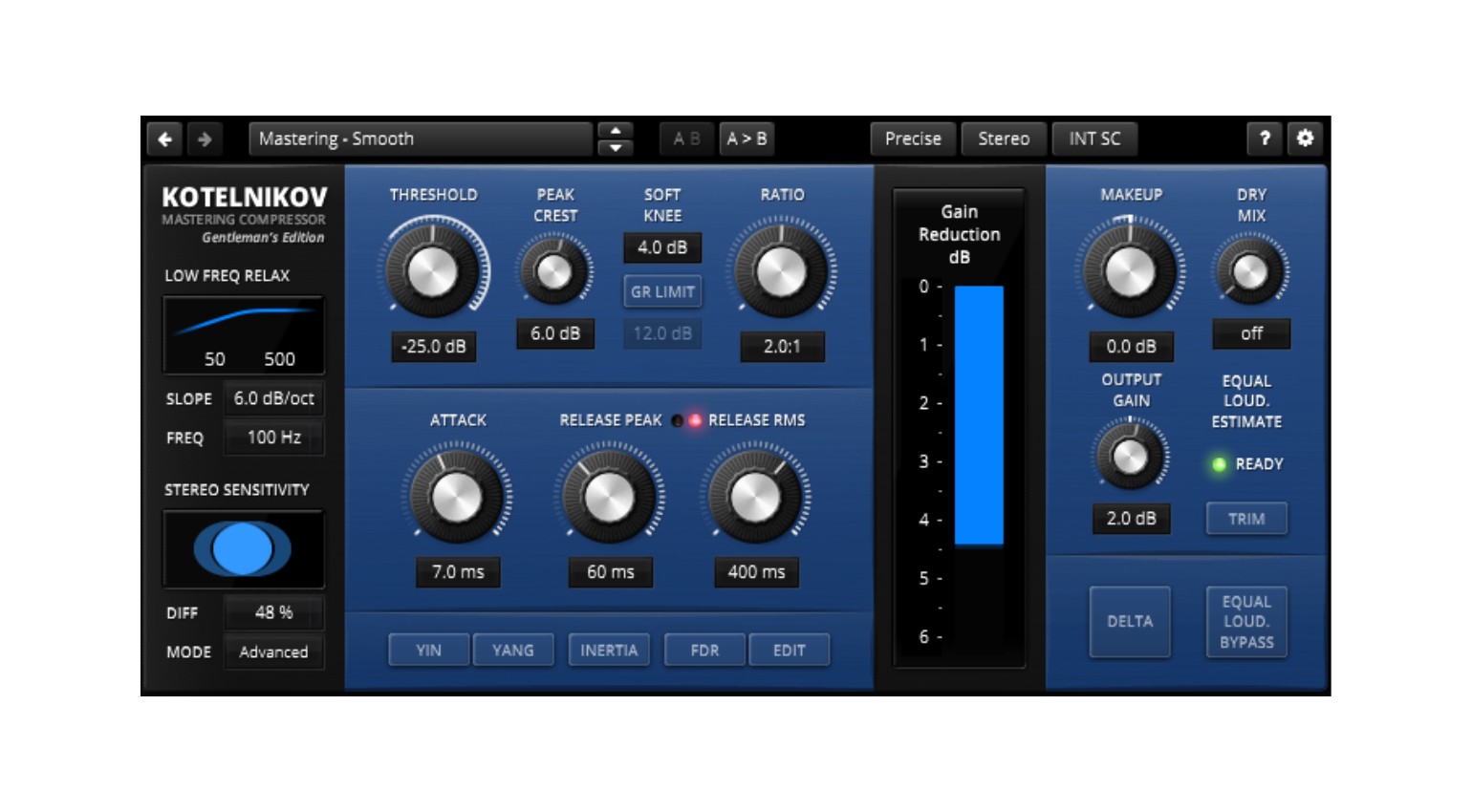
Kotelnikov’s control set is certainly more comprehensive than the average stock compressor plugin you find in your DAW. This makes the learning curve a little steep for beginners, but once you’ve mastered its intricacies, your understanding of compression will be far greater than if you simply used an LA-2A plugin on every channel.
In addition, there is a paid version, the Kotelnikov GE ($50 / €50), which expands the feature set with equal loudness workflows, frequency-dependent ratio, and a flexible sidechain high-pass filter with continuously variable slope and frequency. Overall, Kotelnikov is ideal when you want to take dynamics processing a little more seriously without the serious cash outlay.
The Best Compressor Plugins: Universal Audio Teletronix LA-2A
You’ll be hard-pressed to find a commercial studio without an LA-2A in its racks. Furthermore, now that Universal Audio has gone native with most of its plugins, anyone can get their paws on the famous optical compressor collection.
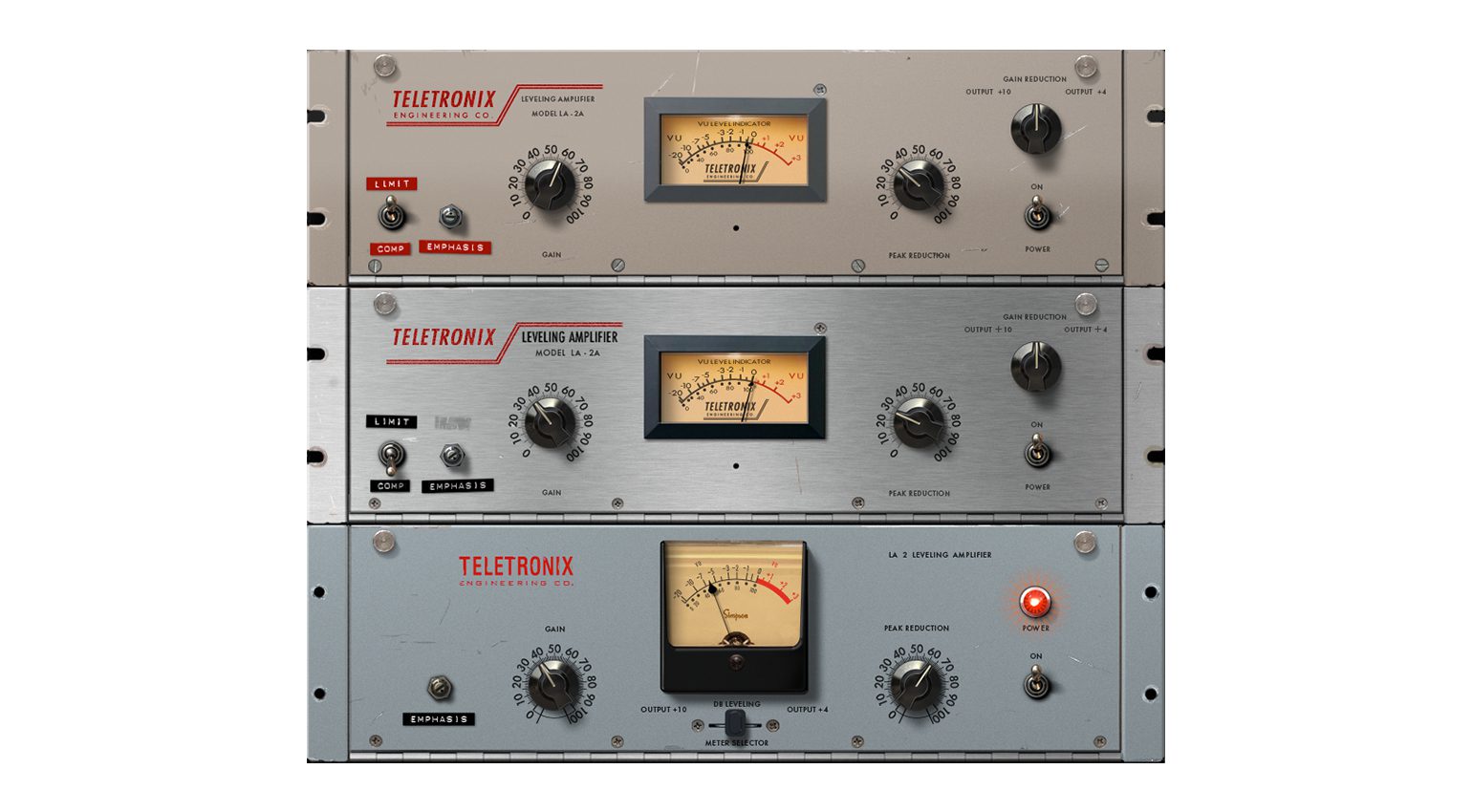
Because the operation is so unbelievably simple, the LA-2A gives you a chance to train your ears. From the optical circuit to the tube amp, the behaviour of each part of the compressor has been carefully modelled in each of the three versions.
No matter which instrument you use it on, it allows you to develop a sense of how the compressor is affecting the signal. When you begin to hear the gain reduction, rather than reading the VU meter, you know you’re on the right track.
- LA-2A Alternatives
- More from Universal Audio


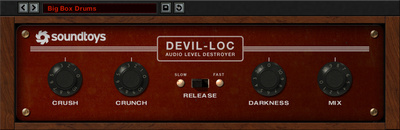
The Best Compressor Plugins: Soundtoys Devil-Loc Deluxe
While it may sound counterintuitive to smash drums with compression to make them sound better, this is possible with the right processing. The Soundtoys Devil-Loc Deluxe, for example, is a simple but extremely aggressive plug-in modelled on the Shure Level-Loc.

This brick wall limiter from the 1960s was designed for use with PA systems. However, its colourful saturation lo-fi tonality has helped artists like Tame Impala get some of our favourite drum sounds.
If you’re looking to add character to your drums, guitars, or even your vocal effects bus, the Devil-Loc Deluxe is an easy way to do it. Furthermore, it has a mix knob, so you can dial in the exact amount of processed signal you want.

The Best Compressor Plugins: u-he Presswerk
Although it may look like a Fairchild clone, the u-he Presswerk compressor plugin can do far more than just mimic the behaviour of vintage compressors. Besides its default view, which provides access to its advanced controls, there are six different workflow modes with skins and parameters geared toward specific applications such as vocals, drum bus, limiting, mid-side processing, and more.
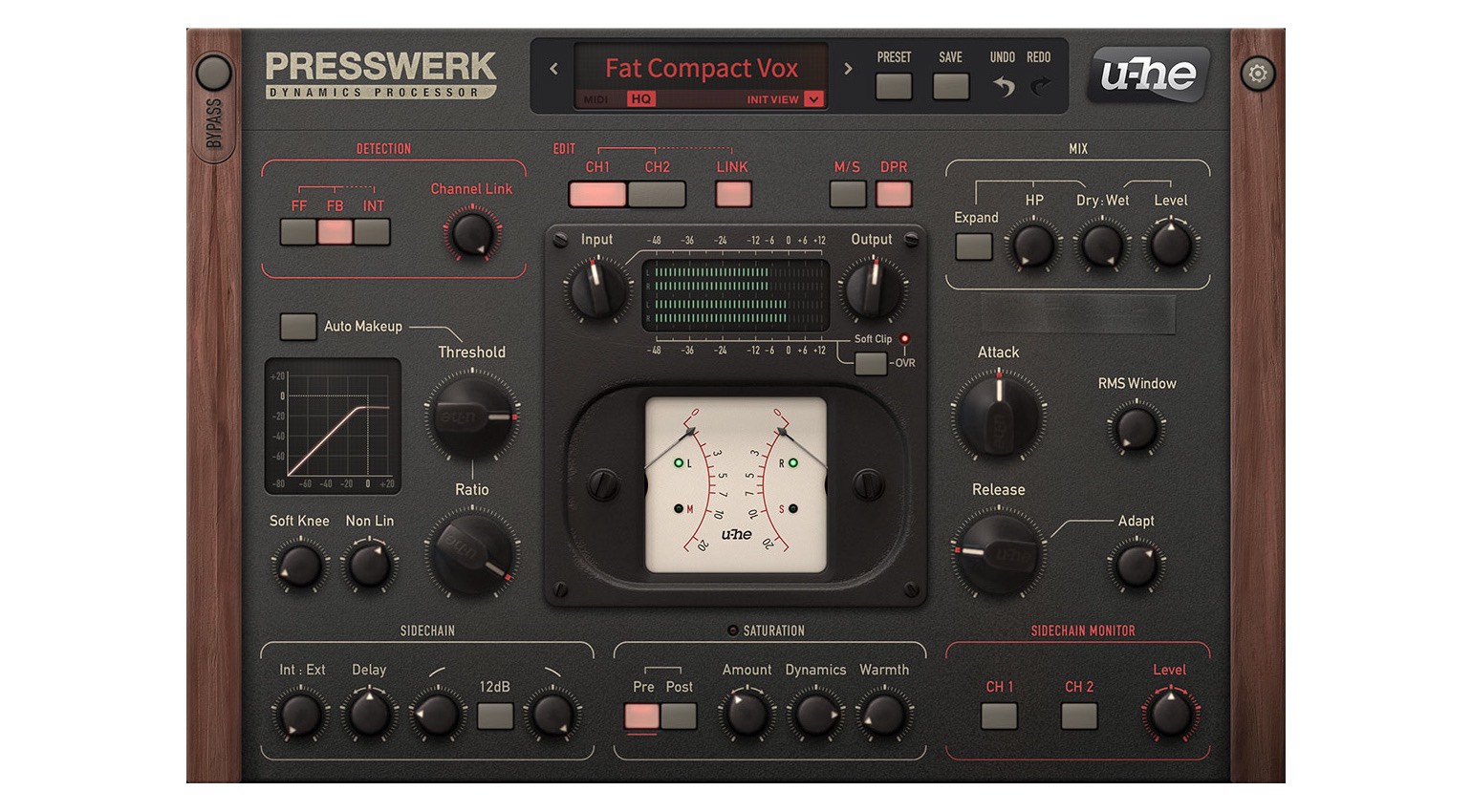
Apart from its wonderful sound, the beauty of Presswerk lies in the fact that you will find a parameter or switch in almost every section of the compressor to customize and alter the compression behaviour. This includes the detection circuit, which can be set on feedback, feedforward, and interactive modes to suit different music styles and applications.
In addition, you can introduce a degree of non-linearity to the curve to shape the onset of the compression for more analogue-style processing. By far one of Presswerk’s most interesting features is the saturation section, which can be applied pre- or post-compression, and it lets you control the amount, warmth, and dynamics. Get it at Thomann.*

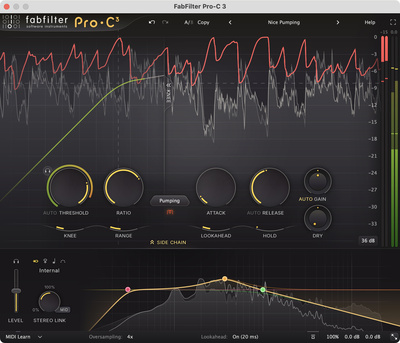
The Best Compressor Plugins: FabFilter Pro-C 3
FabFilter has become the industry standard for producers and engineers with a range of plugins that offer versatility, precision, and amazing sonic quality. The most recent addition to the FabFilter family is the latest version of its renowned compressor plugin, Pro-C. With 14 different compressor modes and three saturation character settings, you can mimic analogue gear or produce a hyped modern sound.
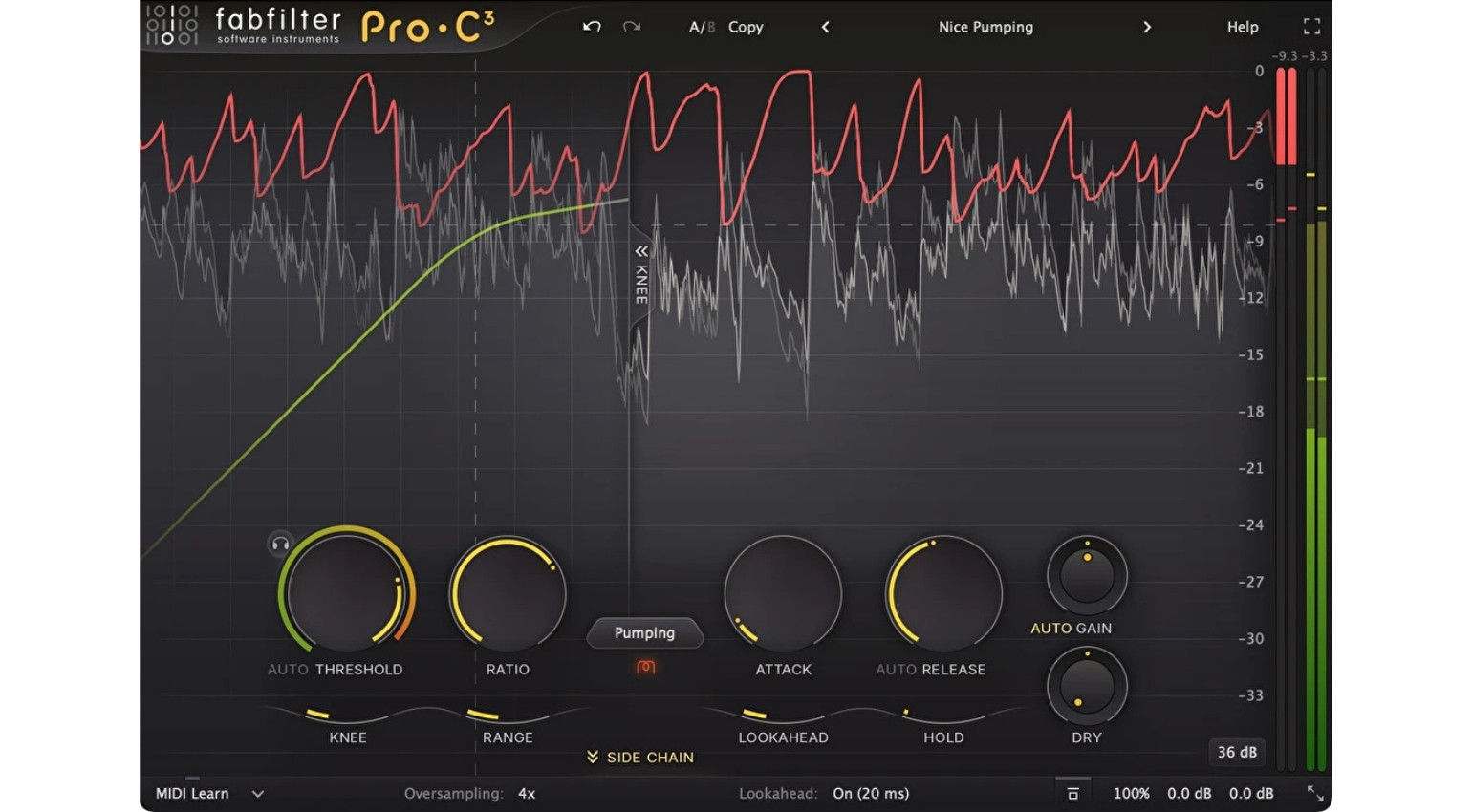
Despite its level of technical depth, Pro-C is incredibly easy to use, and beginners can start by activating functions such as auto-gain, auto-release, and auto-threshold before they feel comfortable exploring the more advanced features. For the pros, Pro-C is compatible with immersive workflows (up to 9.1.6), and it shows up in the Pro-Q 3 instance list.
This allows you to access and tweak all your FabFilter dynamics and EQ across your entire DAW project from a single window, which makes for a very efficient workflow. Also, there is an advanced sidechain section, with a 6-band EQ and tempo sync, which saves you from ever having to manually create external sidechains for ducking instruments to a 4/4 kick pattern. Get it at Thomann.*

The Best Compressor Plugins: DMG Audio Compassion
If you prefer having every dynamics processing feature under the sun at the cost of a slick-looking interface, DMG Audio Compassion is the right choice for you. You have the choice between working in the more streamlined default mode and the advanced mode that gives you access to control almost every aspect of the dynamics engine.
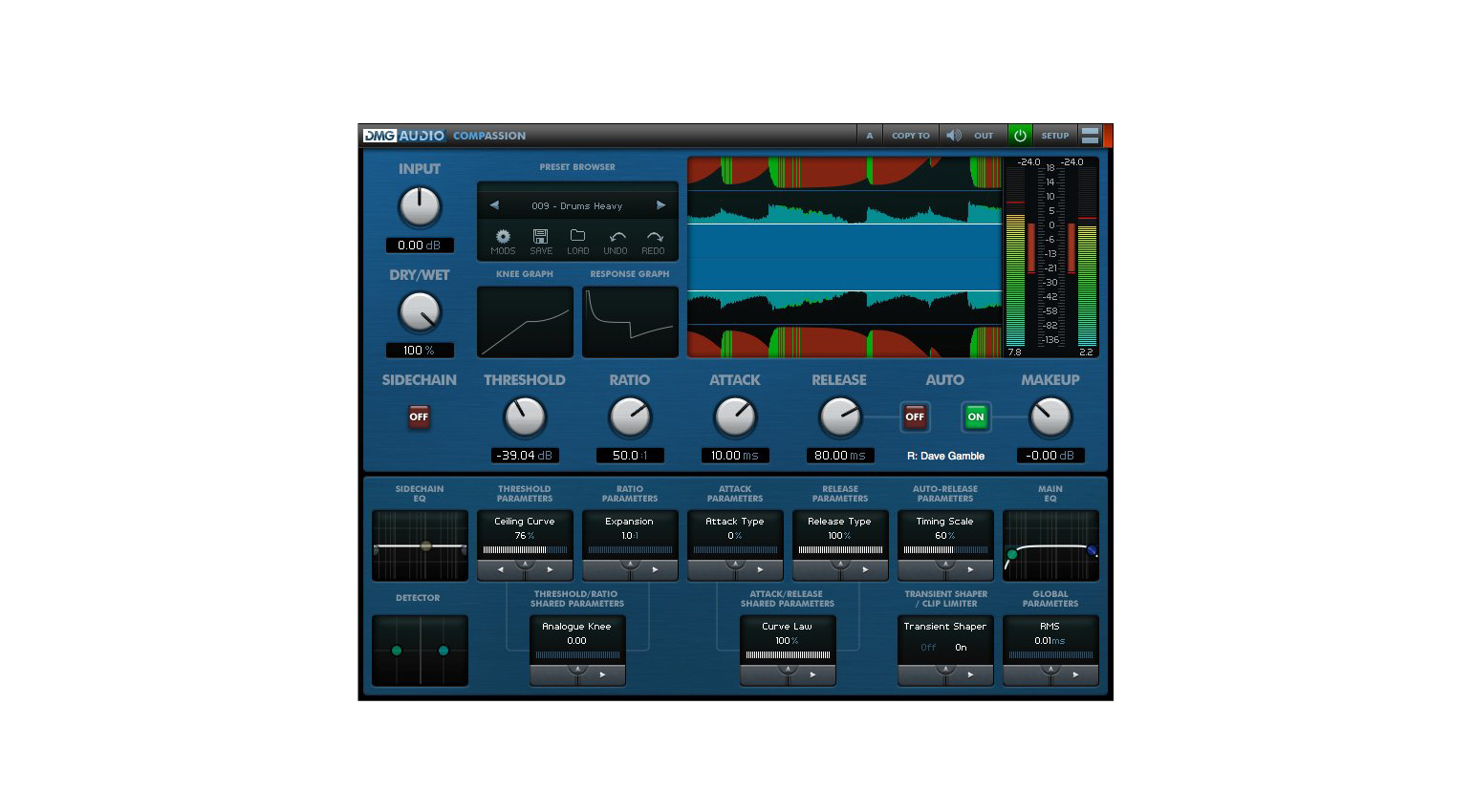
This allows you to precisely shape the attack and release curves, as well as making adjustments with a range of parameters specific to the threshold and ratio. In addition, there is a selection of global parameters, as well as a transient shaper, clip limiter, and EQs for the primary and sidechain signal paths.
With the MODS system and ability to use compression and expansion, as well as upward variants of these processes, Compassion gives you the power to mimic any compressor you can think of, or design a dynamics process that suits a specific application. What’s more, there is a linear phase split EQ mode for doing dynamic EQ processing.
The Best Compressor Plugins: FAQ
- What is a compressor plugin used for in music production?
Compressor plugins control the dynamic range of a signal, so we can use this process to achieve more consistent dynamics that hold the listener’s attention for the duration of the performance and make each section of the song easier to manage.
- What do threshold, ratio, attack, and release mean?
These are the key parameter controls found on most compressor plugins. The threshold adjusts the level at which compression occurs, the ratio sets the magnitude of the compression, the attack sets how fast the compressor acts, and the release sets how fast the compression fades. Together, these parameters determine if the compression is subtle or aggressive in character.
- When should you use compression in a mix?
We generally use compression to achieve more uniform dynamics when a signal is out of control or the levels lack consistency. This can smooth vocals and bring out nuances, tighten basslines, bring focus and punch to drums, and glue entire mixes together.
- Can compression affect tone?
Yes. Depending on the compression settings and the harmonics contained within the initial peaks (transients) and sustained parts of a signal, we can accentuate or suppress different parts of the signal, while analogue-style compressors can introduce warmth and colouration.
- Do I need to buy a $200 plugin to get the best results?
No. Your results will depend on your skill level with the plugin you’re using, your understanding of the material being processed, and your knowledge of the style of music you are trying to produce. Most applications are possible with stock DAW plugins or some of the free ones recommended in this article. Meanwhile, more high-end 3rd-party plugins can offer enhanced workflows and a range of processing styles for flexibility.
More about the Best Compressor Plugins:
*Note: This article contains advertising links that help us finance our site. Don’t worry: the price for you always stays the same! If you purchase something through these links, we receive a small commission. Thank you for your support!

This might also interest you


One response to “The Best Compressor Plugins For Music Production”

Kids, the HARDEST one to start off with is any emulation of the Shadow Hills Mastering Compressor. Don’t even bother until you’ve had a go with the others!