Mastering The Mix CARBON Q: A Connected EQ for Your Entire Mix?
Vocals, Drums, Bass, and Music All in View at Once, With Reference Track Matching

Mastering The Mix CARBON Q: A Connected EQ for Your Entire Mix? · Source: Mastering The Mix

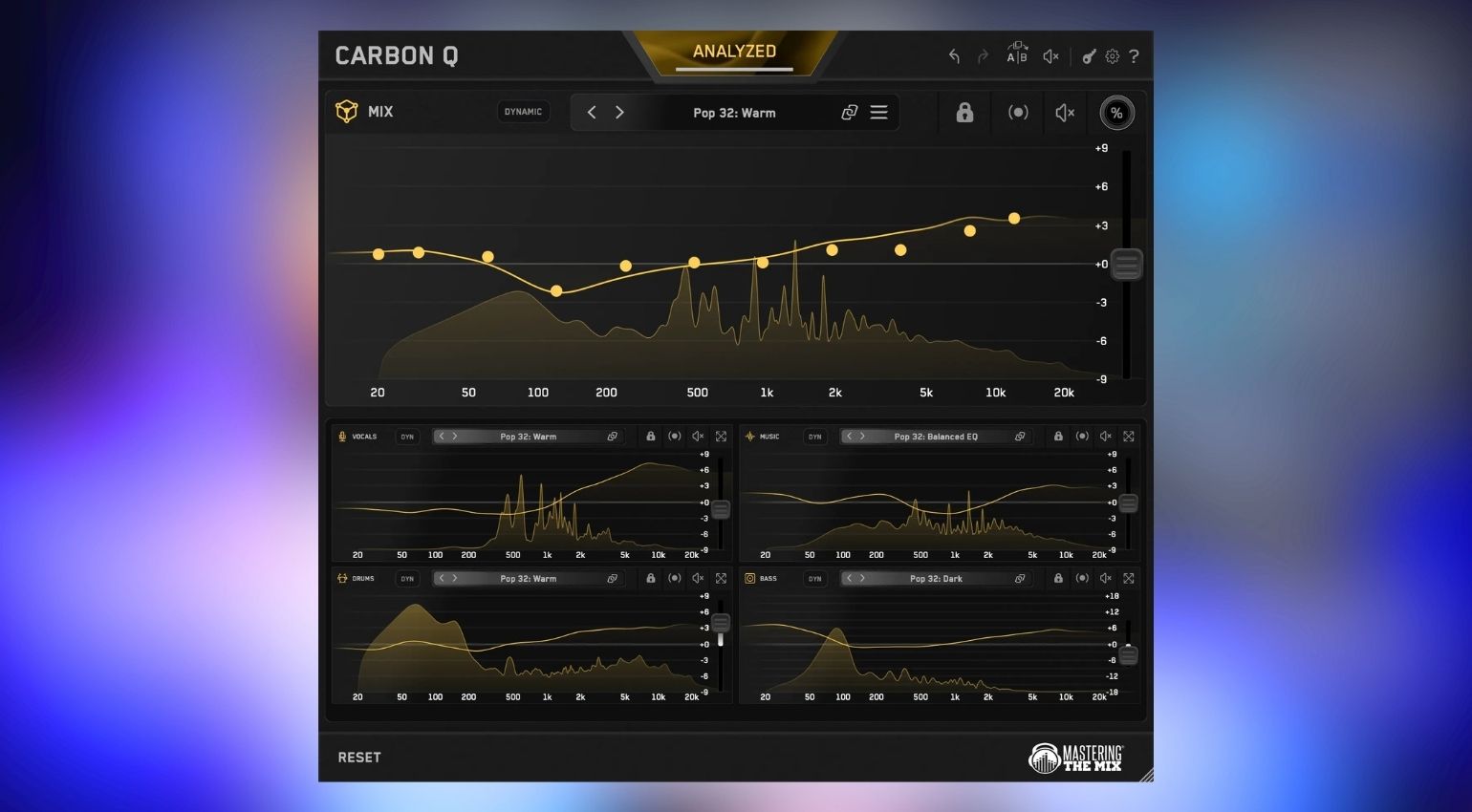
Mastering The Mix just released CARBON Q, a new equalizer plugin that connects vocals, music, drums, and bass with each other. The moment you load multiple instances into your project, they link up automatically, so EQ and level on every single channel always get set with the rest of the mix in mind. Stem-based EQing is possible too. That sounds exciting on paper, and it actually is!
Mastering The Mix CARBON Q: Connected EQ and Reference Track Presets Explained
Mastering The Mix CARBON Q: Why I’m Genuinely Curious Here
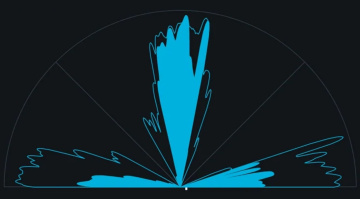
I’ve been using the developer’s plugins pretty often in my own projects ever since their last few releases. REFERENCE 3 helps me dial in the right balance against my reference tracks, and Stereo Vault works really well for shaping the stereo width of individual tracks, complete with genuinely solid visual feedback. That’s exactly why CARBON Q has my attention.
The core concept, turning entire songs into ready-made presets through stem separation, sounds more than interesting to me. Whether that holds up equally well across every kind of sonic material remains to be seen, more complex mixes will probably push stem separation to its limits at some point. Let’s look at what CARBON Q actually brings to the table.
Connected EQ Across Your Entire Mix
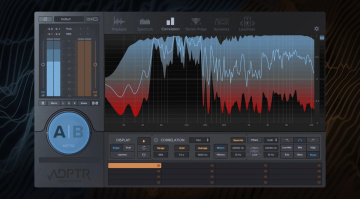
You drop CARBON Q on your output, plus on vocals, music, drums, and bass. The instances link up automatically the moment they’re all loaded. From any single window, you control EQ, level, and preset for every channel, no more jumping back and forth between plugin windows.
For analysis, you just loop the busiest section of your song and hit ANALYZE. Pressing GO has CARBON Q analyze the entire mix from that point. Advanced features include multi-band dynamic control, a mid-side mode, reference track matching, and maximum-quality linear phase filters.
Smart Presets and Turning Any Song Into a Template
What I find particularly interesting are the Smart Presets: CARBON Q compares your song against high-quality reference mixes and surfaces the ten closest matches right at the top of the preset browser. Each preset sets both tonal balance and level balance across every channel at once, pulled straight from a mix that’s already proven to work.
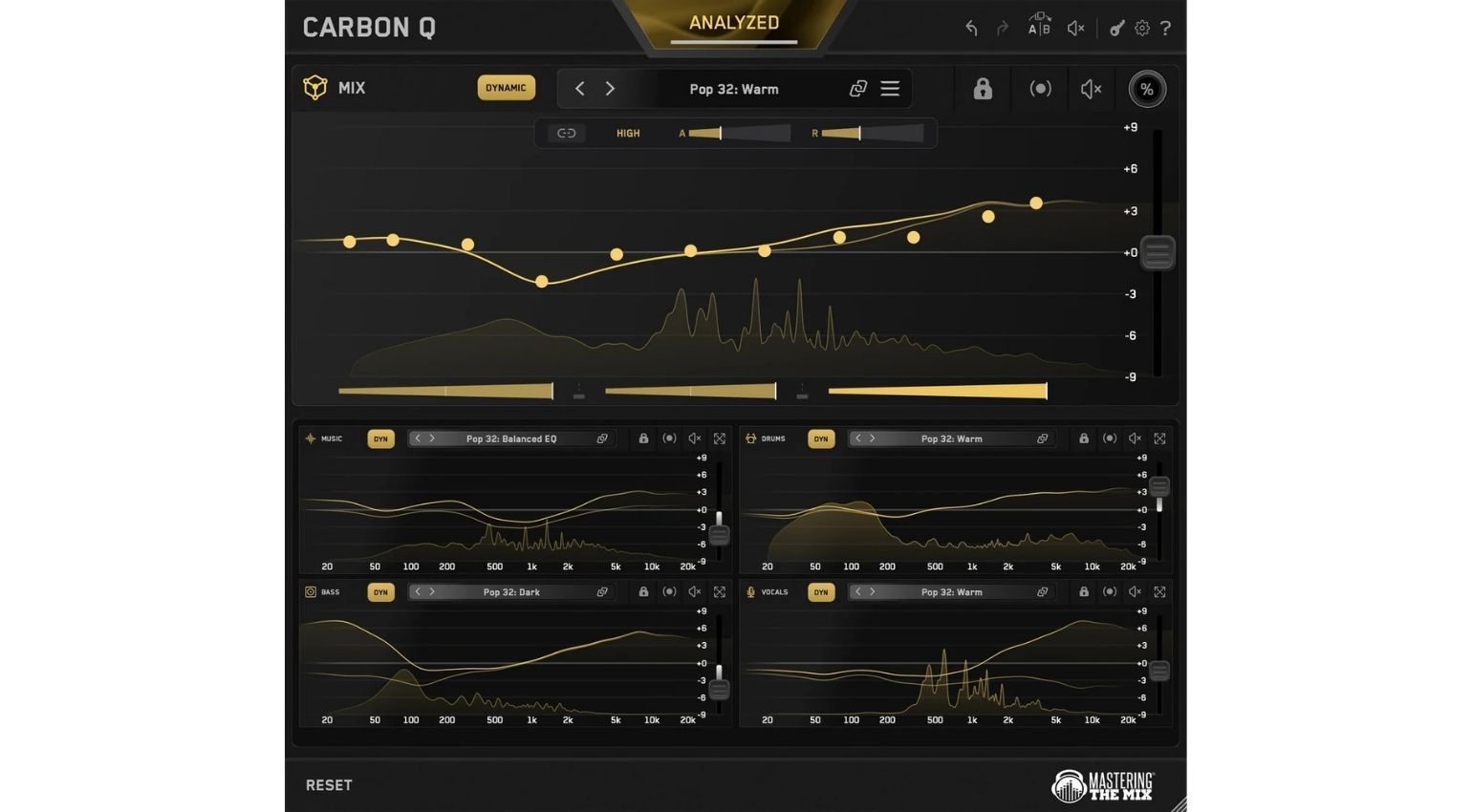
The Turn Any Song Into A Preset feature takes that even further: you drop one of your favorite records into the reference tracks tab, CARBON Q separates it into vocals, music, drums, and bass, measures the tonal balance and relative loudness of each element, and automatically builds its own preset from that data. Pick a reference afterward, and CARBON Q applies EQ and level changes that match that sonic blueprint. If you’d rather mix and match, you can unlink individual agents and pull, say, the vocal balance from one song and the drum balance from a completely different one. Doesn’t get much easier than that.
Level Matching and Mid-Side Processing
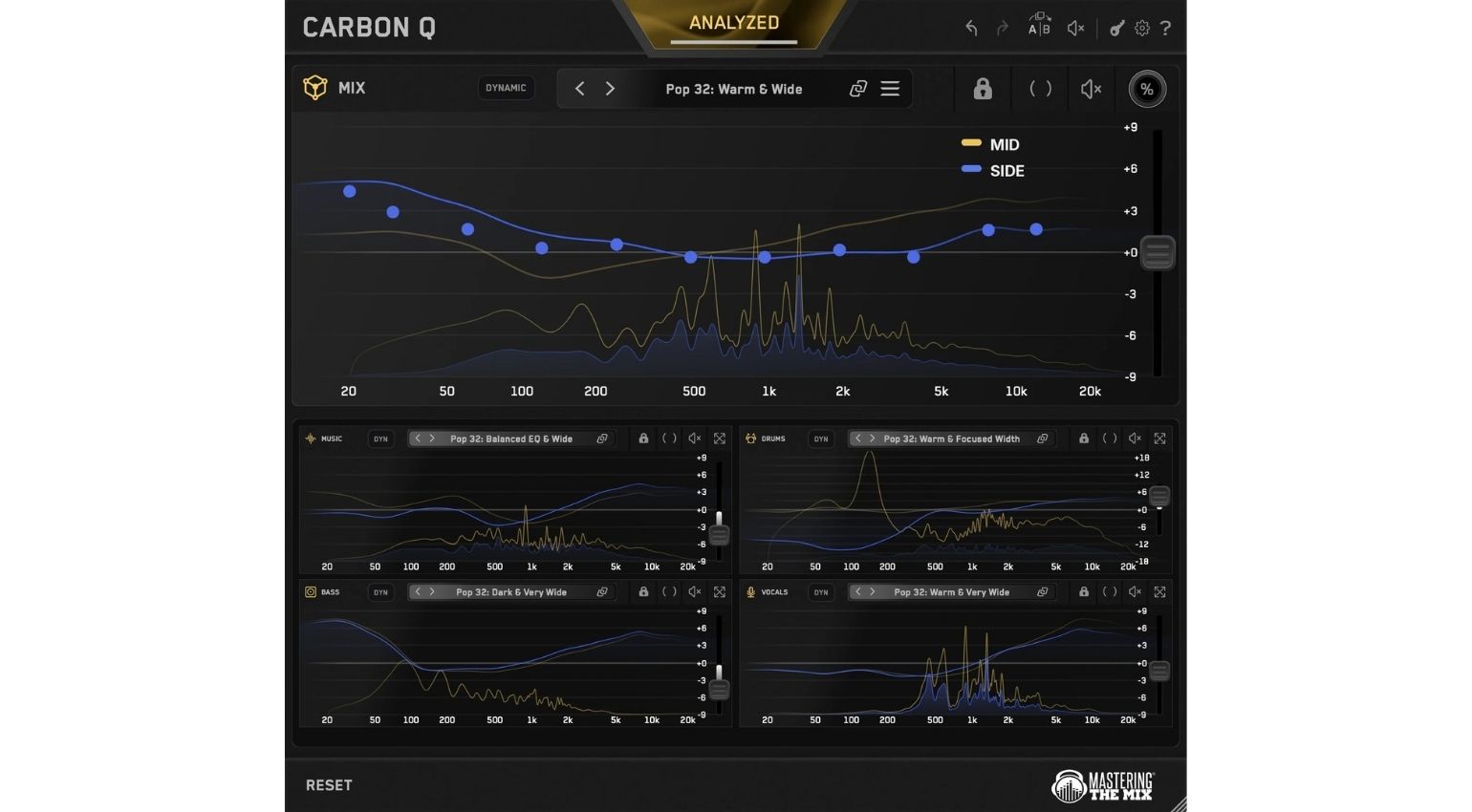
Louder almost always sounds better in the moment, and that’s exactly how an EQ move can trick you. CARBON Q keeps the output level steady in real time while you work, so you’re actually hearing EQ differences instead of just volume. The mid-side mode also gives you full control over the space and depth of your mix, yellow represents mid, blue represents side, and clicking the other EQ line switches between them instantly. The additional Dynamic Mode locks each channel to its tonal target by controlling peaks specifically, fully adjustable on every single instance.
Price and Specifications
Mastering The Mix CARBON Q costs €48.56 (introduction deal until 06 November) and is available over at Plugin Boutique*. It’s also included, naturally, in the larger All Plugins bundle*.

CARBON Q runs on macOS from OS X 10.15 as a 64-bit AU, VST3, or AAX plugin, with native support for Apple Silicon. On Windows, you’ll need at least Windows 10 plus a 64-bit VST3 or AAX-capable host.
Verdict
The idea of keeping an entire mix in view through connected EQ instances, instead of working channel by channel in isolation, makes complete sense to me, especially paired with reference track analysis. Whether the automatic stem separation stays equally reliable across every genre and production style is something I genuinely can’t judge yet, but I’ll definitely be taking a much closer look once the plugin becomes available.
Do you already lean on reference track tools in your mixing workflow, or would CARBON Q be your first step in that direction?
More Information
*Note: This article contains affiliate links that help us keep Gearnews running. The price for you always stays the same! If you buy something through these links, we receive a small commission. Thanks for your support!

This might also interest you