Fixing Phase Problems In The Mix: Saving Phase
Learn how to check for and solve phasing issues.

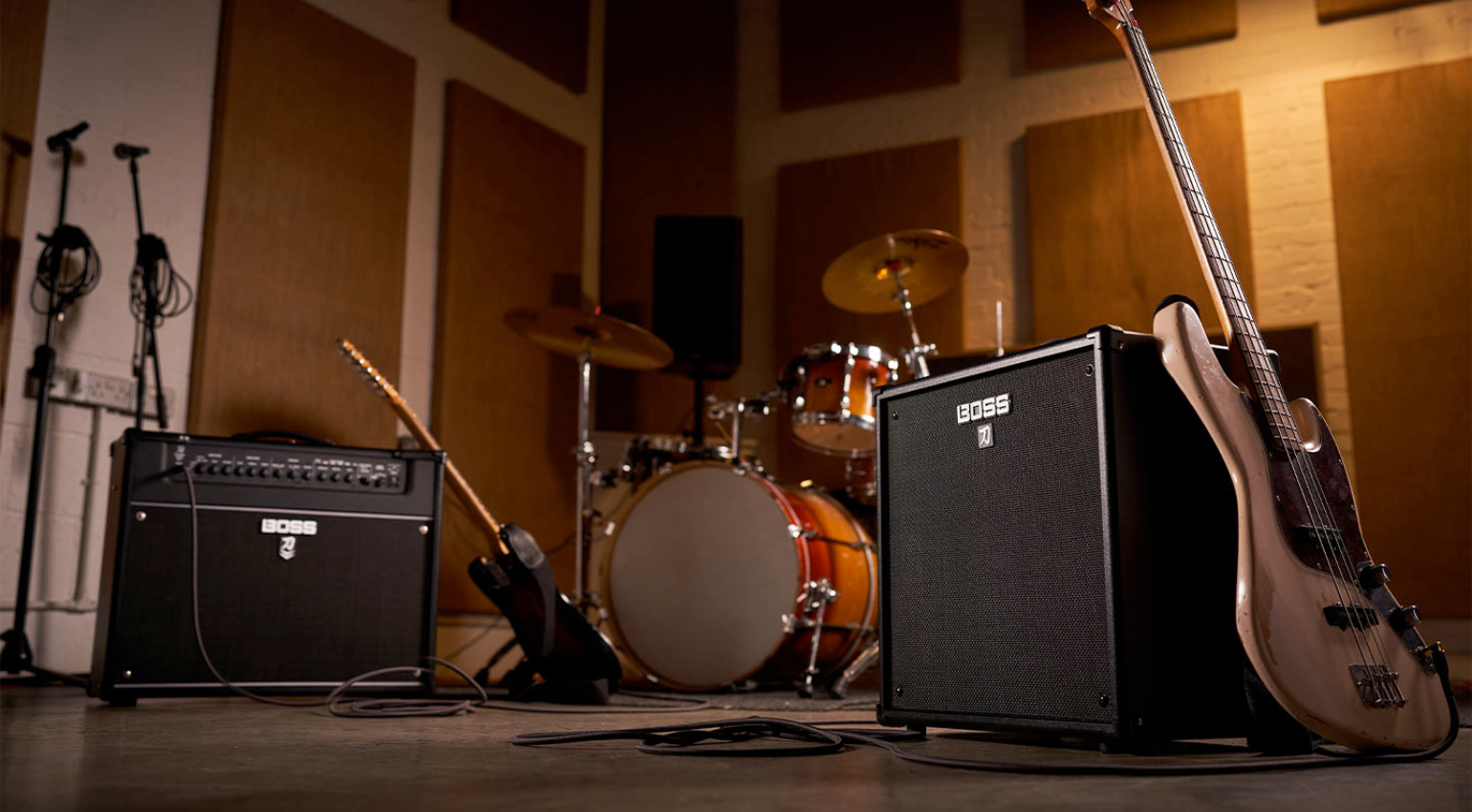

You record with the best mics and converters, but phase issues can still reduce the impact of performances. We learn about fixing phase problems.
In this Article:
When mixing, our understanding of phase is crucial, as weak phase relationships can cause mixes to sound hollow and unfocused. You can hire the best session musicians and use high-end gear, but phase issues can leave your mix sounding boxy and lifeless with a smeared stereo image. To prevent this, let’s find out more about how to identify phase issues and fix them in your mixes.
Fixing Phase Problems: Understanding Phase
On its most basic level, phase only comes into play when we’re dealing with two or more signals and refers to the time-based relationship between two waveforms. When we blend two similar signals, the peaks and valleys of the waveforms can either reinforce (constructive interference) or cancel each other out (destructive interference).
Common phase problems occur when:
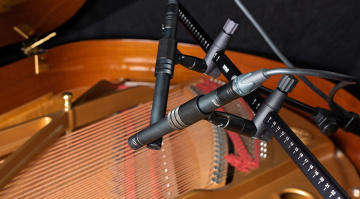
- Using multiple microphones on a single sound source
- Blending the DI and mic’d amp signals (guitar and bass)
- Doing sample layering
- Using parallel processing
- Applying stereo imaging or modulation effects
It’s important to distinguish polarity from phase:
- A polarity inversion switch performs a 180-degree flip on the signal
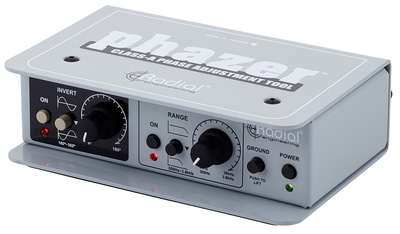
- A phase shift knob allows you to adjust the time differences between signals
Tip: Often, engineers hit the polarity switch when something sounds off. However, this blunt tool is hit and miss, as the problem could be timing rather than polarity.
Fixing Phase Problems: Identifying Issues
Before processing anything, we need to recognize the issues.
Common Signs of Phase Issues:
- Kick drum thins out when overhead mics are added
- Snare loses punch when the bottom mic is blended in
- Bass disappears in mono
- Stereo guitars fall apart after summing
- A swirling, comb-filtered, hollow-sounding effect
Practical Listening Tests:
- Mono Checking: Use mono summing on your mix. If elements change tonally or vanish completely, phase relationships could be responsible.
- Solo the Mics in Pairs: Check mic channels together (kick mics, snare mics, DI + amp mic). Check the phase alignment if the low end fades from blending.
- Correlation Meter: You can find this in most DAWs. Values approaching +1 are mono-compatible, while those close to 0 or negative values indicate incoherent phase in stereo signals.

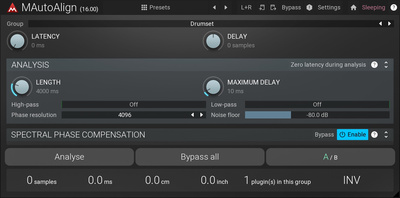

Fixing Phase Problems: Timing Alignment
One of the most commonly used methods for dealing with phase issues is time alignment.
Zoom In 🔍: In your arrangement view, zoom in on the waveform until the transient is clearly visible. Compare waveforms from:
- The kick mics inside and outside the kick drum
- The snare mics (top and bottom)
- Overheads vs close mics
Tip: Usually, you’ll notice that one waveform starts slightly later than the other.
Nudge to Align 👉: With the snap function off, drag the late waveform forward in tiny increments (samples, not ms), listening while adjusting. Stop when you hear:
- More clarity and fullness in the low end
- Tighter, more defined transients
- Increased overall punch
Tip: Don’t overdo time alignment on overheads and ambient mics, as the time discrepancy actually creates realism and depth. Our goal is to strengthen sonics, not visually align waveforms.
Automatic Phase Tools
In some DAWs, you can find time-alignment tools, such as delay-compensation or auto-alignment plugins. These tools can streamline workflow, but trust your ears before visual indicators.
Fixing Phase Problems: When To Invert Polarity
Inverting the polarity of a channel is useful when we are capturing the opposing movement of a source with two mics.
Prime example: snare top and bottom mics. The bottom mic can often capture the reverse movement of the drum head in relation to the top mic. This means we can retain the punch and body of the sound by inverting the polarity.
More examples:
- Kick in/out mics
- Multi-mic’d guitar amps
- Parallel compression return tracks
Don’t assume that phase inversion is the right option. Experiment with both settings and select the one that provides:
- More low-end power
- Transient attack definition
- Stronger center channel

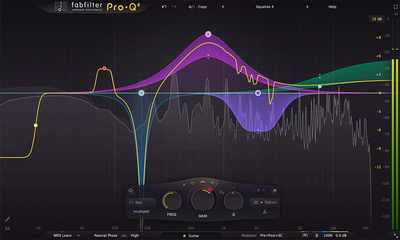
Fixing Phase Problems: The Relationship Between EQ and Phase
When we use EQ, a degree of phase shifting is introduced, especially with common minimum-phase EQ plugins.
We might use multiple EQ stages when layering sounds, and this can inadvertently produce comb filtering.
Solutions:
- Always use linear-phase EQs when working with duplicated signals
- Be careful when applying EQ to a parallel bus
- Compare the signal when bypassed vs mono summed
Tip: While a linear-phase EQ maintains time-based relationships, it can introduce pre-ringing, especially on drums. Although its application is crucial in parallel processing or mastering, don’t use it by default.
Fixing Phase Problems: Parallel Processing
Even with delay compensation, using parallel compression, saturation, or distortion can produce latency.
When your parallel bus processing weakens your drums:
- Bypass and do A/B comparison
- Invert polarity on the return channel
- Manually adjust the track delay
- Try nudging at sample-level
Tip: Certain compressors and saturators can reshape waveforms in ways that alter the phase coherence. If the parallel bus sounds boxy, it’s usually a time-alignment issue.
Fixing Phase Problems: Stereo Imaging
Because they often rely on time discrepancies between the left and right channels, wide stereo sounds can reduce mono compatibility when over-processed.
Look out for:
- ADT or Haas effect delays
- Modulation effects like chorus, phasers, and flangers
- Stereo imaging processors
Tip: When a sound fails mono compatibility, try reducing the stereo width or the delay time between the channels. In some cases, lowering the level of the side channel by 1-2 dB can solve the problem without losing stereo width.
Mid-side processing can be useful for:
- Enhancing the clarity of the mid channel
- Reducing problematic low-end elements in the side channel
Tip: Whenever possible, keep sub-bass elements mono, as phase problems in the low frequencies are particularly destructive.
Fixing Phase Problems: Multi-Mic Drums
Because drums are a common source of phase issues, we can use a structured method to prevent them:
- Use the overhead mics as your foundation
- Then add the kick mic, use alignment if necessary
- Add the top snare mic, listen to its punch and character
- Add bottom snare mic, invert polarity if needed
- Bring in the tom mics one by one
- Lastly, add the room mics to preserve the natural ambience
Tip: Don’t align every channel by default, as the time differences between the overheads and close mics create depth. If you overdo the alignment, you can be left with drums that sound lifeless and boring.

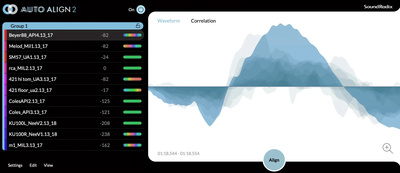
Fixing Phase Problems: Sample Layering
When layering drum samples or synths in electronic production, phase becomes crucial.
Layering Kicks (Sub and Click):
- Zoom in on waveforms and align transients
- Check polarity between samples
- Try using a high-pass filter on the click sample
Tip: Even slight alignment differences can drastically reduce the sub energy in low-frequency material.
Layering Synths:
If the voices are detuned or the layers have different processing, stacked supersaw leads or bass sounds can phase eachother out. If the sound is unstable:
- Sum to mono
- Experiment with slight timing variations
- Adjust detuned synth voices
Tip: While slight timing differences can improve stereo width, too much processing can noticeably smear the stereo image.
Fixing Phase Problems: Knowing When Not to “Fix” Phase
Not all phase variations are sonically problematic.
Natural variations in phase can create and enhance:
- Mix depth
- Stereo image width
- Ambient realism
Room mics, chorus effects, and live ensemble recordings require phase variation for their unique character.
Remember, the goal is musical coherence, not alignment perfection.
Here’s a short list of questions to ask yourself:
- Does it sound great?
- Is it punchy and impactful?
- Does it stand up in mono?
- Does it translate across playback systems?
If the answer to these questions is yes, then leave it as it is.

Fixing Phase Problems: Phase Checklist
When you identify an element that sounds unfocused or thin:
- Check it in mono
- Isolate and solo the tracks with issues
- Try inverting polarity
- Zoom in and nudge transients to align
- Check the parallel return buses
- Reduce stereo image processing
- Do an A/B comparison before and after with level matching
Tip: Work in a structured way rather than altering the phase of channels randomly.
Conclusion:
Fixing phase issues isn’t a mystical dark art, it’s simply about time-based relationships between recordings. Once you’ve trained your ears to pick up the tell-tale comb filtering and bass cancellation, dealing with phase issues becomes a precise, easily repeatable task.
In today’s DAW-based production workflows with loads of drum layering, stereo image enhancement, and parallel processing, careful phase management is an essential part of a producer or engineer’s skill set.
In the best mixes, you’ll find phase variation is controlled continuously rather than being neutralized completely. Once we understand this balance, we can create tighter, punchier, and more professional-sounding mixes.
More about Fixing Phase Problems:
*Note: This article contains affiliate links and widgets that help us fund our site. Don’t worry: the price for you always stays the same! If you purchase something through these links, we receive a small commission. Thank you for your support!

This might also interest you