Stereo Width in the Mix 2026: How Mid/Side Processing Actually Gives Your Sound More Room
Why the Center and the Sides Deserve Separate Treatment

 5,0 / 5,0 |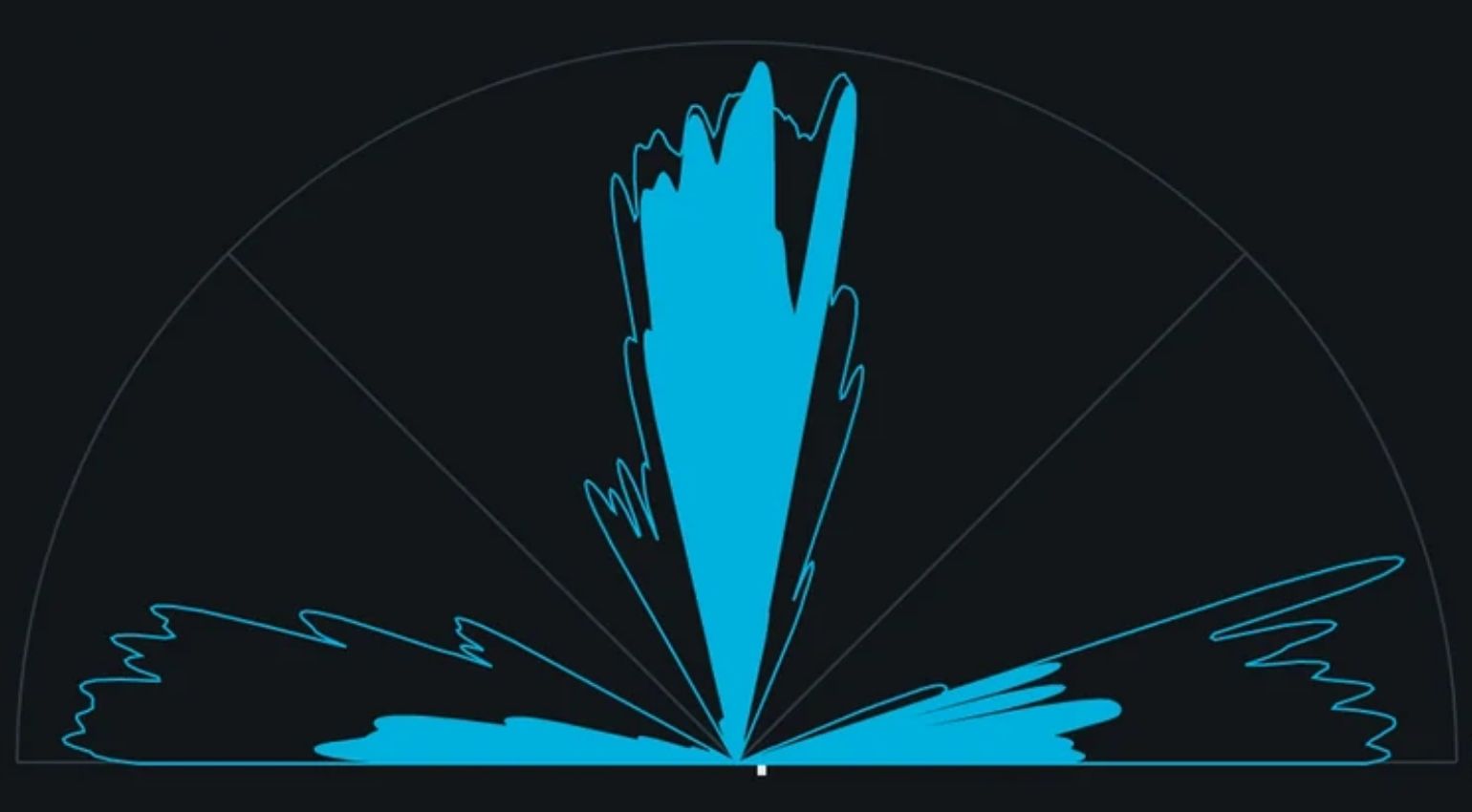
Stereo Width in the Mix 2026: How Mid/Side Processing Actually Gives Your Sound More Room · Source: iZotope

A mix that sounds muddy in the center but empty on the sides is one of the most common problems in the home studio. Most producers reach for a stereo widener on the mix bus and turn the knobs until it sounds wide, at least on their own monitors or headphones. The result: phase issues, mono cancellation, and a mix that suddenly sounds paper thin on a phone speaker. Mid/side processing solves this problem at the root, because you’re treating the center and the sides as separate signals instead of bending both at once. If you want to understand how real stereo width in the mix actually gets built, this is the concept you can’t skip.
If your monitoring situation isn’t dialed in yet, that’s actually the place to start, since accurate stereo width judgment depends entirely on hearing your mix correctly first. Here’s the article: Monitoring Setup for Electronic Music Producers.
Stereo Width in the Mix at a Glance
- Mid/side processing splits a stereo signal into a mono component (mid) and a difference component (side) that can be processed separately
- Stereo width in the mix works best when the center stays stable and only the sides get touched
- Classic stereo wideners broaden the entire signal at once, which quickly leads to phase problems and mono compatibility loss
- Analog hardware like SPL BiG, SSL Fusion, or the Maag EQ4M brings mid/side processing into the studio with a physical quality that plugins often can’t match
- Free plugins like Goodhertz MidSide Matrix or iZotope Ozone Imager 2 are more than enough to get started
- Too much stereo width gives itself away immediately. Less is almost always more with mid/side processing.
- Keeping bass and kick in mono keeps your mix compatible across every playback system
/toc
Stereo Width in the Mix: Mid/Side Processing, Hardware, and Plugins Compared
What Mid/Side Processing Actually Means
A stereo signal consists of a left and a right channel. Mid/side processing converts those two channels into something different: a mid channel that carries the sum of left and right, meaning everything identical in both channels, and a side channel that carries the difference between left and right, meaning everything that makes up the stereo image.
Anything sitting dead center in the stereo image, kick, bass, lead vocal, lands almost entirely in the mid signal. Anything panned wide, reverb tails, pads, doubling effects, lands more heavily in the side signal. That split is exactly why mid/side processing can be so precise: you’re working on one part without necessarily touching the other. Often just raising or lowering the level of the side or the mid signal is enough on its own.
An encoder converts the stereo signal into mid and side, a decoder converts it back into left and right afterward. Between encoder and decoder you can apply EQ, compression, or saturation separately to mid and side. That’s the core of every mid/side workflow, whether you’re working with a plugin or with hardware.
Why Classic Stereo Wideners Often Fail
Most stereo wideners work with the so-called Haas effect, an artificial delay on one channel, or with phase shifting. Both techniques create width by manipulating the relationship between left and right. The problem: these methods act on the entire signal at once, including the elements that are actually supposed to stay centered.
Kick and bass take the biggest hit. Widen them along with everything else using an aggressive widener, and you get phase cancellation that sounds fine in stereo but can vanish completely in mono, on a Bluetooth speaker, or on a club’s mono sum. This is exactly where mid/side processing steps in: you widen the side channel specifically and leave the mid channel, where kick and bass live, untouched.
Mid/Side in Practice: My Own Signal Path
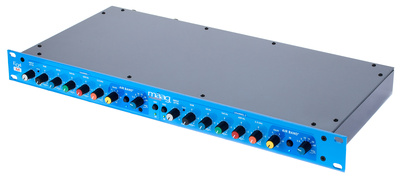
In my own studio, mid/side processing has run through the Maag EQ4M* (Sweetwater*) hardware equalizer for years. I’ve been a longtime fan of this stereo EQ, not just for the famous Air Band, but for what you can pull off with the individual bands. It just sounds unique and premium. Routed through a mid/side converter, I can push individual tracks, or usually a group of tracks, hard into stereo width without losing the center and without creating unwanted cancellation down the line.




For the converter itself I use MidSide Matrix from Goodhertz, which is completely free and reliably switches between stereo and mid/side. If you don’t have a mid/side converter in your signal chain yet, this is one of the most practical entry points there is, and it won’t cost you a cent. I place the first converter, the encoder, going from stereo to mid/side, right before the actual plugin (or here, an audio device in Ableton Live), and the second converter, the decoder, right after it, converting the signal back from mid/side to stereo. That’s the whole trick.
SPL BiG: Why One 500 Series Module Is Enough
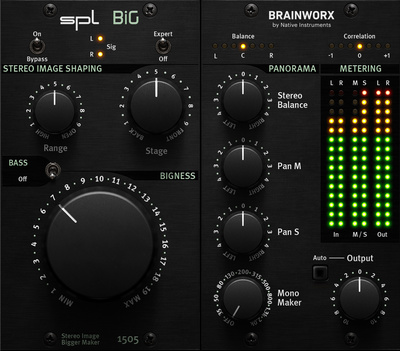
The SPL BiG* / Sweetwater* came recommended by a friend, and I haven’t regretted it once since. Quite the opposite: this 500 series module is the only one in my entire 500 rack, and that alone should say something. It works wonders. The added width feels almost eerily natural. Small movements of the big knob are all it takes to hear a real difference. You can practically feel a sound getting wider. It’s an easy way to build genuine stereo width in the mix, even on the master bus.

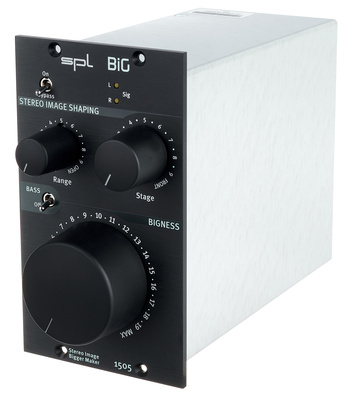
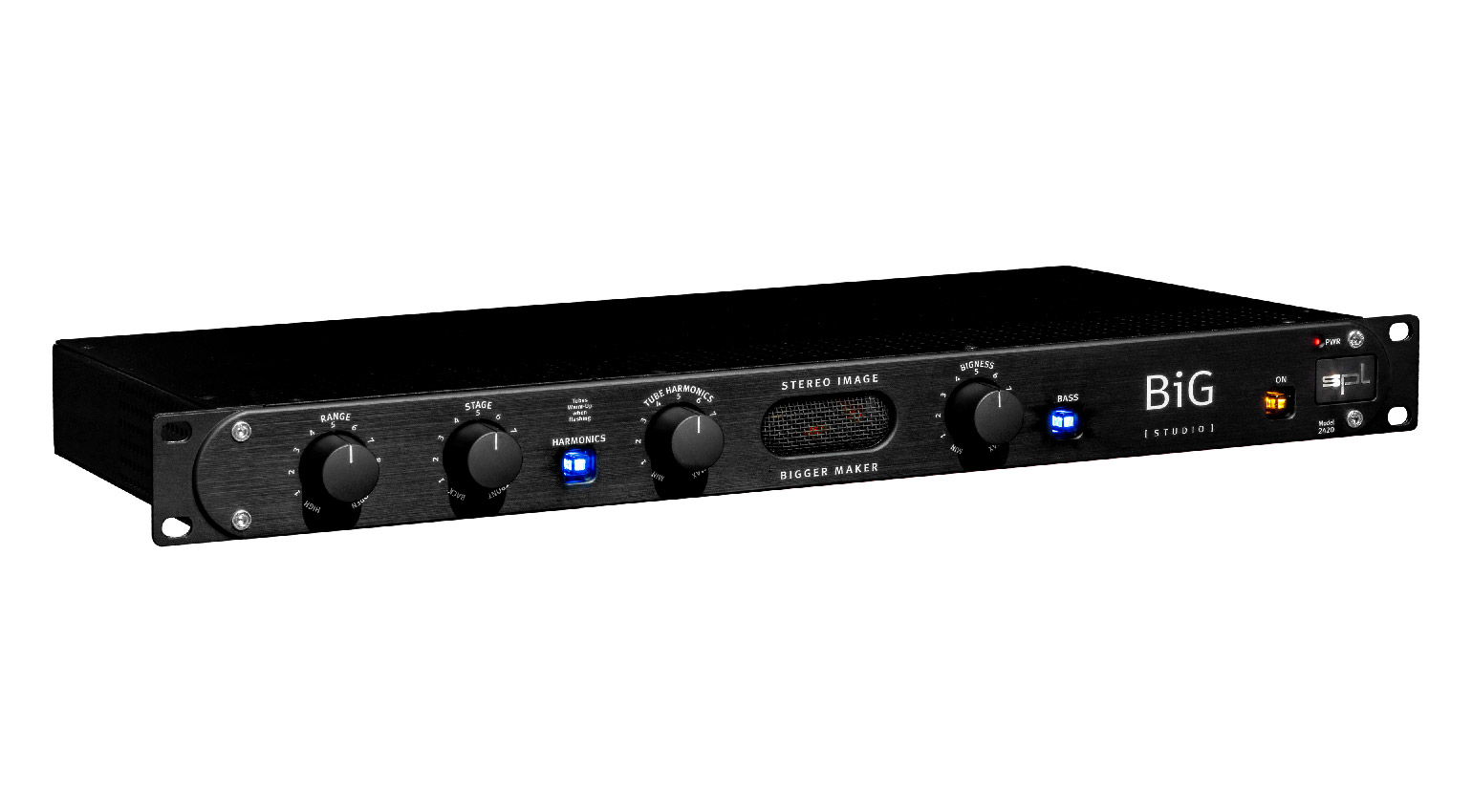
The tool also exists as a plugin version from Plugin Alliance*, which I reach for just as often when I’m working on the road or without access to the hardware. The plugin version nails the behavior of the original surprisingly closely, especially the feel of turning that knob.

More Hardware for Stereo Width in the Mix
Beyond SPL BiG and the Maag EQ4M in mid/side mode, there’s a handful of other hardware options worth knowing about if you want to expand your setup.
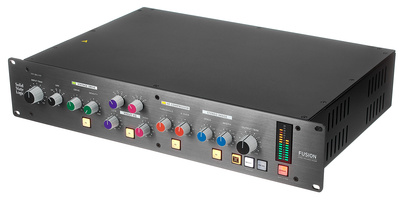
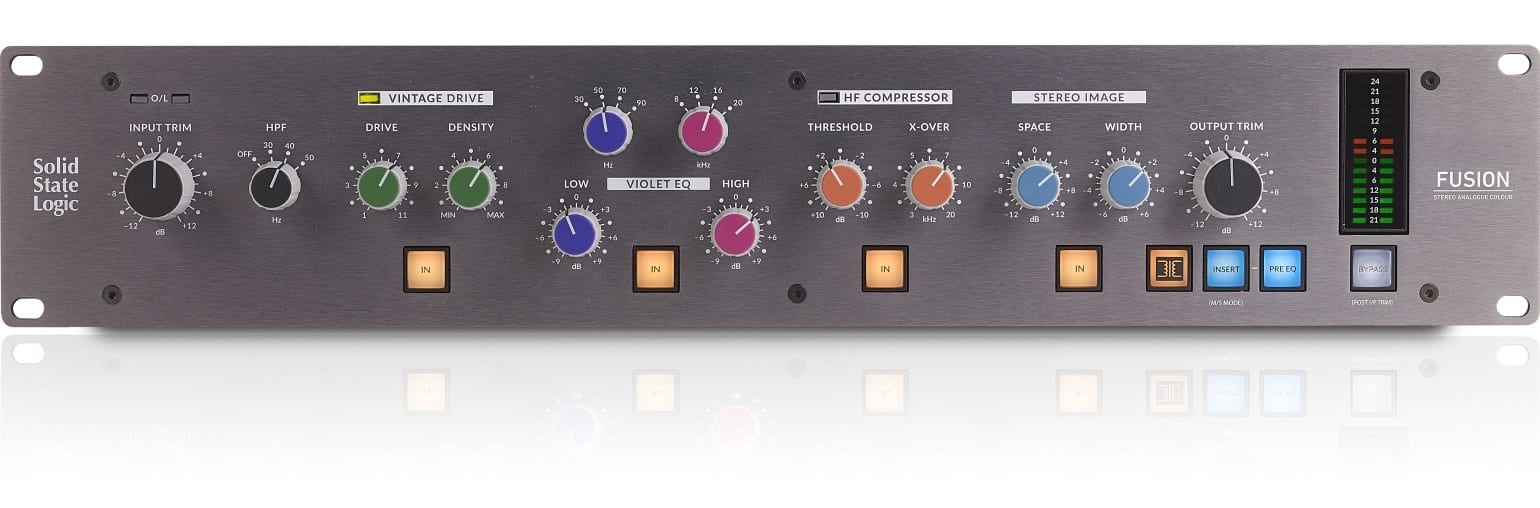
The SSL Fusion* / Sweetwater* offers a dedicated stereo image module alongside transformer saturation, EQ, and compression, all in one box. If you’re already shopping for a bus processor anyway, that combination makes a lot of sense.

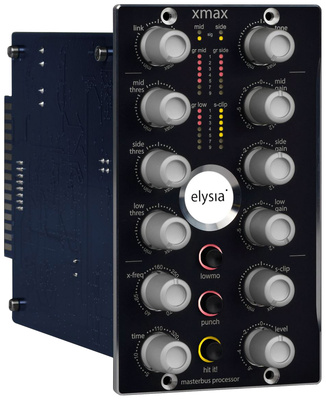
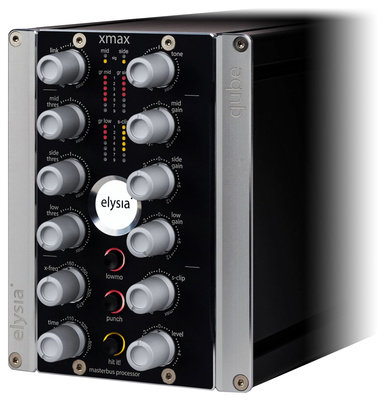
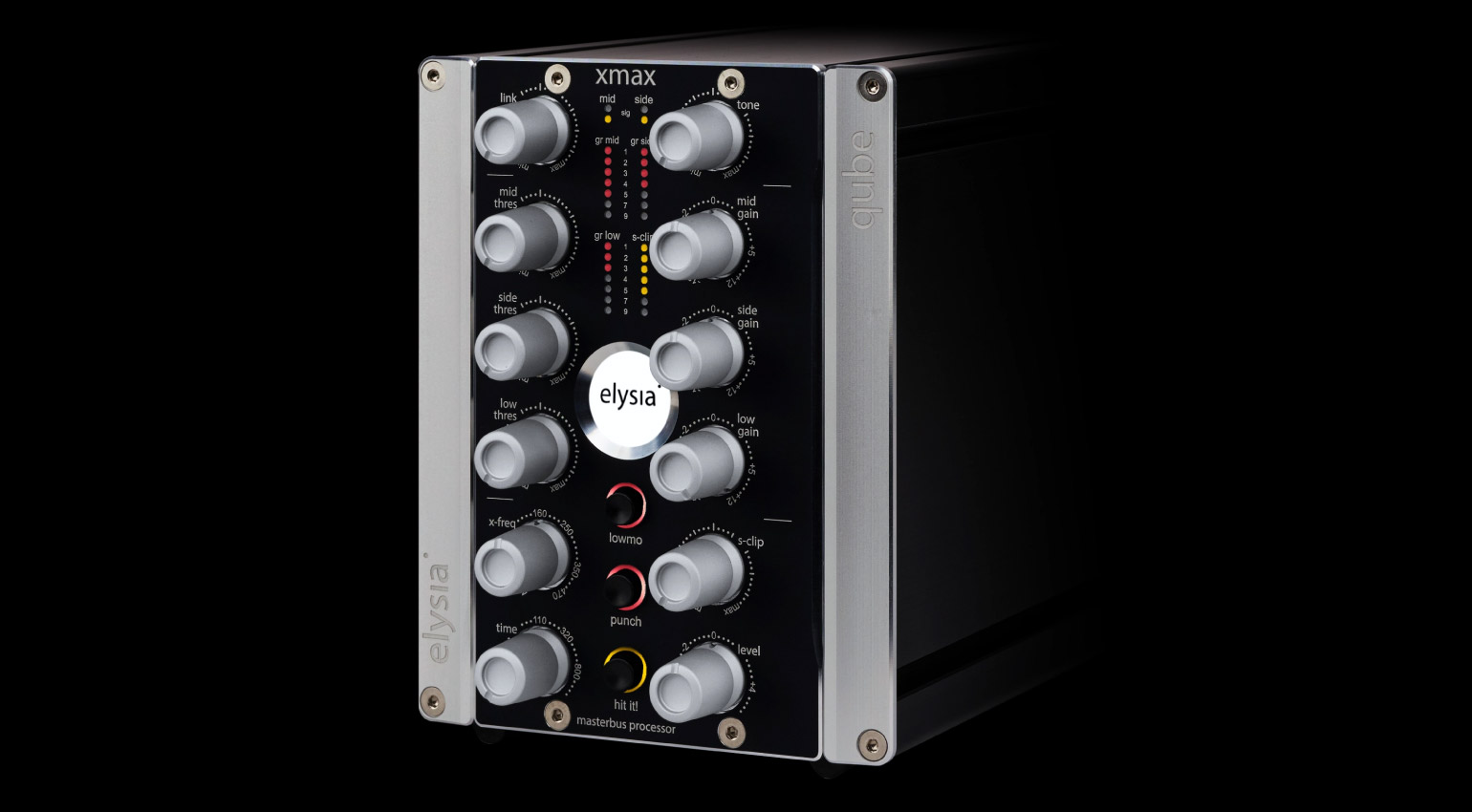
The elysia xmax* / Sweetwater* takes it a step further: it processes mid and side separately and adds multiband compression across low, mid, and side bands on top of that. It’s available as a 500 series module and as a 19-inch rack unit, and it was built specifically for mastering bus work.


If you want a pure encoder/decoder with no added coloration, so you can insert your own outboard on mid and side, the TK Audio M/S Station / Sweetwater* is a lean solution built to do exactly that one job.

Plugins for Mid/Side Processing at a Glance
Not everyone has access to a 500 series rack, and honestly, you don’t need one to work with mid/side processing effectively. The plugin landscape here has matured a lot and covers every budget.
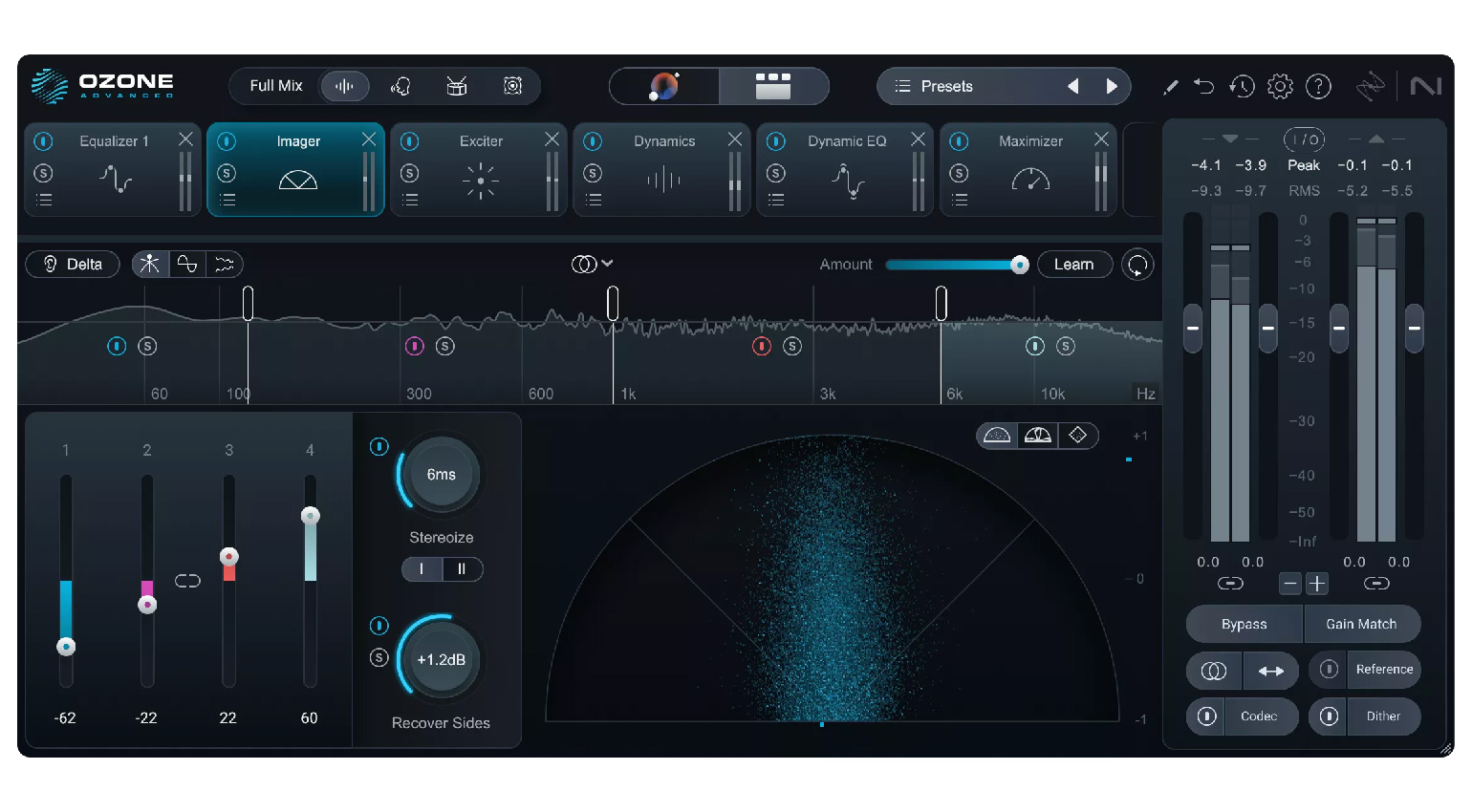
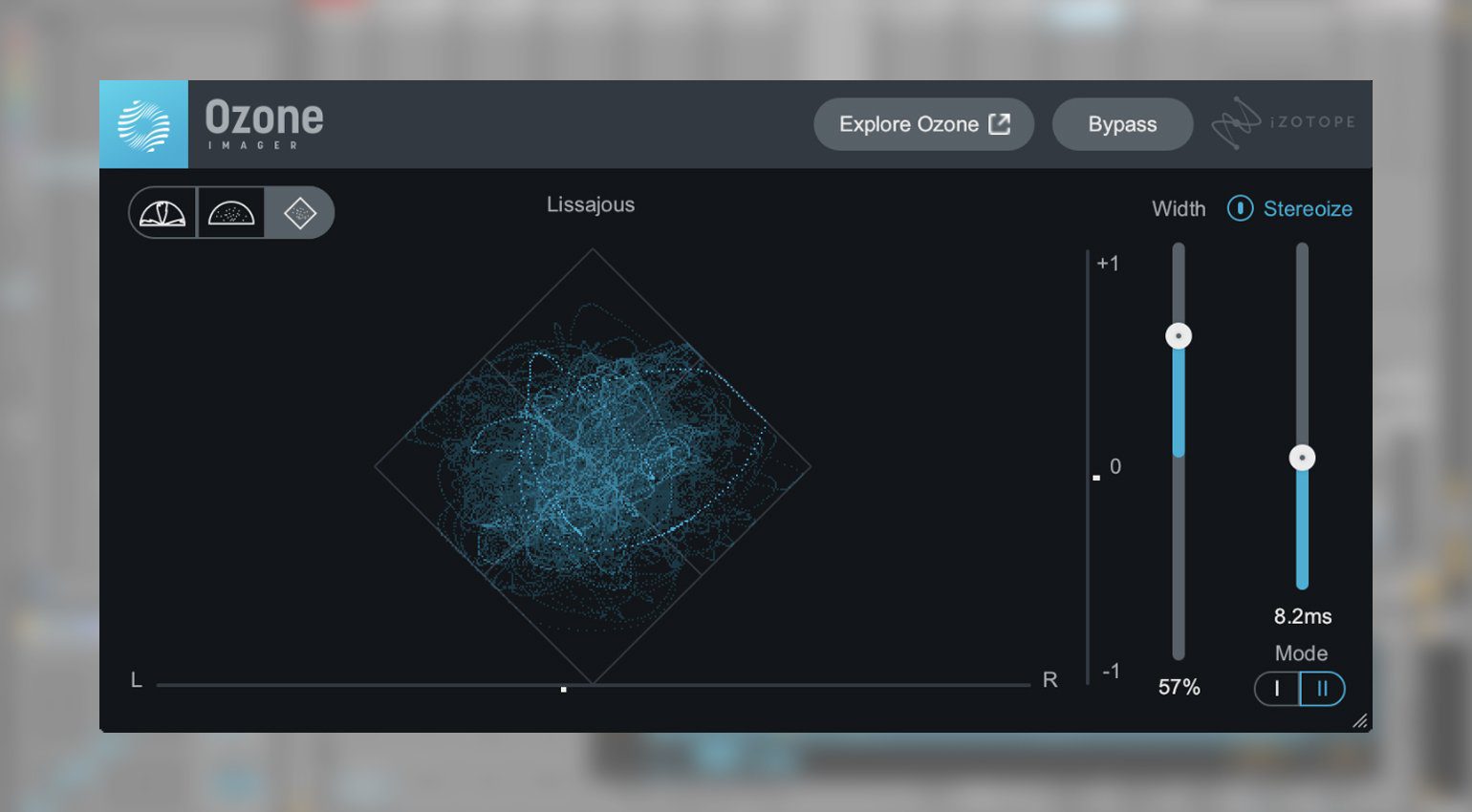
As a free entry point, iZotope Ozone Imager 2* is excellent, a pure stereo image analyzer and manipulator at zero cost. If you also need EQ on mid and side, the already-mentioned Goodhertz MidSide Matrix is a reliable converter you can pair with basically any plugin in between.

On the paid side, Softube Widener* is worth it for fast, no-fuss widening without much to configure. Mastering The Mix Stereovault* covers a whole toolkit of stereo utilities for different use cases, from subtle widening to more creative effects.
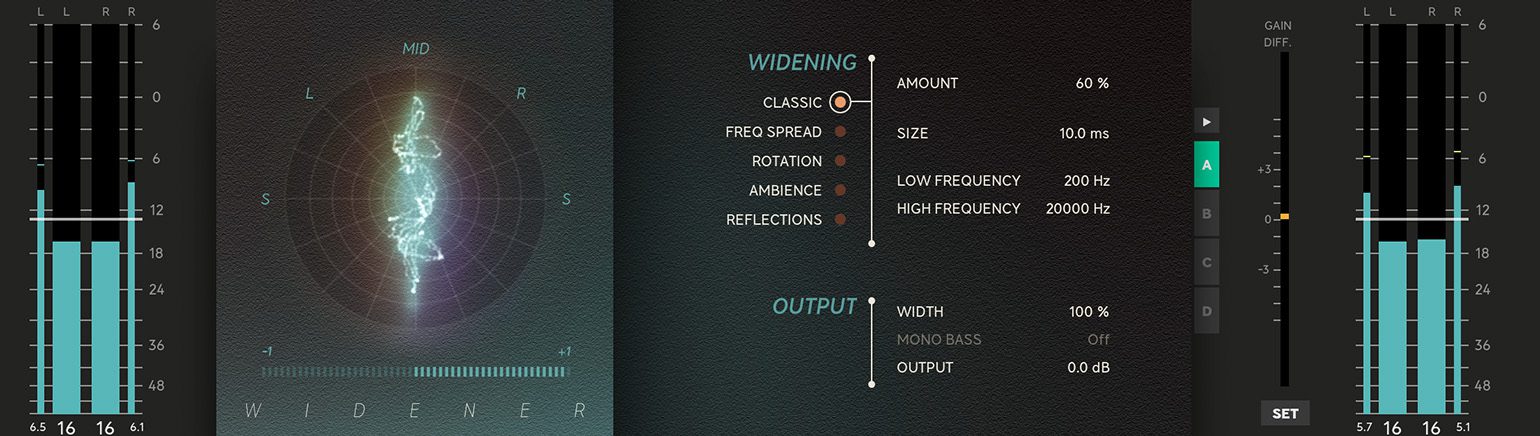
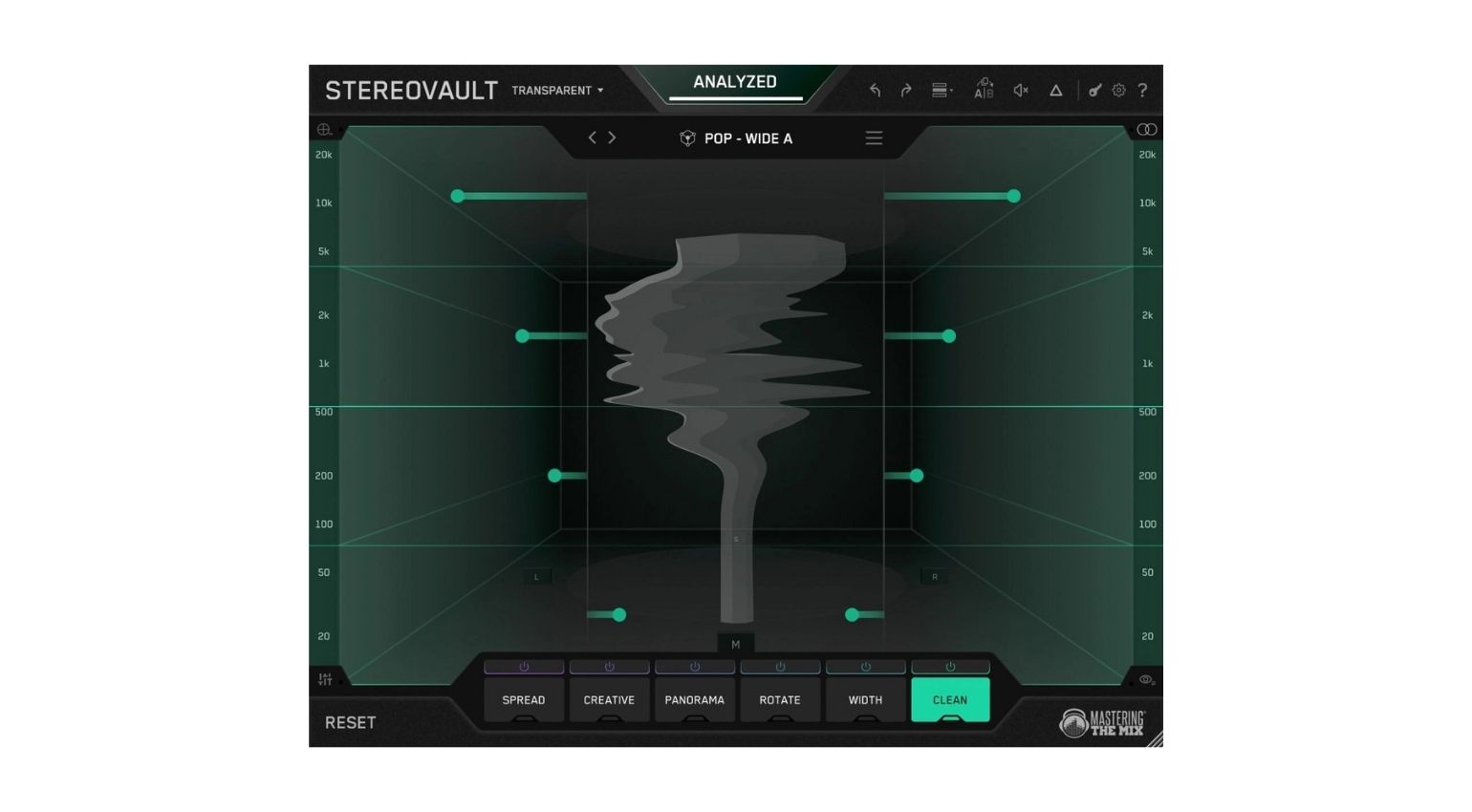
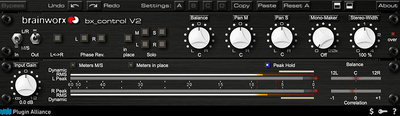
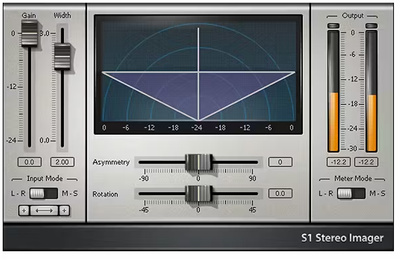
If you want full control over mid and side including dynamics processing, Brainworx bx_control V2* is hard to beat. This plugin has been considered one of the most comprehensive mid/side tools around for years and gets compared directly to hardware mastering chains when precision is the topic. Waves S1* is the classic among stereo imaging plugins and was plenty of producers’ first-ever contact with this whole topic, and it still holds up today.


When Mid/Side Processing Actually Pays Off
Mid/side processing isn’t a fix-all for every track. It earns its keep in the spots where regular stereo processing hits a wall.
De-essing: Sibilance on a centered vocal can be tamed in the mid signal without touching wide cymbals or hi-hats sitting in the sides.
Vinyl mastering: Low frequencies in the side signal cause real problems during cutting. Pull bass out of the sides and fold it into the center, and you get a much cleaner cut.
Widening a group: A synth group or a pad layer can be pushed wide through mid/side without kick and bass in the center taking any collateral damage. My synth and melodic groups almost always run through the same mid/side Maag EQ4M combo.
Mix bus finishing: A very gentle bump to the side signal’s level during mastering can give a finished mix that last bit of space without shifting the balance.
Common Mistakes With Stereo Width in the Mix
Finding the Right Dose
Like with any effect that reaches this deep into a sound, you can’t overshoot the target. Too much gives itself away instantly. A little goes a long way here and is usually all you need. That’s true for hardware just as much as for plugins.
Checking Mono Compatibility Regularly
Flip your mix to mono every once in a while and listen to what happens. If elements vanish or drop noticeably in volume, there’s too much energy sitting in the sides. That check should be a standard part of every mixing session, not something you only remember right before export.
Keeping Bass and Kick Firmly in Mono
Low frequencies belong in the center. A widely panned bass loses power on small playback systems and creates phase problems the moment the mix gets summed. A low cut on the side signal is usually the easiest fix.
Not Confusing Mid/Side With Generic Stereo Widening
A stereo widener slapped on the whole mix bus is not a substitute for targeted mid/side processing. Both techniques solve different problems, and mixing them up means giving up the precision that mid/side is actually good for.
FAQ: Stereo Width in the Mix
What’s the Difference Between Mid/Side Processing and a Stereo Widener?
A stereo widener usually changes the whole signal at once through delay or phase shifting. Mid/side processing fully separates the center and the sides and lets you process just one of the two on its own.
Do I Need Hardware for Mid/Side Processing?
No. Free plugins like Goodhertz MidSide Matrix are more than enough to get started and can turn literally any plugin you own into a mid/side tool. Hardware over a plugin brings its own sonic character and a different workflow, but it’s not a requirement.
Why Should Bass Stay in Mono?
Low frequencies need a lot of energy to be perceived. A widely panned bass loses that energy to phase cancellation the moment the mix gets folded down to mono, say on Bluetooth speakers or club sound systems.
How Do I Check if My Mix Is Mono Compatible?
Flip the mix to mono, either with a utility plugin or right at your monitor controller, and listen for elements that vanish or drop in level.
Is a 500 Series Module Like SPL BiG Worth It for Beginners?
If you already own a 500 series rack and work with stereo width regularly, it pays off noticeably. For a pure starting point, though, a solid plugin covers everything you need before hardware makes sense.
What Happens if I Overdo Mid/Side Processing?
Stereo width in the mix ends up sounding artificial fast, the center loses focus, and mono compatibility goes out the window. Overdone width almost always gives itself away instantly. A subtle touch works better nearly every time.
Can I Use Mid/Side for Pure EQ Work, Not Just Width?
Yes, and that’s actually one of the most common uses. You can boost or cut frequencies in just the center or just the sides, something regular stereo EQ simply can’t do. FabFilter Pro-Q4 handles this really well.
Conclusion: Stereo Width in the Mix Starts With Control, Not Volume
Stereo width in the mix doesn’t come from piling on more effect. It comes from more deliberate control over what needs to sound wide and what has to stay centered. Mid/side processing hands you exactly that control, whether through a free plugin or a 500 series module sitting in your rack.
But: the best stereo width in the mix is the kind you barely notice, because it just sounds right and wide without ever tipping into unnatural. Start with a free converter, listen closely, and go easy on the dose. Stick with that approach and you’ll figure out fast how much precision this concept actually has to offer.
What’s your experience been with mid/side processing for stereo width in the mix? Drop it in the comments.
More Information
- Monitoring Setup for Electronic Music Producers
- Analog vs. Digital in the Home Studio
- Stem Mastering vs. Full Mix Mastering
- All Mastering Plugins at Plugin Boutique*
*Note: This article about “Stereo Width in the Mix” contains affiliate links that help us keep Gearnews running. The price for you always stays the same! If you buy something through these links, we receive a small commission. Thanks for your support!

This might also interest you

One response to “Stereo Width in the Mix 2026: How Mid/Side Processing Actually Gives Your Sound More Room”

In an IDEAL world, all this should be dealt with during mixing phase. Personally I wouldn’t touch a lousily made mix because a bad foundation leads to issues later on. I have dealt with this on more than a couple of occasions while working on the tracks my friends have sent me.
You can be a great artist, but if you’re not 100% sure what you’re doing with your mix then leave it to someone else or at least provide the full mix to the mastering engineer in case there are immediate issues that spring out during the early mixing phase.