Art DSP Canvas: David Gibson’s “Art Of Mixing” Becomes A Plugin?
Could you be the next Bob Ross of mixing?

 4,3 / 5,0 |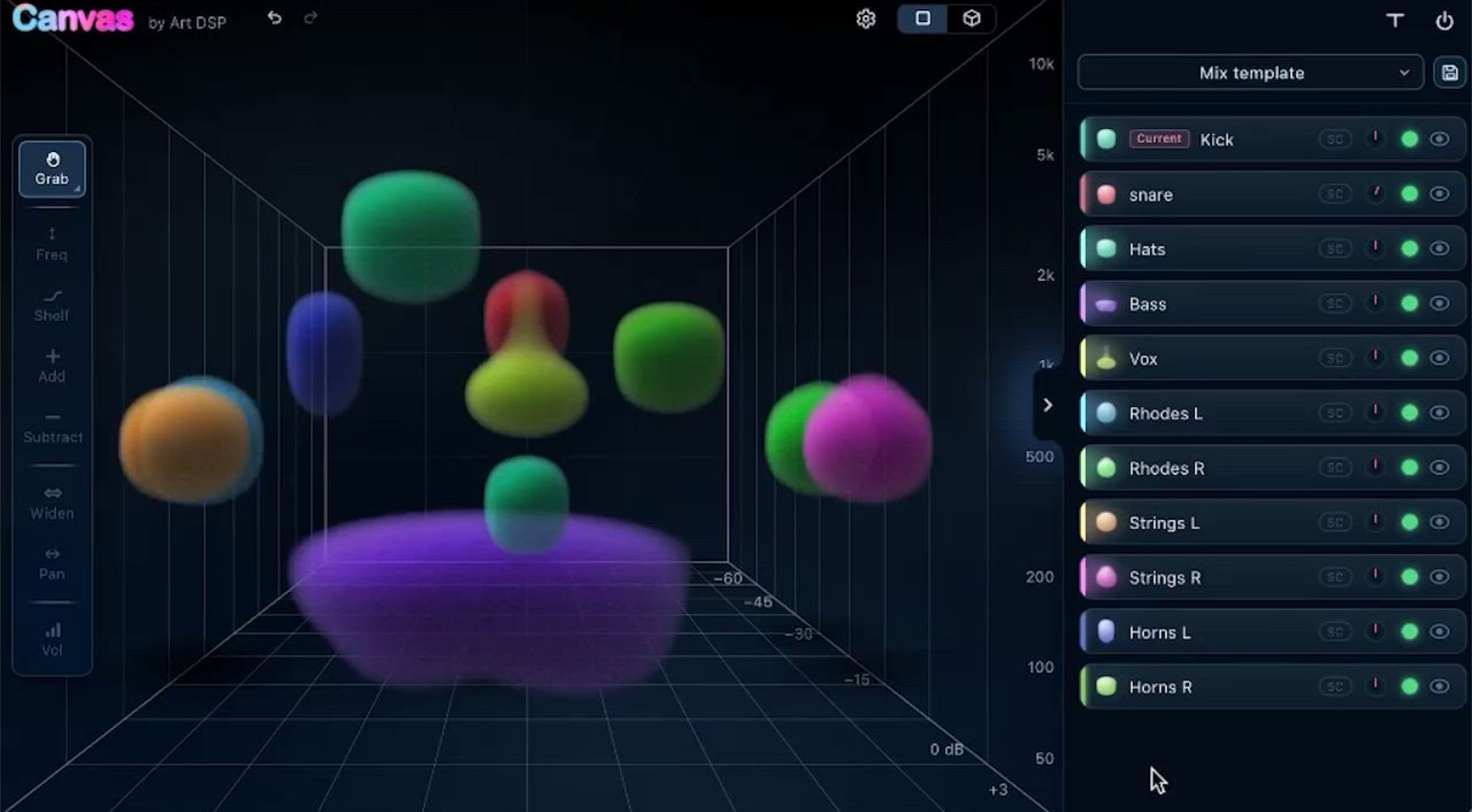

Art DSP Canvas is a plugin that uses a virtual 3D environment and a sender-receiver workflow to enhance your mixing experience.
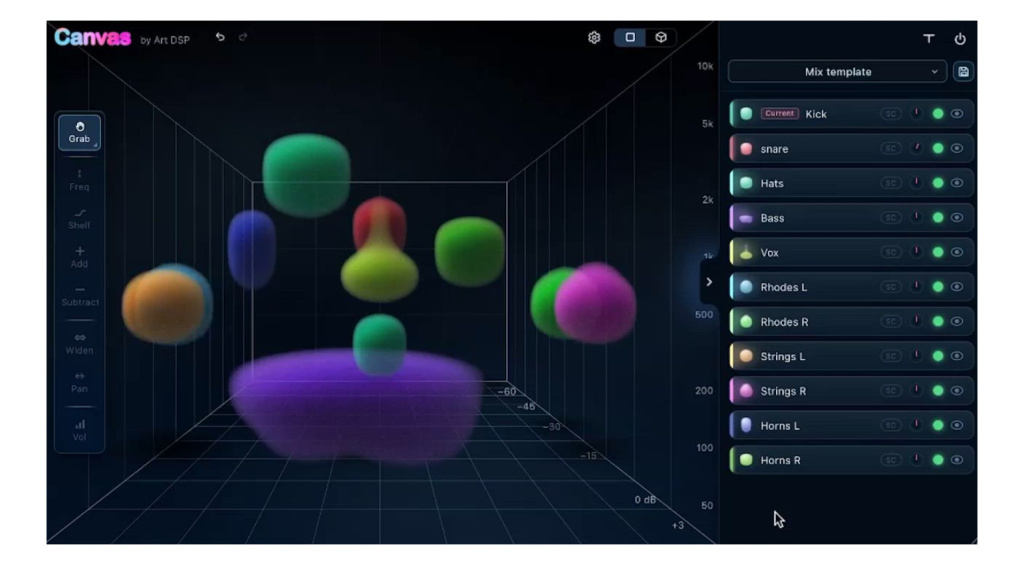
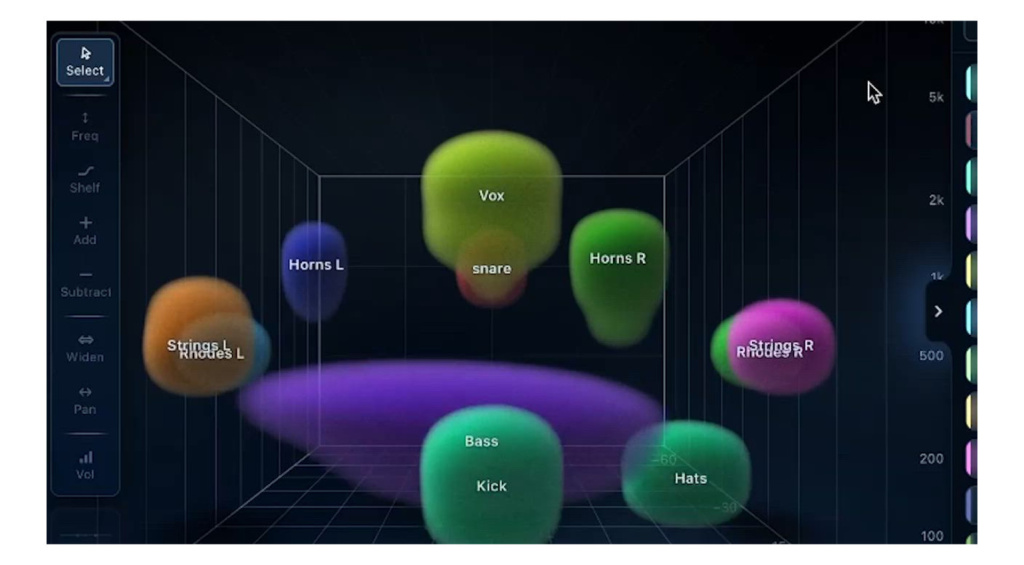
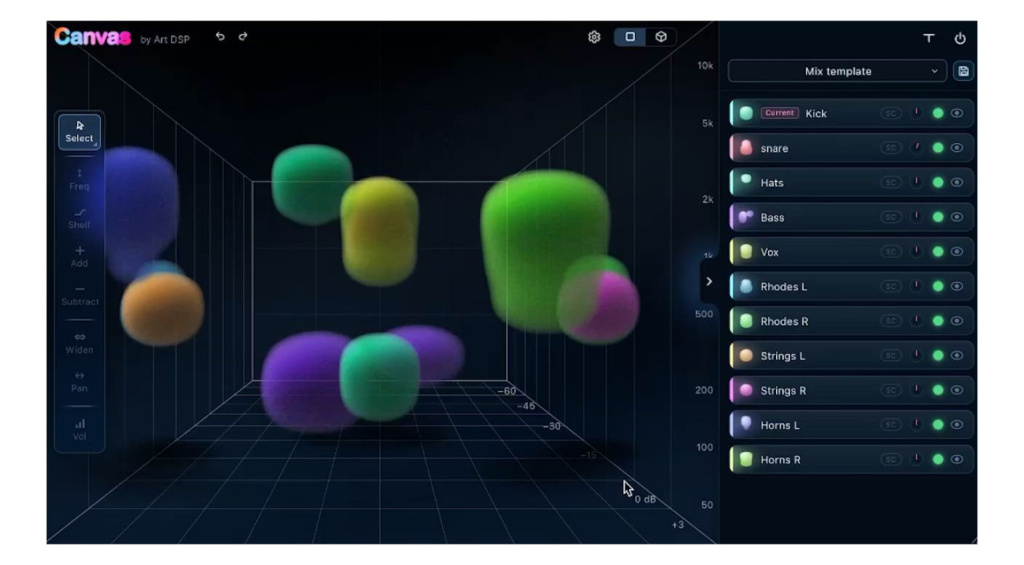
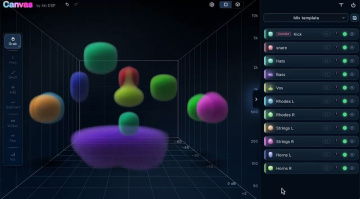
Ever dreamed of mixing music visually using amorphous colourful shapes? Well, now you can. Canvas turns the stereo field into a virtual 3D sound stage and lets you make adjustments to the tonality, volume, and stereo width intuitively, with a range of additional features under the hood.
Art DSP Canvas
Canvas functions using a sender-receiver network that allows you to assign channels within your DAW project to the key areas of the plugin’s control interface. This happens by inserting a lightweight signal carrier or sender version of Canvas onto your kick, lead vocal, guitars, or bass channels or aux groups, and then creating a dedicated stereo aux bus for the main receiver interface.
Once you’ve routed everything, controlling your mix is extremely straightforward. By darkening or brightening an object, you make EQ adjustments that make it darker or brighter. Equally, pushing an object backwards or forwards on the 3D soundstage will push it back or bring it to the front of the mix. While the horizontal plane (X-Axis) controls panning, the vertical plane (Y-Axis) lets you adjust the volume and perceived depth.
Because Canvas is dealing with multiple input signals, we can use this in its workflow. The spectral sidechain processing feature allows you to create space for any element in the mix. Simply select the element, and add the track you want to make room for in the mix; this becomes the sidechain signal that triggers the processing.
Here, you can choose between transient and amplitude trigger modes, adjust the processing amount, and set the attack and release times. In addition, there is a familiar-looking EQ editor for precise tonal adjustments. Another exciting aspect is that there are presets for the individual objects, as well as full mix presets that can shape the entire mix based on a particular style.
Pricing and Availability:
Art DSP Canvas is currently available from the official website for an introductory price of $79 (normal price $99).
More about Art DSP Canvas:

This might also interest you