Your First Producer Setup: These 3 Tools Are a Perfect Match for Beginners
The Basics for a Small Studio Setup

 4,4 / 5,0 |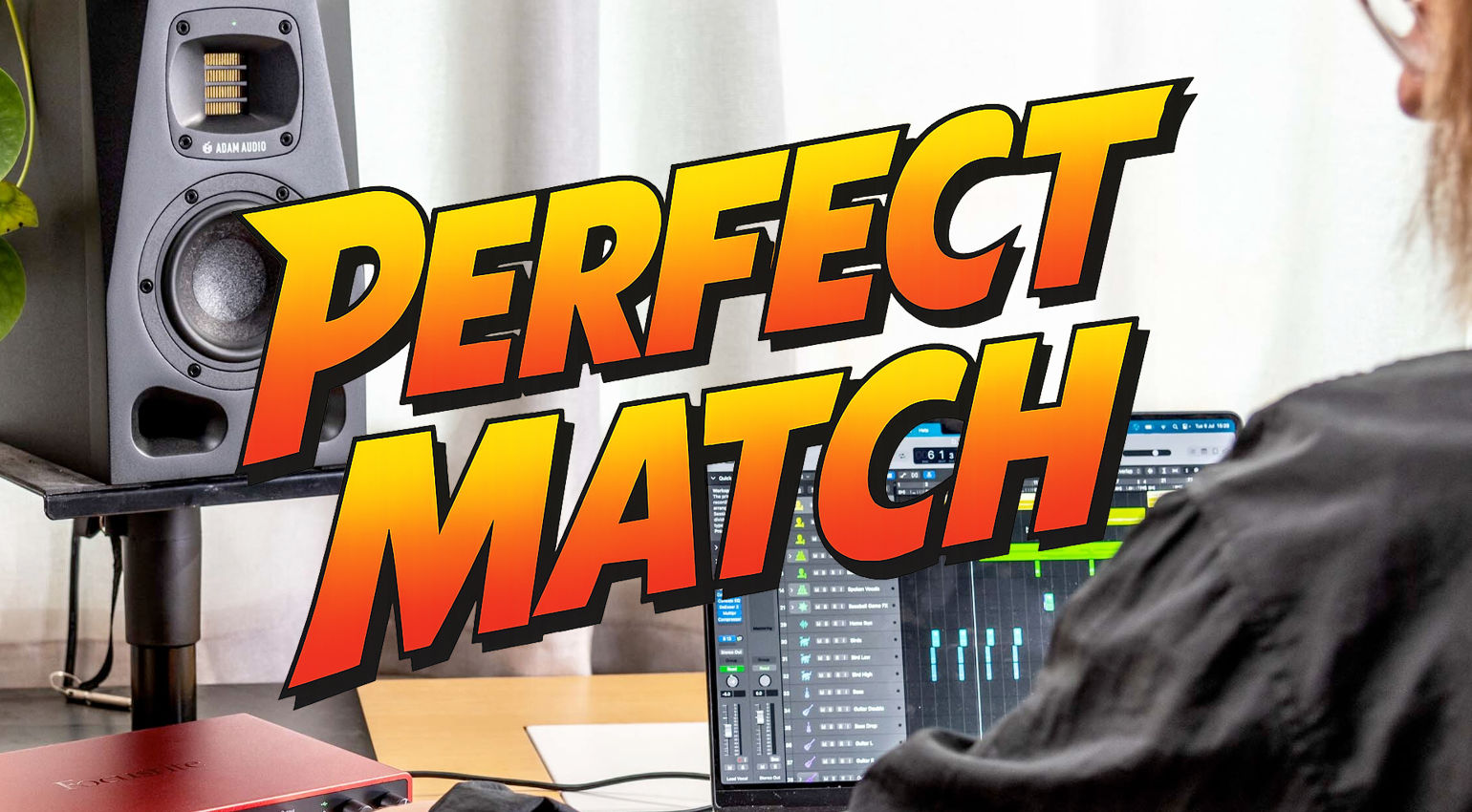
Your First Producer Setup: These 3 Tools Are a Perfect Match for Beginners · Source: Focusrite

In our Perfect Match series, we present three music technology products every week that we believe work particularly well together. This time, we take a look at what you need if you want to build your first producer setup. What is a good starting point when putting together a small studio? We try to answer this question with three concrete suggestions. Along the way, we also highlight a few alternatives, point out useful accessories, and take a look at possible upgrades that can expand your setup later on.
Your First Producer Setup – Perfect Match
Your First Producer Setup
Want to get started in the world of music production and wondering what you actually need? Great, because we have a few ideas for your first studio. The good news is that you really don’t need much to begin. For this producer setup, we focus on three essential elements that form the basic foundation.
Along the way, we’ll also mention a few alternatives and include links for further reading so you can explore the topic in more depth. The only real requirement is that you already have a laptop or desktop computer.
Your Producer Setup Needs a DAW
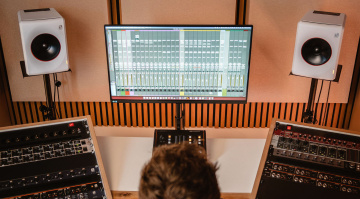
Computers play a central role in every modern studio, and the digital audio workstation, or DAW, acts as the control center. A DAW is used to record, arrange, and mix music and ultimately export the result as an audio file. Even productions that do not involve “real” instruments, microphones, or external gear are usually created entirely inside a DAW. This is possible because countless sound generators, effects, and other tools are available as plugins for music production on the computer.
That is exactly why every producer setup begins with a DAW. For beginners, it often makes sense to start with one of the established and widely used programs. These platforms are considered industry standards, which makes it easier to find tutorials, share projects with other producers, and learn typical workflows right from the start. Instead of recommending just one option, it is worth taking a quick look at the most popular DAWs:
- Ableton Live (macOS, Windows) is especially popular for electronic music production and also offers powerful options for live performances with a computer.
- Bitwig Studio (macOS, Windows, Linux) follows a similar concept but places an even stronger focus on modular sound design and flexible routing.
- FL Studio (macOS, Windows) is widely used for trap, modern hip-hop, and EDM productions.
- Reason (macOS, Windows) also targets producers working primarily in electronic music and offers a rack-based workflow inspired by hardware studios.
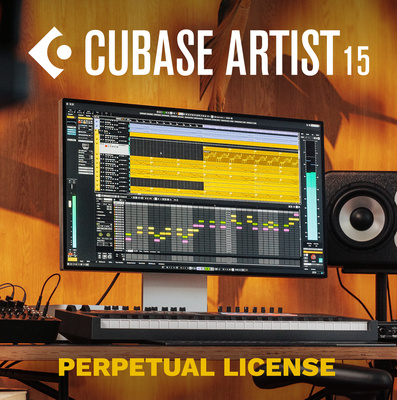
- Cubase (macOS, Windows) is a very flexible DAW with practical features for recording bands and arranging music such as rock and pop.
- Logic Pro (macOS) is similarly versatile but runs exclusively on Apple computers.
- Pro Tools (macOS, Windows) is commonly used in professional recording studios and film scoring environments, with a strong focus on large-scale production workflows.
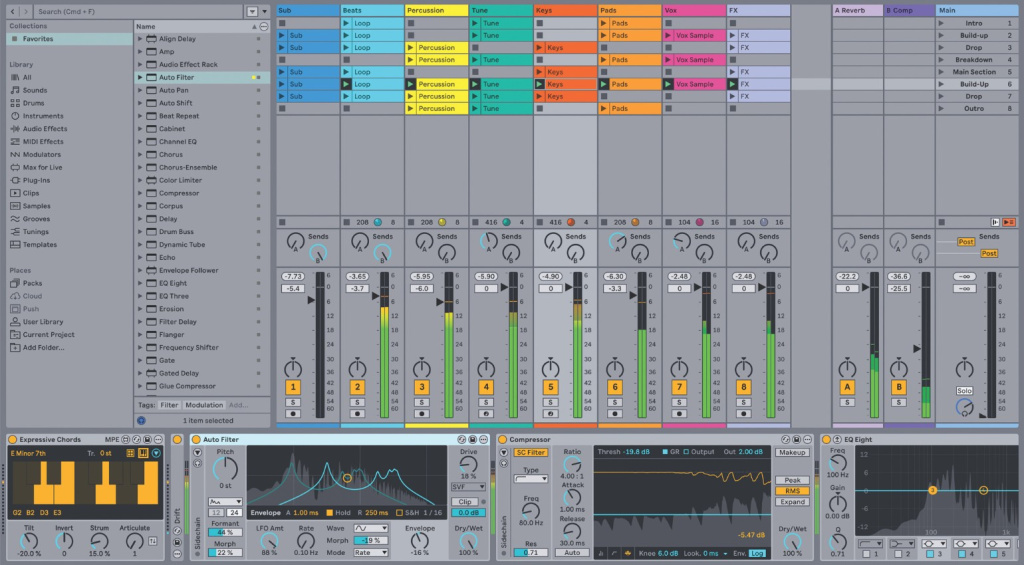
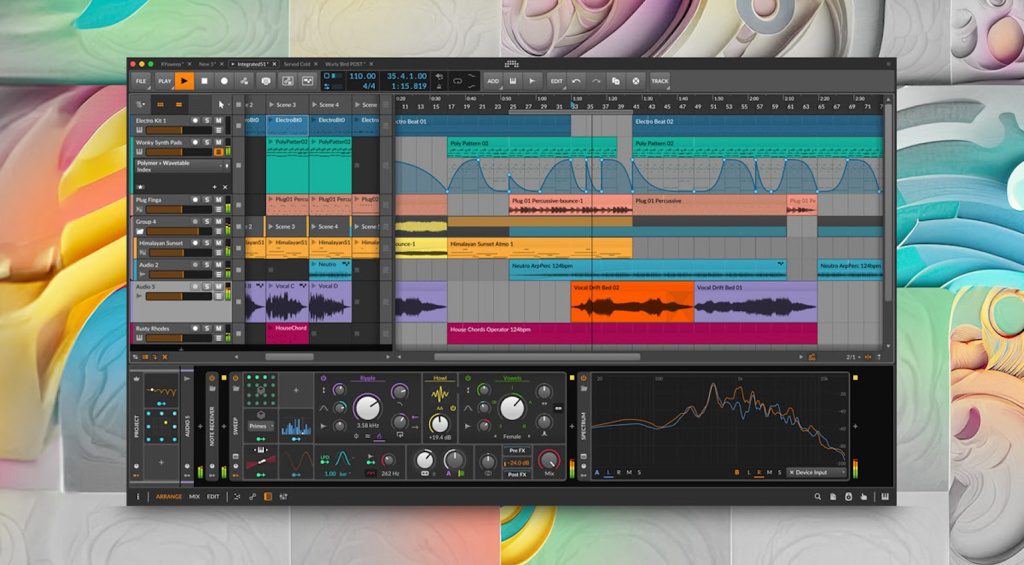

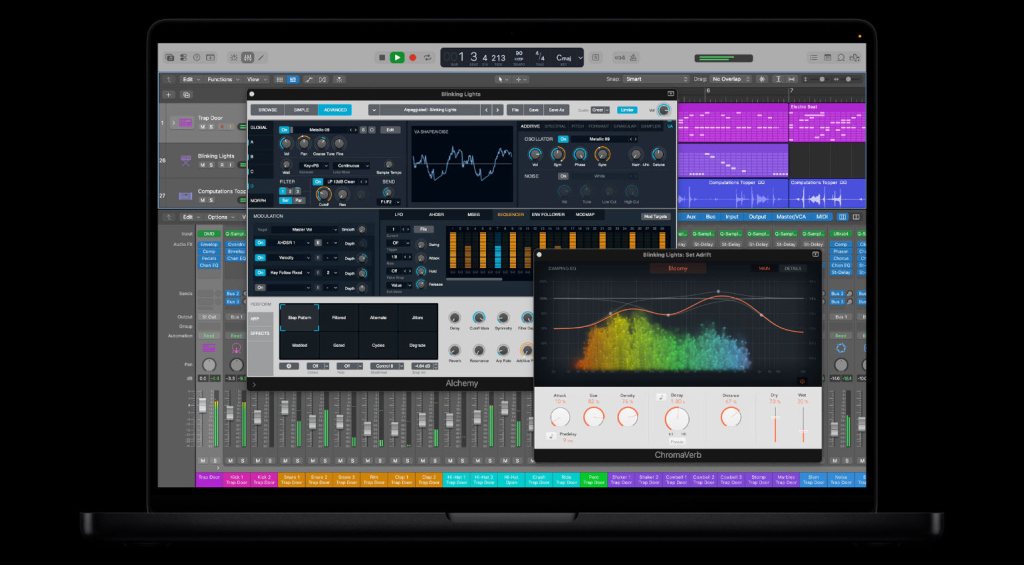
With so many options available, the question quickly arises: which DAW is the right choice for your first producer setup? If you mainly want to produce electronic music in all its forms, Ableton Live* or Bitwig Studio* are excellent starting points. For trap, EDM, and similar styles, FL Studio* is a very popular choice. If you are more interested in singer-songwriter productions or recording instruments and vocals, Cubase* is definitely worth a closer look. And if you are working on a Mac and want a DAW that is deeply integrated into the Apple ecosystem, the free GarageBand app is a great way to get a first impression of Logic Pro.
A good way to find the right DAW is simply to try one of the beginner versions that many manufacturers offer on their websites. These trial or entry-level versions are often free and allow you to explore the workflow before committing to a full version. You can also check out our list of free DAWs to get additional ideas. And of course, it is quite possible that you have already received a few recommendations from friends or other producers, which can also help you make a decision.





The Right Audio Interface for Your First Producer Setup
A computer with a DAW installed forms the foundation of your first Producer Setup and already offers the basic tools for recording, editing, and arranging sounds. In practice, however, the internal sound card of a laptop or desktop quickly reaches its limits. That is exactly where an audio interface becomes an essential addition to your studio.
An audio interface acts as the connection point between your computer and the outside audio world. It provides dedicated inputs for microphones, instruments, and other audio sources and delivers significantly better sound quality than the built in audio hardware of most computers. At the same time, the interface handles the conversion between analog signals and digital audio inside your DAW.
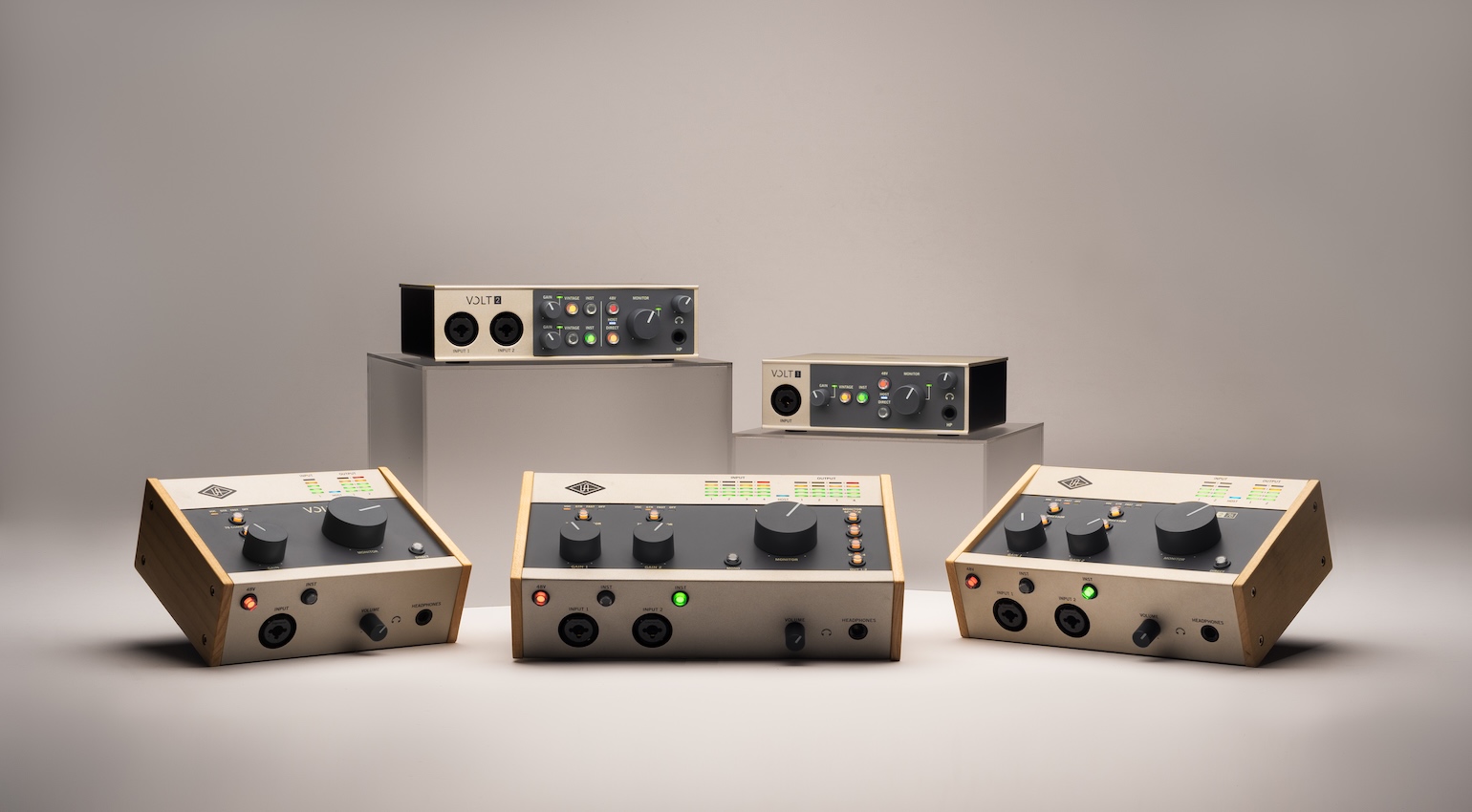
For a first Producer Setup, it is usually a good idea to choose an interface with at least two inputs. This allows you to record vocals and an instrument at the same time, for example a microphone and a synthesizer or guitar. Two inputs also make it possible to record stereo sources such as DJ mixers, drum machines, or hardware grooveboxes. This flexibility quickly becomes useful once your studio grows beyond purely software based production.
Another important advantage of an audio interface is low latency monitoring. When recording vocals or instruments, you can listen to the signal in real time without noticeable delay. Many interfaces also include dedicated headphone outputs and balanced outputs for studio monitors, which makes them the central hub of a small home studio.
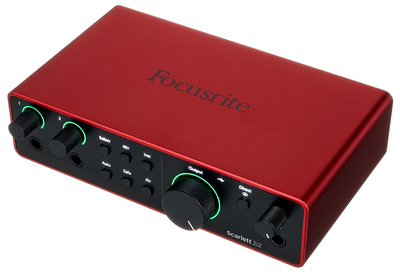
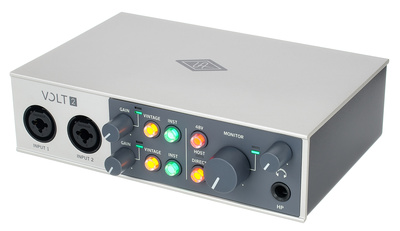
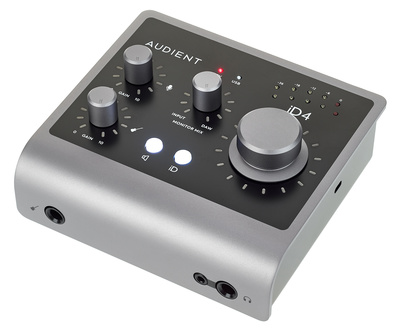
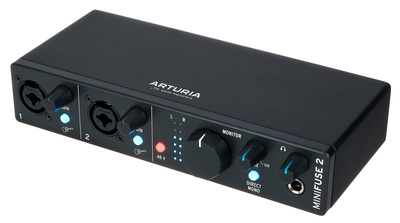
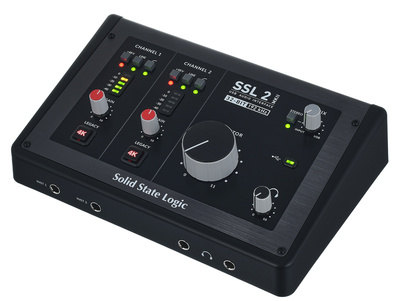
Well known beginner friendly models include the Focusrite Scarlett 2i2*, the Universal Audio Volt 2*, the Audient iD4, the Arturia MiniFuse 2 Black and the SSL 2 MKII. These interfaces are widely used in entry level studios and offer a good balance between sound quality, features, and price. For a first Producer Setup, they already provide everything needed to start recording and producing music seriously.
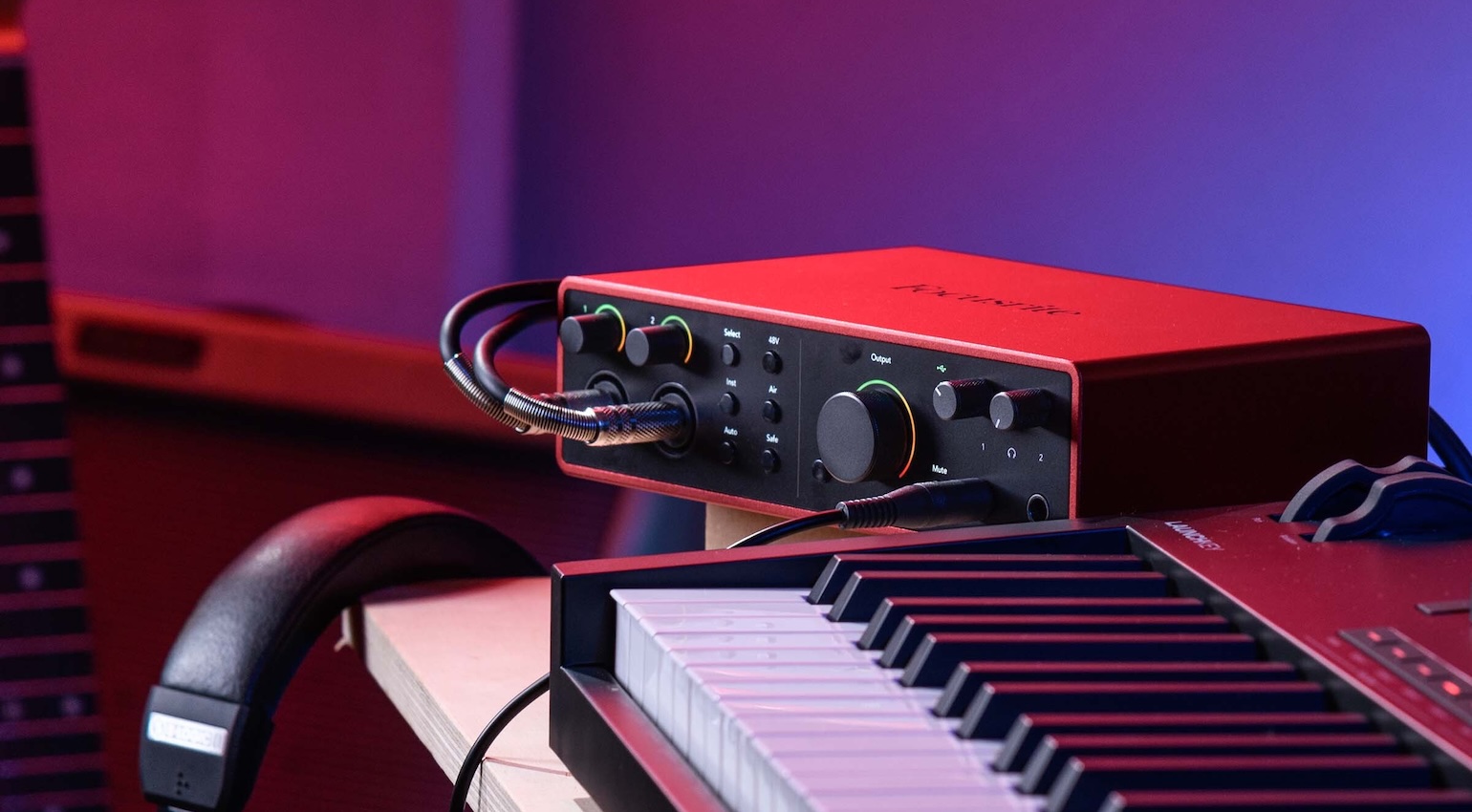
An audio interface is also useful when it comes to outputs. This is because you can connect headphones and studio speakers (more on this in a moment) to it.
Depending on the interface, there may be other connections that could be of interest to you. These include MIDI, which allows you to control external sound generators via the DAW – even though many modern devices are equipped with USB for this task.
In this buying guide, you will find some recommendations for relatively inexpensive interfaces that are suitable for your first producer setup.





Studio Monitors for Listening to Music
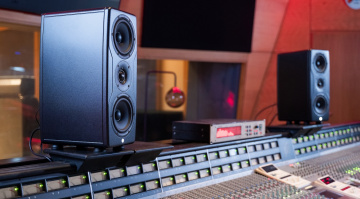
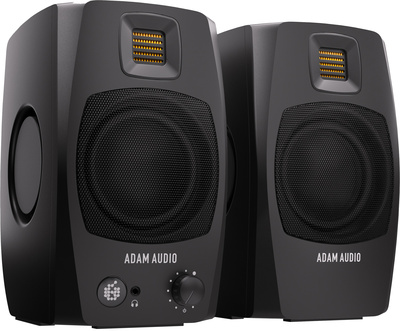
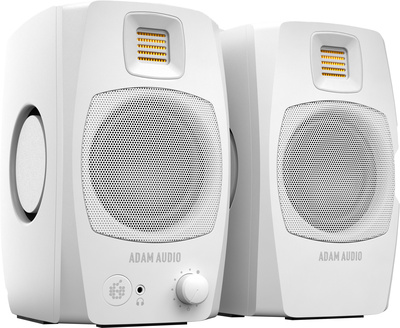
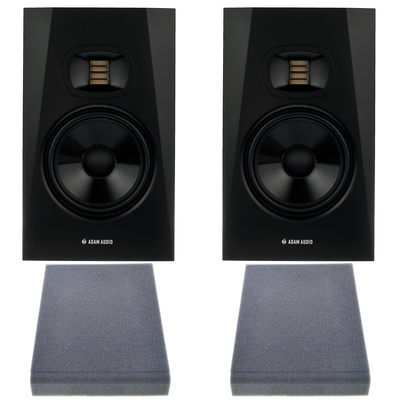
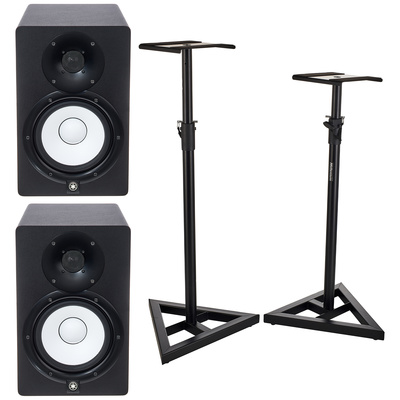
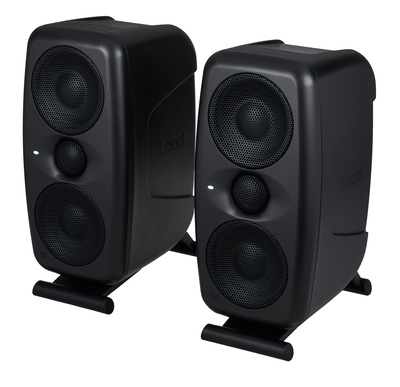
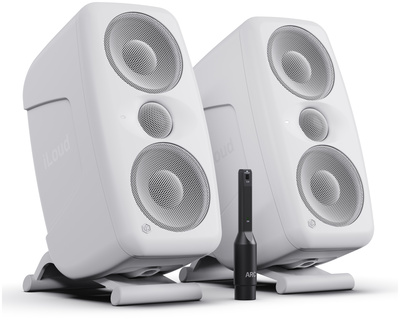
To properly listen to and evaluate music, you need a pair of studio monitors that are specifically designed for accurate audio playback. Compared to typical consumer or hi-fi speakers, studio monitors offer characteristics that are important when evaluating a mix. In simple terms, the goal is that your music sounds as good as possible on as many playback systems as possible, from smartphones and laptop speakers to large club sound systems. That is why you need speakers that do not sweeten the sound but instead reproduce it as neutrally and analytically as possible.
The topic is indeed complex and, in a way, one of the entry points into the rabbit hole of music production. However, you should not worry too much about it at the beginning. For your first producer setup, nearfield monitors are recommended. These speakers are designed to be placed relatively close to your listening position. The advantage is that your room, even if it is just a small space in your apartment, has less influence on the sound.
A common opinion is that you should not cut corners when buying studio monitors, and we can definitely support that view. However, this does not mean that you have to spend more than $1,000 on monitors for your first producer setup. Very good models are already available at attractive prices. In this buying guide, you will find speakers that cost less than $500 per pair. In this list, you will find studio monitors for up to $6,000.
When buying, make sure that the appropriate cables* for connecting the audio interface and studio speakers are included. Here at Thomann you will find basic information about studio monitors*. Studio headphones can be an alternative for beginners, but in the long run you should plan to work with studio monitors.



Conclusion: Why This Trio Is a Perfect Match for Your First Producer Setup and How You Can Expand It
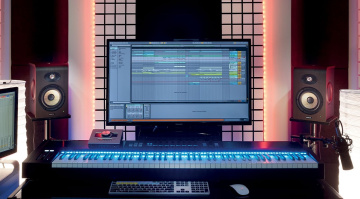
DAW + audio interface + studio monitors = a solid foundation for your first producer setup. As you can see, you do not need much to get started in the world of music production. With a DAW, your computer becomes the control center of your future studio. Inside the DAW, you create your own projects, mix them, and export the results as audio files.
An audio interface provides good sound quality and acts as the connection to the outside world. You can connect studio monitors to it and, of course, record instruments or vocals in professional quality. Studio monitors then allow you to listen to your productions in a way that lets you properly evaluate both individual details and the overall mix.
There are several ways to expand this setup over time. Microphones are essential if you want to record vocals. Studio headphones are a useful addition to studio monitors and are particularly important during recording sessions. Controllers can also be helpful for playing melodies, creating beats, and adding a tactile control element to the DAW.
More Information
- The Best Free DAWs: Freeware For Music Production
- The Best Studio Monitors of 2025: From Budget to Immersive
- Room Correction: Calibrate Your Home Studio
- Mix Translation: Sound Good On Every Playback System
- Studio Monitors With a Coaxial Design: What Are the Advantages?
- More about Perfect Match
*Note: This review contains affiliate links that help support our site. The price remains the same for you. If you purchase through these links, we may receive a small commission. Thank you for supporting our work.

This might also interest you