How To Use A Mixing Console: A Beginner’s Guide
We find out how audio consoles actually work.

 3,8 / 5,0 |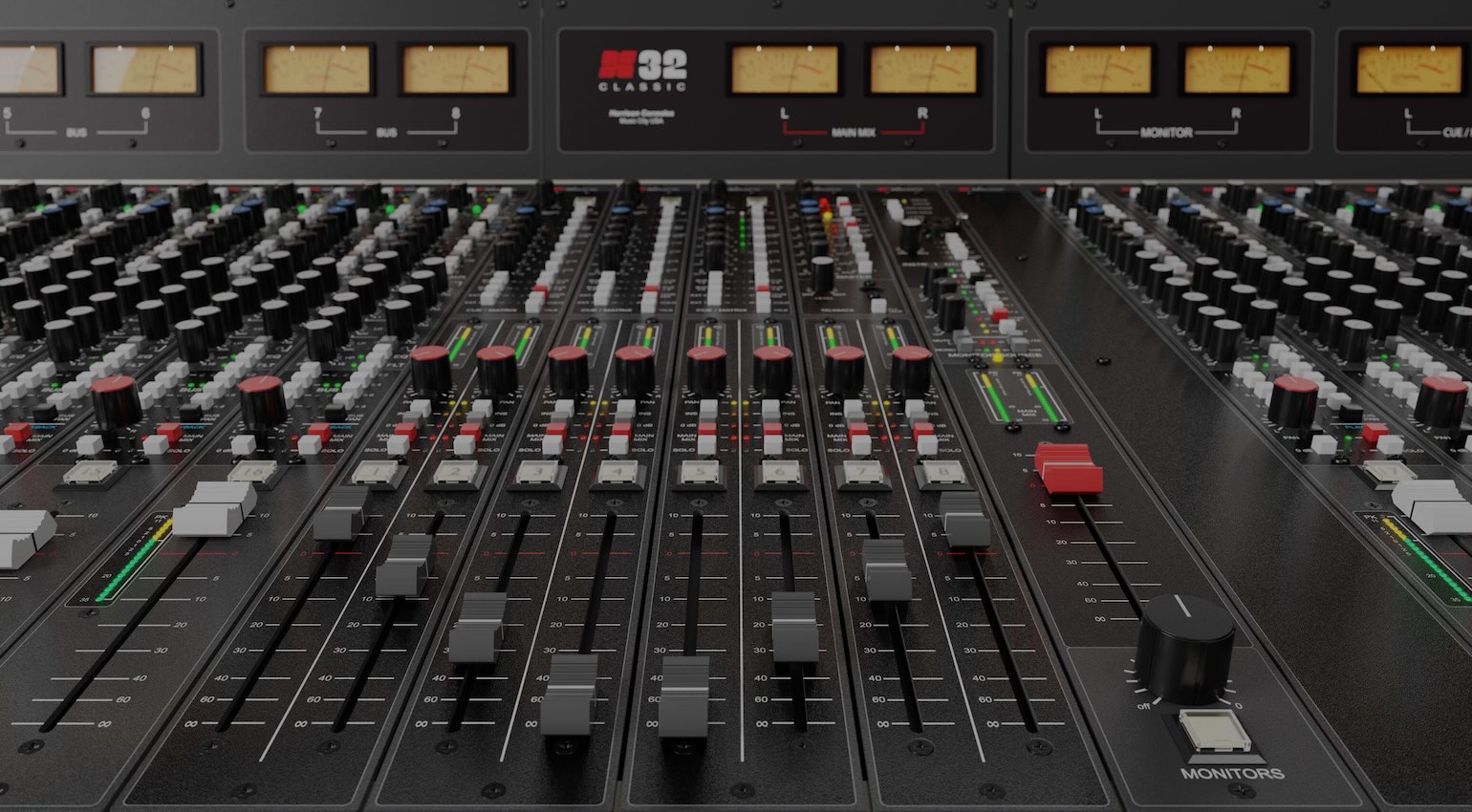

Ever wondered how to use a mixing console? Here’s a beginner’s guide with awesome tips you can use to get the most from your mixing desk.
In this Article:
Whether you use an 8-channel Mackie or a 72-channel SSL Duality, there are aspects that are common to all types of mixers. What’s more, your understanding of how they work can help you get better results at home or in a professional studio environment.
As a beginner, you can learn about some of the fundamentals of signal routing through your knowledge of recording consoles. Even if you don’t ever plan on mixing outside the box, there are analogue methods you can apply in your DAW to great effect.
What is a Mixing Console?
After the inventor and engineer, Les Paul, created his legendary “Octopus” multitrack recording system in the 1950s, this instantly created the demand for one of the first mixing consoles. To mix and monitor signals from his tape system, Paul asked Rein Narma Audio Engineering to build a console specifically for these functions.
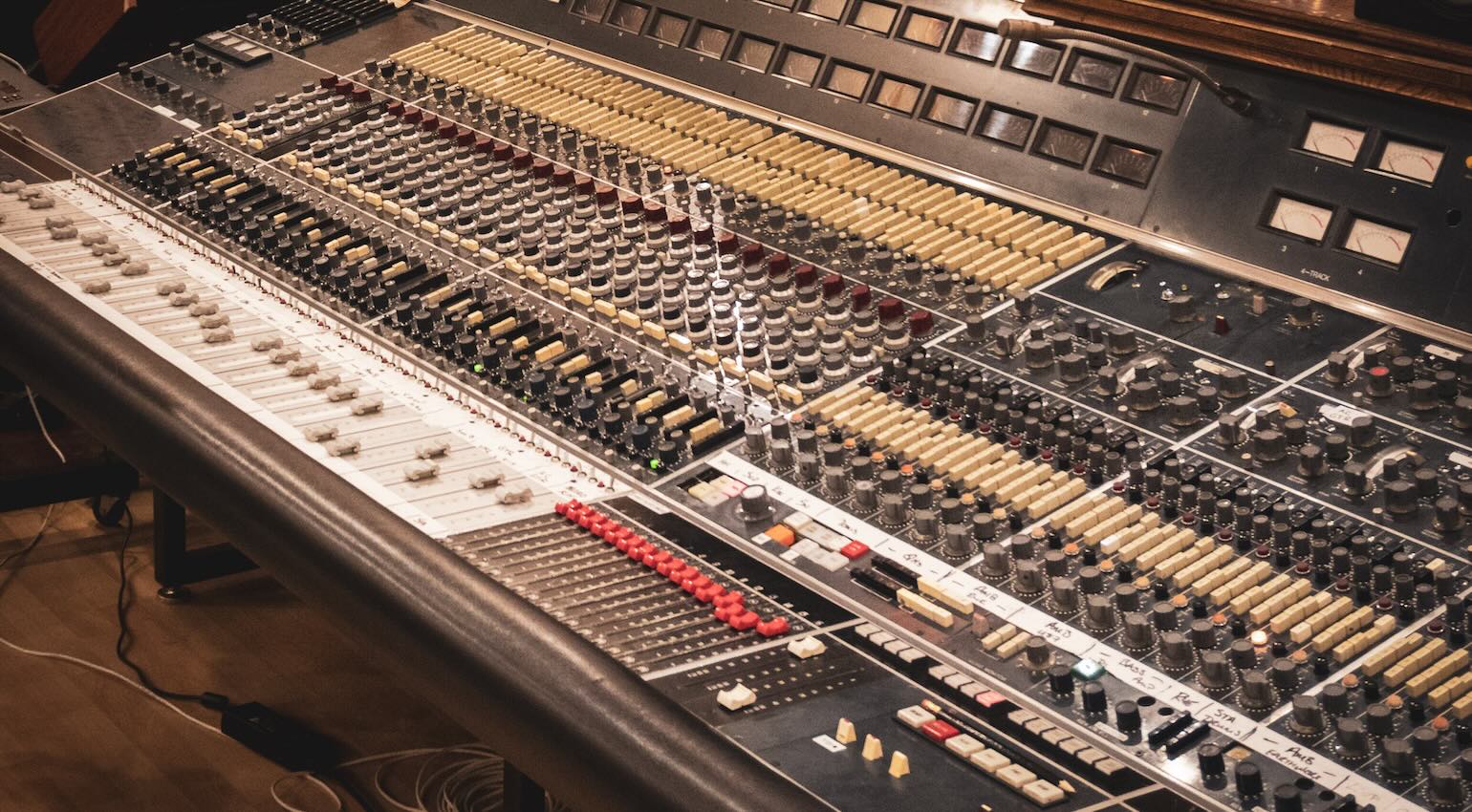
A mixing console or desk, as they are so often called, is a complex signal routing device that allows you to send signals to and from your recording medium for recording and mixing purposes. Another essential feature of consoles, which we’ll get into later, is monitoring, as they allow you to create a customized headphone mix for performers to listen to during recording.
It’s also important to note the difference between studio consoles, broadcast consoles, and the venue consoles we use for live sound reinforcement. While there are plenty of overlapping features between these, the primary function of studio consoles is to capture signals into your recording device (DAW, Tape, Hard Disk) and then mix them back through the console to a summed stereo pair.
How To Use A Mixing Console: Channel Strips
You may think of a channel strip as a piece of 19-inch rack gear with a mic preamp, EQ section, and a compressor, or even a plugin version of this. In fact, these are ideas that originated from the mixing consoles that followed the tube era in the 1960s. While tube circuitry provided limited real estate, transistor-based electronics allowed engineers like Rupert Neve and, later, Colin Sanders, to pioneer the famous console designs we know today.
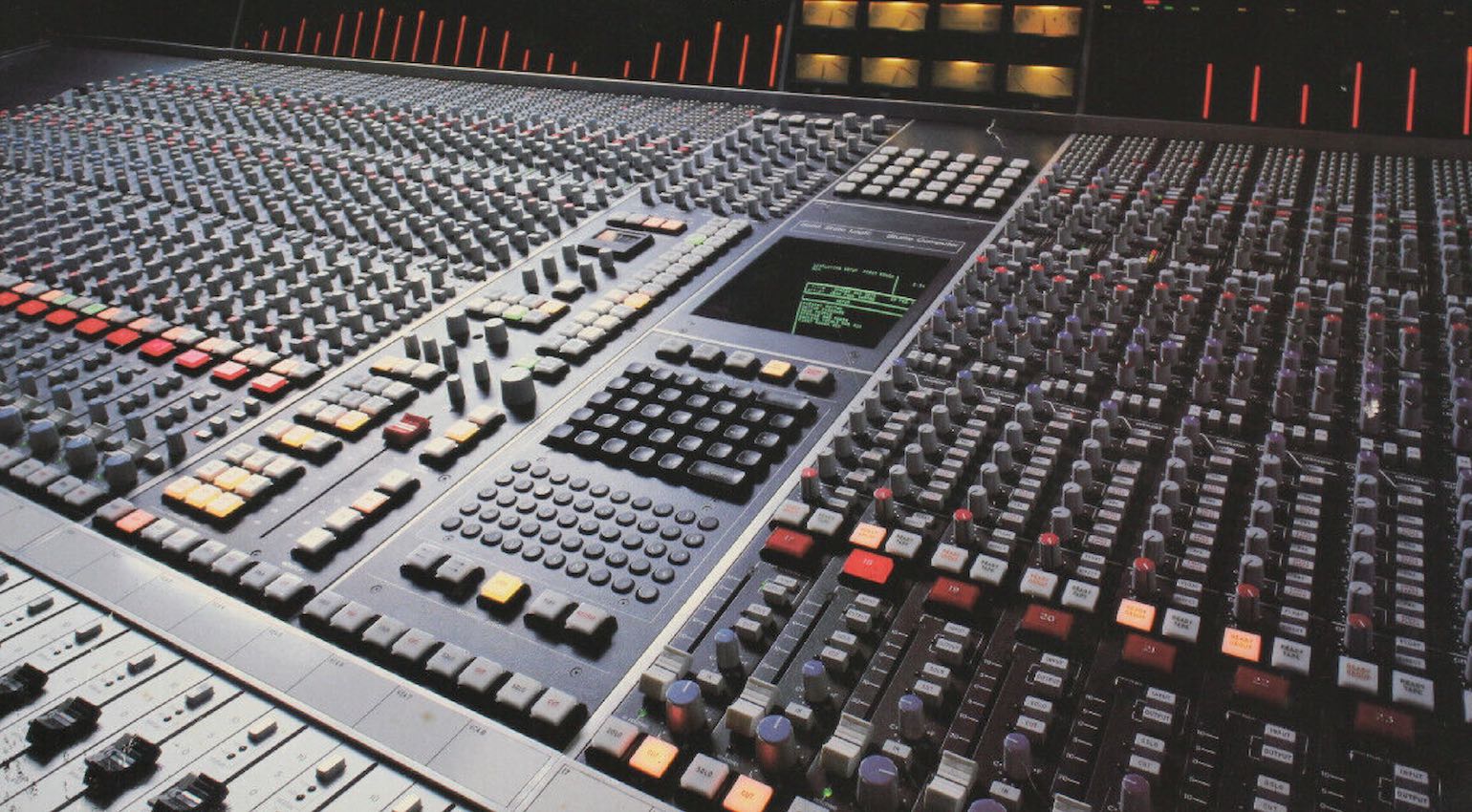
A channel strip is actually the easiest part of the mixer to learn about, because once you understand the signal flow of a single channel, the rest are identical in their makeup. Although high-end consoles allow you to reorder the signal path, things usually start with the mic/line preamp section, the dynamics section, the EQ section, and an insert point somewhere in the chain.
Naturally, consoles from different manufacturers have their own design philosophies and intended workflows, so the processing order can differ slightly from one mixer to another. Also, it’s important to note that insert points allow you to add outboard gear into the signal path before it reaches the sends, pans, and faders below.
How To Use A Mixing Console: Split vs Inline
Terms you’ll immediately come across when sizing up different consoles are “Split” and “Inline”. Originally, all consoles used inline designs, which means that the input assignment on each individual channel can be configured to monitor post-tape, while the inputs are sent to tape via a set of predefined groups or busses.
Today, the consoles referred to as “inline” consoles are in fact dual-path inline with a separate output on each channel for sending a signal to tape. However, in the 1970s, Barry Porter and his engineering team at Trident Studios (before Trident Audio Developments) created one of the first split console designs.
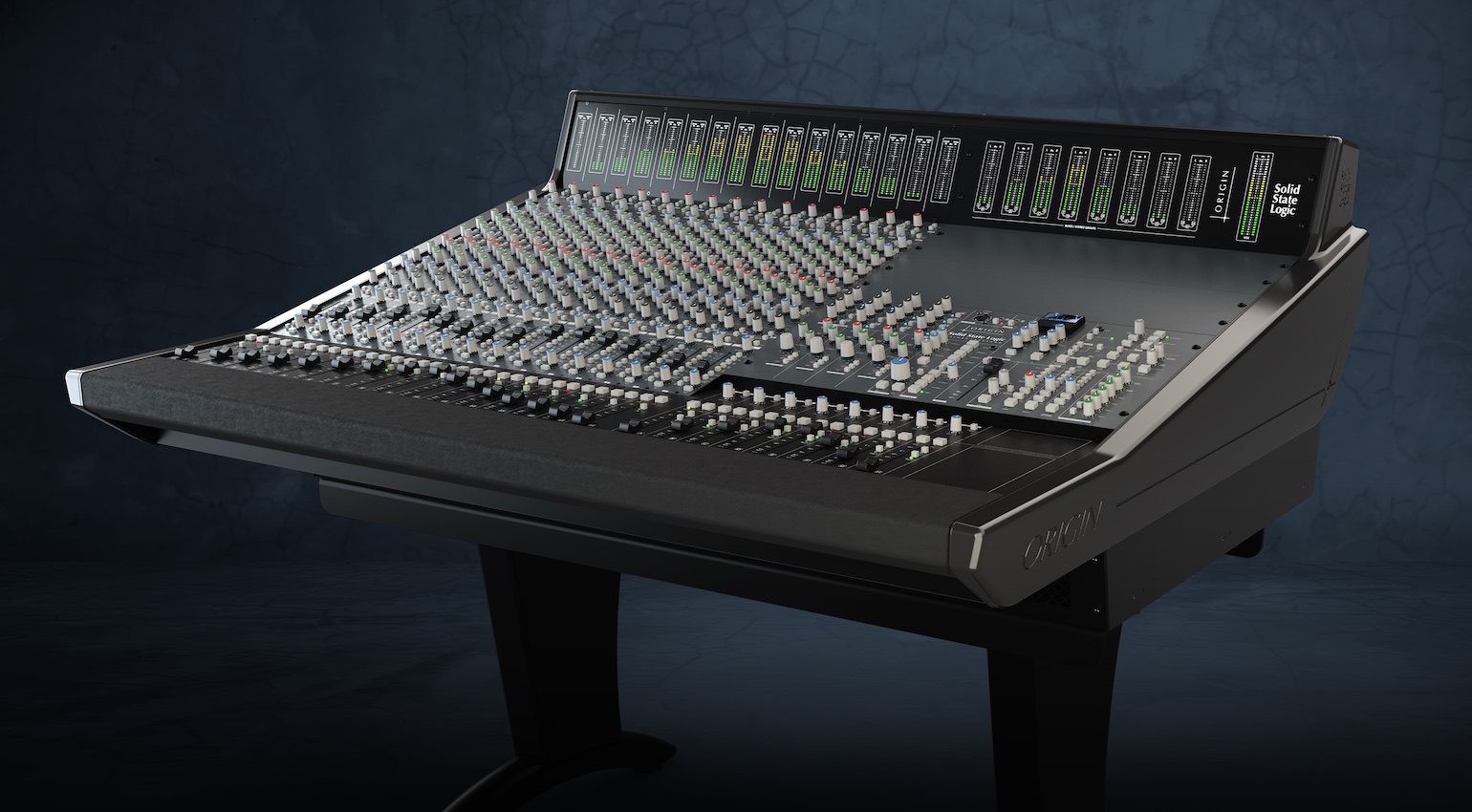
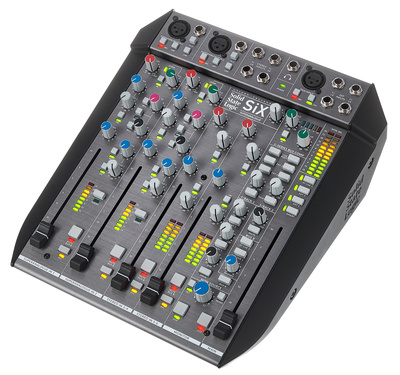
A split console means that the recording and monitoring signal paths are separate from one another. The thinking behind this was to make the workflow smoother when switching from tracking to mixing. While many engineers still love the old-school sensibility of inline consoles, there’s no denying the level of flexibility offered by split consoles. For real-world examples that are still produced today, simply compare SSL’s Origin (inline) to the flagship Duality (split) consoles.
How To Use A Mixing Console: The Center Section and Patchbay
The central section of a mixing console is the most crucial to understand in terms of your ability to “fly the ship”. From this hotseat, you have access to the console’s internal computer, bus compressor, channel and bus routing controls, master send and returns, the monitoring and talkback section, and the main output controls.
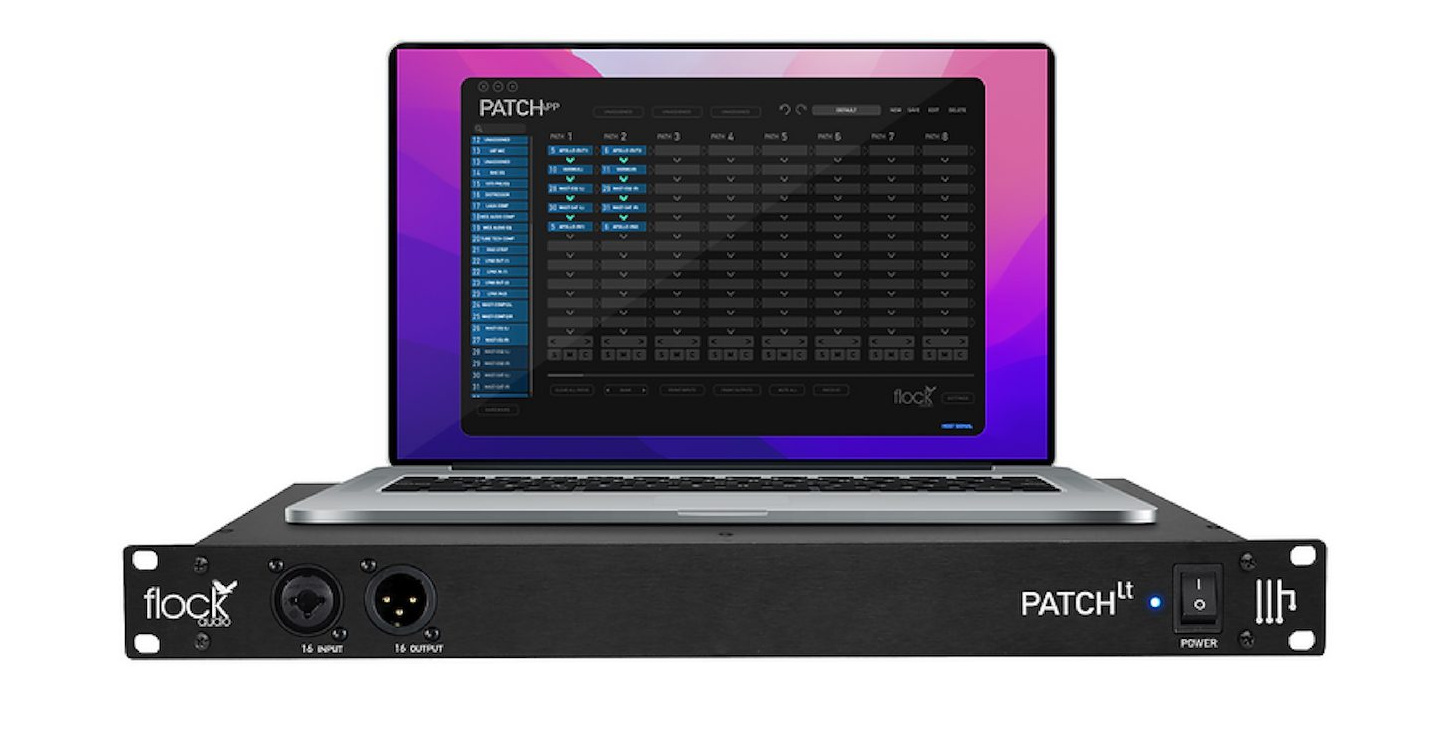
The more advanced the console, the more elaborate and flexible each of these sections will be. With the monitoring section, for example, you can see how consoles add value with built-in high-end headphone amplifiers and support for multiple monitor systems. The center section will also be equipped with controls for the console’s onboard automation system and DAW controls.
To unlock the versatile signal routing potential of a mixing console, we use a patchbay. While some consoles have this section built-in, others require a patchbay installed in the 19-inch racks with the studio’s outboard gear. Patchbays let you alter your standard signal flow and add hardware processors into your channel inserts for tracking and mixing.
How To Use A Mixing Console: Automation, Recall, and DAW Integration
The early 1970s brought about one of the most important aspects of console design innovation when API introduced the first computer-based system for controlling channel faders. The US manufacturer and market leader soon followed with a more advanced system that could also automate and recall EQ, sends, and panning.
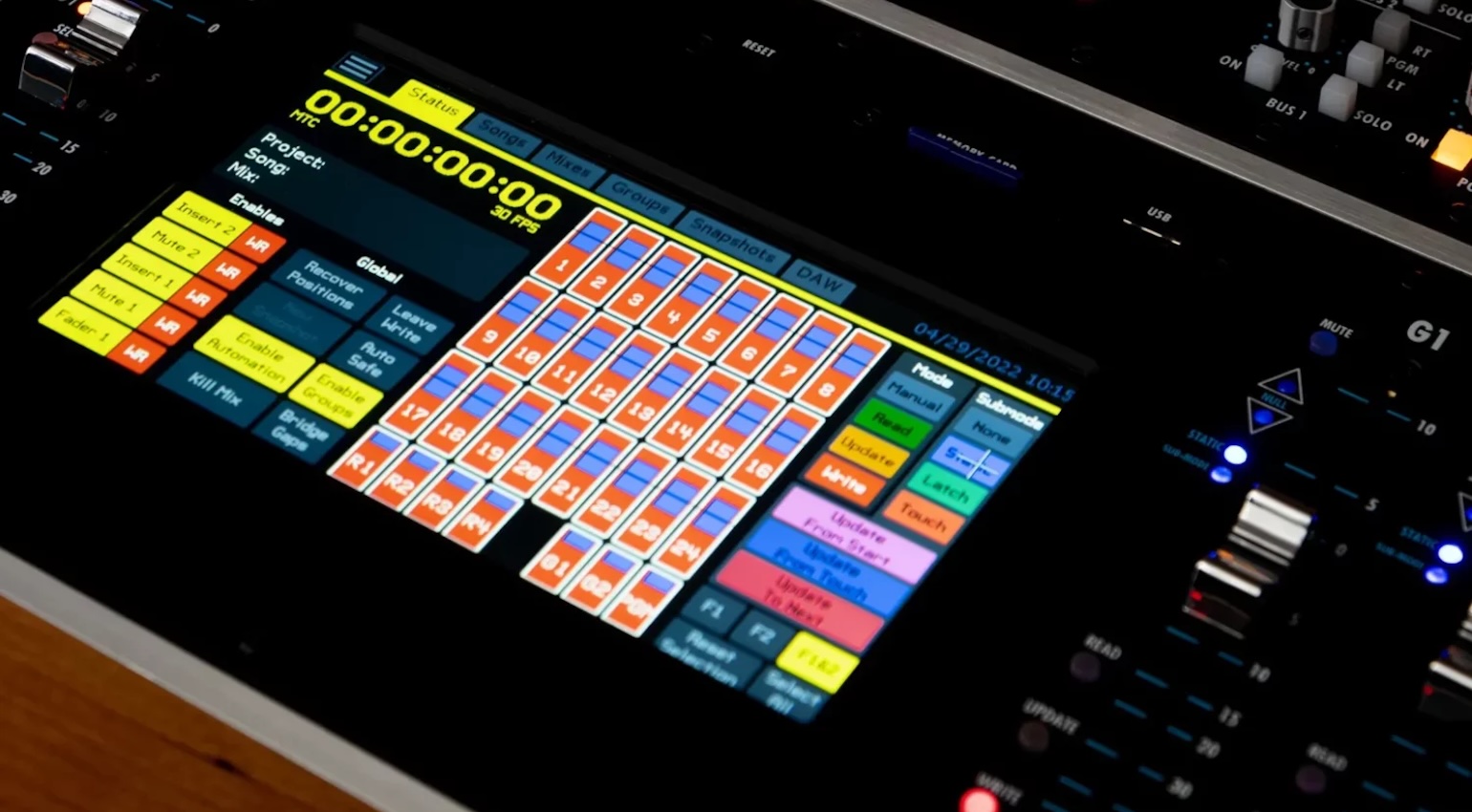
As computer technology became more accessible, it opened the doors for other manufacturers like Neve and SSL to develop automation and recall systems for their respective lines of consoles. We’ve heard both manual and flying-fader automation on our favourite records, and the resulting sound is actually far more natural and musical than modern DAW automation.
However, with consoles like the SSL AWS and the Duality Fuse, you get the best of both worlds. With the flick of a switch, the console flips from the analogue side to DAW control mode. This hybrid workflow allows you to make detailed adjustments in the box before you bring your mix onto the console.
How To Use A Mixing Console: SSL
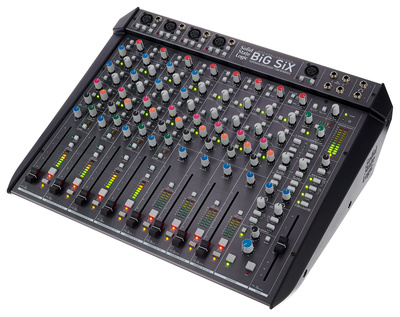
Today, there is no manufacturer more synonymous with mixing consoles than SSL, which also owns Harrison under the Audiotonix umbrella. Although SSL is known for its large-format consoles with flexible routing and channel management systems, the company actually offers the most affordable entry point in the form of the SSL SiX series compact desktop mixers.
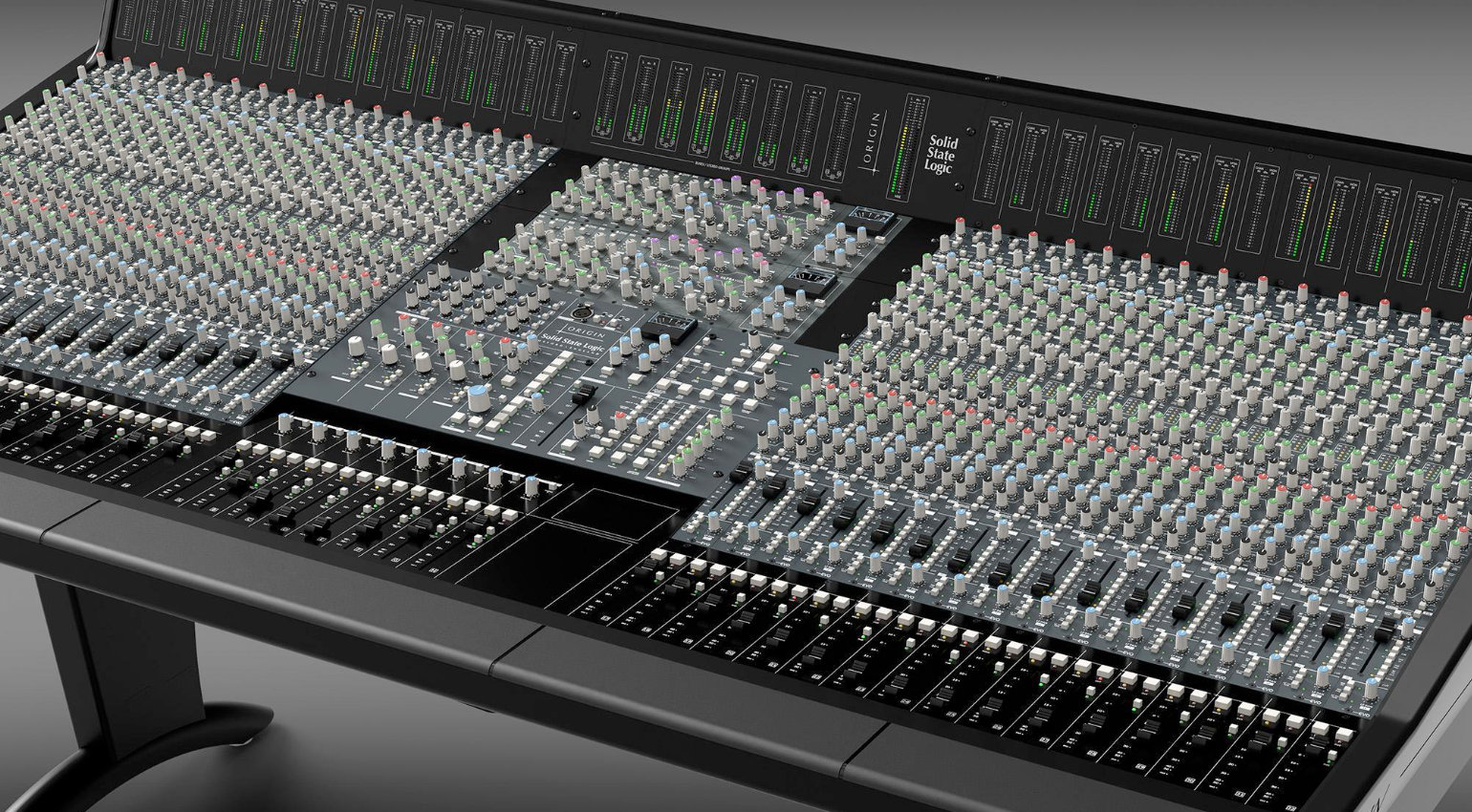
Sure, you might not be able to call them consoles, but the SiX and Big SiX offer comprehensive feature sets for home recording, mixing, or streaming and broadcast applications. From here, the next step up is the XL-Desk with its classic workflow and 18-slot 500-series rack, or the Matrix, with its precise automation and DAW control capabilities.
The high-end sector of the SSL range offers solutions for modern hybrid workflows, from classic in-line designs like the ORIGIN to the instantaneously recallable ORACLE with its expandable analogue architecture. Here, you can still find options that capture the essence of the renowned 4000 series, like the AWS and Duality, as well as the System T with its unparalleled digital flexibility.
Browse SSL at Thomann*


How To Use A Mixing Console: API
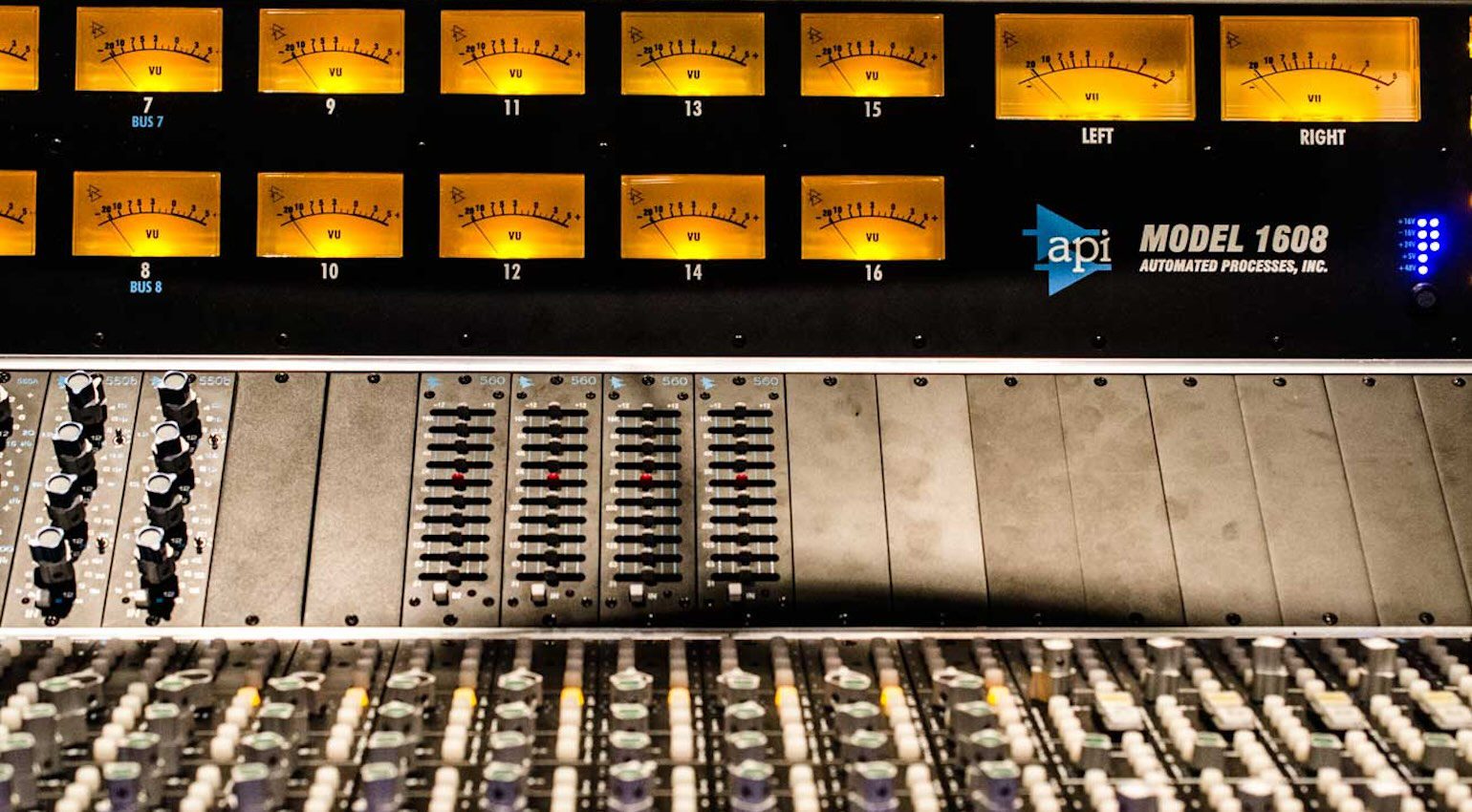
Easily the most recognizable American console manufacturer, API or Automated Processes Incorporated, started building its modular consoles back in 1967. The format of these modules would later become the widely accepted standard we know today as 500-series, with a wide range of options available from different manufacturers.
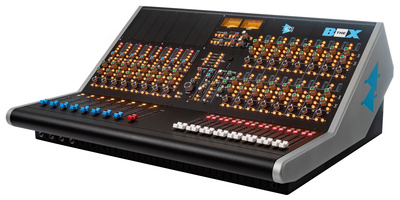
Today, the API console range starts with The Box, a compact, 24-channel mixer with eight input channels with 500-series slots, a bus compressor, and 16 channels of summing. This makes it ideal for small-scale professional tracking and mixing studios, as you can fill the 500-series slots with compressors for tracking or EQ modules for mixing.
Next up in the range are the versatile 1608 II and 2448 consoles, with different channel count configurations and options with Final Touch Automation systems. Then, for more specialist applications, there is the Vision console for surround mixing, and the flagship AXS large-format console with extensive routing potential. Browse API at Thomann.*

How To Use A Mixing Console: Rodec
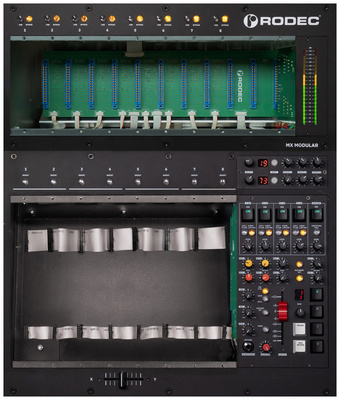
With a background in building DJ mixers for venues, the Belgian manufacturer Rodec takes a completely different approach to modular consoles with their design and aesthetic. The versatile architecture of the MX Modular console allows you to cascade multiple consoles to create a configuration for studio or live performance applications.
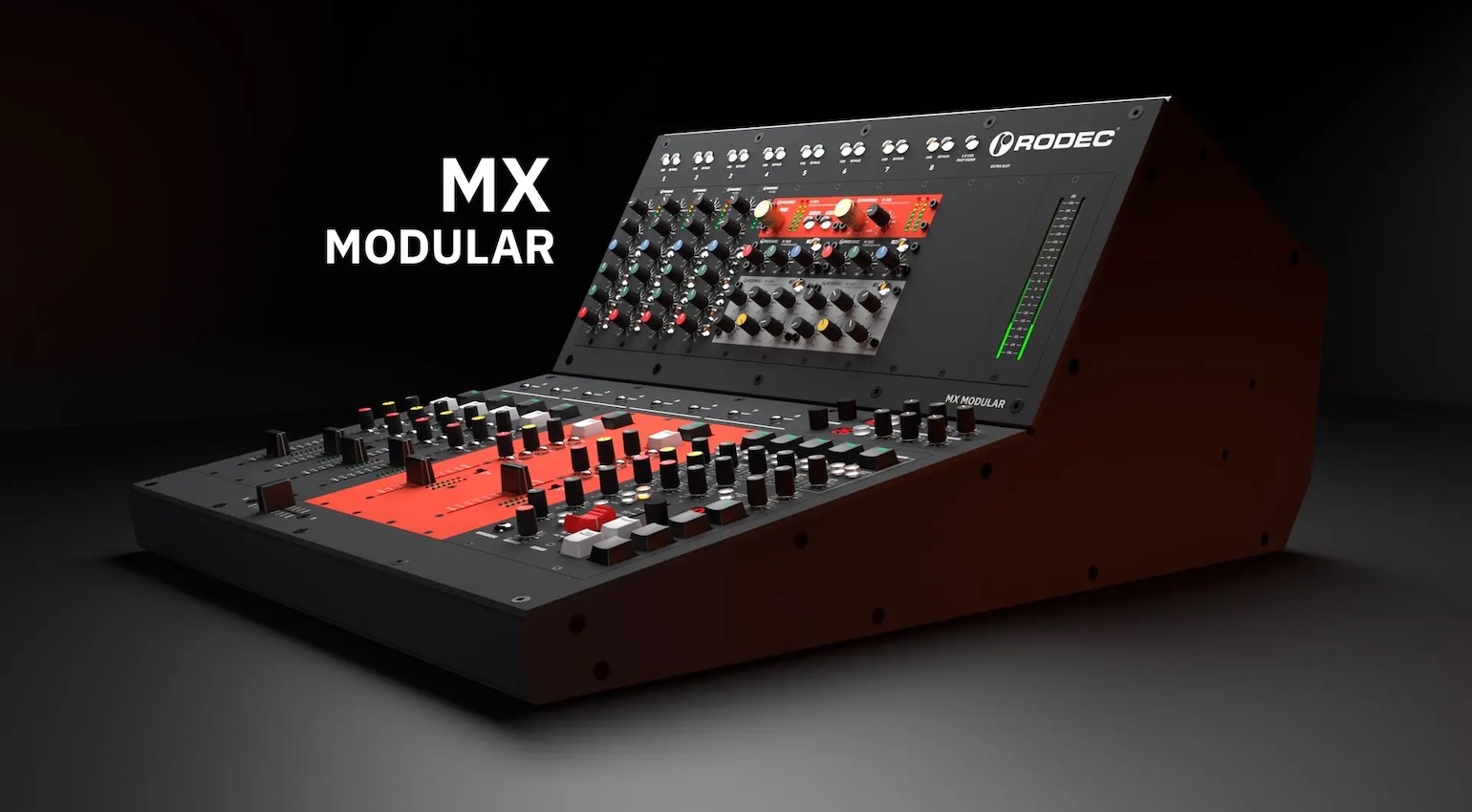
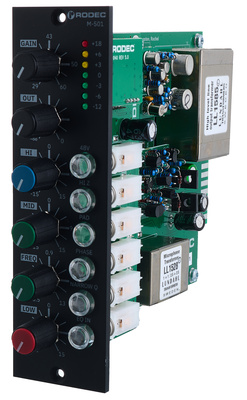
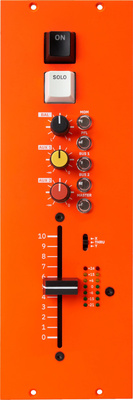
The basic shell of the MX Modular console provides a 10-slot rack for loading 500-series and Rodec’s 100-series modules across the eight summing channels and the master bus. For immediate DAW integration, the MX Modular is equipped with 18 channels of AD/DA conversion via USB-C, so you can map your DAW sessions across the console in the way that suits your workflow.
Within the circuit design, the emphasis is placed on high headroom and low noise, with discrete op amps and Lundahl transformers that introduce harmonic character. What’s also interesting is that there are RCA inputs for CDJs and turntables, and CV inputs, provided you have the appropriate Phono and filter modules. Browse Rodec at Thomann.*


How To Use A Mixing Console: Trident Audio Developments
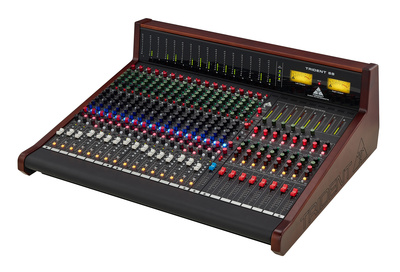
Nothing says 1970s recording quite like a Trident, with hits recorded on these consoles from legendary artists like Queen, David Bowie, and Elton John. For smaller studios and recording setups, the Trident 68 is available in 16- and 24-channel configurations, with eight subgroup outs and a flexible split / in-line design for switching between tracking and mixing.
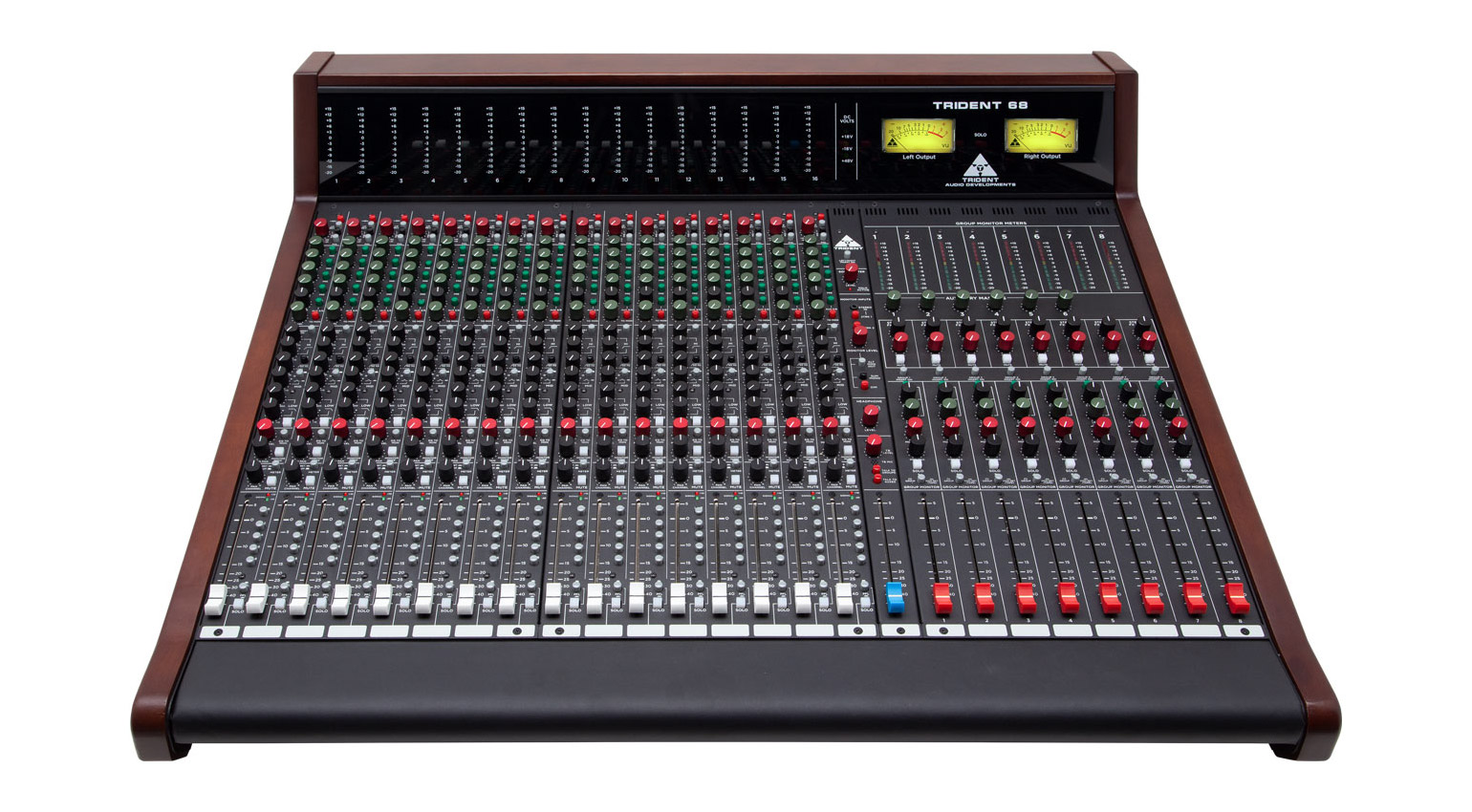
Compared to the semi-modular frame of the 68, the 78 uses a fully modular design with access to the inputs, subgroups, and master channel as individual boards. Although it uses the same 8-bus split in-line design, the Trident 78 offers more flexible routing options, and the 4-band EQs have wider frequency ranges for more detailed tone shaping.
Both the 78, and flagship 88 have the option of adding automation systems, so you can also modernise the classic workflow if required. Meanwhile, the Trident 88 has the most comprehensive monitor section with speaker switching and deeper cue mix features for larger studios and sound stages. Browse Trident at Thomann.*

More about How to Use a Mixing Console:
*Note: This article contains affiliate links that help us fund our site. Don’t worry: the price for you always stays the same! If you buy something through these links, we will receive a small commission. Thank you for your support!

This might also interest you
2 responses to “How To Use A Mixing Console: A Beginner’s Guide”

How to use mixer for singing
good 👍