Palmer MONICON L G2: Active/Passive Monitor Controller – Review!
Could This Be the Perfect Monitor Controller for Your Studio?

 5,0 / 5,0 |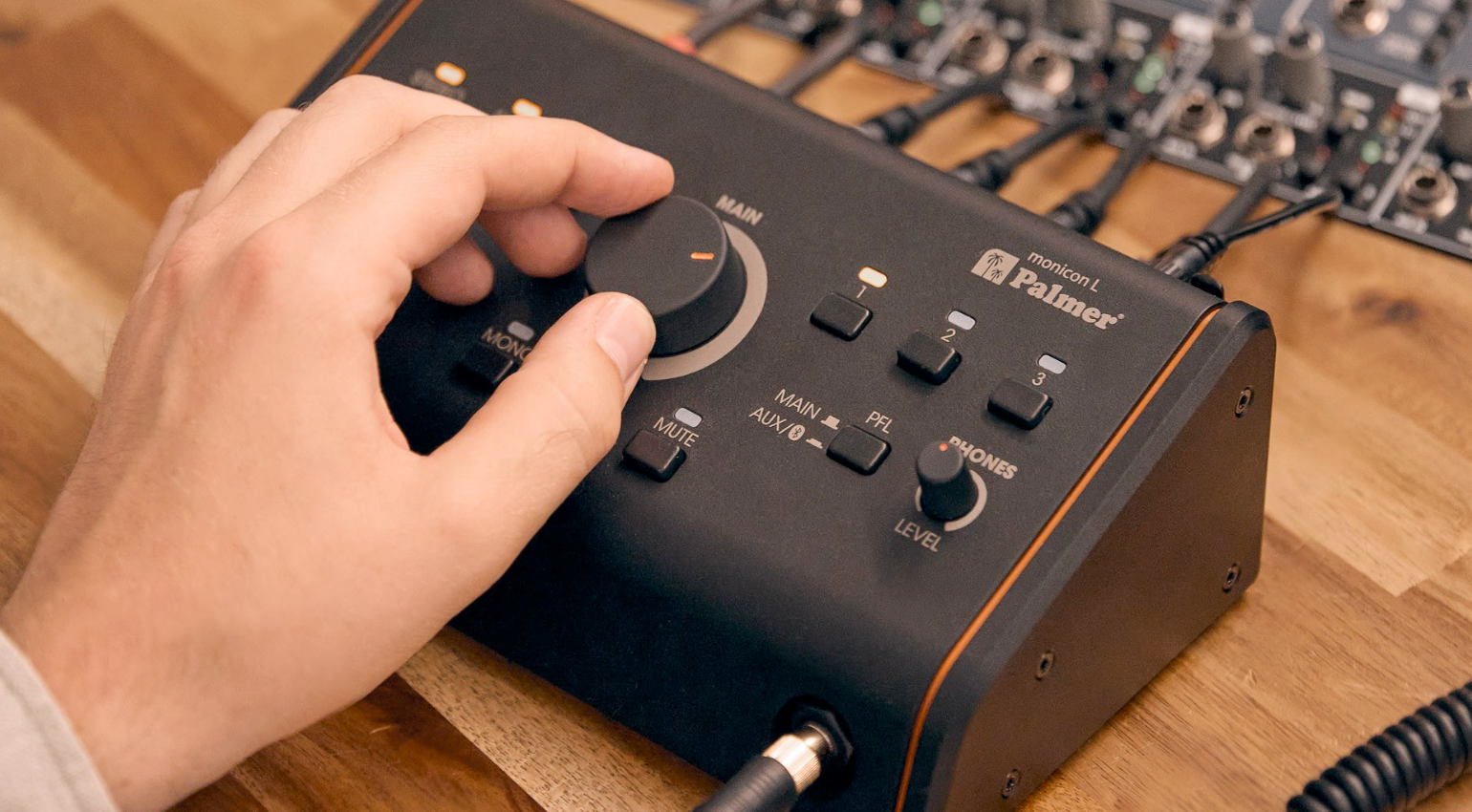

Monitor controllers are practical studio tools that play a central role in monitoring and offer helpful functions for controlling monitors. The Palmer MONICON L G2 is a relatively new model that, thanks to its affordable price, is suitable for both professional project studios and smaller setups. We took a closer look at this compact monitor controller. Here is our review!
The Most Important Features at a Glance
- Active/passive monitor controller
- 3 stereo inputs: XLR/jack, RCA/stereo mini jack, Bluetooth
- 2 stereo outputs (XLR)
- Mono output (XLR)
- Individually adjustable headphone output
- Large volume control
- Buttons for selecting the source and outputs and functions such as mono, dim, and mute
Table of Contents
What Features does Palmer MONICON L G2 Offer?
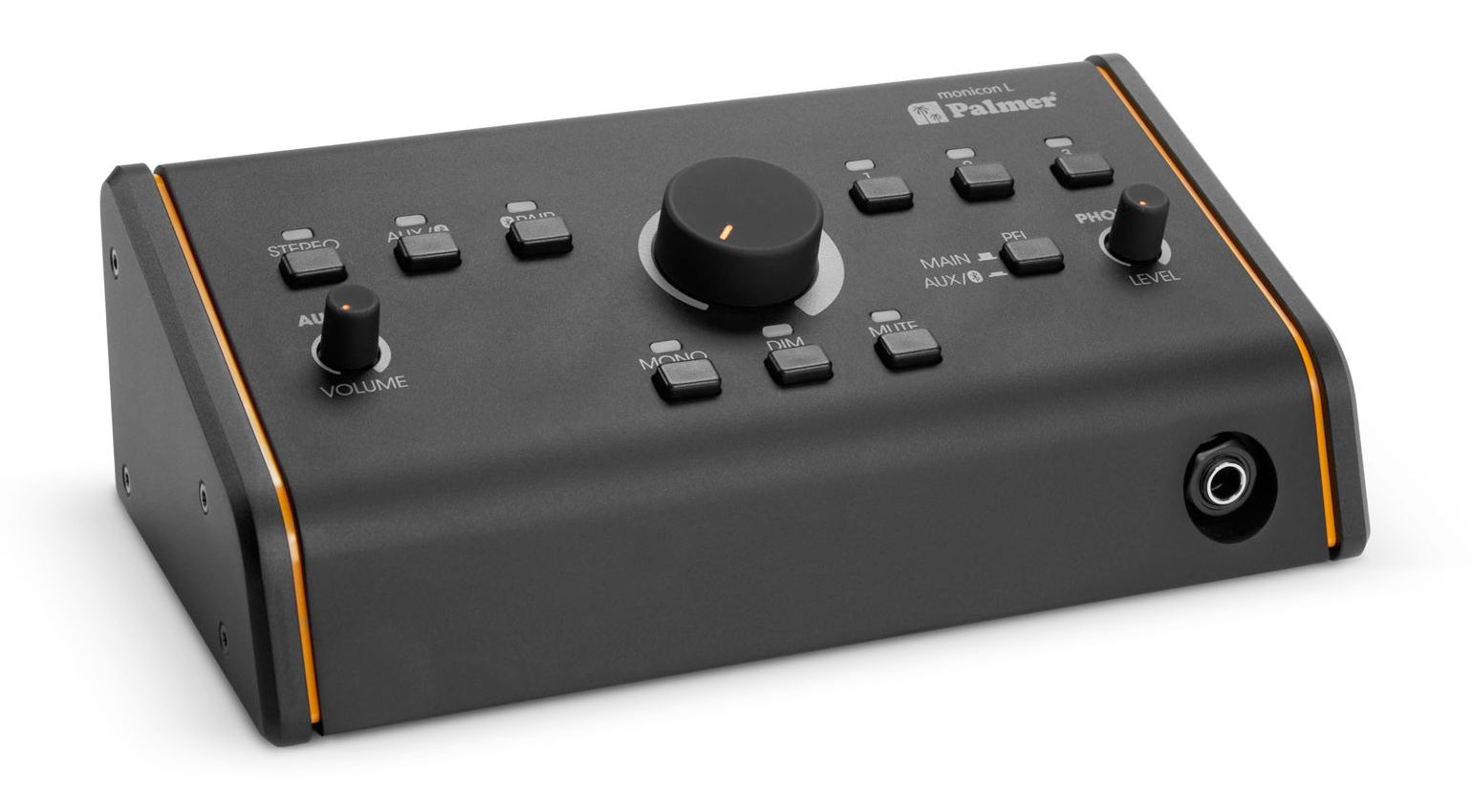
The Palmer Monicon L G2 is an active or passive studio monitor controller that serves as the central control for monitoring audio sources and connected studio speakers.
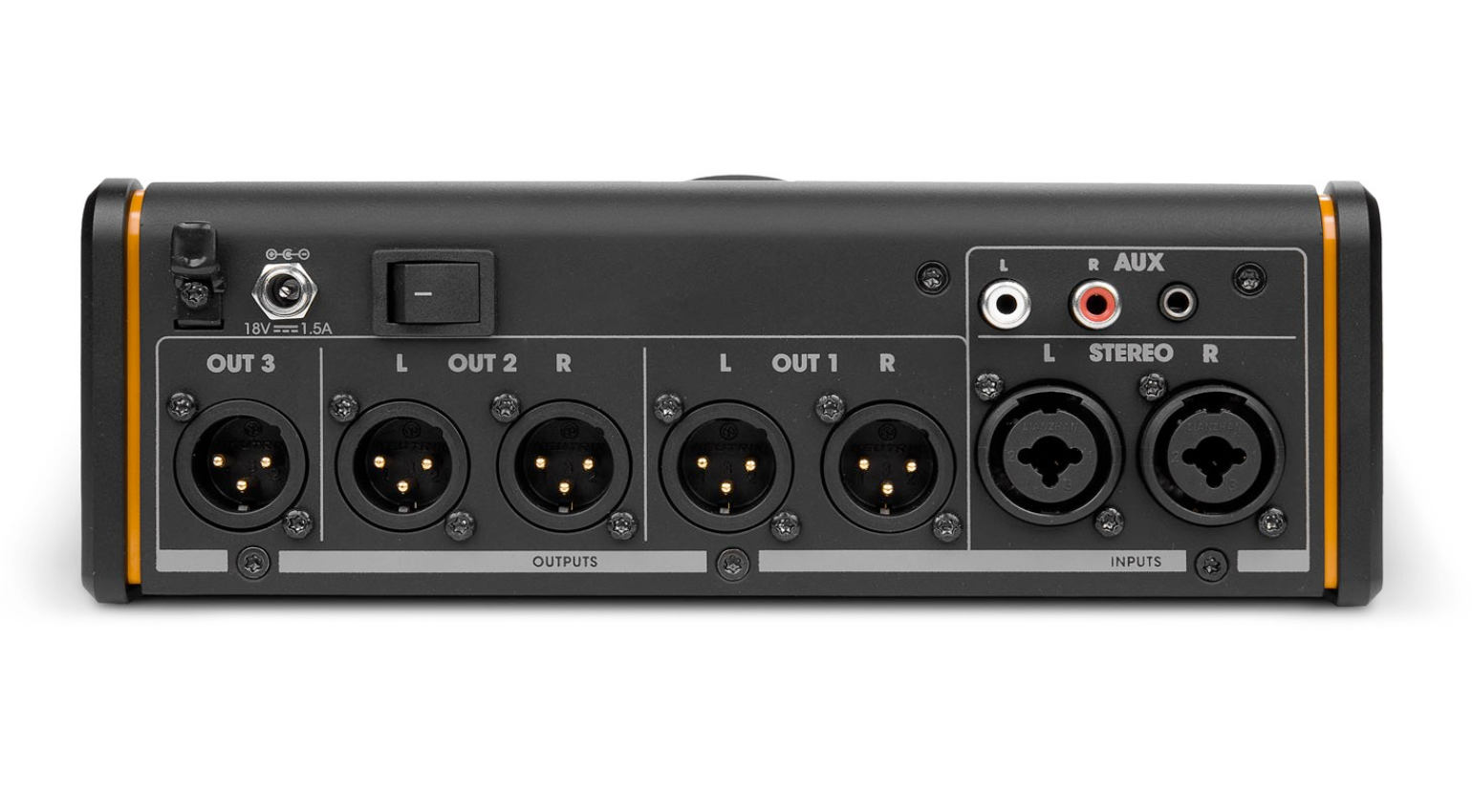
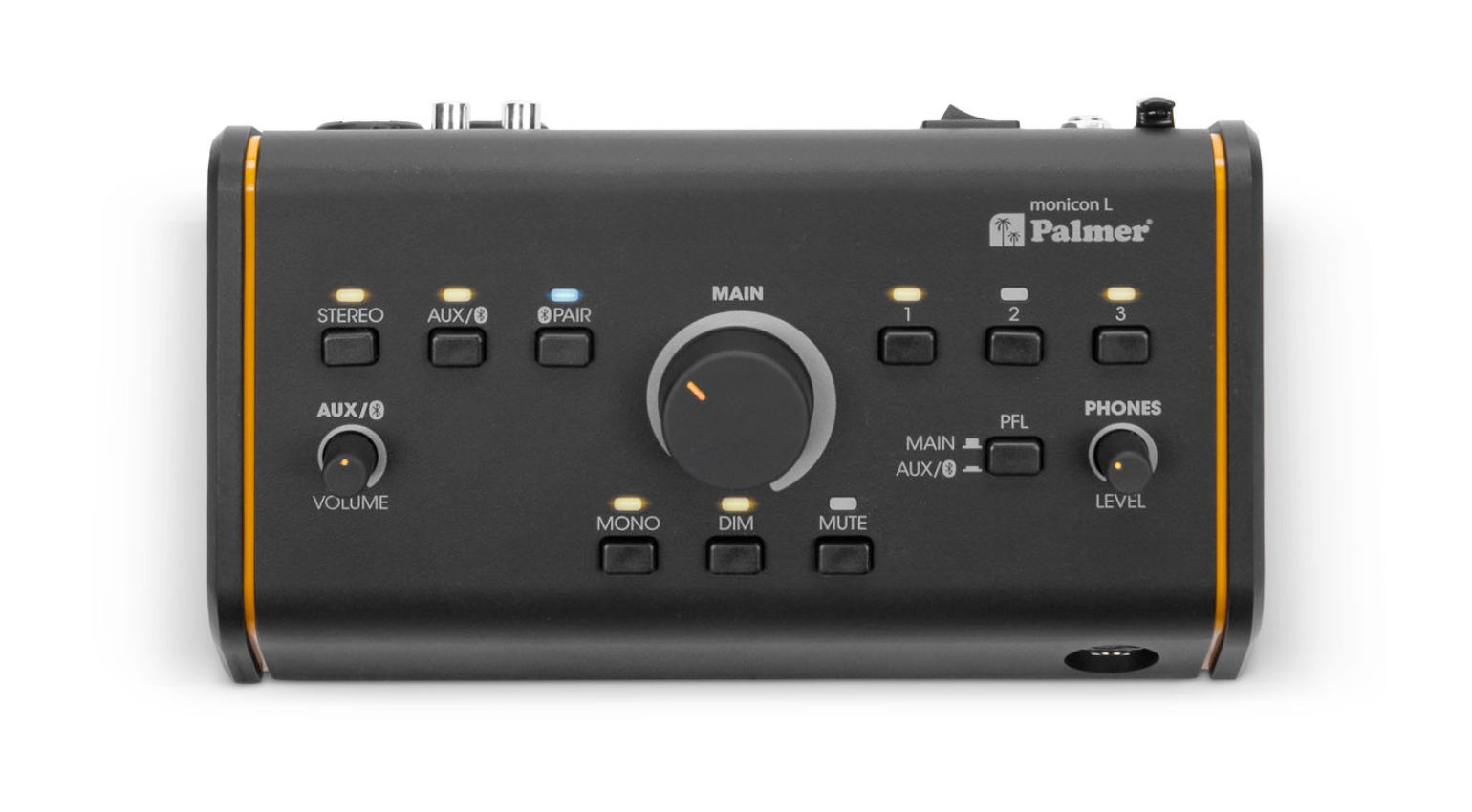
It has three stereo input options: two balanced XLR/TRS combo jacks, an unbalanced AUX input via RCA or stereo mini jack, and a Bluetooth interface for wireless device integration.
There are two balanced stereo XLR outputs and an additional mono XLR output on the output side for flexible control of multiple speaker setups or a subwoofer.
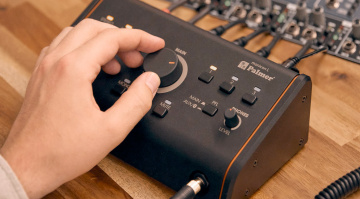
The controller is operated via dedicated buttons with LED status indicators. A large, precise analog volume control regulates the level, and additional switches for mono summing, dimming, muting, and PFL handle typical monitoring situations in everyday studio work. A small rotary control adjusts the volume level for the aux input.
For direct monitoring without speakers, the device has a separate headphone output with its own volume control and pre-listening function, and its fully analog signal path ensures latency-free, pristine audio reproduction. The device is housed in a desktop enclosure and is ideal for professional project and home studios.
How is the MONICON L G2 Connected to a Studio Setup?
Integrating it into your setup is pretty straightforward. In smaller studios, the most common way is to connect it between the audio interface and monitor speakers. Connect the outputs of the audio interface to the inputs of the controller using the provided combo XLR and jack sockets.
Then, connect the studio monitors via the outputs. Please note that the MONICON L G2 outputs are only available in XLR. Therefore, you will need to check the inputs on your speakers beforehand and purchase the necessary cables if you do not already have them.
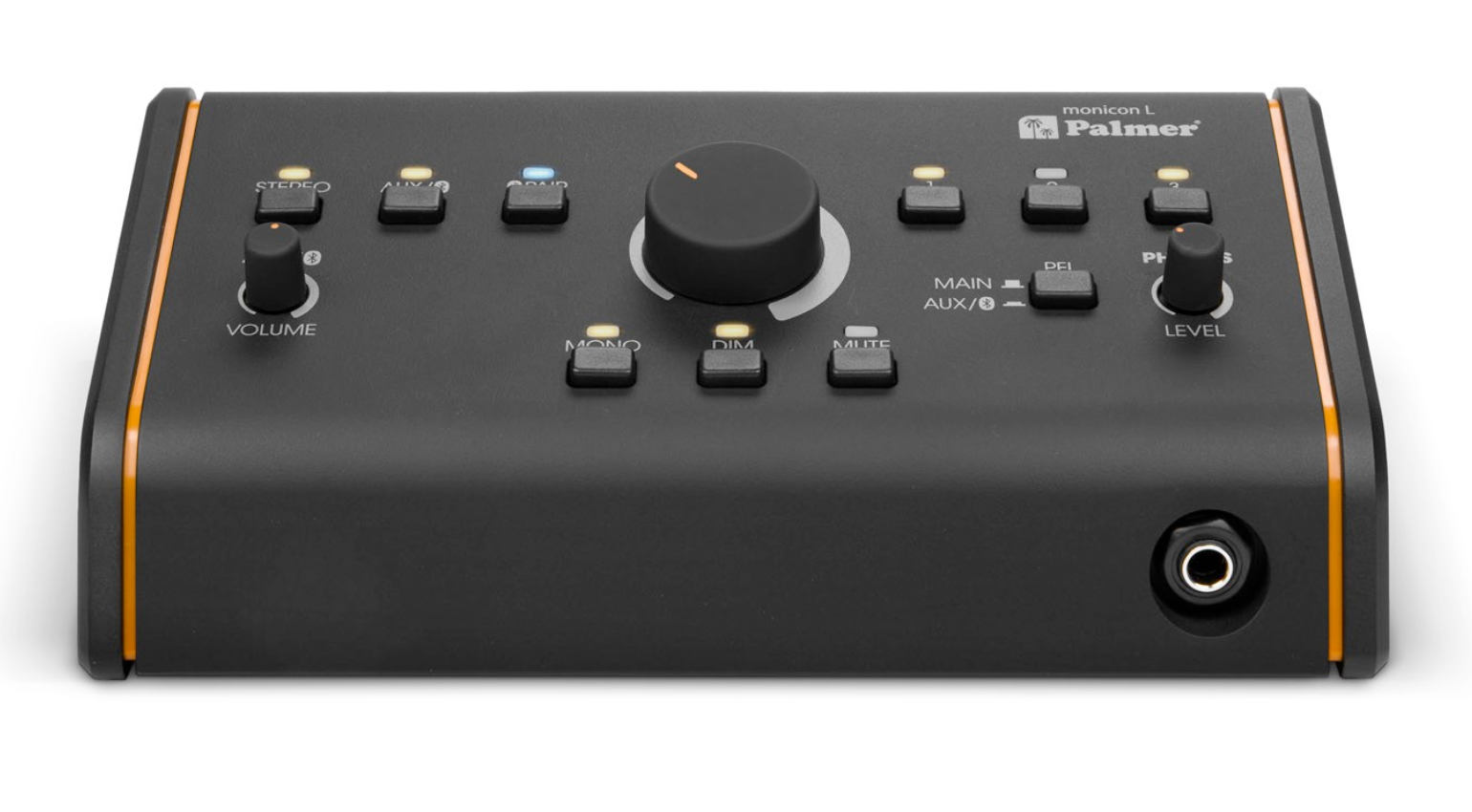
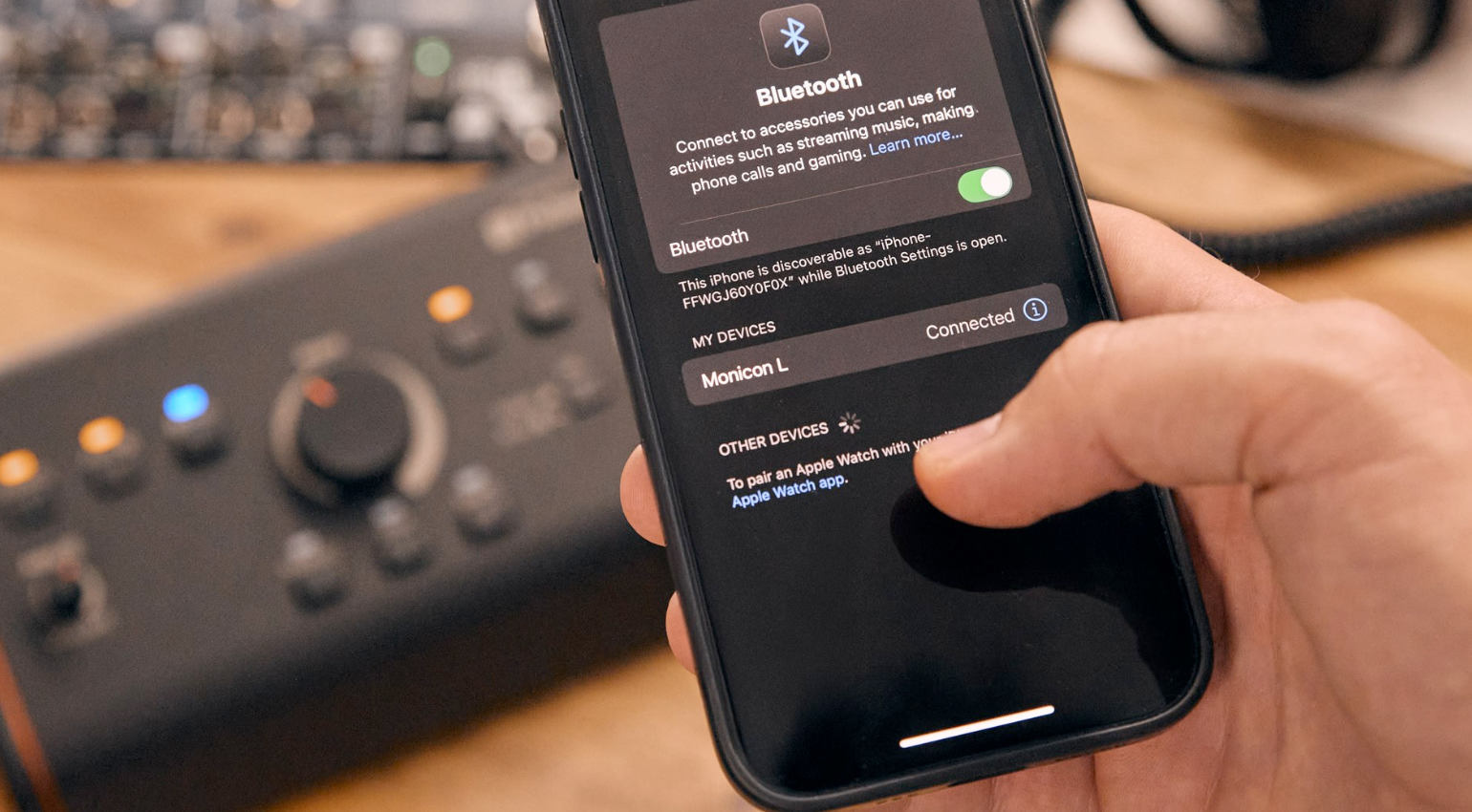
You can use the auxiliary input to connect a CD player, media player, cell phone, tablet, or any other smart device. The auxiliary input can be fed via a small stereo jack, RCA, or Bluetooth 5.3. Pairing is easy and the LED above the pairing button lights up to indicate the connection status. Only one device can be paired at a time. According to the manufacturer, the SBC audio codec is supported.
What do “Passive” and “Active” Mean in Relation to This Monitor Controller?
The MONICON L G2’s signal path is entirely analog, meaning the monitor controller works without a power supply and handles volume control. However, not all functions are accessible without power.
A power supply is required for the LED indicators above the buttons, Bluetooth operation, the headphone amplifier, and the third mono output. A suitable power supply unit is included with the controller.
How Good are the Workmanship and Operation of the MONICON L G2?
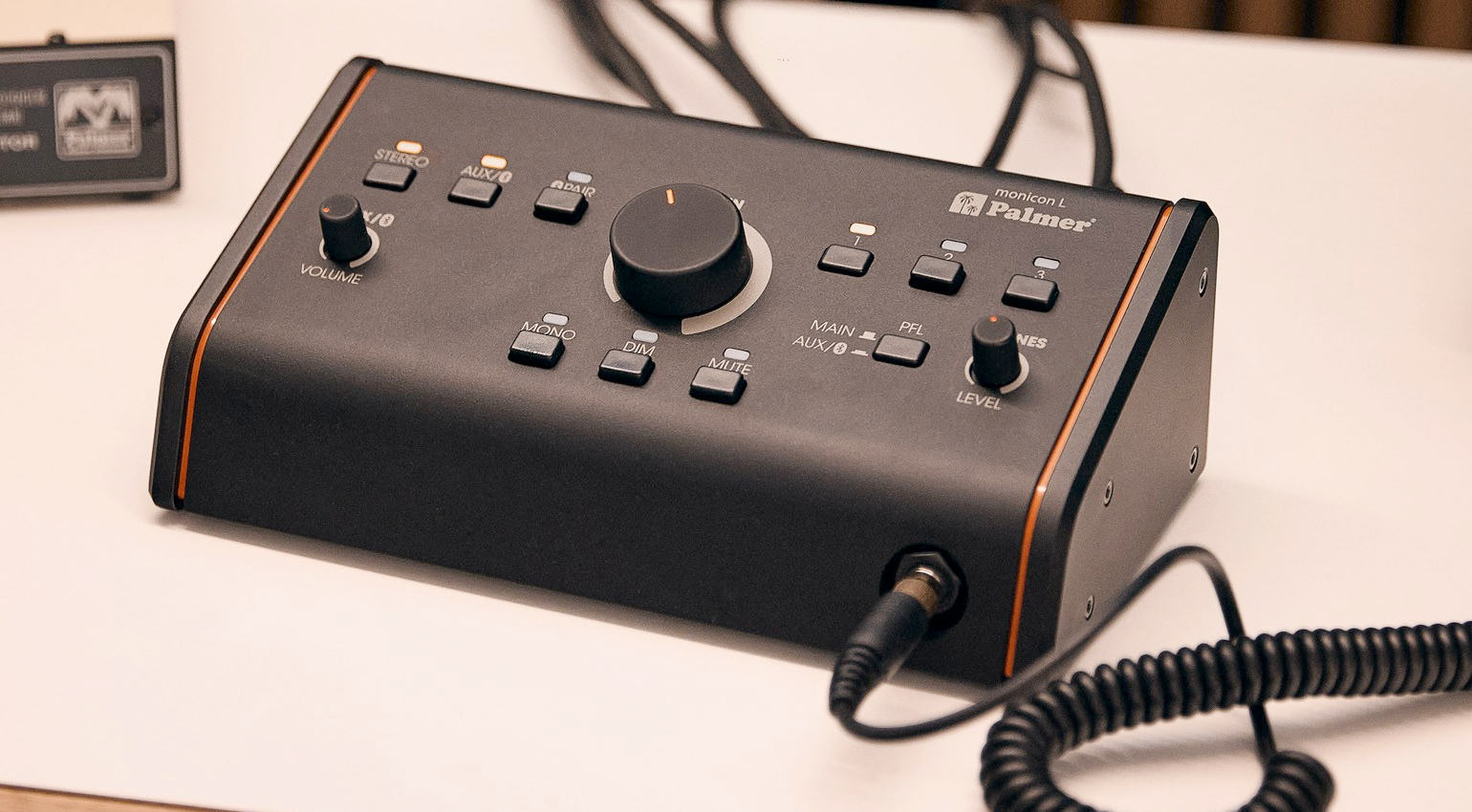
Overall, the build quality is impressive, the housing is sturdy, and the potentiometers and buttons are high-quality. The buttons for switching inputs and outputs produce a slight mechanical noise when pressed, but it is not distracting in a studio setting. The three volume controls for the main, auxiliary, and headphone outputs move smoothly without feeling “spongy.”
The clear layout makes the MONICON L G2 easy to use. However, in dark working environments, the labeling of the individual controls is difficult to see. However, after working with the MONICON L G2 a few times, you’ll be able to navigate it blindfolded.
Both the sources and the outputs can be turned on and off. For example, this allows you to listen to both pairs of monitors simultaneously or use the subwoofer connected via the mono output for both pairs. You can also play the sources simultaneously, so you don’t have to switch between inputs using the provided buttons. The PFL switch lets you choose which signal, the main or aux/Bluetooth, is monitored on the headphones.
In my opinion, the sound is neutral and uncolored, and the headphone output provides sufficient power for most common models. There are also no annoying noises when using the mute, dim, and mono functions.
Who Would Benefit From the Palmer MONICON L G2?
Palmer introduced several models with the second generation of the MONICON series (more info here), with the L G2 offering the most comprehensive features required in small studios. Practical features include the ability to connect two pairs of monitors and the availability of aux signals and Bluetooth as sources. This makes the MONICON L G2 a flexible monitor controller. Another useful feature is that you can operate the MONICON L G2 purely passively if needed.
The larger MONICON XL, on the other hand, is particularly suitable for larger studios that require functions such as a return path or two regulated headphone connections. The XL model can supply up to three stereo pairs but uses balanced jack outputs for this purpose. In this sense, the second-generation MONICON L strikes the perfect balance.
Conclusion on the Palmer MONICON L G2
Although a monitor controller doesn’t seem to do much, it is an extremely practical tool in the studio. The Palmer MONICON L G2 fits perfectly into most studios. With its additional aux inputs, it easily integrates media players and smart devices into the setup for listening to reference tracks, and it even supports Bluetooth. Typical monitor controller functions, such as dim, mute, and mono, are useful in small studios, especially when accessible at the touch of a button.
The MONICON L G2 offers all this at a very attractive price. Those who need fewer features should consider the smaller models, and those with professional requirements may be interested in the MONICON XL.
Availability and Price
Like the manufacturer’s other monitor controllers, the Palmer MONICON L G2 is available here at Thomann*. The controller is currently priced at €189.


Pros and Cons of the Palmer MONICON L G2
Pros
- 3 input sources
- Connection of two pairs of monitors and a subwoofer
- Aux input and Bluetooth support
- Professional outputs with XLR
- Passive and active operation is possible
- Clear layout
- Quick access to mute, volume reduction, and mono switching
Cons
- The labeling is not easily legible in low light conditions
FAQ – Palmer MONICON L G2 Monitor Controller
What is a Monitor Controller?
It is a device that centrally controls the monitoring environment in a studio. It is located between the audio source (such as an audio interface or mixing console) and the studio monitors or headphones. Its main task is to precisely and reproducibly control the monitors’ volume without interfering with the actual audio signal.
Additionally, a monitor controller enables switching between different signal sources and speaker pairs and offers standard control functions, such as mute, level reduction, and mono monitoring. Many models also have a separate headphone output. Overall, a monitor controller, such as the Palmer MONICON L G2, makes the monitoring process clear, convenient, and consistent.
What is the Difference Between a Passive and an Active Monitor Controller?
A passive monitor controller does not have its own amplification and usually does not require a power supply. Volume control is purely analog, meaning the signal is simply attenuated. This makes the signal path very short and simple, potentially allowing for high transparency.
In contrast, an active monitor controller contains electronics, such as buffer amplifiers or line amps, and therefore requires a power supply. Active controllers often offer additional features, such as multiple outputs, headphone amplifiers, and advanced routing options.
Although the Palmer MONICON L G2’s signal path is purely analog and passive, functions such as Bluetooth and the headphone amplifier require a power supply. The necessary power supply unit is included in the delivery package. In principle, however, this controller can also be used passively without power, albeit with limitations.
What is the Difference Between Digital and Analog Volume Control?
The difference lies primarily in the timing and type of level change. Digital volume control reduces the level mathematically before digital-to-analog (D/A) conversion. This could lead to resolution loss in early 16-bit systems but is practically irrelevant in modern 24- or 32-bit workflows. Analog volume control only occurs after D/A conversion in the analog signal path, independent of software or computers. It is used more for practical reasons, such as direct and reliable control, in everyday studio work.
More Information
*Note: This article contains affiliate links that help us finance our site. Rest assured, the price for you always remains the same! If you purchase something via these links, we receive a small commission. Thank you for your support!

This might also interest you