Genki Instruments Katla Plugin: Now the Lava Synth Is in Your DAW

 5,0 / 5,0 |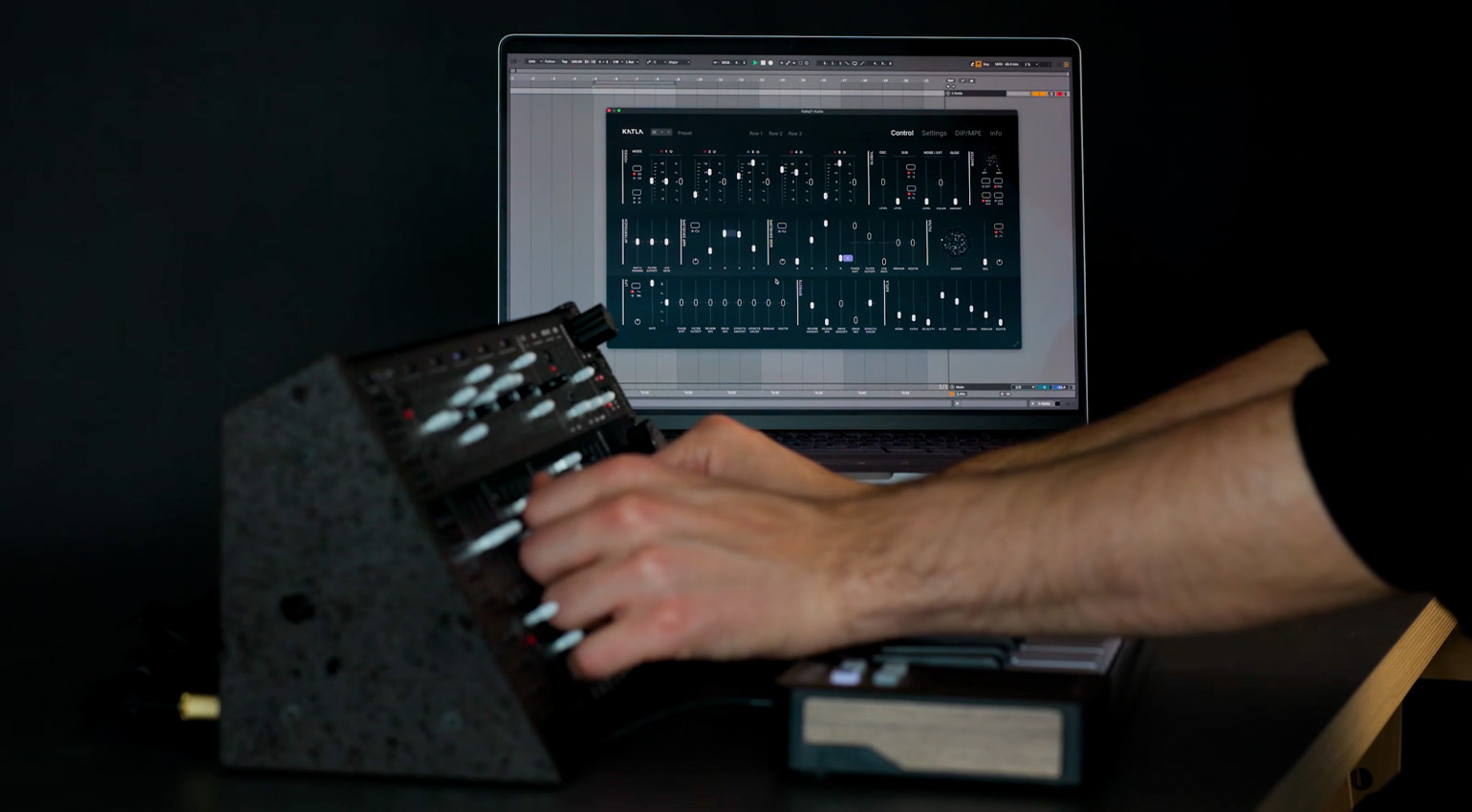
Genki Instruments Katla Plugin · Source: Genki Instruments
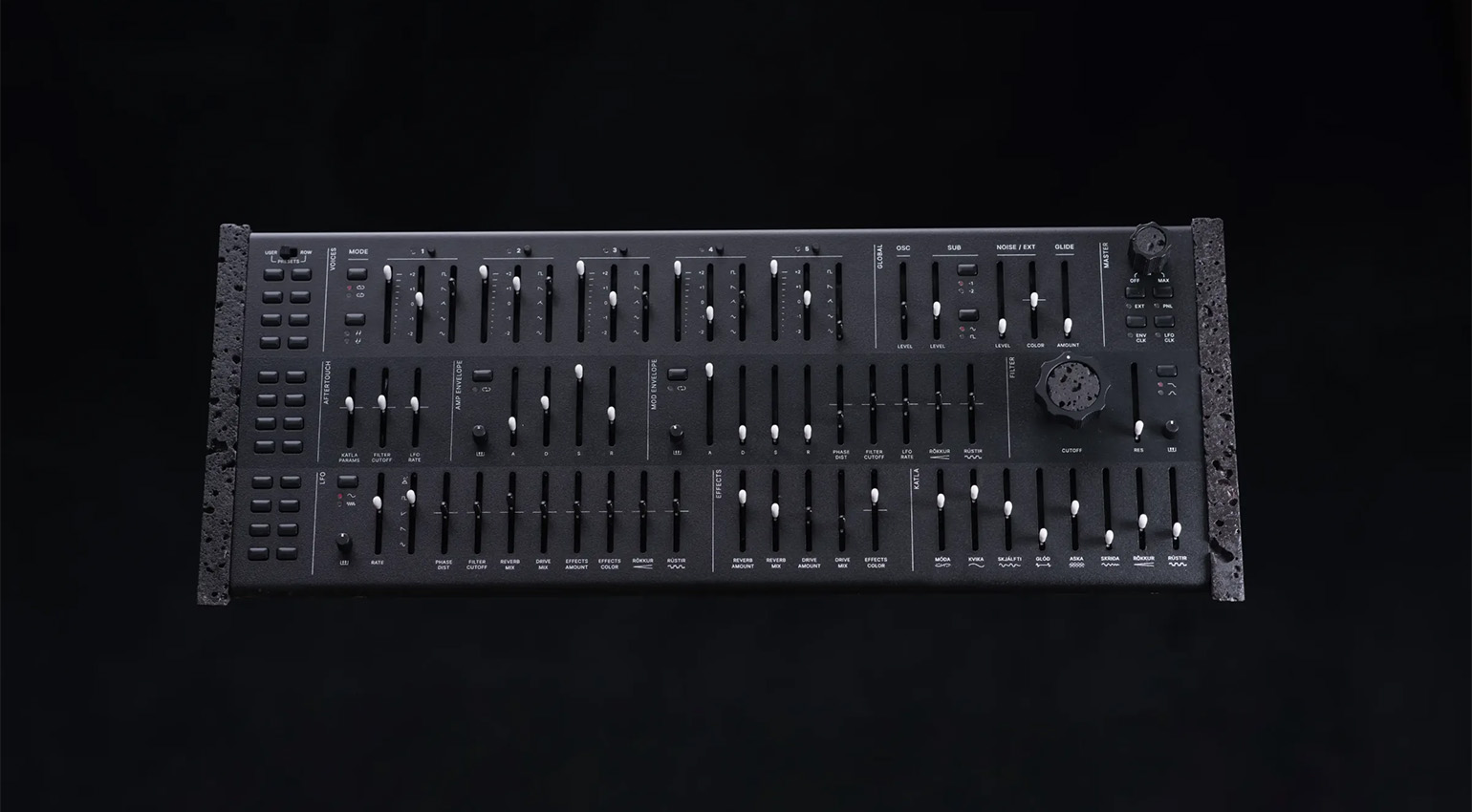
Genki Instruments Katla · Source: Genki Instruments


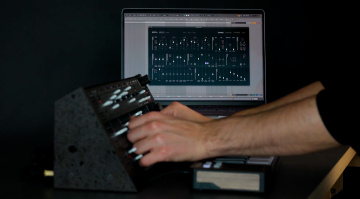
The free Katla plugin allows you to control your Genki Instruments Katla synth from your computer – including as a plugin in your DAW.
Genki Katla Plugin
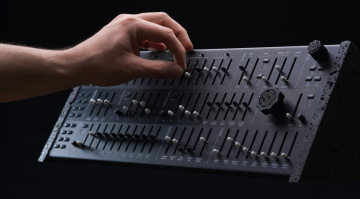
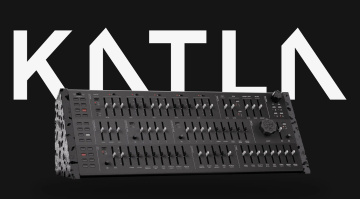
One of the most talked-about synthesizers of recent years has to be Katla from Icelandic outfit Genki Instruments. With its basalt lava rock side panels, unique synthesis engine that sounds “alive,” and of course the €5000 price tag, there’s a lot to discuss. It may seem expensive – and there’s really no way around it, it is – but those who play it quickly fall in love. Marcus, the editor of this site, is one of them. You can read all about his experience with the Katla in his review.
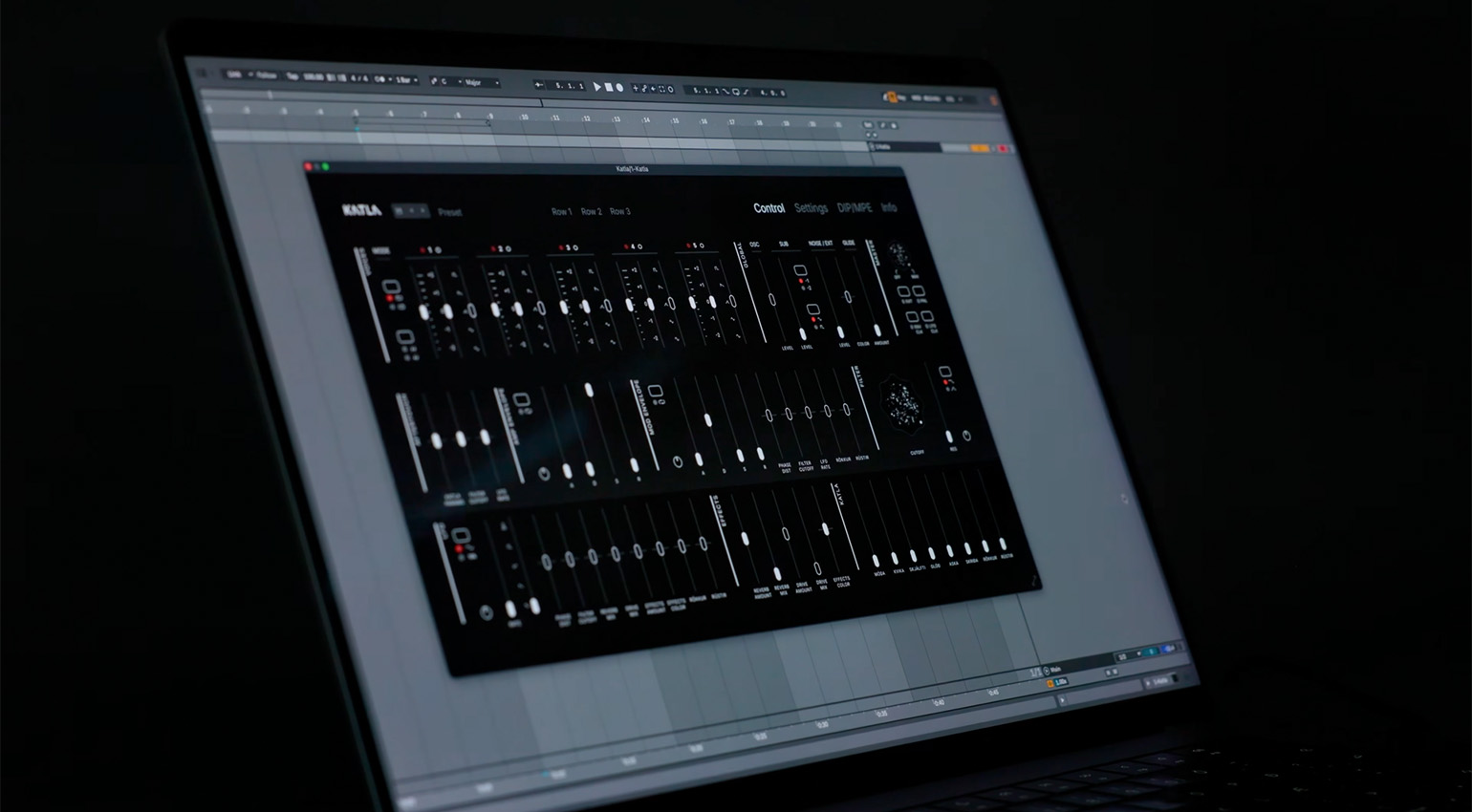
Today, however, we’re here to talk about the Katla plugin. Sadly, this isn’t a virtual version of the volcanic synthesizer but rather a companion app for controlling the instrument from your computer.
Genki Katla Plugin: Preset Browsing
The Katla plugin is available in both desktop (standalone) and plugin formats for use in your DAW. Although the Katla already has lots of hands-on control, the app remains useful for a number of reasons.
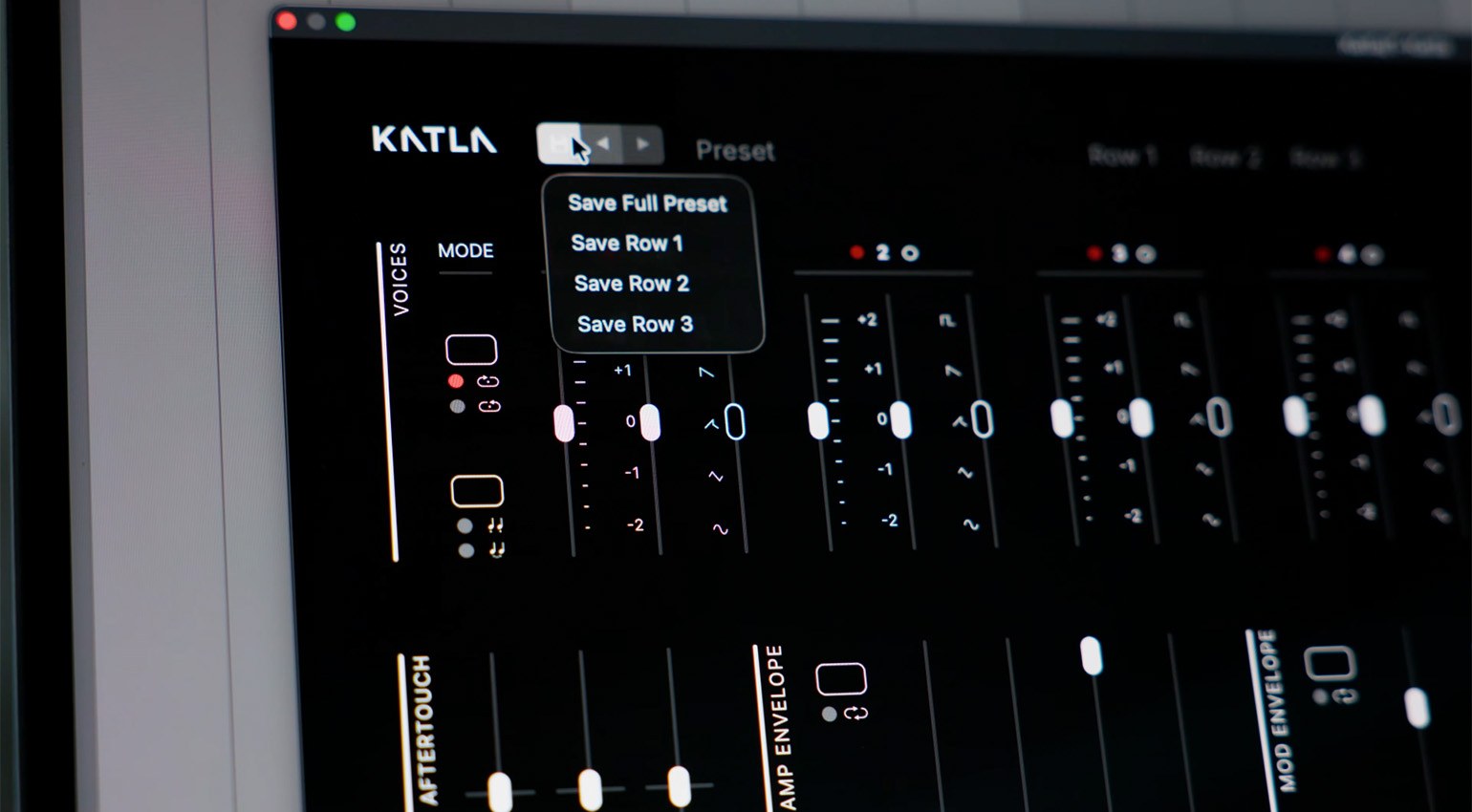
Chiefly, it puts the whole synth panel on your screen and maintains the panel aspect ratio even when you resize it. Changes made on the screen are reflected on the instrument and vice versa. You get undo and redo for every edit, even ones made on the physical panel. Pretty cool.
Having access to all of the instruments presets like you would on a soft synth is very convenient. You can browse factory presets by category (Bass, Leads, Pads, SFX), your own library and Init. Of course, this is for the full preset or any single row. Additionally, you can save presets to your computer or the synth itself.
Genki Katla Plugin: Automate and Modulate
The real fun starts when you load Katla plugin into a DAW and use it as a plugin. Every parameter is automatable, with automation changes happening at a smoother and higher resolution than MIDI CC.
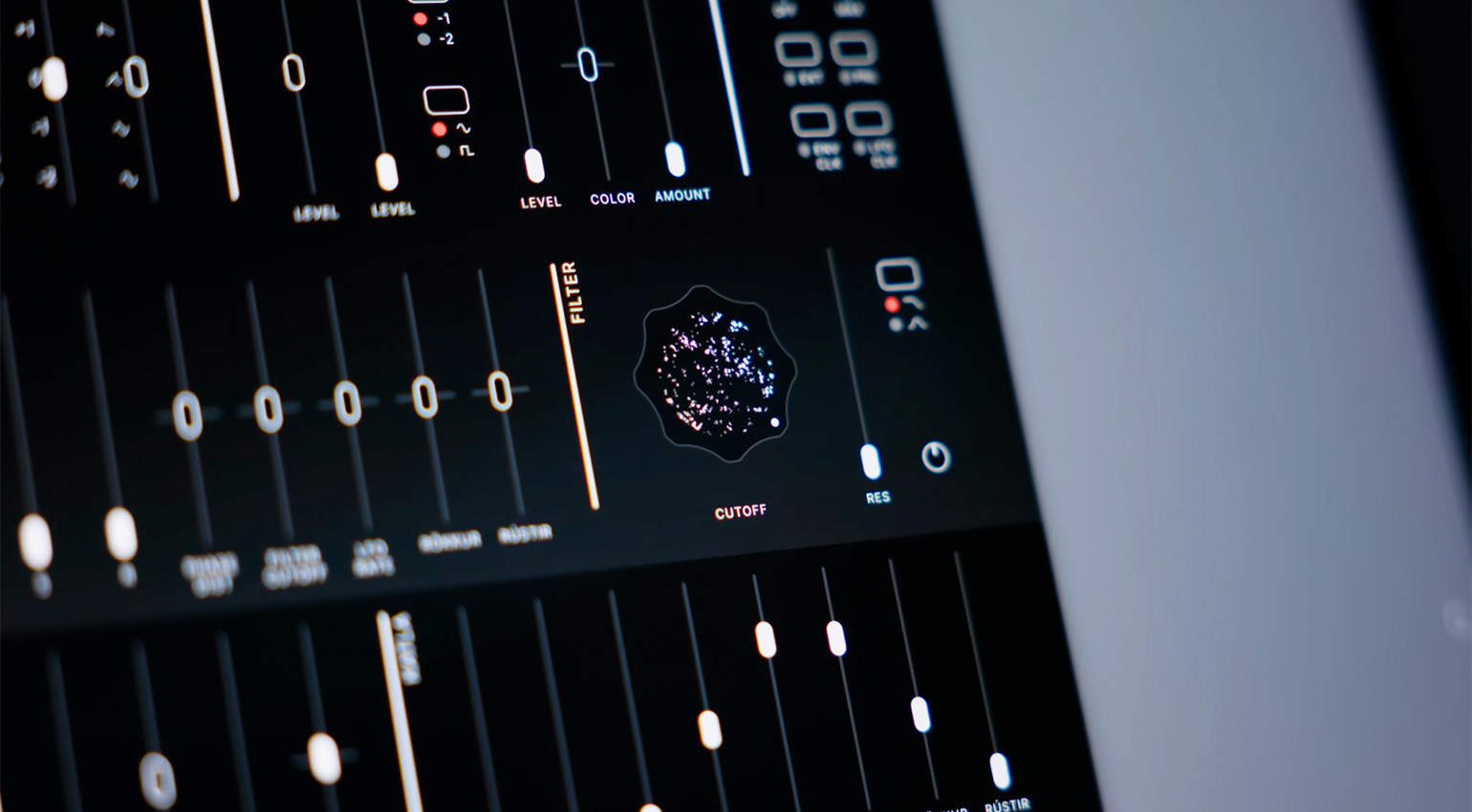
Additionally, Katla will sync to your DAW’s tempo, with LFOs and envelope sync adhering to beat divisions. In the demo video for the plugin, the company suggests adding key tracking for polyrhythmic modulations that follow the tempo of your song.
Katla’s state will be saved with the DAW project, and jump back when you open the project again.
Genki Katla Plugin: Other Functionality
Along with DAW automation and preset storage, with Katla plugin you can change MIDI and MPE settings, install firmware updates, and even get access to three new envelope shapes.
Genki Katla Plugin: Price and Availability
The Katla app works on both Mac and Windows machines, in standalone, VST3, CLAP, Audio Unit and AAX formats. It’s available now from Genki for free for registered owners. Follow the link below.
If you’re interested in getting a Katla yourself, the instrument’s first batch of 100 units is currently sold out but if you visit the Genki Instruments site, you can join the waitlist.
More Information
- Genki Katla plugin download page
- More about Genki Instruments
- More about synthesizers
- Buy synthesizers at Thomann*
*Note: This article contains advertising links that help us pay for this site. Don’t worry: the price for you will always be the same! If you buy something through these links, we will receive a small commission. Thank you for your support!

This might also interest you