zplane TONIC 2: Improved Workflow and MIDI Integration
An update for the useful key detection and chord tool.

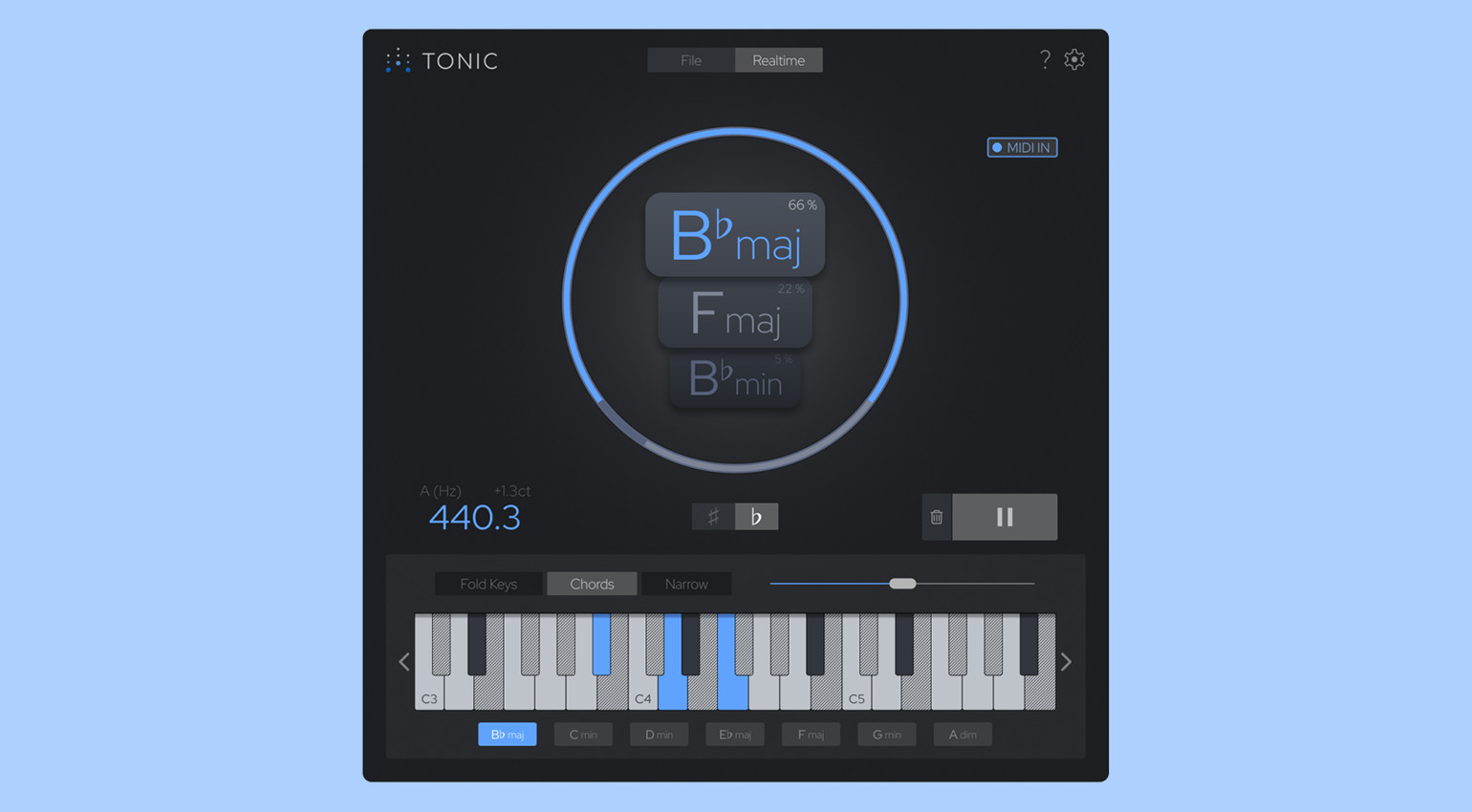

The new zplane TONIC 2 key detection plugin has been updated with some useful new features that can really speed up your songwriting process.
The German developer zplane has a reputation for creating utilitarian plugins that have become essential to musicians, and with TONIC 2, the company has expanded the plugin’s capabilities even further to enhance the creative workflow.
zplane TONIC 2
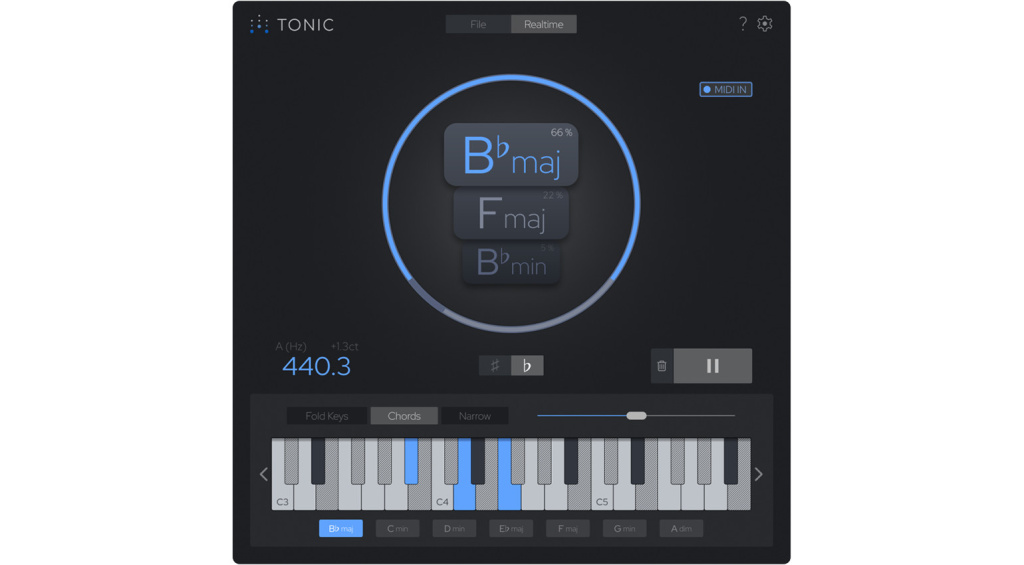
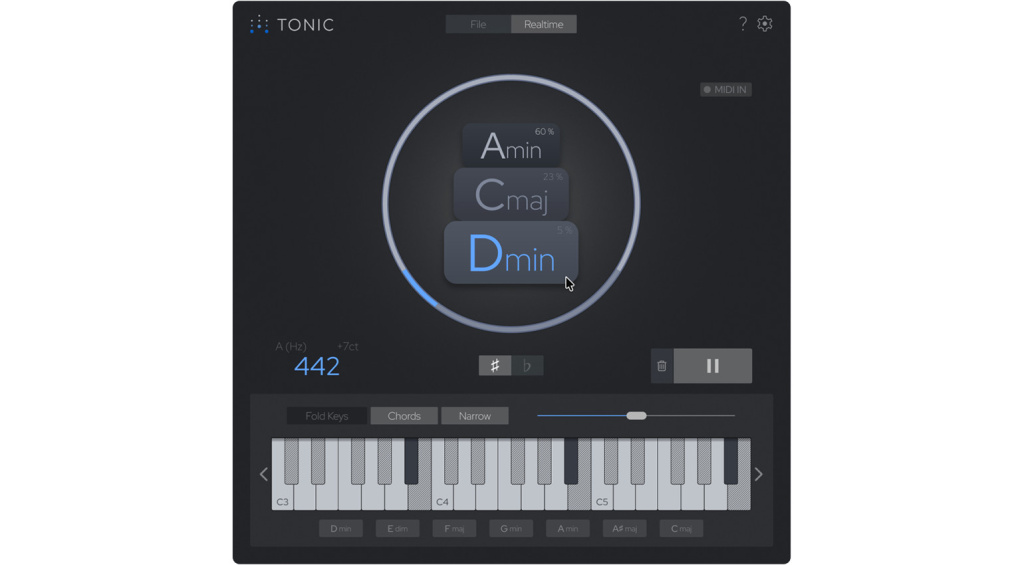
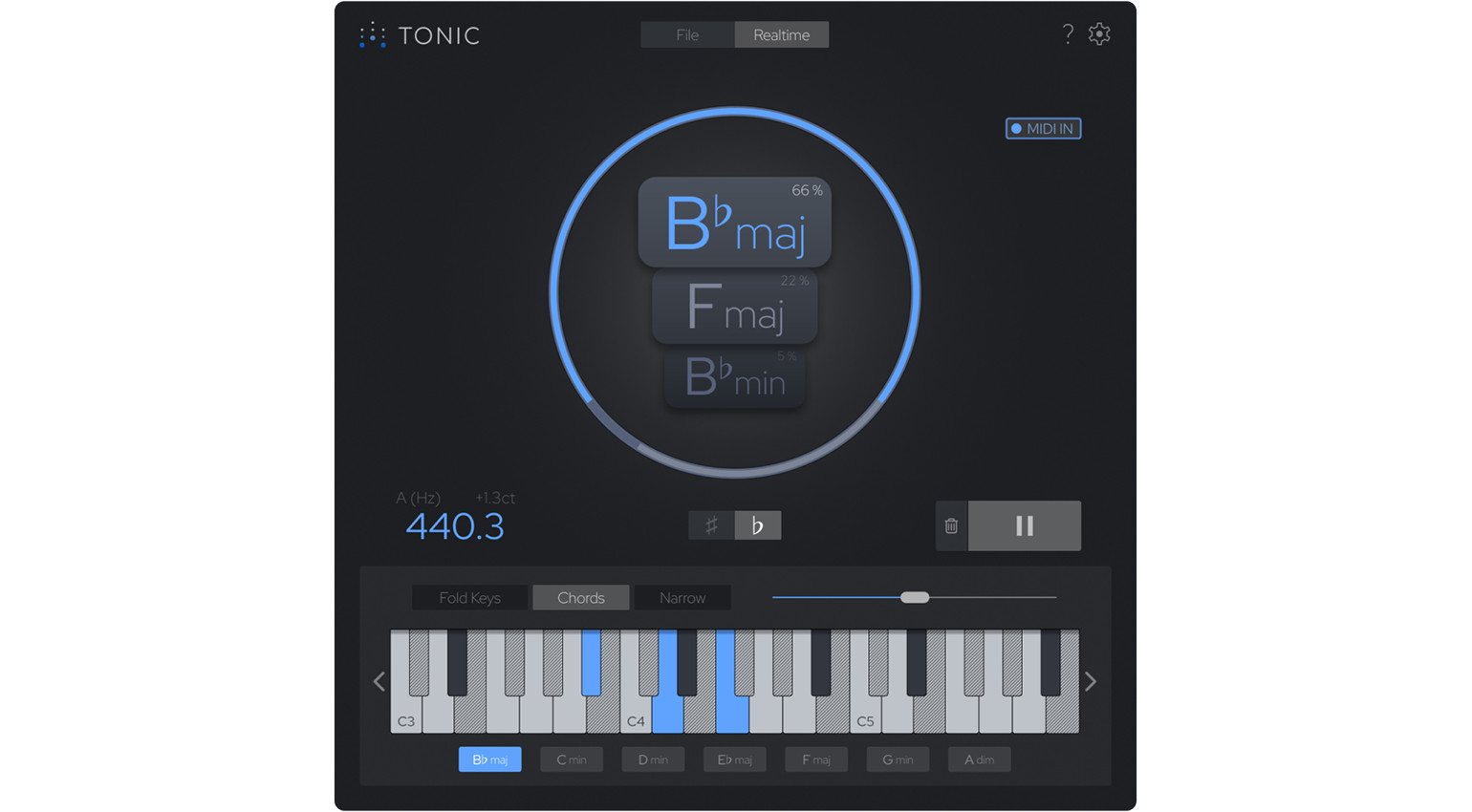
In TONIC 2, the key and scale detection engine works on audio and MIDI for real-time or offline analysis. Instead of simply giving you one result, there are three possible matches with a probability percentage for each one. What’s more, there is now a virtual keyboard interface with a chords mode that helps you discover chords and keys that correspond with the scale you’ve selected.
You can also audition notes and chords, playing only the ones within the selected scale. Meanwhile, an external MIDI keyboard can be used to trigger notes and chords, or you can send MIDI to external instruments and drag chords into MIDI channels in your DAW. The three primary workflows for TONIC 2 include detection, analysis, and creation stages where you turn results into new ideas.
The first step is finding the scale and key, and you can do this by inserting TONIC 2 on an audio or MIDI channel in your DAW for real-time processing. Otherwise, you can drag and drop the audio file onto TONIC 2 to analyze it offline. Next, TONIC 2 provides the three possible suggestions with percentages, and as you flip between them, the keyboard interface updates to show which notes and chords correspond to the selected key.
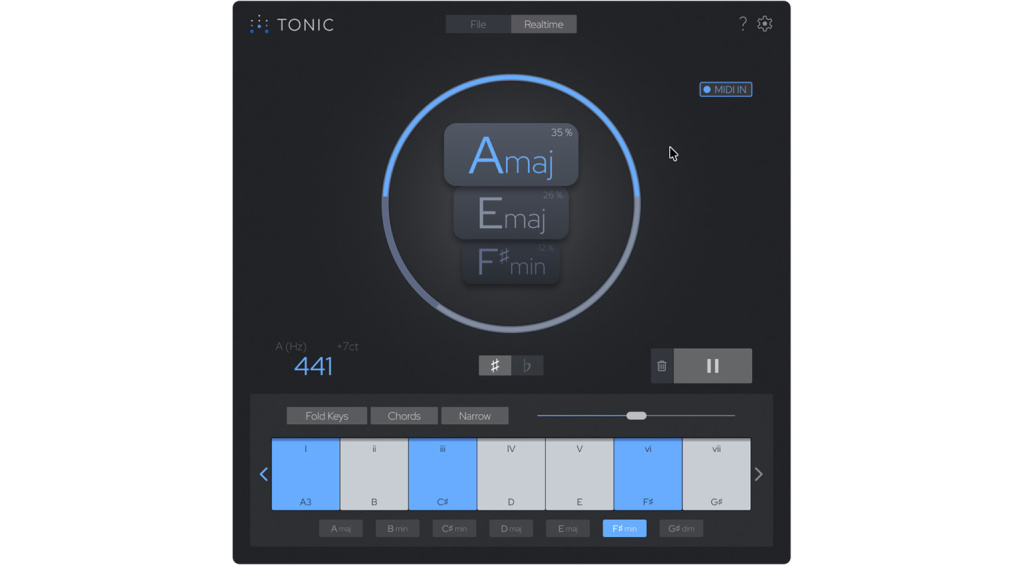
The final stage is the fun part, which is, of course, creating new progressions, basslines, and melodies. Here, the Fold Keys mode can be helpful, as only the notes from the selected scale are displayed and also mapped to the white keys of your MIDI keyboard. In addition, Chord mode lets you play corresponding chords and drag the MIDI into your DAW. Overall, TONIC 2 is a useful tool for beginners and professionals, no matter how much music theory knowledge you have.
Pricing and Availability:
The zplane TONIC 2 plugin is currently available with introductory pricing until 29 October.

More about zplane Tonic 2:
*Note: This article contains affiliate links that help us fund our site. Don’t worry: The price for you always remains the same! If you buy something through these links, we receive a small commission. Thank you for your support!

This might also interest you