Softube Limit Pro and Limit Go: Versatile Dynamics Control for Mixing and Mastering
A new collection of limiters for precision dynamics control.

Softube Limit Pro and Limit Go: Versatile Dynamics Control for Mixing and Mastering · Source: Softube

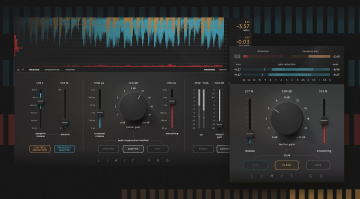
The Softube Limit Pro and Limit Go are two new plugins offering different levels of dynamics control for mixing and mastering applications.
Whether you’re looking to master your own tracks or you need a good limiter for your mixing workflow, Softube’s new Limit Pro and Limit Go plugins have been created to adapt to any situation that may require precision control over dynamics in any style of music.
Softube Limit Pro and Limit Go
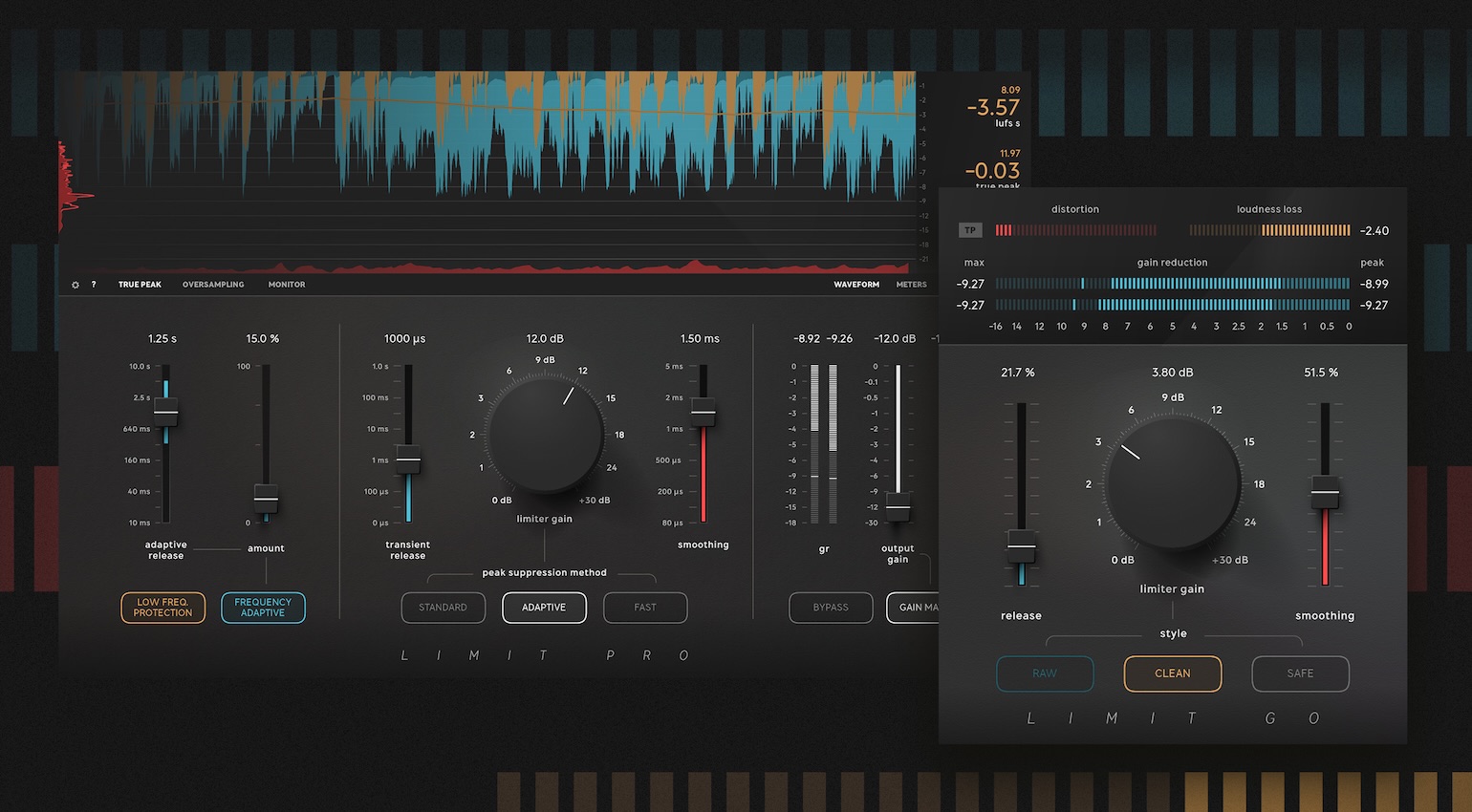
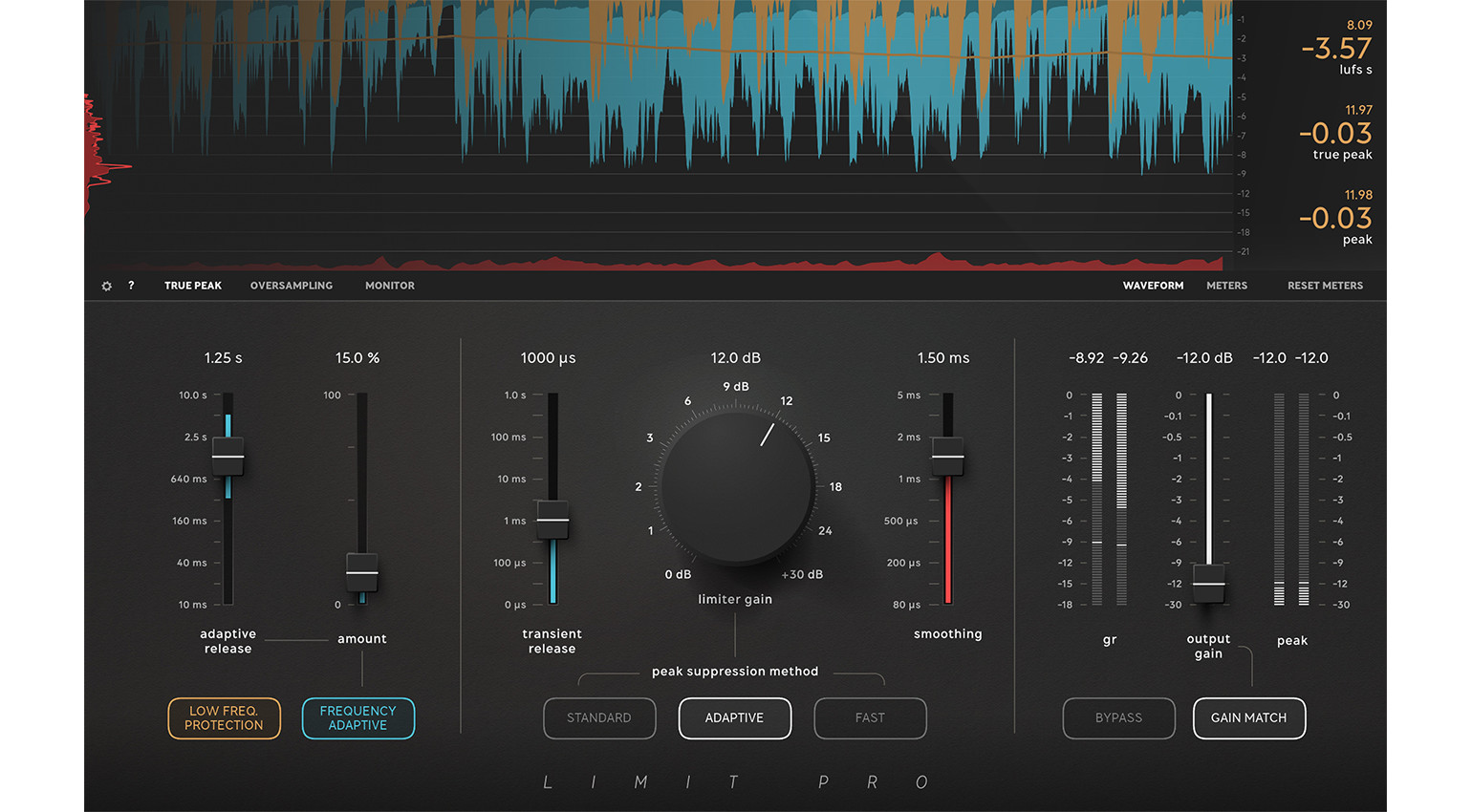
With Limit Pro, you get an advanced limiting processor for dynamics control, loudness enhancement, and preventing clipping. For different workflows, there are Standard, Adaptive, and Fast peak suppression modes, and you can adjust the transient release and smoothing times to shape the limiter’s onset to match the type of material you’re working with.
In addition, there is an Adaptive Release feature with a Frequency Adaptive mode that adjusts to the frequency range of the input signal, while Low-Frequency Protection will ensure the bass of the track is preserved. There is also a useful automatic Gain Match feature, which keeps your I/O levels the same while the Delta monitoring function lets you hear exactly what is being processed.
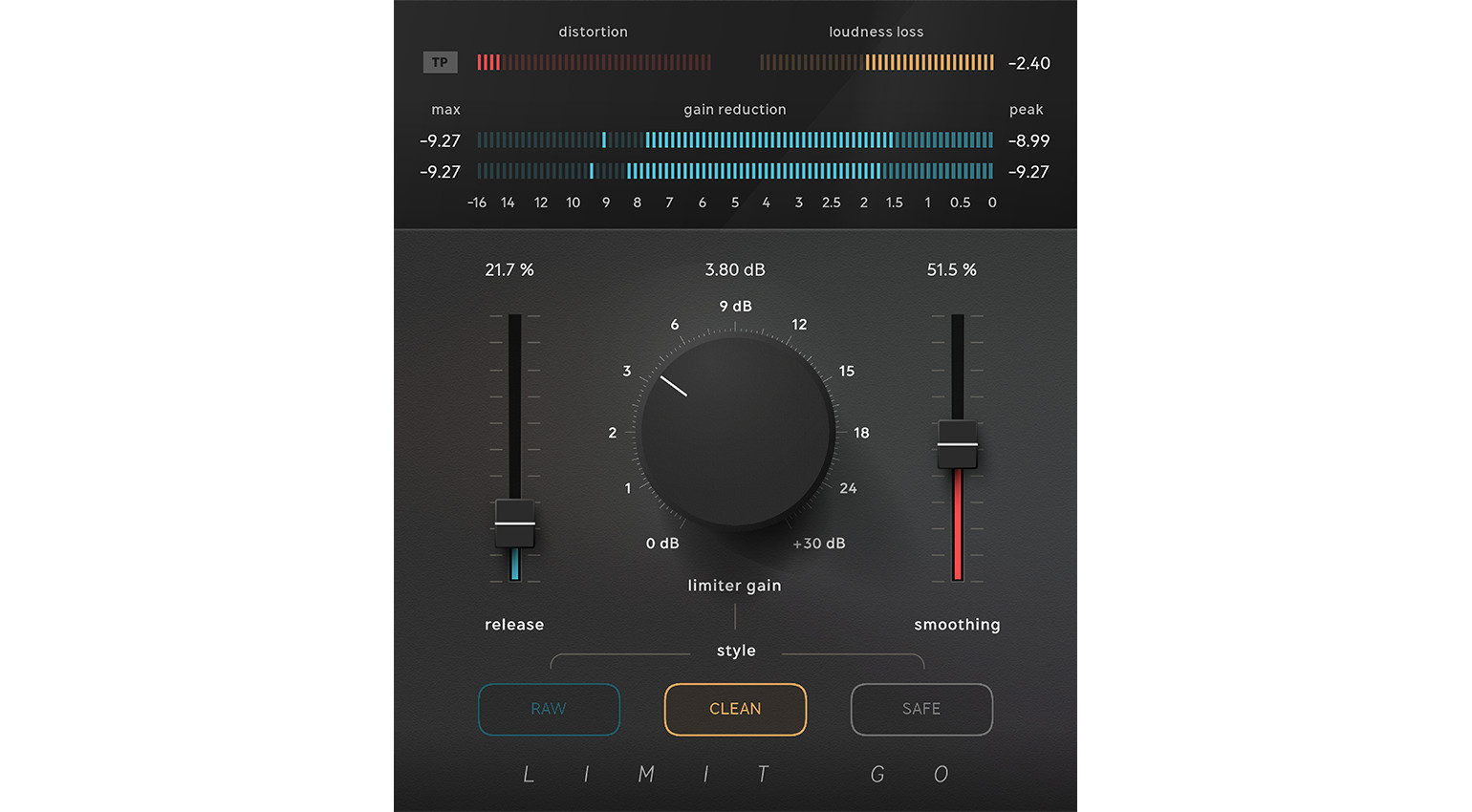
With Limit Go, Softube has taken this functionality and condensed it into a streamlined interface with Raw, Clean, and Safe limiting modes for different mixing applications. You might use this at the end of your plugin processing chain for individual tracks and channel groups, ensuring the signal level stays within a certain range regardless of how many channels are actively routed to the bus.
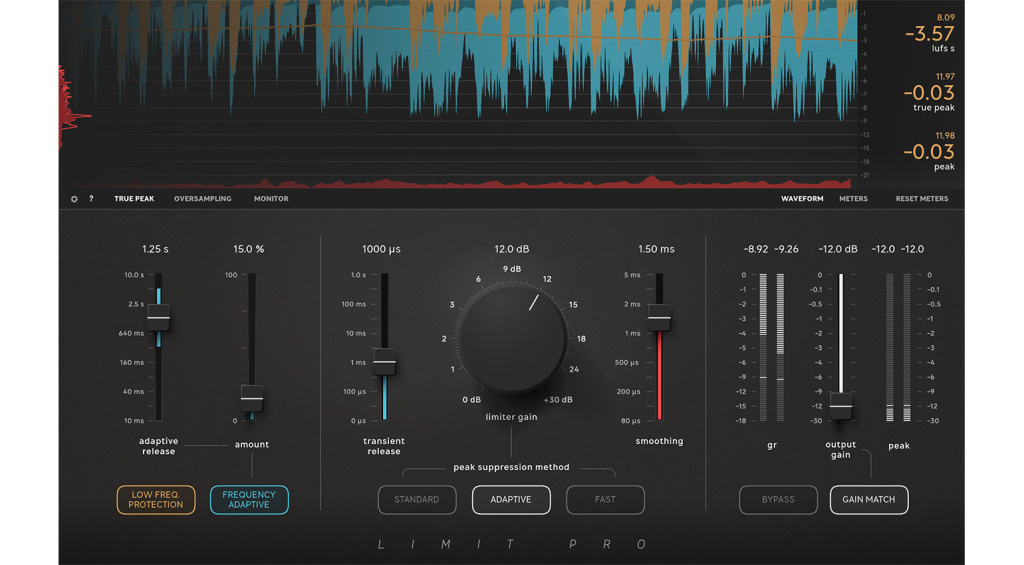
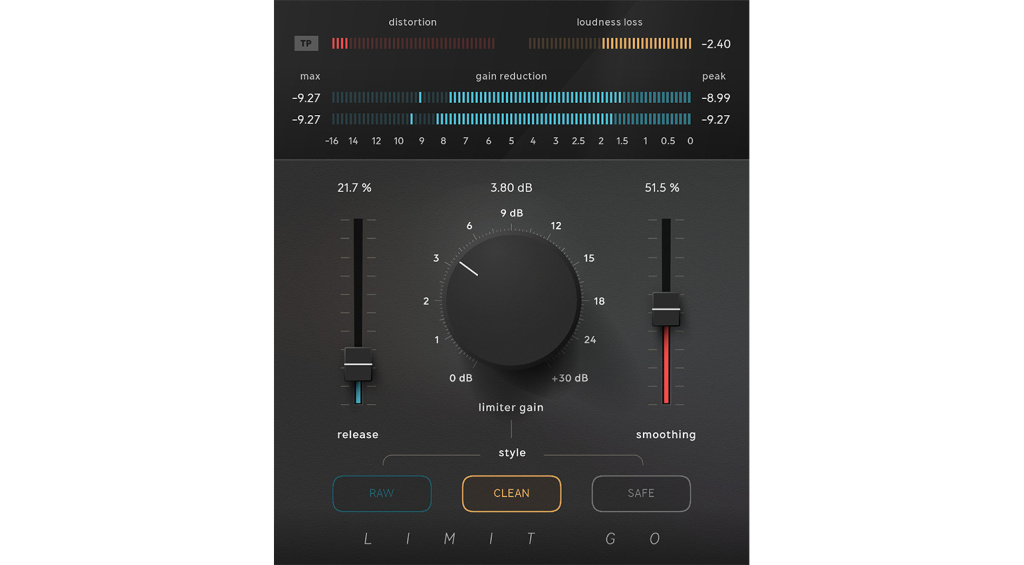
Naturally, with its faster workflow and lower demands on your CPU, Limit Go is better suited for using multiple instances in your DAW sessions, while you might only use one or two instances of Limit Pro for your drum bus and main mix bus. With its more extensive metering and monitoring features, Limit Pro is ideal for mastering, in situations where you need to adhere to specific loudness standards, but Limit Go still gives you the same standard of limiting.
Pricing and Availability:
Softube Limit Pro and Limit Go are currently available with introductory pricing until 7 November.

More about Softube Limit Pro and Limit Go:
*Note: This article about Softube Limit Pro and Limit Go contains affiliate links that help us fund our site. Don’t worry: The price for you always remains the same! If you buy something through these links, we receive a small commission. Thank you for your support!

This might also interest you