The Best EQ Plugins for Music Production and Mixing
EQ plugins to carve frequencies in your mixes.

 4,6 / 5,0 |

We briefly discuss different types of EQ, and look into a range of the best EQ plugins for music production and mixing in DAW-based workflows.
Key Facts about EQ Plugins:
- One of the most essential music production tools, EQ or equalizer plugins are used to change the levels of different frequency ranges within a signal. We can create corrective cuts to reduce problematic frequencies, boost to enhance certain areas, or separate different elements in the mix.
- Subtractive EQ, or removing unwanted frequencies, is often more effective for achieving clean signals than boosting areas we like. We can reduce mud between 200-500 Hz, and harshness between 2-5 kHz to create space between the elements in a mix and improve the overall clarity.
- There are various types of EQs, and they are used for different applications. These include parametric EQs that allow us to control frequency, bandwidth (aka Q-factor), and gain, graphic EQs with fixed frequency sliders, and dynamic EQs that only activate when a frequency reaches a predefined level.
- The best EQ decision-making is usually done within the context of the mix rather than in isolation. An element that sounds harsh on its own may have just the right tonal characteristics that let it cut through the mix. For this reason, we generally EQ elements in relation to one another in the mix, but EQ is also used for enhancement on the mix bus and in mastering.
In this Article:
The Best EQ Plugins: EQ types
To help you navigate the wide range of EQ plugins currently available, here are some guidelines you can use for categorizing them:
- Parametric EQ plugins – The most common type of EQs with variable frequency range and often Q-factor controls on each band that determine the shape of your boosts and cuts.
- Graphic EQ plugins – Although typically used in live sound, these versatile EQs also have their place in studios. With a bank of equally spaced fixed bands, you can quickly target and remove unwanted parts of a signal.
- Dynamic EQ plugins – By combining all we know about EQ technology, developers like FabFilter have introduced plug-ins that have an integrated dynamics stage on each band. This allows you to perform tasks like taming transients or de-essing within a specific frequency range.
Vintage-style EQ Plugins
These plugins are modeled on famous hardware EQs, mimicking the behaviour of the internal circuitry and providing classic interfaces that preserve the approach of legendary designs. With the limitation of selectable rather than continuously variable frequency bands in some cases, these EQs are ideal for beginners to train their ears to recognize key areas of the frequency range.
The Best EQ Plugins: Universal Audio Pultec Passive EQ Collection
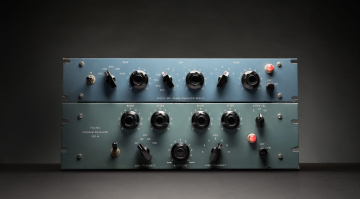
For decades, the industry’s top producers and engineers have sworn by the Pultec passive tube EQs. Now, you have access to a range of these classic mixing tools in your DAW modeled on the classic EQP-1A, MEQ-5, and HLF-3C designs.
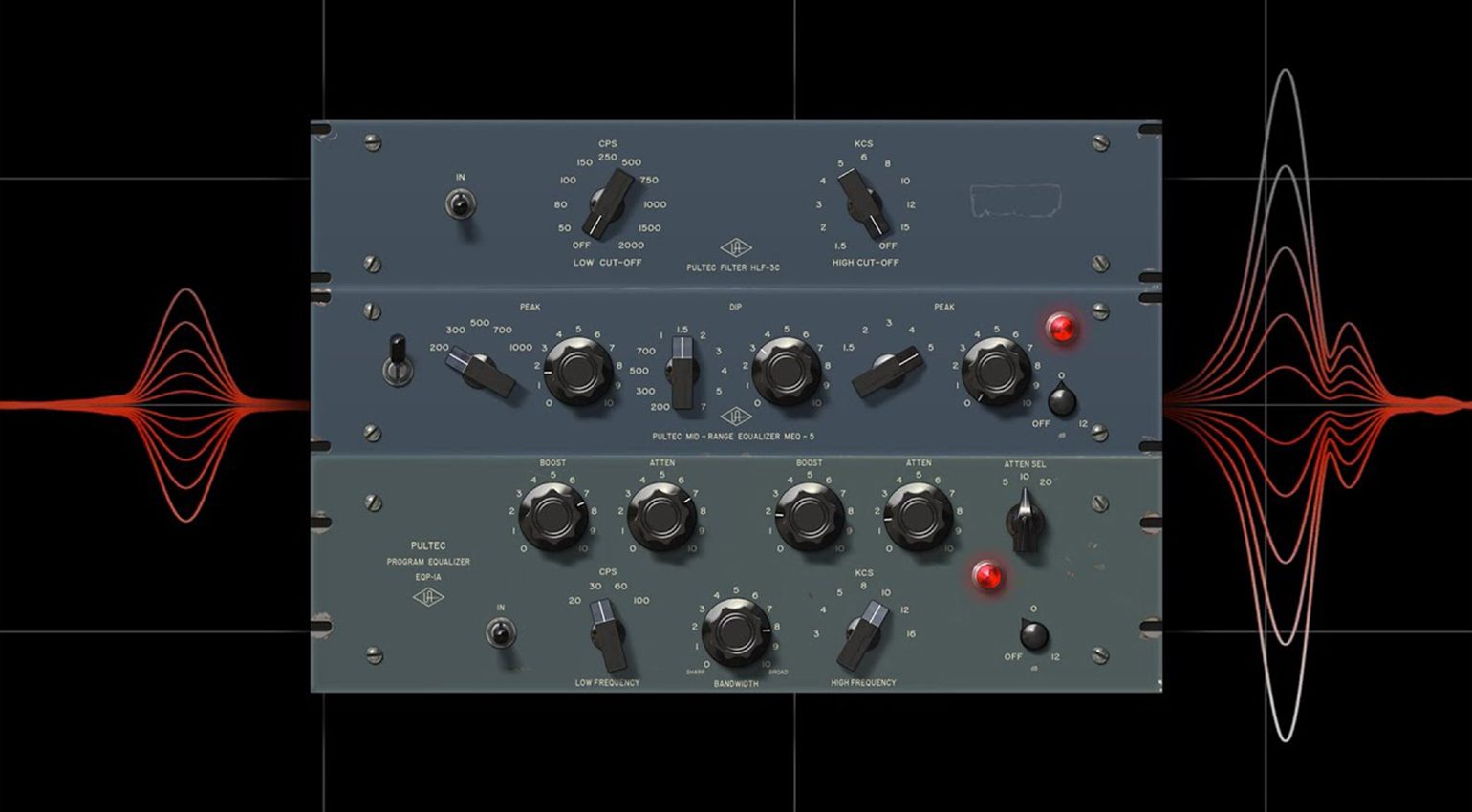
Passive EQs use unpowered components in their circuitry, such as inductors, resistors, and capacitors. However, the Pultec EQs use tube gain staging to compensate for the gain loss commonly associated with passive circuitry.
This unique combination of elements made the Pultec EQs incredibly musical, and they became the not-so-secret weapons that engineers like Bob Clearmountain used to produce some of our favourite records.
Be aware that many DAW systems, like Apple Logic Pro and Fender Studio Pro, have their own versions of the Pultec plug-ins. To learn about the basics of EQs, you can start by exploring the EQ plug-ins included with your DAW of choice.


The Best EQ Plugins: Arturia Pre 1973
Rupert Neve’s 1073 channel strip changed the way we think about music recording and audio console design. No longer were we limited to the small channel counts of tube consoles in relation to their size.
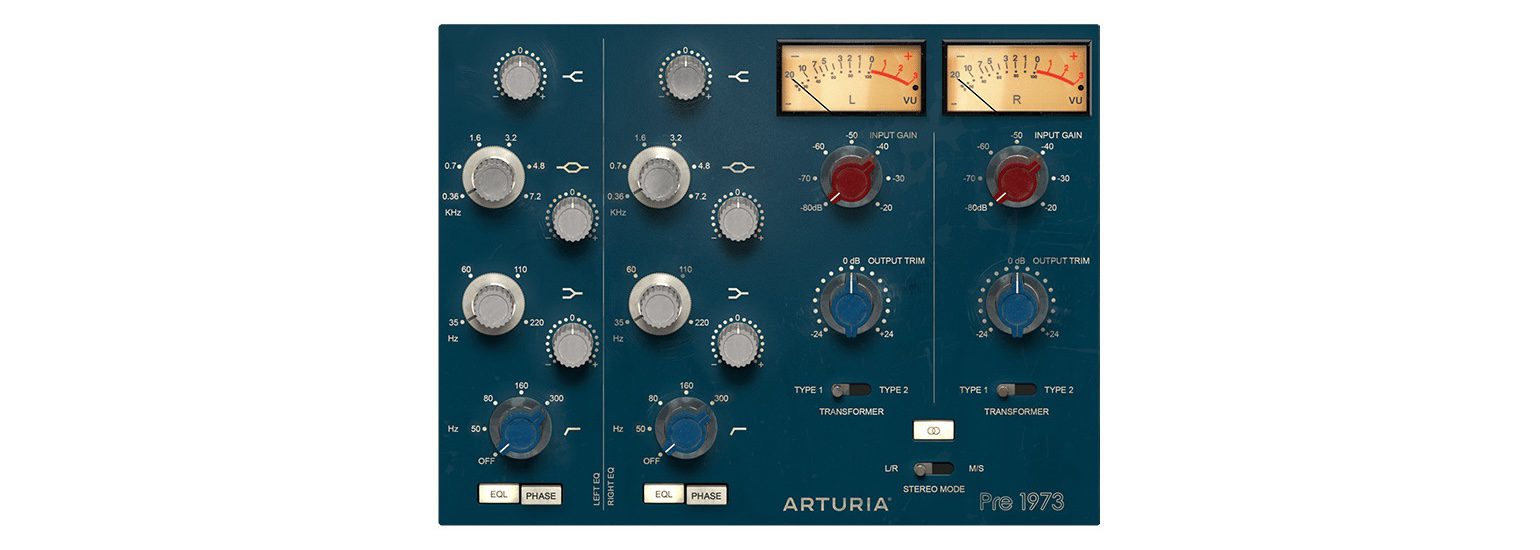
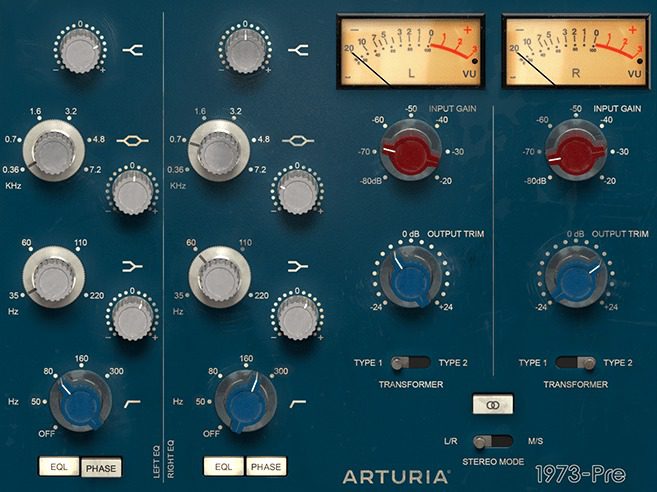
Known for their unbelievably realistic recreations of classic analogue synths, Arturia has modelled the Pre 1973 on the famous 1073 and included some useful enhancements for modern DAW workflows.
This plug-in version of the classic 1970s inductor EQ offers two transformer modelling settings and can be used on both mono and stereo channels. Therefore, the flexible plug-in version can be used on individual channels as well as channel groups and buses.
If possible, look out for the free plug-in versions of the 1073 within DAWs like Logic Pro before investing in recreations by Arturia or Universal Audio.

The Best EQ Plugins: SSL
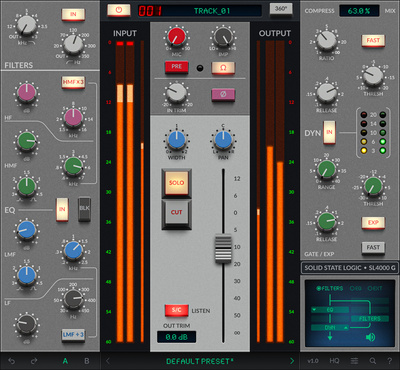
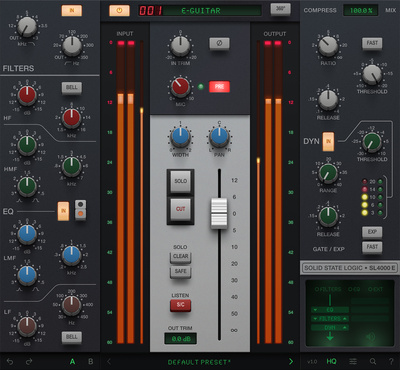
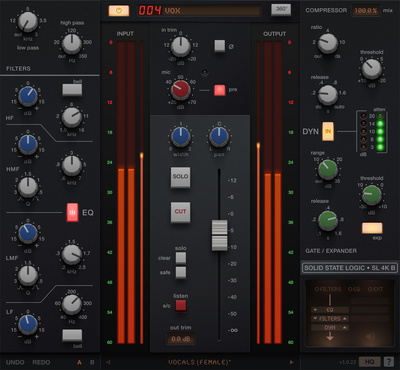
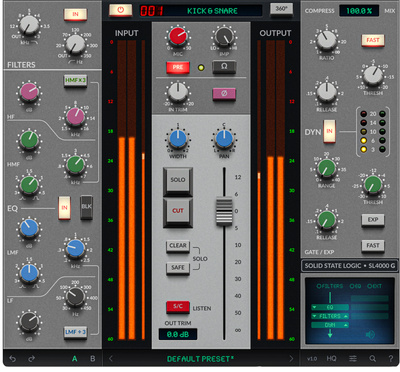
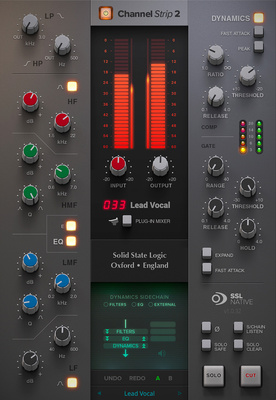
There are many variations of classic SSL console-style EQs available, but no one offers more options than the legendary console manufacturer itself. Because each series of the famous 4000 series consoles had a different EQ section, SSL has recreated three of the most famous models and designed careful recreations in the form of the G, E, and B channel strip plugins.
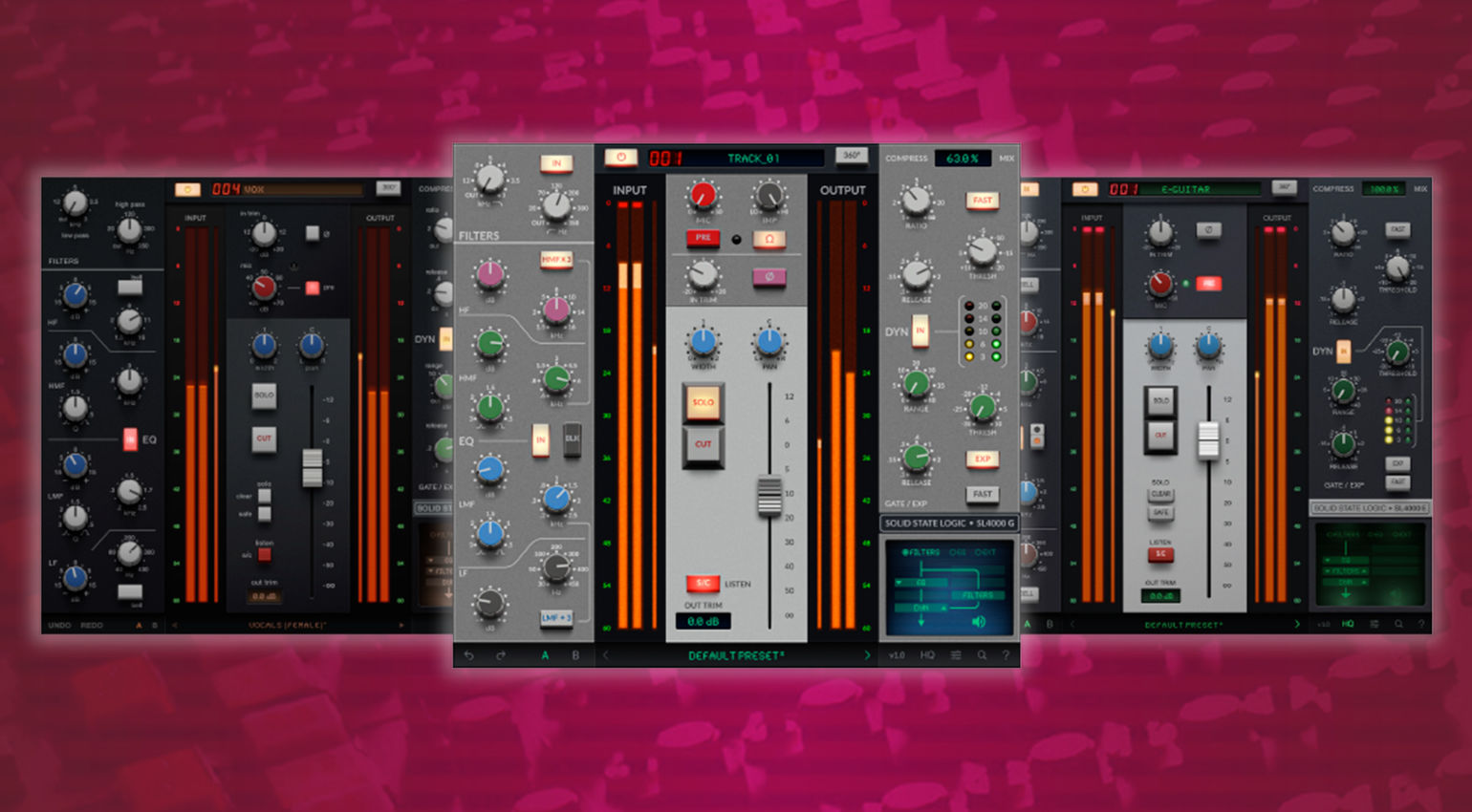
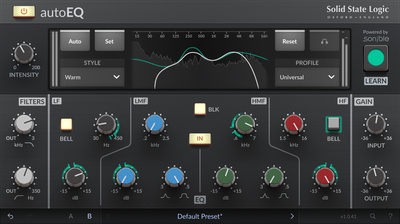
In addition, SSL has also brought the 9000 series console workflow into the DAW environment with the Native Channel Strip Plugin. Meanwhile, the 4000 E Series EQ section has been reimagined and combined with AI-assisted technology from Sonible with the autoEQ plugin, ideal for beginners and professionals seeking a streamlined workflow.
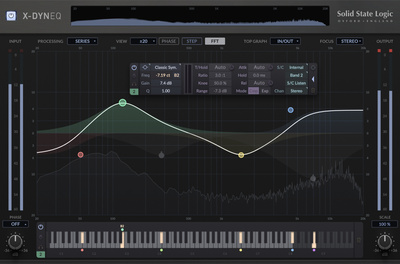
On top of that, SSL also offers its own dynamic EQ plugin, the X-DynEQ, that lets you precisely target parts of the frequency range and shape them dynamically. Overall, these are the best solutions if you want the SSL approach, and take note that many of the plugins mentioned are full channel strips with dynamics sections included. Get it at Thomann.*

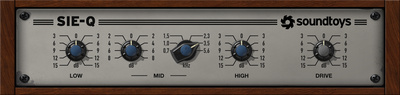
The Best EQ Plugins: Soundtoys Sie-Q
Most stock DAW EQ plug-ins can perform the corrective EQ tasks required in basic music production. However, there are often times when you want to use EQ creatively to colour, shape, and sweeten the tonal characteristics of a sound.

For this purpose, the best tools are often plug-ins with simple interfaces like the Soundtoys Sie-Q. Based on the sought-after vintage Siemens W295b EQ, the Sie-Q allows you to dial in settings fast and quickly get a feel of the optimum range of a sound in the mix.
Like all Soundtoys plug-ins, the Sie-Q is carefully modelled on the original hardware. This gives you sound processing that is as close to vintage as possible, with rich mids and detailed highs.
The clever design of the Sie-Q gives you six selectable midrange bands, while the high and low bands operate as high/low-pass filters when cutting and bell-shaped filters when boosting.
- Budget Hardware EQs
- More from Soundtoys

Modern EQ Plugins
Modern EQ plugins use visual interfaces with real-time analyzers and accurate metering. In recent years, this end of the market has erupted into a kind of arms race, with developers constantly trying to outdo each other with new features. Most of these EQs also have the ability to model analogue hardware, so your choice becomes about the workflow you prefer.
The Best EQ Plugins: FabFilter Pro-Q
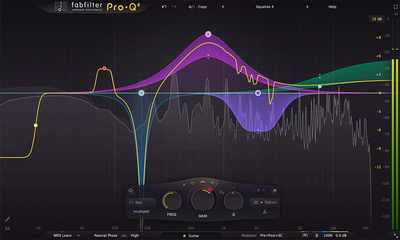
First introduced in 2009, Pro-Q was a 24-band parametric EQ that offered linear phase processing capabilities. Now in its fourth version, Pro-Q has a range of advanced processing and workflow features that make it the industry standard across music and post-production.

For targeting specific areas of the frequency range, you can use dynamic or spectral EQ modes on each band to help you achieve better mix separation or reduce problematic frequencies. Also, for immediacy, you can draw in the EQ curve manually, giving you a rough starting point to work from, before you fine-tune specific areas.
Besides the analogue modeling features, the workflow of Pro-Q is excellent, with an instance list view that lets you adjust all the compatible FabFilter plugins from a single page. Meanwhile, the settings of each band can be copied and pasted between instances, which saves time. Overall, Pro-Q is the best option in its price range, loved by producers and engineers alike. Get it at Thomann.*

The Best EQ Plugins: Three-Body Technology Kirchhoff EQ
Kirchhoff EQ is another top-notch dynamic EQ plugin from Three-Body Technology. With up to 32 internal bands and 117-bit internal processing, the Kirchhoff EQ combines high-quality sonics with versatile features for professional mixing and mastering applications. In addition, there are 15 different filter types and 32 analogue circuit modeled filter curves.
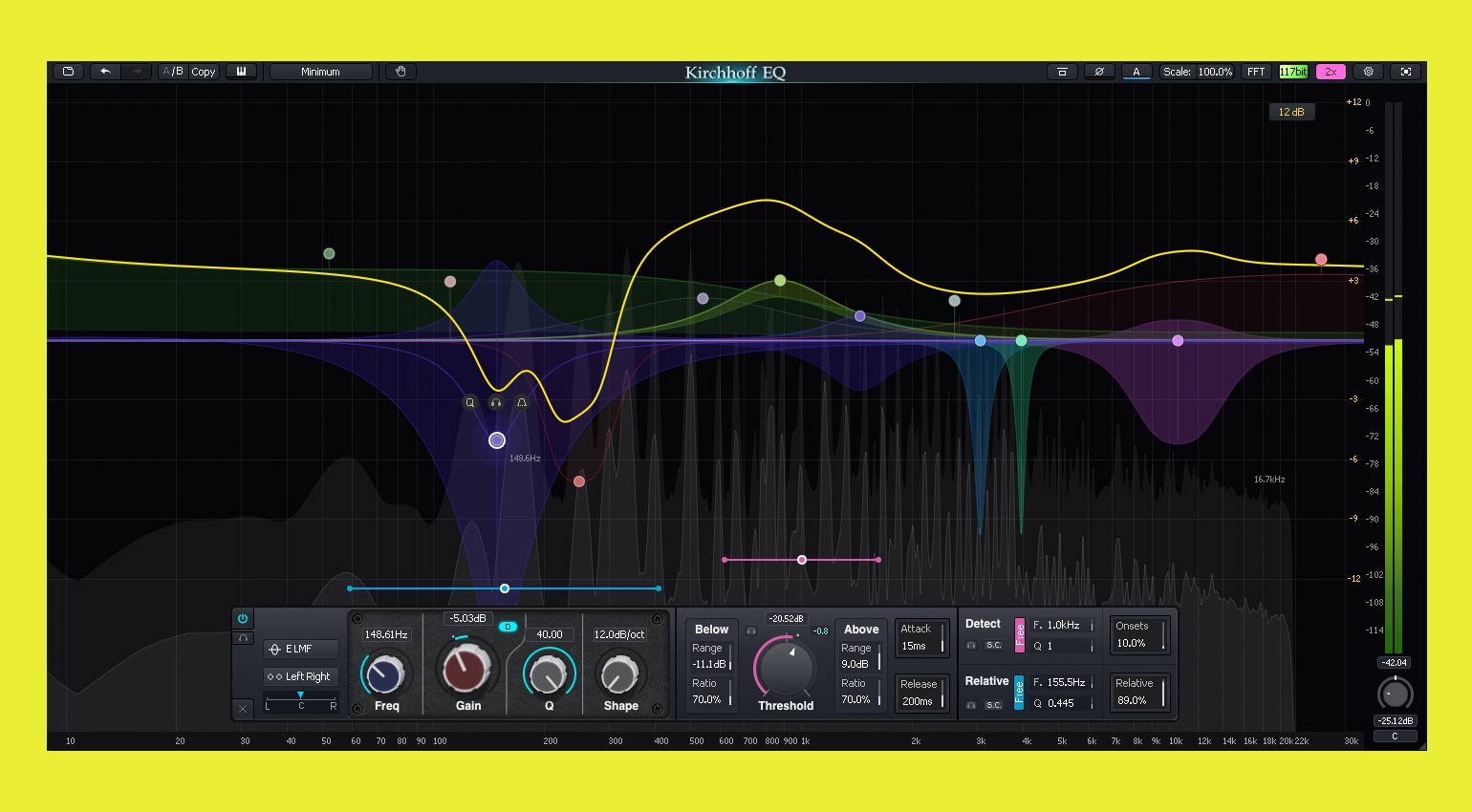
This includes filter models from famous hardware EQs from Neve, SSL, Pultec, Sontec, and a few others, giving you plenty of options if you want to add vintage character to your processing. Meanwhile, the dynamic EQ functions are particularly interesting, with a harmonic envelope that reduces distortion and a dual-function threshold feature.
This allows the signal to be processed by an expander or upward-compressor in the “Below” range and a compressor or upward-expander in the “Above” range. Overall, the Kirchhoff EQ has some unique dynamic EQ features that make it a formidable option for mixing in any style of music. Get it at Thomann.*


The Best EQ Plugins: DMG Audio EQuilibrium
If you require the highest level of customization possible, DMG Audio EQuilibrium is an advanced plugin that allows you to build your own EQ, with ways to modify the processing at almost every step. With modular component selection, you can select from an extensive range of different analogue circuit models per band, giving you a great deal of flexibility.
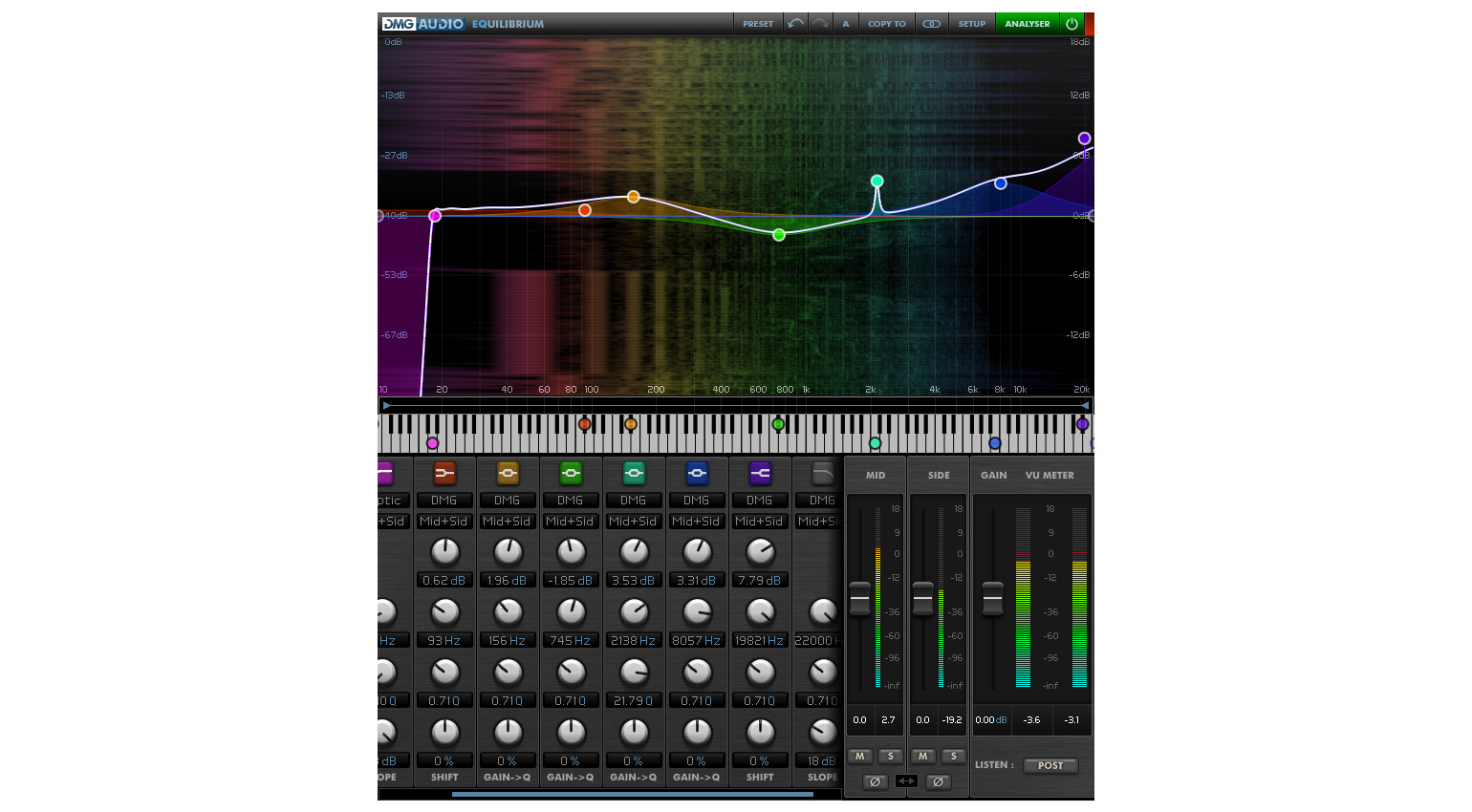
In addition, EQuilibrium provides an unparalleled amount of control over phase and has the ability to accurately mimic analogue phase shift without using CPU-intensive FIR processing. With the “Free Phase” mode, you can also control impulse response length and padding, ensuring there is no digital harshness or smearing of transients.
To configure the plugin for specific workflows, EQuilibrium has a Setup Wizard that can adjust its interface to suit mixing or mastering applications. What’s more, all the visual elements can be customized, so you can choose exactly which meters and frequency scales you need to see and adjust transparency to suit your needs.
FAQs
- What is an EQ plugin, and how is it used in music production?
An EQ or equalizer plugin is a tool for adjusting the level of specific areas of the frequency spectrum within a signal. It can be used to shape sounds tonally, reduce problematic frequencies, and improve the overall clarity in a mix.
- When should you use an EQ plugin?
EQ plugins are used in mixing and sound design for a range of purposes. These include corrective processing for reducing unwanted frequencies, enhancing tone, and creating separation between elements in the mix. EQ can be used to process individual channels, buses, or the master output.
- What is a vintage-style EQ plugin?
Vintage-style EQ plugins use analogue modeling to mimic the behaviour of famous outboard and console EQs like the Pultec EQP-1A, the Neve 1073, the SSL E-Series, and the API 550. Besides the sound, these plugins offer the limitation of vintage interfaces with selectable frequency bands, which are useful for beginners or professionals looking for a classic approach.
- What does “subtractive EQ” mean?
Subtractive EQ is an approach that uses EQ cuts, reducing frequencies to achieve clarity rather than boosting. The sound is enhanced by removing mud, harshness, or unwanted resonance, which produces cleaner results.
- Can EQ plugins improve a bad recording?
No. While EQ plugins can be used to reduce problem areas in the frequency range and improve clarity, they can’t fix poorly recorded signals. Issues like noise, distortion, weak gain structure, or badly chosen sounds need to be fixed at the source. This makes it extremely important to record signals and choose samples well.
More about the Best EQ Plugins:
- Mastering Plug-ins for Beginners
- All about EQs
- Our weekly Free Plug-ins roundup
- Thomann’s Guide to Equalizers
*This post about the Best EQ Plugins contains affiliate links and/or widgets. When you purchase a product through one of our affiliate partners, we receive a small commission that helps support our work. Don’t worry, you’ll pay the same price. Thanks for your support!


This might also interest you
One response to “The Best EQ Plugins for Music Production and Mixing”

ZL Equalizer 2 definitely deserves an honorable mention for being practically a full clone of Pro-Q 3, but completely free and open-source. I’m still shocked at how impressive some free plugins are today. Just 5 years ago it would be practically unthinkable that someone would make a clone of Pro-Q 3 and release it completely for free.