Creating Robot Voices: 3 Products for a Perfect Vocoder Match
The Right Gear for Exciting Vocoder Vocals

 5,0 / 5,0 |
Creating Robot Voices: The Perfect Trio for Vocoder Sounds · Source: Charles Taylor / Alamy

Perfect Match is all about three products that complement each other perfectly. Today’s topic revolves around robot voices. How do you actually get that classic synthetic vocal sound going in your DAW? Sure, a vocoder plays a central role. But what else do you actually need?
Robot Voices: Everything You Need for the Perfect Vocoder Setup
Creating Robot Voices: A Perfect Match for Vocoder Sounds
Whenever people talk about classic robot voices, think Kraftwerk, Daft Punk, Air, Alan Parsons Project, Anthony Rother, Electric Light Orchestra, or Laurie Anderson, the conversation always comes back to vocoders. We’ve already written two solid buyer’s guides on the topic here at Gearnews, you’ll find both links at the end of this article.
Beyond the vocoder itself, though, a few other things matter too, and that’s exactly what we’re looking at. The perfect complement to a vocoder, a Perfect Match for robot voices.
Which Microphone Works Well With a Vocoder?
Before we get to the vocoder itself, let’s tackle the question of which microphone actually suits it. Obviously, no mic means no robot voice, unless you’re going the speech synthesis route entirely.
There’s no single hard recommendation, but there are a few things worth thinking about. Since we’re focused specifically on creating robot voices in the DAW, the choice of mic matters less than it would with a hardware vocoder. Those units usually call for a dynamic mic that just plugs straight in, no phantom power required to run it.
When you’re working in software, that consideration matters a lot less, since the mic connects to an audio interface anyway, that’s the setup we’re assuming here. And most interfaces let you plug in either condenser or dynamic mics without any trouble.
Still, there’s a general tendency worth knowing: condenser mics can end up a bit too sensitive for vocoder use, and they tend to capture more dynamic range than you actually want here. A little processing in the DAW fixes that easily enough, but we want to show you a setup that could also work live, without any fixing required afterward.
That’s exactly why our tip is to reach for a dynamic mic when working with a vocoder. A vocal mic like the SM58* covers you well for vocoder vocals and plenty of other recording tasks too, it’s just a timeless all-rounder. Plenty of other great alternatives exist too, like the speech-focused SM7B* or a Sennheiser E 935*, both great picks for vocoder work too.
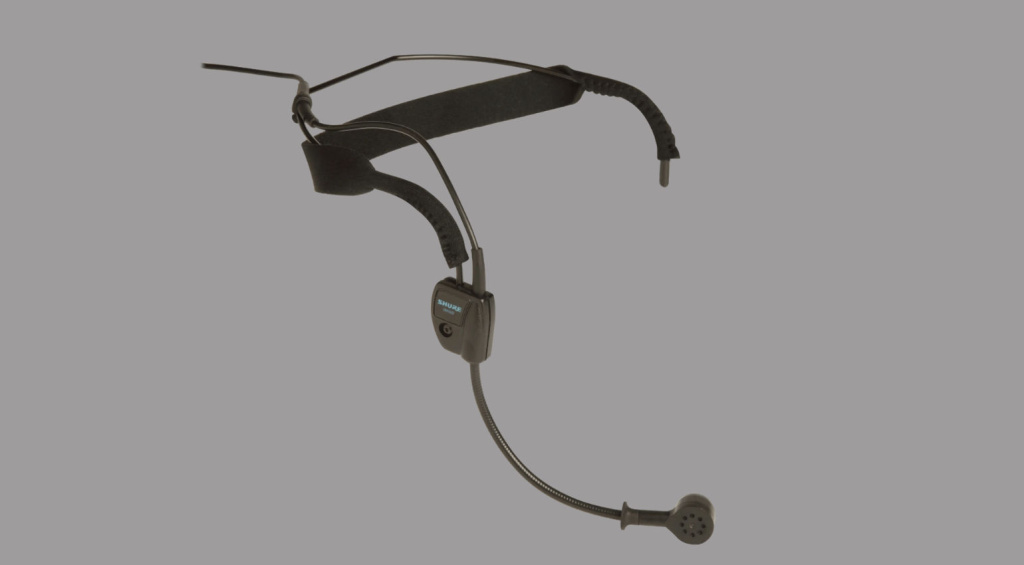
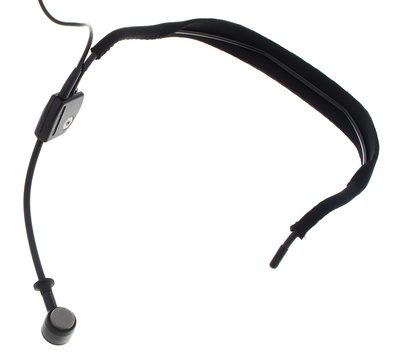
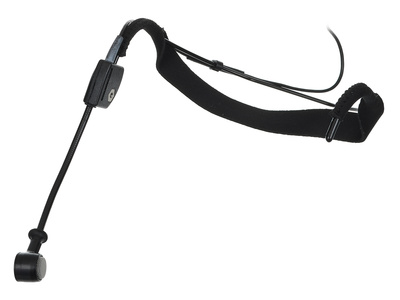
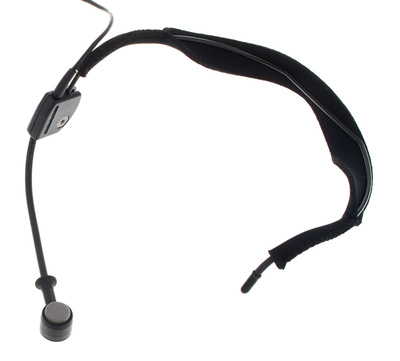
But here’s another idea worth considering: a headset mic like the Shure WH20 doesn’t need to be held in your hand at all and comes with a dynamic cardioid capsule. Beyond not needing your hands, a headset mic also keeps a consistent distance between the mic and your mouth at all times. That’s genuinely useful for a consistent sound.
Of course, you can just as easily mount your studio or stage mic on a stand right in front of your mouth, the way Doctor Mix does in the video above. But there’s something about rocking a headset that just looks cool while you’re performing.
The WH20 headset mic comes in both XLR and jack connector versions, and it also works with a wireless system if you want that. That means even more freedom to move around. Since this mic was designed specifically for speech, it brings exactly the right characteristics for generating robot voices through a vocoder.
Ambient noise gets rejected well here, and it’s resistant to feedback too. That lets your voice deliver a clean modulator signal for the vocoder. A slight EQ boost in the highs, by the way, improves intelligibility even further. You can grab the headset mic here at Thomann*.


Playing a Vocoder With a MIDI Keyboard
As mentioned earlier, we’re focused here on creating robot voices in the DAW, using plugins. And that’s exactly where a MIDI keyboard comes in handy, letting you play the synth sound feeding the carrier signal directly. That’s genuinely the best way to come up with melodies and harmonies for those singing robot voices.
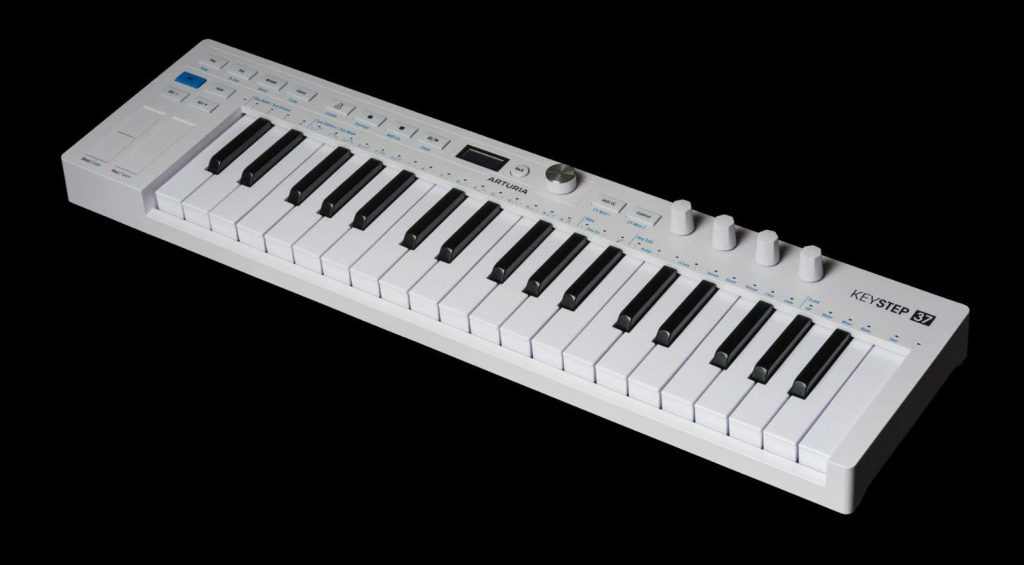
While some synths and keyboards built as capable hardware vocoders pack everything from mic input to sound generation into one unit, creating robot voices in the DAW doesn’t require nearly that much, a simple MIDI keyboard already gets the job done. For pure studio work, a MIDI keyboard isn’t even strictly necessary, since you can always draw notes directly in the DAW. But playing with actual keys is a lot more fun, and it works a lot better on stage too.
There are plenty of great MIDI keyboards that would work here. Listing them all would take this way beyond the scope of this article, so we’ll point you toward our linked buyer’s guides at the end and instead call out one specific master keyboard here, one with some genuinely useful features for exactly this application.
The Arturia KeyStep 37 mk2 is compact, travels easily anywhere, including onto a stage, and packs 37 velocity-sensitive slim keys, plenty of range for playing a few chords. It also comes loaded with USB, MIDI, sync, and even CV connections, so it fits into just about any setup.
Handy features here include a polyphonic sequencer, a built-in arpeggiator, and the ability to use this little “command center” in sync with other gear. A genuinely nice bonus is the built-in chord and scale modes, which means even people who aren’t especially confident keyboard players can still land musical results. That lets you play live sounds into the vocoder without worrying about hitting a wrong note. You can grab the USB/MIDI controller keyboard here at Thomann*.

The Vocoder: Essential for Robot Voices
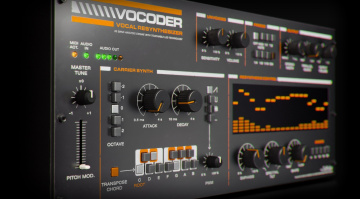
Now for the last, all-important tool for creating robot voices in the DAW. Yes, exactly, the vocoder itself. Your DAW probably already comes with one built in, but we want to show you a few genuinely cool vocoder plugins packed with features for exciting vocal sounds. And if you’re after even more recommendations, you’ll find plenty more plugins in this article.
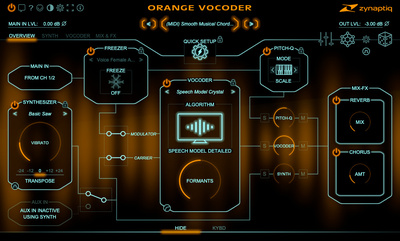
First up, the Zynaptiq Orange Vocoder*. This is one of the most popular software vocoders out there, and it doesn’t reference any particular vintage original, instead going for a modern design built around a solid 24 vocoder algorithms.
On top of that, Orange Vocoder packs a genuinely good-sounding, 64-voice, virtual-analog stereo synth with two oscillators and features like a ring modulator, hard sync, through-zero FM, and seven different polyphonic distortion algorithms. It’s also worth mentioning that you can randomize settings here, which makes it quick to experiment with different sounds for your robot voices.
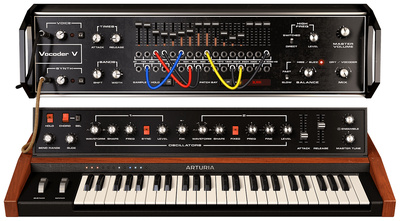
Arturia Vocoder V*, on the other hand, leans into the vintage sound of a classic Moog vocoder, also offers an internal synth for the carrier signal (your voice is always called the “modulator”), and even comes with a built-in sample player. If you’re after something a bit more classic-sounding, this one’s worth a look.
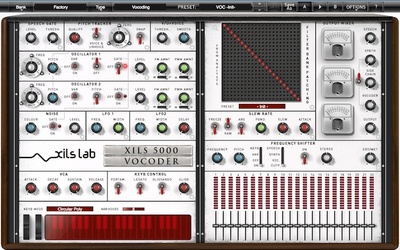
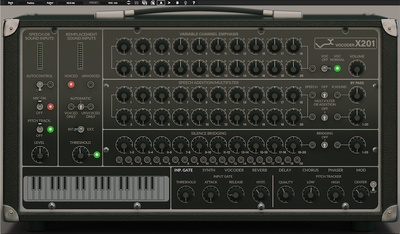
You can currently pick up the Xils Lab XILS Vocoder 5000* plugin for pretty cheap. This one also delivers classic robot voices and is modeled after a vintage unit too, the EMS 5000 Vocoder. Its sidechain input lets you feed in external synths or basically any other signal as the carrier. The same goes for the Xils Lab 201 Vocoder*, currently a great deal too, which models the Sennheiser VMS 201, another classic vocoder unit.

Bottom Line: Robot Voices Need More Than Just a Vocoder
A vocoder is the essential tool for creating robot voices with that unmistakable retro-futuristic charm. But the right supporting gear matters just as much.
A dynamic mic brings exactly the right qualities for capturing speech optimally before it hits a vocoder. That kind of mic doesn’t just connect easily to hardware vocoders, it works just as well with any standard audio interface too. And a dynamic mic also tends to perform best in live situations. A headset mic like the Shure WH20 is genuinely cool here, since it frees up your hands to play melodies and chords for the vocoder, while keeping a fixed distance between the mic and your mouth. That improves intelligibility and keeps the sound consistent.
A MIDI keyboard is genuinely useful too, for playing the melodies that feed the carrier signal alongside your voice. A compact keyboard like the Arturia KeyStep 37 mk2 already gives you a solid range to play with across 37 keys, plus nice extras like chord and scale modes to help you hit the right notes, even if you’re not exactly a keyboard pro.
And of course, a vocoder plugin can’t be missing from the equation if you want to create robot voices in your DAW. There are some genuinely interesting plugin options out there, the Orange Vocoder from Zynaptiq is a really flexible plugin that offers plenty of different types of vocoder voices, comes with a built-in synth for the carrier signal, and takes a genuinely modern approach.
Together, this trio makes a genuine Perfect Match!
More Information
- The Best Vocoder Plugins
- 5 of the Best Hardware Vocoders
- How to Find the Best MIDI Keyboard Controller
- Best Portable Keyboard Controllers for Your Hand Luggage
- More Perfect Match
*Note: This article contains affiliate links that help us keep Gearnews running. The price for you always stays the same! If you buy something through these links, we receive a small commission. Thanks for your support!


This might also interest you