Novation Launch Control XL3: V1.1 Update Review
Perfect for Anyone Looking to Combine DAW and Hardware

 3,9 / 5,0 |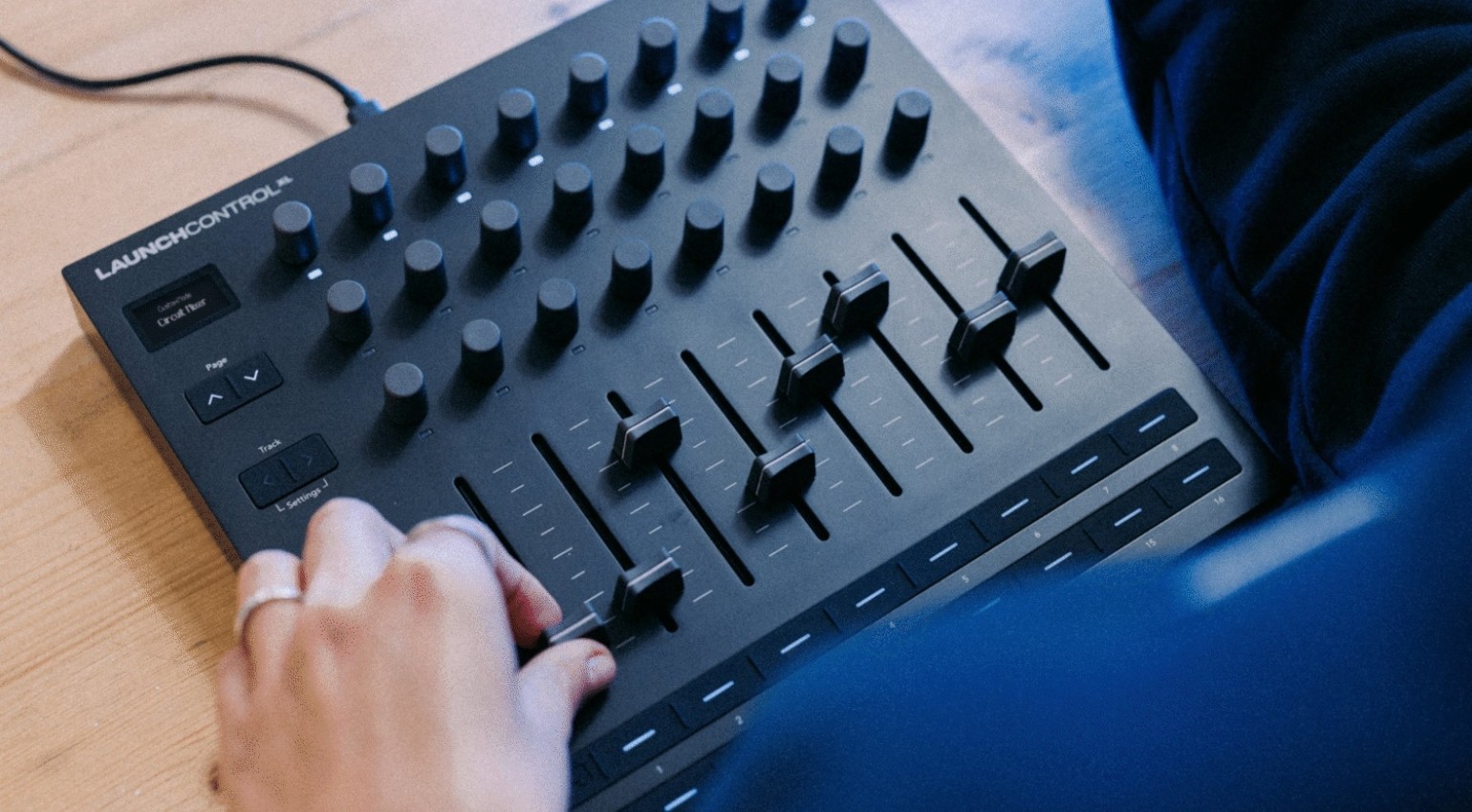

We review the Novation Launch Control XL3 with its new V1.1 firmware update, bringing new compatibility options and more responsive control.
Key Facts
- Launch Control XL3 expands software synths, offering direct and haptic real-time control instead of mouse work
- Firmware V1.1 improves the response speed of the encoders and faders, allowing for more precise automation
- Pre-configured mappings for synthesizer plugins such as Serum, Omnisphere, and GForce Bass Station significantly speed up workflow
- The controller combines DAW mixing, plugin control, and hardware integration in a central interface
- Software synthesizers greatly benefit from physical control, especially for sound design, filter sweeps, and modulations
All about the Launch Control XL3
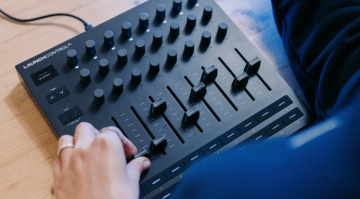
The Launch Control series was introduced over a decade ago, and it’s safe to say that it has become a household item in the studios and live setups of so many electronic music producers. Although it was considered the go-to affordable DAW controller, particularly for Ableton Live users, Novation took things in a new direction with the release of the Launch Control XL3 last year.
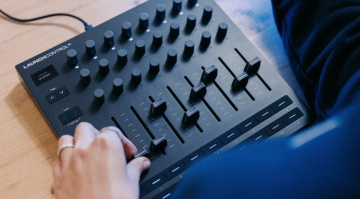
The essence of the original XL has been preserved, but the controller is a more precise and durable creative tool overall. With the new V1.1 firmware, the XL 3 offers Mackie HUI support, USB-to-DIN MIDI passthrough, adjustable encoder response, and fader pickup mode, as well as a fader preview function and quick access to custom modes.
Novation Launch Control XL3 – Review
As we’ve touched on before, the Launch Control series became synonymous with Ableton Live over the years. So for this review, I decided to go in a different direction in order to showcase its talents in other areas. First, I decided to test it with Cubase. As this is a DAW that is often shamed for having a stagnant interface and workflow, I wanted to see how the Launch Control XL3 could liven things up.
One thing I would never usually look to do in Cubase is live performance-based arrangement. However, with the help of the XL3, I was able to quickly put together a platform that not only made this possible, but it was a lot of fun too. To build this workflow, the first thing I did was create a 32-bar beat loop with some drums, chords, and a bassline, all bounced to audio tracks.
Next, I set up some aux effects busses with delays and reverbs assigned to key elements like the chord stabs and a few of the drum hits. Every time I added a new channel or send, it mapped automatically to the Launch Control XL3, and I could rearrange the channel order quickly and easily from the Cubase arrange window. Then, with cycle mode active, I was able to use Cubase with the Launch Control XL3 as a live performance tool, as the faders shaped the arrangement, and the effects sends became tools for accentuating transitions and adding variation to the phrasing.
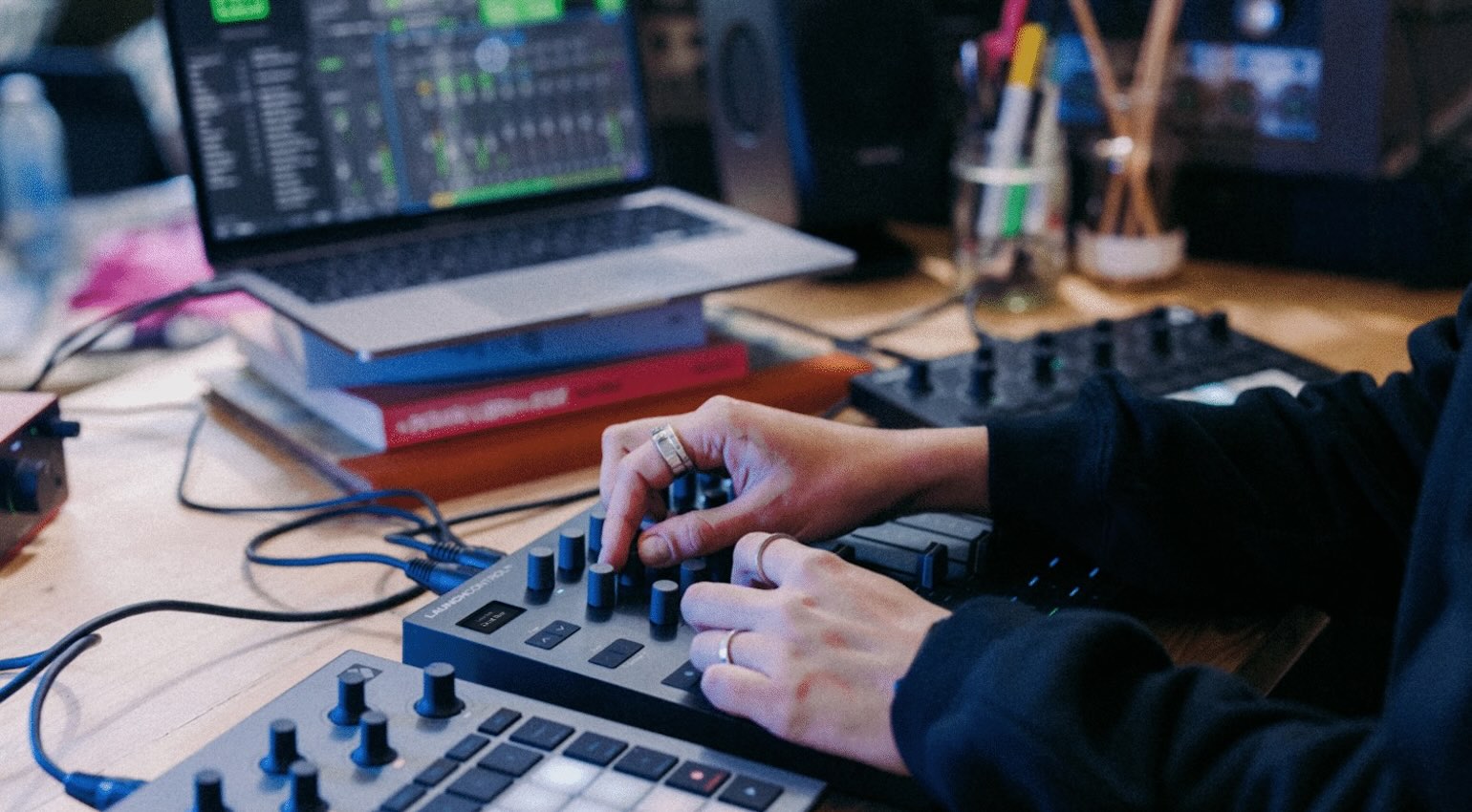
Naturally, this approach is going to favour more minimalistic electronic styles rather than every genre of music. However, the Launch Control XL3 was a breeze to install, and even adding a few custom encoder mappings for delay time and filter cutoff took a few seconds. What really impressed me was how quickly I was able to reach a stage where ideas were flowing, and I was using Cubase in a different way, which felt great.
Going DAW-less
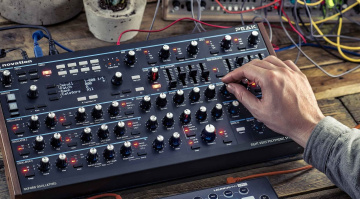
Because the XL3 can be powered from your smartphone charger, it opens up the possibilities to use link it with other hardware devices in your studio or stage setup. When I explored the short list of custom modes for the Launch Control XL3 on the Components app, which also has a web interface, I was thrilled to find mappings for plugins such as Serum, and the GForce Bass Station, as well as hardware devices like the Circuit series, the Peak desktop synth, the Teenage Engineering OP-XY, the Electron Digitakt and Digitone, as well as two mappings specifically designed for the Octatrack sampler.
This was exciting because it allowed me to extend the Octratrack’s controls in different ways, without having to start a custom mapping from scratch. The two mappings each have a slightly different focus, with the first providing effects, LFOs, and sampler parameters mapped across the encoders, and cue mix levels on the faders. This gives you a dedicated system for selecting and auditioning tracks during live performances.
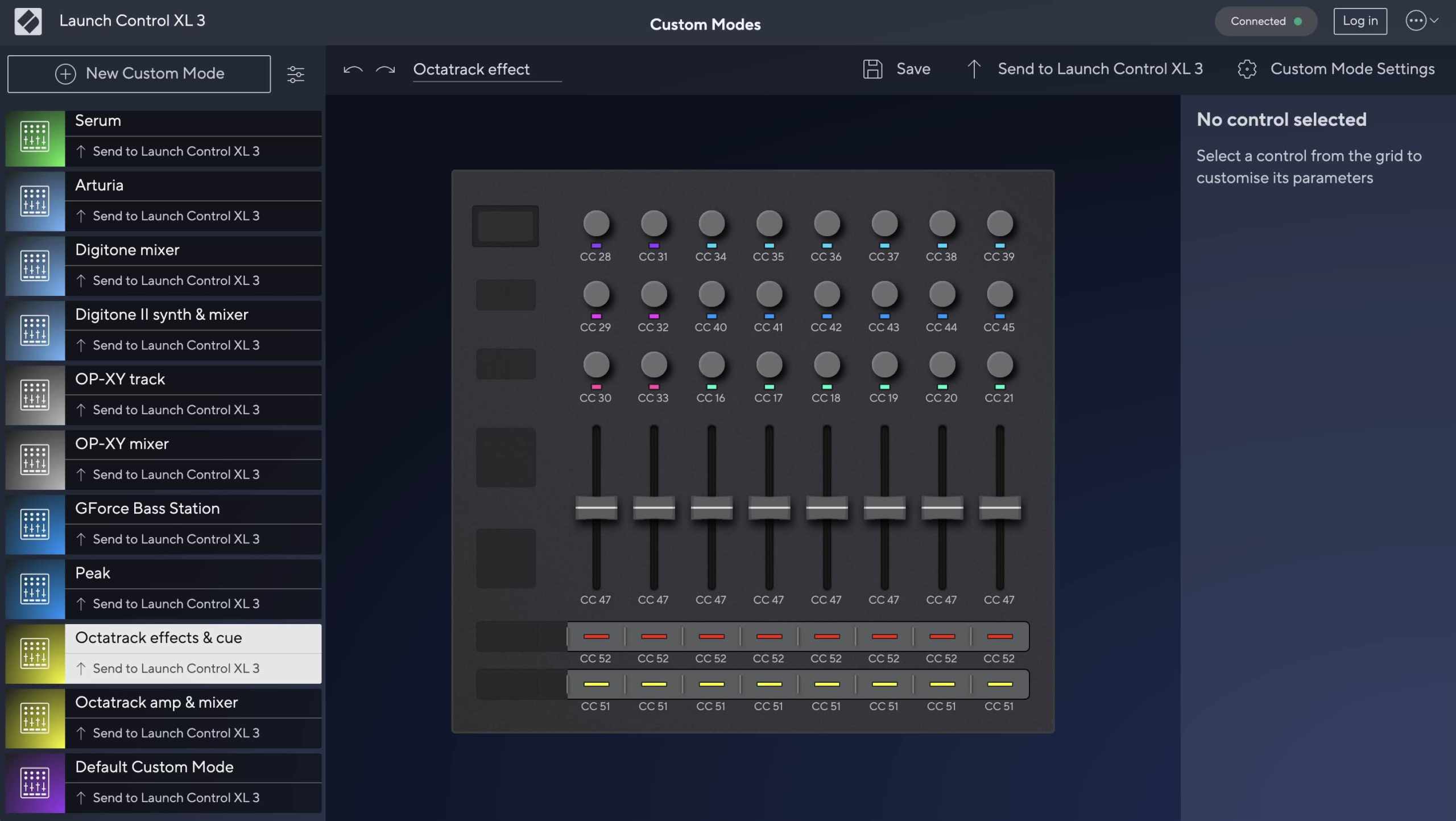
Meanwhile, the other Octatrack mapping uses the encoders for the amplitude and release envelopes, while the faders and buttons have familiar volume, mute, and solo assignments. The beauty of the XL3 mappings is how easily you can make your own customizations in the Components MIDI editor, and the fact that you can switch between mappings while performing live.
This allows you to get more control and expression from the Octatrack as a performance instrument, as well as a range of other equipment that doesn’t offer a knob-per-function interface or may have required a bit of menu diving in the workflow. Another instrument with two included mappings is the OP-XY, which covers its mixer and track-specific functions, and I’m sure users will find these beneficial in different ways.
Expanding Your Instruments
To my surprise, another instrument that had a built-in default mapping for the Launch Control XL3 was Omnisphere 3, although with its extensive library of controller mappings, I might have expected it. The default mapping assigns the global amp and filter envelope parameters across the faders, while the encoders are used for cutoff, resonance, filter envelope amount, ambience, unison, and glide.
While this isn’t the way I would necessarily use the XL3 with Omnisphere, it does provide tactile access to the most essential controls for automation. Perhaps a more prudent implementation of the faders would be to create a mapping for Omnisphere’s Live mode to control all eight of the parts or the Stack mode to transition between parts during a performance.
Luckily, with the help of this guide from Spectrasonics, you can easily create your own mappings on the Components editor. As a result, this allows you to use the Launch Control XL3 in your Omnisphere keyboard rig alongside your weighted or MP3 controller, turning Omnisphere into the ultimate expressive instrument for stage performance.
Typical use cases
- DAW mixer control, plugin control, and transport: Default mappings for Ableton Live, Logic Pro, FL Studio, Cubase, and Bitwig Studio, while the new Mackie HUI support adds compatibility with Pro Tools, Reaper, and Fender Studio Pro.
- Plugin control: Default mappings for Serum, GForce Bass Station, compatibility with Omnisphere 3 hardware profiles.
- Hardware MIDI control: Includes dedicated mappings for selected hardware from Novation, Arturia, Elektron, and Teenage Engineering.
- MIDI routing: The USB I/O and DIN 1×2 I/O and THRU functionality allows you to use the XL 3 as a MIDI interface for controlling multiple devices, with CC data merging and channel filtering.
Conclusion
The Launch Control XL has transformed from a flexible, compact MIDI mixer into a more precise instrument for both live and studio environments in version 3. The way that the customization extends into the encoder response and fader feedback behaviour, in the latest V1.1 firmware update, is also impressive.
However, its ability to store, edit, and recall different mappings quickly makes it an essential tool for music creation and performance, expanding the capabilities of your DAW, plugins, and hardware. Also, even creating complicated mappings has been made into an easy process, which makes the Launch Control XL3 a fun tool to use in any way.
Pricing and Availability
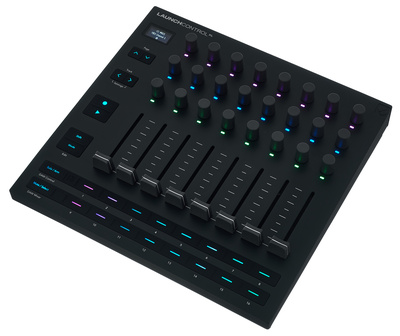
The Novation Launch Control XL3 is now available here at Thomann* for $211.00 / £185.00 / 212.00€.


Pros & Cons
Pros
- 24 encoders with an accurate feel and adjustable precision
- 8 faders with smooth action, pickup, and preview functions
- MIDI DIN interface with through function
- USB bus-powered device, can function without a computer
- Mappings for all major DAWs and Mackie HUI support
- Easy-to-use editor
- Durable build quality
- Ideal for studio and stage use
Cons
- Endless encoders don’t suit everyone
- No jog wheel for scrubbing in your DAW
More Information
- Novation Website
- More about Novation
*Note: This article contains affiliate links that help us fund our site. Don’t worry: the price for you always stays the same! If you buy something through these links, we will receive a small commission. Thank you for your support!

This might also interest you