Elgato Stream Deck Plus XL: Comprehensive Custom Control
Elgato's largest ever control surface has arrived.

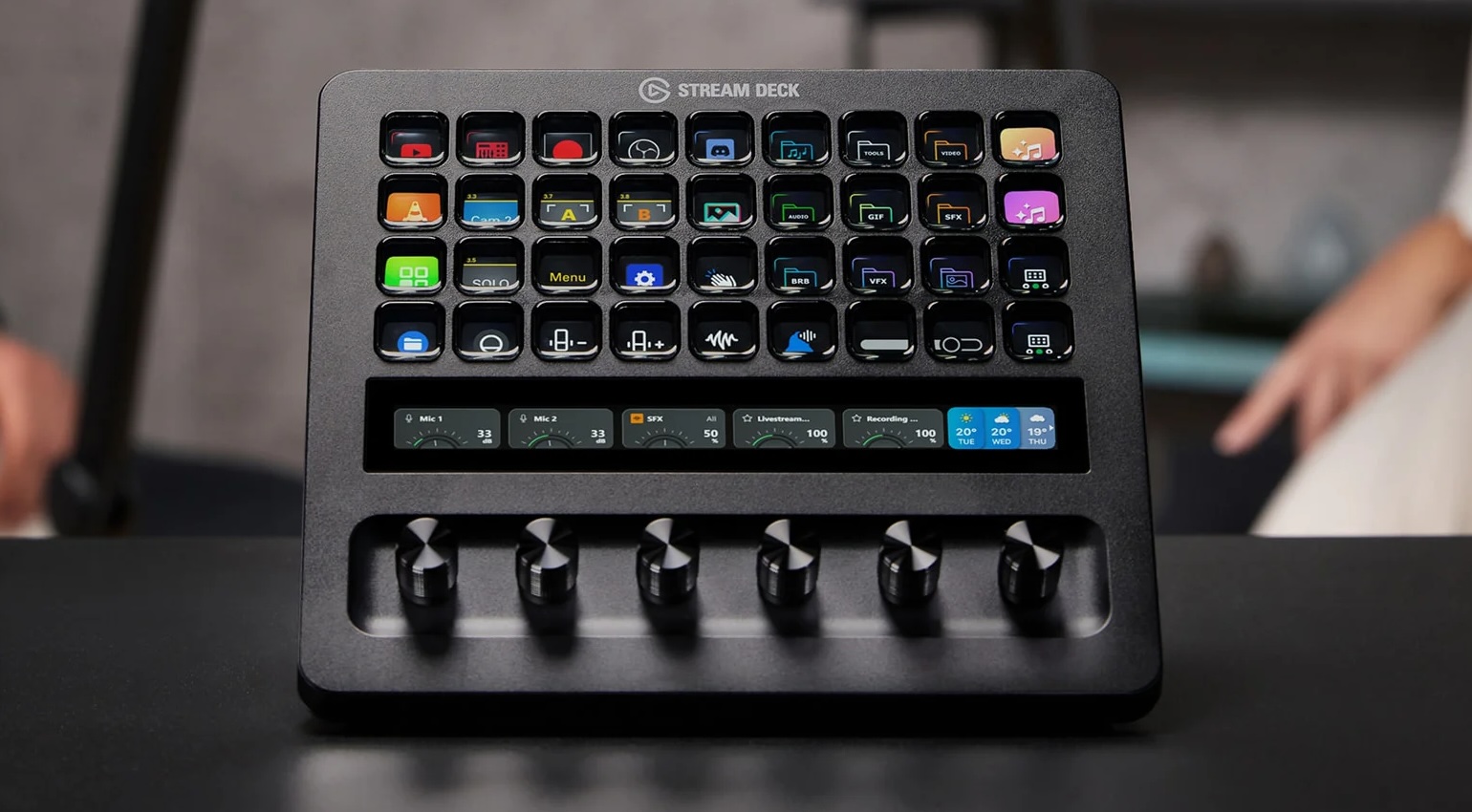

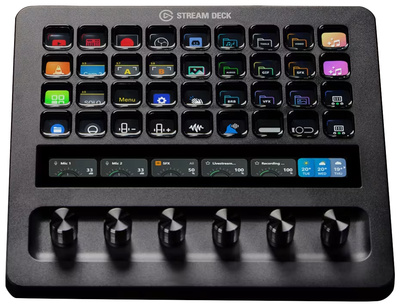
The Elgato Stream Deck Plus XL offers extensive control to streamline your workflow for streaming, content creation, and software operations.
Elgato’s range of intelligently designed controllers has become a standard among content creators and musicians seeking customizable DAW control surfaces for specific workflows.
Elgato Stream Deck Plus XL
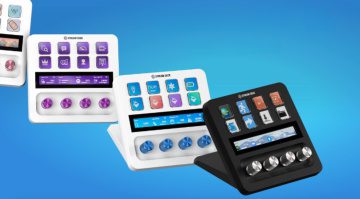
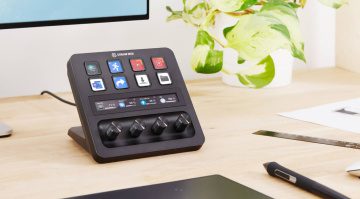
Almost double the size of the Stream Deck Plus, this expanded XL model offers 36 assignable LCD keys, six precise multifunction encoders, and a multitouch strip that allows custom gestures to streamline your frequently used functions in intuitive ways. Naturally, the primary beneficiaries of this level of functionality are going to be streamers and content creators.
Everyone has a workflow with its own unique idiosyncrasies, so being able to create a console interface tailored to your tastes means that you can minimize your time spent navigating with your mouse and get instant access to the apps and tools you need. For podcast production and live streaming, you can set up quick access to your favourite transitions between the cameras in your setup.
DAW users and video editors will be thrilled to know that Stream Deck Plus XL profiles for Ableton Live, Cubase, and DaVinci Resolve are already available in the Elgato Marketplace. While these are paid add-ons, they will certainly save you the time it takes to create your own control profile. What’s more, you can use one of these profiles as a starting point and tweak it to your liking.
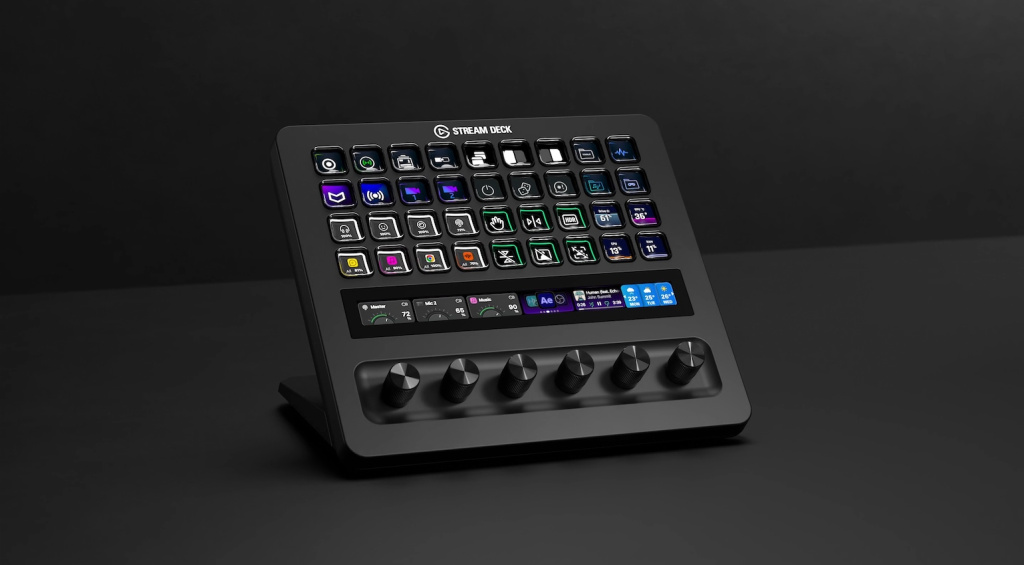
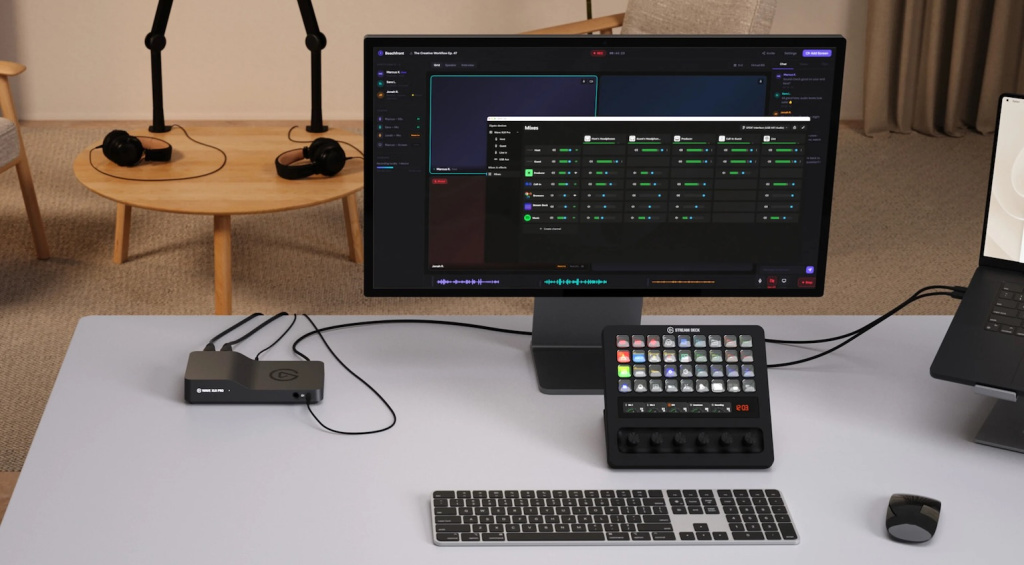
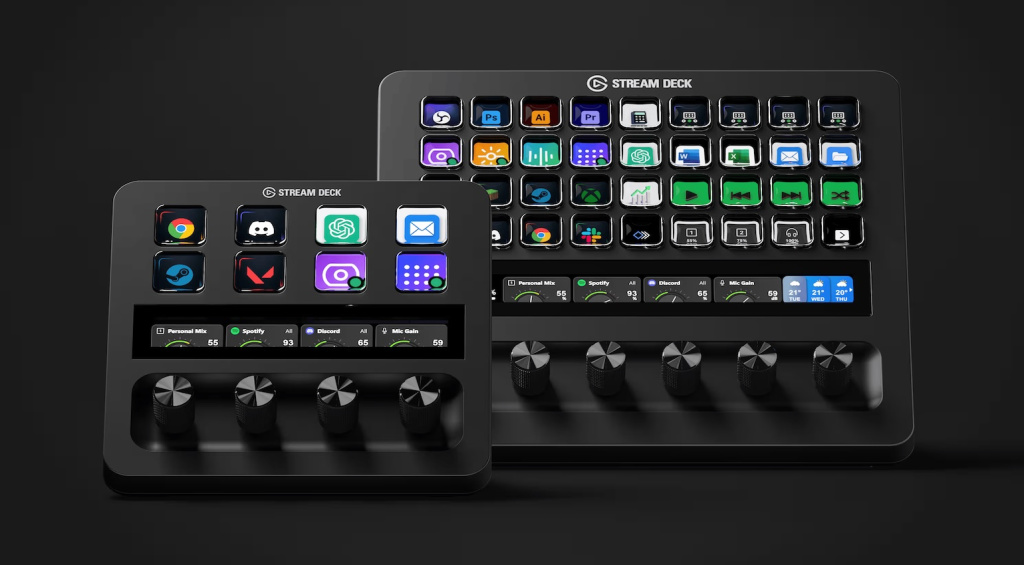
With the free Stream Deck app, you can customize the control layout using a drag-and-drop interface to link specific actions to the keys, dials, and the multitouch strip. In addition, plugins in the Elgato Marketplace are designed specifically for apps such as OBS, Streamlabs, Discord, and Photoshop, so you can get the best possible integration.
Pricing and Availability:
The Elgato Stream Deck Plus XL is currently available for pre-order. Get it at Thomann.*


More about the Elgato Stream Deck Plus XL:
*Note: This article contains affiliate links and widgets that help us fund our site. Don’t worry: the price for you always stays the same! If you purchase something through these links, we receive a small commission. Thank you for your support!

This might also interest you