The Best Budget Audio Interfaces: Get Great Recordings Affordably!
You don't have to spend big to record vocals and instruments.

 4,7 / 5,0 |
The Best Budget Audio Interfaces: Get Great Recordings Affordably! · Source: Focusrite

Need an audio interface, but don’t want to spend a fortune? Check out our list of the best budget audio interfaces! We’ve selected a range of budget audio interfaces that offer everything you need to record your own music, podcasts, and more.
In this Article:
What are the Best Budget Audio Interfaces?
With so many options out there, choosing the right audio interface for home recording can be confusing. But don’t worry – you don’t have to break the bank to get decent recording quality anymore. These days, even some of the cheapest interfaces offer sample rates of up to 192 kHz. But there are a couple of things to keep in mind.
Some of the most affordable audio interfaces offer just one microphone input, sometimes with a second input for instrument and/or line signals. While this may seem like an ideal setup for singer/songwriters, I’d advise against it if at all possible. Sooner or later, you’re inevitably going to find yourself in a situation where you need to record two microphones at the same time. Interfaces with two microphone inputs and preamps offer much more versatility for a wider variety of recording situations.
Monitoring is another key factor that can greatly affect your workflow. While nearly all audio interfaces now offer direct monitoring (meaning that you can hear yourself without any latency while recording), the way it’s implemented varies between manufacturers. Some interfaces offer convenient blend knobs for adjusting the balance between your input signals and the backing tracks from your DAW, while others require you to use a software mixer to make these adjustments. So it’s best to think about what you prefer before you choose an audio interface.
Compatibility and Software
If you’re going to be using your interface with your iPad, iPhone, or another mobile device, it’s a good idea to check for compatibility. While most, if not all, current interfaces work on Macs and Windows PCs straight out of the box, that’s not always the case for tablets and smartphones. Check that your interface supports the devices you’re going to be using it with, and how it’ll be powered (a separate power supply is often required).
Lastly, take a look at the software packages that come bundled with the interfaces. While most manufacturers throw in at least an entry-level version of a DAW such as Ableton Live Lite, some interfaces come with extensive collections of software instruments and effect plugins. If you’re just starting out, a decent-sized software package can go a long way!
So, without further ado, here’s our list of the best budget audio interfaces.
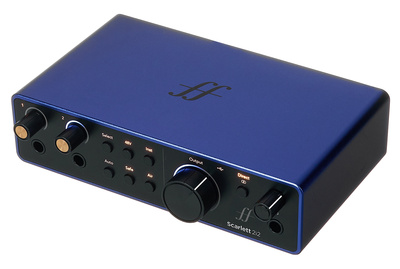
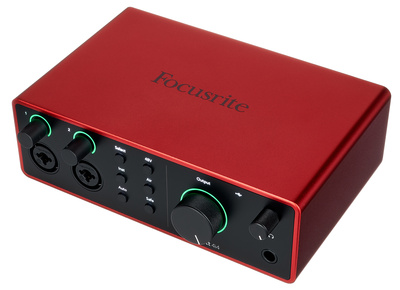
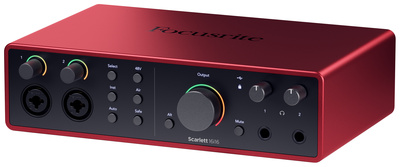
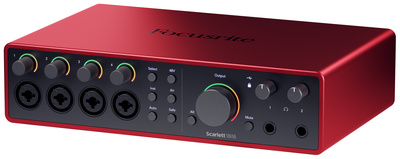
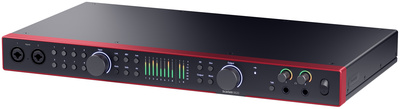
Budget Audio Interfaces: Focusrite Scarlett
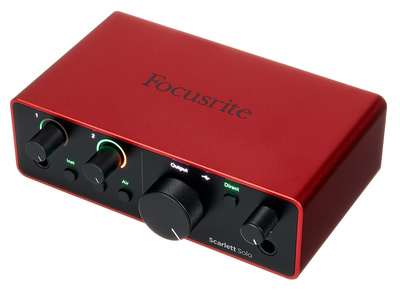
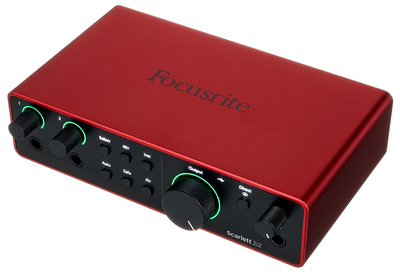
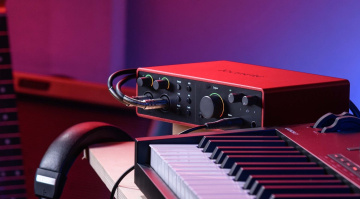
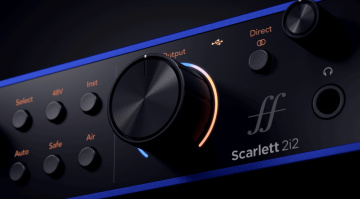
In the Scarlett series, you’ll find some of the most popular audio interfaces of all time, and there’s a reason for that. Each model features RedNet Series converters with 120 dB dynamic range and up to 192 kHz 24-bit recording. In addition, the Scarlett mic preamps provide 69 dB of gain, Auto Gain, Clip Safe, and an Air mode that emulates the Focusrite ISA preamp.
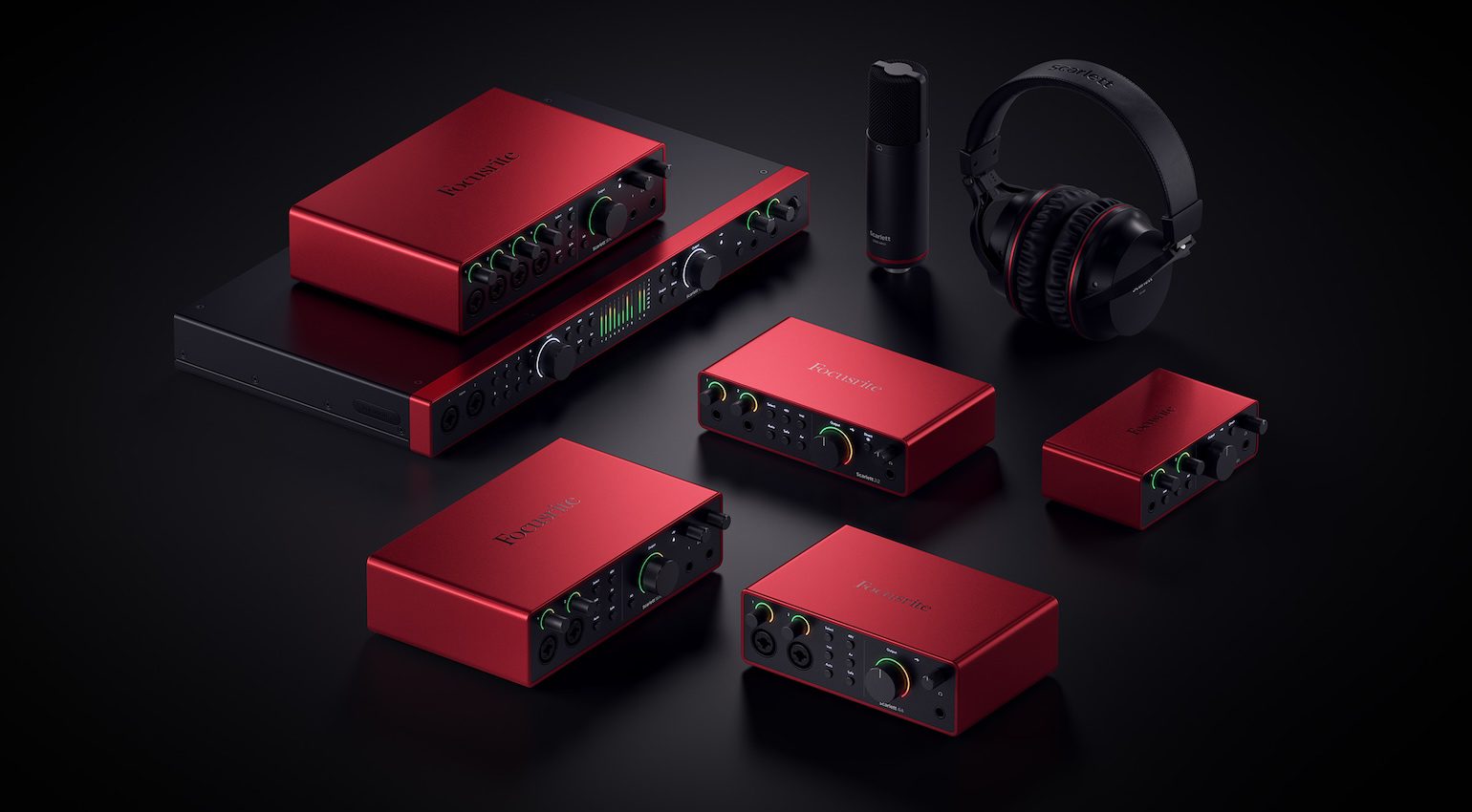
For flexibility, there is also direct monitoring for rehearsal and loopback for streaming and recording online audio. The range of compatibility options allows these bus-powered interfaces to link with Windows, macOS, Android, and iOS devices, so that the Scarlett interfaces can become central to any recording setup.
,What’s more, each Scarlett series interface ships with a range of bundled software, including intro subscriptions for Splice Sounds and LANDR AI mastering, as well as intro DAWs such as Ableton Live Lite and Pro Tools Intro+. Meanwhile, there is also a selection of software instruments and plugins from Softube, XLN Audio, Native Instruments, Relab Development, and more. Get it at Thomann.*


Budget Audio Interfaces: Universal Audio Volt
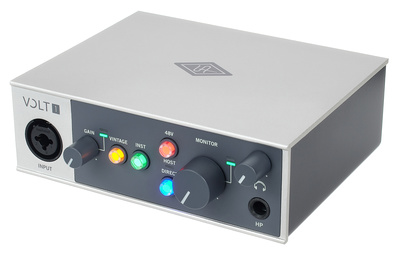
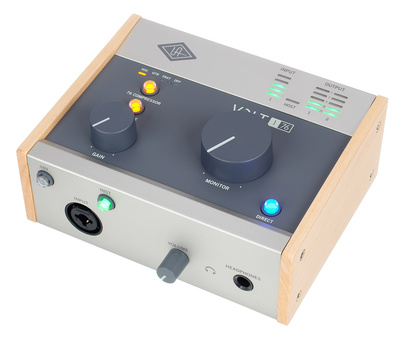
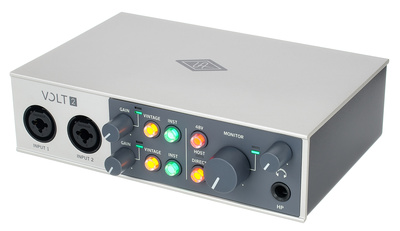
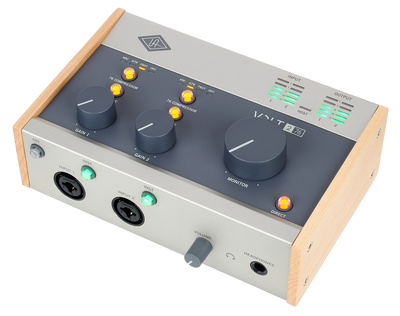
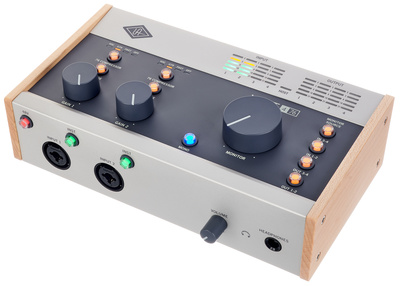
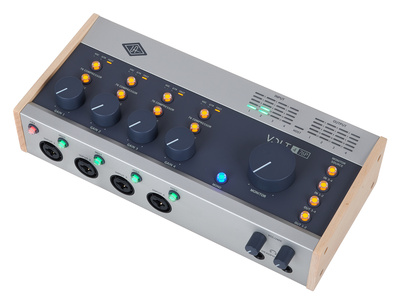
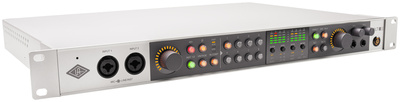
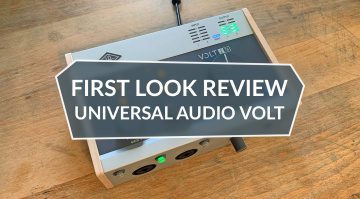
The Volt series from Universal Audio draws from the manufacturer’s prestigious legacy, with emulations of classic recording tools. There are two distinct branches of the Volt series, one that offers a Vintage mic preamp mode inspired by the legendary UA 610 tube console, and another that adds a compressor modelled on the famous 1176.
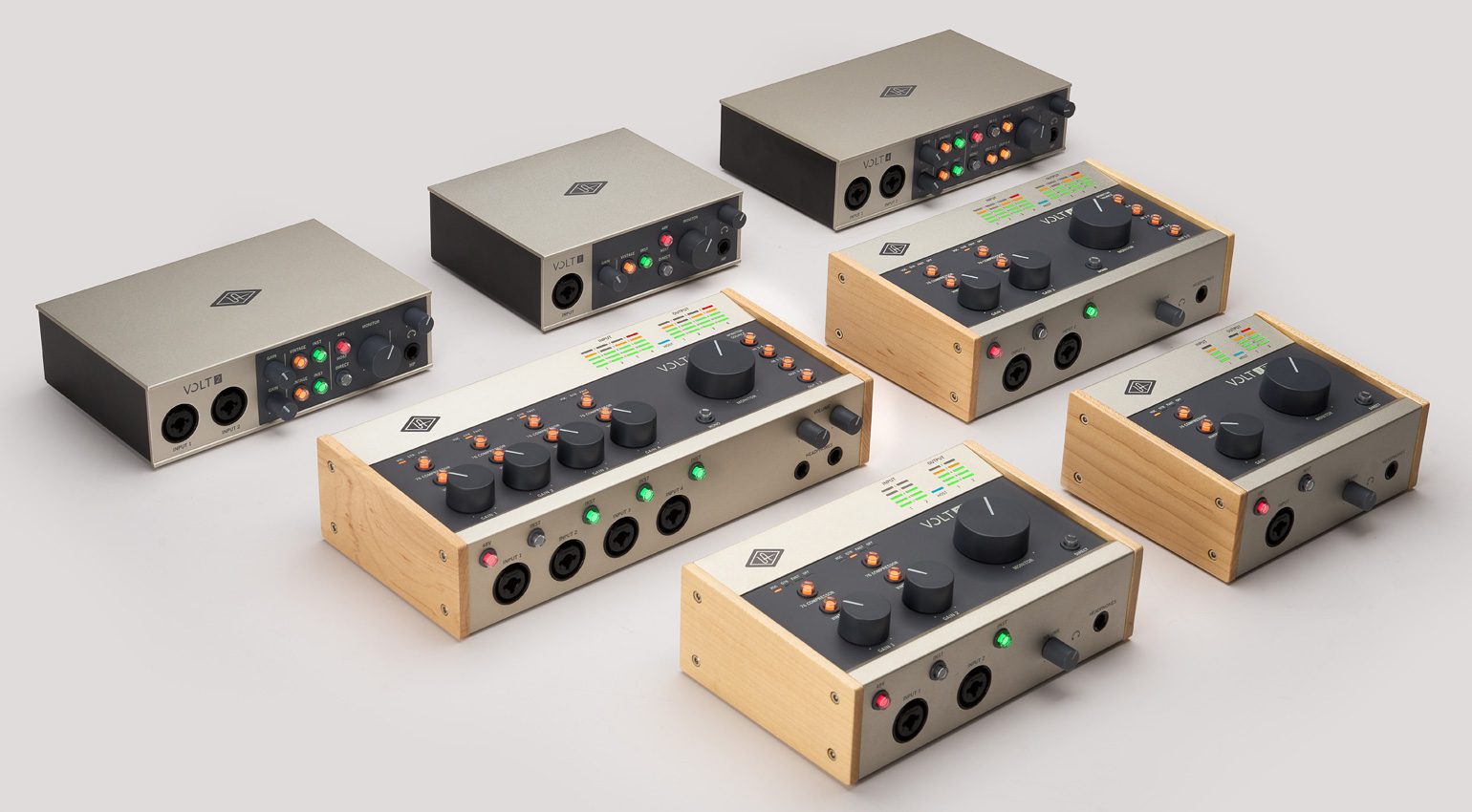
With XLR combo preamp inputs, you can connect mics, guitars, and line-level instruments like synths and drum machines. Meanwhile, the feature set covers all the basics, including direct monitoring, loopback, 5-pin MIDI I/O, and a headphones output with a dedicated level control.
Connectivity-wise, you can run the Volt series on Windows, macOS, and iOS devices, so it’s perfect for a mobile studio setup. Besides Ableton Live Lite, UA LUNA, and a selection of the renowned UAD native plugins, you also get a range of software from reputable brands like Celemony, Softube, Plugin Alliance, UJAM, and Spitfire Audio. Get it at Thomann.*
*Register your participating Volt audio interface before 28 Feb and get the UAD Guitar Amp Bundle FREE

Budget Audio Interfaces: SSL
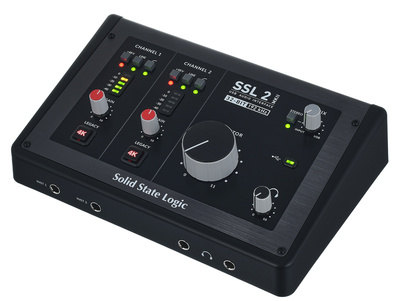
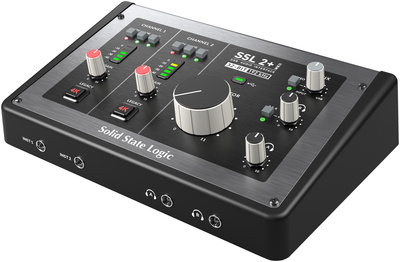
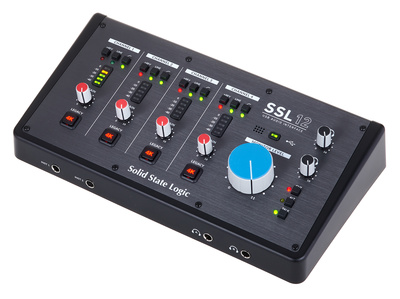
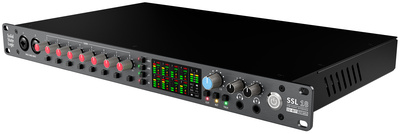
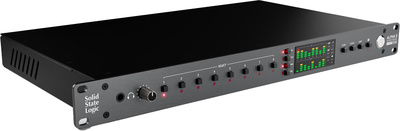
The renowned console manufacturer, SSL, has a range of affordable audio interfaces that continue to grow in popularity each year, with great solutions for home recording. In this series, one of the unique features is the 4K switch that allows you to activate an emulation of the famous SL 4000 series console preamps on each input channel.
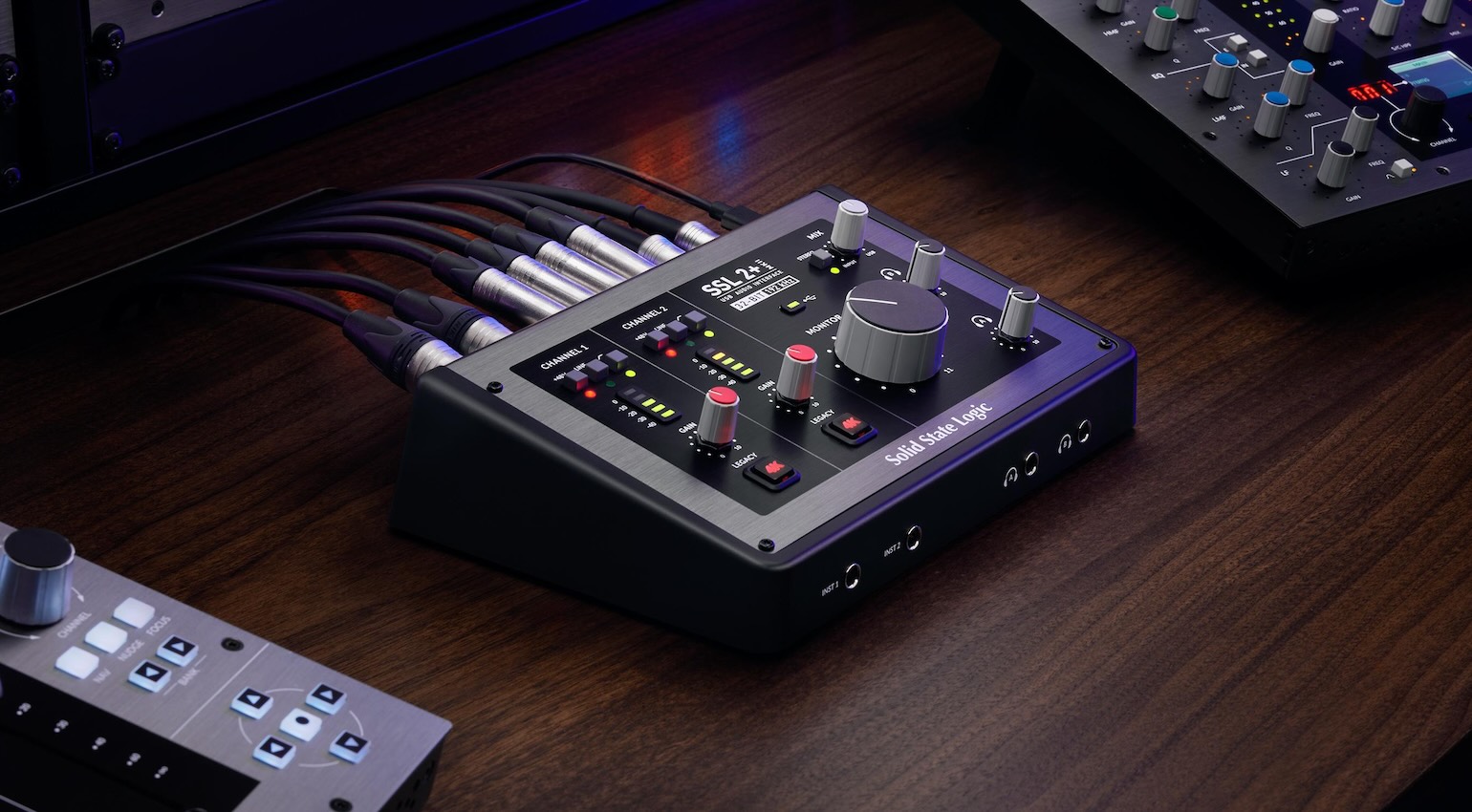
The mic preamps offer 65 dB of gain for recording or streaming, and the high-quality AKM AD/DA conversion can be set at up to 32-bit 192 kHz. A neat part of the design is the two instrument inputs on the front for guitars and line-level instruments, as well as a pair of headphone outputs for the artist and engineer.
The SSL audio interfaces offer compatibility with Windows, macOS, and iOS devices, which means you can create a studio around any of these platforms for a range of applications. Also, there is a range of included software such as Ableton Live Lite, Harrison Mixbus, and a range of plugins from SSL, AAS, IK Multimedia, and Celemony. Get it at Thomann.*

Budget Audio Interfaces: Arturia MiniFuse
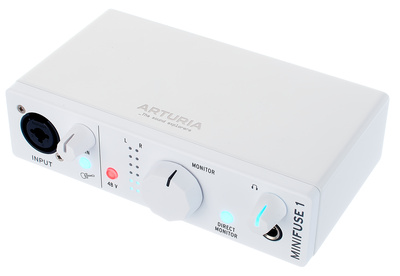
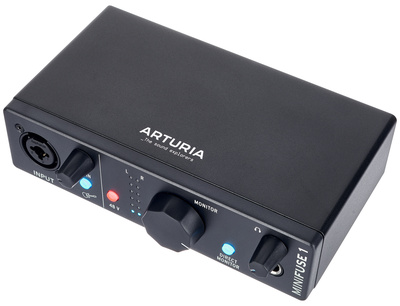
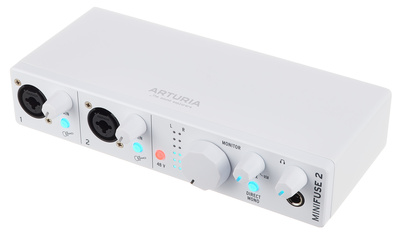
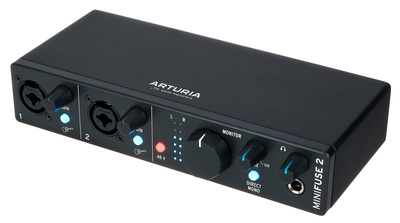
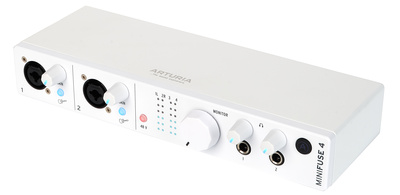
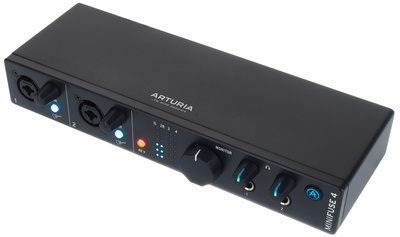
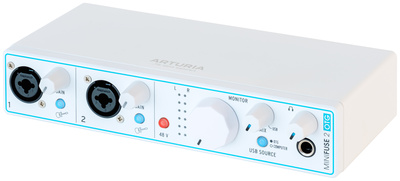
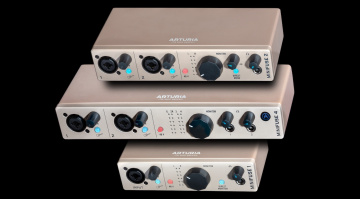
The MiniFuse audio interface series provides a range of affordable and easy-to-use solutions for getting signals into and out of your DAW. The XLR combo inputs allow you to connect mics, guitars, and line-level instruments, and there are conveniently placed impedance switches for selecting the type of signal you’re working with.
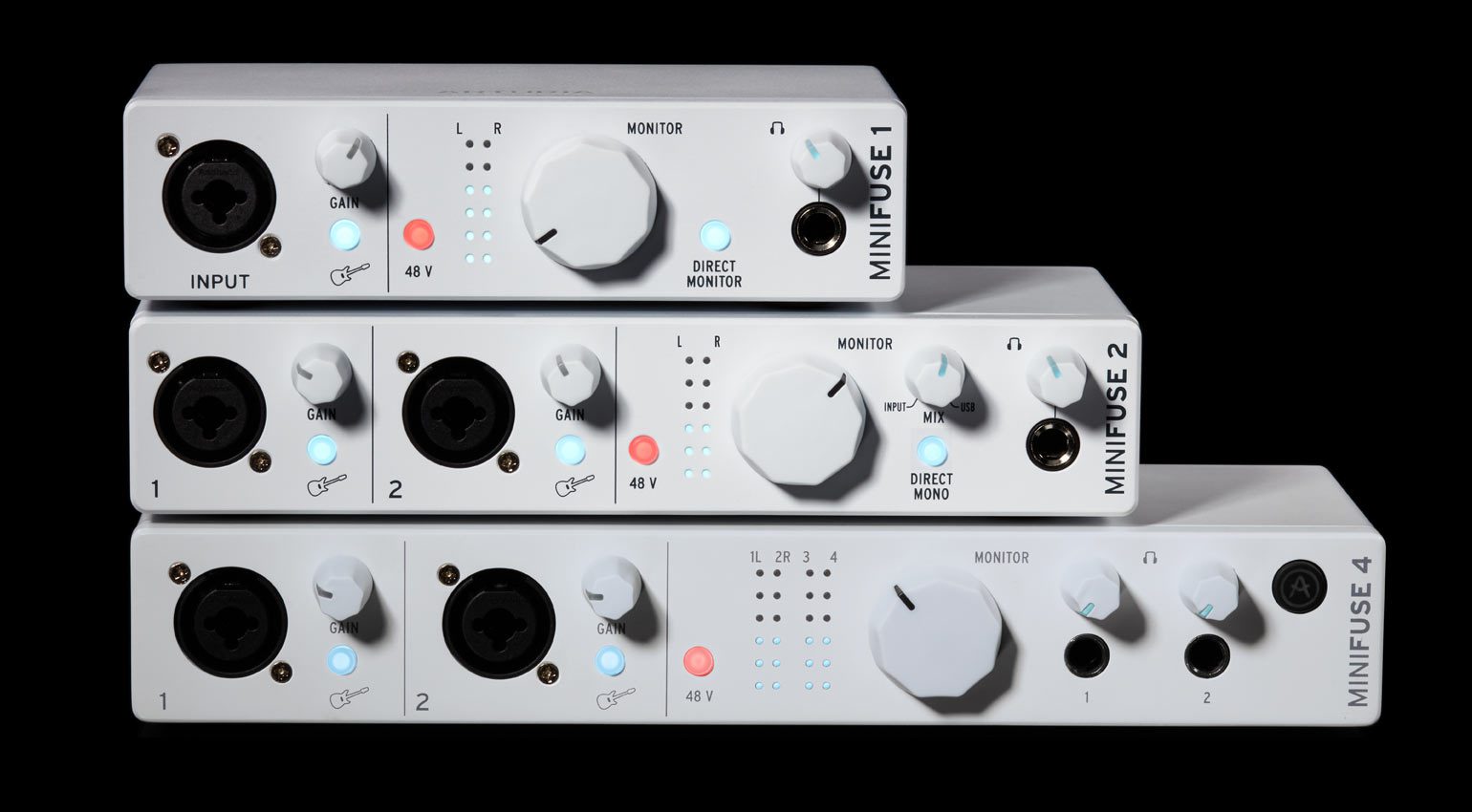
As you go up the MiniFuse range, you get additional line inputs, another headphone output with individual level control, and a larger USB hub, which is especially useful for connecting MIDI controllers and peripherals that use USB-A. There is also cross-platform compatibility, allowing you to use the MiniFuse with Windows, macOS, Android, and iOS.
Meanwhile, the OTG (On The Go) version adds an OTG USB-C port, which lets you connect simultaneously to a laptop and a mobile device for content creation and streaming workflows. To blend between directly monitored input signals, and those from your devices, there is also a mix knob, and the OTG model lets you choose which device you want as the USB source. Get it at Thomann.*

Budget Audio Interfaces: Audient EVO
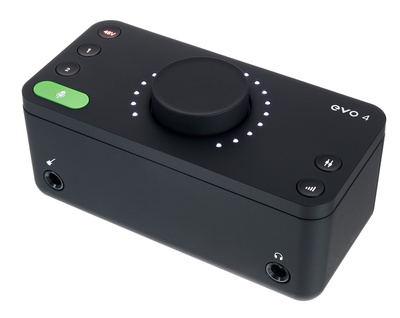
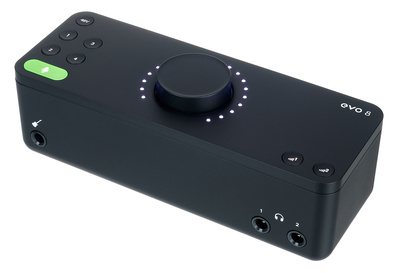
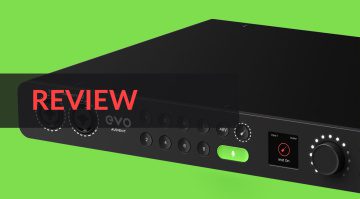
Audient’s affordable EVO range is possibly the most straightforward range of audio interfaces available. In creating devices that appeal to the new content creator generation, the simplicity of the EVO interfaces has also endeared them to musicians. The way the functions are all dialled in with a single central control knob makes it intuitive to navigate between workflows.
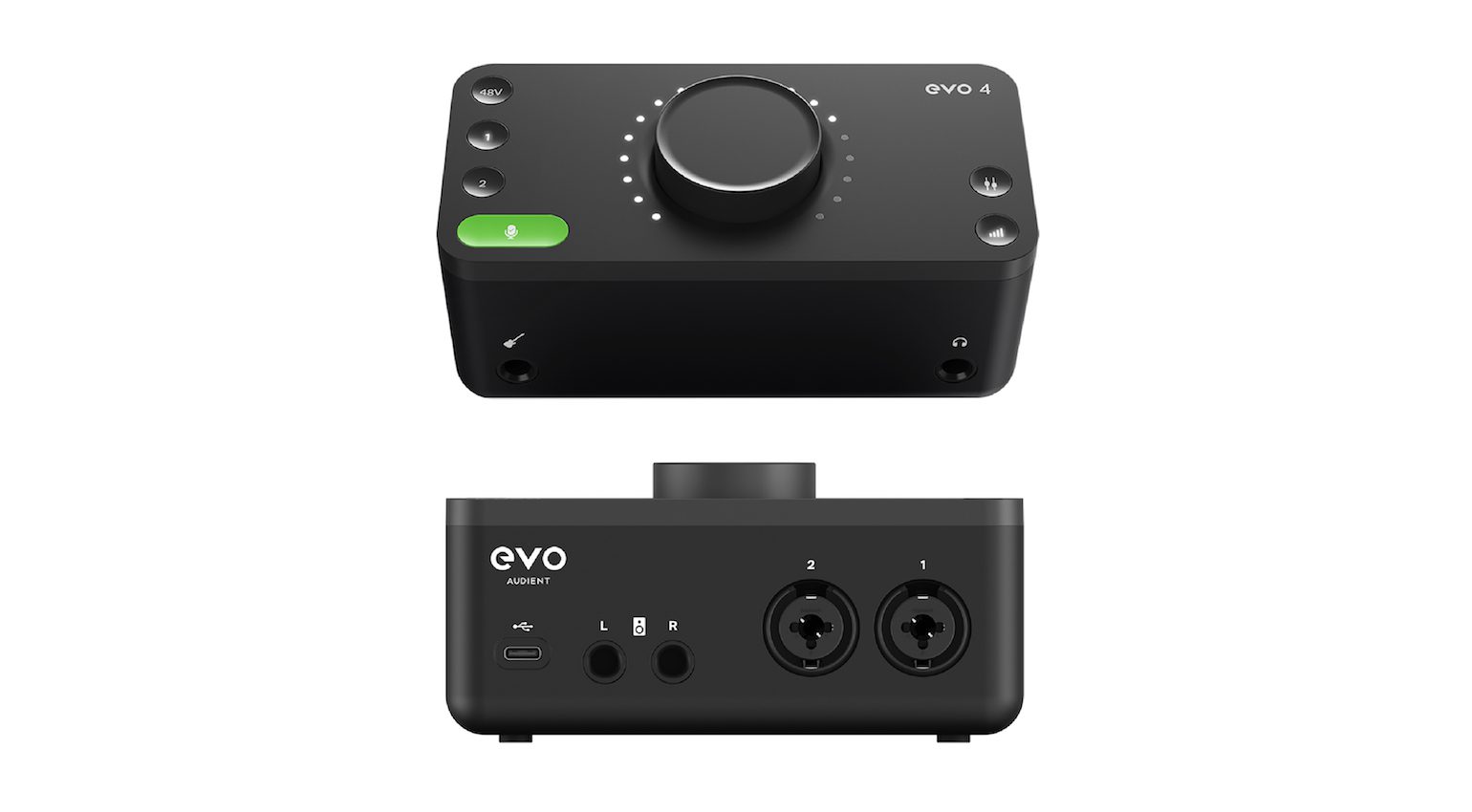
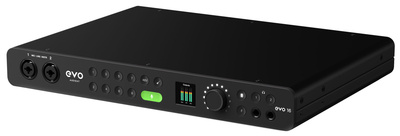
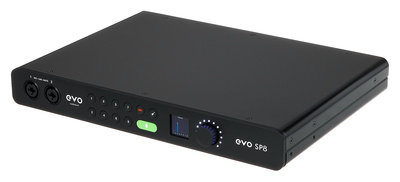
To start recording with a condenser mic, for example, you simply select the input channel, activate the phantom power, and use the Auto Gain function to optimize the gain while giving the mic a healthy signal level. This function is common all the way up the EVO line, including the EVO 16 and SP8 ADAT preamp.
With the included EVO software app, you can manage all the functions and levels, such as loopback for internal recording and streaming. Overall, the EVO is an amazing series of no-nonsense interfaces, suitable for home recording and mobile setups, offering compatibility with macOS, Windows, iOS, and Android devices. Get it at Thomann.*

Budget Audio Interfaces: Behringer U-Phoria UMC HD
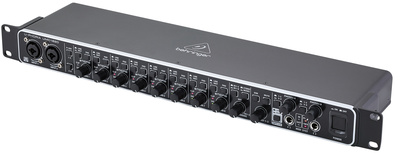
If you’re on a tight budget, the Behringer U-Phoria UMC HD series is a good option. Despite their unbelievably low price, these USB 2.0 interfaces convert at up to 192 kHz / 24 bit.
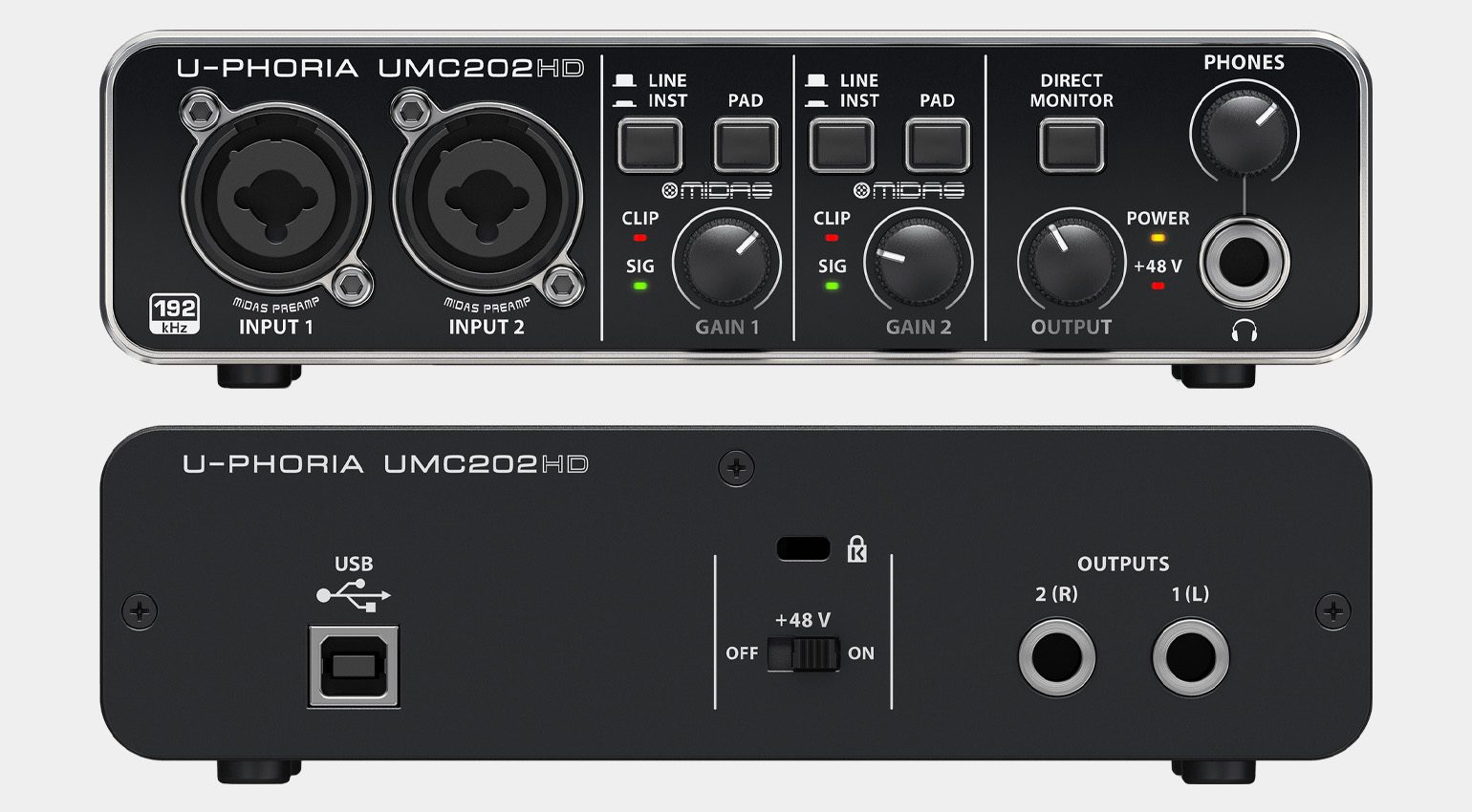
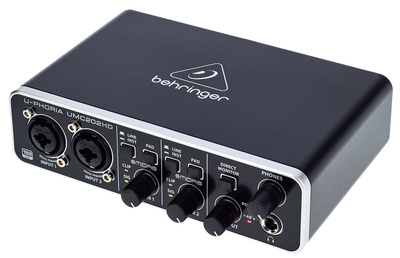
The UMC202HD gets you two combo inputs with MIDAS-designed preamps for mic, instrument, and line signals. A Direct Monitoring button ensures that you can hear yourself without any latency while recording. The UMC202HD also has a stereo line output and a headphone output. I
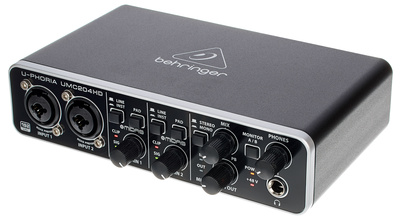
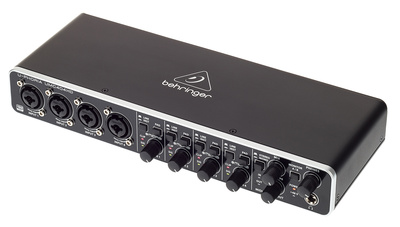
f you need more inputs and/or outputs, check out the UMC204HD and UMC404HD, both of which are also under $200. Get it at Thomann.*

More about Budget Audio Interfaces:
*This post contains affiliate links and/or widgets. When you buy a product via our affiliate partner, we receive a small commission that helps support what we do. Don’t worry, you pay the same price. Thanks for your support!

This might also interest you
One response to “The Best Budget Audio Interfaces: Get Great Recordings Affordably!”

What I’m quite interested to know, is whether interfaces at this price point, will offer less latency and ‘crackle’ in a multi VST DAW environment, than extremely low cost audio interfaces like the M-Audio M-Track do. The M-Audio one is very good, but with multiple VSTs running, it does eventually crackle and stutter. Would more expensive audio interfaces resolve this, or will this more likely be down to CPU performance, so no matter what audio interface you use, the performance won’t improve? (I don’t care about recording external instruments or vocals. I’m just interested in VST / DAW performance).