Using Guitar Pedals in the DAW: Hardware Effects Even Without Re-Amping!
Get to the next level of mixing and production!

 5,0 / 5,0 |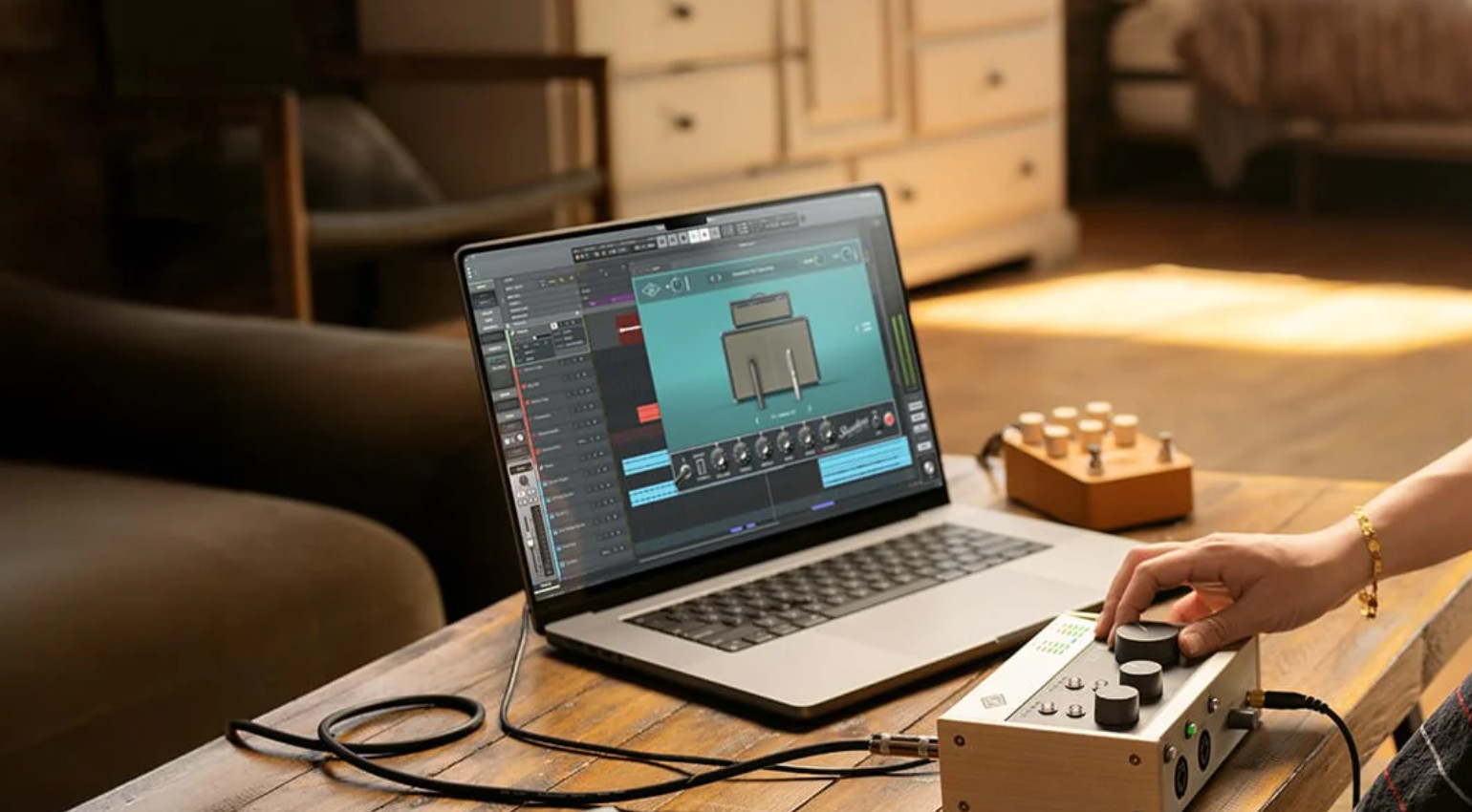
Using Guitar Pedals in the DAW: Hardware Effects Even Without Re-Amping! · Source: Universal Audio

Whereas just a few years ago the focus was mainly on emulating every pedal as a plugin or recreating them virtually in large amp simulators like the Kemper, many are now returning to small stompboxes. And not just on the pedalboard. If you’re already producing “in-the-box,” why not use guitar pedals in the DAW as well? There are a few things to keep in mind, though. And make sure you’re using the right tools.
Key Takeaways
- Interface outputs deliver line-level signals, while pedals require instrument-level signals. This can lead to clipping and unwanted distortion in the pedals.
- Interface setup: free output → pedal → back to Hi-Z input, then into the DAW as a hardware insert (Ableton External Audio Effect, Logic I/O plugin, Cubase External FX).
- The EHX Effects Interface provides pedalboard-compatible levels, requires no reamping box, and automatically compensates for latency.
- Consider latency: Use DAW compensation or realign the processed signal afterward.
Check out our Guide:
Guitar Pedals in the DAW: What’s the Point?
It could be so simple: For some music makers, it’s their computer with a DAW, plugins, and an audio interface; for others, it’s an electric guitar, pedals, and the amp. Both worlds stand on their own. But instead of relying entirely on digital emulation via VSTs or modeling software, a new trend has emerged in the guitar world in recent years that brings analog and digital together in a new way: guitar pedals in the DAW.
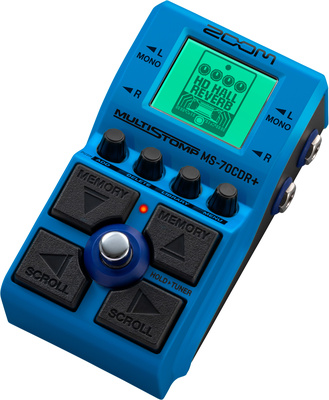
There reasons why using guitar padels as hardware effects for your music production workflow can make sense. Plus, this trend has grown so much, som producers who don’t even own a guitar use distortion pedals for sound design. Or multi-effects units to make boring-sounding soft synths sound more analog. Or compressor pedals for the mix bus.
But can’t you just do all that with plugins? Of course! But what many eventually realize (it’s a bit like the return to vinyl and tape for listening to music) is that you get entirely different results when you turn real knobs. Let’s not revisit the never-ending question of which is ultimately better, but in the end, haptics matter.
So, for anyone who wants to break free from the endless cycle of mouse clicks, hunched-over posture, and staring at the screen, but who maybe can’t play an acoustic instrument at all, I recommend using pedals in the DAW. Because guitar pedals in a DAW can be THE discovery that lets you create sounds you’d never have come up with when clicking a mouse.



Guitar Pedals in the DAW: The Setup
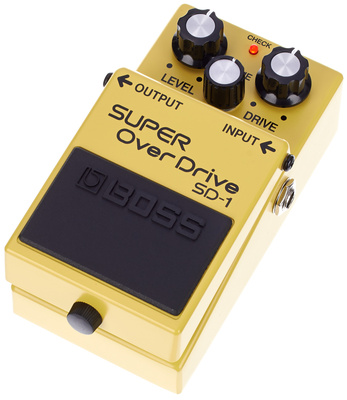
Many of today’s popular DAWs, such as Logic, Cubase, and Ableton, come with an external effects tool, like “External Effect” in Ableton, that makes setting things up easier. In addition, there are simple guides and tutorials for every DAW on using hardware effects within it.
Remember that if you use a DAW’s “External Effect” tool as an insert on an existing track (as in Ableton, for example), you still need to create a second audio track to record the wet signal with the pedal effect.
If you route the pedal through your DAW or audio interface, you’ll also need to figure out which track(s) you want to send to the pedal for the effect and where the pedal signal should end up in the DAW. Every DAW works a little differently here.
Guitar Pedals in the DAW: It’s All About Levels
Can’t you just use an audio interface with an input and an additional output to use guitar pedals in the DAW? It depends! The more analog the pedal, the more likely the answer is: No! Especially with distortion or overdrive effects like a Rat or DS-1, you might end up with terrible, completely clipped-sounding results.
This is due to the signal levels and impedances your audio interface outputs. Guitar pedals are generally designed for high-impedance, instrument-level signals. That is, the much lower level produced by an electric guitar. An audio interface, on the other hand, typically outputs a much higher line level signal.
Anyone who has worked with re-amping will be familiar with this problem, since guitar amplifiers are also designed to work best with instrument-level signals. In some cases, pedals (especially large multi-effects units or reverb pedals) offer an option to switch directly between instrument and line levels. In this case, all you need are the appropriate jack cables to connect the pedal to the audio interface.
The Problem with Latency
Before we take a closer look at possible approaches for using guitar pedals in the DAW, here’s an important note on latency: Due to the conversion in the audio interface, the signal you send out and then record back into the DAW will arrive with a short delay.
And this can lead to phasing issues. In other words, the time lag between the audio signal on the original track and the signal sent through the pedals can result in a fairly noticeable deterioration in sound quality if you listen to both signals at the same time.
Since latency is often less than 20 ms, if you’re only using the pedal track anyway after “re-pedaling,” it might not be that important to phase-correct it after recording.
But if you want to use both tracks, you’ll have no choice but to compensate for the latency after recording. In other words, zoom in as close as possible and shift the pedal track to the left in tiny increments until the start of its waveform is as close as possible to the same point as in the original.
Solution 1 for Guitar Pedals in the DAW: Through the Interface
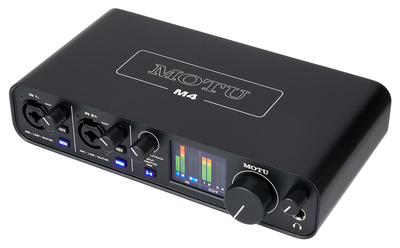
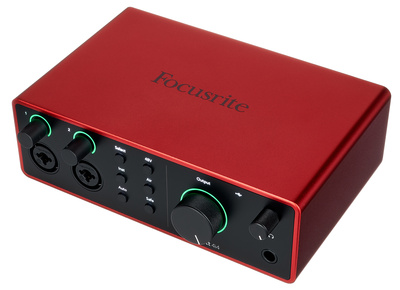
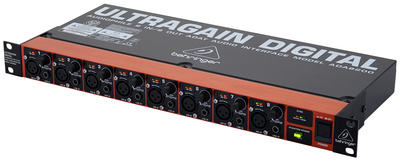
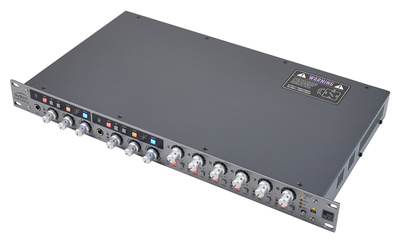
When it comes to recording, I’m a big fan of the “quick and dirty” approach. So let’s start with the simplest, most direct method. Plug a cable into the interface’s output and into your pedal; plug a second cable from the pedal’s output into the interface’s Hi-Z input—done. And if the interface only has one pair of outputs, just monitor through headphones and use output 1 or 2, briefly disconnecting them from the studio monitors.
After all, if what you hear in the DAW sounds good, things like re-amping don’t matter at all! However, if you use this method frequently, it might make sense to switch to an interface with outputs or upgrade your existing interface via ADAT to save you from having to constantly reconnect your other gear.




Solution 2 for Guitar Pedals in the DAW: Re-Amping
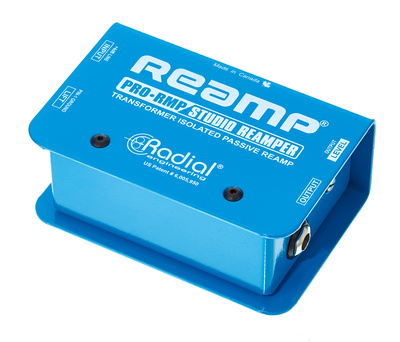
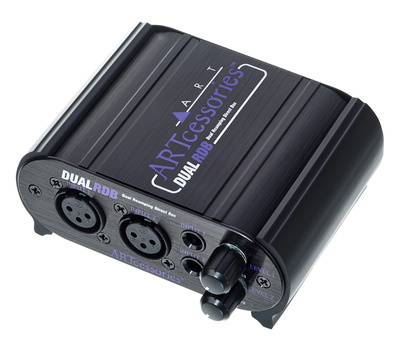
Re-amping, that is, routing recorded dry guitar signals through different amps to achieve a wider tonal range, is an integral part of many production workflows. There is now a whole range of so-called re-amping boxes available for this purpose. Here, you feed the signal from the DAW into the unit, send it back out to the amp, pedal or entire board, and then back into the audio interface and into the DAW.
One downside of using re-amping boxes is the number of patch cables they can take. To connect a single mono-pedal to the box and then to the audio interface already requires four, with stereo pedals that doubles!
However, if you simply have a mono distortion pedal, which you might use to distort vocals or thicken the mix, for example, a re-amping setup could be exactly what you need.


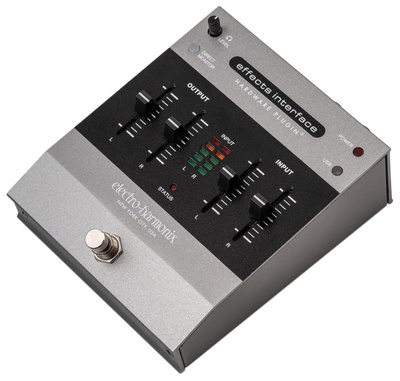
Solution 3 for Guitar Pedals in the DAW: EHX Effects Interface
At first, we were a bit skeptical about the EHX Effects Interface*: Why would you need a pedal to route effects into the DAW when you can just do everything directly through the interface? Once you’ve dealt with the wiring of guitar pedals in the DAW when working with stereo signal flows and all of the different levels and impedances, you’ll quickly see the advantages of the Effects Interface.
You don’t need any re-amping or DI boxes here. And in “Pedalboard” mode, the signal from the EHX is simply routed into the DAW as an insert effect with latency compensation (!)—no complicated routing required.
This way, you can run your entire pedalboard through all kinds of tracks in the DAW at once! The only drawback for those who don’t yet have an audio interface at home: The Effects Interface doesn’t have an XLR input and doesn’t provide phantom power, so it doesn’t replace a full-fledged audio interface.

Conclusion
Guitar pedals in the DAW—this is by no means just a topic for guitarists! In the world of synths, for vocal recordings, and in studios in general, hardware pedals are becoming increasingly important as effects for producers.
How do you set this up? What combination has worked best for you?
Let us know in the comments!
FAQ
Do I absolutely need a re-amping box for guitar pedals in the DAW?
No. You can also do it this way using a free output and a Hi-Z input on the interface or via the EHX Effects Interface. A reamp box provides the cleanest signal level, but it’s not a must.
Can I connect stereo guitar pedals i the DAW?
Yes, if your interface has two free outputs and inputs.
Why do I hear latency in the pedal signal?
Converting the audio signal from the interface to the pedal and then back to the DAW requires processing power, which results in a delay (latency). This must be compensated for in the DAW after recording.
Do guitar pedals work with any interface in a DAW?
Yes, provided that at least one input and one output on the interface are available.
*Disclaimer: This post contains affiliate links and/or widgets. When you buy a product via our affiliate partner, we receive a small commission that helps support what we do. Don’t worry, you pay the same price. Thanks for your support!

This might also interest you