TourBox Elite Plus Reviewed: Genius Workflow Tool or Pointless Gadget?
Between Pushy Phone Ads, Skepticism, and Ableton Live: How a Small Controller Changed My Daily Studio Routine

 4,7 / 5,0 |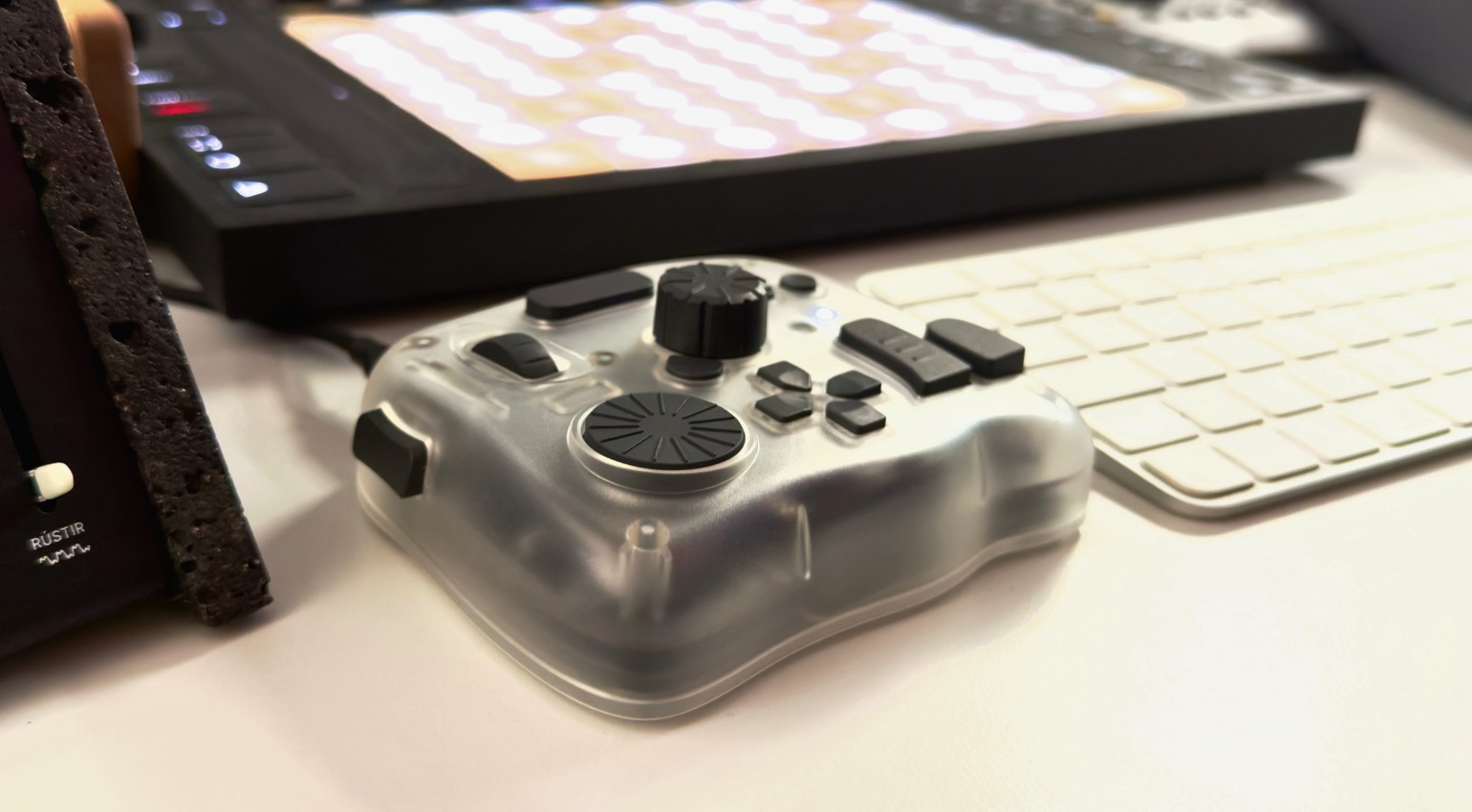
TourBox Elite Plus Reviewed: Genius Workflow Tool or Pointless Gadget? · Source: Marcus Schmahl

I’ll just say it: I bought the TourBox Elite Plus because of a relentless phone ad, popping up in my feed over and over until I finally gave in. As a content creator, I’m constantly hunting for controllers that promise to make life easier, that’s basically an occupational hazard. The first time I tried it, I actually cracked a smile. So what else does the TourBox Elite Plus bring to the table, especially for us audio nerds? Let’s get into it.
TourBox Elite Plus at a Glance
- 11 physical buttons plus 3 clickable dials (Knob, Dial, Scroll Wheel)
- Haptic feedback, adjustable in two intensity levels
- Dual-channel Bluetooth 5.0: pair two devices at once
- First TourBox model with full iPad support
- Community mapping library, downloadable right from the app, constantly growing
- Power: 2x AA batteries or USB-C
- Weight roughly 420 grams, genuinely grippy rubber feet
- Price: $297, sold direct from the manufacturer
TourBox Elite Plus Review: Workflow Controller for DAWs, Video Editing, and Photo Editing Put to the Test
What Is the TourBox Elite Plus?
TourBox Tech has been around since roughly 2018, and the company has steadily built itself up around content creators. Four models currently sit in the lineup: Lite as the entry point, Neo in the middle, Elite, and finally Elite Plus as the flagship. That last one is what we’re digging into here.
TourBox originally aimed squarely at photo, video, and graphics work. Anyone who’s spent time in Lightroom, Photoshop, or DaVinci Resolve knows the problem: too many keyboard shortcuts, too much mouse-wrangling for adjustments that should be simple. That’s exactly the gap TourBox fills. These days, though, the company markets the device explicitly for audio workflows too, and that’s what makes it genuinely interesting for us music people.
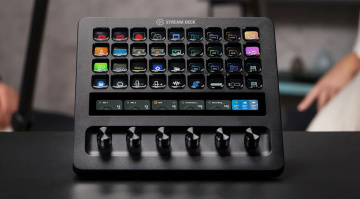
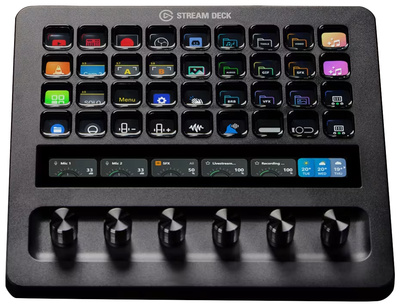
The most obvious comparison point is the Elgato Stream Deck. Both devices want to put shortcuts physically at your fingertips, but they take different routes. Stream Deck leans on buttons with tiny displays, TourBox leans on dials with haptic feedback. More on that later in the alternatives section.
Hardware and Feel
TourBox Elite Plus is no lightweight. At around 420 grams it sits solid on the desk, and thanks to genuinely grippy rubber feet, nothing slides around even when you’re hammering at it and dragging your hand across it mid-session. The housing is matte and translucent, you can see a bit of the electronics through it. Looks good, feels good. No cheap plastic vibe here. Honestly reminds me a bit of one of my first joysticks for the Amiga 500.
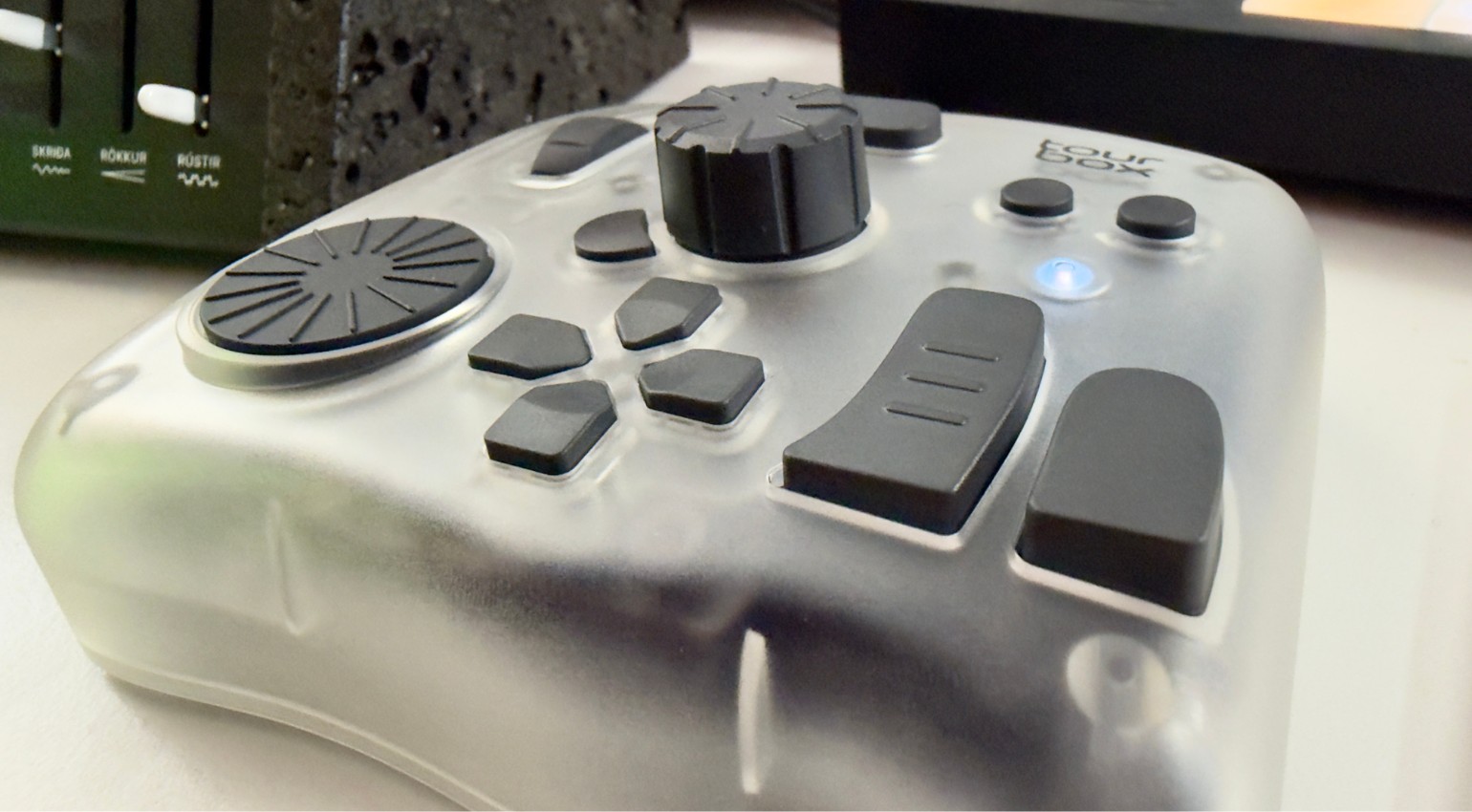
Eleven physical buttons, plus three clickable dials: a Knob, a Dial, and a Scroll Wheel. All three double as buttons when pressed, which basically doubles the number of functions you can assign. Haptic feedback on the Knob and Scroll Wheel is adjustable across two intensity levels and feels genuinely distinct. Each control vibrates differently, which helps a ton once you’re trying to operate the thing without looking down at your hands.
One criticism I’ve seen floating around the community, and I get it: the dials themselves are mechanically pretty loose, almost a little floppy. The haptic feedback simulates resistance, but it’s not the same as real mechanical detents like you’d get on a camera lens focus ring. If you’re expecting that satisfying, weighty resistance, you’ll be a little let down here. That said, you get used to it pretty fast.
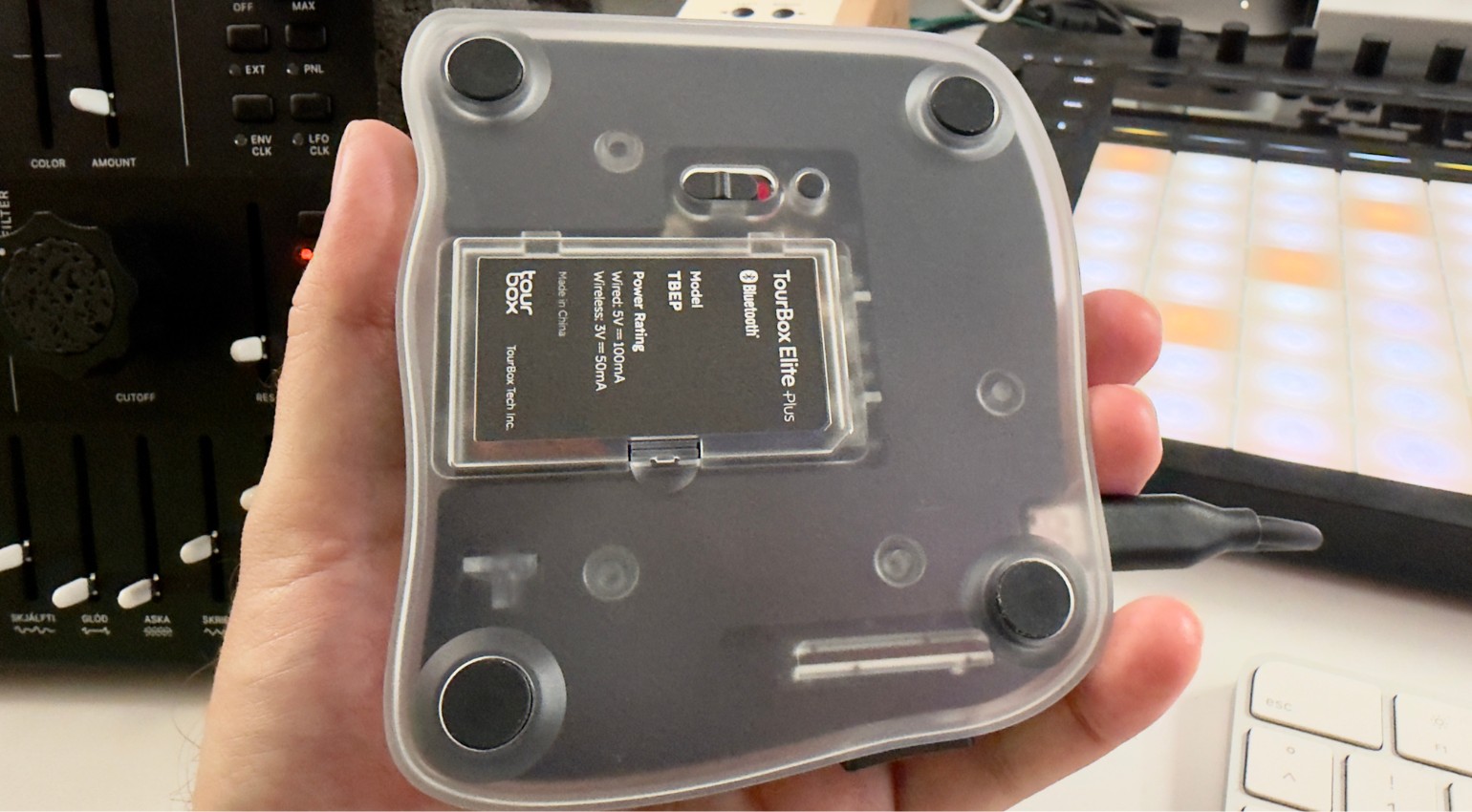
Power comes from either two AA batteries, rated for about two months according to the manufacturer, or a USB-C cable. Handy detail: dual-channel Bluetooth 5.0 lets you pair two devices at once, laptop and iPad, or in my case laptop and Mac Studio, and switch between them without missing a beat. Really nice.
The TourBox Console: Software Is the Real Heart of This Thing
Without the software, TourBox is just a fancy box with buttons. The TourBox Console for Windows and macOS, plus a dedicated iPad app, is what actually brings the hardware to life. A HUD, basically a heads-up display, shows on screen what each button currently does. Genuinely useful while you’re still learning the layout. Visually, though, it’s pretty rough. Could use some real design work. Lucky for everyone, once you’ve got the layout memorized, you barely need that display anymore anyway.
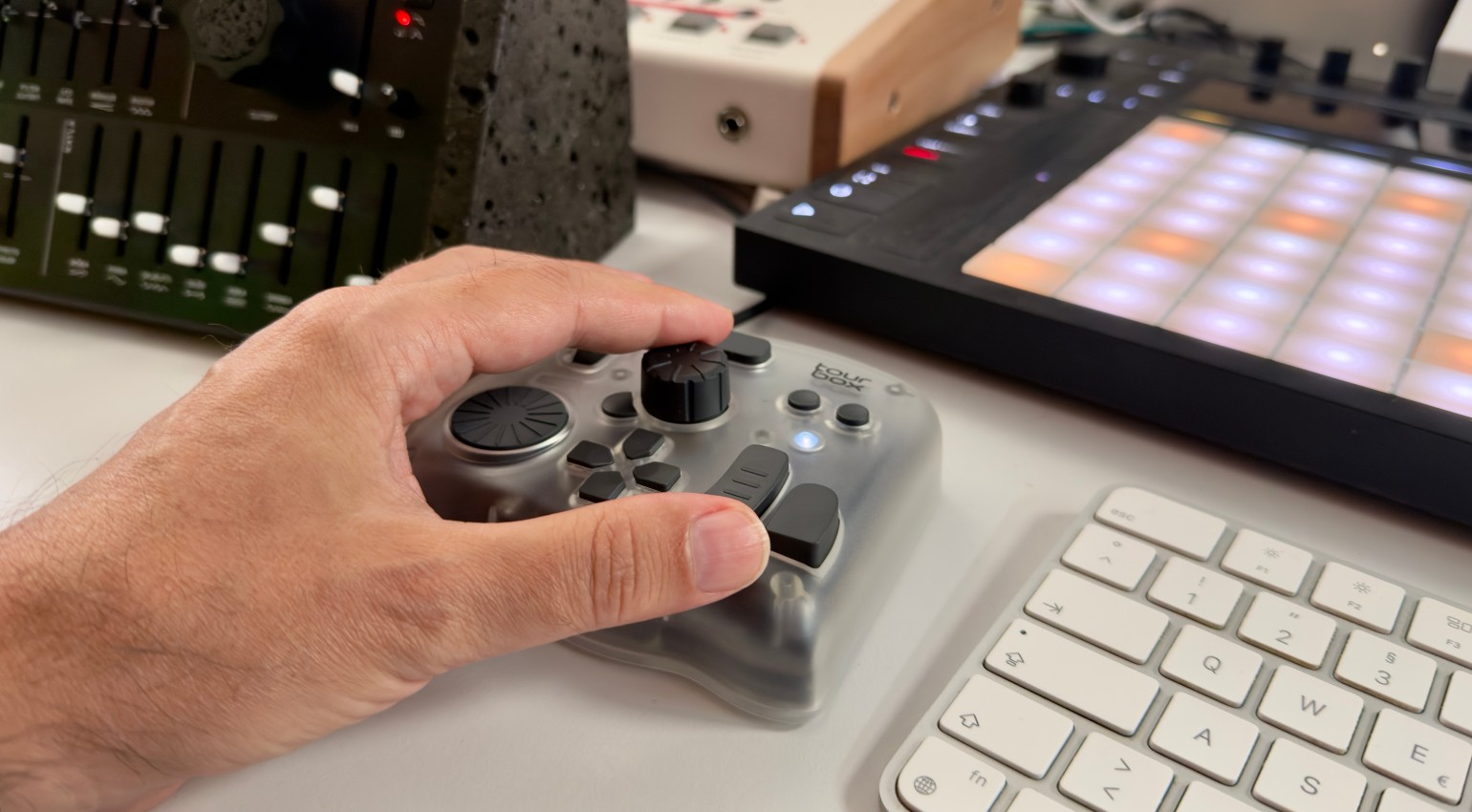
The preset system is smart. Since a recent update, the software automatically recognizes which workspace you’re in, say the Library versus the Develop module in Lightroom, and switches to the matching sub-preset on its own. You no longer have to build one preset that’s supposed to cover everything at once.
What actually won me over: the mapping library built right into the app. For Ableton Live there was a ready-made mapping available as a download, I didn’t have to assign a single button myself. Installed in seconds. And that list keeps growing because users upload and share their own presets. That’s community work the way it should work. And you can edit any of those mappings yourself afterward, in case you want to tweak the button assignments to fit your own setup.
TourBox Elite Plus in the DAW
Now for the part that actually matters to us producers: how does this thing hold up in music production? The general rule: any software that supports keyboard shortcuts can be paired with TourBox. That opens the door to pretty much every DAW out there, Ableton Live, Logic, Pro Tools, Cubase, Studio One, WaveLab, you name it.
In practice that means volume and pan adjustments on the Dial instead of the mouse, EQ sweeps on the Knob instead of fighting a tiny on-screen slider, transport control (play, stop, record) right on the buttons without ever lifting your hand off your instrument or controller. If you work with plugin parameters a lot, you can map your most-used values directly to the dials. That speeds up the workflow in a way you actually notice. What I really like is the stepped scrubbing along the timeline for quick, precise edits, plus dedicated shortcuts for setting and toggling loop points.
It’s worth drawing a clear line between this and a dedicated MIDI controller like the Ableton Push 3 or Move. TourBox plays in a different league entirely. It doesn’t replace pads for playing beats, and it doesn’t map MIDI notes directly to instruments. It operates at the shortcut and macro level of your OS or software. For actual live performance, you still need a real MIDI controller. But for editing and mixing day to day, this thing is gold.
Content Creation Beyond Audio
A lot of Gearnews readers make video content too, tutorials, photos, social clips, alongside music. This is where TourBox Elite Plus shows off a second strength. DaVinci Resolve, Premiere, Final Cut Pro, Lightroom, Photoshop, all of them run with presets pre-installed and ready to go. Genuinely great.
iPad support is the standout feature that sets Elite Plus apart within the lineup. If you draw, retouch, or edit on a tablet, apps like Procreate, Clip Studio Paint, and LumaFusion get full support. Dual Bluetooth makes switching between desktop and tablet completely painless. For me, this is honestly a game-changer, even though I’m not supposed to use that word.
Strengths and Weaknesses Day to Day
Build quality holds up across the board. The thing feels like a serious piece of gear, not a gadget. Calling it a tool feels almost too plain. Let’s just say it’s a thoughtfully built piece of working hardware.
The learning curve at the start is real. Eleven buttons plus three dials, each with multiple layers of functions, that’s a lot to absorb up front. After a few days you settle into a groove, though, and then things move fast. Even without that not-so-pretty HUD.
The one thing that actually bugged me, beyond the looseness of the dials already mentioned, is that no charging cable comes in the box. You’ll need to buy one separately, or you’ve probably already got one lying around the studio. At this price point, I’d have expected it included.
Alternatives to the TourBox Elite Plus
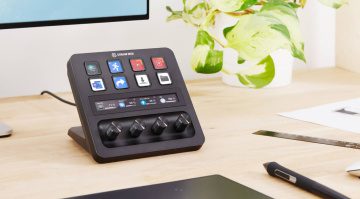
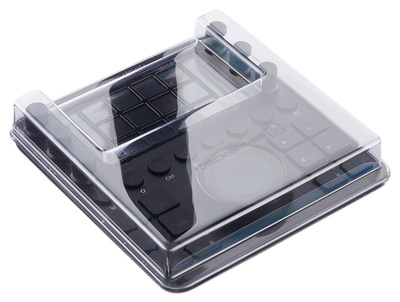
If dials and haptics aren’t your thing and you’d rather have buttons with visual feedback, take a look at the Elgato Stream Deck lineup. Models range from the compact Stream Deck MK2* up to the larger Stream Deck XL*, plus specialized variants like the Stream Deck Neo*. Every button shows a mini display of exactly what it does right now, which often feels more intuitive for pure macro control than a dial-based system. There are some genuinely cool DAW-specific setups here too. Worth checking out.

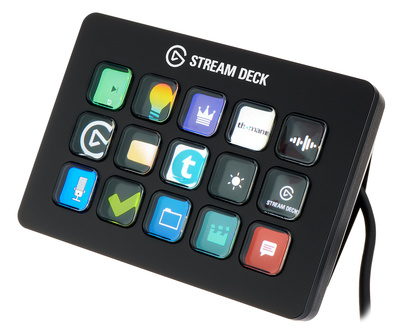

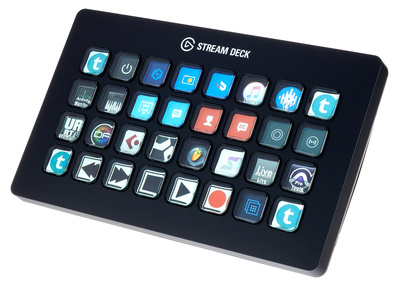
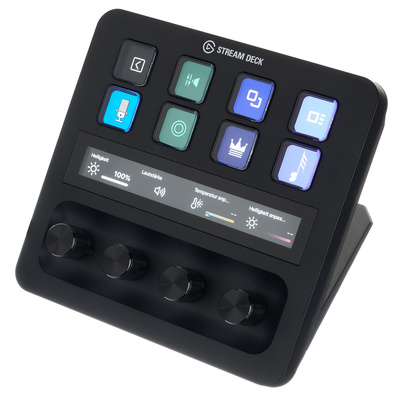
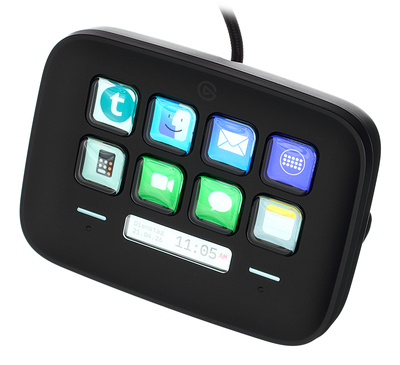

The most direct competitor in the dial-based space is the Loupedeck lineup, think Loupedeck Live or Loupedeck CT. Conceptually very close to TourBox, but with mini displays on each key instead of relying purely on haptics.
If you’re after actual musical performance though, triggering pads, launching clips, twisting synth parameters live, and you’re working in Ableton Live like I am, you’re looking at the Ableton Push 3 or the more compact Move instead. That’s a different philosophy entirely: performance instrument rather than shortcut helper. Both worlds complement each other nicely without really replacing one another. Which is exactly why adding TourBox alongside my Push 3 turned out to be totally worth it.
Verdict
I was skeptical because of the ad, honestly. But TourBox Elite Plus won me over fast. It’s not a replacement for a MIDI controller, that needs to be clear. But as a shortcut and macro command center for DAW work, video editing, and photo editing, sitting right there on my desk, it pulls its weight in a serious way. The community mappings take the tedious setup work off your plate, and the haptic feedback genuinely makes blind operation possible.
For $297 you get a thoughtfully designed piece of hardware that fits into your daily routine without getting in the way. If you spend a lot of time wrestling with keyboard shortcuts, this is worth a real look.
Pros and Cons
Pros
- Build quality feels premium, sits solid and stable on the desk
- Haptic feedback is genuinely distinct per control, great for blind operation
- Mapping library built into the app, Ableton Live setup in seconds
- Works with any software that supports keyboard shortcuts
- Dual Bluetooth: seamless switching between two devices
- iPad support is a real plus for content creators
Cons
- Dials are mechanically a bit loose, no real physical resistance
- Learning curve at the start is noticeable
- HUD design is rough and a bit annoying
- No charging cable included
- Not a substitute for a real MIDI performance controller
Price and Availability
The TourBox Elite Plus costs $297 and is available directly from TourBox Tech.
FAQ: Common Questions About the TourBox Elite Plus
Does the TourBox Elite Plus work with DAWs?
Yes, basically with any software that supports keyboard shortcuts. That covers Ableton Live, Logic, Pro Tools, Cubase, and Studio One. You can build your own mappings or pull ready-made ones from the community library.
Can I play synth parameters live with the TourBox?
Not in the sense of a MIDI controller. TourBox operates at the shortcut and macro level, not through direct MIDI mapping to instruments. For live performance, a dedicated MIDI controller is still the better tool for the job.
What’s the difference between the Elite Plus and the regular Elite?
The main difference is iPad support. Elite Plus is the first TourBox model that works with iPadOS apps like Procreate or Final Cut Pro.
How long does the battery last?
About two months on two AA batteries, according to the manufacturer. You can also run it via USB-C cable instead.
Does a charging cable come included?
No, just the device itself, two AA batteries, and a quick start guide. Cable and carrying case are sold separately.
Can the TourBox Elite Plus connect to two devices at once?
Yes, dual-channel Bluetooth 5.0 lets you pair it with two devices simultaneously, say a laptop and an iPad, and switch between them seamlessly.
What does the TourBox Elite Plus cost?
$297, sold directly by the manufacturer.
More Information
- TourBox Elite Plus official product page
- TourBox Tech
- Elgato Stream Deck MK2 at Thomann*
- Elgato Stream Deck XL at Thomann*
- Controllers at Gearnews
*Note: This article contains affiliate links that help us keep Gearnews running. The price for you always stays the same! If you buy something through these links, we receive a small commission. Thanks for your support!

This might also interest you