Ableton Live Without a Mouse? 3 Controllers for the Perfect Match
It Does Not Have to Be DAWless Right Away

 3,3 / 5,0 |

Ableton Live Without a Mouse is the focus of this Perfect Match. The idea is simple. Music production on a computer can sometimes feel more like office work than a creative process. And if you already spend a lot of time in front of a screen, that feeling becomes even stronger. This is exactly where Ableton Live Without a Mouse becomes interesting. Instead of stepping away from the DAW completely, the goal is to change how you interact with it. A more hands on workflow, less clicking, more control. That shift alone can completely change how a session feels.
Table of Contents
Ableton Live Without a Mouse
For many, the mouse or trackpad is still at the center of music production. And yes, it never fully disappears. Moving clips, drawing automation, adjusting plugins, all of this usually happens through clicks rather than through feel. But there is another approach. Ableton Live without a mouse becomes possible when hardware controllers take over large parts of that interaction. Suddenly, the workflow starts to feel more like playing an instrument and less like working on a computer.
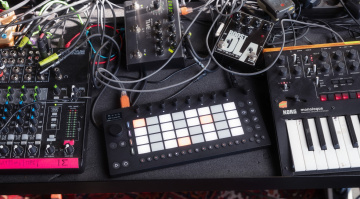
That is exactly what this Perfect Match is built around. Ableton Live without a mouse is not about replacing the DAW, but about changing how you engage with it. Three controllers come together here, each covering a different part of the process and adding their own strengths. The goal is simple: more hands on control, more direct feedback, and a workflow that actually responds to your movements.
These suggestions are meant as inspiration. You do not need the full setup to feel the difference. Even a single controller can shift how you work and bring new energy into your sessions. And if something similar is already part of your setup, this might open up ideas for how to expand it further.
Ableton Push 3: The Hub for Ideas and Arrangement
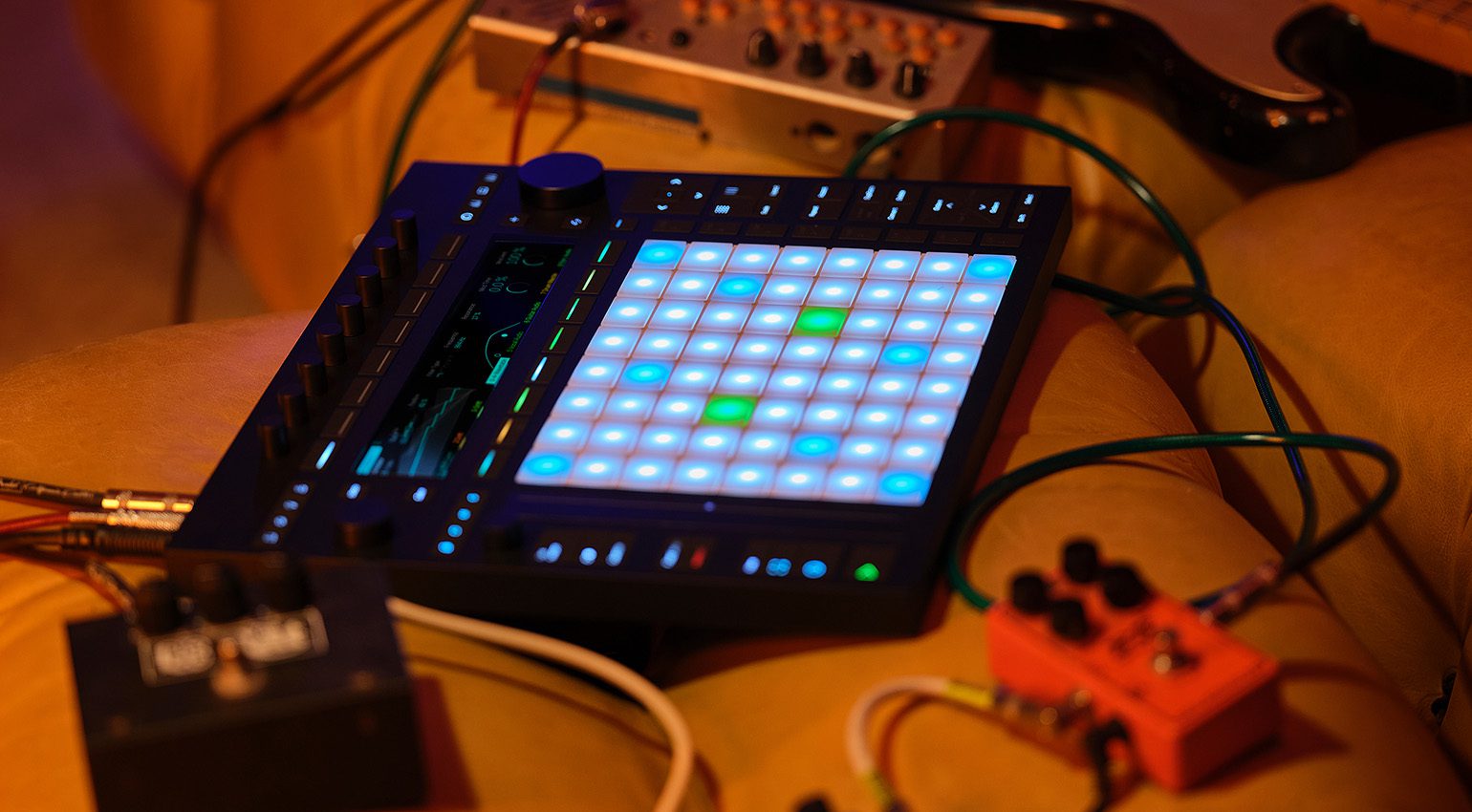
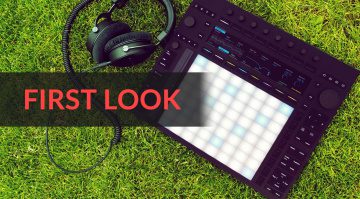
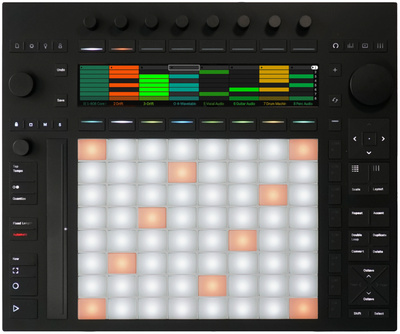
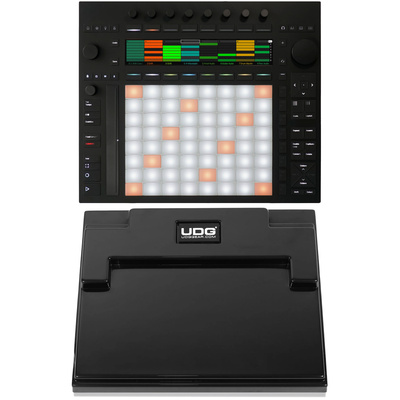
When it comes to Ableton Live Without a Mouse, Push 3 sits right at the center of the setup. It takes over a large part of the DAW control and turns Ableton Live into something you can actually play instead of just operate.
Clips can be triggered directly, drum racks programmed in a very immediate way, and melodies or chords played across the pads. The combination of step sequencing and live recording makes a big difference here. Ideas come together quickly and can be shaped further without breaking the flow.
This approach also changes how arrangement works. Scenes can be built, varied, and recorded in real time. Instead of moving clips around with a cursor, the track grows out of performance. That shift is exactly where Push 3 becomes so powerful.
The pad matrix plays a key role in this. It is tightly connected to Session View, which means you are not locked into a linear timeline. Instead, you build tracks by interacting with clips and musical blocks, almost like assembling something in motion.
Push 3 already covers a huge part of Ableton Live Without a Mouse and is probably the most direct hardware extension of Live itself. In the standalone version, the concept goes even further. You can start ideas completely away from the computer and later bring them back into the DAW for final arrangement.
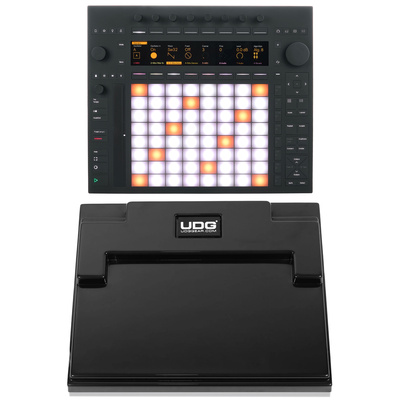
Alternative options include pad based controllers like the Novation Launchpad series or the AKAI APC64, which follow a similar hands on approach. Ableton Push 3 and the standalone version are available at Thomann*.


Novation Launch Control XL 3: Real Time Mixing and Control
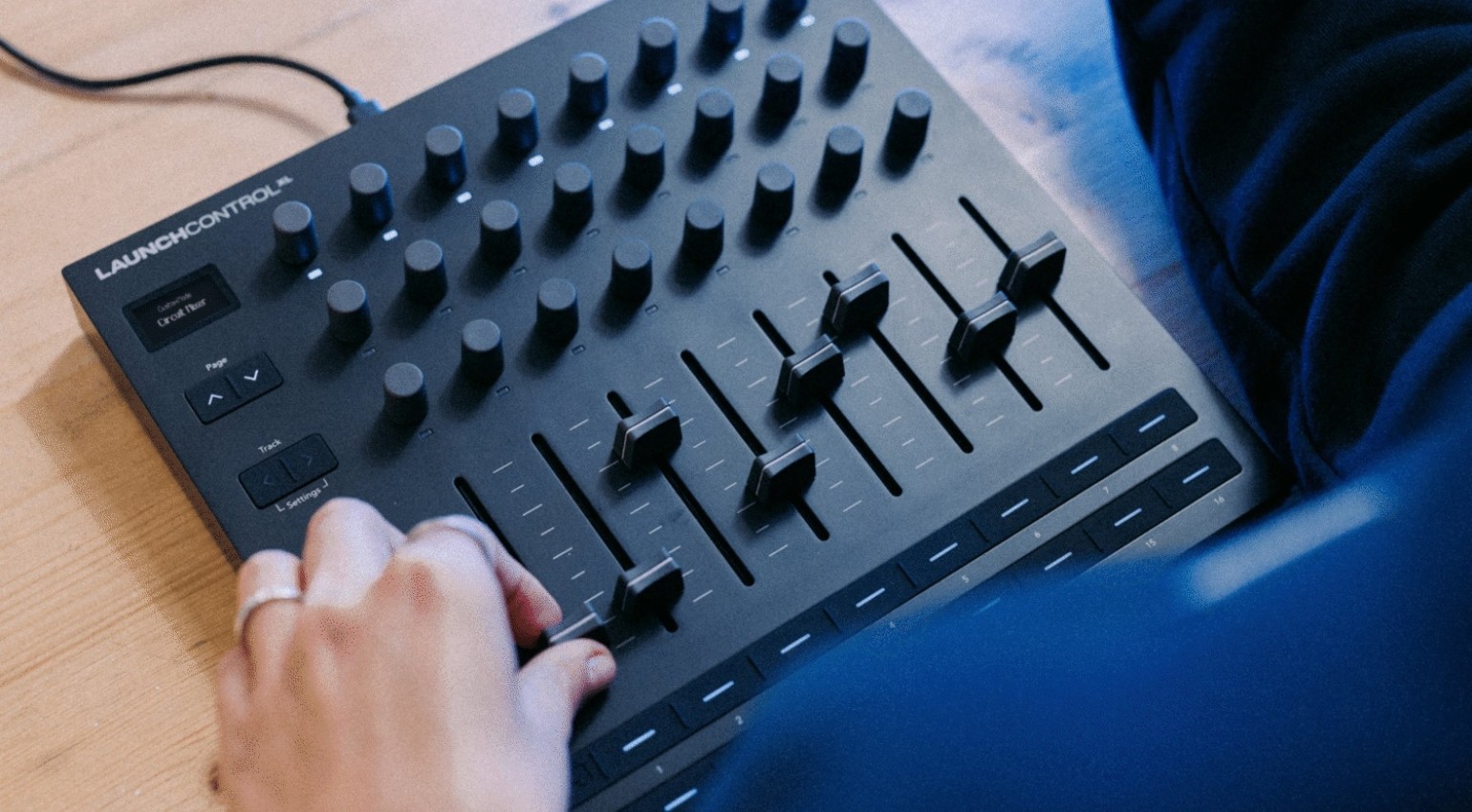
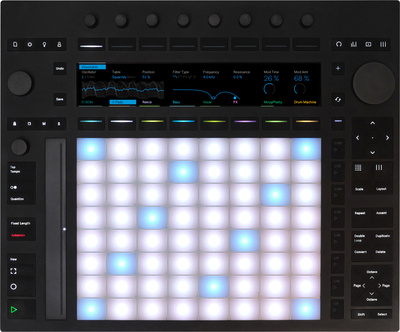
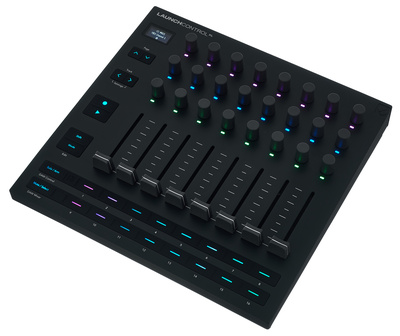
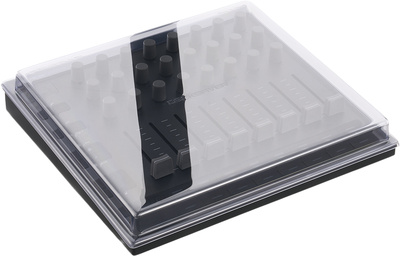
While Push 3 already covers many creative aspects of Ableton Live without a mouse, the Launch Control XL 3 really comes into its own when it comes to mixing. Push can handle this too, but the Launch Control XL 3 takes a more direct approach. Eight faders, 24 knobs, 16 assignable buttons, and a very clear layout turn it into something that feels close to a compact mixing console for your DAW.
Track levels, sends, and effects can be adjusted at the same time. Instead of clicking through parameters one by one, multiple elements can be shaped in parallel. This not only speeds things up, it also leads to more musical decisions. Faders start to move in real time, and the mix begins to feel more alive instead of being drawn in afterwards.
Automation becomes part of the performance. Movements can be recorded live, adding subtle variations and energy that are hard to recreate with static curves. That alone can shift how a track develops.
Just like Push, the Launch Control XL 3 plays a key role in achieving Ableton Live without a mouse. It reduces the need to constantly reach for a mouse or trackpad and keeps you focused on the sound. In combination with Push, the setup expands even further, adding more control and a stronger connection to the mix.
You can get the latest version, the Launch Control XL 3, at Thomann*.


A Keyboard Controller as the Ideal Complement
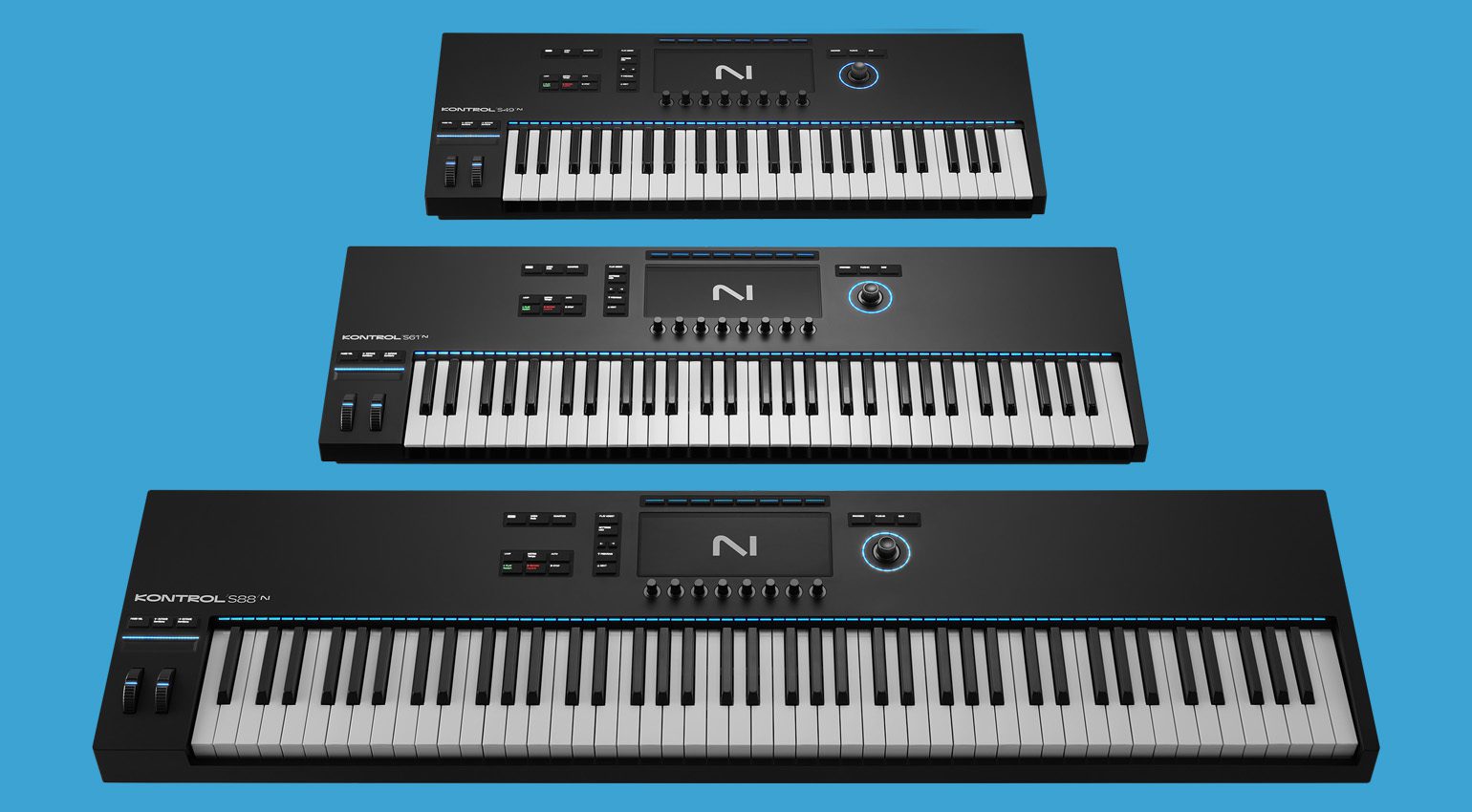
To round off a setup for Ableton Live Without a Mouse, a keyboard controller adds another layer that is hard to replace. It may not be essential for everyone, but for many producers it remains a key element when it comes to playing ideas naturally and in real time.
Chords, basslines, and melodies can be performed directly on keys, without relying on pads or step sequencing. That alone changes the feel of a session. Instead of programming notes, you play them. And with tight integration into modern software instruments, sounds can be selected and shaped without breaking that flow.
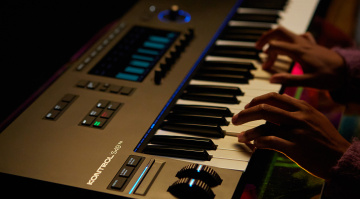
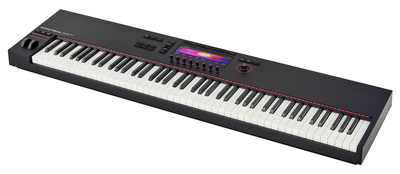
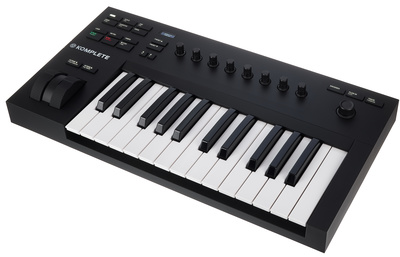
In combination with Push, this creates a very flexible system. Pads handle rhythm and performance, while keys take care of harmonic content. A controller like Native Instruments Komplete Kontrol is a good example of this approach, especially when it comes to deep integration and direct access to sounds and parameters.
The Komplete Kontrol range covers different needs. Compact models from the A series are enough for simple basslines or sketching ideas, while larger versions like the S88 offer fully weighted keys for a more traditional playing experience. The latest MK3 models go even further with polyphonic aftertouch and extended control through NKS, allowing more plugins to be handled directly from the keyboard.
All of this brings you closer to Ableton Live Without a Mouse, where performance and control merge into a more fluid workflow. Native Instruments master keyboards are available at Thomann*, and you can also find a wide range of alternative controllers there*.

Conclusion: Why These Three Controllers Are a Perfect Match for Ableton Live Without a Mouse
If you want to move a large part of your production into a more hands on workflow, Ableton Live Without a Mouse becomes a very real option with the right setup. Ableton Push 3, Novation Launch Control XL 3, and a keyboard from Native Instruments’ Komplete Kontrol series form a combination that covers nearly every part of the process.
Push 3 drives the creative side. It takes you from the first idea to sequencing, jamming with clips, and shaping arrangements in a way that feels immediate and playful. Launch Control XL 3 shifts the focus toward mixing, giving you direct access to levels, sends, and automation with a console like feel. And the keyboard completes the picture by bringing in performance. Melodies, chords, and basslines become something you play, not just program.
Together, this setup creates a workflow where the DAW fades more into the background and interaction comes to the front. That is exactly what Ableton Live Without a Mouse is about. Less clicking, more movement, more connection to what you are doing.
And it does not stop in the studio. All three controllers translate naturally to live situations, where that direct control becomes even more important. A perfect match.
More Information
- Best Portable Keyboard Controllers 2026: MIDI Keyboards for Your Hand Luggage
- 5 Budget MIDI Controllers for Music Production
- Best MPE Controllers 2026: Unlimited Expressive Freedom
- The Best DAW Controllers to Improve your Production Workflow
- Best Standalone Finger Drumming Pad Controllers: Let Your Fingers Do the Drumming With These 5 Fun Instruments
- More about Perfect Match
*Note: This article about Ableton Live Without a Mouse contains affiliate links that help support our site. The price remains the same for you. If you purchase through these links, we receive a small commission. Thank you for your support.

This might also interest you