LaunchCodes, Pentimento Free, Orbit: Free Plugins of the Week

 3,9 / 5,0 |
LaunchCodes, Pentimento Free, Orbit: Free Plugins of the Week · Source: Armory, dBdone, Phantom Sounds

LaunchCodes is an awesome experimental free software synth that specializes in explosions! Check it out in this week’s collection of free plugins.
Free Plugins of the Week
Armory LaunchCodes: “Musically Assured Destruction”
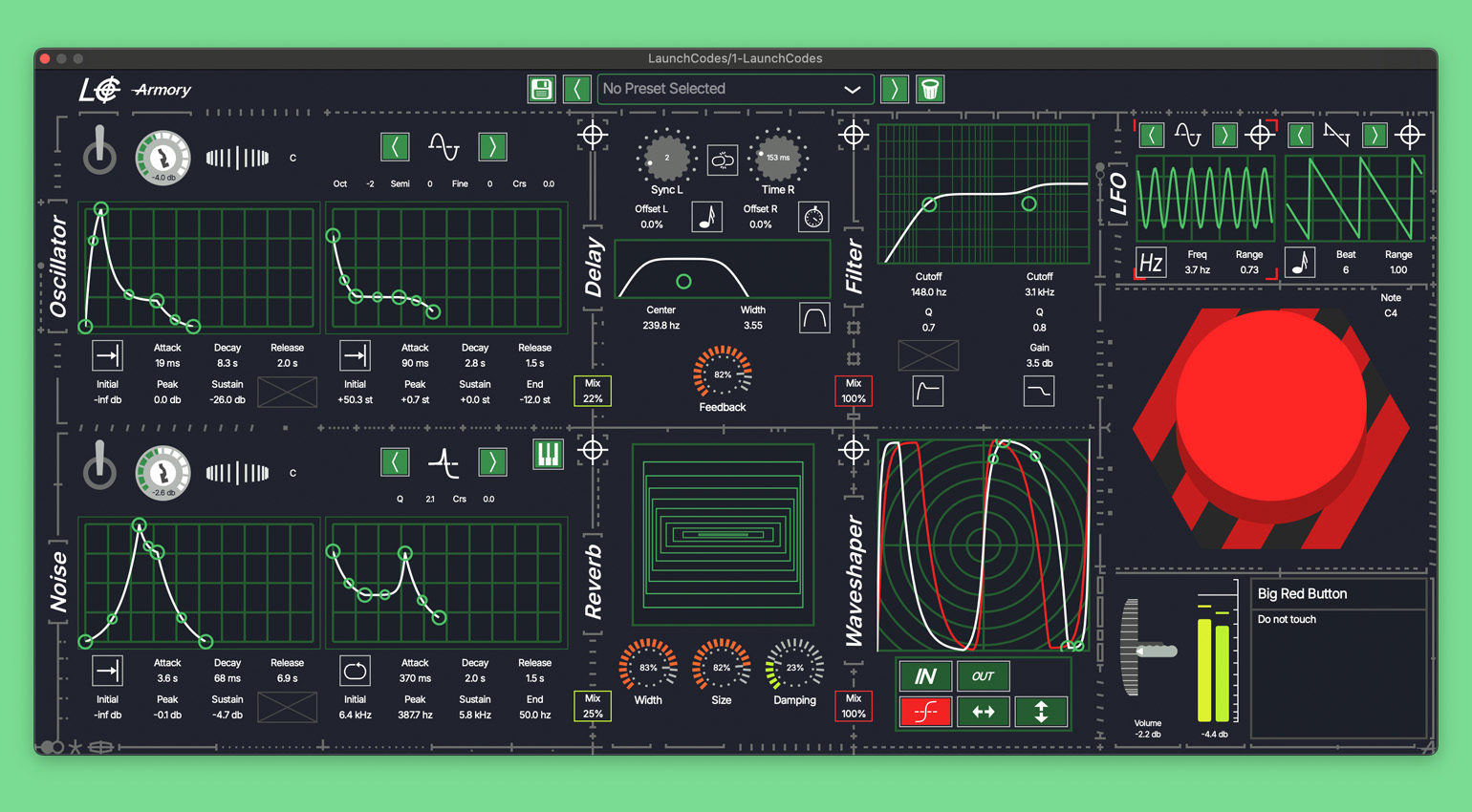
Last week’s TurntableSaw isn’t the only awesome free plugin from Armory. The developer also recently released LaunchCodes, a hard-hitting software synth that specializes in explosions (yes, really!). Do you dare to push the red button?
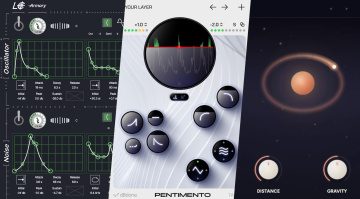
The mayhem begins with two sound sources: an oscillator with standard waveforms and a noise generator. They each have two complex envelopes with drag-and-drop editing, allowing you to shape the path of destruction any way you like. The oscillator offers gain and pitch envelopes, while the noise generator has gain and filter envelopes. This lets you create anything from menacing sound effects to percussive kicks, snares, and claps to all sorts of eerie soundscapes.
LaunchCodes also offers four effects for further sound shaping: a dual filter, a waveshaper, delay, and reverb. The order of the effects can be changed by dragging the crosshairs, letting you incorporate the effects creatively into the sound design process.
Lasty, LaunchCodes has dual LFOs that can modulate just about anything. Again, they can be assigned to any parameter (including the effects) simply by dragging the crosshairs – that’s high-level GUI design not often seen in free plugins. Fantastic stuff!
While LaunchCodes excels at doomsday sounds, it can also produce some surprisingly musical timbres. Give it a try – like TurntableSaw, it’s already one of my favorite free plugins of this year so far.
LaunchCodes is available for macOS and Windows in VST3 and AU formats.
dBdone Pentimento Free: Layer Sounds that React to your Music
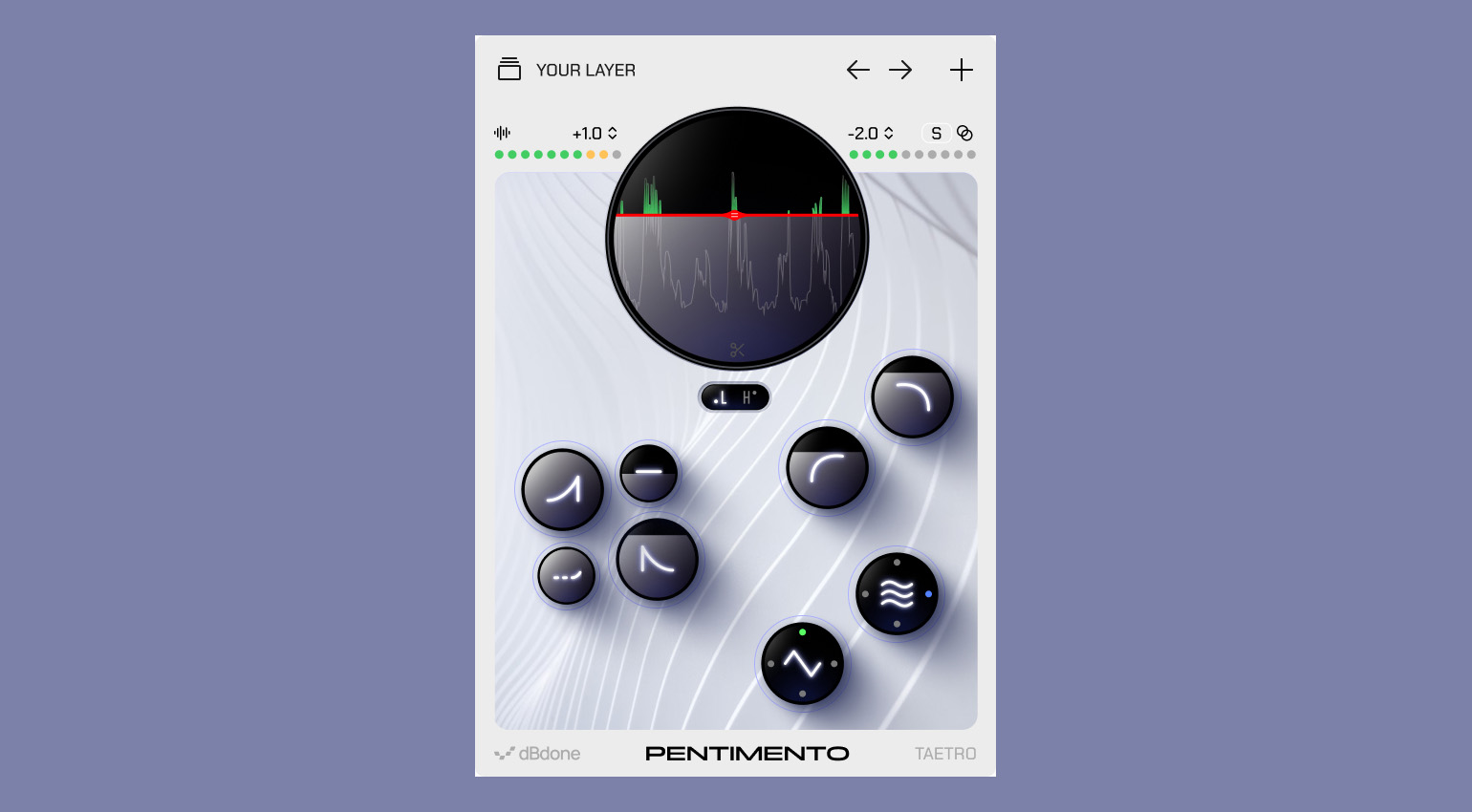
Pentimento Free by dBdone lets you add another layer to a track that dynamically responds to your audio. A great way to change the character of a drum track, for example, without having to use a sampler. The plugin offers a range of controls that let you shape how the overlay responds. You can adjust the envelope (attack, hold, decay, release), apply high-pass and low-pass filtering, and use the Movement and Shaper effects to add motion and spatial depth. A handy waveform display lets you visually adjust the threshold.
The free version only includes a selection of sample sounds, but it’s enough to get a feel for what this plugin can do. If you like it, you can upgrade to the full version ($49) that not only comes with 50 custom overlay sounds (places, textures, and noise), but also lets you upload your own sounds and create custom packs.
Pentimento Free is available for macOS and Windows in VST3, AU, and AAX formats.
Phantom Sounds Orbit: Free Spatial Reverb Plugin with a Twist
You probably already have more reverb plugins than you can count. But Orbit by Phantom Sounds does things a bit differently, so it might be worth adding to your collection.
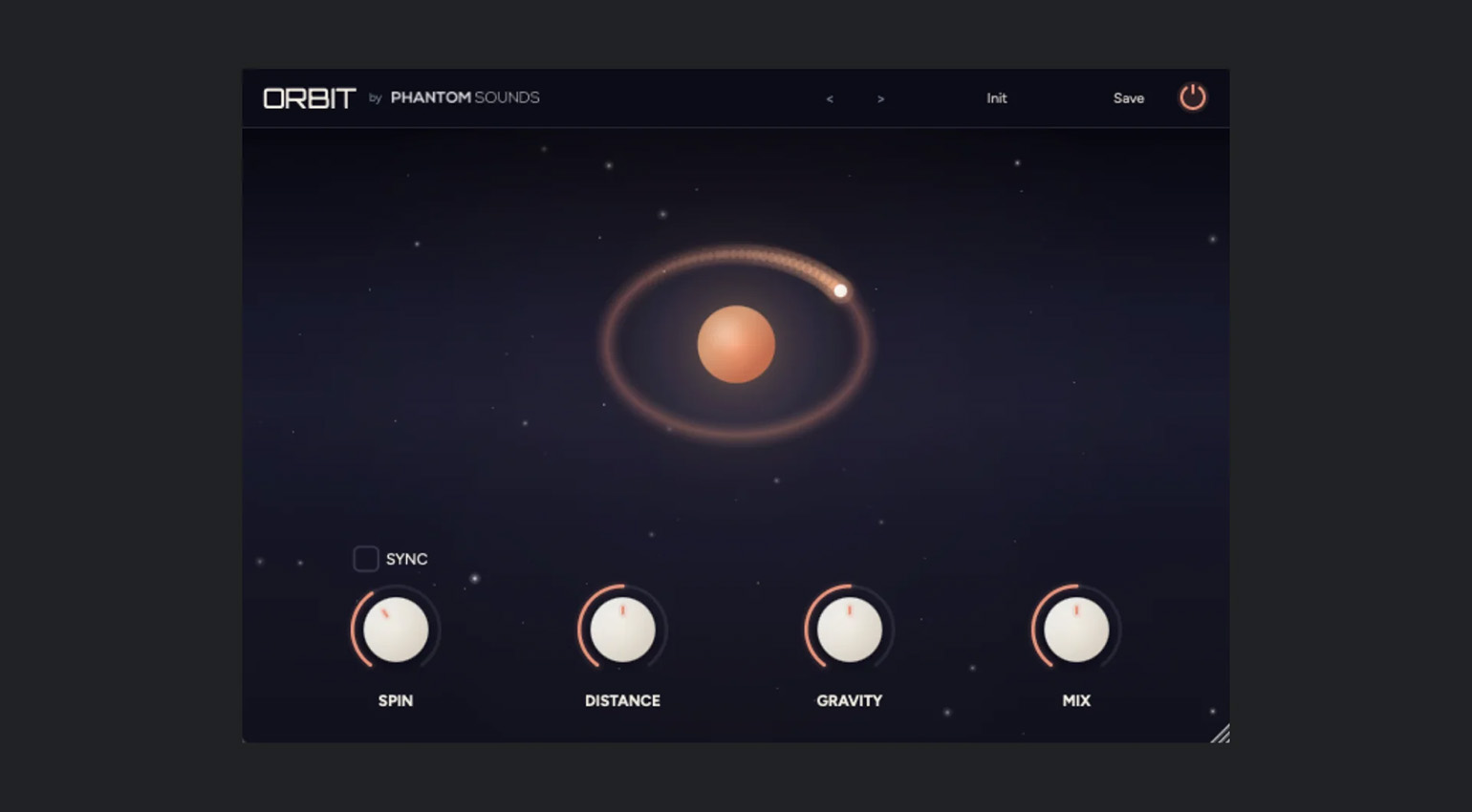
What’s special about this one is that Orbit rotates the wet signal using orbital panning, so there’s always plenty of movement in the reverb. You can adjust the orbit speed (Spin), and even sync it to your DAW tempo. The Distance knob controls the size of the orbit. Gravity lets you control the shape of the orbit from a circle to an oval, as if an invisible force was pulling on the orbiting sound. The interface even provides visual feedback.
An interesting spin on reverb, especially if you’re into unusual spaces and otherworldly textures!
Orbit is available for macOS and Windows in VST3, AU, and AAX formats.
Looking for more free plugins like LaunchCodes, Pentimento Free, and Orbit? Check out our huge archive!

This might also interest you