Roland GO:MIXER Studio: A Compact Content Creation Station
A compact audio interface for content creators.

 4,5 / 5,0 |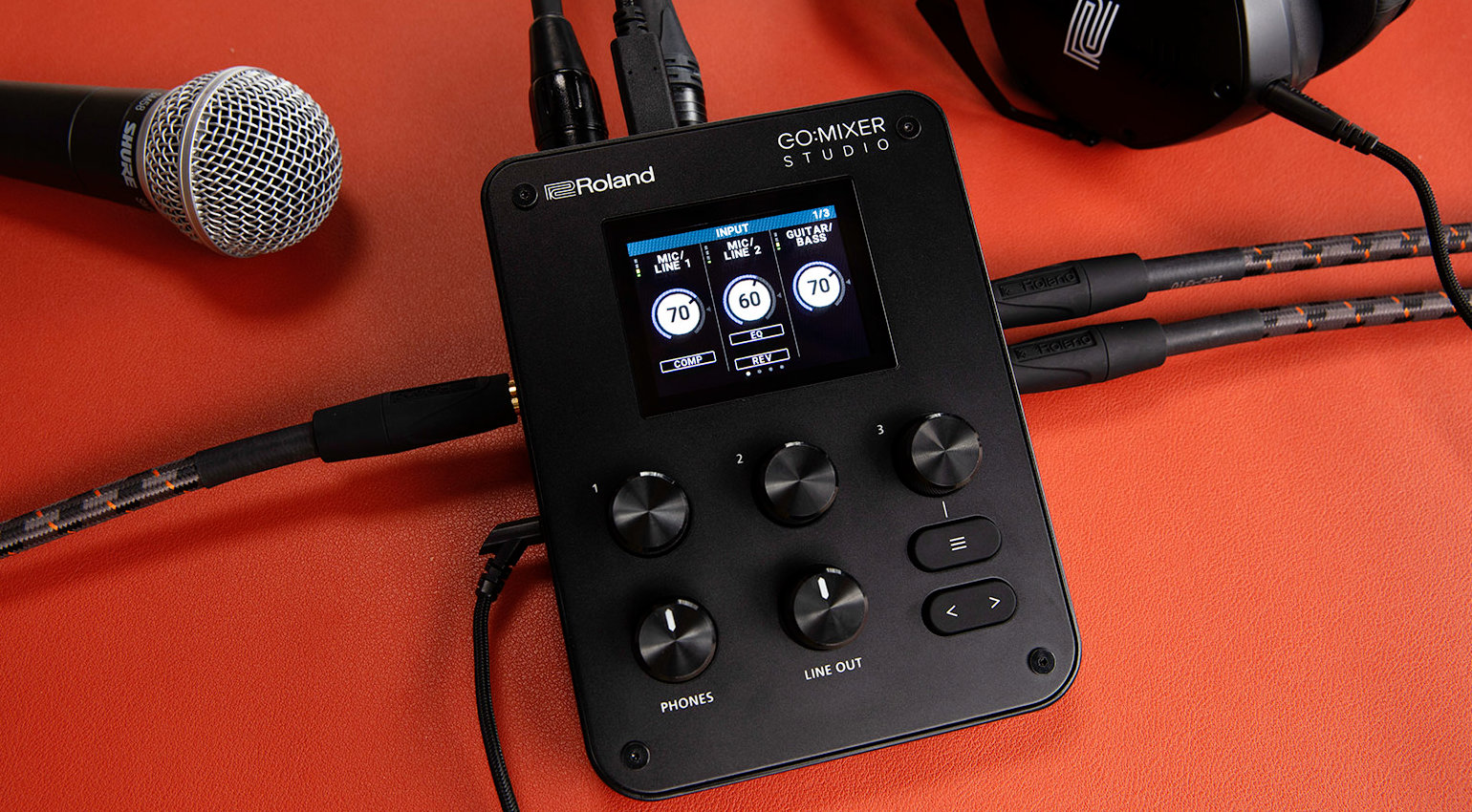

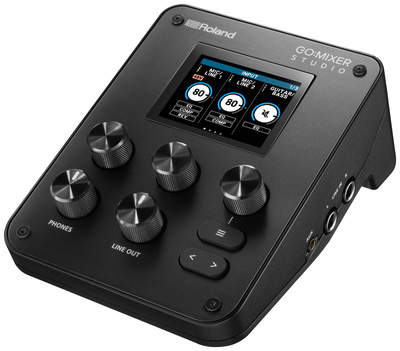
The Roland GO:MIXER Studio is the new flagship in Roland’s range of portable USB mixer interfaces for musicians and content creators.
Roland’s GO:MIXER series is designed to be inobtrusive on camera, offering a streamlined way to get signals into the digital domain and out into the world.
Roland GO:MIXER Studio
The GO:MIXER Studio is a portable audio interface and mixer that is supported by macOS and Windows desktop devices, as well as iOS mobile devices. This allows you to incorporate it easily into your content creation or streaming setup. It offers 24-bit 192 kHz recording with 32-bit float internal processing.
With two XLR inputs, you can connect your mics, and there’s a set of TRS line inputs and a dedicated Hi-input for guitars. Also, there is a stereo minijack aux input that offers bidirectional audio for mobile devices, and a set of TRS line outputs for studio monitors. What’s more, there is an input for headset mics, a set of minijack MIDI I/O ports, and a headphone output.
To enhance your mic and instrument signals, there is a selection of built-in effects, including compression, EQ, and reverb, which can be used while direct monitoring or recording. In addition, there are individual EQ stages for the headphones and line outputs so you can customize your frequency curve to suit your application.
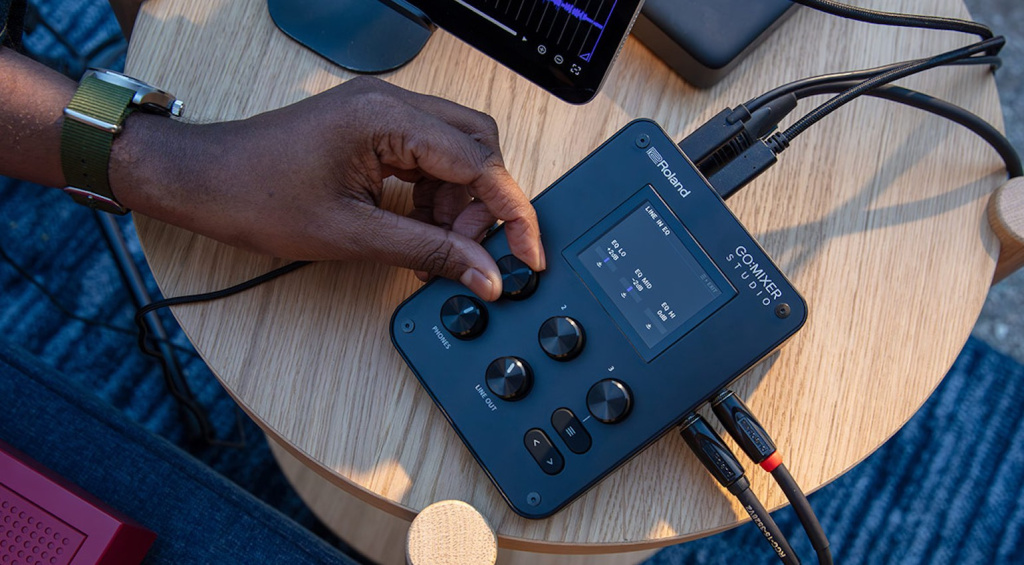
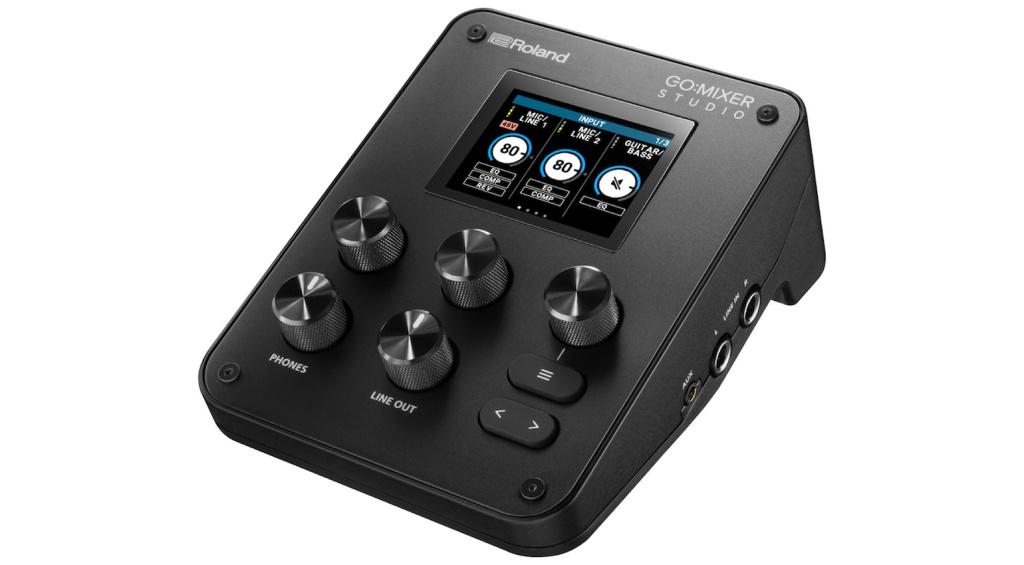
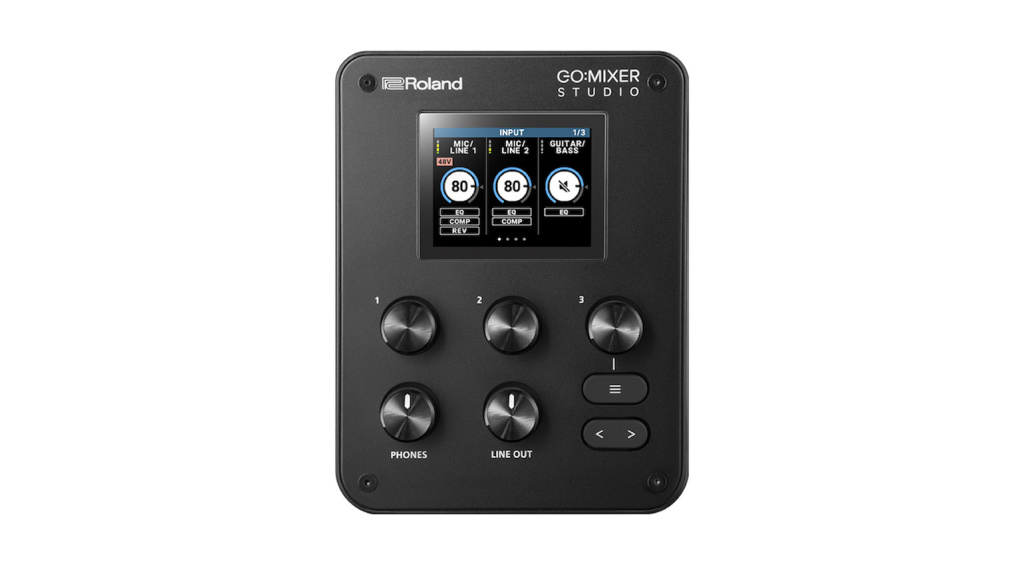
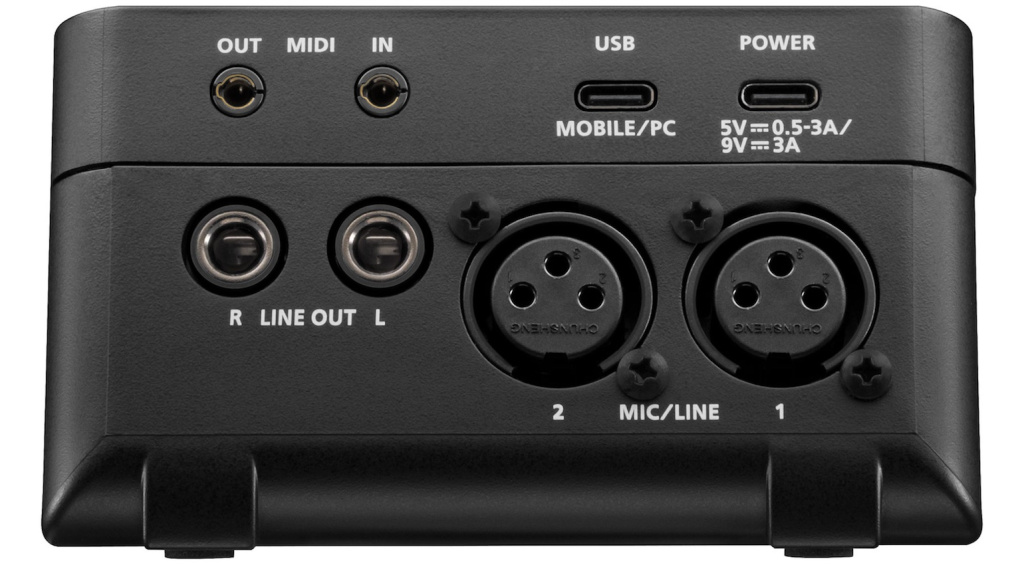
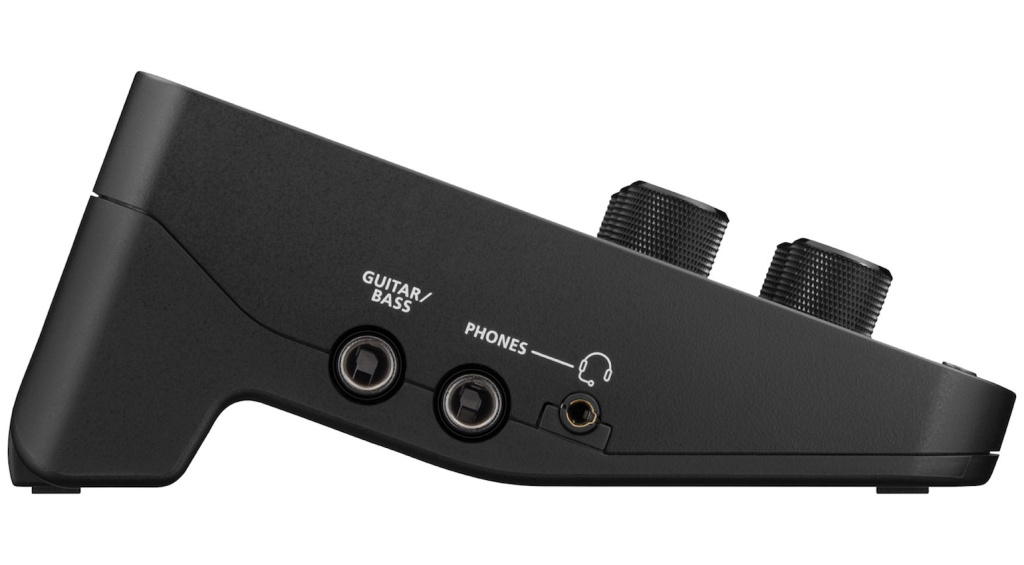
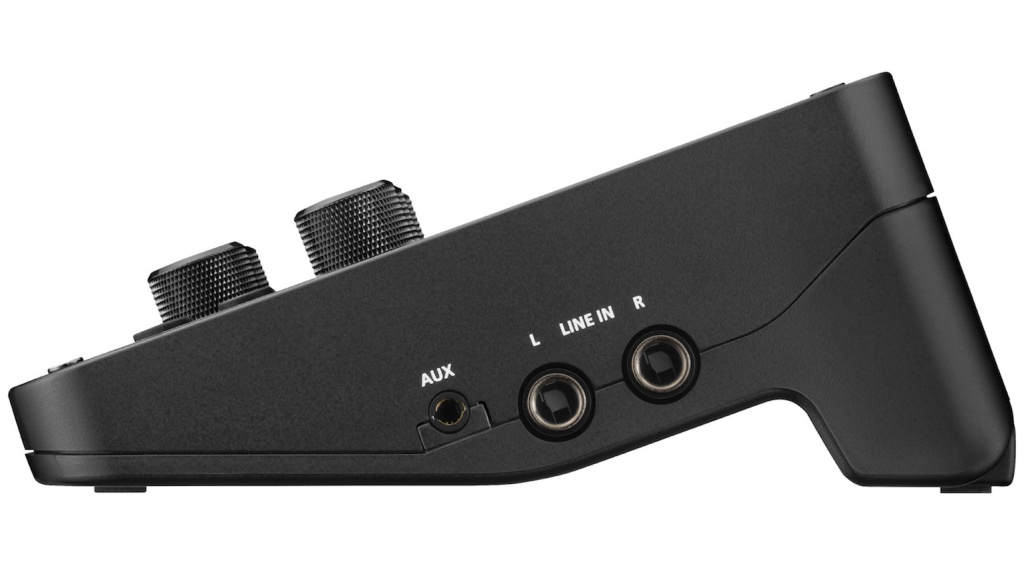
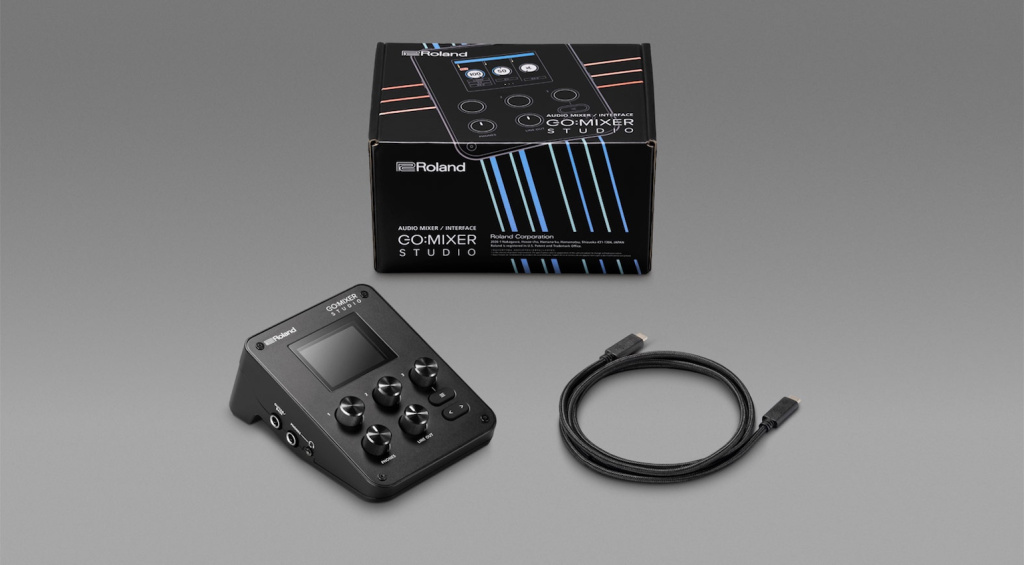
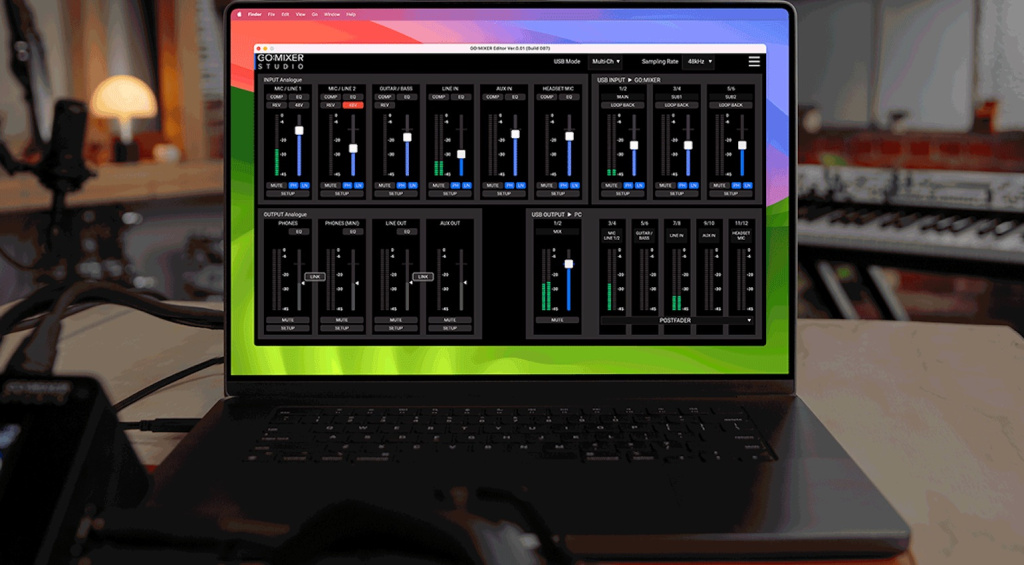
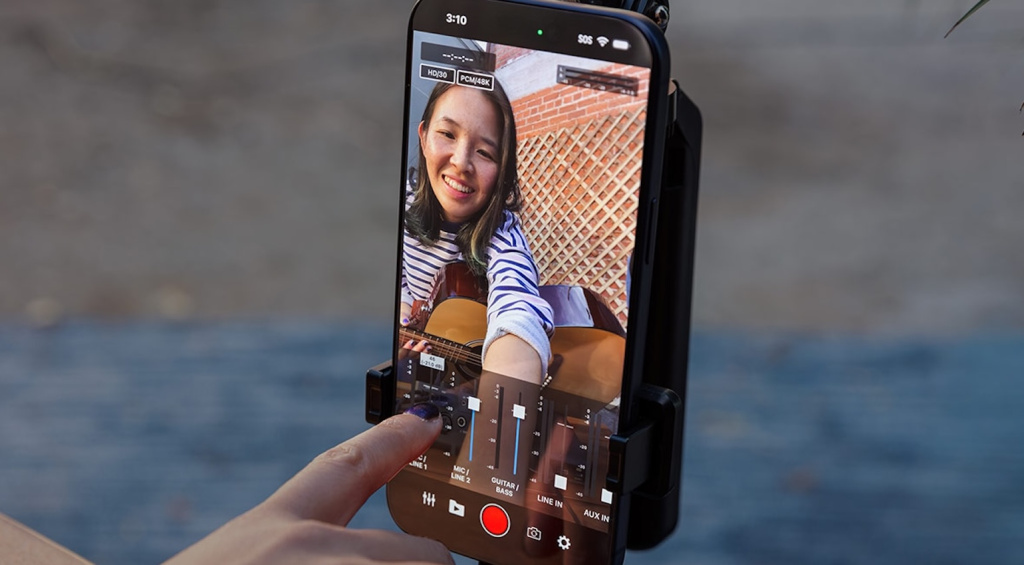
For streaming and online capture, there is a loopback function, and the device has memory locations for up to 16 scenes. Meanwhile, the GO:MIXER Cam iOS app allows simultaneous audio and video recording, and the GO:MIXER Editor software for macOS/Windows offers editing and remote management capabilities.
Pricing and Availability:
The Roland GO:MIXER Studio is currently available for pre-order. Get it at Thomann.*


More about the Roland GO:MIXER Studio:
*Note: This article contains affiliate links that help us finance our site. Don’t worry – the price for you always remains the same! If you buy something through these links, we receive a small commission. Thank you for your support!

This might also interest you
2 responses to “Roland GO:MIXER Studio: A Compact Content Creation Station”

those aren’t xlr combo inputs
Corrected. Thanks!