Review: Teenage Engineering EP-136 K.O. Sidekick — Cool Tool or Fancy Toy?
More Than Just a Sidekick for the K.O. Series

 4,4 / 5,0 |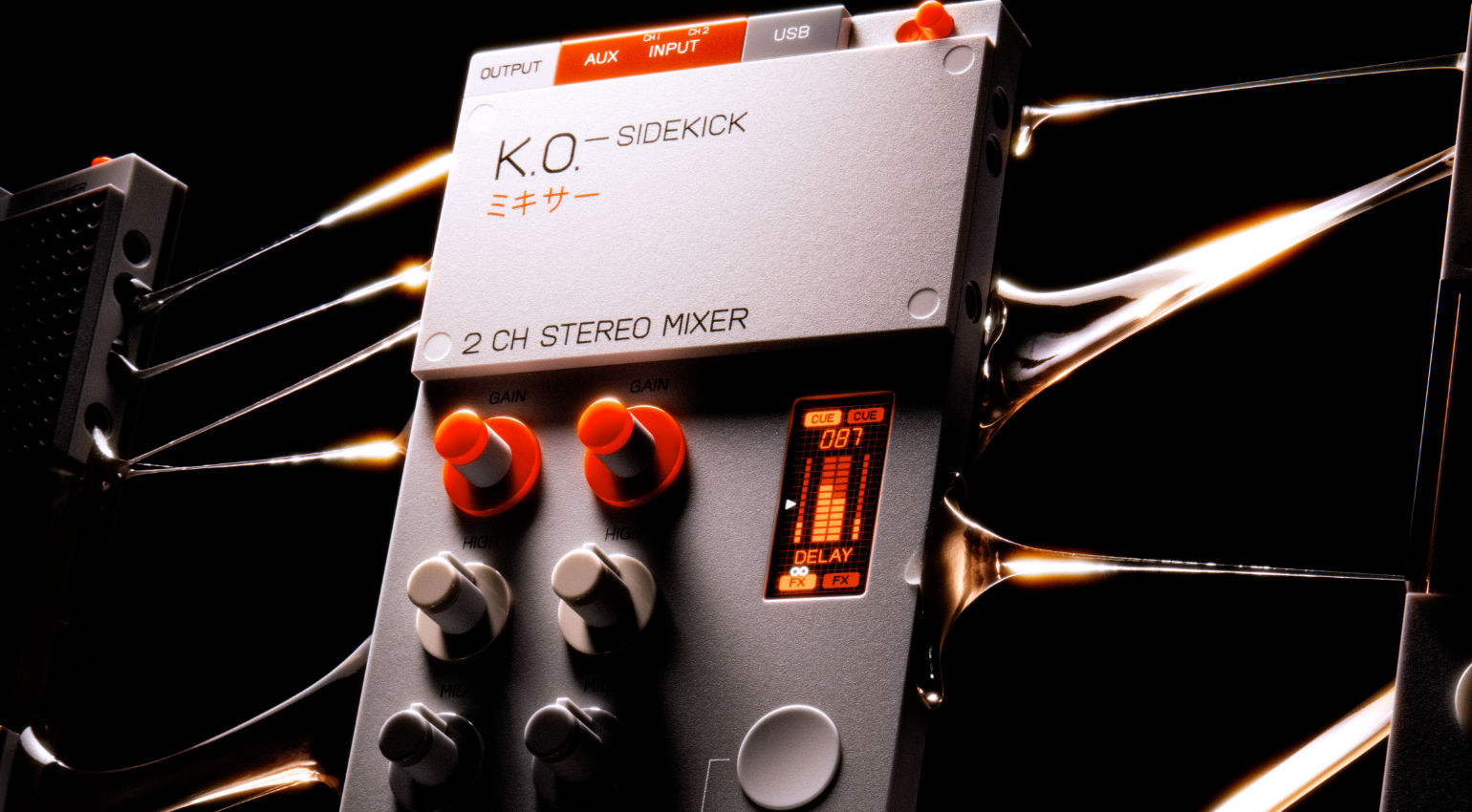
Review: Teenage Engineering EP-136 K.O. Sidekick — Cool Tool or Fancy Toy? · Source: Teenage Engineering

The Teenage Engineering EP-136 K.O. Sidekick looks like it belongs in a toy store. It kind of does. But don’t let that fool you: this little thing packs a surprising amount of genuinely useful functionality into a very small, battery-powered package, and it’s interesting well beyond just being an accessory for the EP-133 K.O. II. We checked it out.
Teenage Engineering EP-136 K.O. Sidekick: Key Highlights
- 2-channel DJ-style mixer with 3-band EQ and faders
- Built-in USB audio interface with 8 inputs and 4 outputs
- Runs on two AAA batteries or USB-C
- Six onboard effects controlled via a pressure-sensitive pad and a multifunction mod stick
- Effect modulations can be recorded as loops
- Works as a USB MIDI controller
Teenage Engineering EP-136 K.O. Sidekick Review: DJ-Style Mixer, Audio Interface, Effects Unit and MIDI Controller in One Tiny Box
First Look: Don’t Write This Off Too Quickly
Seriously, don’t just dismiss the EP-136 K.O. Sidekick as a cute mixer addon for the K.O. II. The mixer part is real, the audio interface is real, the effects are real, and the MIDI controller functionality is real. All of that in something that fits in a small bag and runs on AA batteries.
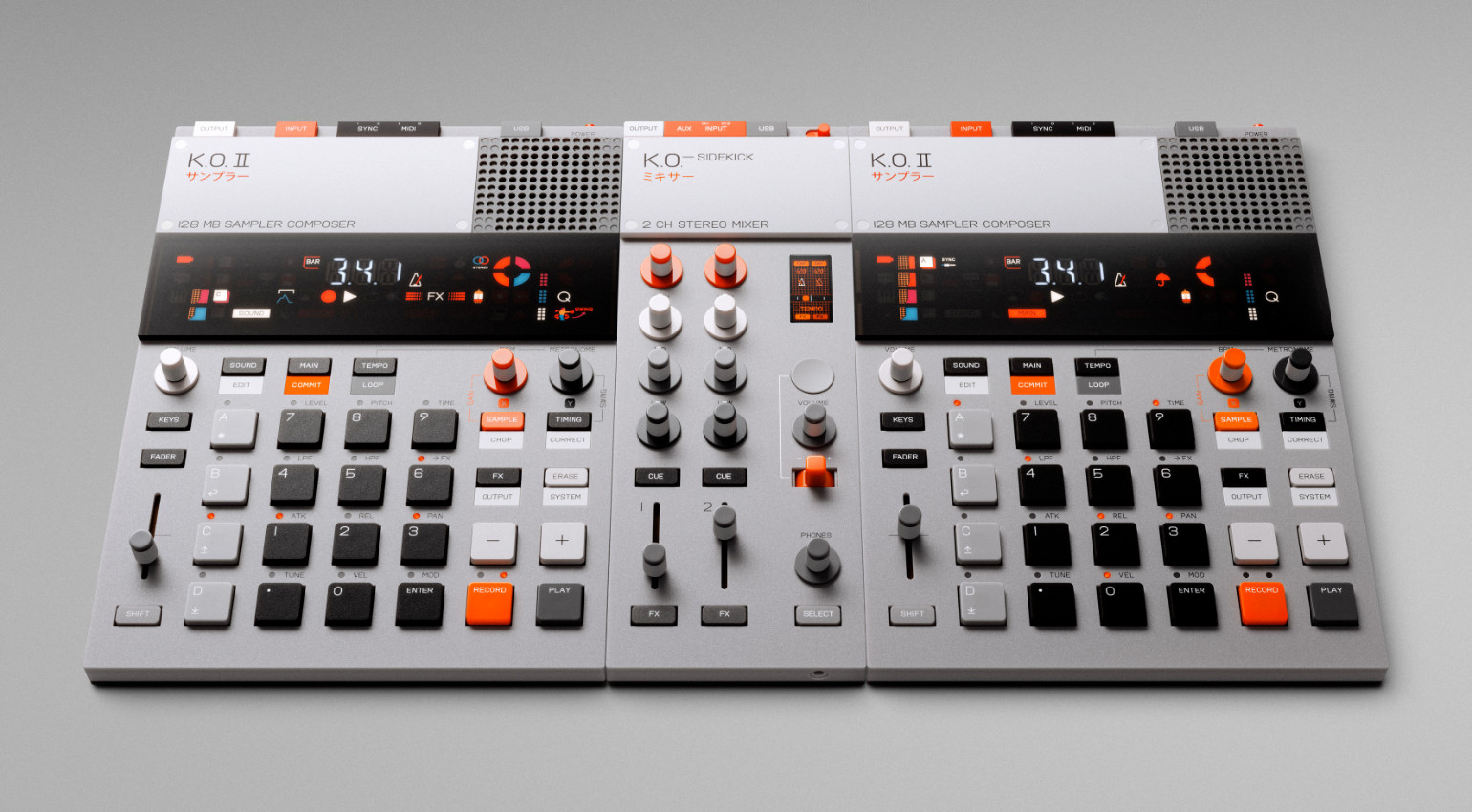
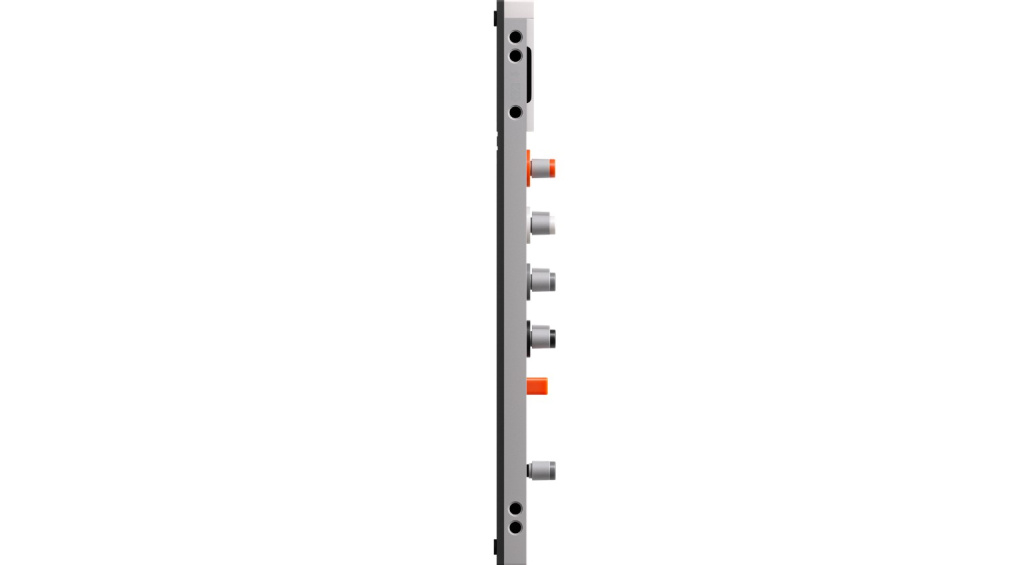
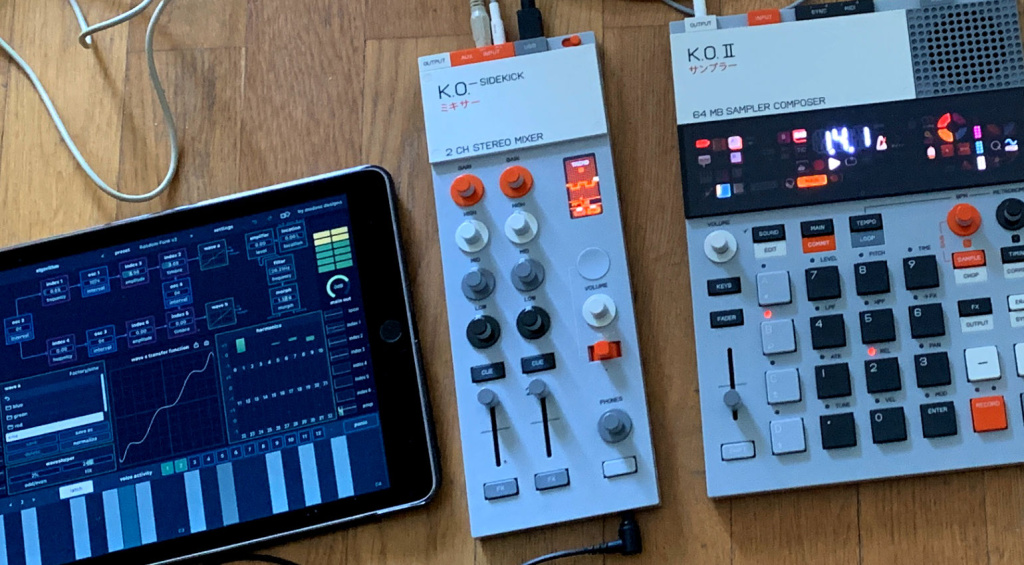
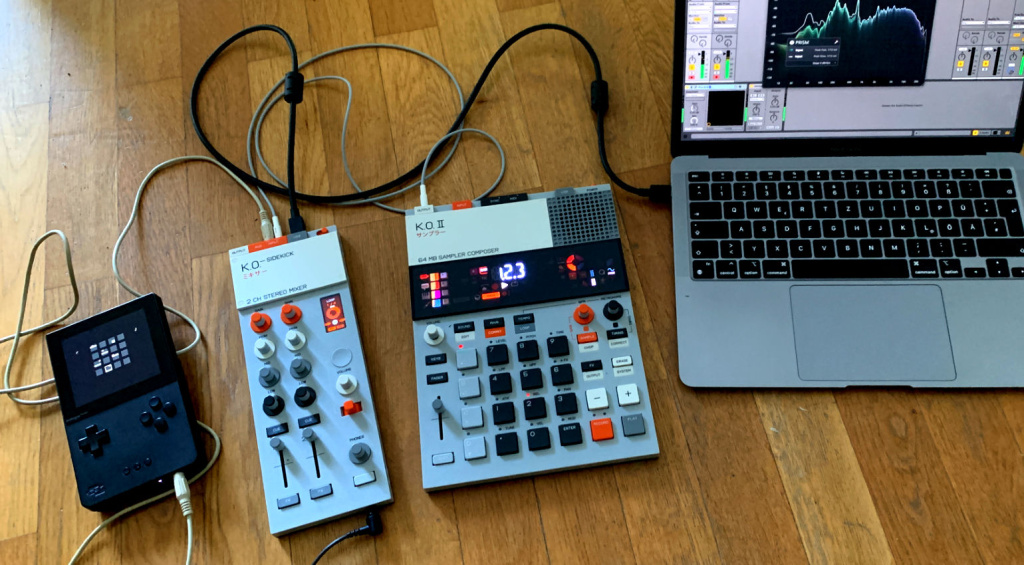
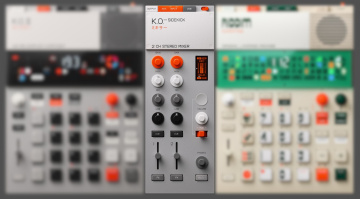
The plastic aesthetic is clearly borrowed from the EP-133 K.O. II family, same look, same form factor, and yes, they physically connect via the “EP Pegs” system, essentially a Lego-style side connector. Two EP-133 units flanking a Sidekick in the middle makes for a surprisingly functional little DJ setup, with grooveboxes instead of CDJs. You can also chain multiple Sidekick units together for more channels.
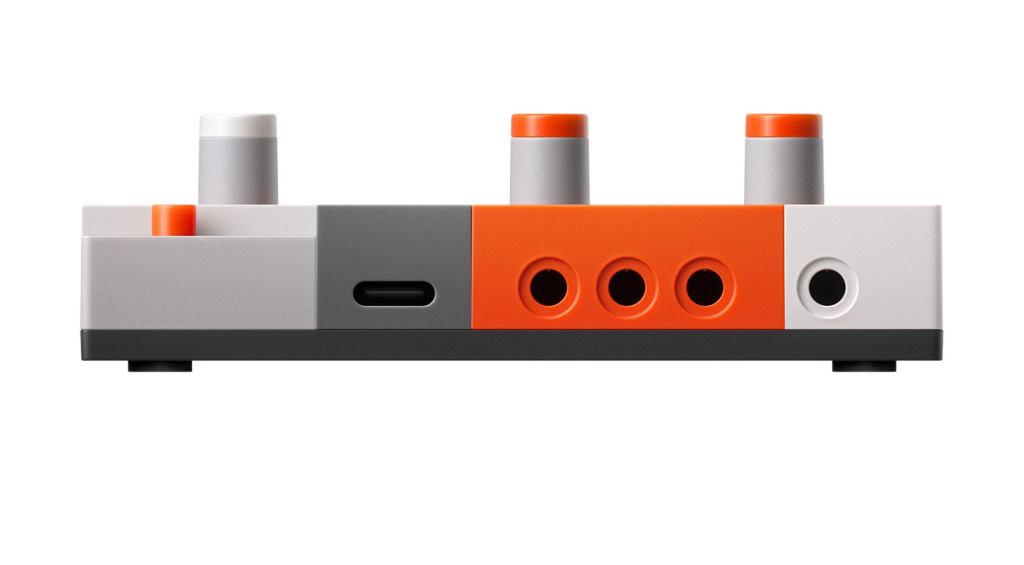
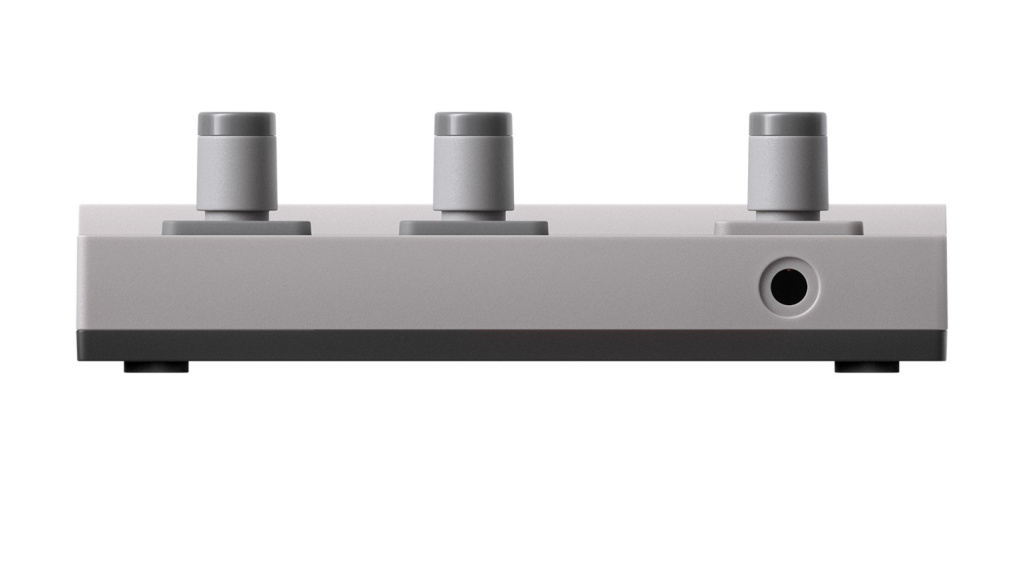
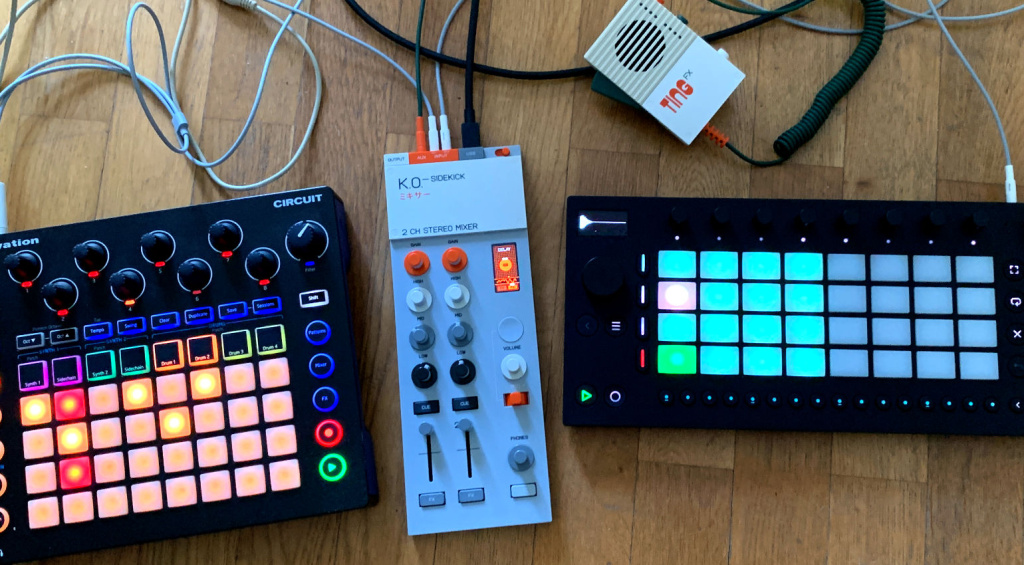
That said, the EP-136 works just as well completely standalone. You can plug in Volcas, an MPC, an OP-1, turntables, an iPad, a phone, basically anything with a line output that doesn’t need phantom power. Three stereo 3.5mm inputs, one stereo 3.5mm output, and a USB-C port that handles both power and data.
The Hardware Up Close
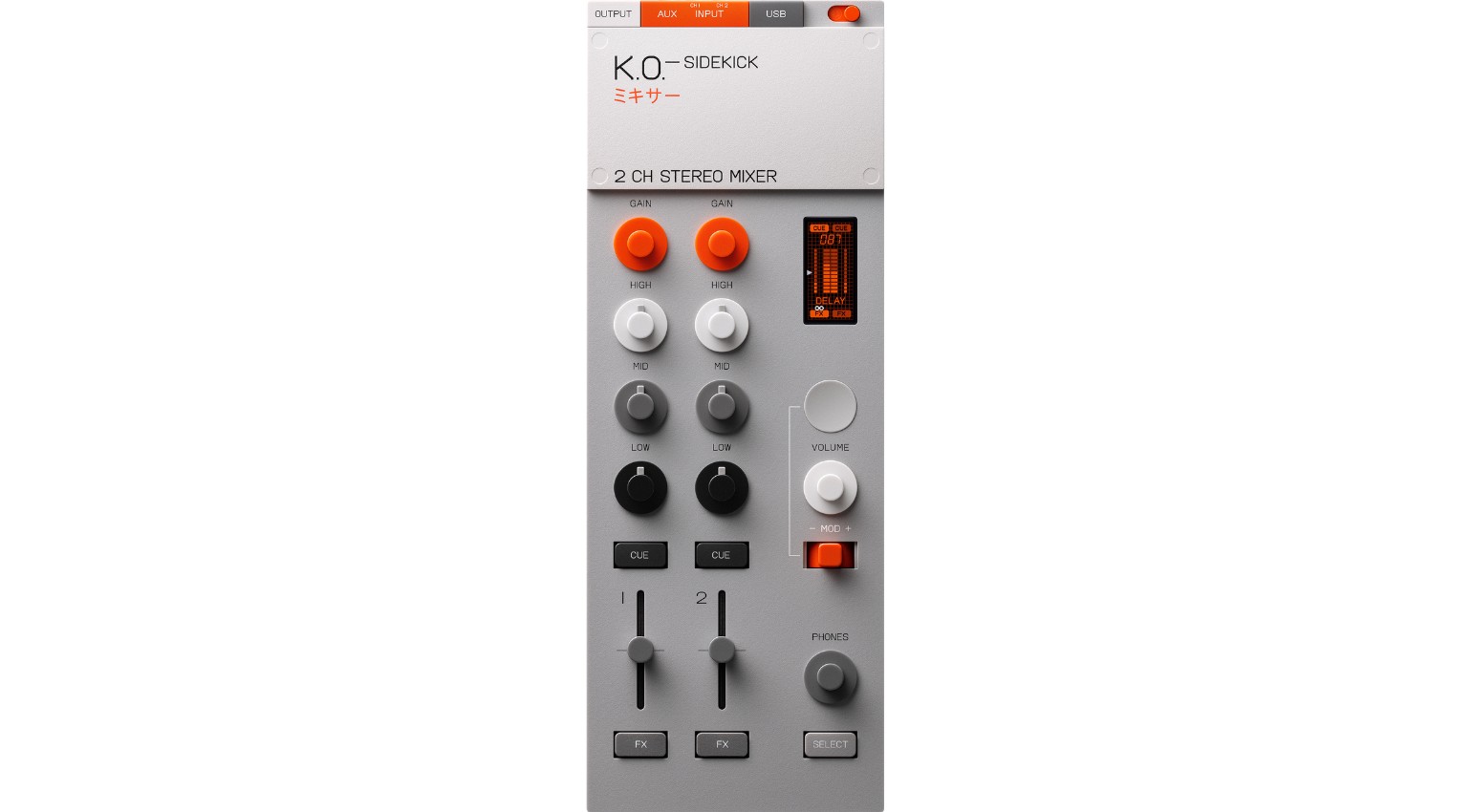
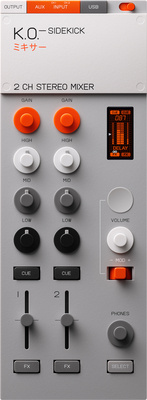
Channels 1 and 2 each get a gain knob, a 3-band EQ, a cue button for monitoring, and an FX button. The right side of the unit has a crisp little LCD display, the main volume knob, the circular force pad, the mod stick (think of a tiny joystick), and a headphone volume knob up front. There’s also a Select button that unlocks additional functions when held.
Pop the small plastic cover on top and you’ll find the battery compartment plus a hidden button that opens the settings menu.
The build is plastic throughout and feels accordingly light. The faders feel a bit delicate and I wouldn’t throw them around too aggressively. The EQ knobs could use a bit more grip. Those are honestly my biggest complaints, and they’re minor ones.
Hidden Tricks Worth Knowing
The settings menu accessible via the battery compartment button is where things get interesting. You can switch channels 1 and 2 between stereo, mono, and split operation. The EQ has three selectable modes: DJ, Studio, and Parametric, all with switchable filter slopes up to 24 dB per octave. MIDI configurations live here too, along with display brightness settings.
There are additional hidden options that are easy to miss. Press the orange gain knobs and a compressor submenu opens up for each channel, with three different compressor types. That’s a compressor on both channels 1 and 2, which nobody’s going to be mad about. The gain menu also handles level adjustment up to 24 dB and panning.
The display deserves a mention: the context-sensitive animations are genuinely sharp and well-designed. EQ curves render beautifully, and the effect visualizations look great in use.
Tempo-Synced Effects
The EP-136 has two FX slots, one for each channel. Each slot offers six effects to choose from: Filter, Delay, Tape, Loop, Tremolo, and Siren. All of them interact with both the mod stick and the force pad.
The Filter is bipolar: the stick sweeps between low-pass and high-pass, and the pad controls resonance intensity. Delay is tempo-synced, with the pad acting as a send control and the stick switching delay time. The Tape effect covers scratch-style and tape-stop sounds, the stick handles direction, the pad gives you the warped tape sound. Loop is a beat repeater with stick-controlled length and pad triggering. Tremolo does rhythmic volume modulation for anything from subtle groove to hard stutter. Siren is a dub siren generator where the stick shapes the character and the pad controls pitch.
There’s a recording trick built in too: hold Select while performing on the stick and pad, release it, and that automation plays back as a synced loop. The display visualizes this in real time and it looks great. You can also chain both effects onto the master by holding Select and pressing both FX buttons simultaneously. Genuinely clever.
The effects sound good overall. Timing can feel slightly off in places and the filter is quite sensitive with the stick, but it’s fun to play with. One note: the delay only appears on the master, not in the cue signal. A bit of an odd choice.
More effects via a future update would be very welcome.
Setup Ideas
Up to three devices connect simultaneously, recordable over USB as up to six mono tracks if signals are panned hard left and right, or three stereo tracks plus the stereo sum. The cue output via the headphone jack can also route into an external effects unit with the return coming back in through the AUX input, using the cue button as an improvised send control.
I use it in spontaneous jams with battery-powered gear: Pocket Operators, mini synths, small grooveboxes. The whole thing records straight into the laptop whenever I want. It also works well as a lightweight interface for a small Ableton Live set. I’ve been thinking about using it alongside my Syntakt to handle incoming signals and add some processing on top.
The flexibility is the point. It fits everywhere.
Conclusion
The EP-136 K.O. Sidekick turns out to be a genuinely versatile piece of kit for small studio and live setups. Mixer, audio interface, effects unit, and MIDI controller in something the size of a paperback book that runs on batteries. The EQ modes sound good and actually do something, both channels have a three-mode compressor, the effects are playable and recordable, and the display punches well above what you’d expect at this price point.
The knobs could grip a little better, especially the EQ controls, and the faders feel more fragile than I’d like for heavy use. But those are genuinely the only things to complain about. I bought one, and I’d buy it again. The EP-136 is absolutely more than just a sidekick.
Price and Availability
The Teenage Engineering EP-136 K.O. Sidekick is available at Thomann* for €189.


Pros and Cons Teenage Engineering EP-136 K.O. Sidekick
Pros
- Great combination of mini mixer, audio interface, and controller
- Battery-powered operation
- Three switchable EQ styles
- Compressor with three modes on both channels
- Effects assignable individually to channels or chained on the master
- Sharp, well-animated display
- Intuitive workflow
Cons
- EQ knobs could use more grip
- Faders feel a bit fragile
FAQ: Teenage Engineering EP-136 K.O. Sidekick
Does the EP-136 K.O. Sidekick work without an EP-133 K.O. II?
Absolutely. The Sidekick connects to any gear with a line output that doesn’t require phantom power. Synths, samplers, turntables, iPads, smartphones — all fair game.
How many devices can I connect simultaneously?
Three devices via the three 3.5mm stereo inputs: two on the dedicated channel inputs and one on the AUX input.
Can I record with the EP-136 K.O. Sidekick?
Yes. Connected via USB it works as a class-compliant audio interface with 8 inputs and 4 outputs, compatible with any DAW without driver installation.
Does it run on batteries?
It does. Two AAA batteries power the unit for mobile use. USB-C works for stationary setups or when connected to a laptop.
How many effects does the EP-136 have?
Six: Filter, Delay, Tape, Loop, Tremolo, and Siren. Both channels each get their own FX slot, and you can chain both effects onto the master simultaneously.
Can I record effect movements?
Yes. Hold the Select button while performing on the stick and pad, release it, and the Sidekick loops that automation in sync with the tempo.
Does the EP-136 work as a MIDI controller?
Yes, via USB-C. MIDI settings are configurable in the settings menu.
Can I connect multiple EP-136 units together?
Yes. Multiple Sidekick units chain together for additional channels. They also physically connect to EP-133 K.O. II units via the EP Pegs system.
What EQ options are available?
Three modes: DJ, Studio, and Parametric, each with switchable filter slopes up to 24 dB per octave.
Does the EP-136 have a compressor?
Yes, both main channels include a compressor with three selectable modes, accessible via the gain knob submenu.
More Information About Teenage Engineering EP-136 K.O. Sidekick
- Teenage Engineering EP-136 K.O. Sidekick at Thomann*
- Teenage Engineering EP-136 K.O. Sidekick: Product Page
- More Teenage Engineering News on Gearnews
*Original review by Dirk for GEARNEWS.de
*Note: This article contains affiliate links that help us keep Gearnews running. The price for you always stays the same! If you buy something through these links, we receive a small commission. Thanks for your support!

This might also interest you

One response to “Review: Teenage Engineering EP-136 K.O. Sidekick — Cool Tool or Fancy Toy?”

Same ole TE stuff all these effects are built in the 404 add up 2 EPs and a 136 the math is a rip