How To Use Clipping: An Essential Mixing Tool
Learn how clipping can be used for enhancing elements in your mixes.

 5,0 / 5,0 |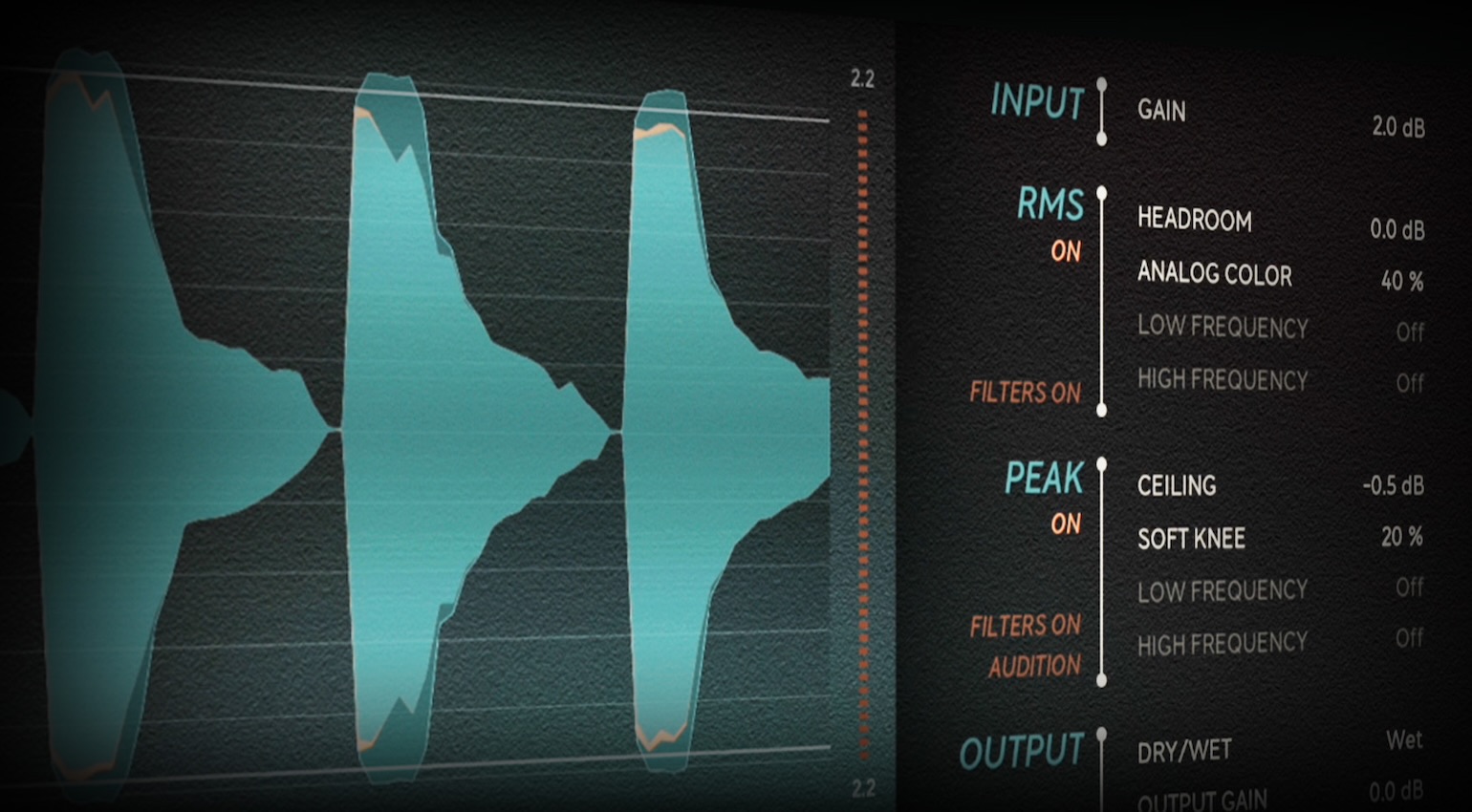

Traditionally, clipping was something to be avoided at all costs. However, when we know how to use clipping deliberately, it becomes a versatile tool.
In this Article:
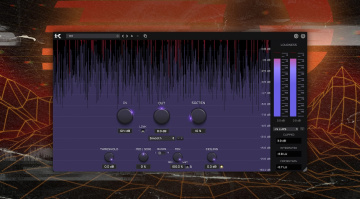
When clipping is used with intention in either hardware or plugin formats, we can shape transients, introduce harmonic character, and increase the perceived loudness of signals in a mix or a track as a whole.
Applications range from doing aggressive parallel saturation on channel groups like guitars to more subtle drum bus processing for controlling peaks. By using clipping effectively, we can improve the translation characteristics of a mix so that the core elements come across clearly on any playback system.
How To Use Clipping: Understanding The Process
The basic principle of clipping is that it occurs when a signal breaches the maximum headroom of an audio system. Rather than increasing in a smooth, natural way, the peaks of the waveform are shaped rather aggressively in a process that adds harmonics, which is perceived as distortion. Let’s talk about the two main types of clipping.
Hard Clipping
- Truncates peaks suddenly
- Introduces gritty harmonics
- Ideal for aggressive music genres and controlling transients
Soft Clipping
- Peaks are rounded more naturally
- Produces saturation in a musical way
- Often applied in bus processing or mastering
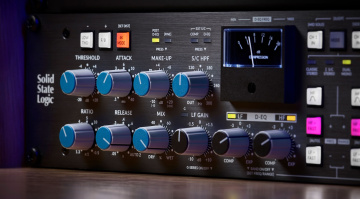
In terms of its sonic characteristics, we can understand clipping as a process similar to instantaneous compression or limiting with an infinite ratio setting. However, the processing simply stops the peaks of a signal from passing the threshold level, rather than reacting to dynamics.
Tip: Clipping isn’t only about loudness, it’s about peak shaping and harmonics

How To Use Clipping: Clipping vs Compression
Because clipping and compression can both be used for controlling dynamics, they can be applied in similar situations. However, these processes behave differently, so we need a clear understanding to know when clipping will be effective.
Uses for Clipping:
- Maintaining punch
If a compressor’s attack isn’t set correctly, it can blur transients. However, clipping only shapes the extremity of a signal, so the perceived impact of the transient is preserved.
- Loudness without pumping
Clipping has no release time parameter, so you don’t get the breathing artifacts that often occur from severe compression.
- Unpredictable Peaks
With a few dB of clipping, we can tackle rogue transients in the mix directly, without affecting the sonic character.
Uses for Compression:
- Musical envelope shaping and groove control
- Achieving smoother, sustained dynamics
- Introducing momentum and movement
Tip: Usually, we start with compression for tone character, then use clipping second for controlling peaks.
How To Use Clipping: Gain Optimization for Clipping
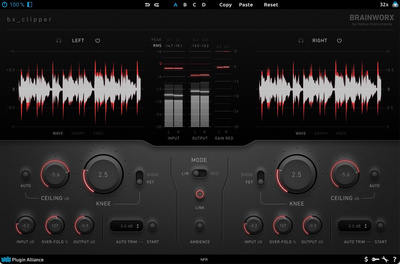
Most of the time, you’ll get the best results using clipping when your gain structure has intention behind it. Otherwise, if we randomly slam a signal with a clipper, we often get nasty distortion instead of nicely controlled saturation.
Gain Staging Guide:
1. Start with moderate levels
For individual tracks, aim for peaking at roughly between -10 and -6 dBFS.
2. Tone shaping comes first
Start with EQ and compression. Clipping is for refining, not correction.
3. Push the level into the clipper with intention
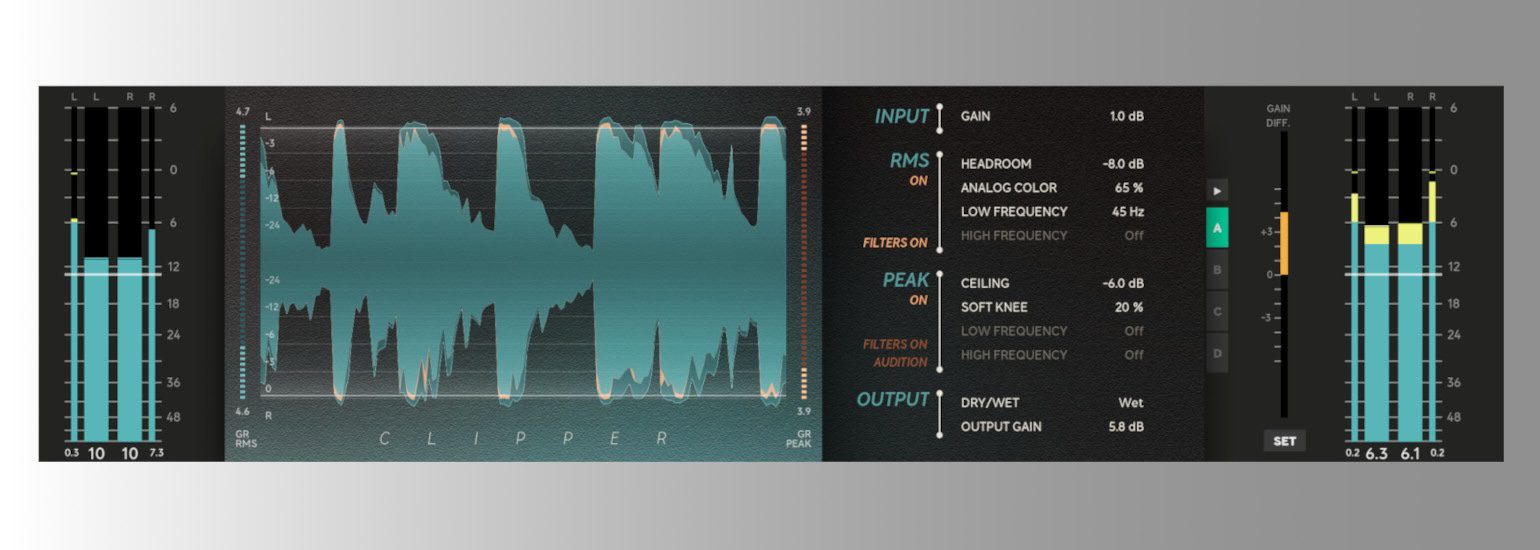
Keep increasing the input gain until there is 1-4 dB of peak reduction.
4. Level matching
Use bypass to compare processed vs unprocessed signals and listen for tone, rather than volume.
What to Listen for:
- When the sound has more brightness and punch than before → this is the sweet spot
- If the sound is now flat or brittle → you’ve added too much
Tip: The key is always a subtle approach. Pro engineers often use degrees of clipping at multiple stages instead of a single extreme stage.


How To Use Clipping: Practical Applications
The most common application for clipping is processing drums, as they have sharp transients that can limit the loudness.
Kick Drum
- Peak reduction of 1-3 dB can tighten up low-end peaks.
This can increase the clarity and perceived loudness without triggering the compressor on the drum bus.
Snare
- Increase density and impact
Very effective when used after shaping transients
Drum Bus
- Soft clipping can be used to add cohesive glue
The perceived energy is enhanced without noticeable distortion
Bass
- Introduces harmonics that improve translation on small speakers
Bass clipping can increase audibility on smaller speakers by adding harmonics.
Workflow:
- Subtle compression for consistency
- Slight clipping (1–2 dB)
- Try parallel processing for clarity
Improves translation without boosting EQ excessively.
Vocals
Subtle clipping on vocals can be very effective.
Use it for:
- Controlling peaks of loud consonants
- Improving presence without using additional compression
- Stopping peaks from triggering bus limiters
Soft clipping is ideal here for avoiding harshness.
Mix Mus and Mastering
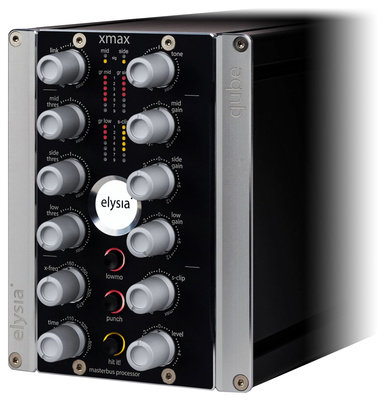
When approaching the mix bus, we can do micro-peak control rather than noticeable distortion.
Typical approach:
- Push level into clipper for 0.5 – 2 dB of peak reduction
- Then use a limiter as a final loudness stage
With this approach, the limiter does less work, so the punch and clarity are maintained.

How To Use Clipping: In-line vs Parallel
Depending on whether we use clipping in series or in parallel, it can drastically change the sonic result.
Serial Clipping
Multiple clippers at different stages in the processing chain, each doing a small amount of peak reduction.
Benefits:
- Transparency
- Gradual buildup of harmonics
- Preserves transients
Example chain:
- Track clipper (1 dB)
- Bus clipper (1 dB)
- Mix clipper (1 dB)
Parallel Clipping
With parallel clipping, we can balance a severely clipped signal with the dry, unprocessed one.
Benefits:
- Increases density while maintaining dynamics
- Ideal for drums and aggressive music genres
Setup:
- Create a duplicate of the track or bus
- Clip duplicate aggressively
- Balance the two signals to taste
This process is similar to parallel compression, but the focus is on transient density.

How To Use Clipping: Avoiding Common Mistakes
- Don’t use a clipper too early in the processing chain
Clipping before tone shaping can boost unwanted frequencies.
- Chase character rather than loudness
Clipping is about impact and tonal quality, not meter readings.
- Monitoring levels
Clipping isn’t obvious at low listening levels, so always check at different levels.
- Don’t overdo clipping on low-frequency elements
Severe clipping on sub-bass reduces depth and introduces muddiness.
How To Use Clipping: Critical Listening
Because the difference between good and bad uses of clipping can be slight, it’s essential to train your ears, and this takes time.
Practice Exercise:
- Start with a basic drum loop
- Insert a clipper on the channel
- Gradually increase input gain
Listen for:
- Tightening of transients
- Tonal brightness
- Fading of punch and clarity
These signs show you where the “sweet spot” is in each application.
Also, try comparing processes such as:
- Clipping vs compression
- Clipping vs limiting
Tip: If you understand the distinct identity and range of each tool, it’s far easier to use it with intention.
How To Use Clipping: Conclusion
When we use clipping intentionally, it becomes more about managing sonic energy than distortion. We can control transients, improve punch and clarity, and increase the perceived loudness in a musical way. Using clipping incrementally at different stages and listening carefully to the changes taking place produces the best results, rather than just paying attention to the meters.
Through the integration of clipping into your workflow, you can improve the gain structure and dynamics in your mixes. So instead of being a last resort, clipping becomes a precise creative processor.
More about How To Use Clipping:
*This post contains affiliate links and/or widgets. When you buy a product via our affiliate partner, we receive a small commission that helps support what we do. Don’t worry, you pay the same price. Thanks for your support!

This might also interest you