AlphaTheta Serato SLAB: The 1st Dedicated Controller for Serato Studio
Go back to the lab with SLAB.

 3,9 / 5,0 |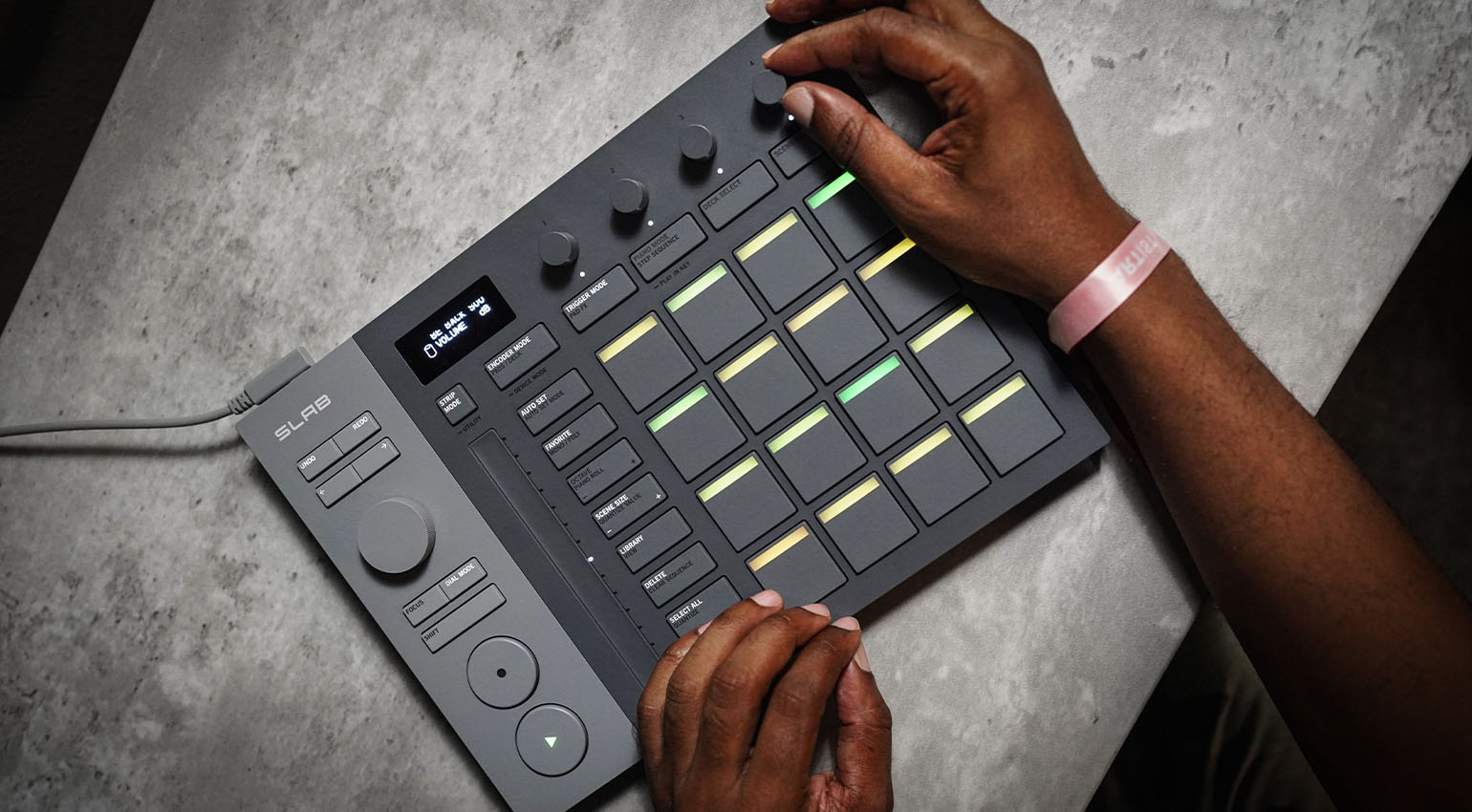
AlphaTheta Serato SLAB · Source: AlphaTheta / Serato
AlphaTheta Serato SLAB · Source: AlphaTheta / Serato
AlphaTheta Serato SLAB · Source: AlphaTheta / Serato
AlphaTheta Serato SLAB · Source: AlphaTheta / Serato
AlphaTheta Serato SLAB · Source: AlphaTheta / Serato


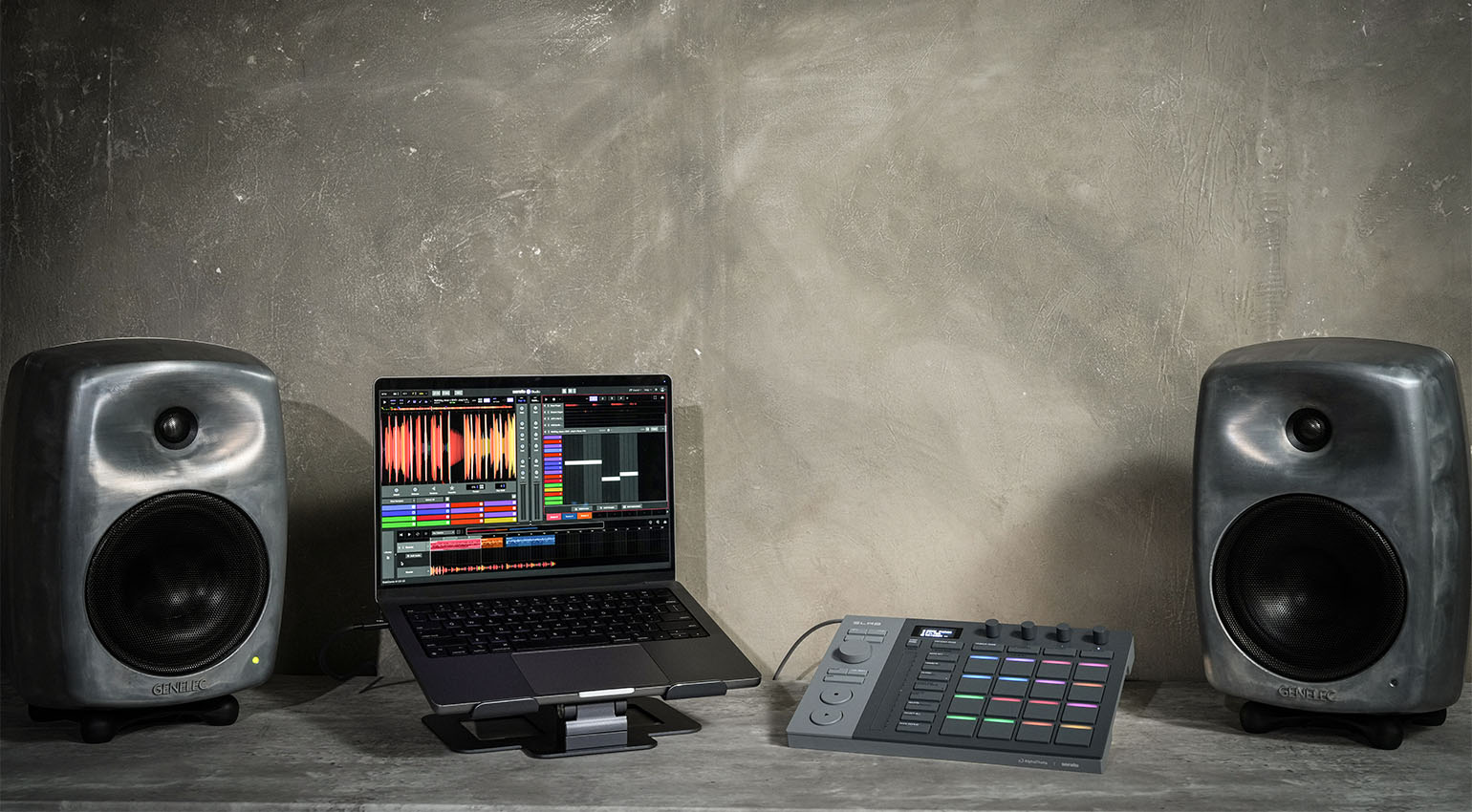
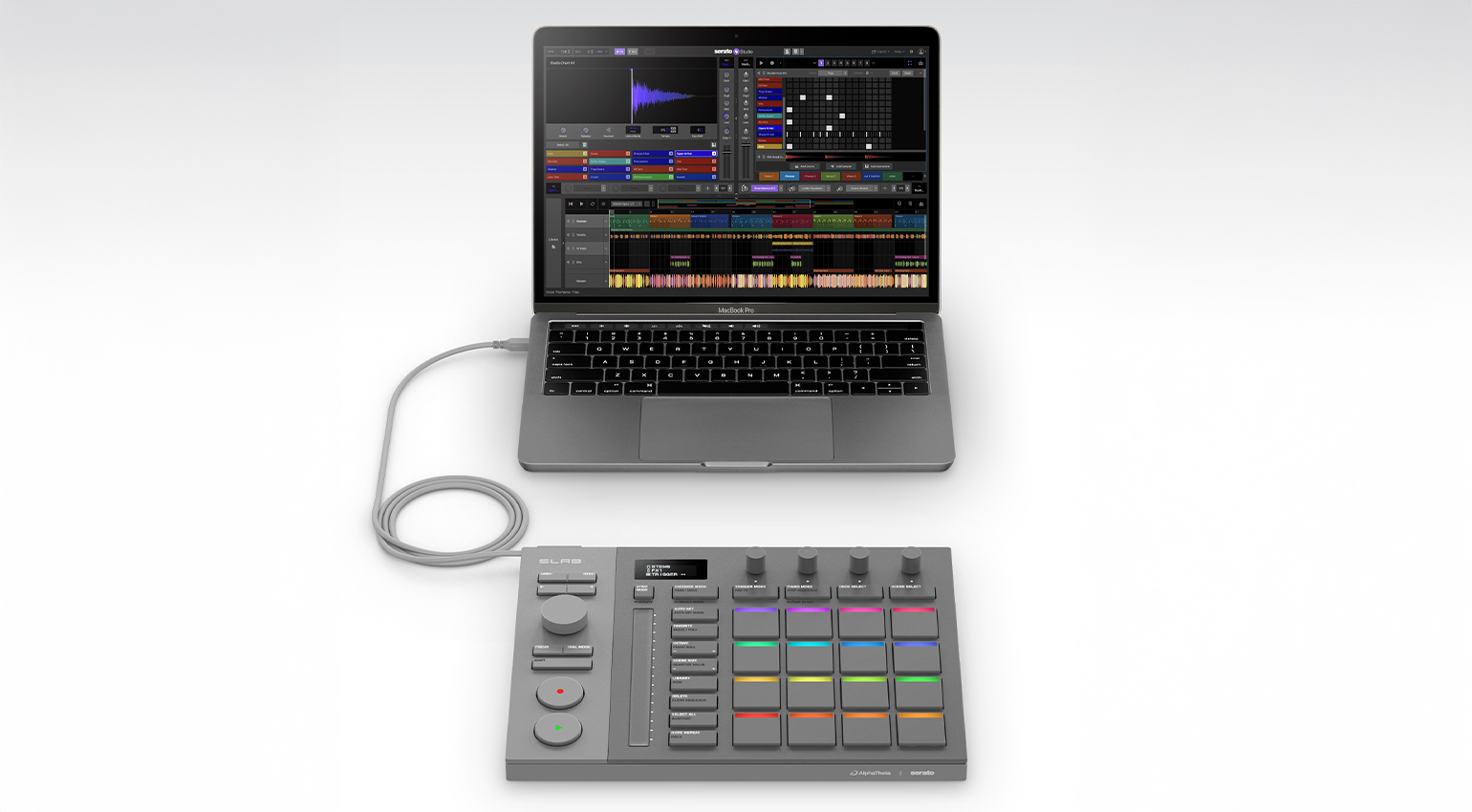
Sample-based producers, take note! Serato SLAB made in collaboration with AlphaTheta is a new MIDI controller developed just for Serato Studio. It includes the DAW for free and even works with DJ Pro!
AlphaTheta Serato SLAB
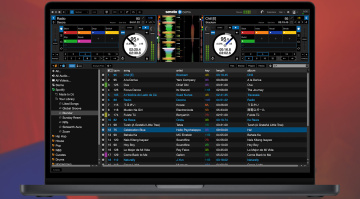
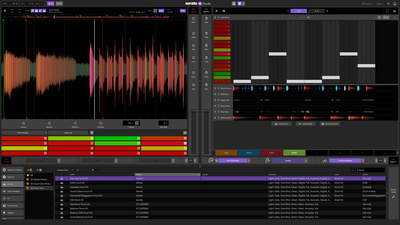
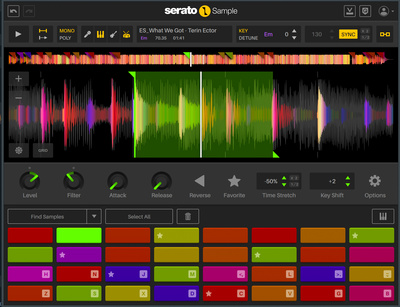
Serato is probably best known for DJ Pro, the company’s popular DJ software. Serato gets down with music production too, though, with its Sample plugin favored by beatmakers for its intuitive reimagining of what a sampler can be. Studio is the company’s take on the DAW, and it picks up where Sample leaves off, turning sampling into a production ethos.
Until now, if you wanted to use a controller with Studio, you had to make do with a third-party product. Serato has now teamed with AlphaTheta to create SLAB, a dedicated hardware controller for Studio that also works with other Serato products like DJ Pro.
“For three decades, Serato has been a leader in providing best-in-class software for DJs and music producers, and now we’re incredibly excited to dive into the world of hardware by working with AlphaTheta to co-develop SLAB, the first native controller for Serato Studio,” says Young Ly, CEO of Serato.
AlphaTheta Serato SLAB: Studio in the LAB
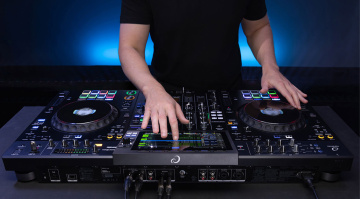
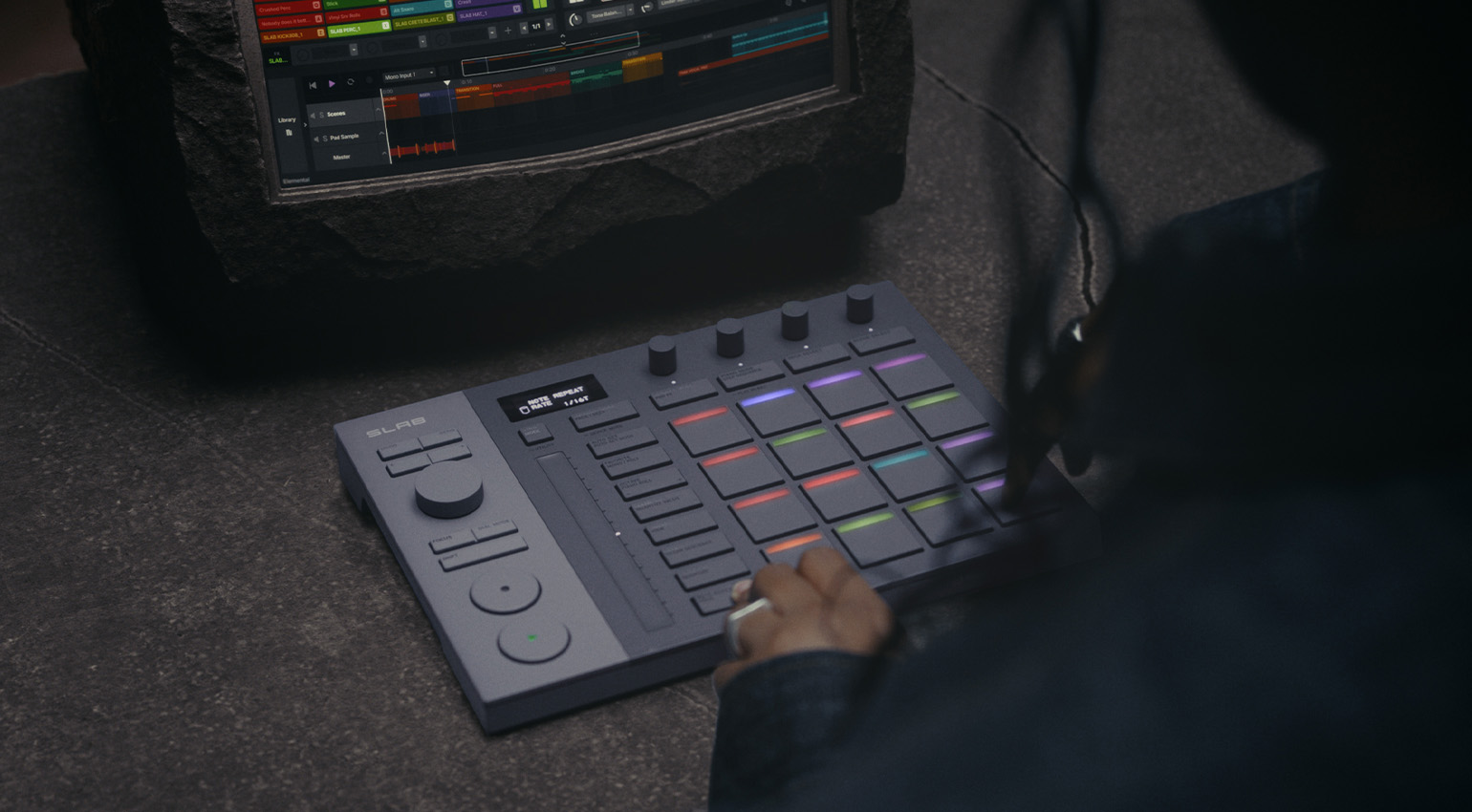
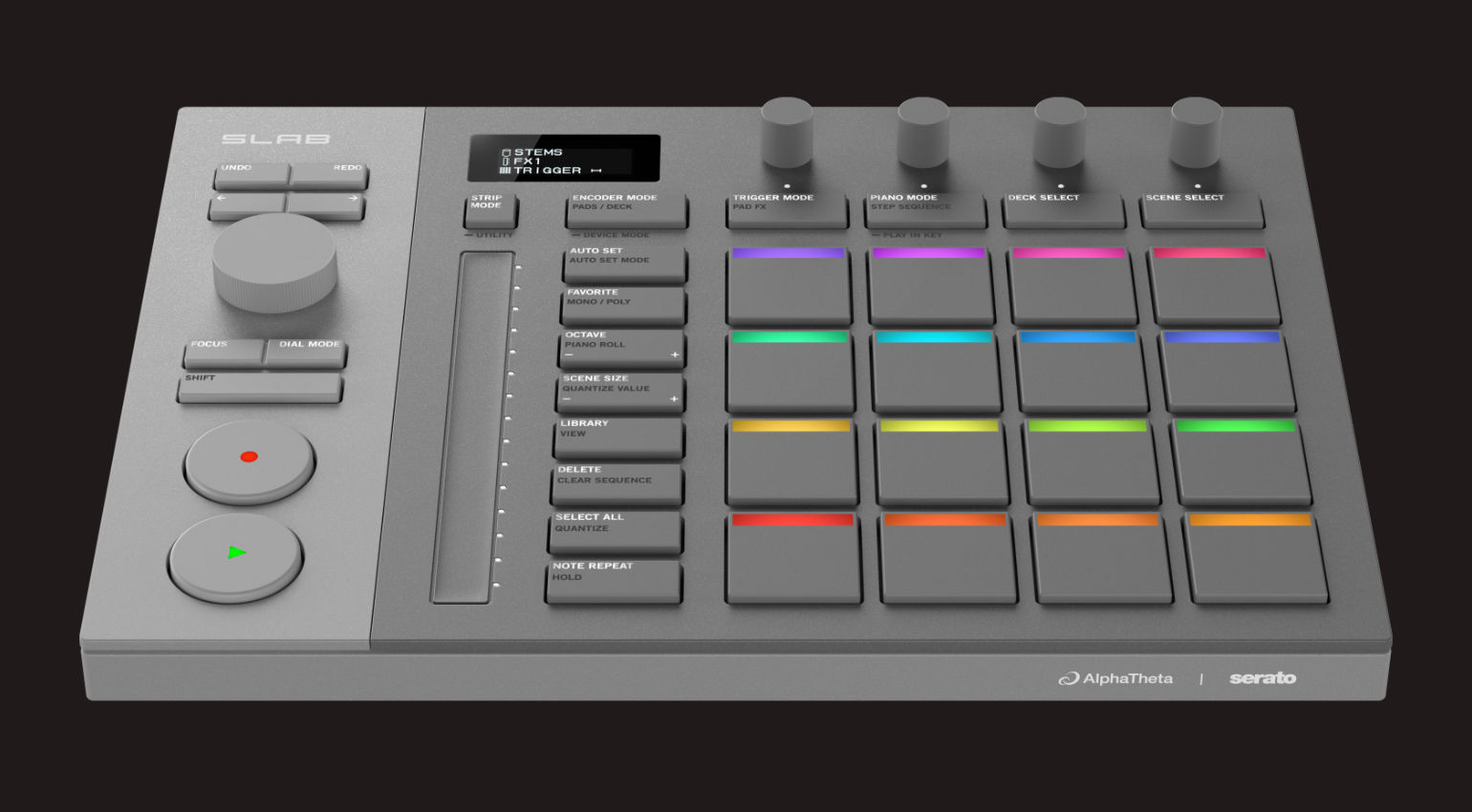
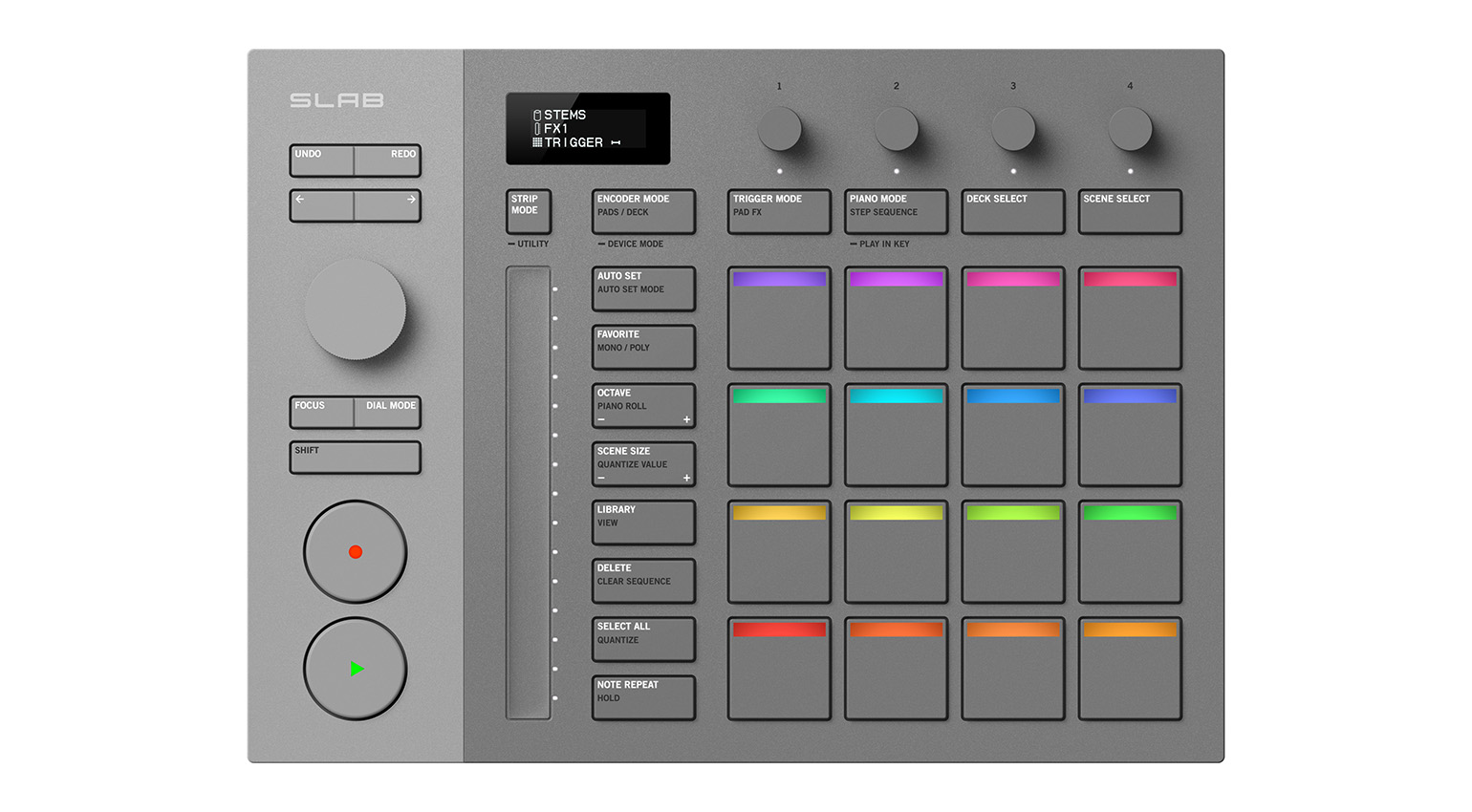
SLAB is a slick and compact controller that connects to your computer via the included USB cable. It’s got 16 Performance Pads for beatmaking with velocity and aftertouch support, plus an additional four dedicated buttons above the pads, which allow you to switch between pad modes. This includes a Pad FX mode, where four types of effects are assigned vertically to the pads, and up to four effects can be layered at the same time
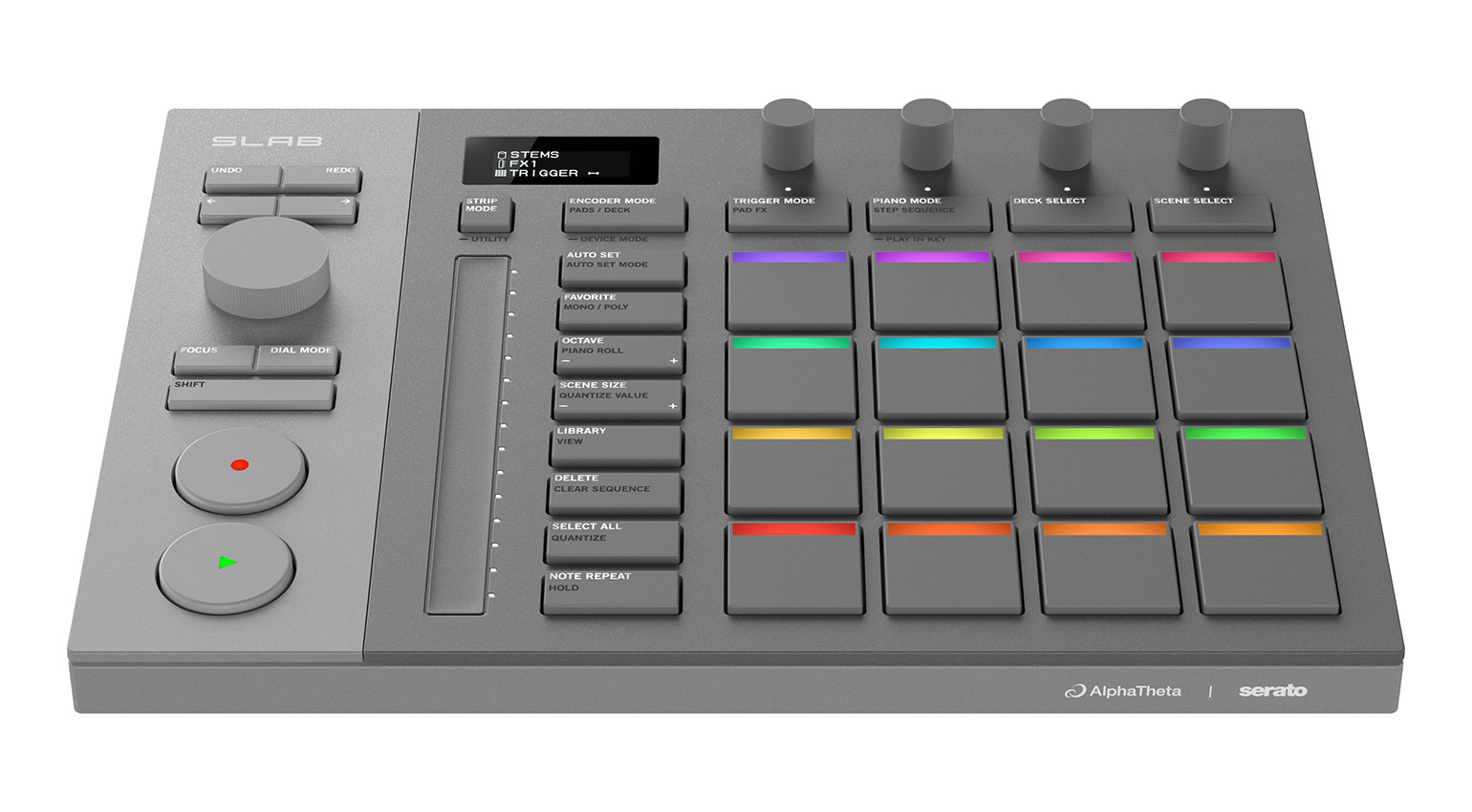
Serato SLAB also sports an OLED display for real-time information on integration status and parameter values, as well as four touch-sensitive encoders, which provide direct access to EQs, stems, effects, and parameter controls. When you touch an encoder without turning it, the current assignments are shown on the OLED display.
There’s also a long-stroke LED touch strip for tactile control of parameters such as filter, pitch, FX level, and swing.
AlphaTheta Serato SLAB: Transport Section and Focus Control
The transport section in Serato SLAB gives you control over traditional transport controls like play, record, and seek. There’s also a multifunction dial for fast browsing and seeking. “You can swiftly locate the phrases you want by scrolling through sampled audio with the dial, which hugely enhances the speed and flexibility of the sampling process,” says Serato.
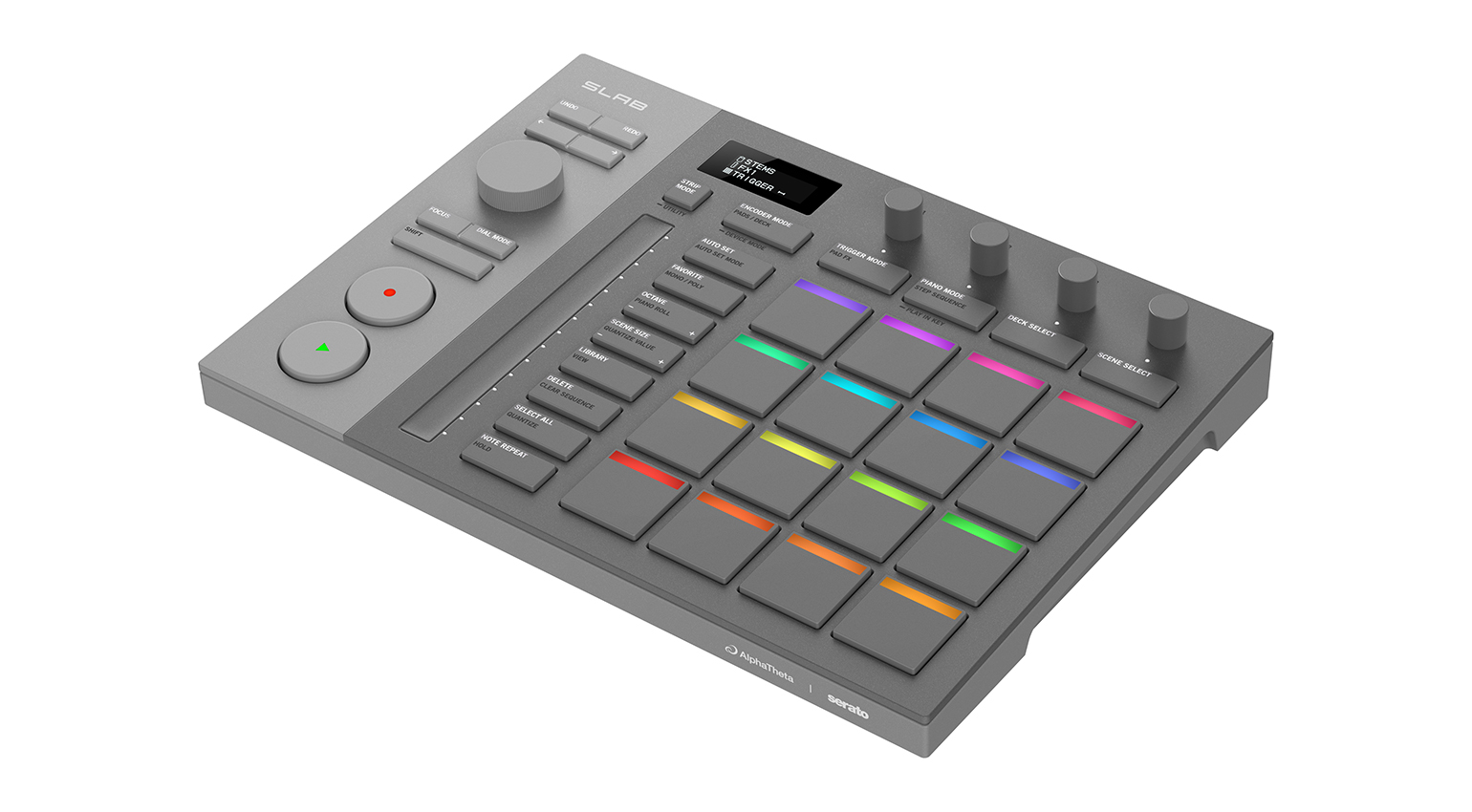
One of the dial’s key features is Focus Control, which you can use to manipulate third-party plugins, such as virtual instruments and effects, directly from SLAB. To do this, move the mouse pointer over a parameter and use the dial to control it. This does away with the need for manual MIDI mapping.
AlphaTheta Serato SLAB: Stems Level
The controller lets you fine-tune the volume of stems in a track, such as vocals, melody, drums, and bass, without having to bounce them out to separate tracks. This works not only with Studio but also with other Serato apps and plugins, including Sample and DJ Pro.
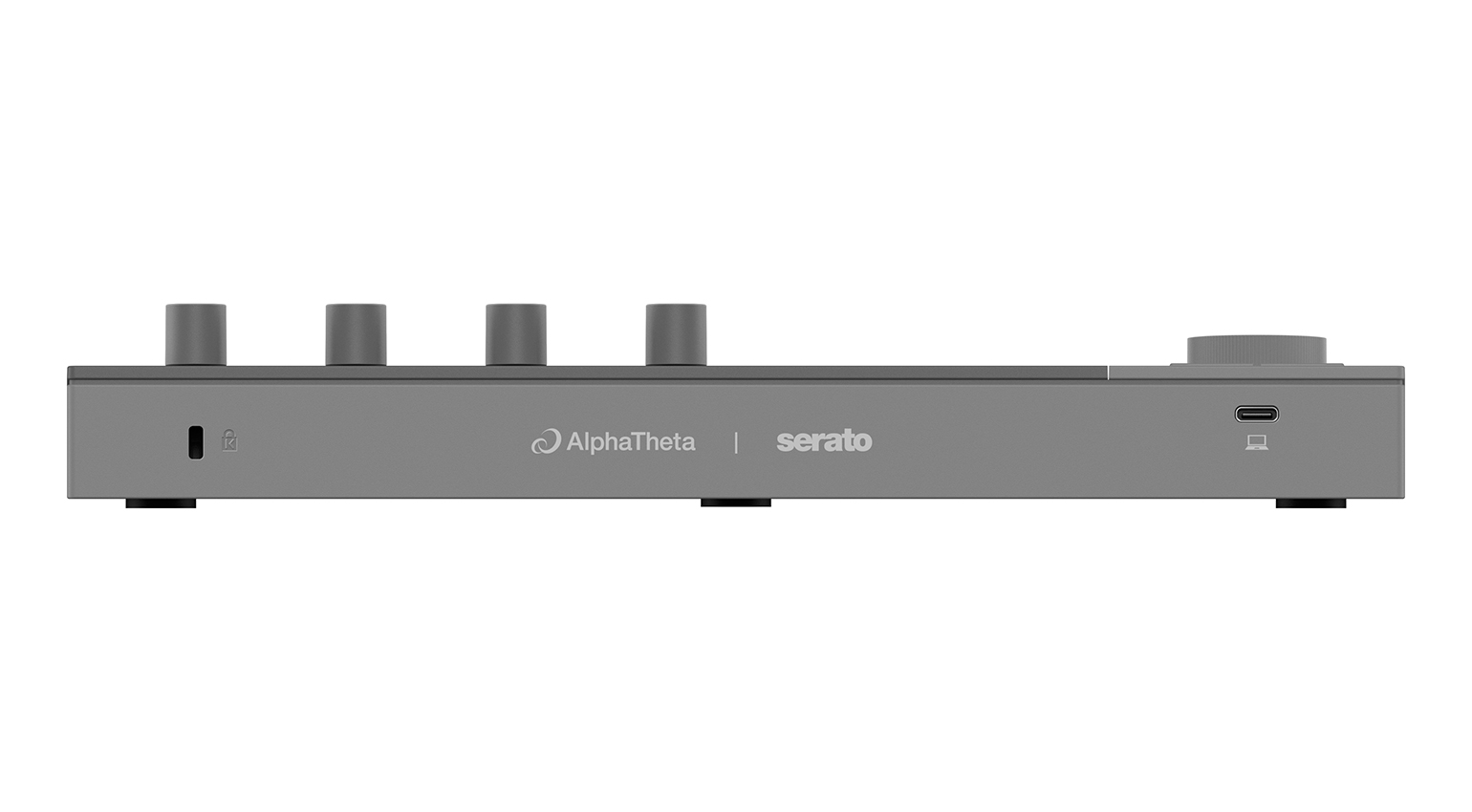
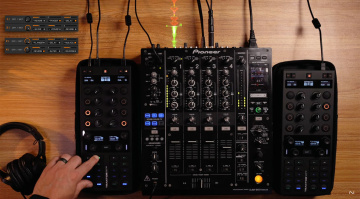
You can also use SLAB as a general MIDI controller in MIDI mode, and with Serato DJ Pro, it acts as an Official Serato Accessory (OSA).
AlphaTheta Serato SLAB: Pricing and Availability
AlphaTheta Serato SLAB is available now with a suggested retail price of $299 / £259 / €299. Serato Studio comes bundled with the controller.
Serato products are available at Thomann*.



More Information
*Note: This article contains advertising links that help us pay for this site. Don’t worry: the price for you will always be the same! If you buy something through these links, we will receive a small commission. Thank you for your support!

This might also interest you