Ableton Live, Push, and Move: Why This Trio Just Clicks – Perfect Match
Software and Hardware Perfectly in Sync

 3,0 / 5,0 |
Ableton Live, Push, and Move: Why This Trio Just Clicks – Perfect Match · Source: Ableton

Ableton Live, Push, and Move fit together like they were designed to exist as one system, which of course they were. But the reason they’re such a strong combination runs deeper than just sharing a brand name. Every product in this lineup handles a different part of the creative process, and they do it in ways that feed directly into each other. From the first idea to the finished track, there’s always one of these three that’s exactly the right tool for the job.
Ableton Live, Push, and Move: Your Complete Guide to the Perfect Production Trio
Ableton Live, Push, and Move Are a Perfect Match
Sure, picking three Ableton products for a Perfect Match installment might sound like a soft pitch. They all come from the same company, share the same underlying logic, and obviously work together. Fair enough. But the more important point is that they don’t actually do the same thing.
Live handles the production and performance side of things. Push brings hands-on control that goes so deep it starts to feel like a self-contained instrument. Move handles the moments when you just need to capture something fast and aren’t anywhere near a studio. Stacked together, those three roles cover more creative ground than most single-product setups ever could.
Stacked together, those three roles cover more creative ground than most single-product setups ever could. The question of where one ends and the next begins gets blurry in practice, and that’s intentional.
Ableton Live: Still One of the Best DAWs for Electronic Music Production and Performance
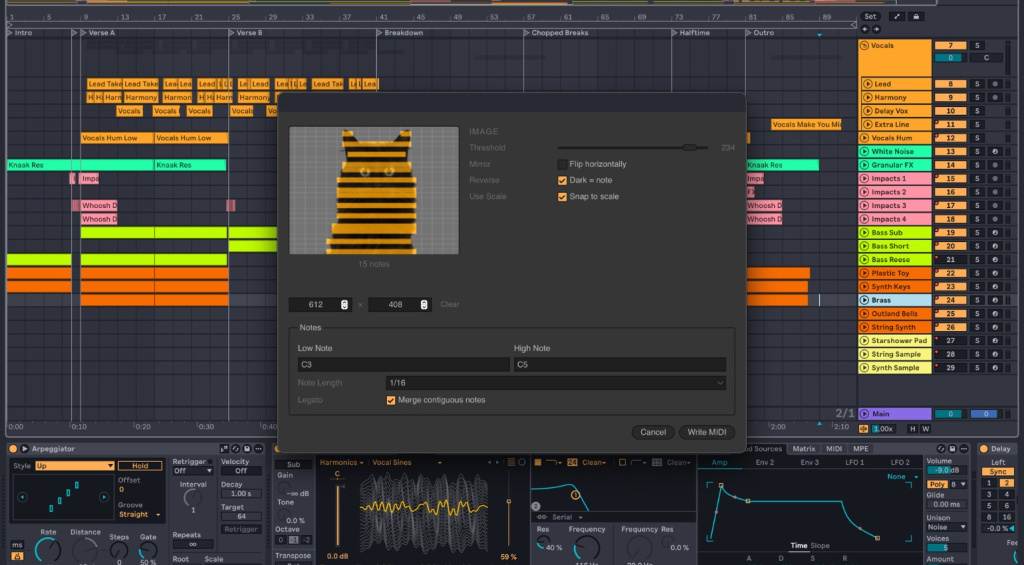
Ableton Live is the center of this whole setup. It’s remained one of the most-used DAWs for electronic music production for years, and it still holds an edge for live performance that most competing software just hasn’t caught up with.
The two-view system is where that advantage lives. Session View thinks in clips and scenes, works in real time, and is where ideas start, experiments happen, and live sets get built. Arrangement View is where those ideas get developed into something finished, precise, and ready for the full production treatment. You move between the two freely, pulling a live performance into a timeline or breaking a produced track back into clips for the stage.
Audio warping ties the whole thing together. Change the tempo of a sample without touching its pitch, shift the pitch without changing the speed, and suddenly your audio files stop being fixed recordings and start being flexible building blocks. It’s one of those things that sounds like a small detail until you actually need it and realize how much time it saves. You can also build a live set from existing material by splitting produced tracks back into individual clips, or go the other direction and capture a real-time session into an arrangement for detailed editing.
You can check out everything the current version offers in this Gearnews review of Ableton Live 12. Ableton Live is available here at Thomann*.


Ableton Push 3 and Push 3 Standalone: A Controller So Deep It’s Almost an Instrument
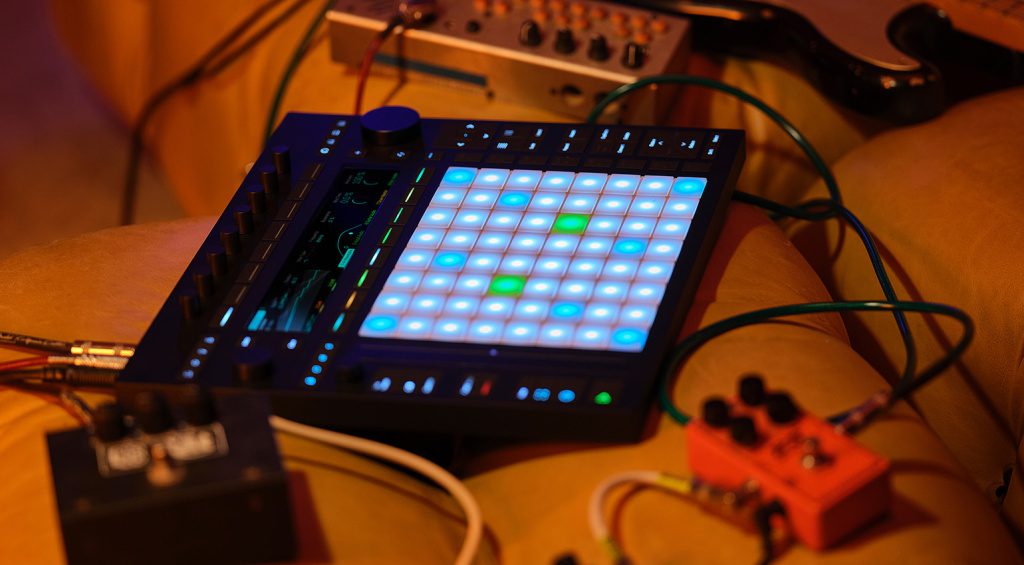
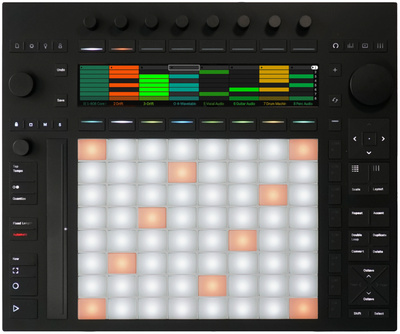
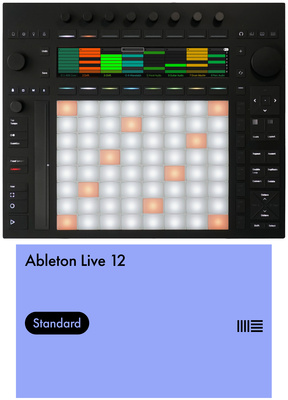
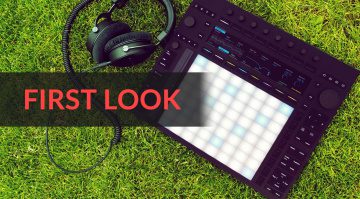
A lot of controllers can trigger clips in Ableton Live. Push 3 does something different. The whole design, every pad, every knob, every display interaction, is built so tightly around Live’s workflow that using it starts to feel less like operating software and more like playing an actual instrument. Ableton followed that idea all the way to its logical conclusion with the Standalone version, which has Live running natively on the hardware itself.
Push 3 already comes with a built-in audio interface with two analog ins and outs, MIDI in and out, two pedal/CV outputs, and a headphone jack, so you can produce without needing anything else in the chain. The 64 MPE-capable, pressure-sensitive pads, eight endless encoders, and a large display handle everything from playing instruments to navigating sessions, without you having to look at a computer screen.
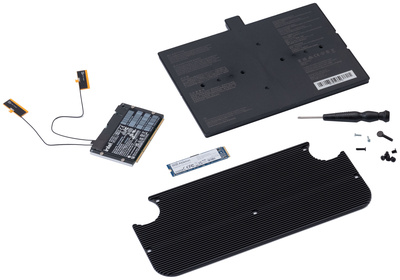
Push 3 Standalone adds an Intel processor, 8GB RAM, a 256GB SSD, and a battery to that foundation, turning the controller into a self-contained production environment. Live ships as Intro on the Standalone hardware by default, but if you already have a full license, it’ll use that. Projects started in Standalone move straight to the desktop version for full production work.
Who Should Get Push 3 Standalone?
Anyone whose creative process benefits from working without a screen in front of them. The full Session View workflow runs completely untethered from a computer, which makes sense for writing in a rehearsal space, generating ideas on the road, or building a live set without a laptop on stage.
That said, Push Standalone isn’t a replacement for a proper studio machine. Heavy plugin processing, third-party instruments, and detailed arrangement editing still belong in the desktop version of Live. Pairing the regular controller version of Push 3 with a good laptop gets you surprisingly close to the same result.
Push 3 Standalone Limitations
Third-party plugins won’t run on the Standalone hardware, and the workflow is centered around Session View rather than detailed arrangement editing. Worth knowing before you commit.
Can You Turn a Regular Push 3 Into a Standalone?
Yes. Ableton offers an optional upgrade kit that converts the controller version into a Standalone, which is a nice option if you want to try the controller workflow first before going all in.
More details are in our Push 3 review. Both versions of Push 3 and the upgrade kit are available here at Thomann*.
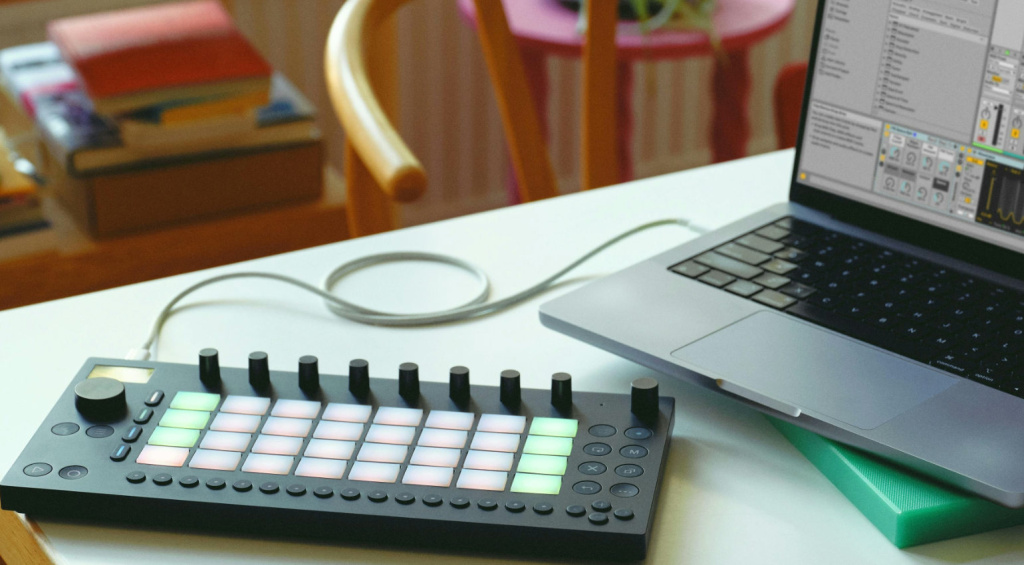
Ableton Move: A Compact Sketchpad That Also Doubles as a Controller
So where does Move fit into all this? And what exactly is it?
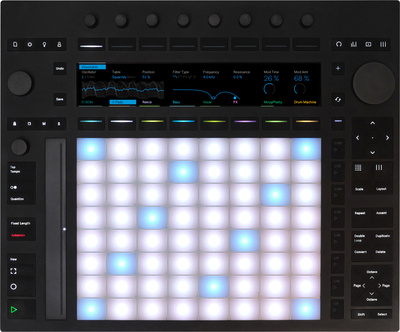
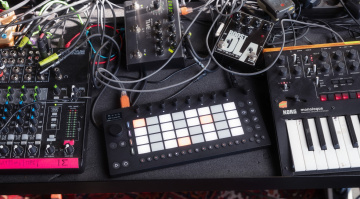
You know that moment when a beat, a melody, or a bassline just pops into your head but you’re nowhere near a computer? Move is built for exactly that situation.
It’s not trying to be a full production environment. Think of it as a creative companion for capturing ideas fast, with a stripped-down interface that keeps you in the music instead of digging through menus. Programming beats, sketching out chord ideas, locking in a song concept: with something this focused, you’re working within minutes of picking it up.
Here’s what makes Move genuinely interesting: the limitations are part of the design. You can’t currently build a complete arrangement on it, and you can’t get lost in a sound design rabbit hole for two hours. The restrictions keep the creative flow intact, and what you put together transfers directly to Ableton Live whenever you’re ready to develop it further.
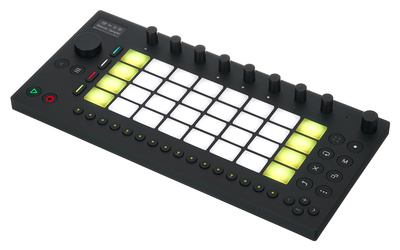
There are some smart details packed in too. Move has audio in and out, MIDI over USB, a built-in microphone for sampling up to 240 seconds, a battery, and a small internal speaker. Wi-Fi handles project transfer, and Ableton Link keeps everything synced to whatever else is in your setup. Think of it as a kind of modern four-track that can start a session anywhere, and even perform live. Everything saves automatically after every step, so you pick up exactly where you left off.
What’s the Actual Difference Between Move and Push?
Beyond the obvious size difference, Move works as a mobile standalone groovebox aimed at capturing ideas that get expanded in Live. Push 3 is a full controller with deep Live integration that goes all the way to running Live natively in its Standalone form. The Session View workflow is more complete on Push, and Push supports third-party plugins when connected to a computer. One thing both share: either can be used as a controller for Ableton Live.
Is Move Worth It If You Don’t Use Ableton Live?
Honestly: it depends. Move works as a self-contained instrument for jams and sessions regardless of your DAW, and you can always export audio out of it. Move even ships with Ableton Live Intro, which means you can load Move projects, edit them, and export audio for use in any other DAW. You can also build custom sound presets for Move using Live Intro, and since Move supports MIDI sync, it connects well to other hardware in a setup. But the deeper value really does come from the Live connection. Without that, you’re leaving a lot on the table.
You’ll find more on Move in this Gearnews review. Move is available here at Thomann*.
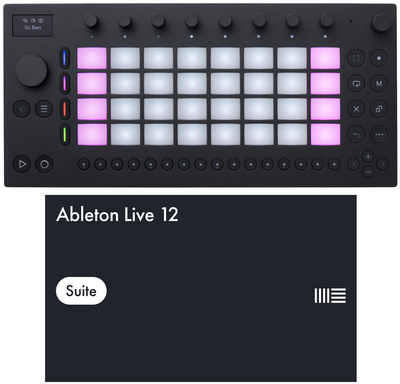


Bottom Line: Why Ableton Live, Push, and Move Make Such a Strong Trio
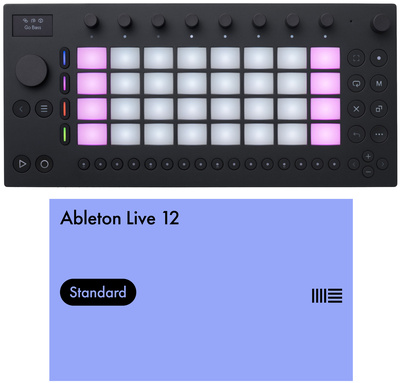
Live, Push, and Move aren’t designed to replace each other. Each one takes a specific role within a shared creative ecosystem, and the handoffs between them stay intentionally seamless.
Move captures the idea. Push turns it into a performance or a session. Live brings everything together into a finished production. That’s the simple version, and in practice the order shifts depending on what you need in any given moment. Throw a quick-setup keyboard stand or DJ table* into the mix, and you’ve got a setup that travels well, comes together fast, and works just as well at home as it does on the road. A genuine Perfect Match.
More Information
- Ableton Live 12 at Gearnews: Everything You Need to Know
- Ableton Push 3 at Gearnews: Full Review
- Ableton Move at Gearnews: Full Review
- More Perfect Match Articles
*Note: This article contains affiliate links that help us keep Gearnews running. The price for you always stays the same! If you buy something through these links, we receive a small commission. Thanks for your support!

This might also interest you
3 responses to “Ableton Live, Push, and Move: Why This Trio Just Clicks – Perfect Match”

I use Logic, rarely use Ableton, but the Push 3 SA is one of the best instruments I’ve ever bought. It’s smooth, stable, easy and fun to use. The pads are excellent, the synths and samplers are really good.
Probably worth mentioning the Move Everything / Schwung project. Ableton left open access to the internal OS via SSH, and due to the awesome design of the base system, Schwung adds an entire overlay interface that runs alongside the standard OS, accessed by hotkeys. Many plugins have been ported, modules added that do just about everything from alternative midi sequencers/midi effects, synths/sound generators, performance parameter and midi cc controls, LFOs, utilities, screen casting to Web browser, extra tracks/sampling features, and on and on!! Its incredible. One of the most amazing open source projects Ive ever seen. in addition to that, if you cant code, RNBO allows running custom designed tools similar to max/msp.
Wow, thanks for posting that information.