Fonoflow Console Remote Control: Touch Control for Your UA Apollo
Design your own touch control layout for your Apollo interface.

 5,0 / 5,0 |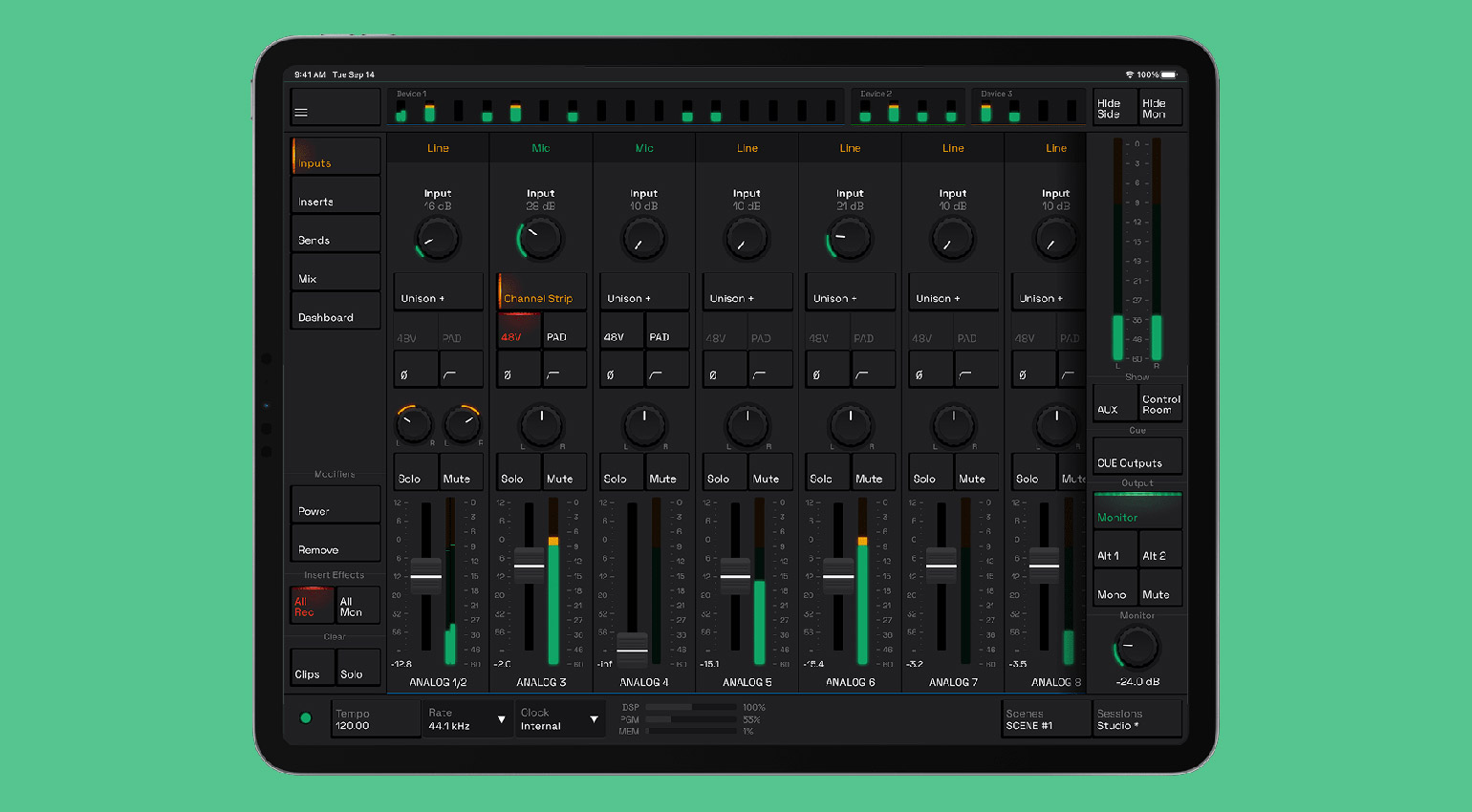
Fonoflow Console Remote Control: Touch Control for Your UA Apollo · Source: Fonoflow
Fonoflow Console Remote Control · Source: Fonoflow


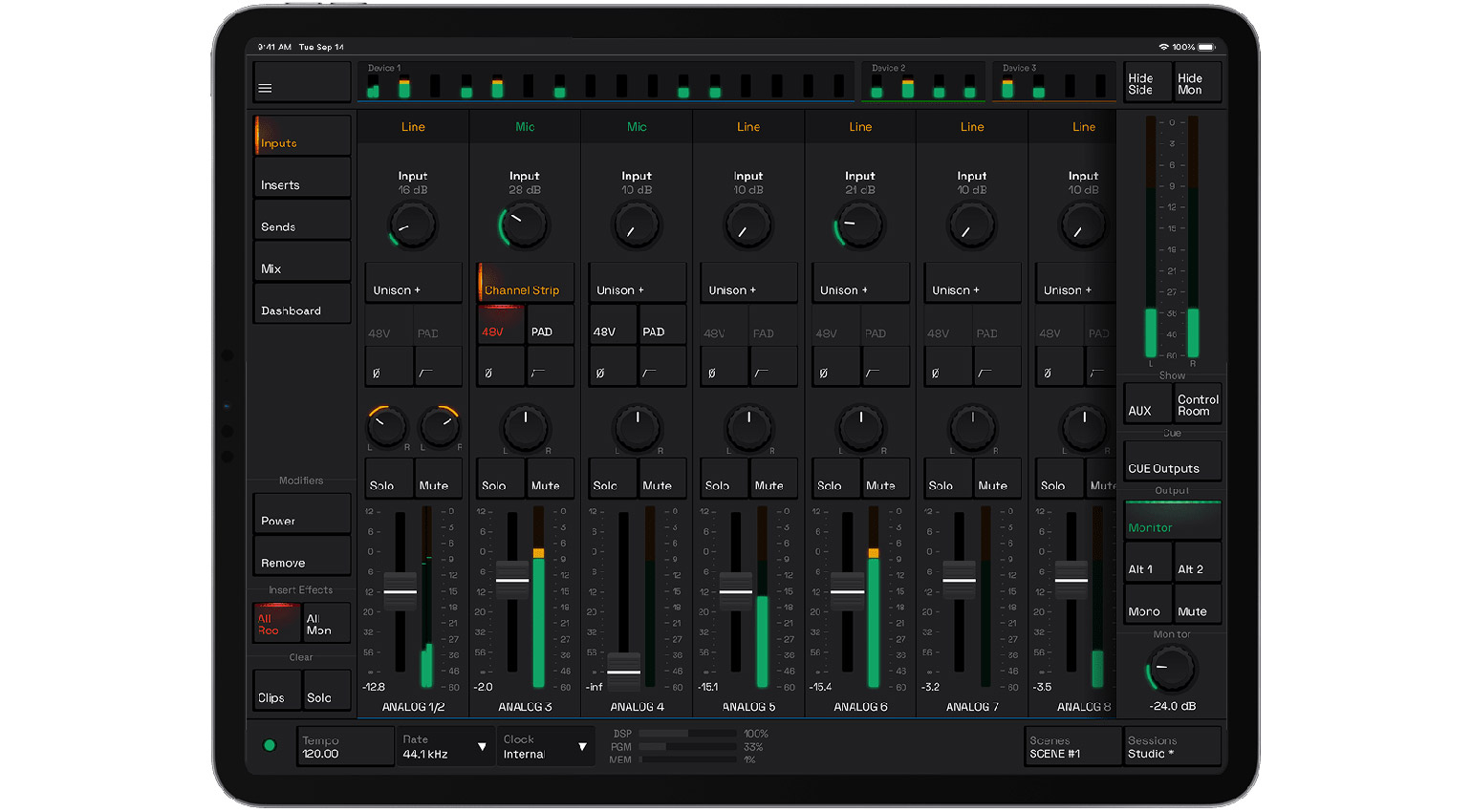
With Fonoflow Console Remote Control, you can control all the basic features of your UA Apollo interface from a tablet or smartphone device.
Console Remote Control is a flexible app that comes in three different versions, including a free basic verson, a classic Console version, and a Dashboard version for customizable layouts. In addition, Fonoflow offers a MIDI control app for macOS and Windows that lets you incorporate hardware controllers into your workflow.
Fonoflow Console Remote Control
Having mobile touchscreen control of your UA Apollo interface is useful in many ways. For one thing, it instantly provides a platform for mixing live sound. The app shares the Wi-Fi network with your system, so you are only limited by the reach of your mobile device and router. For starters, all the functions of the Unison preamps are covered, including gain, pad, polarity, low-cut, and phantom power.
What’s more, you also have extensive plugin parameter control, so you can quickly access and edit UAD plugins, and Console Remote Control is ideal for creating automation. With the standard Console layout, the colour coding helps you navigate the routing, and you have full control of your sends to incorporate outboard gear or set up monitor mixes.
However, possibly the most exciting option is the Dashboard version, which allows you to create a custom control set specific to your particular workflow. This is useful because it gives you the tools to build your own control system, so you can cut away all the controls you don’t use and focus solely on the ones you need.
Overall, with Console Remote Control, your Apollo interface becomes a far more flexible tool for a range of applications. Being able to quickly access talkback is great for studio purposes, and you have the ability to save and recall sessions, which saves you from having to reconfigure all your parameters.
Pricing and Availability:
Fonoflow Console Remote Control is available directly from Fonoflow, as well as in the App Store and Google Play Store. There is a range of single and multi-license options available, starting at €59 (normal price €79) each for the Console and Dashboard versions.
More about Fonoflow Console Remote Control:

This might also interest you